Mechanical Keyboard Switches Guide (2026 USA) – Choose the Right Switch for Gaming, Coding & Work
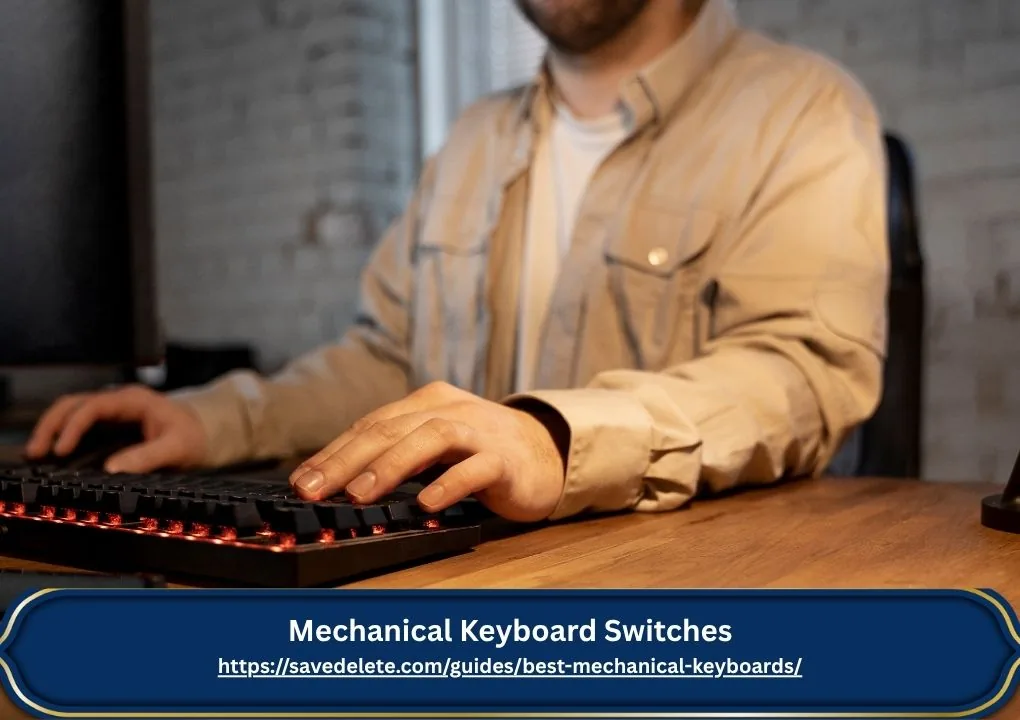
Mechanical keyboard Switches Guide[2026 USA] Best Switches for Gaming, Coding & Work
If you’re planning to buy a mechanical keyboard in the US, the biggest confusion isn’t the keyboard—it’s the mechanical keyboard switches.
You’ll hear terms like red, blue, brown, linear, tactile, clicky… and honestly, it can feel confusing at first.
This guide will help you understand mechanical keyboard switches in a simple, practical way, so you can choose the best switch for gaming, coding, or everyday use in the USA—without wasting money.
What Are Mechanical Keyboard Switches?
Mechanical keyboard switches are the individual components under each key that register your keystrokes.
Unlike membrane keyboards, each key has its own physical switch, which provides:
- Better typing feel
- Faster response time
- Longer lifespan (50M–100M keystrokes)
In simple words:
Switch = how your keyboard feels, sounds, and performs
Why Choosing the Right Switch Matters
Many buyers in the US make this mistake:
They pick a keyboard based on design or price… and regret it later.
Common problems:
- Keyboard is too loud for office use
- Keys feel too sensitive for work
- Typing becomes uncomfortable
Choosing the right mechanical keyboard switches helps you:
- Improve typing accuracy
- Get better gaming performance
- Avoid wasting money
Types of Mechanical Keyboard Switches
There are 3 main types:
1. Linear Switches (Smooth & Fast)
No bump, no click — just smooth keystrokes.
Best for:
- Gaming
- Fast typing
Popular in the US: Cherry MX Red, Gateron Red
Pros:
- Smooth and fast
- Relatively quiet
- Ideal for FPS games
Cons:
- No feedback → accidental presses possible
In the US gaming community, linear switches are the most preferred
2. Tactile Switches (Balanced Feel)
You feel a small bump when pressing.
Best for:
- Coding
- Office work
- Daily use
Popular in the US: Cherry MX Brown
Pros:
- Good feedback
- Better typing accuracy
- Moderate noise
Cons:
- Slightly less smooth
From my experience, brown switches are the safest choice for long work hours because they reduce typing mistakes without being too noisy.
3. Clicky Switches (Loud & Satisfying)
Bump + audible click sound.
Best for:
- Typing enthusiasts
- Writers
Popular in the US: Cherry MX Blue
Pros:
- Strong feedback
- Satisfying sound
Cons:
- Very loud
- Not ideal for shared spaces
Not recommended for most US offices due to noise
Red vs Brown vs Blue Switches (Detailed Comparison)
| Feature | Red (Linear) | Brown (Tactile) | Blue (Clicky) |
|---|---|---|---|
| Feel | Smooth | Slight bump | Bump + click |
| Sound | Quiet | Medium | Loud |
| Gaming | ⭐⭐⭐⭐⭐ | ⭐⭐⭐⭐ | ⭐⭐ |
| Typing | ⭐⭐⭐ | ⭐⭐⭐⭐ | ⭐⭐⭐⭐⭐ |
| Best For | Gaming | Work + Coding | Typing |
Quick guide:
- Gaming → Red
- Coding → Brown
- Typing → Blue
Linear vs Tactile vs Clicky Switches
- Linear switches are smooth and fast, making them ideal for gaming.
- Tactile switches provide feedback without too much noise, perfect for work and coding.
- Clicky switches are loud and satisfying, best for typing but not office-friendly.
If you want a balance, go for tactile switches.
Mechanical Keyboard Switch Specs Explained
1. Actuation Force
How hard you need to press a key (measured in grams)
- Lower force → faster typing
- Higher force → better control
2. Travel Distance
How far a key moves when pressed
- Short travel → faster response
- Long travel → better control
3. Lifespan
Most switches last:
50–100 million keystrokes
Best Mechanical Keyboard Switches for Different Use Cases (USA)
Best for Gaming
- Red switches (Linear)
- Widely used by gamers in the US
Best for Coding
- Brown switches (Tactile)
- Popular among programmers
Best Quiet Switches
- Silent Red
- Silent Brown
Ideal for offices and shared spaces in the US
Best for Typing
- Blue switches (Clicky)
Best Mechanical Keyboard Switches (Quick Answer)
- Gaming → Red (Linear)
- Coding → Brown (Tactile)
- Typing → Blue (Clicky)
- Quiet → Silent Red or Silent Brown
If unsure, start with Brown switches (safe option)
Which Mechanical Keyboard Switch is Best for You?
- Gaming → Red
- Office work → Brown
- Quiet environment → Silent switches
- Typing → Blue
How to Choose the Right Mechanical Keyboard Switch
Step 1: Identify Your Use
Gaming → Linear
Work → Tactile
Typing → Clicky
Step 2: Consider Noise Level
Office environment → Avoid Blue
Home use → Any switch
Step 3: Check Comfort
Light typing → Red
Controlled typing → Brown
Popular Mechanical Keyboard Switch Brands in the USA
- Cherry MX (Premium, widely used in the US)
- Gateron (Smooth & affordable)
- Kailh (Budget-friendly)
- Razer switches (Gaming-focused)
- Logitech GX switches (Popular in US keyboards)
Focus on switch type first, brand second
Where to Buy Mechanical Keyboards in the USA
You can buy mechanical keyboards and switches from:
- Amazon USA
- Best Buy
- Newegg
- Official brand websites
Most Mechanical Keyboards in the US range between $50 to $150
Common Mistakes to Avoid
Choosing based on RGB/looks
Ignoring noise level
Not checking use case
Following trends blindly
Pro Tips Before Buying
- Try switches if possible
- Watch typing sound tests
- Choose hot-swappable keyboards
- Consider your work environment
Also check:
Best Mechanical Keyboard Under $100 USA (Gaming & Coding Guide)
FAQs – Mechanical Keyboard Switches
1. Which mechanical keyboard switches are best for gaming?
Red (linear) switches are best for gaming because they offer smooth and fast keystrokes with low resistance. This makes them ideal for fast-paced games like FPS and competitive titles.
2. Are red switches better than brown switches?
Red switches are better for gaming due to their speed, while brown switches are better for typing and coding because of their tactile feedback. The best choice depends on your needs.
3. What are the quietest mechanical keyboard switches?
Silent Red and Silent Brown switches are the quietest options. They are designed to reduce noise, making them perfect for office or shared environments in the US.
4. Which switch is best for beginners?
Brown switches are the best choice for beginners because they offer a balanced typing experience with moderate noise and good feedback.
5. Can I change mechanical keyboard switches later?
Yes, you can change switches if your keyboard is hot-swappable. This allows you to customize your keyboard without buying a new one.
6. Which mechanical keyboard switches are popular in the USA?
In the US, linear switches like Cherry MX Red are popular for gaming, while Brown switches are commonly used for work and programming.
Final Thoughts
Choosing the right mechanical keyboard switches is the most important step when buying a keyboard.
If you’re confused:
- Safe choice → Brown (Tactile)
- Speed → Red (Linear)
- Sound → Blue (Clicky)
Once you pick the right switch, your typing and gaming experience will improve instantly.