Best Mechanical Keyboards in 2026: 10 Top Picks for Typing, Gaming, and Work
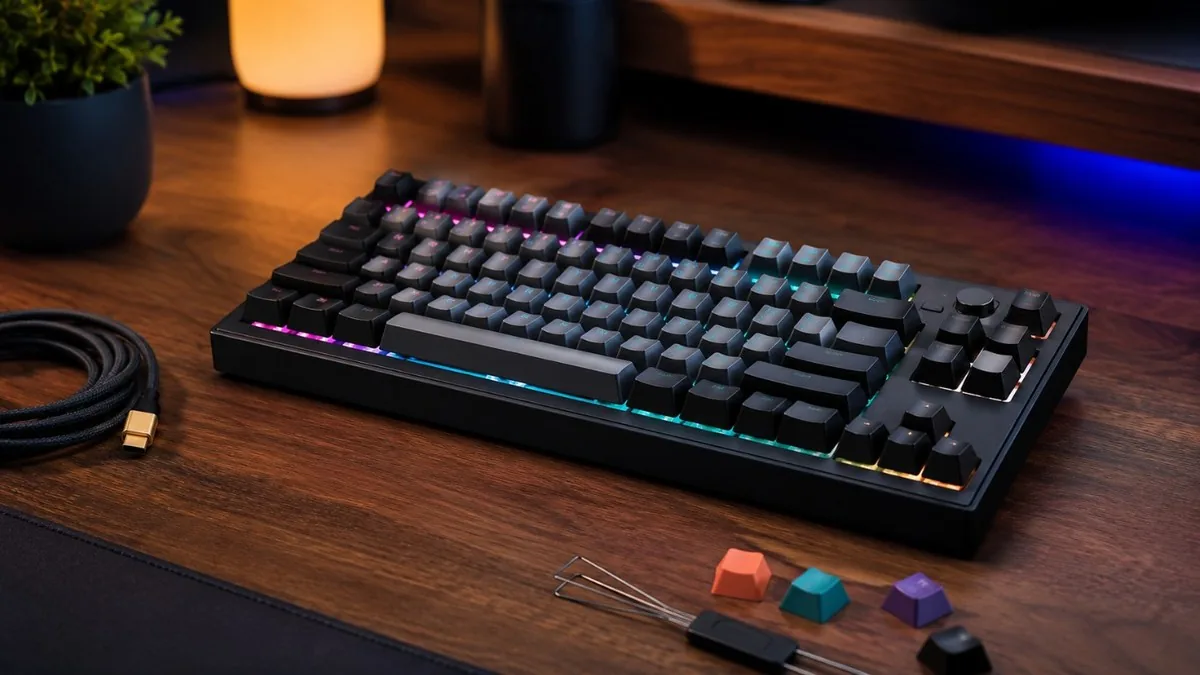
Mechanical keyboards in 2026 are better, cheaper, and more customizable than ever. Hot-swap sockets, QMK/VIA firmware, gasket mounting, and tri-mode wireless that were once enthusiast-only are now standard at mainstream prices. The biggest shift this year is on the gaming side: Hall-effect magnetic switches with per-key adjustable actuation and Rapid Trigger have become the default for competitive play, led by boards like the Wooting 80HE and Keychron's Q HE 8K line. On the productivity and Mac side, low-profile wireless boards from NuPhy and Logitech keep maturing, while split ergonomic options from Keychron and Kinesis have gone fully programmable. This guide covers ten widely available, well-reviewed models you can buy on Amazon US right now, spanning budget, mainstream, premium, gaming, wireless, and ergonomic categories. Each pick notes switches, layout, hot-swap support, wireless modes, and build so you can match a board to how you actually type, game, and work. Prices are approximate US street prices as of mid-2026 and shift with sales.
The Best Mechanical Keyboards at a Glance
- Keychron V1 (V Ultra) — ~$85-115 / Amazon US
- Royal Kludge RK84 — ~$70 / Amazon US
- Epomaker TH80 Pro (V2) — ~$80-90 / Amazon US
- NuPhy Air75 V2 — ~$110-120 / Amazon US
- Logitech MX Mechanical — ~$150-170 / Amazon US
- Keychron Q3 Max — ~$190-215 / Amazon US
- Wooting 80HE — ~$200-215 / Amazon US
- SteelSeries Apex Pro TKL Gen 3 — ~$200-240 / Amazon US
- Razer BlackWidow V4 75% — ~$150-190 / Amazon US
- Keychron Q11 — ~$220-250 / Amazon US
The Best Mechanical Keyboards in 2026
Keychron V1 (V Ultra)
~$85-115 / Amazon US
The V1 is Keychron's value workhorse and a top entry point in 2026. It pairs a compact 75% layout with a sturdy ABS case, a tray mount with an acoustic silicone pad, pre-lubed Keychron switches, and full hot-swap sockets that accept any 3-pin or 5-pin MX switch. QMK/VIA firmware means deep, software-free remapping. The standard V1 is wired-only, while the newer V1 Ultra adds tri-mode wireless, an 8,000Hz polling rate, gasket mounting and ZMK firmware (still hot-swappable mechanical switches, not Hall-effect). PBT keycaps, south-facing RGB, and a screw-in stabilizer setup punch well above the price.
Royal Kludge RK84
~$70 / Amazon US
The RK84 is the go-to ultra-budget wireless mechanical board and a perennial Amazon best-seller. Its 75%/80% layout keeps arrow keys and a function row in a tiny footprint, and it offers true tri-mode connectivity: Bluetooth 5.0, 2.4GHz dongle, and USB-C wired. Hot-swap sockets let beginners experiment with switches cheaply, and RGB backlighting, a high-capacity battery, and quiet pre-installed switches round it out. Build is plastic and the software is basic, but for the money it is an unbeatable first mechanical keyboard or knockabout travel board.
Epomaker TH80 Pro (V2)
~$80-90 / Amazon US
Epomaker's TH80 Pro is the value sound-and-feel pick, shipping pre-lubed, pre-foamed, and gasket-mounted out of the box for under $100. The 75% layout includes a control knob, PBT keycaps, a customizable RGB/LCD mini-screen, and a roughly 3000mAh battery for its tri-mode wireless (Bluetooth, 2.4GHz, wired). Hot-swap sockets accept Gateron, Cherry, or Kailh switches. It delivers a deep, muted typing sound usually associated with pricier custom boards. If you want even more retro flair, Epomaker's RT100 with its round dial display is a fun alternative at a similar price.
NuPhy Air75 V2

~$110-120 / Amazon US
The Air75 V2 is the standout low-profile wireless board for Mac and laptop users who want slimness without giving up mechanical feel. The thin 75% chassis uses NuPhy's low-profile switches (Cowberry, Aloe, and others) in hot-swappable sockets, with tri-mode connectivity over Bluetooth, 2.4GHz, and USB-C. A reduced-latency 2.4GHz mode makes it viable for casual gaming, and south-facing RGB plus shine-through keycaps keep it bright. Compact, portable, and far more typeable than a stock laptop keyboard, it is the default low-profile recommendation in 2026.
Logitech MX Mechanical
~$150-170 / Amazon US
The MX Mechanical is Logitech's productivity-first board, built for multi-device professional workflows rather than tinkering. It offers low-profile tactile, clicky, or linear switches, Easy-Switch pairing across three devices, and connection via Bluetooth or the bundled Logi Bolt USB receiver. Battery life reaches roughly ten months with the backlight off, and the aluminum top plate feels solid. There is no wired mode or hot-swap, and customization is limited to Logi Options+, so enthusiasts may look elsewhere, but for a polished cross-platform daily driver it is hard to beat. A Mini 75% version is also available.
Keychron Q3 Max
~$190-215 / Amazon US
The Q3 Max is the premium all-rounder, frequently cited as the best wireless custom board of 2026. It is a full CNC-machined 6063 aluminum TKL (80%) with a double-gasket mount, screw-in stabilizers, and a heavyweight, no-flex feel. Hot-swap sockets, QMK/VIA programmability, and a tunable rotary knob give complete control, while the Max adds low-latency 2.4GHz wireless and Bluetooth alongside USB-C. Pre-lubed Gateron switches and a thick foam stack deliver a deep, premium typing sound. If you want the same treatment in a compact 75%, the Q1 Max is the sibling pick.
Wooting 80HE
~$200-215 / Amazon US
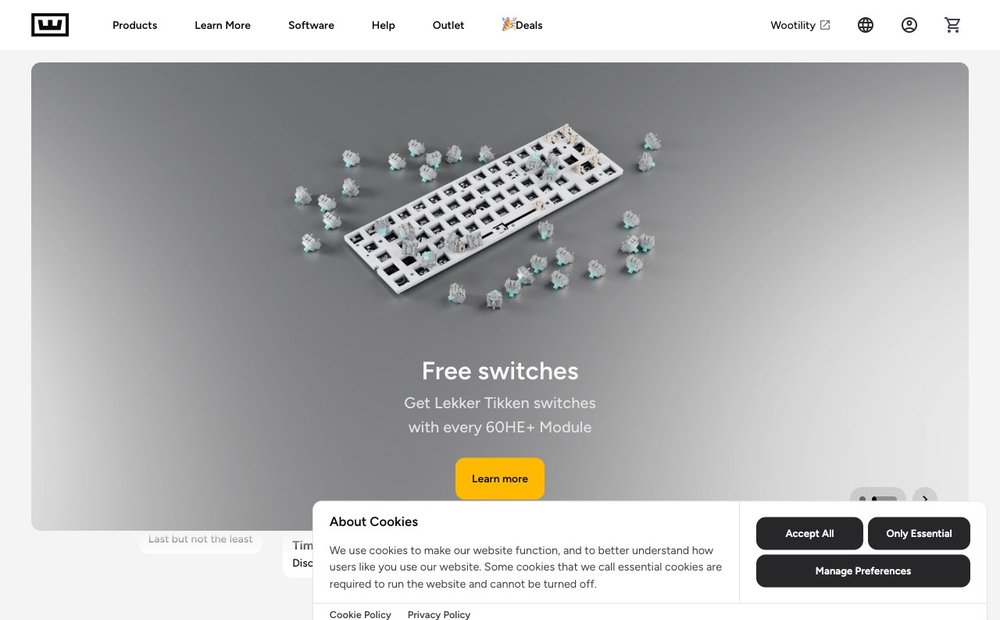
The 80HE is the competitive gaming benchmark and one of the most-used keyboards among tracked esports pros. Its Lekker Hall-effect magnetic switches enable per-key adjustable actuation, analog input, and per-key Rapid Trigger for the fastest possible resets. Wootility software is widely regarded as the best in the category, with onboard memory so profiles work with nothing running. The 75% layout, gasket-style construction, hot-swappable magnetic switches, and tournament-grade latency make it the pick for FPS players who want every millisecond. Wired-only by design for consistency.
SteelSeries Apex Pro TKL Gen 3
~$200-240 / Amazon US
The Apex Pro TKL Gen 3 is the mainstream-brand magnetic gaming board for players who want polish over tinkering. Its OmniPoint 3.0 HyperMagnetic switches offer 40 levels of adjustable actuation plus Rapid Trigger and dual-action keybinds. A small OLED screen, sturdy aluminum top plate, magnetic wrist rest, and a wireless variant set it apart from cheaper Hall-effect boards. It is not hot-swappable and runs through SteelSeries GG software, but the build quality, per-key tuning, and broad retail availability make it a safe high-end gaming choice in 2026.
Razer BlackWidow V4 75%
~$150-190 / Amazon US
The BlackWidow V4 75% brings enthusiast features into Razer's gaming lineup. It is a hot-swappable 75% board with a gasket-mounted plate, sound-dampening foam, and pre-lubed Razer mechanical switches, plus a multi-function roller and dedicated media keys (the Command Dial is exclusive to the wireless V4 Pro 75%). Per-key Chroma RGB and Synapse customization are present as expected. It is wired-only and the software footprint is heavier than QMK boards, but for gamers who want the Razer ecosystem with a genuinely custom-feeling typing experience, it bridges gaming and enthusiast worlds better than most mainstream brands.
Keychron Q11
~$220-250 / Amazon US
The Q11 is the recommended split ergonomic mechanical keyboard for 2026. It is a fully split, all-aluminum 75% design joined by a USB-C cable, letting you set shoulder-width spacing to ease wrist and arm strain. Hot-swap sockets, QMK/VIA programmability, gasket mounting, PBT keycaps, and dual knobs match Keychron's flagship Q line. A wireless Q11 Max variant exists for cable-free use. Note the base model lacks built-in tenting feet, so heavy ergonomic users may want an aftermarket tent. For columnar-keywell RSI relief, the Kinesis Advantage360 is the step-up alternative.
Choosing the Right Mechanical Keyboard
Start with the switch type: linear (smooth) for gaming, tactile or clicky for typing feedback, or Hall-effect magnetic if you want adjustable actuation and Rapid Trigger for competitive play. A hot-swap board lets you change switches later without soldering, and QMK/VIA (or ZMK) firmware means software-free remapping. The 75% layout is the 2026 sweet spot — arrows and a function row without the desk footprint of full-size. Want wireless? Look for tri-mode (Bluetooth + 2.4GHz + wired). For long sessions, a split board like the Keychron Q11 eases wrist strain. If you are also building or upgrading a rig, see our guide to the best thermal paste.
Further Reading and Reviews
- RTINGS mechanical keyboard reviews
- Tom's Hardware best gaming keyboards
- PC Gamer best Hall-effect keyboards
- Keychron official store
- Wooting 80HE
Frequently Asked Questions
Are Hall-effect magnetic keyboards worth it in 2026?
For competitive gaming, yes. Hall-effect switches use magnets and sensors instead of metal contacts, enabling per-key adjustable actuation and Rapid Trigger, which resets a key the instant you lift it. Boards like the Wooting 80HE and SteelSeries Apex Pro lead here. For typing or office work the benefit is smaller, and traditional mechanical switches still feel and sound better to many people.
What does hot-swappable mean and do I need it?
Hot-swap sockets let you pull out and replace switches by hand, with no soldering. It lets you change typing feel or sound later, fix a failed switch, or try linear versus tactile without buying a new board. By 2026 it is essentially standard on keyboards above roughly $60. If you are unsure which switch you want, buy a hot-swap board so you keep your options open.
What is QMK/VIA and why does it matter?
QMK is open-source keyboard firmware, and VIA is a graphical app that remaps keys, builds macros, and configures layers in real time. Because the configuration lives on the keyboard itself, your layout works on any computer with no background software running. Keychron's Q and V lines and NuPhy's Halo series support it, giving deep, manufacturer-independent customization that proprietary gaming software often cannot match.
What keyboard layout should I choose?
Full-size keeps a numpad for spreadsheets and data entry. TKL (80%) drops the numpad to free desk space and bring the mouse closer. The 75% layout is the 2026 sweet spot, keeping arrows and a function row in a tiny footprint. 60% removes arrows and the function row for maximum compactness but needs layer shortcuts. Most people are best served by 75% or TKL.
Are wireless mechanical keyboards good enough for gaming?
Yes, with the right connection. Modern 2.4GHz dongle modes deliver latency close to wired, so boards like the Keychron Q3 Max or NuPhy Air75 V2 game well. Bluetooth adds more lag and is better for typing and multi-device switching. For top-tier competitive FPS play, many pros still prefer wired boards like the Wooting 80HE for guaranteed consistency, but for most players modern 2.4GHz wireless is fine.
Prices are approximate US street prices in 2026 and change with sales, switch choice and wireless versus wired variants — confirm the current Amazon listing and exact model before buying. As an Amazon Associate, SaveDelete may earn from qualifying purchases at no extra cost to you.