Best Ways to Send Large Files Online in 2026

Need to send large files online without zipping them into oblivion or slamming into your email’s attachment limit? You’re in the right place. Below are the best services for sending big files in 2026 — many of them completely free — so those videos, design files, photo libraries and backups reach their destination without a hitch.
Email still caps attachments at roughly 25 MB on Gmail and around 20 MB on Outlook and Yahoo, so anything larger needs a proper file-transfer tool. We checked every option on this list to make sure it’s still up and running — from no-sign-up transfer sites to full cloud-storage suites.
You may also like:
Quick comparison: send large files at a glance
Here is how the top picks stack up on the specs that matter most — free allowance, maximum file size, how long share links stay live, and whether you can lock a transfer with a password.
| Service | Free tier | Max file size | Link expiry | Password | Best for |
|---|---|---|---|---|---|
| Google Drive | 15 GB storage | Up to plan storage | No expiry | Link settings | Google users |
| Dropbox | 2 GB (Transfer 100 MB) | 100 GB (paid Transfer) | 7+ days | Paid plans | Sync + transfer |
| MEGA | 20 GB storage | Up to your storage | No expiry | Yes (end-to-end) | Privacy |
| MediaFire | 10 GB, 4 GB/file | 20 GB/file (paid) | No expiry | Paid plans | Simple free host |
| Droplr | Free trial | Plan-based | Configurable | Yes | Screen + file sharing |
| WeTransfer | 3 GB/transfer | 200 GB (Pro) | 3 days (free) | Pro plans | Quick, no sign-up |
| Box | 10 GB, 250 MB/file | 5 GB+/file (paid) | Configurable | Yes | Business collaboration |
| DropSend | ~5 sends/month | 8 GB/file | Set period | Paid plans | Emailing big files |
| SendThisFile | Limited free tier | No hard limit | Set period | Paid plans | No size cap |
| SugarSync | Free trial | Plan-based | N/A (sync) | Yes | Folder-based sync |
| Hightail | Lite (100 MB/file) | 25 GB+ (paid) | Configurable | Paid plans | Creative teams |
| Egnyte | Free trial | Enterprise-scale | Admin-set | Yes | Enterprise security |
Free limits, file sizes and prices change often — confirm the latest details on each provider’s site before you rely on them.
The Best Services to Send Large Files Online
1. Google Drive — Our Top Pick
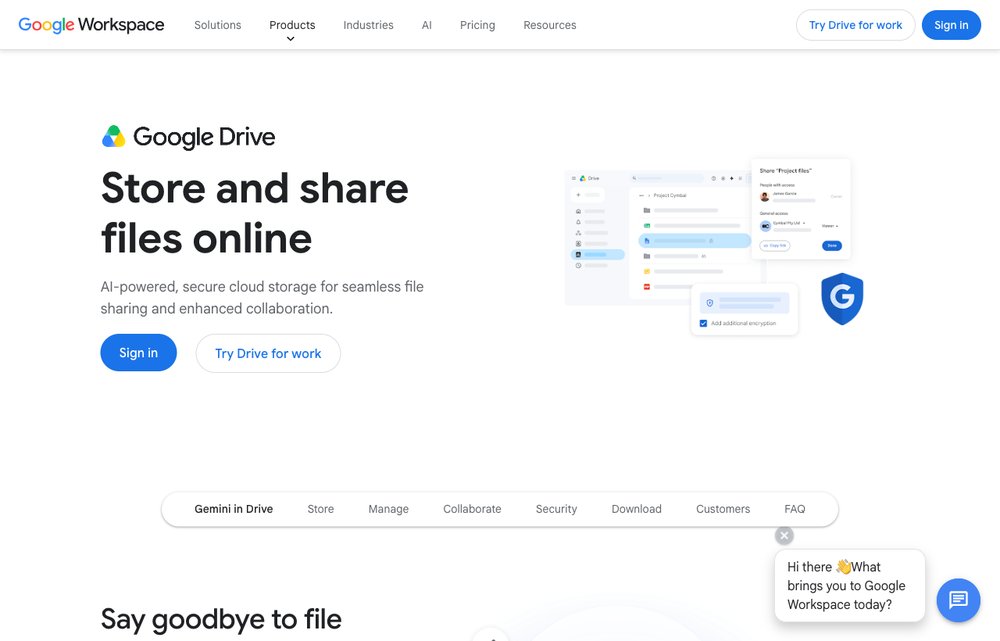
Every Google account already includes 15 GB of free storage shared across Drive, Gmail and Photos. Upload a single file or an entire folder, then share a link with view or edit access — recipients don't even need a Google account to download. It's the easiest option when you and your recipient already live in Google's ecosystem, and Google One plans expand your space when you need to send more.
2. Dropbox — Best for everyday sync + Transfer
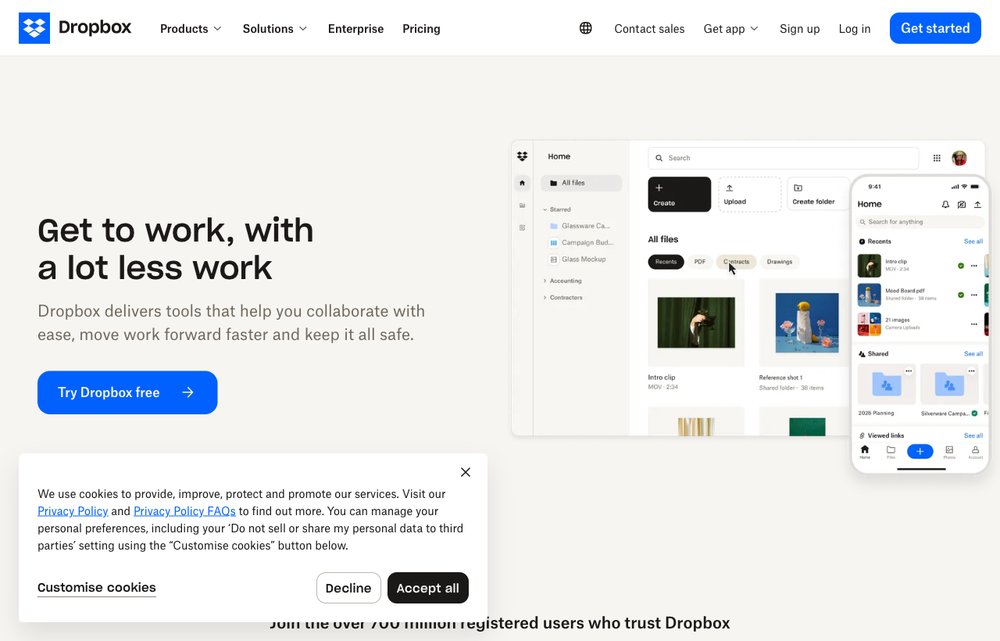
One of the original cloud services, Dropbox syncs your files across every device and gives new users a few gigabytes free. For one-off big sends, Dropbox Transfer packages files into a single download link (up to 100 MB free, and far larger on paid plans) without giving anyone access to your main account.
3. MEGA — Best for privacy
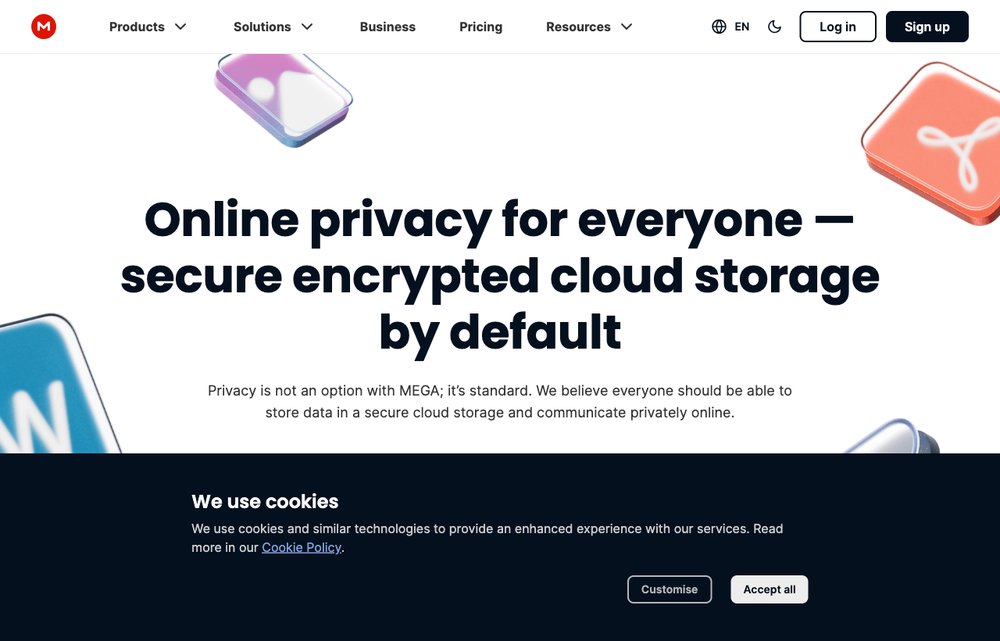
The successor to Megaupload, MEGA offers a generous free tier (around 20 GB) and end-to-end encrypts everything you upload, so only you and your recipient hold the keys. Drag in a file, create a share link, and optionally lock it with a password — a strong choice when privacy is the priority.
4. MediaFire — Best no-frills free host
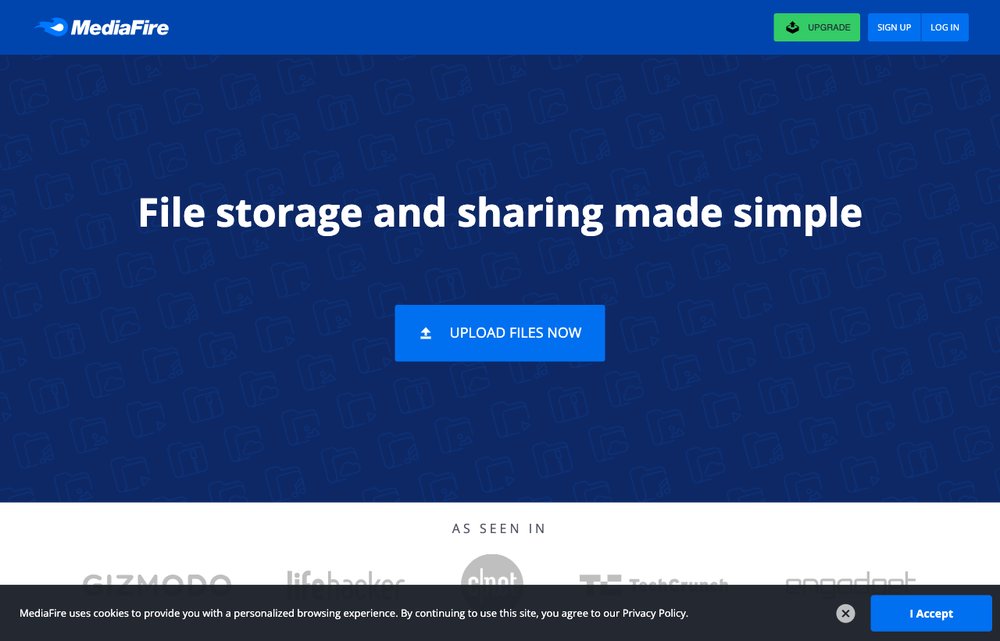
A long-running, no-nonsense host with 10 GB of free storage and dead-simple link sharing. The free tier is ad-supported and caps individual web uploads, but it's a fast, account-optional way to pass files around. Paid plans lift the size limits and remove the ads.
5. Droplr — Best for quick screen + file sharing
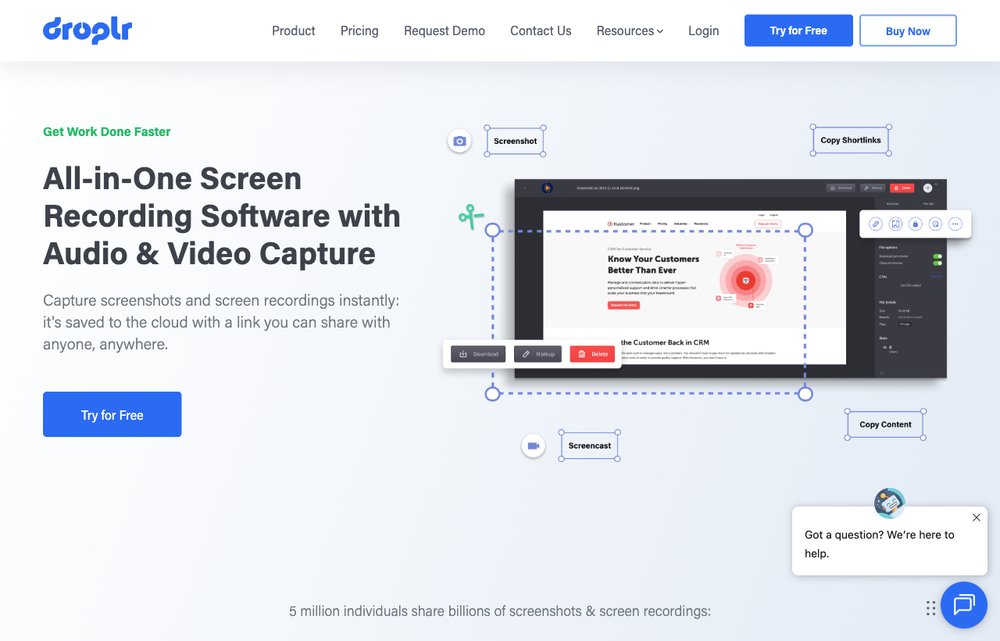
Now centred on screen capture and recording, Droplr still excels at instantly sharing files, screenshots and screen videos through short, tidy links. Drag a file onto the app and it uploads and copies a shareable URL to your clipboard — handy for designers and support teams. It's a paid tool with a free trial.
6. WeTransfer — Best no-sign-up transfer
Probably the most famous “just send it” service. No account needed: add your files (up to 3 GB per transfer on the free plan, with links that expire after 3 days), enter the recipient's email or copy a link, and WeTransfer does the rest — it even emails you once the file is downloaded. Paid Pro plans raise the limit to around 200 GB and add password protection and longer expiry.
7. Box — Best for business + collaboration

A polished, business-grade content platform that works for individuals too. The free personal plan includes 10 GB of storage with per-file upload caps; paid and enterprise tiers add large-file transfers, granular permissions and deep app integrations. Pick Box when you want sharing plus governance.
8. DropSend — Best for emailing big files
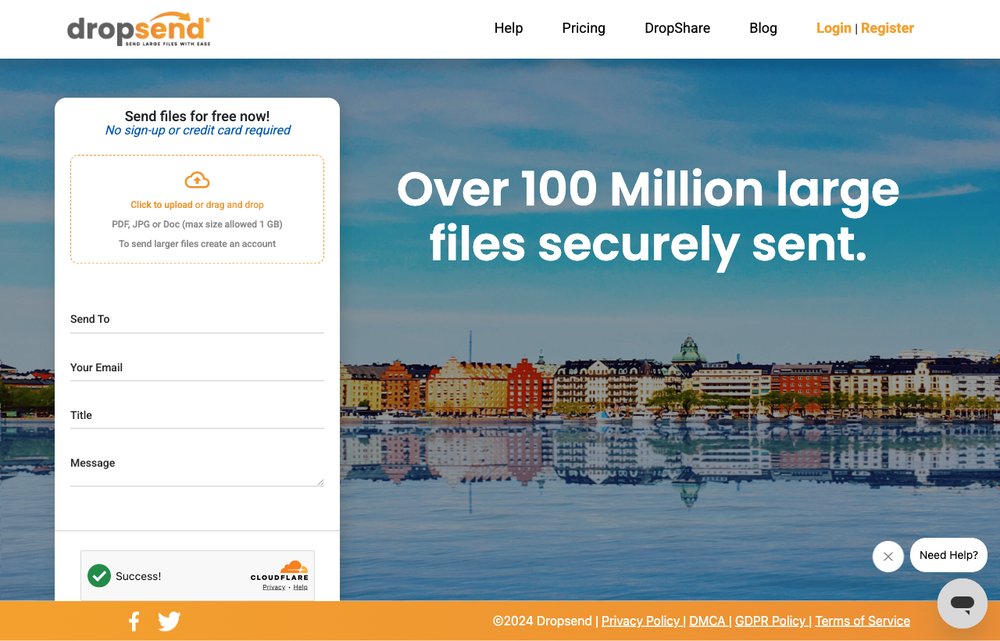
Built specifically for emailing large files (up to 8 GB) with nothing to install. Free accounts get a handful of sends each month; paid plans add more transfers, online storage, encryption and custom branding. DropSend now also powers the old Send6 service.
9. SendThisFile — Best for no size limit
A veteran transfer service designed to move big files by email with no hard size limit. Paid plans add encryption, custom-branded emails and delivery tracking; just note that the free tier throttles download speed and doesn't virus-scan, so it's best reserved for trusted recipients.
10. SugarSync — Best for folder-based sync
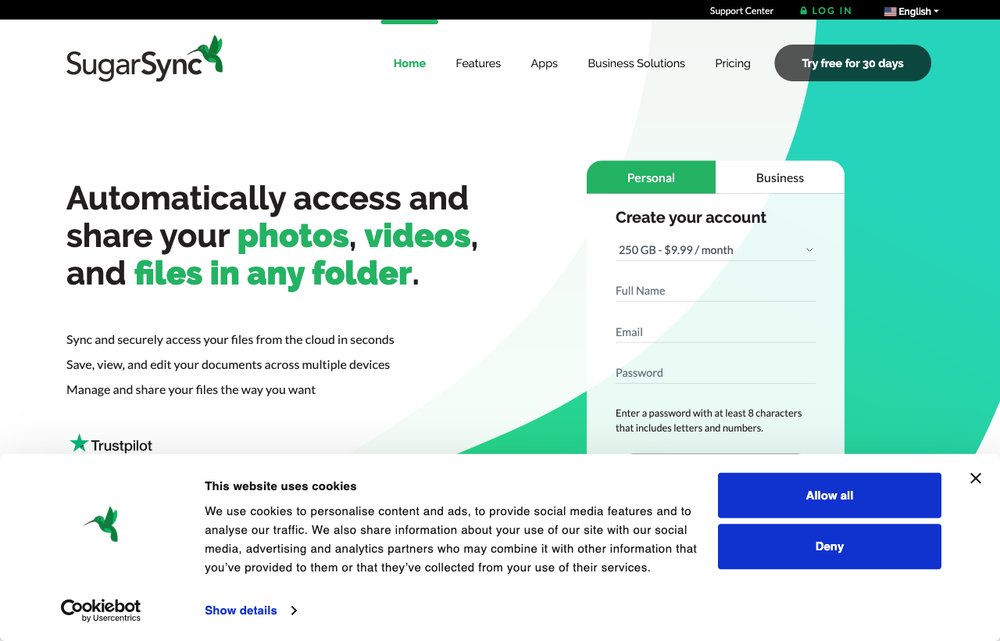
Similar in spirit to Dropbox, but with a twist: SugarSync backs up and syncs your existing folders to the cloud instead of forcing everything into one special folder. You can send any file up to your plan size and collaborate with a team. It's a paid service (no free tier today) with a free trial.
11. Hightail — Best for creative teams

The service formerly known as YouSendIt, now part of OpenText and built for creative teams. Beyond sending large files it layers on visual proofing and feedback tools for designers and agencies. A free “Lite” plan covers smaller transfers, while paid plans unlock bigger files and collaboration features.
12. Egnyte — Best for enterprise security

An enterprise content platform built around security, granular permissions and compliance. It's overkill for casual sharing but ideal for businesses that need to move multi-gigabyte files with audit trails and admin control. Pricing is per-user and business-focused, with a free trial available.
How to choose the right way to send large files
With so many services to pick from, the right one usually comes down to a handful of practical questions:
- How big is the file? A 500 MB clip works with almost anything; multi-gigabyte video or backups need a service with a high (or no) size cap like MEGA, SendThisFile, or a paid tier.
- One-off send or ongoing storage? For a single delivery, a no-sign-up tool such as WeTransfer is fastest. If you want the files to live in the cloud and sync across devices, pick Google Drive, Dropbox, or MEGA.
- How sensitive is the data? For confidential files choose end-to-end encryption (MEGA), or at least a password-protected, expiring link. Avoid open public hosts for anything private.
- Does the recipient need an account? Drive links and WeTransfer let people download with no account; business platforms like Box and Egnyte may ask recipients to sign in.
- Free or paid? Free tiers are perfect for the occasional big file. If you send large files regularly, a paid plan removes size caps, adds security controls, and lets links live longer.
When in doubt, start with a free option from the table above and upgrade only if you keep hitting its limits.
Frequently Asked Questions
What is the best way to send large files for free?
Google Drive (15 GB free storage), MEGA (20 GB with end-to-end encryption), and WeTransfer (3 GB per transfer with no sign-up) are the top free choices. Pick Drive or MEGA if you want the files stored in the cloud, and WeTransfer for a quick one-off send.
How do I send a file that is too big to email?
Email services cap attachments at roughly 25 MB, so upload the file to a transfer service or cloud drive and share a download link instead of attaching it. Tools like WeTransfer, Dropbox Transfer, and Google Drive are built exactly for this.
What is the largest file I can send for free?
It varies by service: WeTransfer allows 3 GB per transfer, MEGA gives you up to 20 GB of free storage to share from, and SendThisFile has no hard size cap (though it throttles free downloads). For very large media, a paid plan or a dedicated transfer service is best.
How do I send large files securely?
Choose a service with end-to-end encryption such as MEGA, or one that lets you password-protect the link and set it to expire. Share the password through a separate channel, and avoid public file hosts for anything confidential.
Can I send large files without creating an account?
Yes. WeTransfer and MediaFire let you upload and share files without signing up — just add your file, get a link or enter the recipient's email, and send.
What is the maximum email attachment size?
Gmail limits attachments to about 25 MB, while Outlook and Yahoo Mail cap them around 20 MB. Anything larger should be sent as a cloud link — Gmail even offers to upload big attachments to Google Drive automatically.
How can I send large video files?
Share them as a cloud link from Google Drive or Dropbox, or use a transfer service like WeTransfer or MEGA. For very large 4K footage, use a high-capacity service or paid tier, and consider compressing the files into a ZIP first.
More ways to send big files
A few other transfer services worth a look: TransferBigFiles and MailBigFile. Know a great large-file service we missed? Let us know in the comments.