Best Cloud Storage in 2026: Top 13 Services Compared
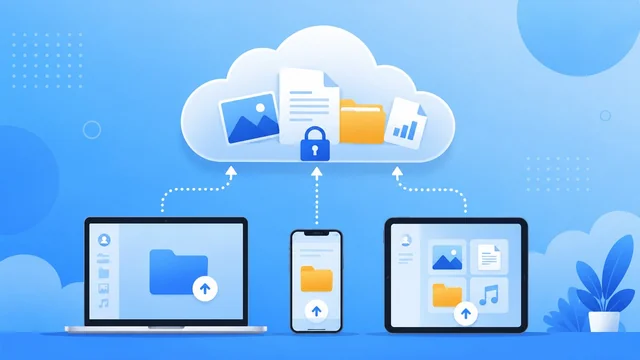
Cloud storage keeps your files, photos and documents safe and available from any device — so a lost phone or a dead laptop never means lost data. But the “best” service depends on what you value: free space, low price, tight privacy, or deep integration with the apps you already use. Here are the best cloud storage services in 2026, compared on free storage, paid pricing, security and who each one suits.
Last updated June 2026. Every service below is ranked on the things that actually matter — free storage, paid pricing and value, security and encryption, sync speed and reliability, platform support and ease of use.
Key Features to Look For in Cloud Storage
- Free storage — ranges from 2GB (Dropbox) to 20GB (MEGA).
- Price per TB — IDrive and lifetime plans (pCloud) are cheapest long-term; Google and Microsoft are cheap monthly.
- Privacy & encryption — for zero-knowledge end-to-end encryption, look at Sync.com, MEGA, pCloud Crypto and Proton Drive.
- Integration — Google Drive (Workspace), OneDrive (Microsoft 365/Windows) and iCloud (Apple) shine if you already live in their ecosystem.
Best Cloud Storage Services at a Glance (2026)
| Service | Free | Paid from | Best for | Encryption |
|---|---|---|---|---|
| Google Drive | 15 GB | From $1.99/mo (100 GB) | Most people / Google users | Standard |
| Microsoft OneDrive | 5 GB | From $1.99/mo (100 GB) | Windows & Office users | Standard |
| Dropbox | 2 GB | ~$9.99/mo (2 TB) | Sync & file sharing | Standard |
| Apple iCloud+ | 5 GB | From $0.99/mo (50 GB) | Apple device owners | Standard |
| pCloud | Up to 10 GB | Lifetime from ~$199 | Lifetime, one-time plans | Optional zero-knowledge |
| Sync.com | 5 GB | ~$8/mo (2 TB) | Privacy & business | Zero-knowledge E2E |
| IDrive | 10 GB | ~$70/yr (5 TB) | Best value & backup | Optional end-to-end |
| MEGA | Up to 20 GB | ~$10/mo (2 TB) | Most free space + privacy | Zero-knowledge E2E |
| Proton Drive | ~5 GB | From ~$2/mo | Security-first users | Zero-knowledge E2E |
| Box | 10 GB | ~$10/mo (100 GB) | Business & teams | Standard |
| Icedrive | 10 GB | Lifetime from ~$199 | Encryption + lifetime value | Client-side (Twofish) |
| Internxt | Free tier | From ~$1.99/mo | Open-source privacy | Zero-knowledge E2E |
| Koofr | 10 GB | From ~$2/mo | Connecting multiple clouds | Standard (EU) |
Prices are indicative for 2026 and change often — check each provider for current plans and regional pricing.
Best cloud storage by use case (2026)
- Best overall: Google Drive — 15GB free and works everywhere.
- Best for Windows & Office: Microsoft OneDrive.
- Best for Apple users: Apple iCloud+.
- Best free storage: MEGA (up to 20GB).
- Best for privacy: Proton Drive, Sync.com or MEGA (zero-knowledge encryption).
- Best value / lifetime: pCloud and Icedrive (pay once) or IDrive (cheapest per TB).
- Best for teams & business: Box or Dropbox.
- Best for connecting several clouds: Koofr.
1. Google Drive
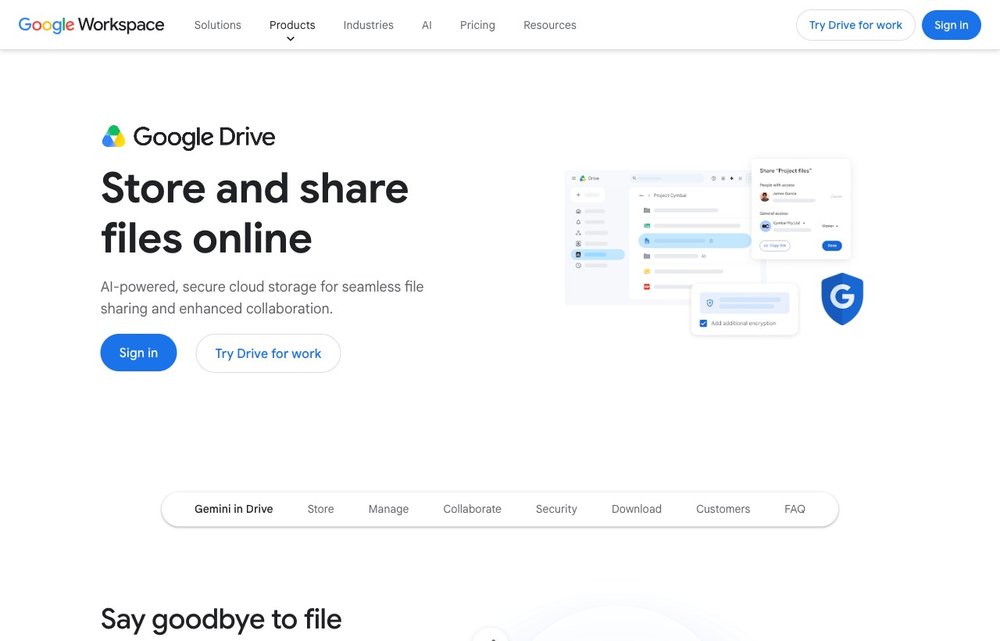
Google Drive is the best all-round choice for most people. You get a generous 15GB free, a full office suite (Docs, Sheets, Slides) and seamless ties to Gmail and Google Photos. Paid Google One plans start at $1.99/month for 100GB and $9.99/month for 2TB, and work across Android, iOS, Windows and macOS.
2. Microsoft OneDrive
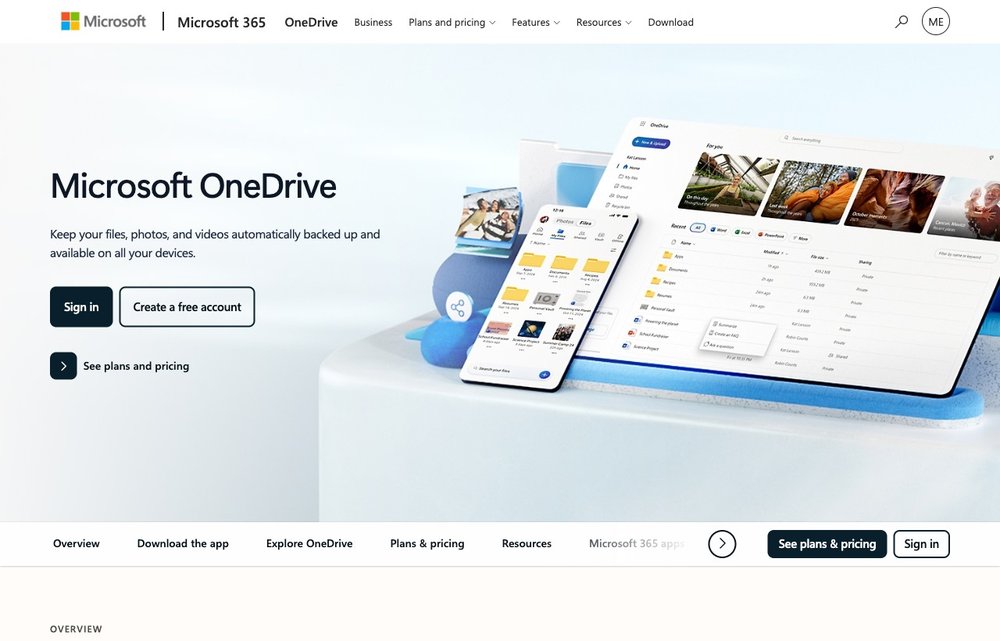
OneDrive is built into Windows and is the obvious pick if you use Microsoft 365. The free tier is 5GB; a 100GB standalone plan is $1.99/month, while Microsoft 365 Personal bundles 1TB plus the Office apps and Copilot for about $9.99/month. A Personal Vault adds an extra security layer for sensitive files. See our deep dive: Dropbox vs OneDrive.
3. Dropbox
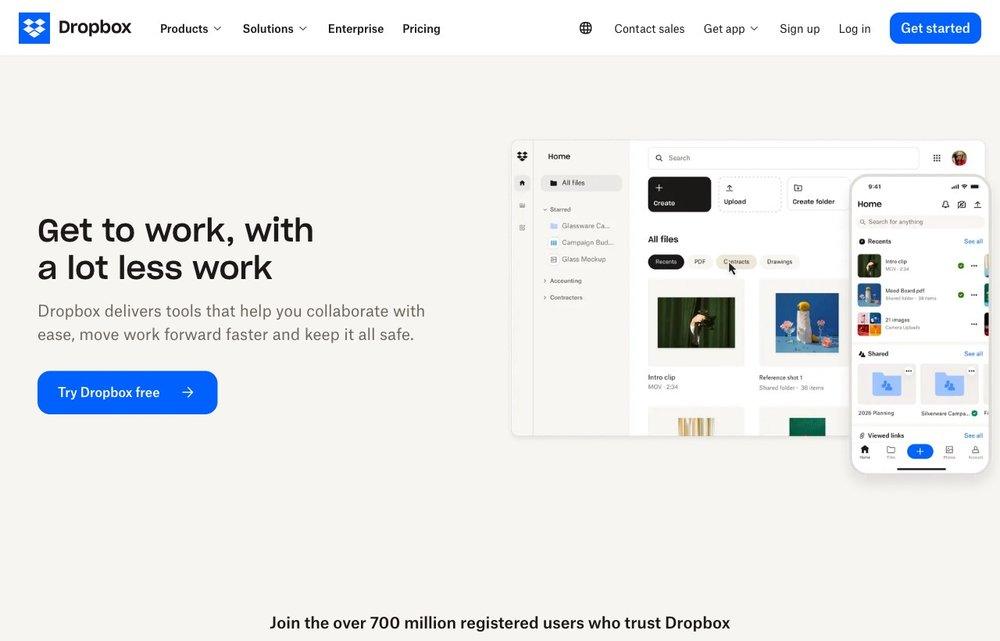
Dropbox remains the gold standard for fast, reliable file sync and sharing, with the broadest set of third-party integrations (Slack, Zoom, Adobe and more). The free Basic tier is just 2GB, but it includes 30-day file recovery and version history. Dropbox Plus gives you 2TB for about $9.99/month (billed annually).
4. Apple iCloud+
For iPhone, iPad and Mac owners, iCloud+ is the most seamless option — photos, backups and files sync automatically. You get 5GB free, then iCloud+ tiers at $0.99/month (50GB), $2.99/month (200GB) and $9.99/month (2TB), with privacy features like Private Relay and Hide My Email included.
5. pCloud
pCloud is famous for its one-time lifetime plans — pay once (around $199 for 500GB or $399 for 2TB) and never pay a monthly fee again. It is fast, Swiss-based, and offers optional zero-knowledge pCloud Crypto encryption for your most private files. A great choice if you hate subscriptions.
6. Sync.com
Sync.com is the top pick for privacy with everyday usability. Every file is protected with zero-knowledge, end-to-end encryption, and it is HIPAA- and GDPR-compliant. The free tier is 5GB; a 2TB personal plan runs around $8/month. Ideal for businesses and anyone who wants real privacy without giving up easy sharing.
7. IDrive
IDrive offers the best value and the strongest backup features, letting you back up unlimited devices into one account. It is one of the cheapest options per terabyte — around $70/year for 5TB (often heavily discounted in the first year) — with 10GB free to start and optional end-to-end encryption.
8. MEGA
MEGA gives you the most free storage (up to 20GB) and protects everything with zero-knowledge end-to-end encryption by default. Paid plans start around $10/month for 2TB. It is a strong choice if you want lots of space and privacy without paying upfront.
9. Proton Drive
From the makers of Proton Mail, Proton Drive is a security-first, Swiss-based service with zero-knowledge encryption and open-source apps. The free tier offers a few gigabytes, and paid storage comes via Proton plans starting around $2/month (or bundled in Proton Unlimited). Perfect for the privacy-conscious.
10. Box
Box is built for business and team collaboration, with granular permissions, workflow automation (Box Relay), e-signatures (Box Sign) and deep integrations with Microsoft, Google and Adobe tools. Personal use starts with 10GB free; the Personal Pro plan is about $10/month for 100GB.
11. Icedrive
Icedrive is a slick, modern newcomer with a generous 10GB free tier and genuine client-side encryption (it uses the Twofish algorithm rather than the more common AES). Clean desktop and mobile apps plus aggressive lifetime pricing make it a strong pCloud rival for anyone who wants real encryption and a one-off payment instead of a subscription.
12. Internxt
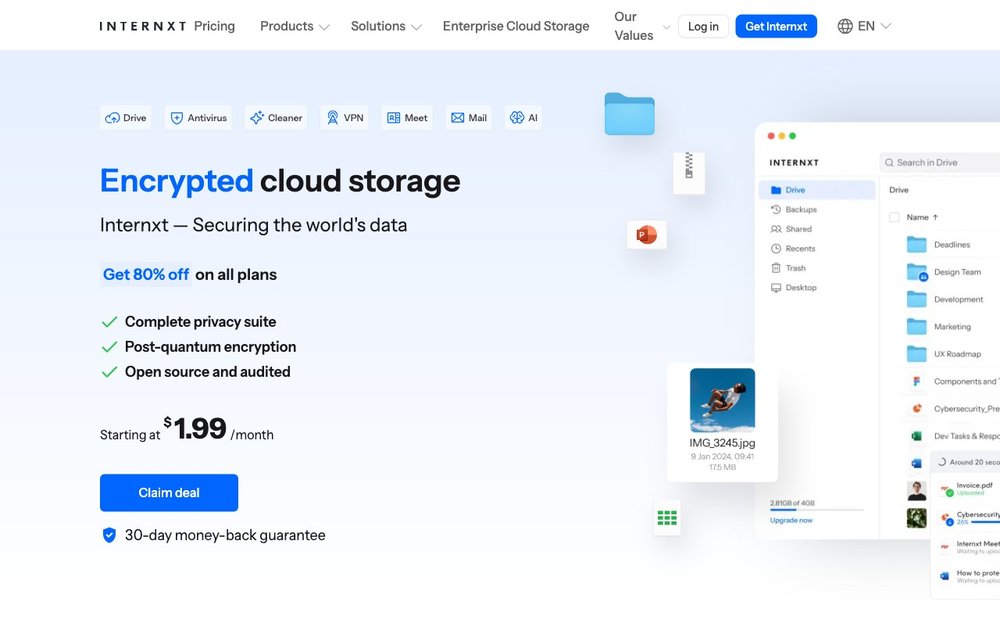
Internxt is an open-source, zero-knowledge service based in the EU and built around privacy. Files are end-to-end encrypted, the code is publicly audited, and the company is rolling out post-quantum encryption. Paid plans start at around $1.99/month with lifetime options, and a free tier lets you try it risk-free — a good pick if you want Proton-style privacy at a lower price.
13. Koofr
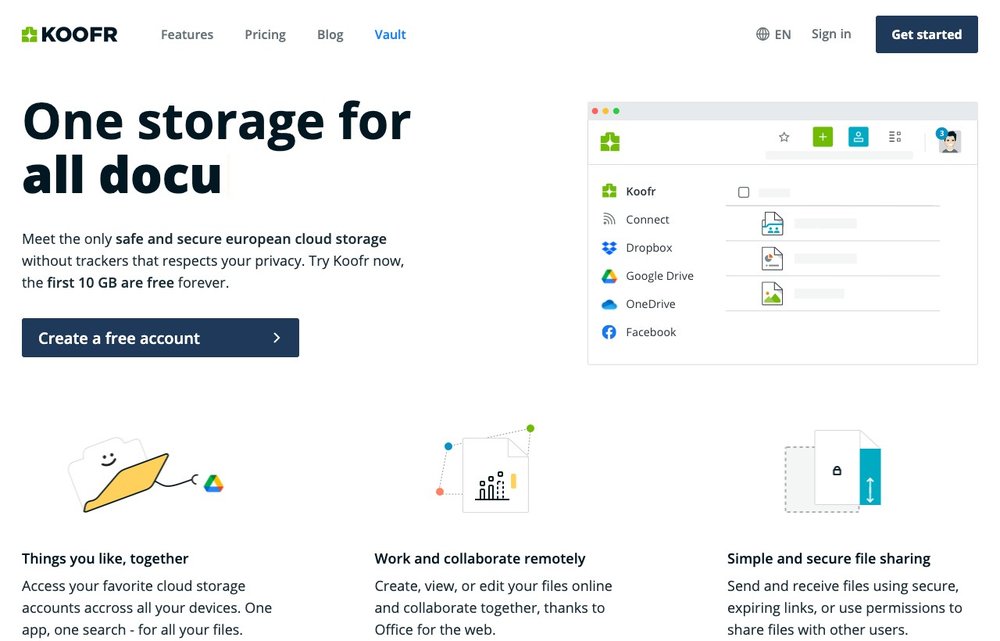
Koofr is a privacy-respecting European provider (based in Slovenia) with no trackers and 10GB free forever. Its standout feature is aggregation: connect your Dropbox, Google Drive and OneDrive accounts and search across all of them from one app, with no file-size limits. Lifetime plans are available, making it ideal for consolidating multiple clouds.
A Note on Amazon Drive
If you came here looking for Amazon Cloud Drive, note that Amazon shut down Amazon Drive at the end of 2023. Amazon now only offers Amazon Photos for photo and video storage (free unlimited photo storage for Prime members), so it is no longer a general-purpose cloud drive.
Cloud Storage Pricing Compared (2026)
Free tiers are great for getting started, but the real cost shows up once you need more space. Here is how the entry-level paid plans and lifetime options stack up.
| Service | Free tier | Entry paid plan | Lifetime? |
|---|---|---|---|
| Google Drive | 15 GB | $1.99/mo (100 GB) | No |
| Microsoft OneDrive | 5 GB | $1.99/mo (100 GB) | No |
| Dropbox | 2 GB | ~$9.99/mo (2 TB) | No |
| Apple iCloud+ | 5 GB | $0.99/mo (50 GB) | No |
| pCloud | Up to 10 GB | $4.99/mo (500 GB) | Yes (~$199–399) |
| Sync.com | 5 GB | ~$8/mo (2 TB) | No |
| IDrive | 10 GB | ~$70/yr (5 TB) | No |
| MEGA | Up to 20 GB | ~$5/mo (400 GB) | No |
| Proton Drive | ~5 GB | ~$2/mo | No |
| Box | 10 GB | ~$10/mo (100 GB) | No |
| Icedrive | 10 GB | $1.99/mo (100 GB) | Yes (~$199+) |
| Internxt | Free tier | ~$1.99/mo | Yes |
| Koofr | 10 GB | ~$2/mo (100 GB) | Yes |
Prices are indicative and change often — always check the provider for current pricing in your region.
Cloud Storage Security: Zero-Knowledge vs Standard Encryption
Almost every provider encrypts your files in transit (as they travel to the server) and at rest (while stored on disk). The crucial difference is who holds the keys.
- Standard encryption (Google Drive, OneDrive, Dropbox, iCloud, Box): the provider manages the encryption keys, so it can access your files — to power search, previews and sharing, or if compelled by law. Convenient, but you are trusting the company.
- Zero-knowledge / end-to-end encryption (Proton Drive, Sync.com, MEGA, Internxt; optional on pCloud, Icedrive and IDrive): files are encrypted on your device before upload and only you hold the key. Not even the provider can read your data — but if you lose your password, your files may be unrecoverable.
If you store sensitive documents, choose a zero-knowledge service. For everyday files where convenience and collaboration matter most, standard encryption is usually fine.
Cloud Storage vs Cloud Backup vs Sync
These terms get mixed up, but they solve different problems:
- Cloud storage / sync (Google Drive, Dropbox, OneDrive) keeps a folder mirrored across your devices. Delete a file on one device and it disappears everywhere — great for access, but not a safety net.
- Cloud backup (IDrive, Backblaze) automatically copies your whole computer in the background and keeps old versions, so you can recover after accidental deletion, ransomware or hardware failure.
Many people use both: a sync service for day-to-day files and a dedicated backup for true protection. For a deeper look, see our guide to the best backup software.
Choosing the Right Cloud Storage
Pick based on your priorities: most people are well served by Google Drive or OneDrive; Apple users should stick with iCloud+; privacy seekers want Sync.com, MEGA or Proton Drive; bargain hunters love IDrive (per-TB value) or pCloud (lifetime plans); and teams get the most from Box or Dropbox. Start with a free tier, make sure the apps work smoothly on all your devices, and only pay once you know you need the space.
Switching services? You don’t have to download and re-upload everything by hand. Free tools like rclone and web apps such as MultCloud move files directly from one cloud to another, and Koofr can connect several accounts so you can migrate gradually.
Frequently Asked Questions
What is the best cloud storage in 2026?
For most people, Google Drive is the best overall thanks to 15GB free and tight integration with Gmail, Docs and Photos. Apple users are best on iCloud+, privacy-focused users on Sync.com, MEGA or Proton Drive, and bargain hunters on IDrive or pCloud.
Which cloud storage gives the most free space?
MEGA offers the most at up to 20GB free, followed by Google Drive (15GB), then pCloud and IDrive (around 10GB). OneDrive, iCloud and Sync.com give 5GB, and Dropbox just 2GB.
What is the most private and secure cloud storage?
Services with zero-knowledge, end-to-end encryption are the most private — meaning even the provider cannot read your files. Sync.com, MEGA, Proton Drive and pCloud (with Crypto) lead here. Mainstream services like Google Drive and OneDrive encrypt files but can technically access them.
Is Amazon Cloud Drive still available?
No. Amazon shut down Amazon Drive at the end of 2023. Only Amazon Photos remains, which is limited to photos and videos (with free unlimited photo storage for Prime members) rather than general files.
What is the cheapest cloud storage?
For ongoing value, IDrive is among the cheapest per terabyte (roughly $70/year for 5TB). If you prefer to pay once, pCloud’s lifetime plans can work out cheapest over many years. Google One and OneDrive offer the lowest entry price at $1.99/month for 100GB.
Can I use more than one cloud storage service?
Yes, and many people do — for example Google Drive for documents, iCloud for phone backups and a privacy-focused service for sensitive files. Combining free tiers across providers is a simple way to get plenty of storage at no cost.
Is free cloud storage safe?
Free tiers from reputable providers are as secure as their paid plans — the encryption is the same. The main limits are storage size and, on some plans, features. For sensitive files, pick a zero-knowledge provider like Proton Drive, Sync.com or MEGA, whether you are on a free or paid plan.
How much cloud storage do I need?
For documents and phone photos, 100–200GB suits most people. If you keep a large photo and video library, 1–2TB is more realistic. Power users and households sharing one plan often want 2TB or more — or a cheap multi-terabyte backup plan like IDrive.
Cloud storage or an external hard drive — which is better?
They complement each other. Cloud storage gives you anywhere-access and protects against a lost or stolen device; an external drive is a cheap one-time cost and works offline. The safest approach is the 3-2-1 rule: keep your files in at least two places, with one copy off-site in the cloud.
The Bottom Line
There is no single best cloud storage for everyone in 2026. Google Drive and OneDrive are the safe, well-integrated defaults; iCloud+ is unbeatable for Apple users; Sync.com, MEGA and Proton Drive win on privacy; and IDrive and pCloud offer the best long-term value. Try a free tier first, then upgrade the one that fits your devices and budget.