Best Password Managers of 2026: 8 Top Picks Compared
Password reuse is still the number one way accounts get breached, and in 2026 a good password manager is the single easiest fix. This guide compares eight of the best, from the open-source, genuinely free Bitwarden and privacy-focused Proton Pass to polished paid apps like 1Password, plus Apple's built-in Passwords app. We have verified current 2026 pricing and noted which managers lead on passkeys, the phishing-resistant login standard that is quickly replacing passwords.
Why it matters: reusing passwords is the #1 way accounts get hacked. A password manager creates and stores a strong, unique password for every site, fills them in automatically, and in 2026 most also store passkeys — the phishing-resistant replacement for passwords.
The 8 Best Password Managers in 2026
Bitwarden
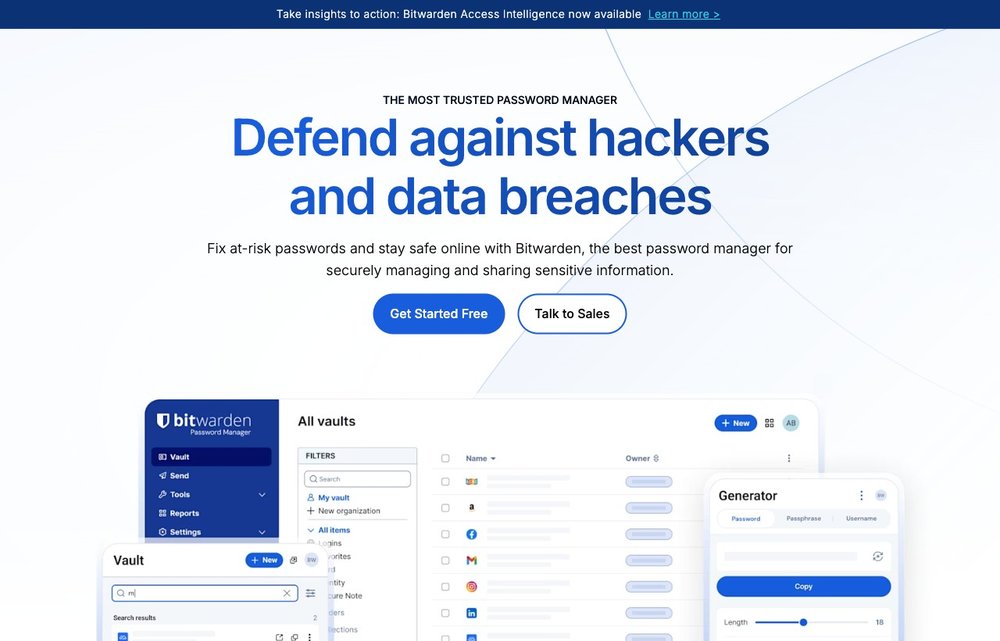
Free; Premium $10/yr → $19.80/yr (Jan 2026); open-source
Bitwarden is the best free password manager in 2026 and our top pick for most people. The free tier is genuinely unlimited: unlimited passwords, unlimited devices, password generator and passkey storage at no cost. It is fully open-source and independently audited, and it is the only major manager you can self-host (officially, or via the lightweight Vaultwarden community server on a Raspberry Pi). Note that Premium nearly doubled in January 2026 from about $10 to $19.80/year, its first price rise in a decade, but the free plan remains the most generous on the market.
1Password
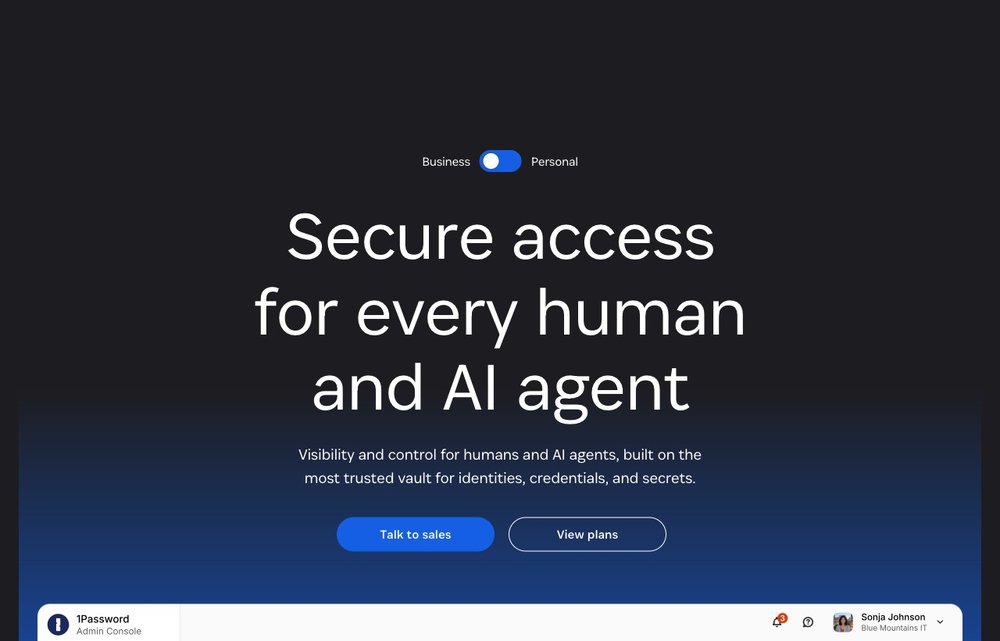
From $2.99/mo (Individual, annual); Families $4.49/mo; no free tier
1Password remains the best paid password manager for polish, with the slickest apps, reliable autofill, strong family sharing and excellent passkey support across devices. After a March 2026 price increase, the Individual plan is $2.99/month billed annually (about $48/year) and Families is $4.49/month for up to five people (about $72/year). There is no free tier, only a 14-day trial, so it is best for people who want a premium experience and do not mind paying for it.
Proton Pass
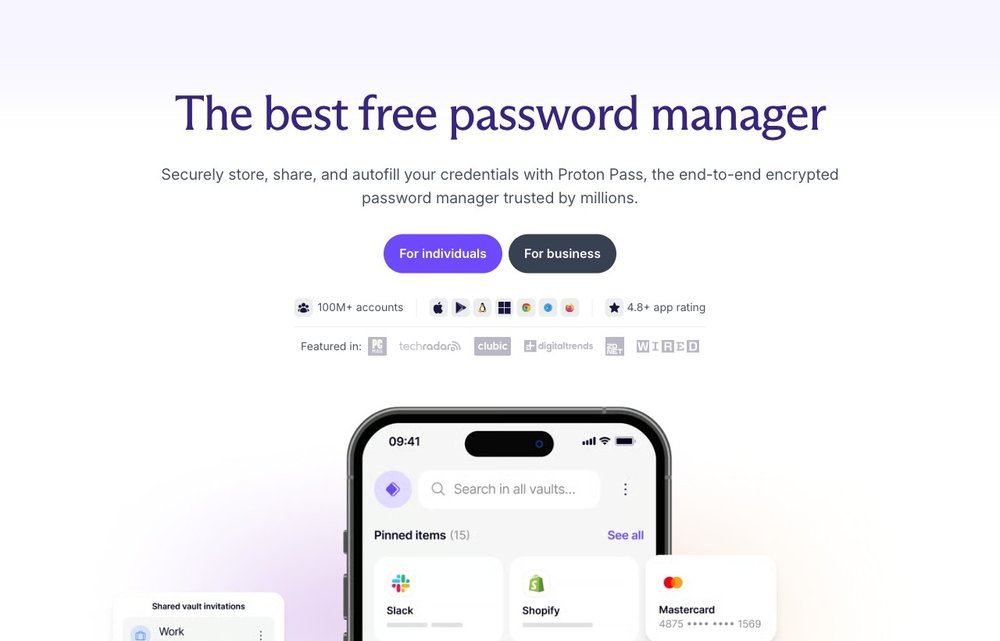
Free (unlimited); Plus $1.99/mo; open-source, Swiss
From the makers of Proton Mail, Proton Pass is the best free password manager for privacy in 2026. It is open-source, end-to-end encrypted and based in privacy-friendly Switzerland. The free plan covers unlimited logins, unlimited devices, unlimited passkeys and ten built-in SimpleLogin email aliases. As of early 2026 passkey creation and sync are unlimited on every tier, including free, and Proton cut the Pass Plus plan to roughly $1.99/month, undercutting most rivals.
Dashlane
Premium ~$4.99/mo (annual); free plan discontinued in 2026
Dashlane is a strong, feature-rich manager with dark web monitoring, a built-in VPN, real-time phishing/scam protection, passkey support and passwordless login. The big 2026 change is that Dashlane discontinued its free plan, so new users now get only a 14-day trial before paying. Premium runs about $4.99/month billed annually, with a Family plan for up to ten people. It is a polished option, but the loss of the free tier makes it harder to recommend over Bitwarden or Proton Pass for casual users.
NordPass
Free (1 device); Premium ~$1.39–$1.99/mo; passkeys on all plans
NordPass, from the team behind NordVPN, is one of the cheapest paid managers and uses modern XChaCha20 encryption with Argon2id. Premium is roughly $1.39–$1.99/month depending on term length and includes unlimited devices, data breach scanning and secure sharing. Passkeys are supported on every plan, including free. The catch: the free tier limits you to active use on a single device at a time, so the paid plan is needed for cross-device sync.
Keeper
Personal ~$1.79/mo (annual); Free limited to 10 records
Keeper is a security-first manager popular with businesses, offering end-to-end encryption, unlimited password storage, secure sharing and passkey support. The Personal plan is about $1.79/month billed annually and adds desktop access plus unlimited cross-device sync. The free tier is restrictive, limited to one mobile device and just 10 stored records (passwords or passkeys), so it works as a trial rather than a long-term free option. Optional add-ons include dark web monitoring and encrypted file storage.
KeePassXC
Free; open-source; offline-first; passkeys via browser extension
KeePassXC is a free, open-source, offline-first manager for people who want full control of their data with no cloud account. It stores your vault in a local encrypted database file that you sync yourself (via Dropbox, Syncthing, etc.). Version 2.7.12 (March 2026) refined passkey support through its browser extension, letting you generate and store passkeys directly. It runs on Windows, macOS, Linux and BSD. It is the most technical pick here and lacks built-in cloud sync and mobile apps, but it is unbeatable for privacy and price.
Apple Passwords / iCloud Keychain
Free; built into Apple devices; Windows app via iCloud
Apple's Passwords app (and the underlying iCloud Keychain) is free, built into iPhone, iPad and Mac, and now has a standalone iCloud Passwords app plus browser extensions for Chrome and Edge on Windows. It handles passwords, passkeys and 2FA codes with seamless autofill in the Apple ecosystem. The limitation is portability: iCloud Keychain does not natively sync to Android, and passkeys live on Apple devices (cross-platform sign-in uses an iPhone QR-code handoff). FIDO Credential Exchange import/export is rolling out in 2026 to ease migration. It is ideal for all-Apple households, less so for mixed setups.
Choosing and Using a Password Manager Safely
For most people, Bitwarden (best free, open-source) or 1Password (best all-round) are the safest picks; Proton Pass is a great privacy-focused free option, and KeePassXC suits those who want fully offline, local storage. Whichever you choose, protect it with a long, unique master password you never reuse, turn on two-factor authentication, and start adopting passkeys where sites support them. For more, see our best password manager guide and password management guide.
Frequently Asked Questions
Are password managers safe to use?
Yes. Reputable password managers use zero-knowledge, end-to-end encryption, meaning the provider cannot read your vault, only you can, using your master password. Security experts overwhelmingly agree that a password manager is far safer than reusing passwords or storing them in a browser or spreadsheet. The main risk is your master password, so make it long and unique and protect it with two-factor authentication.
What is the best free password manager in 2026?
Bitwarden and Proton Pass have the best free tiers in 2026. Bitwarden's free plan offers unlimited passwords across unlimited devices and is open-source, while Proton Pass adds unlimited passkeys and ten email aliases with strong Swiss privacy protections. Both are genuinely free forever with no meaningful limits for individuals. Note that Dashlane discontinued its free plan in 2026 and NordPass's free tier is limited to one device.
Is Bitwarden or 1Password better?
It depends on your priorities. Bitwarden is the better value, with a genuinely unlimited free tier, open-source code and self-hosting, while paid Premium is just $19.80/year. 1Password is more polished, with the best apps, autofill and family sharing, but costs from $2.99/month and has no free tier. Pick Bitwarden to save money or self-host; pick 1Password for the smoothest premium experience.
What are passkeys and should I use them?
Passkeys are a passwordless login method that replaces your password with a cryptographic key pair tied to a specific website and unlocked by your fingerprint, face or device PIN. They are phishing-resistant because they only work on the exact domain they were created for, and there is no password to steal in a breach. In 2026 most leading managers, including 1Password, Bitwarden, Proton Pass, NordPass and Apple Passwords, can store and sync passkeys, so yes, use them where sites offer them.
Is it safe to store all your passwords in one place?
It is safer than the alternative. A password manager lets you use a unique, strong password for every account, which dramatically reduces your risk if any single site is breached. The vault is encrypted so even the provider cannot read it, and a strong master password plus two-factor authentication protects the one place everything lives. The convenience of unique passwords everywhere far outweighs the theoretical risk of a single, heavily encrypted vault.
Pricing and features change frequently. Verify current free tiers and plan details on each provider’s official site before signing up.