Land Your Dream Job with the Perfect Resume: A Comprehensive Guide to Free Resume Builders
In today's competitive job market, a compelling resume is more crucial than ever. It's your first impression, your personal marketing document, and often the deciding factor in whether you land an interview. While professional resume writing services offer expertise, they can be expensive. Fortunately, numerous free resume builders provide powerful tools to craft a standout resume without breaking the bank. This guide will explore the best free resume builders available in 2026, including AI-powered options, online CV creators, and job application tools to help you achieve your career goals.
⚡ Quick picks for 2026
- Best overall: Kickresume — polished templates plus a strong AI writer.
- Best truly free: FlowCV — unlimited downloads, no watermark, no catch.
- Best for design: Canva — drag-and-drop with thousands of layouts.
- Best for AI & ATS: Rezi — built around beating applicant tracking systems.
- Best for job hunting: Teal — build, track applications and tailor in one place.
Why Use a Free Resume Builder in 2026?
Free resume builders have evolved significantly, offering features that rival paid services. Here’s why they’re a smart choice for job seekers:
- Cost-Effective: The most obvious benefit – they're free! You can create multiple versions of your resume without any financial commitment.
- Time-Saving: Pre-designed templates and automated formatting save you hours of work.
- User-Friendly: Intuitive interfaces make resume creation accessible to everyone, regardless of design skills.
- ATS Optimization: Many builders are designed to create resumes that pass through Applicant Tracking Systems (ATS), ensuring your resume is seen by human eyes.
- AI-Powered Assistance: The rise of AI has led to builders that offer intelligent content suggestions, grammar checks, and even personalized resume summaries.
Top Free Resume Builders for 2026: A Detailed Comparison
Choosing the right resume builder depends on your specific needs and preferences. Here's a breakdown of some of the top contenders in 2026, with a focus on their key features, pros, and cons.
Also see our roundup of AI resume builders that actually work.
💡 “Free” doesn’t always mean free to download
Many resume builders let you build for free but ask you to pay or subscribe before you can download a clean, watermark-free copy. The ones that are genuinely free to download are FlowCV, Canva, Resume.com, Teal and Google Docs. Tools like Zety, Kickresume and Enhancv are excellent but gate the final download behind a paid plan — check the “Truly free download?” column in the table below before you invest your time.
1. Kickresume
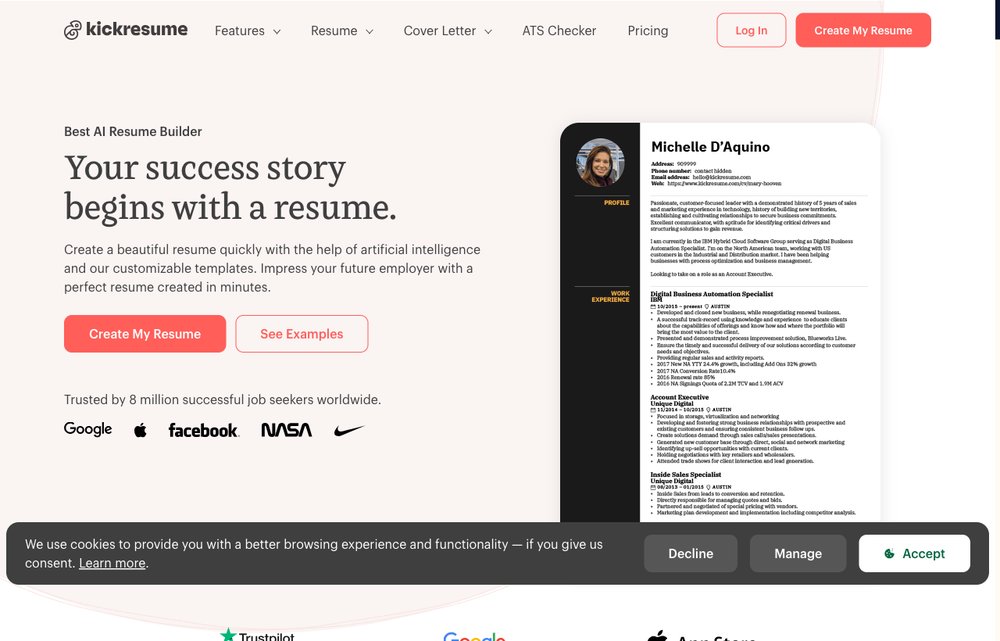
Kickresume remains a popular choice due to its extensive template library and AI-powered features. While it offers a free plan, it is limited.
- Key Features: AI resume writer, pre-written phrases, cover letter builder, website builder integration.
- Pros: Excellent template designs, AI-powered content suggestions, user-friendly interface.
- Cons: Limited features in the free plan (watermark and limited template choice), requires signup.
2. Canva
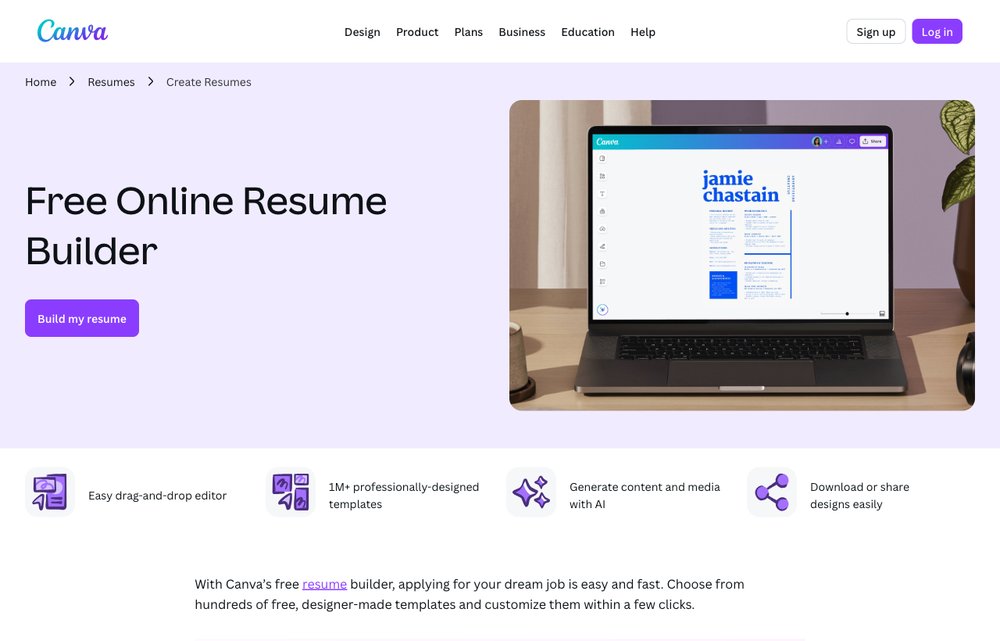
Canva is renowned for its design capabilities, and its resume builder is no exception. It's a great option if you want a visually stunning resume, but it's not specifically tailored for ATS optimization.
- Key Features: Drag-and-drop interface, extensive design elements, collaboration features.
- Pros: Highly customizable designs, easy to use, free image library.
- Cons: Less focused on ATS optimization, can be overwhelming with design options, not specifically tailored for resume writing best practices.
3. Resume.com
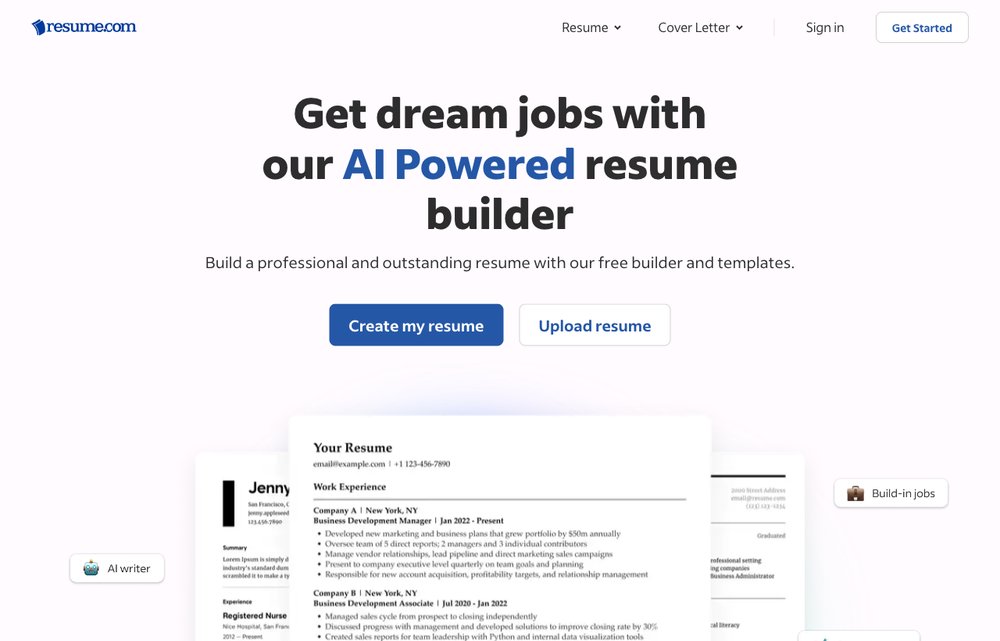
Resume.com, owned by Indeed, provides a straightforward and user-friendly platform for creating resumes quickly. It's a solid option for basic resume creation.
Pair it with our tips on how to write a cover letter.
- Key Features: Step-by-step resume builder, template options, cover letter builder.
- Pros: Simple and intuitive, free to use, integrates with Indeed's job search platform.
- Cons: Limited customization options, basic templates, not as feature-rich as some other options.
4. Zety
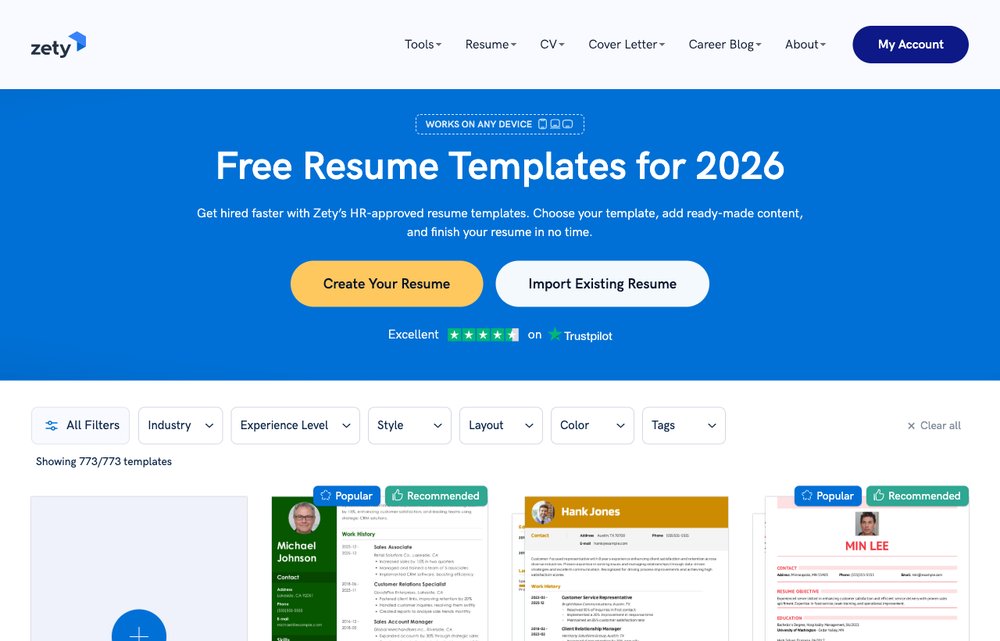
Zety offers a professional resume building experience with a focus on guiding users through the process. However, full access requires a subscription.
- Key Features: Resume examples, expert tips, ATS-friendly templates, cover letter builder.
- Pros: Well-designed templates, helpful tips and examples, good user experience.
- Cons: Requires a subscription to download without a watermark, limited free features.
5. Novoresume
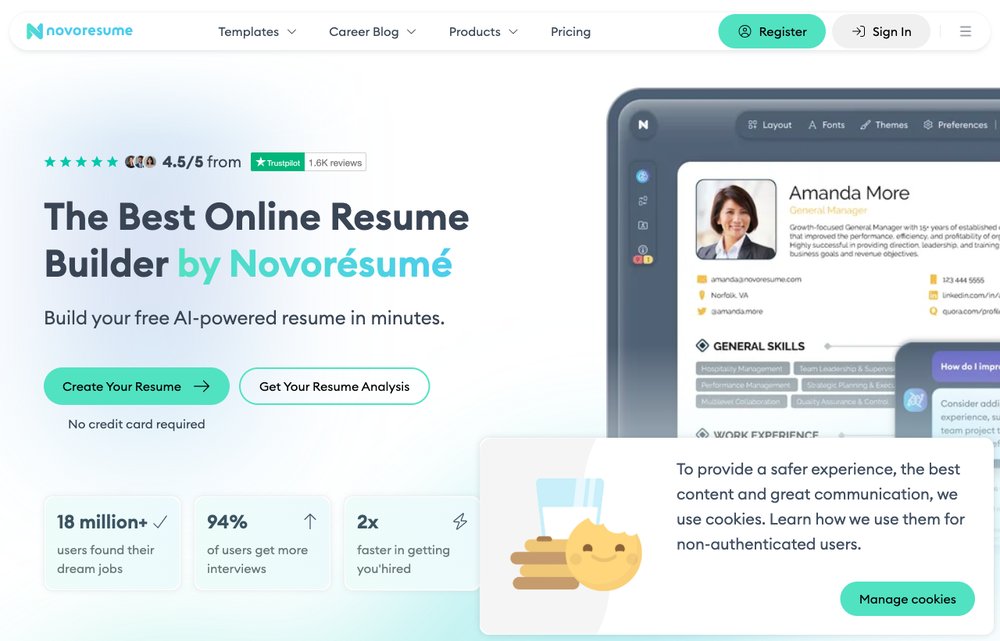
Novoresume focuses on creating visually appealing and ATS-friendly resumes. It uses a content-focused approach, guiding users to highlight their key skills and experiences.
- Key Features: Professional templates, content suggestions, visual resume analysis, ATS optimization.
- Pros: Modern templates, focus on content and skills, free version available.
- Cons: Limited template choices in the free version, some features require a subscription.
6. Teal
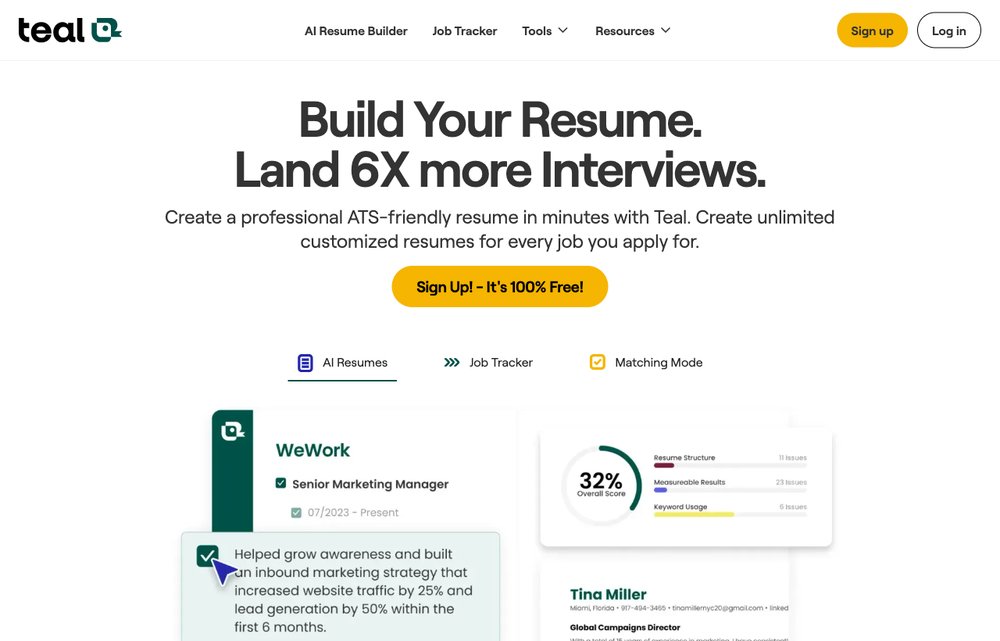
Teal is a comprehensive job search platform that includes a powerful free resume builder. It's designed to help you track your applications and tailor your resume to each job.
See also: how to create a resume that wins interviews.
- Key Features: Resume builder, job application tracker, keyword optimization, cover letter builder.
- Pros: Integrates with job search tools, helps track applications, offers personalized resume feedback.
- Cons: Requires signup, some features are behind a paywall.
7. Enhancv
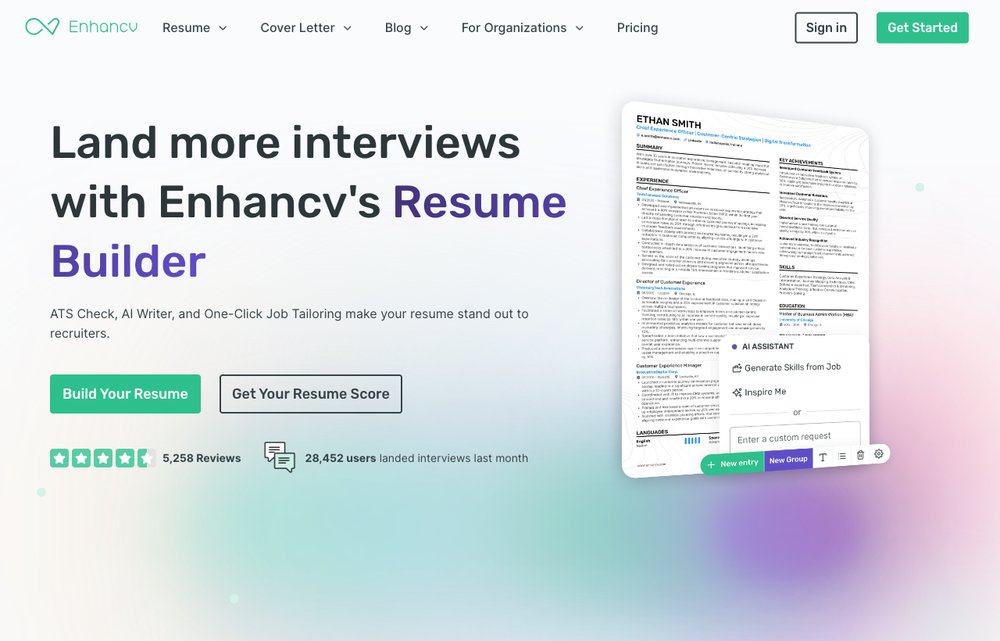
Enhancv takes a unique approach to resume building by focusing on showcasing your personality and skills through visual elements and storytelling.
- Key Features: Skill-based templates, visual enhancements, storytelling prompts, ATS optimization.
- Pros: Creative and engaging resume designs, helps highlight skills and achievements, ATS-friendly.
- Cons: Limited free features, some templates require a subscription.
8. FlowCV — Best for a genuinely free download
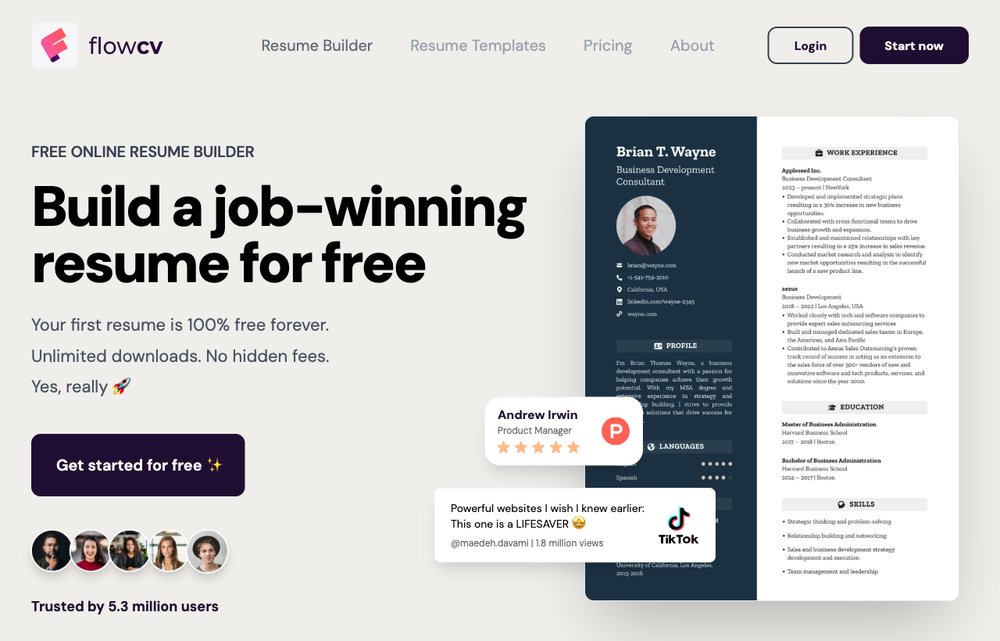
FlowCV is the standout if “free” actually has to mean free. There’s no watermark, no download cap and no surprise paywall on the essentials — you can build, download and share a polished resume without ever paying or entering a card.
- Key Features: Unlimited free PDF downloads, modern templates, multiple resumes, shareable links, a free personal website.
- Pros: Truly free with no watermark, clean modern designs, no credit card required.
- Cons: A premium tier unlocks extra design controls; fewer hand-holding “expert tips” than guided builders.
9. Rezi — Best for AI & ATS optimization
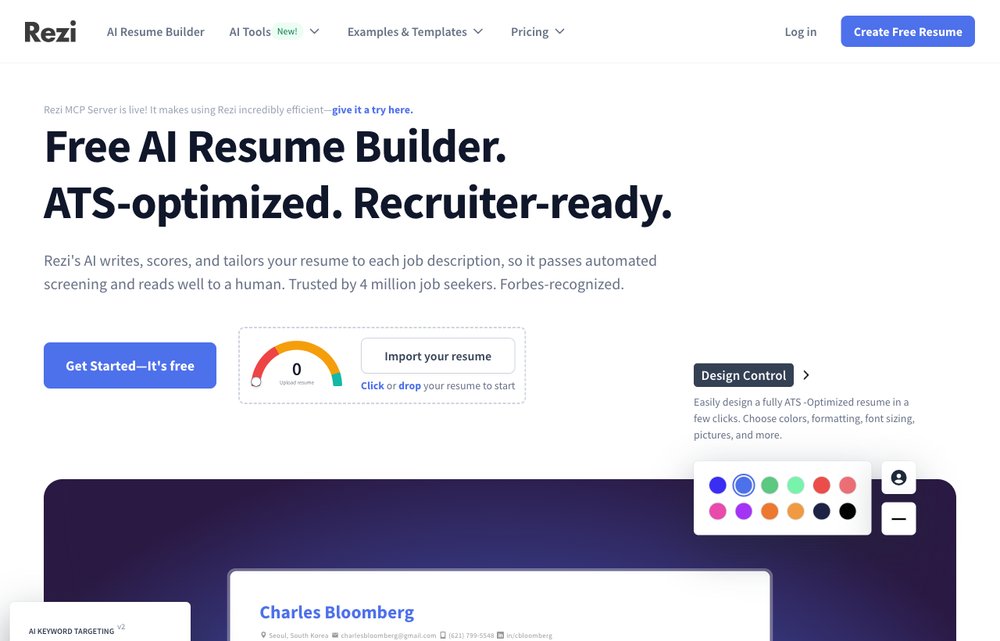
Rezi is built from the ground up for Applicant Tracking Systems. Its AI writes and rewrites bullet points around the exact keywords in a job description, and a real-time Rezi Score tells you how ATS-ready your resume is before you send it.
- Key Features: AI bullet-point writer, real-time ATS score, keyword targeting, cover letters, AI resume review.
- Pros: Outstanding ATS optimization, AI content that’s genuinely useful, clean recruiter-friendly templates.
- Cons: The free plan limits monthly downloads and AI credits; full access needs a subscription.
10. Google Docs — Best free templates you already own
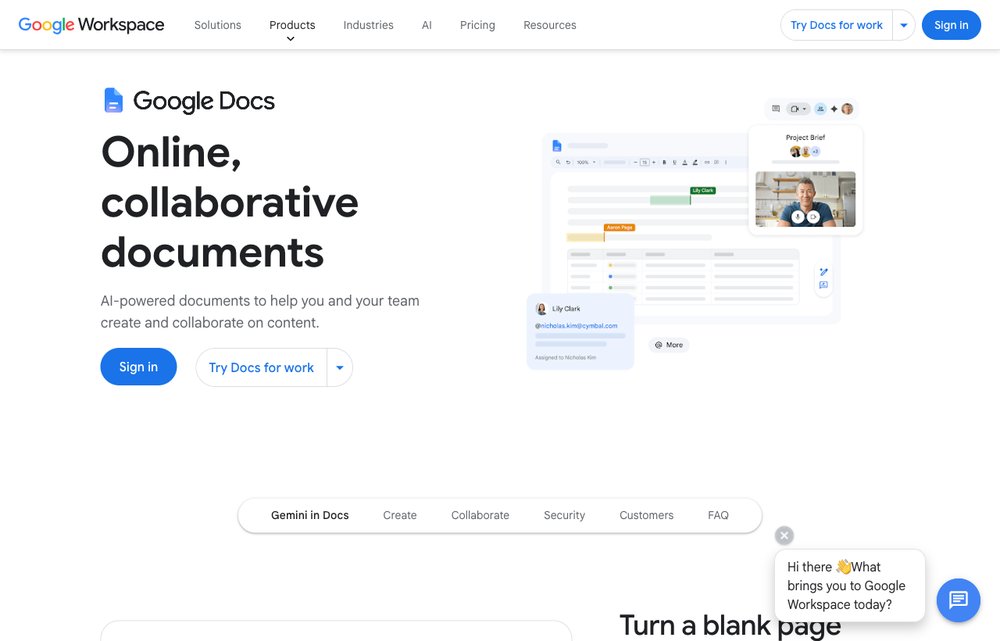
Not a dedicated builder, but worth knowing: Google Docs ships with several free, professional resume templates (open the Template Gallery and choose a resume). It’s completely free, autosaves as you type and exports straight to PDF — ideal if you want full control without learning a new tool.
- Key Features: Built-in free resume templates, real-time autosave, easy sharing and collaboration, PDF/DOCX export.
- Pros: Completely free, no watermark, a familiar interface, and it works on any device.
- Cons: Only a handful of templates, and no ATS guidance or AI help — you handle the formatting yourself.
Comparison Table of Free Resume Builders (2026)
| Resume Builder | Truly Free Download? | ATS-Friendly | Templates | Best For |
|---|---|---|---|---|
| Kickresume | No | Yes | High | AI-assisted, professionally designed resumes |
| Canva | Yes | Limited | Very High | Visually designed, creative resumes |
| Resume.com | Yes | Yes | Medium | Simple, fast, no-cost resumes |
| Zety | No | Yes | High | Guided writing with expert tips |
| Novoresume | Limited | Yes | Medium | Modern, skills-focused resumes |
| Teal | Yes | Yes | Medium | Tracking applications while you build |
| Enhancv | No | Yes | Medium | Creative resumes that show personality |
| FlowCV | Yes | Yes | High | A genuinely free, no-watermark resume |
| Rezi | Limited | Yes | Medium | Maximum ATS optimization with AI |
| Google Docs | Yes | Limited | Low | Free templates in a tool you already use |
Crafting an ATS-Friendly Resume in 2026
Applicant Tracking Systems (ATS) are software programs used by companies to filter and sort through job applications. To ensure your resume passes through the ATS and reaches a human recruiter, follow these tips:
- Use a Simple Format: Avoid complex layouts, tables, and graphics that the ATS may not be able to read.
- Use Standard Fonts: Stick to common fonts like Arial, Times New Roman, or Calibri.
- Incorporate Keywords: Research the job description and include relevant keywords throughout your resume.
- Save as PDF: Save your resume as a PDF to preserve formatting and ensure it's readable across different systems.
- Avoid Headers and Footers: The ATS may not be able to parse information in headers and footers correctly.
Leveraging AI in Resume Building
Artificial intelligence is transforming the resume writing process. Many resume builders now offer AI-powered features that can help you:
Related: how to tell if a resume was written by ChatGPT.
- Generate Resume Summaries: AI can analyze your experience and skills to create a compelling resume summary.
- Suggest Action Verbs: AI can recommend strong action verbs to describe your accomplishments.
- Optimize for Keywords: AI can identify relevant keywords from job descriptions and suggest where to incorporate them into your resume.
- Proofread and Edit: AI can check your resume for grammar errors, spelling mistakes, and style inconsistencies.
What’s New for Resumes in 2026
The job-search landscape keeps shifting. Here’s what actually matters this year:
- AI screening is the norm: Most mid-to-large employers now use AI-powered ATS to score and rank resumes before a human ever sees them, so keyword relevance and clean formatting matter more than ever.
- Recruiters can spot generic AI writing: AI builders are great for a first draft, but reviewers increasingly recognise bland, templated phrasing — always personalise the output. See our guide on how to tell if a resume was written by ChatGPT.
- Skills-first hiring: A clear, verifiable skills section now carries real weight, especially for tech and remote roles.
- One page, PDF, simple layout: Despite fancier tools, the safest resume is still one page, exported as a PDF, with standard fonts and no graphics that confuse an ATS.
Tips for Maximizing Your Resume's Impact
Beyond using a resume builder, here are some additional tips to make your resume stand out:
- Tailor Your Resume: Customize your resume for each job you apply for, highlighting the skills and experiences that are most relevant to the position.
- Quantify Your Accomplishments: Use numbers and data to demonstrate the impact of your work. For example, "Increased sales by 20% in one year."
- Highlight Your Skills: Create a dedicated skills section that showcases your technical and soft skills.
- Proofread Carefully: Typos and grammatical errors can make a negative impression. Have someone else review your resume before submitting it.
- Use Action Verbs: Start your bullet points with strong action verbs to describe your responsibilities and accomplishments (e.g., managed, developed, implemented).
Data Security and Privacy Considerations
When using online resume builders, it's important to be aware of data security and privacy risks. Here are some tips to protect your information:
- Read the Privacy Policy: Understand how the resume builder collects, uses, and shares your data.
- Choose a Reputable Provider: Select a resume builder with a strong track record of protecting user data.
- Use a Strong Password: Create a unique and strong password for your resume builder account.
- Be Cautious About Sharing Personal Information: Only provide the information that is necessary to create your resume.
- Review Your Resume Before Downloading: Ensure that all information is accurate and you are comfortable sharing it.
Free vs. Paid Resume Builders: Which is Right for You?
While free resume builders offer a great starting point, paid options often provide more advanced features and customization options. Consider these factors when deciding between free and paid resume builders:
Before you submit, avoid these 10 resume mistakes.
- Budget: If you're on a tight budget, a free resume builder is the obvious choice.
- Design Skills: If you have strong design skills and want complete control over the look and feel of your resume, a paid builder with more customization options may be a better fit.
- Features: If you need advanced features like AI-powered content suggestions, personalized feedback, or integration with job search platforms, a paid builder may be necessary.
- Time: If you're short on time and want a quick and easy way to create a professional resume, a free builder may be sufficient.
FAQ: Free Resume Builders in 2026
- Are free resume builders really free?
Yes, most offer a free plan, but it might have limitations like watermarks, fewer template choices, or restricted features. - Do free resume builders create ATS-friendly resumes?
Some do, but not all. Look for builders that explicitly mention ATS optimization. Using simple formatting and standard fonts also helps. - Can I download my resume in different formats?
Most free resume builders allow you to download your resume in PDF format. Some may also offer DOCX or TXT options. - Is my data safe when using a free resume builder?
It depends on the provider. Always read the privacy policy and choose a reputable builder with a strong track record of data security. - Do I need design skills to use a resume builder?
No, most resume builders have user-friendly interfaces and pre-designed templates that make it easy to create a professional-looking resume without any design skills. - How often should I update my resume?
Update your resume every time you gain new skills or experience, or at least every 6-12 months. - What if I don't like any of the templates offered?
Look for a resume builder that allows for customization or consider using a design tool like Canva to create your own template. - Can I create a cover letter with these tools?
Many resume builders also offer cover letter builders, often integrated with the resume templates for a consistent look. - Are AI-powered resume builders worth it?
If you're struggling to write a compelling summary or highlight your accomplishments, AI-powered features can be very helpful. - What are the key sections to include on my resume in 2026?
Key sections include: Contact Information, Summary/Objective, Work Experience, Education, Skills, and optional sections like Projects, Awards, or Volunteer Experience.
Conclusion
Creating a professional and effective resume doesn't have to be expensive. The free resume builders available in 2026 offer a range of features and options to help you craft a standout resume that gets you noticed. By following the tips and guidelines in this guide, you can leverage these tools to land your dream job. Remember to prioritize ATS optimization, tailor your resume to each job, and proofread carefully before submitting your application. Good luck with your job search!