Google Launches Gemini Mac App With Keyboard Shortcut, Screen Sharing, and Imagen 4
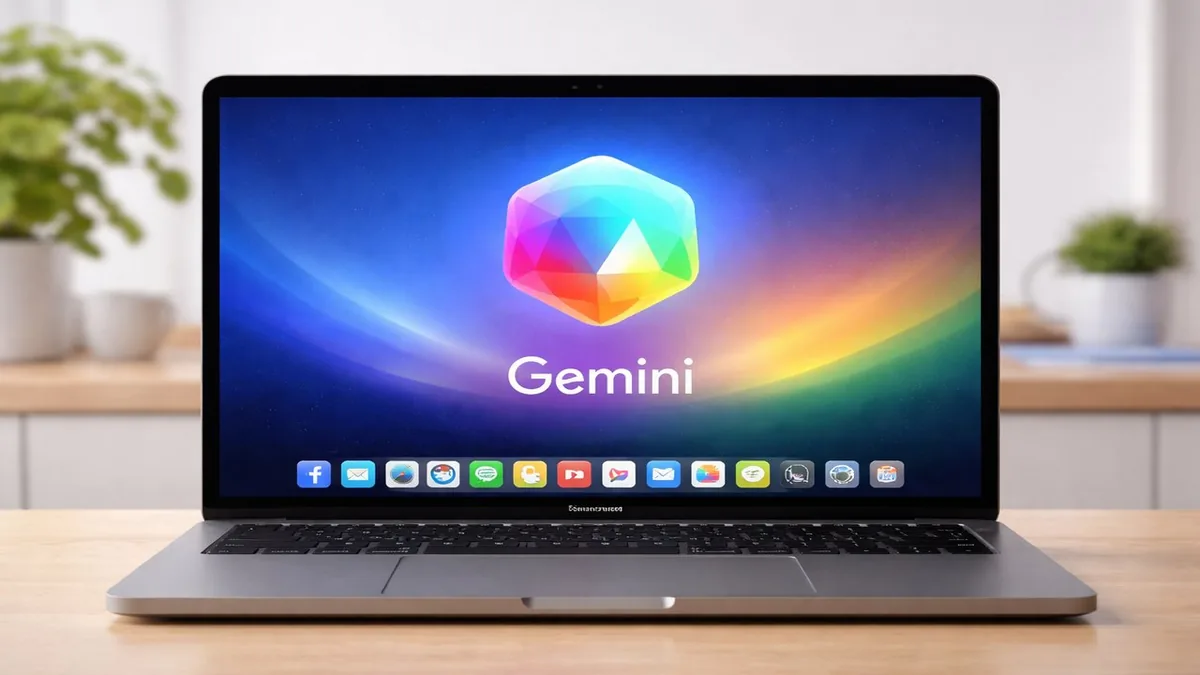
Google has launched a dedicated Gemini app for macOS, bringing its most powerful AI assistant natively to Apple's desktop platform. The app introduces a system-wide keyboard shortcut for instant access, screen sharing capabilities that let Gemini see what you're working on, and Imagen 4-powered image generation — all wrapped in a native Mac interface.
Native Access, System-Wide
The most practical addition is the keyboard shortcut, which summons Gemini from anywhere on macOS without switching apps or opening a browser. This positions Gemini as a system-level assistant — more like Spotlight or Alfred than a tab you navigate to. For users who want AI help while working in other apps, the reduction in friction is meaningful.
The app also integrates with macOS conventions, supporting dark mode, the menu bar, and native notifications, giving it a feel that Chrome-based tools lack on Apple hardware.
Screen Sharing for Context
Screen sharing allows Gemini to visually interpret what's on your display — a document you're editing, a spreadsheet you need help with, or a bug in your code. Rather than describing your problem to the AI, you can simply share your screen and ask. This mirrors a capability that has driven adoption of tools like Claude in coding workflows, where visual context dramatically improves response quality.
Google has implemented screen sharing with privacy controls, requiring explicit user permission for each session and displaying a persistent indicator when the feature is active.
Imagen 4 Image Generation
The Mac app also debuts Imagen 4, Google's latest text-to-image model, under the name "Nano Banana" — Google's internal codename. Early impressions suggest significantly improved photorealism and prompt adherence compared to Imagen 3, particularly for complex scenes with multiple subjects and precise compositional instructions.
The Bottom Line
The Gemini Mac app is a mature, well-considered product that brings Google's AI capabilities into the macOS workflow in ways the browser version could not. Screen sharing and the system keyboard shortcut are genuinely useful features. With Apple's own Siri still struggling and ChatGPT's Mac app already established, Google is staking its ground as the third major AI presence on Apple's platform.
Related Articles
- Google DeepMind Unveils Gemini Robotics-ER 1.6
- Anthropic Rolls Out Identity Verification for Claude
- ByteDance Launches Seedance 2.0 Video Model