Best Expense Report Software in 2026 (+ Buyer’s Guide)
Chasing paper receipts and typing numbers into spreadsheets is no way to run a business in 2026. The right expense report software scans receipts automatically, enforces your spend policy, reimburses staff faster and feeds clean data straight into your accounts. Below are the best expense-management tools available today — from free apps for freelancers to enterprise platforms — followed by a quick buyer’s guide to help you choose.
The Best Expense Report Software in 2026
1. Expensify — Best overall for receipts & SMBs
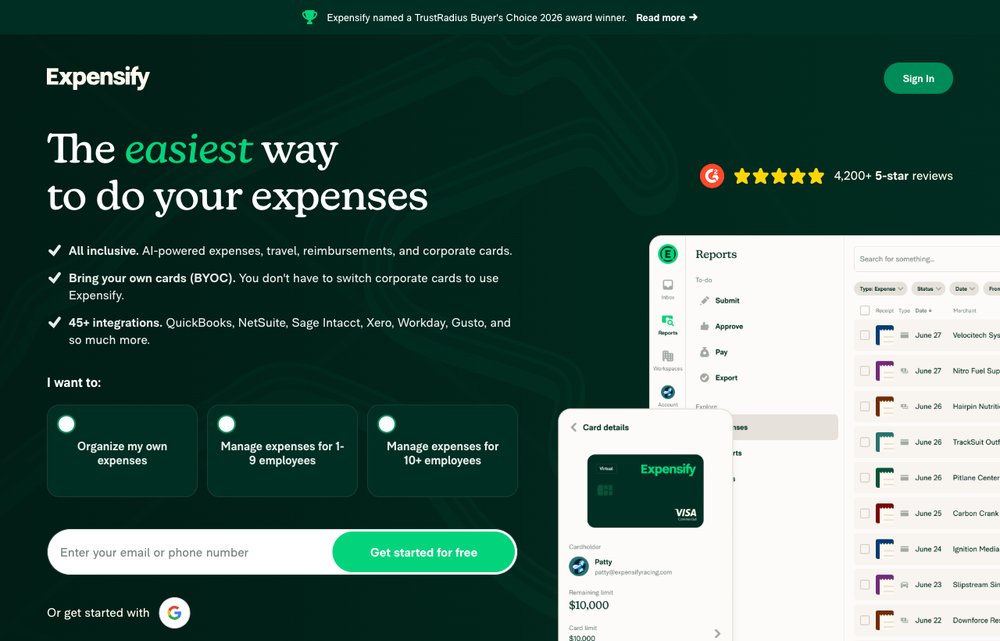
One of the most popular expense apps for individuals and small-to-mid businesses. Its SmartScan reads receipts automatically, and it handles expense reports, reimbursements, corporate cards and mileage. Expensify is free for individuals, with affordable per-user plans for teams.
2. SAP Concur — Best for enterprise travel & expense
The enterprise leader in travel and expense management. Concur connects travel booking, expense reports and invoices in one system, enforces spend policies automatically, and scales comfortably from mid-size companies all the way to the Fortune 500.
3. Zoho Expense — Best value (and for Zoho users)
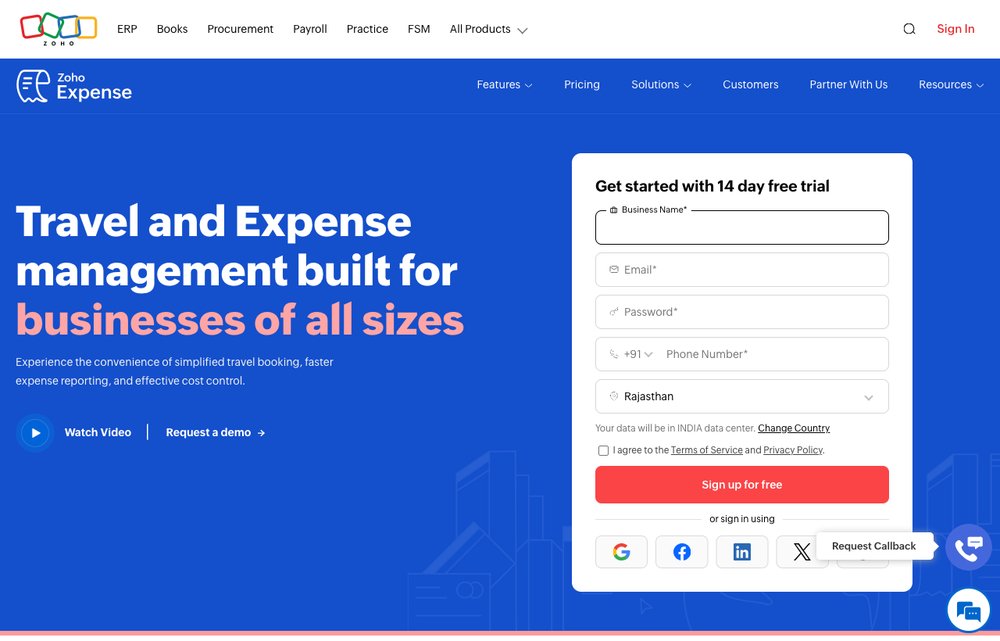
A feature-rich, great-value option — especially if you already use Zoho’s other apps. Auto-scan receipts, automate approval workflows, manage corporate cards and per-diems, and stay compliant across currencies, all with a genuinely useful free tier.
4. Ramp — Best free corporate cards + automation
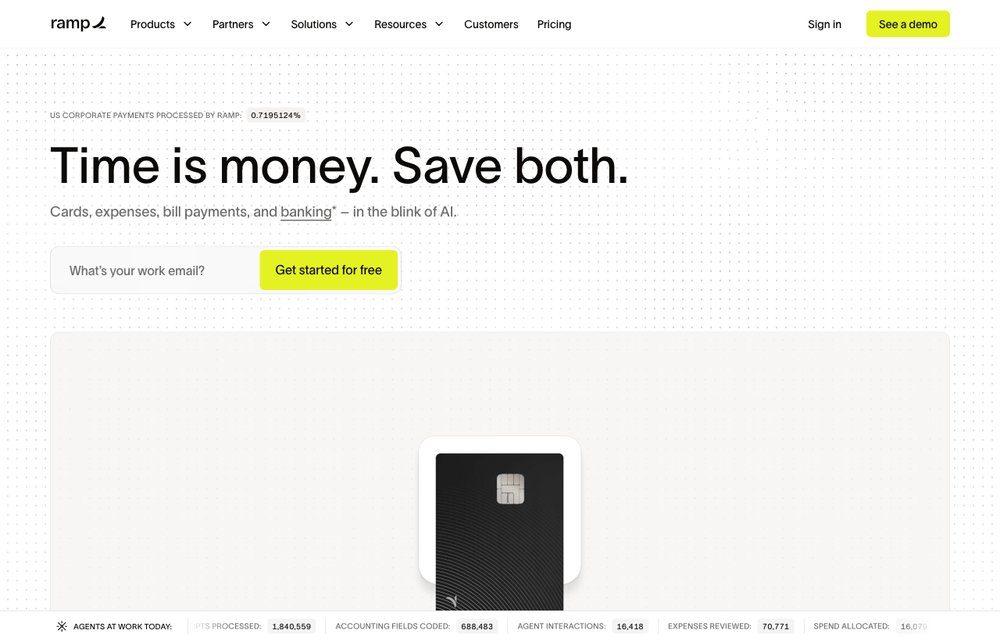
A modern spend-management platform built around free corporate cards. Ramp automates receipt collection, categorisation and approvals, flags wasteful spending, and syncs to your accounting software — and the core product is free, earning its money on card interchange instead of subscriptions.
5. Brex — Best for startups & scale-ups
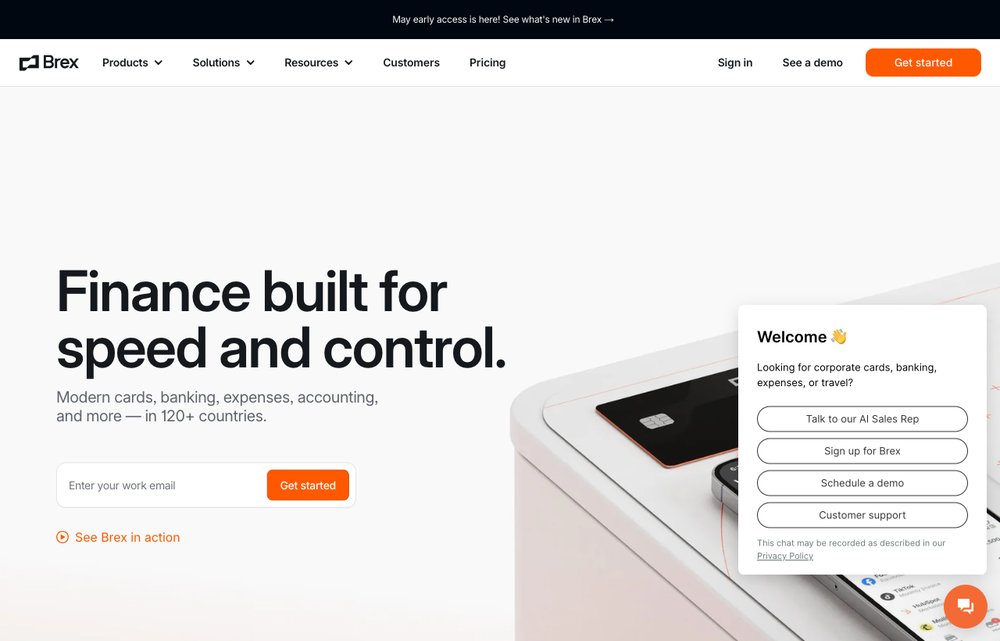
Corporate cards plus integrated expense and travel management, hugely popular with startups and high-growth companies. Brex automates receipt matching and policy checks, offers global cards and rewards, and ties spending directly into your accounting stack.
6. Rydoo — Best for international & travel-heavy teams
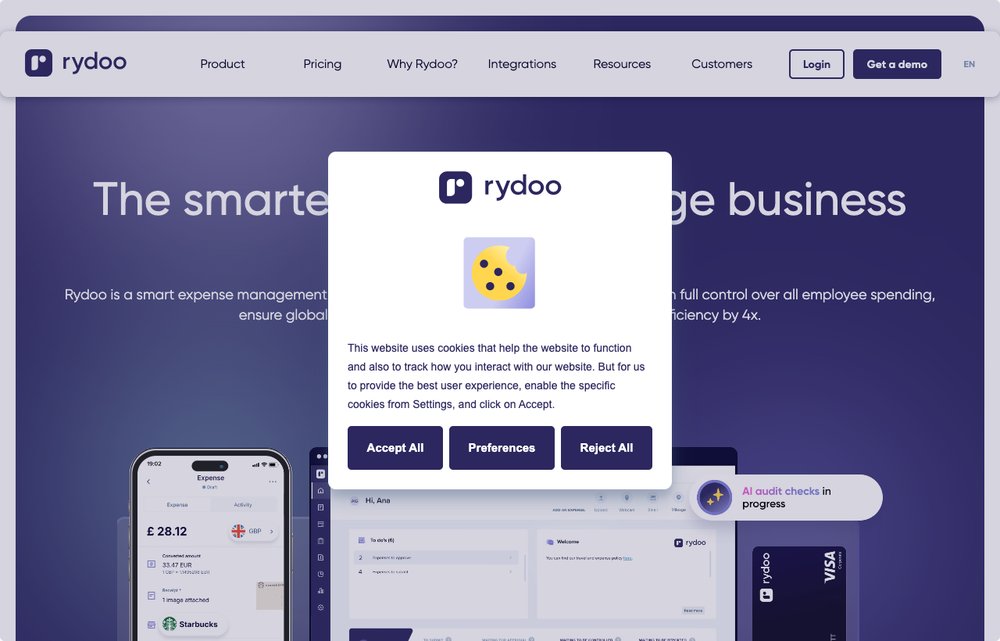
A streamlined, mobile-first expense tool aimed at international and travel-heavy teams. Snap a receipt, get real-time approvals, and lean on built-in compliance for per-diems, mileage and multi-country tax rules.
7. FreshBooks — Best for freelancers & small business
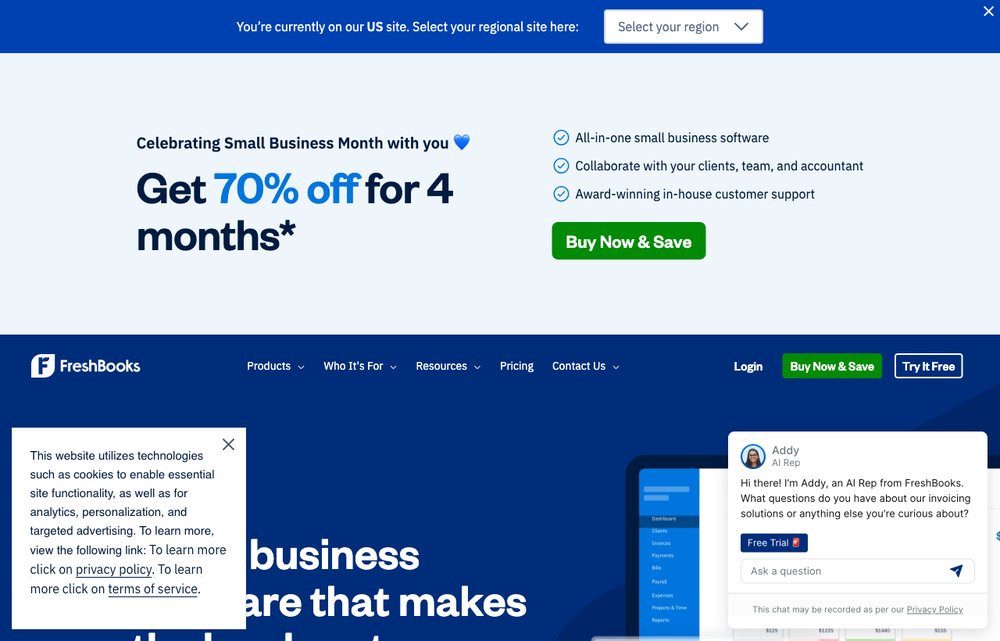
Best known as accounting software for freelancers and small businesses, FreshBooks also handles expense tracking, receipt capture and billable-expense invoicing. It’s a great all-in-one if you’d rather keep your accounting and expenses in a single tool.
8. Emburse — Best for mid-market finance teams
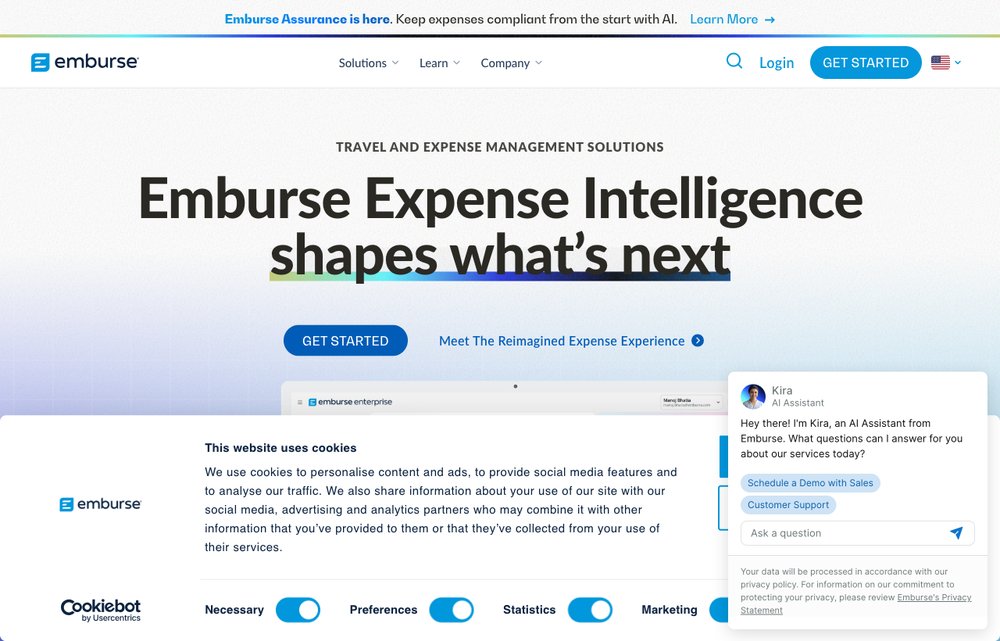
The company behind Certify, Abacus and Chrome River, Emburse offers a family of travel-and-expense products for organisations of every size, with automated reporting, corporate cards and the strong spend controls that finance teams need.
Expense Report Software: A Quick Buyer’s Guide
What is expense report software?
Expense report software automates the recording, submitting and reviewing of business expenses and employee reimbursements. Staff create expense reports by snapping photos of receipts; the tool routes each report to the right manager based on your approval workflow, then reimburses approved expenses or sends rejected ones back for changes — all without the paper trail.
Key benefits
- Faster turnaround: Automated approval workflows replace printing, scanning and chasing paperwork, so people get reimbursed quickly.
- Better financial control: Rich reporting reveals your biggest cost drivers and helps you negotiate better rates with suppliers.
- Built-in policy enforcement: Set spend rules per team, project or level, and the software flags anything out of policy automatically — reducing compliance headaches.
Features to look for
- Receipt scanning (OCR): Snap a photo and let the app read the merchant, date and amount for you.
- Approval workflows: Configurable, multi-step approvals based on amount, category or department.
- Corporate card feeds: Automatic import and matching of card transactions to receipts.
- Reimbursement & accounting sync: Pay employees directly and push clean data into QuickBooks, Xero, NetSuite and similar.
- Mileage, per-diems & multi-currency: Important for travel-heavy or international teams.
How much does it cost?
Most expense tools are priced per active user, per month, usually in two or three tiers. Some — like Ramp and Brex — offer the core software free and make money on corporate-card interchange, while Expensify and Zoho Expense have free plans for individuals or very small teams. Premium tiers add things like advanced approvals, multi-currency and global tax compliance.
What to consider before you buy
- Currency & compliance: If you operate internationally, confirm multi-currency support and adherence to local tax laws.
- Integrations: Make sure it connects to your accounting software, ERP, HR and travel tools so data flows automatically.
- Ease of use: Employees will only adopt a tool they find quick on mobile — test the receipt-capture flow before committing.
- Card programme: Decide whether you want a tool that also issues corporate cards (Ramp, Brex) or one that simply tracks existing spend.
2026 trends: AI and automation
Artificial intelligence now does much of the heavy lifting: AI can auto-enter expenses by pulling details from booking sites, emails and corporate cards, and even learn your approval patterns to pre-approve routine claims. Intelligent character recognition (ICR) extracts data from photographed — even handwritten — receipts and files each line item into the right category automatically, cutting manual entry to near zero.
Frequently Asked Questions
What is the best expense report software?
For most small and mid-size businesses, Expensify and Zoho Expense offer the best mix of features and value, while SAP Concur leads at the enterprise level. If you want corporate cards plus expense automation, Ramp and Brex are excellent — and their core software is free.
Is there free expense report software?
Yes. Expensify and Zoho Expense have free plans for individuals or very small teams, and Ramp and Brex offer their core spend-management software free, earning revenue through corporate-card interchange instead of subscriptions.
What is the best expense app for freelancers?
FreshBooks is ideal if you want accounting and expense tracking together, while Expensify’s free individual plan is great for simply scanning and organising receipts at tax time.
Can expense software connect to my accounting system?
Almost all of these tools integrate with popular accounting platforms such as QuickBooks, Xero and NetSuite, so approved expenses sync automatically without re-keying data.
How does receipt scanning work?
You photograph a receipt in the mobile app and optical/intelligent character recognition (OCR/ICR) reads the merchant, date, amount and tax, then creates an expense line for you — no manual typing required.
Final Thoughts
The best expense report software for you depends on your size and needs: freelancers will love FreshBooks or Expensify’s free plan, growing companies should look hard at Ramp, Brex or Zoho Expense, and large enterprises will gravitate to SAP Concur or Emburse. Whichever you choose, automating expenses pays for itself in time saved, fewer errors and far happier employees come reimbursement day.