Best Drawing Apps for iPad in 2026 (Free and Paid)
The iPad is now one of the most capable drawing machines you can buy, and the app you choose matters as much as the hardware. For 2026 the landscape has shifted in big ways: Procreate still wins with a one-time $12.99 price, Adobe Fresco and the entire Affinity suite went free, and powerhouses like Clip Studio Paint and Photoshop remain subscription-based. Below are the best iPad drawing apps for 2026 for every budget and skill level, plus a short note on the best kid-friendly options.
Whether you’re a professional illustrator, a hobbyist or a kid who loves to doodle, the iPad paired with an Apple Pencil is one of the best portable drawing setups you can buy. Here are the best iPad drawing and illustration apps in 2026, from free sketch tools to full professional studios.
The Best iPad Drawing Apps in 2026
Procreate
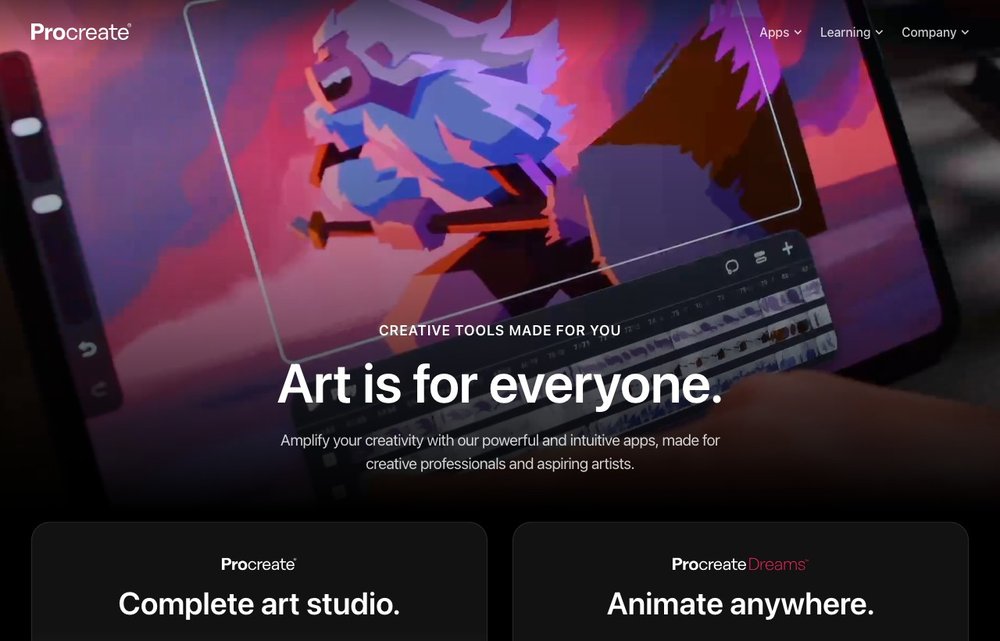
iPad; $12.99 one-time
Still the app most iPad artists reach for first. A single $12.99 one-time purchase (no subscription) gets you 200+ brushes, a deep layer system, time-lapse recording and every future update for free. It's fast, intuitive and powerful enough for professional illustration, making it the best overall value in 2026.
Procreate Dreams
iPad; $12.99 one-time
Procreate's dedicated 2D animation app, now in its 'Dreams 2' release. It uses an intuitive timeline, onion-skinning, keyframes and the same hand-made brushes as Procreate to make frame-by-frame and motion-path animation approachable. Like Procreate it's a one-time $12.99 purchase with no subscription.
Adobe Fresco
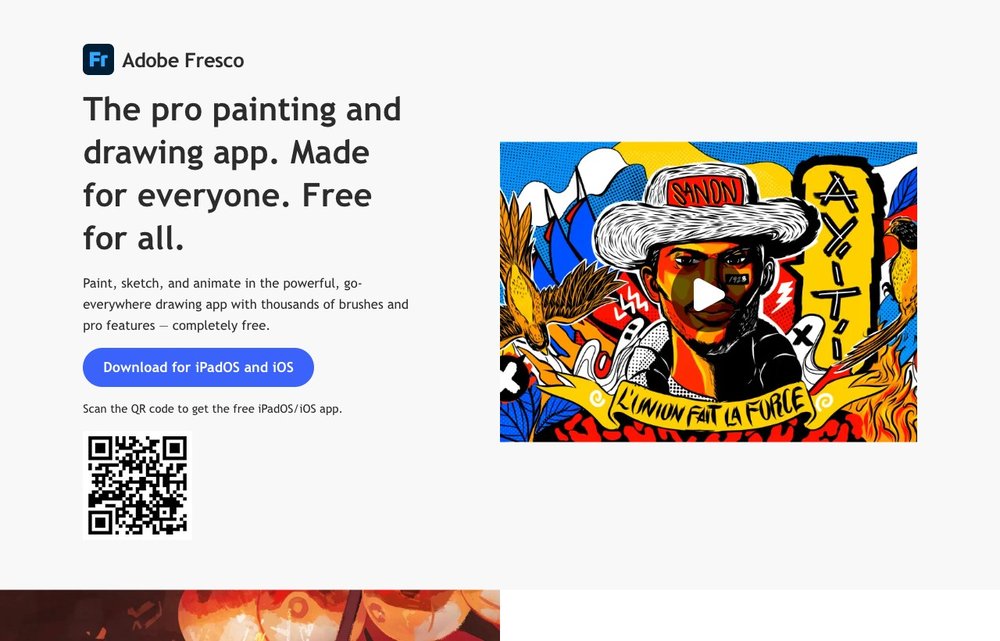
iPad/iPhone; free (optional Adobe CC)
Fresco is now completely free on iPad, with all brushes — including Adobe's signature live watercolor and oil 'live brushes' — unlocked at no cost. It blends raster and vector drawing, supports Apple Pencil Pro and frame-by-frame animation. Only premium fonts and Creative Cloud sync extras still tie into a paid Adobe plan.
Affinity Designer 2 / Photo 2 for iPad
iPad; free (perpetual unlock)
Following Canva's acquisition, the full Affinity suite for iPad (Designer 2, Photo 2 and Publisher 2) became free in late 2025 via a $0 in-app unlock. Designer handles pro vector + raster illustration; Photo is a full desktop-class editor. These V2 apps are no longer actively updated — a unified free 'Affinity by Canva' iPad app is due in 2026.
Clip Studio Paint
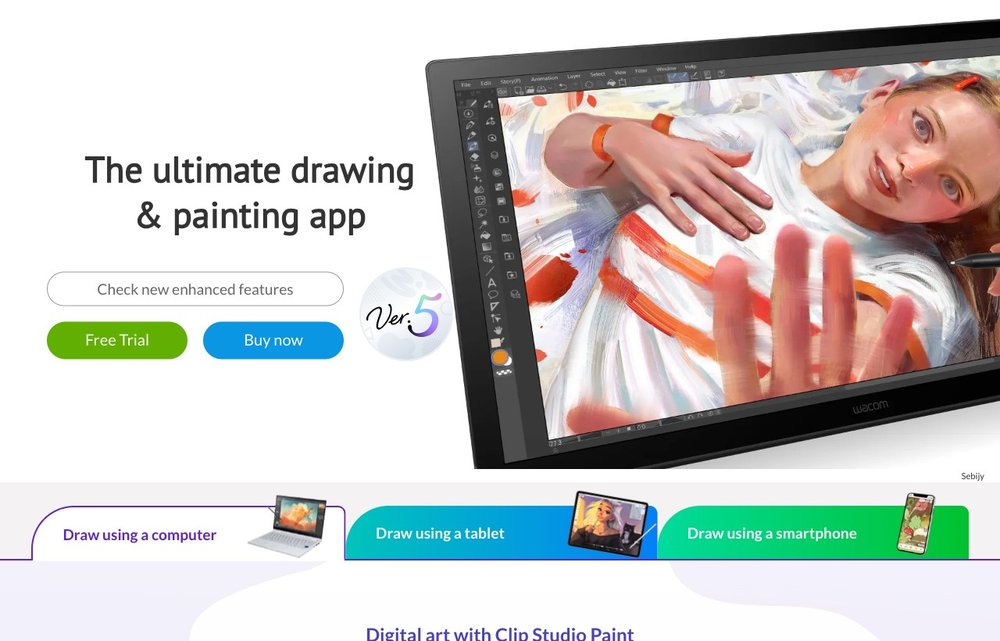
iPad; subscription (free DEBUT tier)
The go-to app for comics, manga and anime, with industry-leading inking, panel/frame tools, vector layers and serious animation features in the EX tier. On iPad it's subscription-only: a free DEBUT tier plus PRO from roughly $0.99–$2.49/month and EX higher, with the first months free for new users.
Adobe Photoshop on iPad
iPad; Creative Cloud subscription from $9.99/mo
The real Photoshop, optimized for iPad with layers, masks, retouching, Firefly generative AI and cloud documents that sync to the desktop. It's the strongest option for photo-based art and compositing, but requires a Creative Cloud subscription — the Photography Plan ($9.99/mo) or Photoshop Single App plan ($22.99/mo).
Concepts
iPad; free core, Essentials ~$40 one-time or Pro sub
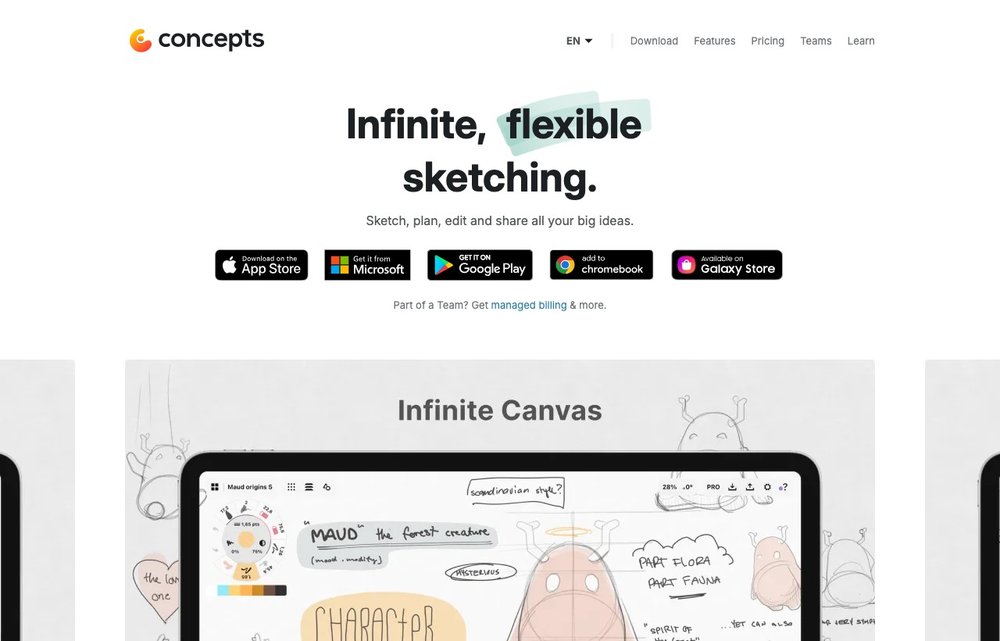
A flexible vector-based sketching app built around an infinite canvas — ideal for ideation, concept art, architecture, product design and storyboards. The infinite canvas and core tools are free forever; you can unlock more via an Essentials one-time purchase (around $40) or a Pro subscription for the full library set.
Sketchbook
iPad; free
Formerly Autodesk's app, Sketchbook is fully free with all pro features unlocked. Its clean, distraction-free interface, customizable brushes, perspective guides and symmetry tools make it a favorite for sketching and concept work — and an excellent no-cost entry point for beginners and kids alike.
Linea Sketch
iPad; free with watermark, ~$1/mo or ~$30 one-time
A friendly, focused sketching app with smart color tools, ZipLine straight lines and an approachable interface aimed at everyday creatives rather than professionals. It's a free download (artwork is watermarked) and unlocks fully via a low-cost subscription (about $1/month) or a roughly $30 one-time purchase.
Tayasui Sketches
iPad/iPhone; free, Pro upgrade ~$5.99
A beautiful, calming drawing app with realistic, natural-media brushes (watercolor, ink, markers) and a minimalist interface. The basics are free; a low-cost Pro upgrade adds unlimited layers, more brushes and an extended editor. Tayasui also makes the kid-focused 'Sketches School' app (see below).
ibis Paint X
iPad/iPhone; free (ad-supported), optional Prime
A hugely popular free app aimed at manga and anime artists, with tens of thousands of brushes, screentones, halftone and frame tools, unlimited layers and built-in process recording. It's ad-supported, with an optional Prime membership or one-time purchase to remove ads and unlock everything.
Astropad Studio
iPad + Mac/PC; $14.99/mo or $79.99/yr
Not a drawing app itself, but the best way to turn your iPad into a pressure-sensitive graphics tablet for desktop Photoshop, Illustrator, Krita and more on a Mac or PC. It's a subscription tool ($14.99/month or $79.99/year) for artists who want to draw in full desktop software using their iPad and Apple Pencil.
Picking the Right Drawing App
For most people, Procreate is the best place to start — it’s a one-time purchase with no subscription and does almost everything. If you already pay for Adobe, Fresco and Photoshop on iPad fit neatly into that workflow. Want precise vector and technical drawing? Try Concepts or Affinity Designer 2. For comics and manga, Clip Studio Paint is the standard, and for animation, Procreate Dreams. You’ll get the most out of any of them with an Apple Pencil. See also our guides to drawing apps for the iPad and Apple Pencil alternatives.
Frequently Asked Questions
What is the best free drawing app for iPad?
For 2026 the strongest free options are Adobe Fresco (now completely free with all brushes unlocked), Sketchbook (fully free with all pro features), and the Affinity suite for iPad (Designer 2, Photo 2 and Publisher 2 became free in late 2025). Concepts is also free for its core infinite-canvas tools, and ibis Paint X is a popular free, ad-supported choice for manga and anime.
Is Procreate worth it, and is it really a one-time purchase?
Yes — Procreate is a one-time $12.99 purchase with no subscription, and that includes all future updates. For the brush quality, performance and feature depth you get, it's widely considered the best value in digital art, especially next to subscription apps like Photoshop or Clip Studio. You only need to buy it once and you own it forever.
What is the best iPad drawing app for beginners and kids?
Sketchbook and Tayasui Sketches are great for beginners because they're free or low-cost with clean, approachable interfaces. For kids specifically, Tayasui Sketches School is a free, child-friendly app built around simple natural-media tools, and Procreate works well for older kids and teens ready for a full creative app. Adobe Fresco is another excellent free starting point.
Do you need an Apple Pencil to draw on an iPad?
You can draw with a finger, but you'll miss pressure sensitivity, tilt and palm rejection, so a stylus is strongly recommended. Most apps work best with an Apple Pencil; note that Procreate only supports Apple Pencil technology (including Apple Pencil Pro) plus the Logitech Crayon, and no longer supports third-party styluses. Newer iPad Pro and iPad Air models pair with the Apple Pencil Pro.
What is the best iPad app for animation?
Procreate Dreams is the standout dedicated 2D animation app, offering a timeline, onion-skinning, keyframes and motion paths for a one-time $12.99 price. Clip Studio Paint EX is the other top choice, especially for frame-by-frame animation tied to comic and manga workflows, though on iPad it requires a subscription. Adobe Fresco also includes basic frame-by-frame animation for free.
App prices and subscription terms change over time. Check the current price and device requirements on the App Store or the developer’s site before buying.