Top 10 Must-Have iPad Drawing Apps for Digital Artists (2026)
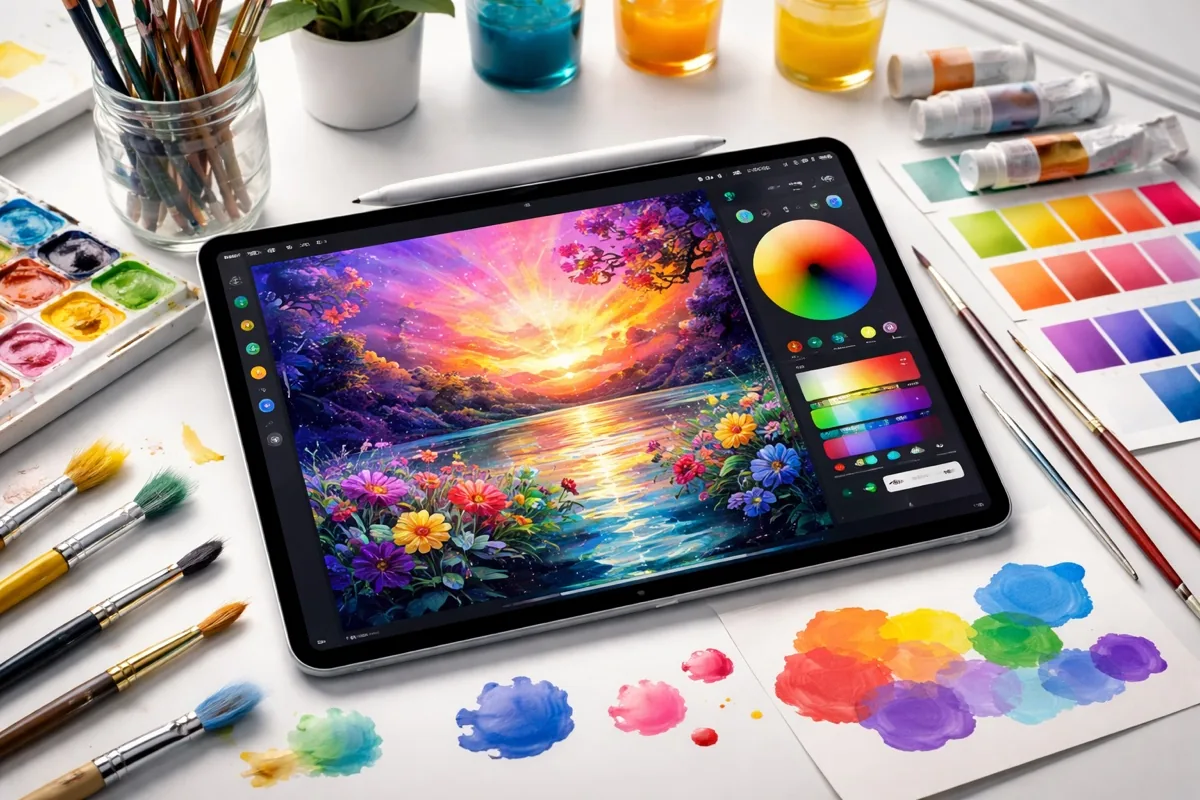
The iPad has become the most popular digital art device in the world, and the app ecosystem in 2026 is richer than ever. Whether you are a professional illustrator, hobbyist painter, graphic designer, or animator, there is an iPad drawing app built for your exact workflow. Several major apps have gone free this year, making professional-grade tools accessible to everyone.
We tested and compared the top iPad drawing apps based on brush quality, performance, feature depth, Apple Pencil integration, and value. Here are the 10 best options for digital artists.
Quick Comparison: Best iPad Drawing Apps 2026
| App | Price | Type | Best For |
|---|---|---|---|
| Procreate | $12.99 (one-time) | Raster | Best overall for illustration |
| Adobe Fresco | Free | Raster + Vector | Realistic painting |
| Affinity Designer | Free | Vector + Raster | Graphic design |
| Clip Studio Paint | Free / $4.49/mo | Raster + Vector | Comics and manga |
| Sketchbook | Free | Raster | Sketching and concepts |
| Procreate Dreams | $9.99 (one-time) | Animation | 2D animation |
1. Procreate — Best Overall iPad Drawing App
Price: $12.99 one-time purchase | Type: Raster
Procreate is the gold standard for iPad illustration. For a one-time $12.99 purchase (no subscription, all future updates included), you get a professional-grade raster drawing app with over 200 customizable brushes, a powerful brush engine, 1,024 levels of pressure sensitivity with Apple Pencil, and performance that handles canvases with hundreds of layers.
The 2026 updates added real-time collaboration, improved animation tools, and an expanded brush library. Procreate's gesture-based interface (two-finger undo, three-finger redo, pinch to zoom) is so intuitive that it has become the standard other apps try to match. The time-lapse recording captures your entire creative process automatically.
Best for: Illustrators, concept artists, hobbyists, and anyone who wants the best raster drawing experience on iPad.
2. Adobe Fresco — Best for Realistic Painting
Price: Free (all features) | Type: Raster + Vector
Adobe Fresco made a major move in 2026 by going completely free on iPad — all premium features, no subscription required. The standout feature is Live Brushes that simulate real watercolor and oil paint behavior with stunning accuracy. Watercolors bleed and blend realistically, and oil paints have visible texture and thickness.
Fresco combines raster and vector tools in one app, making it versatile for both painting and graphic design. Integration with Adobe Creative Cloud means you can seamlessly move work between Fresco, Photoshop, and Illustrator.
Best for: Painters who want realistic brush behavior, and artists already in the Adobe ecosystem.
3. Affinity Designer — Best for Graphic Design
Price: Free | Type: Vector + Raster
Affinity Designer is now free on iPad and offers a desktop-class vector and raster design experience. It is the most serious Adobe Illustrator alternative available, with precision vector tools, non-destructive editing, and the ability to switch between vector and raster workspaces seamlessly.
For graphic designers, UI designers, and logo artists, Affinity Designer offers capabilities that Procreate cannot match — true vector paths, boolean operations, grids, snapping, and export in any format. The learning curve is steeper than Procreate but the design capabilities are far deeper.
Best for: Graphic designers, logo artists, UI designers, and anyone who needs vector precision.
4. Clip Studio Paint — Best for Comics and Manga
Price: Free (1 hour/day) / $4.49/month (Pro) | Type: Raster + Vector
Clip Studio Paint is the industry standard for comic and manga creation. Purpose-built panel layouts, speech bubble tools, screentone libraries, perspective rulers, and 3D pose references make it the most specialized drawing app for sequential art.
The brush engine rivals Procreate's with extensive customization. The 3D model import feature lets you pose reference figures and trace over them. The free tier gives you 1 hour of daily use — enough for casual work — while Pro unlocks unlimited access.
Best for: Comic artists, manga creators, and webtoon artists.
5. Sketchbook — Best Free Sketching App
Price: Completely free | Type: Raster
Sketchbook (formerly Autodesk Sketchbook) is 100% free with all features unlocked. The interface is minimal and distraction-free, designed for quick sketching and concept art. The brush engine is smooth and responsive, and the predictive stroke feature cleans up shaky lines automatically.
Sketchbook is the best choice for beginners or artists who want a clean, focused sketching experience without the complexity of Procreate or Clip Studio Paint.
Best for: Beginners, concept artists, and quick sketching.
How to Choose the Right iPad Drawing App
- General illustration: Procreate. One-time $12.99, best brushes, best performance.
- Realistic painting: Adobe Fresco. Free, stunning Live Brushes for watercolor and oil.
- Graphic/vector design: Affinity Designer. Free, desktop-class vector tools.
- Comics and manga: Clip Studio Paint. Purpose-built for sequential art.
- Quick sketching: Sketchbook. Free, minimal, fast.
- 2D animation: Procreate Dreams ($9.99). Animation from the Procreate team.
For the best iPad experience, pair your drawing app with a quality stylus. Check our essential Mac apps guide for complementary desktop tools, and see our video editing software recommendations for turning your art into content.
Frequently Asked Questions
Is Procreate worth $12.99?
Absolutely. Procreate at $12.99 is one of the best values in creative software. It is a one-time purchase with no subscription and includes all future updates. Comparable desktop software costs $20 to $50 per month. Professional illustrators use Procreate as their primary tool, making the one-time cost trivial compared to its capabilities.
Is Adobe Fresco really free now?
Yes. As of 2026, Adobe Fresco is completely free on iPad with all premium features unlocked. You no longer need a Creative Cloud subscription to access Live Brushes, vector tools, or any other features. This is a major change from the previous freemium model and makes it one of the best free drawing apps available.
Procreate vs Clip Studio Paint: which is better?
Procreate is better for general illustration, painting, and lettering with its intuitive gesture-based interface and one-time purchase. Clip Studio Paint is better for comics, manga, and sequential art with purpose-built tools like panel layouts, speech bubbles, and 3D pose references. Many artists use both — Procreate for standalone illustrations and Clip Studio for comic projects.
Do I need an Apple Pencil for iPad drawing apps?
You can use your finger for basic drawing, but for serious digital art, Apple Pencil is essential. It provides pressure sensitivity (up to 4,096 levels on Apple Pencil 2), tilt detection, and pixel-perfect precision that your finger cannot replicate. Apple Pencil 2 ($129) or Apple Pencil USB-C ($79) are the recommended options depending on your iPad model.
Frequently Asked Questions
What is the best iPad drawing app?
Procreate is the best overall iPad drawing app for most artists, thanks to its powerful brushes and one-time price. Adobe Fresco is best for realistic painting and Clip Studio Paint is the top choice for comics and manga.
Is there a free iPad drawing app?
Yes. Autodesk Sketchbook is completely free, and several others (including Adobe Fresco) offer free tiers with optional paid upgrades.
Do I need an Apple Pencil to use drawing apps?
It’s strongly recommended — the Apple Pencil adds pressure sensitivity, tilt and precision that transform the experience. You can still draw with a finger or a third-party stylus, but with less control.
Is Procreate a one-time purchase or a subscription?
Procreate is a one-time purchase with no subscription. Adobe apps such as Fresco use a subscription model, while Clip Studio Paint offers both options.
Which iPad drawing app is best for beginners?
Procreate and Autodesk Sketchbook are the most beginner-friendly, with intuitive interfaces and a huge library of tutorials to learn from.