10 Best Project Management Software Tools for 2026

Project management software has moved well beyond simple task lists — in 2026 the leading platforms double as AI-powered work operating systems that auto-generate plans, flag risks and run cross-team automations. This roundup compares 10 of the best project management tools available right now, including the two we originally featured, Aha and Airtable, alongside heavyweights like Asana, Monday.com, ClickUp, Notion and Jira. For each tool we cover who it suits best and its current 2026 pricing model (free tier and per-user cost) so you can shortlist the right fit. All prices reflect annual-billing rates verified in June 2026 and are subject to change.
The right project management tool keeps tasks, deadlines and your whole team in one place. Below are the ten best project management software platforms in 2026, with what each does best and how their pricing works. Most offer a free plan or trial, so you can test before you commit.
The 10 Best Project Management Software Tools in 2026
ClickUp
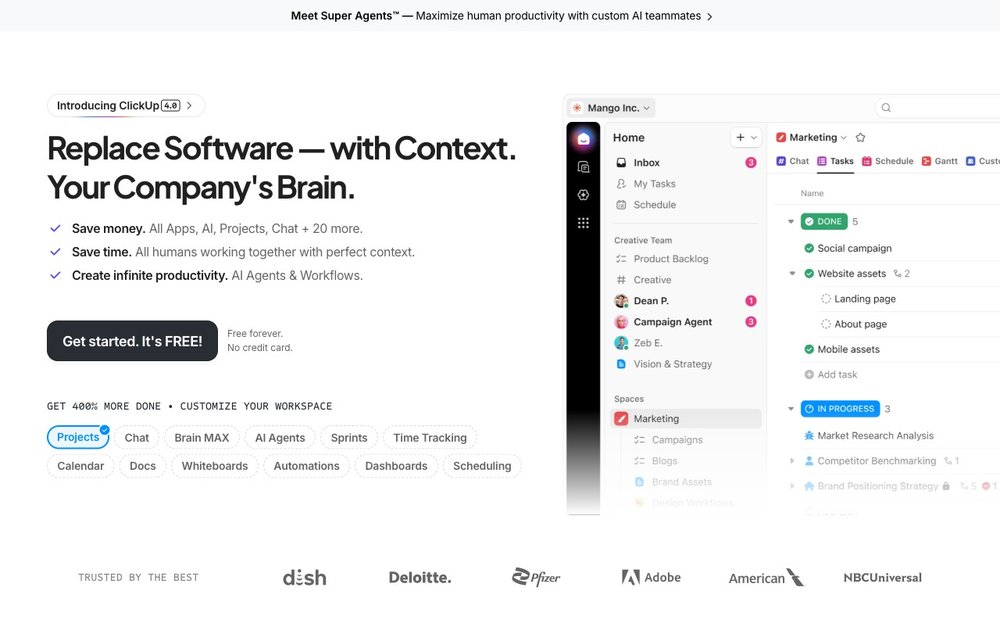
Free Forever; paid from $7/user/mo (annual)
Frequently rated the best all-around platform in 2026, ClickUp packs tasks, docs, whiteboards, goals and 15+ views into one workspace, with ClickUp Brain AI generating summaries and deliverables inside tasks. Its Free Forever plan is the most generous of the major tools, allowing unlimited members and tasks. Paid tiers are Unlimited ($7/user/mo) and Business ($12/user/mo) billed annually; the Brain AI add-on starts at $9/user/mo.
Asana
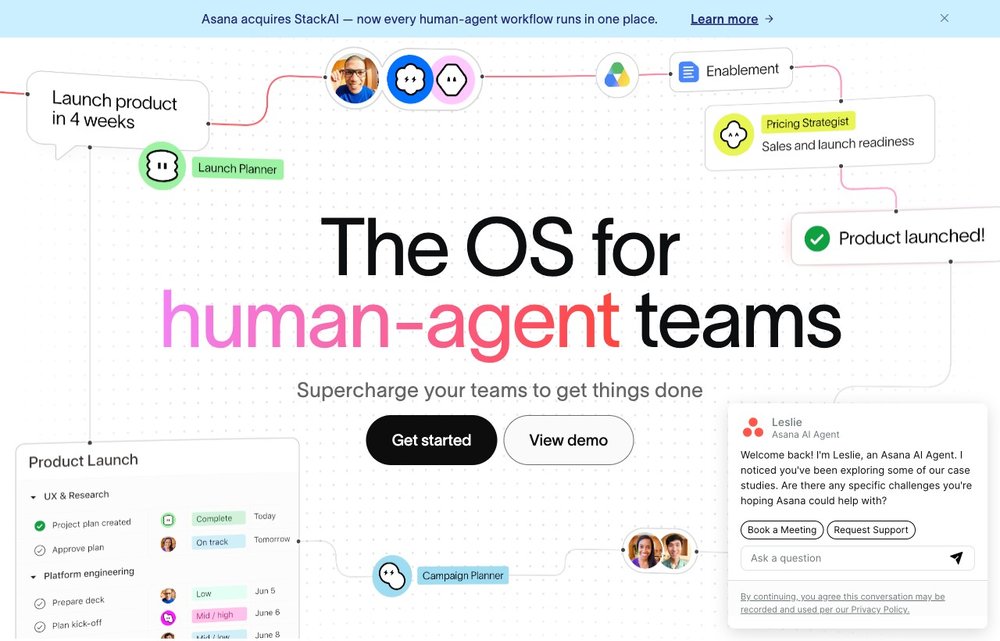
Free (2 users); Starter $10.99/user/mo (annual)
Asana is a top pick for structured team project management, with clean task tracking, timelines, goals, portfolios and its AI Studio for autonomous agents that prep projects and detect risks. The free Personal plan now covers up to 2 users. Paid plans are Starter at $10.99/user/mo and Advanced at $24.99/user/mo billed annually (both with a 2-seat minimum), plus custom Enterprise tiers.
Monday.com
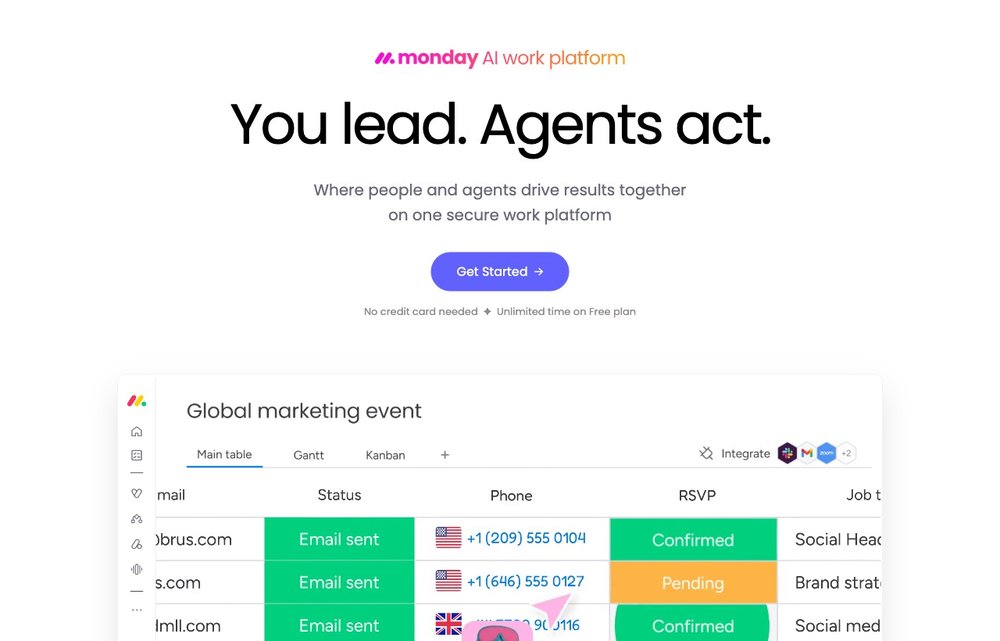
Free (2 seats); paid from $9/seat/mo (annual)
Monday.com is the go-to for highly visual, colorful workflows and cross-team dashboards, now boosted by its Sidekick AI and Agents that can generate entire project structures from a text prompt. The free plan is limited to 2 seats and 3 boards. Paid plans (3-seat minimum, sold in seat blocks) start at Basic $9, Standard $12 and Pro $19 per seat/mo billed annually, with custom Enterprise.
Notion
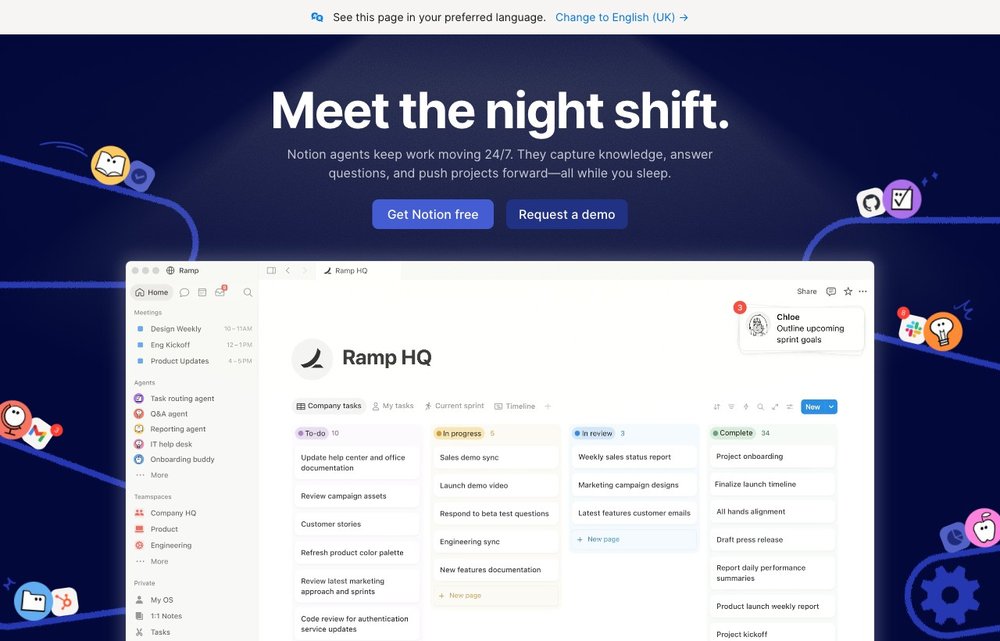
Free plan; Plus $12/user/mo, Business $18/user/mo
Notion blends docs, wikis and databases, making it ideal for teams that want documentation and project tracking in one connected workspace. Its flexible databases handle tasks, sprints and roadmaps, and Notion AI adds writing and Q&A. The Free plan suits individuals; paid Plus is $12/user/mo and Business $18/user/mo, with annual billing saving ~20%. Notion AI is a separate add-on (~$10/user/mo) on lower tiers.
Airtable
Free (5 editors); Team $20/user/mo (annual)
One of our two original picks, Airtable is a powerful database-spreadsheet hybrid for teams that need to model custom workflows, content calendars and project trackers with relational data and automations. The Free plan covers up to 5 editors and 1,000 records per base. Paid plans are Team at $20/user/mo and Business at $45/user/mo billed annually, plus custom Enterprise Scale. Read-only collaborators stay free.
Jira
Free (10 users); Standard $7.91/user/mo
Jira from Atlassian remains the gold standard for agile software development, with Scrum and Kanban boards, backlogs, sprints and deep ties to Confluence and Bitbucket, plus Atlassian Intelligence AI. The Free plan supports up to 10 users. Standard is $7.91/user/mo and Premium $14.54/user/mo (monthly list; annual billing is lower, e.g. ~$6.52 Standard for 300 users), with custom Enterprise.
Trello
Free plan; Standard $5/user/mo (annual)
Also part of the Atlassian family, Trello is the simplest entry point — visual Kanban boards anyone can master in minutes, ideal for personal use and small teams. The Free plan offers unlimited cards and up to 10 boards per workspace. Standard is $5/user/mo and Premium $10/user/mo billed annually (adding Timeline, Calendar and AI features); Enterprise is $17.50/user/mo with a 50-seat minimum.
Wrike
Free (5 users); Team $10/user/mo (annual)
Wrike targets mid-size and enterprise teams, especially marketing and professional services, with Gantt charts, custom request forms, proofing and resource management. A permanent Free plan covers up to 5 users with 200 active tasks. Team is $10/user/mo and Business $25/user/mo billed annually, with Pinnacle and Apple-style custom Apex tiers above. Note licenses sell in fixed user bands (groups of 5 below 30 seats).
Smartsheet
Pro $9/user/mo; Business $32/user/mo (annual)
Smartsheet delivers spreadsheet-style project management at scale, favored by enterprises for grids, Gantt views, automated workflows and WorkApps internal portals. There is no permanent free tier, only a trial. The Pro plan is $9/user/mo (up to 10 users) and Business is $32/user/mo billed annually, with unlimited free viewers on Business and custom Enterprise pricing for advanced governance and security.
Aha!
No free plan; Roadmaps from $59/user/mo (annual)
Our other original pick, Aha! is built for product managers rather than generic task management — its Roadmaps hub is the standard for product strategy, release planning and prioritization frameworks. It uses modular per-hub pricing: Roadmaps lists at $59/user/mo billed annually (now bundling Ideas, Whiteboards and Knowledge Essentials), while the lightweight Develop agile hub starts at $9/user/mo. There is no free plan, only a 30-day trial.
Picking the Right Tool for Your Team
For most small teams, start with a free plan from Asana, Trello or ClickUp. Choose Monday.com or Smartsheet for visual, spreadsheet-style planning, Jira for agile software teams, and Notion or Airtable if you want docs and databases alongside tasks. See our expert project management software list and our Monday vs Trello vs Asana comparison for deeper dives.
Frequently Asked Questions
What is the best free project management tool in 2026?
ClickUp's Free Forever plan is widely considered the most generous, allowing unlimited members and unlimited tasks where rivals impose tight caps. Trello's free plan is the best for simple Kanban boards, and Asana, Jira and Notion all offer capable free tiers too. The right pick depends on whether you value unlimited users (ClickUp), simplicity (Trello) or agile boards (Jira).
Which project management software is best for small teams?
For small teams, ClickUp and Asana offer the best balance of features and affordable entry pricing ($7 and $10.99 per user/month annually), while Trello is ideal if you want something dead simple at $5/user/month. Monday.com works well for visual teams but its 3-seat minimum and seat-block pricing can waste licenses for very small groups. Many small teams start on a free plan and upgrade only when they hit limits.
Asana vs Monday.com — which should I choose?
Choose Asana if you want structured project management with strong task clarity, timelines, goals and its AI Studio agents. Choose Monday.com if you prioritize highly visual, color-coded workflows, dashboards and cross-department coordination, powered by its Sidekick AI. Asana Starter is $10.99/user/month versus Monday.com Standard at $12/seat/month (annual), but Monday.com requires a 3-seat minimum sold in seat blocks.
Is Notion good for project management?
Yes — Notion is excellent for teams that want documentation, wikis and task tracking in one connected workspace, using flexible databases to build task boards, sprints and roadmaps. It is less suited to teams needing built-in Gantt charts, resource management or heavy agile tooling out of the box, where Jira, Wrike or ClickUp do more. Notion's Plus plan is $12/user/month, with Notion AI as an optional add-on.
What is the best project management tool for agile development?
Jira remains the gold standard for agile software teams in 2026, with native Scrum and Kanban boards, backlogs, sprints, and deep integration with Confluence and Bitbucket plus Atlassian Intelligence AI. Its free plan covers up to 10 users and paid Standard is $7.91/user/month. ClickUp and Aha! Develop are solid alternatives if you want agile tooling tied to broader work management or product roadmaps.
Software features and pricing change often. Confirm current plans, free-tier limits and per-user pricing on each provider’s official site before subscribing.