Augmented Reality Software in 2026: Tools, Platforms and Uses

Augmented reality has matured from a novelty into a practical layer over everyday computing, with AR software now powering retail try-ons, industrial maintenance, immersive marketing and a new wave of smart glasses. The toolkit has shifted significantly: Apple ARKit and Google ARCore remain the foundations on mobile, Unity AR Foundation unifies them for cross-platform builds, while Adobe Aero and Meta Spark have been discontinued and Niantic's 8th Wall has moved to an open-source model. This guide explains the augmented reality software landscape as it stands in 2026, the platforms still worth learning, and how teams and individuals can choose the right tool. Whether you are a developer, a marketer, or a curious beginner, the sections below cover the current state of AR development and its real-world applications.
Fast-moving landscape: several tools below have been retired recently — Adobe Aero (Nov 2025), Meta Spark (Jan 2025) and Wikitude’s SDK (2024) — and Niantic’s 8th Wall moved to open source in Feb 2026. Each tool is marked with its current status so you can plan around it.
Augmented Reality Software in 2026 at a Glance
- Apple ARKit — Free, iOS/iPadOS/visionOS
- Google ARCore — Free, Android
- Unity AR Foundation — Free with Unity, iOS/Android
- Niantic 8th Wall (Lightship) — Open source (MIT) since 2026, WebAR
- Adobe Aero — Discontinued November 2025
- PTC Vuforia Engine — Free + paid Enterprise plans
- Snap Lens Studio — Free, Snapchat/Spectacles
- Meta Spark — Discontinued January 2025
- ZapWorks (Zappar) — Paid, WebAR, from ~$315/mo
- Blippar — Paid + free tier, WebAR
- Wikitude — End-of-life September 2024
The Best Augmented Reality Software in 2026
Apple ARKit
Free, iOS/iPadOS/visionOS
Apple's native AR framework for iPhone and iPad, paired with RealityKit and Reality Composer Pro. It handles world, plane, face and image tracking, and in 2026 extends to visionOS 26 with shared world anchors and tighter SwiftUI integration. It remains the default choice for high-quality AR on Apple hardware.
Google ARCore
Free, Android
Google's AR SDK for Android, offering motion tracking, environmental understanding and the Geospatial API for world-scale, location-based AR built on Street View and Google's Visual Positioning System. Actively maintained in 2026 with Streetscape Geometry, Geospatial Depth and rooftop anchors. The standard for native Android AR.
Unity AR Foundation
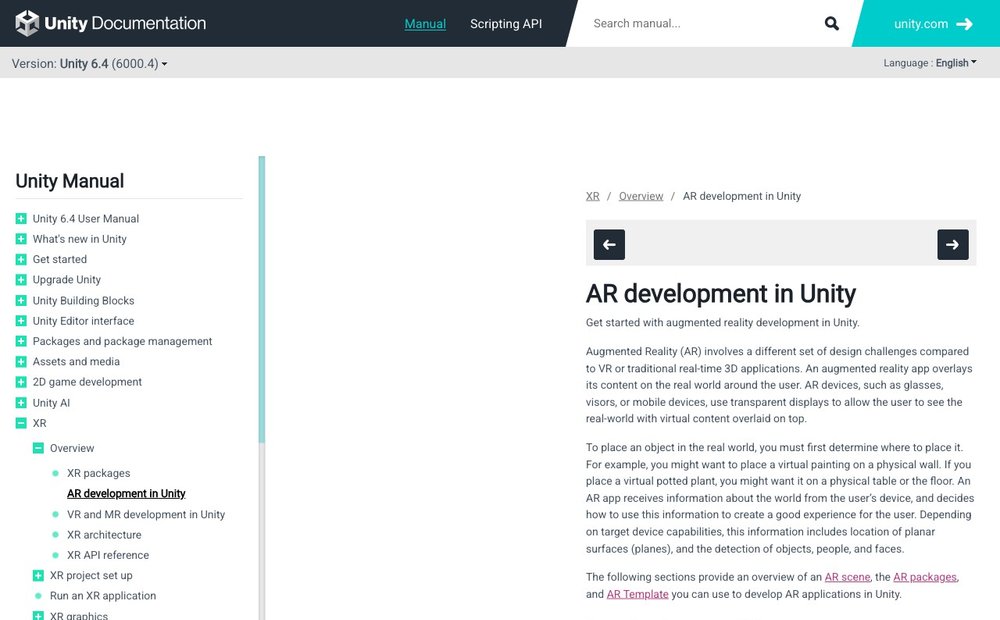
Free with Unity, iOS/Android
A cross-platform framework that lets you build once in Unity and deploy to both ARKit and ARCore without rewriting code. AR Foundation 6.x is the current line, exposing a common API over each platform's native features. The most popular route for games and interactive 3D AR apps.
Niantic 8th Wall (Lightship)
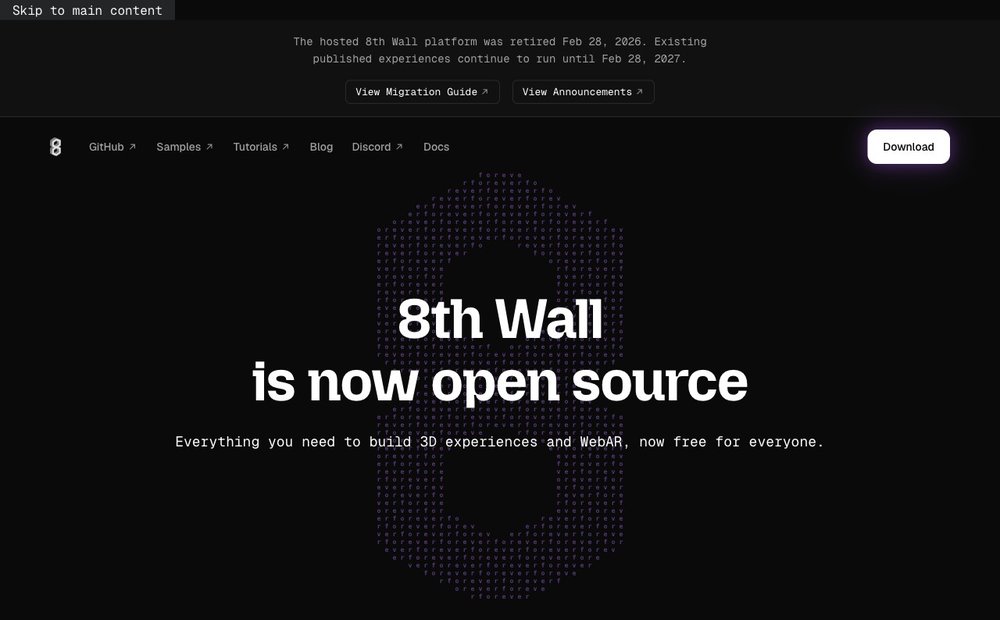
Open source (MIT) since 2026, WebAR
A pioneering WebAR platform for browser-based AR with no app install. Niantic retired the hosted 8th Wall service on February 28, 2026 and released the engine as open source at 8thwall.org; existing published experiences run until February 28, 2027. Still relevant via the open-source toolset, but no longer a managed cloud product.
Adobe Aero
Discontinued November 2025
Adobe's no-code AR authoring app, popular with designers for placing Creative Cloud assets into real-world scenes. Adobe discontinued Aero across iOS, Android and Creative Cloud Desktop on November 6, 2025, with downloads ending December 3, 2025. It is no longer available and is included here for historical context only.
PTC Vuforia Engine
Free + paid Enterprise plans
An enterprise-grade AR engine known for robust object, image and Model Targets recognition, supporting phones, tablets and headsets such as HoloLens 2 and Magic Leap. Vuforia Engine 11 adds advanced on-device Model Targets and AI-assisted Step Check validation. A leading choice for industrial and field-service AR.
Snap Lens Studio
Free, Snapchat/Spectacles
Snap's free authoring tool for building Lenses across Snapchat, camera apps and Spectacles. Lens Studio now includes AI-assisted Lens generation and modular Blocks components, and underpins development for Snap's consumer Specs glasses launching in 2026. Excellent for social AR and face-and-world effects.
Meta Spark
Discontinued January 2025
Formerly Meta's Spark AR Studio for creating AR effects on Instagram, Facebook and Messenger. Meta shut down the Spark platform on January 14, 2025, removing third-party tools and effects; only Meta's own first-party effects remain. Listed here because many older tutorials still reference it, but it is no longer usable.
ZapWorks (Zappar)
Paid, WebAR, from ~$315/mo
An all-in-one commercial WebAR suite spanning no-code (Designer), visual 3D authoring (Mattercraft) and developer SDKs (Universal AR for image, face and world tracking). Positioned as a strong managed alternative for teams leaving 8th Wall. Subscription-based with commercial publishing tiers.
Blippar
Paid + free tier, WebAR
An enterprise WebAR platform offering Blippbuilder (no-code), a WebAR SDK and managed campaign delivery, with GPU SLAM and real-time face, surface and image tracking. Active and expanding in 2026, it markets itself as a direct successor for brands and agencies migrating off 8th Wall.
Wikitude
End-of-life September 2024
A long-running cross-platform AR SDK acquired by Qualcomm. Wikitude's mobile SDK, Cloud and Studio services reached end of life in September 2024, with the team refocusing on headworn XR. The standalone SDK is no longer available, so it is included for reference rather than as a current option.
The Big AR Platform Changes This Year
AR tooling consolidated sharply in 2025–2026. Adobe Aero and Meta Spark were both shut down, and Wikitude’s SDK reached end of life, so older tutorials pointing to them are now dead ends. The biggest shift is Niantic 8th Wall: its hosted WebAR service closed on 28 February 2026 and the engine was released as open source at 8thwall.org, with already-published experiences running until February 2027. Teams that relied on 8th Wall are migrating to commercial WebAR suites such as ZapWorks and Blippar, or self-hosting the open-source toolset.
Choosing the Right AR Software for Your Project
For native mobile AR, build on ARKit (Apple) or ARCore (Android), or use Unity AR Foundation to target both from one project. For browser-based AR with no app install, look at ZapWorks, Blippar or the open-source 8th Wall engine. Enterprises that need robust object and image recognition should evaluate PTC Vuforia, while social and smart-glasses creators are best served by Snap Lens Studio. Beginners who would rather not code can start with no-code tools like Lens Studio or ZapWorks Designer. If you are exploring creative software more broadly, see our guides to photo editing software and the best drawing apps for iPad.
Developer Resources (Official Docs)
- Apple ARKit official documentation
- Google ARCore developer documentation
- Unity AR Foundation documentation
- 8th Wall open-source project (8thwall.org)
Frequently Asked Questions
What is augmented reality?
Augmented reality (AR) overlays computer-generated content, such as 3D models, text or images, onto a live view of the real world, usually through a phone, tablet or smart glasses. Unlike a fully virtual environment, AR keeps you aware of your physical surroundings and anchors digital objects to real places and surfaces. Common examples include furniture-placement apps, social media face filters and on-screen navigation arrows.
What is the difference between AR and VR?
Augmented reality adds digital elements on top of the real world, so you still see your actual surroundings, while virtual reality replaces your view entirely with a simulated environment using an enclosed headset. AR is typically experienced through a phone camera or see-through glasses, whereas VR requires a device like a Meta Quest that blocks out the physical world. A related term, mixed reality (MR), blends the two by letting virtual objects interact with real ones.
What is the best AR software for beginners?
Beginners usually start with no-code or low-code tools rather than full SDKs. Snap Lens Studio is free and approachable for social and face-based effects, while subscription platforms like ZapWorks Designer and Blippbuilder let you build WebAR experiences through a visual editor without programming. For those who want to learn native development, Unity AR Foundation has the most tutorials and a large community. Note that two former beginner favorites, Adobe Aero and Meta Spark, were discontinued in 2025.
Do you need to code to build AR experiences?
No. Many modern AR platforms offer no-code or low-code authoring, including Snap Lens Studio, ZapWorks Designer and Blippar's Blippbuilder, which let you place and configure content visually. Coding becomes necessary for custom logic, advanced interactions or integrating AR into a larger app, where SDKs like ARKit, ARCore, Unity AR Foundation or Vuforia are used with languages such as Swift, Kotlin or C#. A practical approach is to prototype with a no-code tool and bring in developers only when the project's complexity requires it.
How is augmented reality used in business?
Businesses use AR for virtual try-ons and product previews in retail and e-commerce, remote assistance and equipment maintenance in manufacturing, and safe, repeatable hands-on training for staff. Field-service teams overlay step-by-step instructions on real machinery, and marketers run WebAR campaigns that customers open in a browser with no app download. The enterprise AR market is substantial and growing quickly in 2026, driven largely by manufacturing, training and retail adoption.
AR platforms are retired and updated frequently. Confirm a tool is still supported, and verify current pricing, before you commit a project to it. Market-size figures cited by vendors and research firms are estimates that vary between reports.