VideoProc Review
By Jaspal Singh
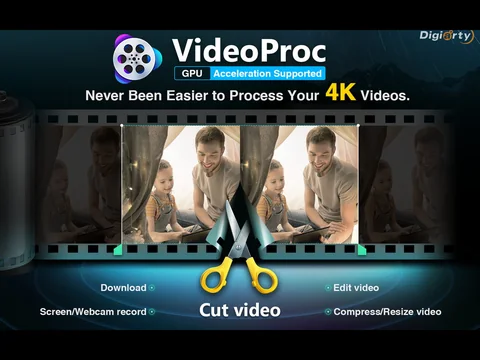
When it comes to processing of video, most of the people face a lot of trouble. There is a plethora of video processing software out there, but none of them fulfils the requirements. We have researched a lot of such software and found that some of them are better than others but still lack essential features. Most of them lack support for GPU acceleration. But we stumbled upon a great video processing software, and it goes by name VideoProc. It is a one-stop video processing software which has multiple features and helps in the processing of videos from GoPro and iPhone. It also has a high-speed media converter and a lot more.
One of the key characteristics of VideoProc is its intuitive interface which makes the video processing like a piece of cake. VideoProc is software which peaks Level-3 hardware acceleration, duly powered by Intel, NVIDIA and AMD GPUs. It delivers very smooth 4K video editing as well as transcoding without even compromising with the quality. It has GPU acceleration which can speed up the entire video encoding and decoding process by a great margin. It has full hardware acceleration that is 47C real-time faster. It has a unique and distinct technology which can expedite video processing and transcoding while optimizing file size as well as output video quality.
It has many simple editing tools which make it easier for the user to process the videos. It can process as well as touch up different large 4K/HD footages from DJI, GoPro, smartphones like iPhones etc. in quite an easy as well as non-destructive way.
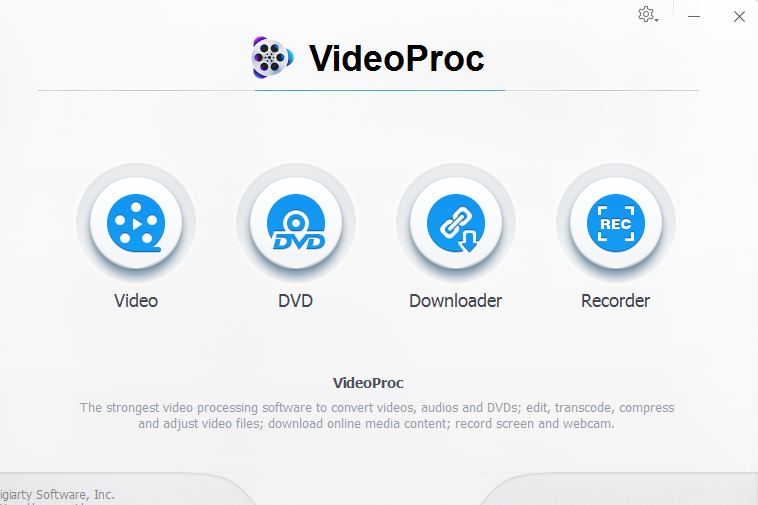 Let’s look at these tools.
 VideoProc also has very easy as well as advanced Editing features which are covered in the toolbox. It is easy to get started. It allows you to edit 4K and HD videos in a very streamlined workflow. Some of its features are:
 Also check out this article: GoPro Video Processing: Six Methods to Resize GoPro 4K Video Without Quality Loss
Let’s look at these tools.
- Cut
- Crop
- Subtitle
- Effect
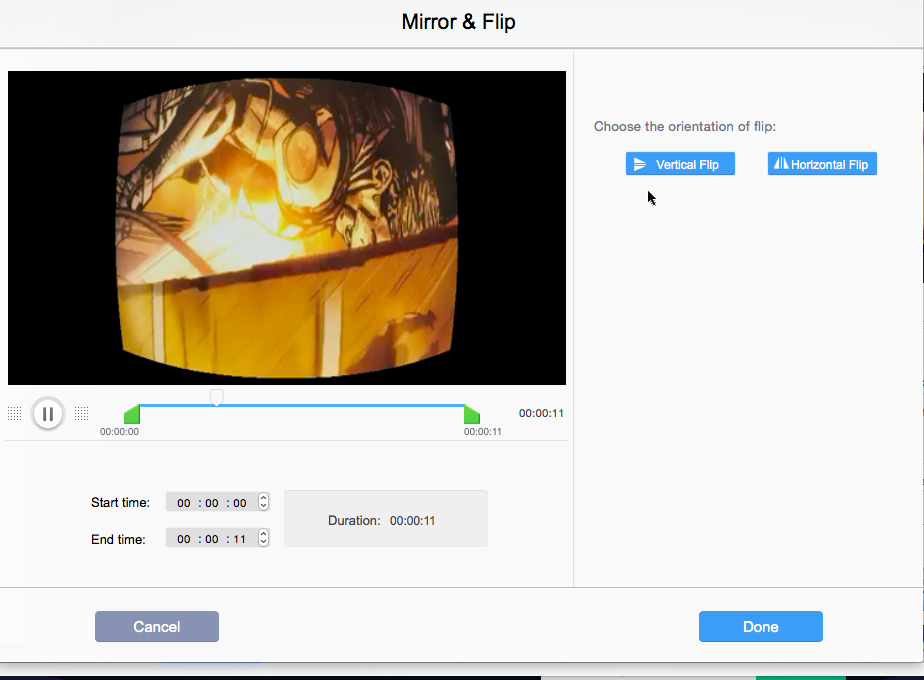
- Rotate / Flip
- Merge
VideoProc also has very easy as well as advanced Editing features which are covered in the toolbox. It is easy to get started. It allows you to edit 4K and HD videos in a very streamlined workflow. Some of its features are:
- Stabilize- Stabilizing shaky video footages from iPhone, GoPro etc.,
- Noise Removal- Removing unwanted wind noise/background easily.
- Make GIF- You can turn your video into GI and even extract png/jpg from the video as well as resize the image.
- Lens Correction- You can easily correct fisheye lens distortion from any of your action cam videos.
- Add Watermark- You can easily watermark your videos with logo, text, image or even timecode.
- MakeMKV- You can pass through the video streams into MKV format without any encoding.
- Create M3U8- You can build an M3U8 playlist with single or different .ts files from the HTTP streaming.
- Enhance Video- You can force audio/video sync, adjust audio volume and playback speed.
- GoPro
- iPhone
- A-to-B video conversion
- Audio Converter and Extractor
- Fastest DVD conversion
- Download
- 3 Recording Mode
- Resizable Window
- Utility Tools
Also check out this article: GoPro Video Processing: Six Methods to Resize GoPro 4K Video Without Quality Loss