7 Best Free Screen Capture Tools in 2026
Whether you’re writing a tutorial, reporting a bug or sharing something on social media, a good screen capture tool makes it effortless. Windows has a built-in option, but dedicated apps add editing, annotation, scrolling capture and instant sharing. Here are the best free screen capture tools in 2026.
The Best Free Screen Capture Software in 2026
ShareX
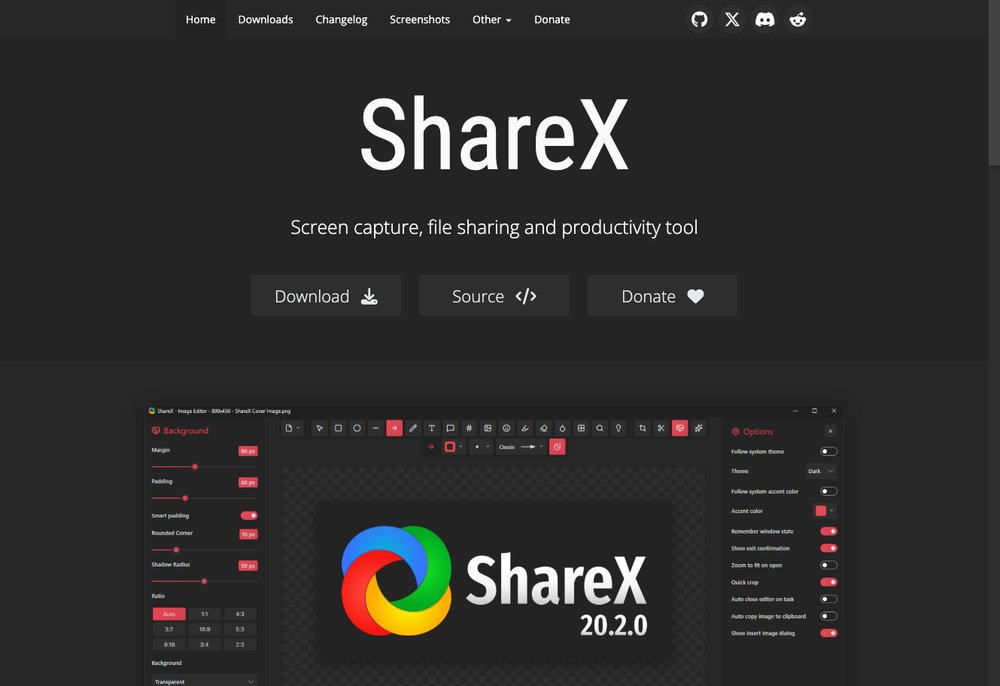
ShareX is the most powerful free, open-source capture tool. It grabs full screens, windows, regions and scrolling pages, records video and GIFs, edits and annotates, and can auto-upload and share — all with no ads or watermarks. The best all-round pick for power users.
Best for: power users who want the most features for free.
Greenshot
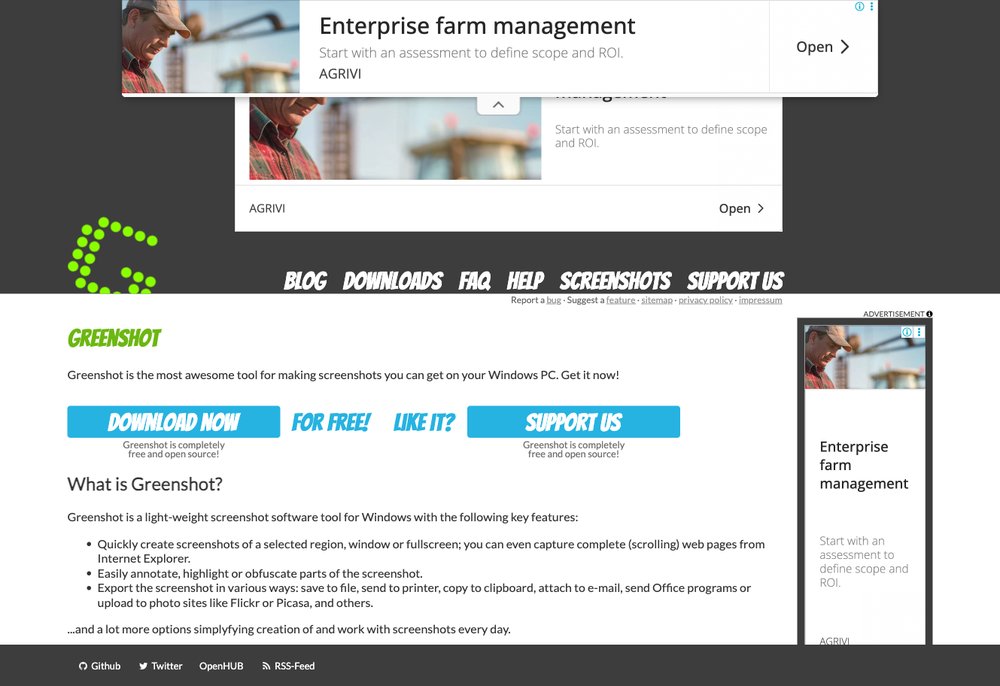
Greenshot is a lightweight, open-source favourite. It quickly captures regions, windows or the full screen, then lets you annotate and export anywhere with handy hotkeys — simple, fast and reliable.
Best for: a fast, lightweight capture-and-annotate tool.
PicPick
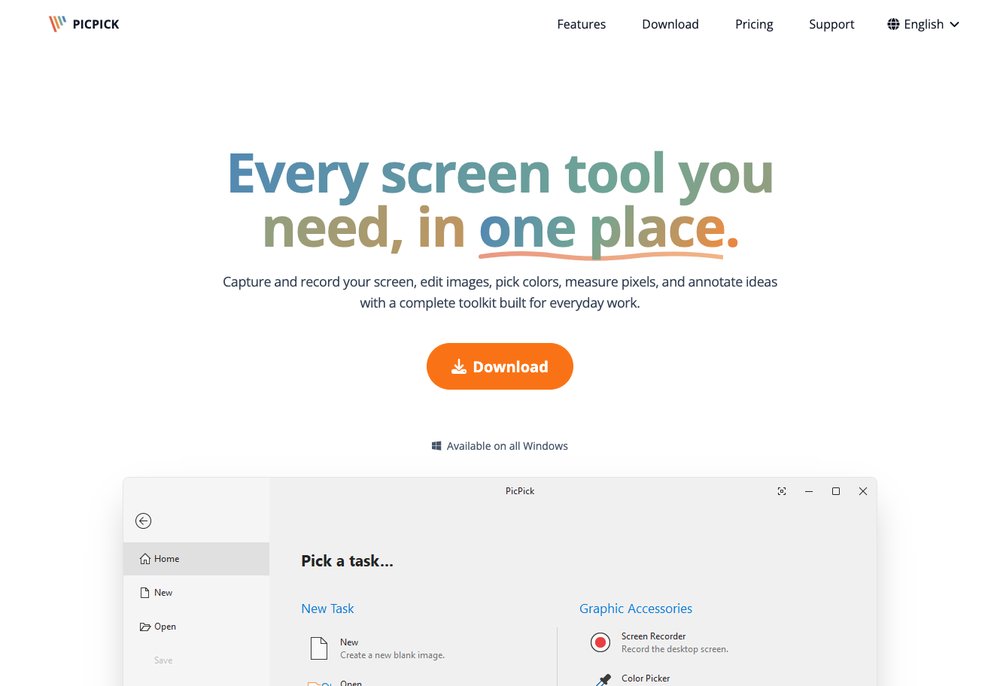
PicPick bundles a screenshot tool with a full image editor, colour picker, ruler and more. It’s free for personal use and great if you want capturing and editing in one tidy app.
Best for: capturing plus built-in image editing.
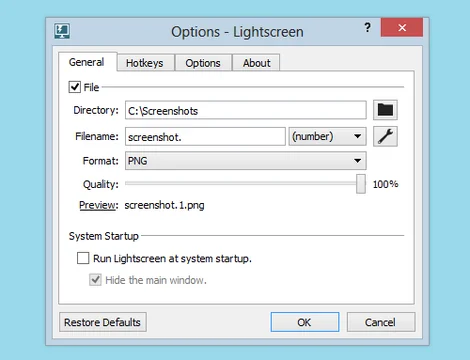
Lightshot
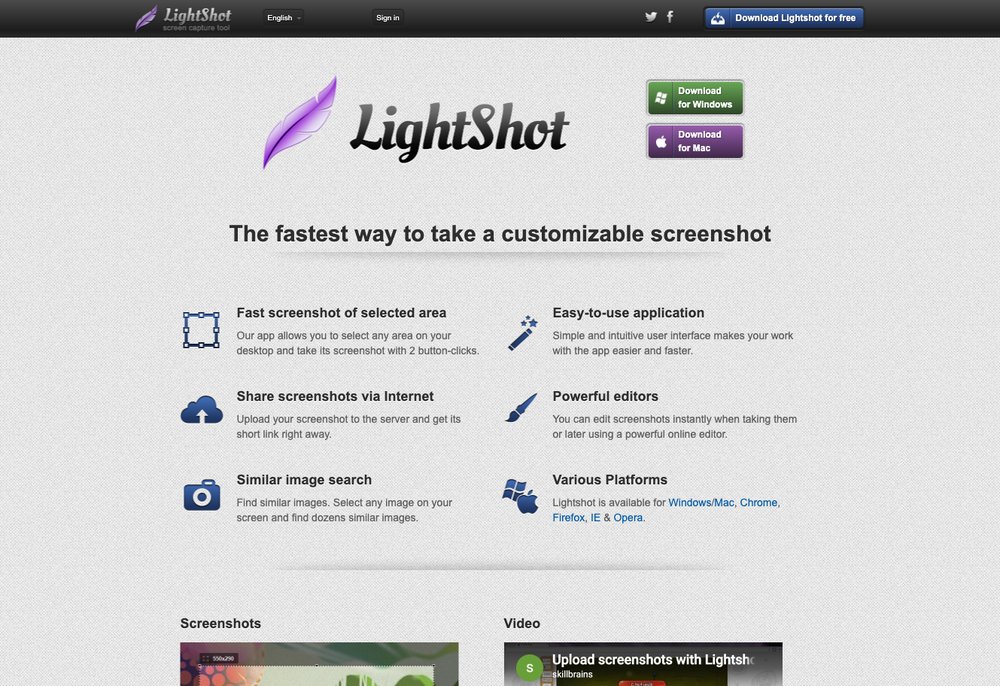
Lightshot is the simplest quick-capture tool. Select an area, add a quick annotation and instantly copy, save or upload to share a link — ideal for fast, no-fuss screenshots.
Best for: quick, no-fuss captures you can share instantly.
Windows Snipping Tool
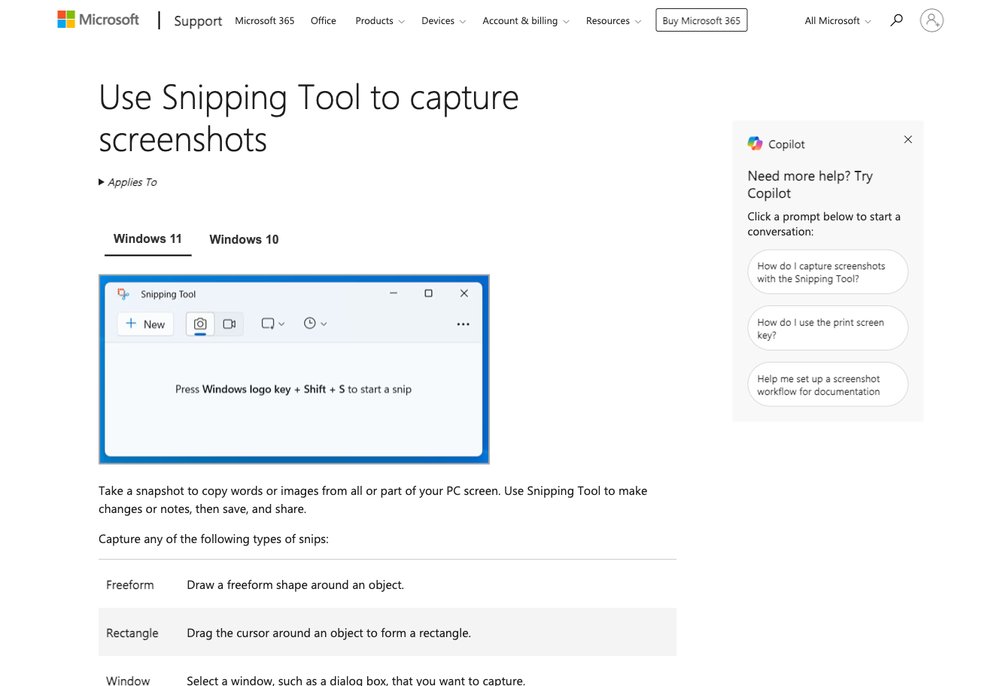
The built-in Snipping Tool (press Win + Shift + S) is already on Windows 10 and 11. It captures regions or windows, adds basic markup, and even records the screen — no download needed.
Best for: anyone who wants a capable tool with nothing to install.
Flameshot
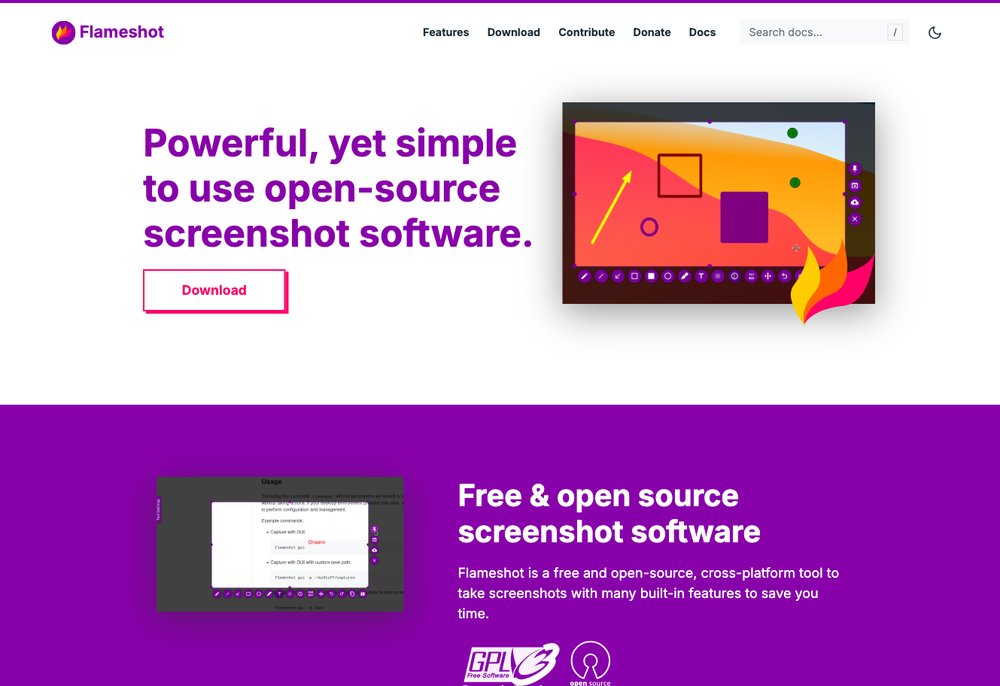
Flameshot is a slick open-source capture tool with excellent on-the-spot annotation, available on Windows, macOS and Linux — the best free option if you want the same tool across platforms.
Best for: cross-platform users on Windows, Mac and Linux.
Screenpresso
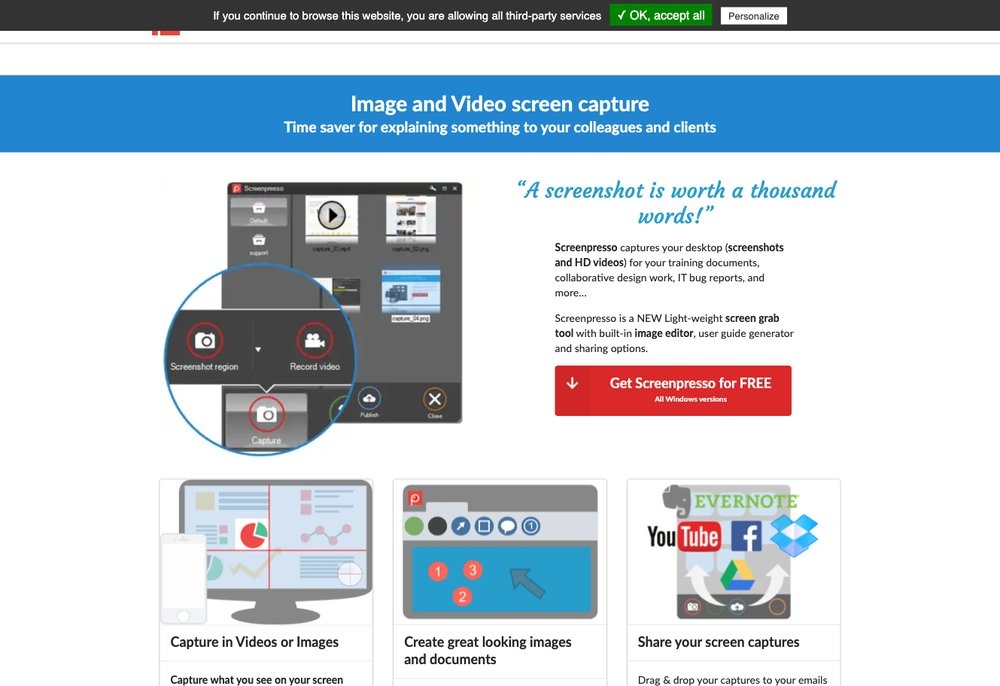
Screenpresso offers screenshots and screen recording with a built-in editor and organiser in a generous free version — a polished choice when you also want to capture video.
Best for: mixing screenshots with screen recording.
Frequently Asked Questions
What is the best free screen capture software?
ShareX is the best free, open-source screen capture tool overall thanks to its huge feature set. Greenshot and Lightshot are best for simple, fast captures, and the built-in Windows Snipping Tool is great with nothing to install.
How do I take a screenshot on Windows?
Press Win + Shift + S to open the built-in Snipping Tool and select an area, or PrtScn to copy the whole screen. For more features — editing, scrolling capture and sharing — install a tool like ShareX or Greenshot.
Are these screen capture tools really free?
Yes. ShareX, Greenshot and Flameshot are completely free and open-source, the Windows Snipping Tool is built in, and PicPick, Lightshot and Screenpresso are free for personal use (with optional paid upgrades).
Can free screen capture tools record video?
Yes — ShareX and Screenpresso can record screen video and GIFs for free, and the Windows Snipping Tool also includes basic screen recording.
What is scrolling capture?
Scrolling capture takes a screenshot of a whole long page (like an entire web page or chat) that doesn’t fit on screen at once. ShareX and PicPick both support it.
Final Thoughts
For most people, ShareX is the best free screen capture tool thanks to its unmatched features, while Greenshot and Lightshot are perfect for quick, simple shots and the built-in Windows Snipping Tool needs no install at all. Pick the one that fits how you work — all of them will save you time.