Best Game Recording Software for Windows in 2026
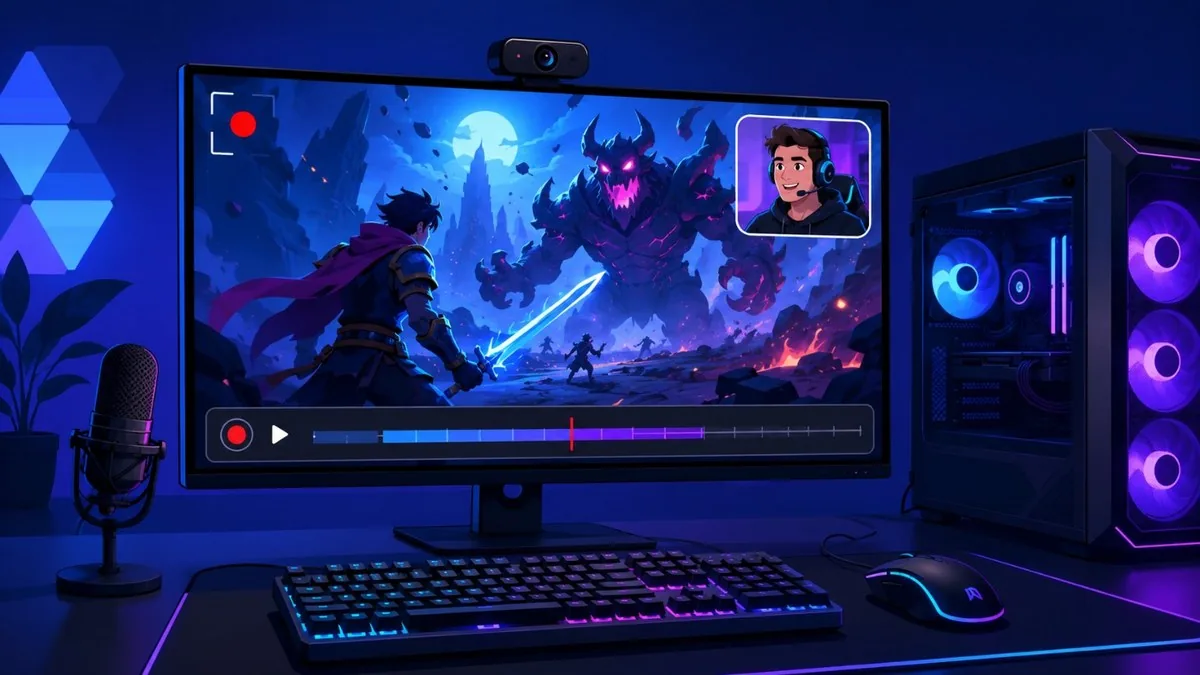
Recording PC gameplay on Windows in 2026 is largely a solved problem, and most people no longer need to pay for it. The big shift is hardware-accelerated capture: NVENC (NVIDIA), AMF (AMD), and Intel Quick Sync offload encoding to the GPU, so recording at 1080p or 4K/60 costs only a few frames per second instead of tanking performance. Two trends define this year. First, AV1 encoding has gone mainstream on RTX 40/50-series and Radeon RX 7000/9000 cards, delivering noticeably smaller files at the same quality. Second, AI-style auto-clipping that detects kills, wins, and other in-game events is now standard in tools like Medal and Outplayed. Built-in options (Xbox Game Bar, the NVIDIA app, AMD Adrenalin) cover most gamers for free, while OBS Studio remains the power-user standard. Paid tools like Bandicam and Action! still earn their keep with high frame-rate capture and convenience. This guide compares nine current, real options across free and paid tiers.
At a Glance
- OBS Studio — Free / open source
- NVIDIA app (ShadowPlay) — Free (NVIDIA GPU required)
- AMD Software: Adrenalin Edition (ReLive) — Free (AMD Radeon GPU required)
- Xbox Game Bar — Free (built into Windows 11)
- Bandicam — Free trial / from ~$36
- Medal — Free + optional premium
- Outplayed — Free (runs on Overwolf)
- Mirillis Action! — Paid, from ~$19
- Streamlabs Desktop — Free core + Ultra subscription
- ShareX — Free / open source
The Best Game Recording Software for Windows in 2026
OBS Studio
Free / open source
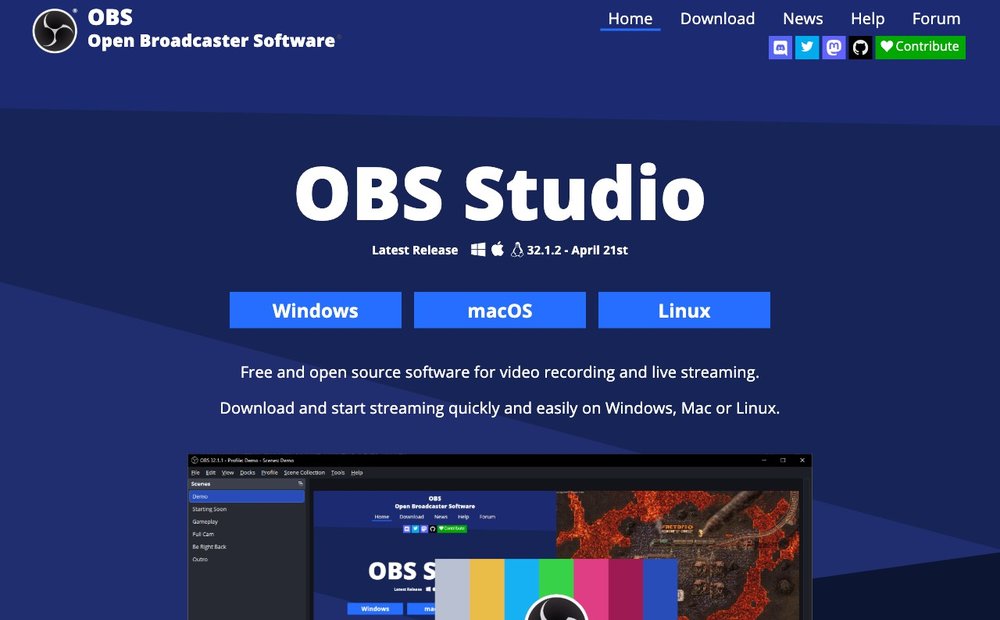
The free, open-source standard for serious recording and streaming. OBS supports hardware encoding via NVENC, AMF, and Quick Sync, including AV1 on RTX 40/50-series and Radeon RX 7000/9000 GPUs, plus a Replay Buffer that saves the last clip on a hotkey. There is no watermark, no time limit, and no resolution cap beyond your hardware, so 4K/60 and higher are fully supported. The trade-off is a steeper learning curve: scenes, sources, and output settings must be configured manually. Cross-platform (Windows, macOS, Linux) and current at version 32.x.
NVIDIA app (ShadowPlay)
Free (NVIDIA GPU required)
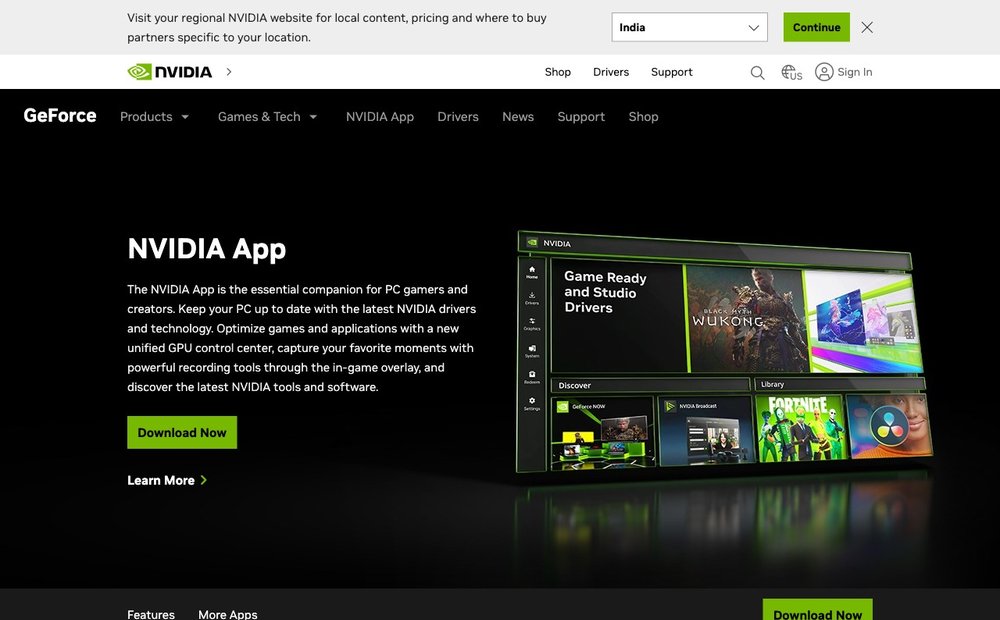
The NVIDIA app is the unified successor that replaced GeForce Experience, folding in ShadowPlay capture, the Control Panel, and driver updates. Recording runs on the GPU's NVENC encoder with minimal frame-rate impact, supporting up to 8K HDR at 30fps or 4K HDR at 120fps. Instant Replay continuously buffers the last 30 seconds (configurable), NVIDIA Highlights auto-saves clutch moments in supported games, and AV1 recording is available on RTX 40-series and newer. Free for any GeForce GTX/RTX owner, with negligible setup.
AMD Software: Adrenalin Edition (ReLive)
Free (AMD Radeon GPU required)
The Radeon equivalent of ShadowPlay, built into AMD's driver package. ReLive records gameplay through the AMF hardware encoder with low framerate impact, offering AVC (H.264), HEVC (H.265), and AV1 output. AV1 encoding is available on RDNA 3 and RDNA 4 cards (RX 7000/9000 series), with the RX 9000 series adding a re-architected encoder, B-frame support, and high-quality HEVC/AVC presets. Instant Replay, custom hotkeys, and an in-game overlay are included. Free for Radeon owners, with no watermark or time limit.
Xbox Game Bar
Free (built into Windows 11)
The no-install option baked into Windows 10 and 11. Press Win+G to open the overlay, Win+Alt+R to record, or Win+Alt+G to save the last 30 seconds once background recording is enabled. Clips land as MP4 in Videos/Captures, with standard or high quality settings that scale up to 1080p/60 on capable hardware. It leverages hardware encoding where available, has no watermark, and is genuinely zero-effort, but it lacks AV1, multi-source scenes, and the higher resolutions and frame rates the dedicated tools reach.
Bandicam
Free trial / from ~$36.95/yr or $49.95 lifetime
A long-standing paid recorder popular for high-frame-rate and benchmark capture. Bandicam uses NVENC, AMF, and Quick Sync to record gameplay up to 4K resolution and very high frame rates, with an on-screen FPS counter. The free version is usable but limits clips to 10 minutes and stamps a www.BANDICAM.com watermark on footage; registering removes both. Pricing starts around $36.95/year for the Personal plan or $49.95 for a lifetime license. Strong for tutorials and game capture, though it lacks built-in AI auto-clipping.
Medal
Free + optional premium
A clip-first tool built around automatic event detection. Medal's auto-clipping recognizes in-game triggers, kills, wins, aces, goals, in titles like Valorant, CS2, Fortnite, and Rocket League, and saves highlights without a hotkey press. Capture is hardware-accelerated, and every clip is hosted free with no file-size limit, no compression, and no watermark, generating an instant shareable link that auto-formats vertical for TikTok and Shorts. The core app is completely free on PC and mobile, with optional premium features for higher quality and longer recordings. Ideal for sharing rather than full-length archival recording.
Outplayed
Free (runs on Overwolf)
Overwolf's free auto-capture app, supporting over 5,000 games. Outplayed detects game events and automatically builds highlight clips, alongside manual on-demand recording, and can capture in HD, 4K, or even 8K. It offers GPU encoding through NVENC or AMF (with CPU encoding as a fallback) plus bitrate and audio controls, and includes a lightweight built-in editor (EZ Edit) and one-click sharing. It runs in the background optimized for low performance impact. The trade-off is that it operates inside the Overwolf platform, which some users prefer to avoid.
Mirillis Action!
Paid, from ~$19.77 (one-time)
A polished paid recorder focused on smooth, low-overhead gameplay capture. Action! records directly to MP4 using NVENC, AMF, or Intel Quick Sync, with H.264/AVC and H.265/HEVC output, plus support for 4K and HDR recording and high frame rates. Extras include webcam overlays with optional background removal, time-lapse, and live streaming. Pricing is a one-time license starting around $19.77, making it cheaper long-term than subscription tools. A free trial applies a watermark and time limits until activated. A solid choice for creators who want a refined interface without OBS's complexity.
Streamlabs Desktop
Free core + Ultra subscription
An OBS-based fork that wraps the same engine in a friendlier interface with built-in themes, alerts, and widgets. It supports the same NVENC, AMF, and Quick Sync hardware encoding, a Replay Buffer for instant clips, and a free Highlighter tool for quick editing of recordings. The core app is free; the Ultra subscription (around $27/month or $189/year) adds multistreaming and premium themes. Independent testing shows it uses roughly 15-20% more CPU and RAM than vanilla OBS, so it favors convenience over raw efficiency. Best for streamers who also record.
ShareX
Free / open source
A free, open-source capture tool best known for screenshots that also handles screen and gameplay recording via FFmpeg (now on the 8.x line, updated to 8.1 in ShareX 20.2.0, for faster GPU-accelerated export). It supports hardware encoding through NVENC and Intel Quick Sync, outputs MP4, WebM, GIF, or custom FFmpeg codecs, and offers region, window, and full-screen capture plus automated post-record workflows. There is no watermark or time limit. It is lightweight and portable but not purpose-built for games, lacking auto-clipping, an in-game overlay, and the one-click instant-replay convenience of ShadowPlay or Medal.
Matching the Software to Your PC
For most people the best recorder is the one already on your PC: if you have an NVIDIA GPU, the NVIDIA app (ShadowPlay) records with almost no performance hit; AMD owners get the same from Adrenalin (ReLive); and Xbox Game Bar is built into Windows 11 for quick clips. Step up to OBS Studio when you want full control over scenes, bitrate, AV1 encoding and multi-source capture — it is free and open-source. If your goal is sharing highlights, clip-first apps like Medal and Outplayed auto-capture your best moments. Pick paid tools (Bandicam, Action!) mainly for their convenience features. Looking for something to record? See our roundup of the best PC games.
Further Reading and Official Downloads
- OBS Studio official download
- NVIDIA app
- AMD Software: Adrenalin Edition
- Xbox capture settings on Windows
- Medal automatic clipping
Frequently Asked Questions
Which free game recorder has the lowest performance impact?
For NVIDIA cards, the NVIDIA app's ShadowPlay is the lightest because it records through the dedicated NVENC encoder, typically costing only a few frames per second. AMD owners get the same benefit from Adrenalin's ReLive via the AMF encoder. OBS Studio matches them once hardware encoding is enabled. Xbox Game Bar is also low-impact but caps out around 1080p/60.
Does AV1 recording need a specific GPU?
Yes. AV1 hardware encoding requires a recent GPU: NVIDIA RTX 40-series or newer, AMD Radeon RX 7000 (RDNA 3) or RX 9000 (RDNA 4) series, or Intel Arc cards. On supported hardware, AV1 produces noticeably smaller files at the same visual quality versus H.264. Older GPUs fall back to H.264 or HEVC, which still record fine but use more disk space.
Which tool is best for auto-clipping gameplay highlights?
Medal and Outplayed lead here. Both use automatic event detection to recognize in-game moments, like kills, wins, and aces, and save clips without you pressing a hotkey. Medal hosts every clip free with no watermark and instant shareable links, while Outplayed supports over 5,000 games through Overwolf. NVIDIA Highlights offers similar auto-capture but only in specifically supported titles.
Is OBS Studio better than Streamlabs for recording?
For pure recording efficiency, OBS Studio is leaner: independent testing shows Streamlabs Desktop uses roughly 15-20% more CPU and RAM because it adds themes, widgets, and alerts on top of the OBS engine. Both support NVENC, AMF, AV1, and a replay buffer. Choose Streamlabs if you want a friendlier interface and built-in streaming extras; choose OBS for the lightest footprint and full control.
Do free game recorders add watermarks?
Most genuinely free tools do not. OBS Studio, the NVIDIA app, AMD Adrenalin, Xbox Game Bar, ShareX, Medal, and Outplayed all record without watermarks. Watermarks appear mainly on the free trials of paid software: Bandicam's free version stamps footage and limits clips to 10 minutes, and Action!'s trial watermarks recordings until you buy a license. Registering or buying those products removes the mark.
Software versions, free-tier limits and pricing change often. Verify the current version and system requirements on each developer’s official site before downloading. Record only games and content you have the right to capture and share.