How to create a Morning Planning Assistant with Chatgpt
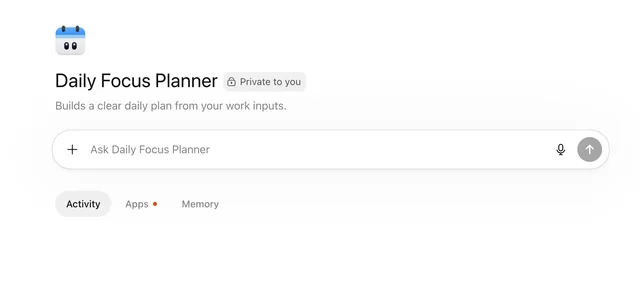
This agent will review your calendar, tasks, and open threads each morning and turn them into a clear plan for the day. It can also highlight priorities, conflicts, and the most important follow-ups.
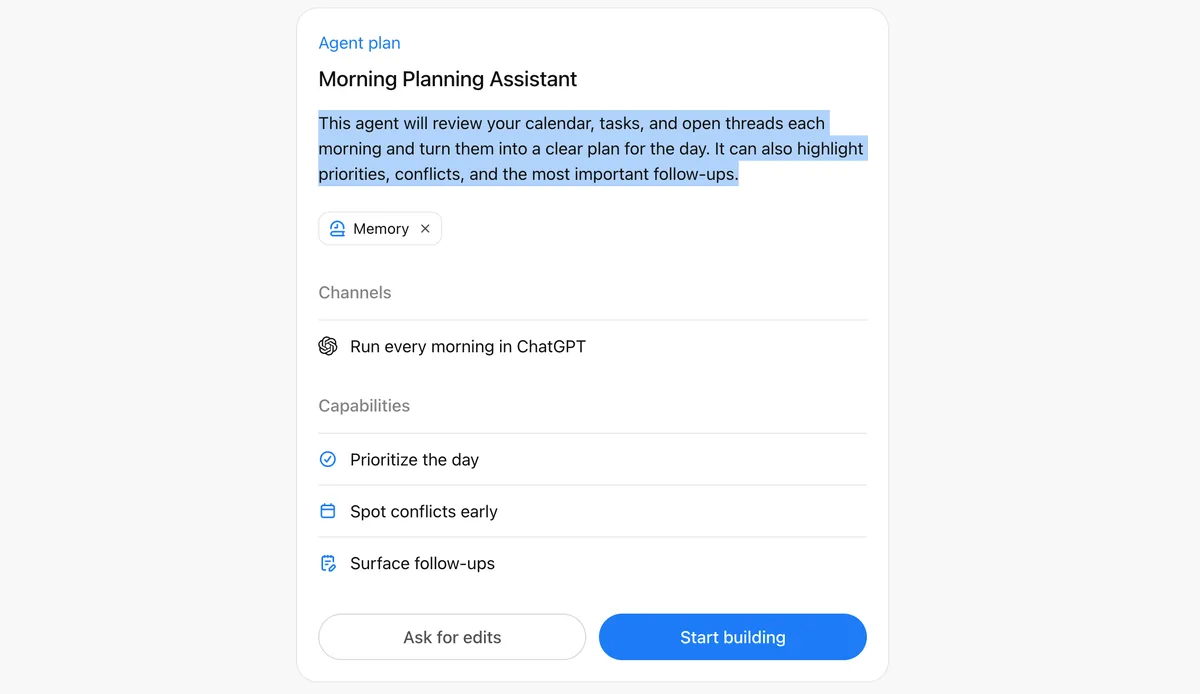
I'm adding the 3 selected tools to this agent now.
I’ll finish the core setup for this daily planning agent, then get it ready for its morning schedule.
1. Write the agent instructions for daily planning from calendar, tasks, and open threads [done]
2. Set the ChatGPT description to match the agent’s purpose [done]
3. Connect the selected apps, create the agent, and add the morning ChatGPT schedule [in-progress]
**I’m writing the instructions** so this agent turns each morning’s calendar, task list, and open threads into a focused daily plan.
**I’m updating the ChatGPT profile** so the agent’s purpose is clear before it goes live.
Before I can create it and add the morning schedule, you need to connect the selected **Google Calendar, Notion, and Slack** accounts for this agent.
Use the connection cards to connect **Google Calendar**, **Notion**, and **Slack**. After that, tell me to continue and I’ll create the agent and add the morning schedule.