Best Free Online Spell Checker Tools in 2026 (No Sign-Up Options)
A free spell checker is the quickest way to catch typos before you hit send or publish. In 2026 most of them do much more than spelling: they fix grammar and punctuation, suggest clearer sentences and often add AI rewrites. They also differ a lot in limits, from 2,000 characters per text field to no limit at all, and in whether you have to sign up.
We checked each tool's own pages and pricing on November 19-20, 2026; prices are US prices and some are temporary Black Friday offers. The short version: Grammarly Free is the best all-rounder if you don't mind an account, LanguageTool is best for other languages, QuillBot and Scribbr are best if you want no sign-up and no limits, and your browser and word processor already include a basic checker.
Free Spell Checker Tools Compared
| Tool | Account needed? | Free limit | Languages |
|---|---|---|---|
| SaveDelete Grammar Checker | No | 20,000 characters per check | English + 12 |
| Grammarly Free | Yes | Core corrections; 100 AI prompts/month | 20+ |
| LanguageTool | No | 2,000 characters per text field | 30+ |
| QuillBot | No | Unlimited checks | English + 6+ |
| Scribbr | No | No character or word limit | English + others |
| Hemingway | No | No word limit (grammar checker) | English |
| ProWritingAid | Yes | 500 words at a time | English only |
| Ginger | Free version | Basic corrections | Translator: 40+ |
| Scribens | No | 8,000 characters per day | 40+ |
| Reverso | For longer texts | Short texts | Several |
The Best Free Online Spell Checker Tools in 2026
1. SaveDelete Free Grammar Checker: Best No-Signup Checker for Long Texts
Our own SaveDelete Free Grammar Checker is free with no account or subscription and takes up to 20,000 characters per check. It runs the open-source LanguageTool engine on SaveDelete's own server, with Claude as a fallback (fallback checks are limited to 20 an hour and 60 a day per IP address). It supports English (US, UK, Australian and Canadian) plus 12 more languages.
It is a spelling and grammar checker only: it doesn't rewrite sentences, change tone or check plagiarism.
- Free limit: 20,000 characters per check
- Sign-up: none
- Languages: English (4 variants) plus 12 more
- Paid plan: none
Try the SaveDelete Grammar Checker →
2. Grammarly Free: Best All-Round Free Checker
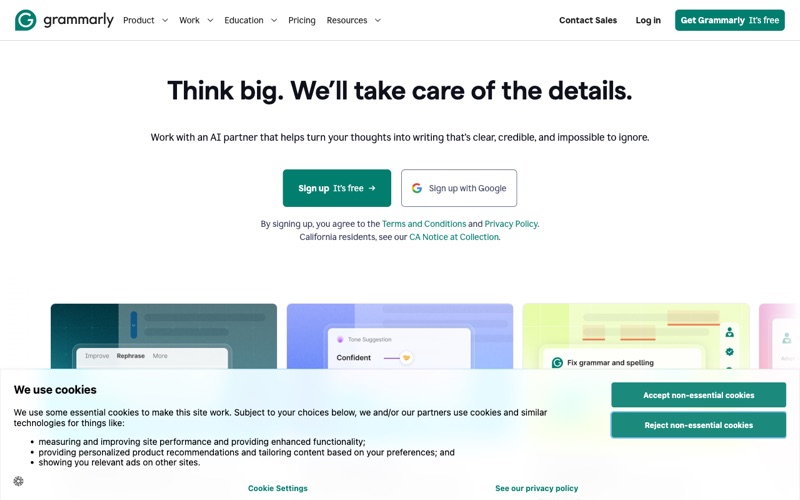
Grammarly is still the best-known writing assistant, though the company behind it has renamed itself Superhuman; Grammarly remains a product in the Superhuman suite, and existing customers keep the same products. The Free plan costs $0 and includes mistake-free writing (spelling, grammar and punctuation), a view of your writing tone and 100 AI prompts a month. You need to create an account, and it works through browser extensions for Chrome, Safari, Firefox and Edge and the Grammarly Keyboard on iPhone and Android.
The paid plan is now called Pro, which replaced Premium. Grammarly's US plans page lists Pro at $12 a month, which its plan data prices at $144 a year, or $30 if you pay month to month. Plagiarism and AI-text detection are Pro features, though Grammarly also offers a separate free online Plagiarism Checker. Superhuman Pro, which includes Grammarly, costs $12 per member a month billed annually or $15 billed monthly.
- Free limit: core spelling and grammar; 100 AI prompts a month
- Sign-up: account required
- Languages: over 20 (Grammarly's figure)
- Paid plan: Pro $12/month billed yearly ($144), $30 monthly
3. LanguageTool: Best for Multiple Languages
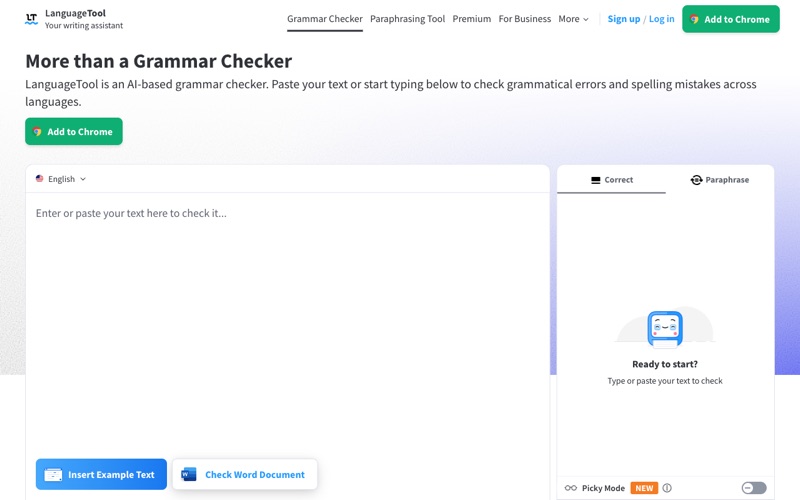
LanguageTool checks more than 30 languages and dialects, and you can use it without an account in common browsers and word processors. The free version corrects spelling, simple punctuation and some style mistakes, includes 3 AI sentence rephrasings a day, and checks up to 2,000 characters per text field. LanguageTool says its browser add-on doesn't store your text.
Premium shows every error and checks up to 150,000 characters per text field, with a 14-day money-back guarantee. Technical users can run LanguageTool as a local server on their own computer for offline checking, but that version lacks the AI-based rules, and LanguageTool says its Windows desktop app doesn't work with a local server.
- Free limit: 2,000 characters per text field; 3 AI rephrasings a day
- Sign-up: not needed
- Languages: 30+ languages and dialects
- Paid plan: Premium (price shown by region)
4. QuillBot Grammar Checker: Best Free Checker With No Limits
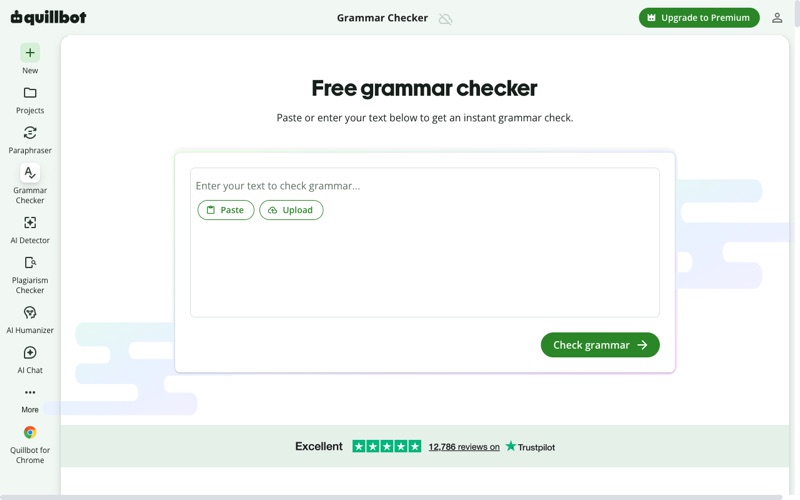
QuillBot's AI Grammar Checker is completely free, with no sign-up or payment, and QuillBot says you can run unlimited grammar checks at no cost. It fixes grammar, spelling and punctuation, and checks German, French, Spanish, Brazilian Portuguese, Swiss German and Dutch as well as English.
There's a free Chrome extension, plus macOS and Windows apps and a Word add-in, and QuillBot's Premium plan adds its paraphraser and other writing tools.
- Free limit: unlimited checks
- Sign-up: not needed
- Languages: English plus 6+ others
- Apps: Chrome, macOS, Windows, Word add-in
Visit QuillBot Grammar Checker →
5. Scribbr Grammar Checker: Best for Students and Long Essays
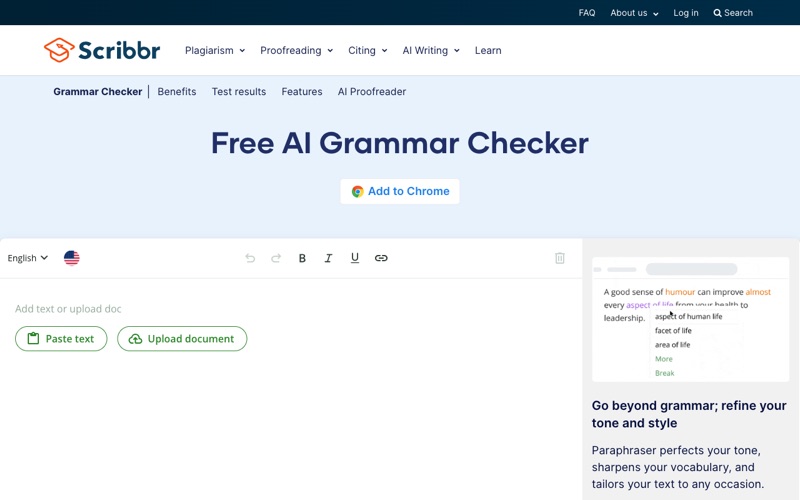
Scribbr's free grammar checker has no character or word limit, needs no registration and shows no ads, which makes it a good choice for pasting in a whole essay or thesis chapter. Scribbr also sells an AI Proofreader for a full document review.
- Free limit: no character or word limit
- Sign-up: not needed
- Ads: none
Visit Scribbr Grammar Checker →
6. Hemingway Editor: Best for Clear, Readable Writing
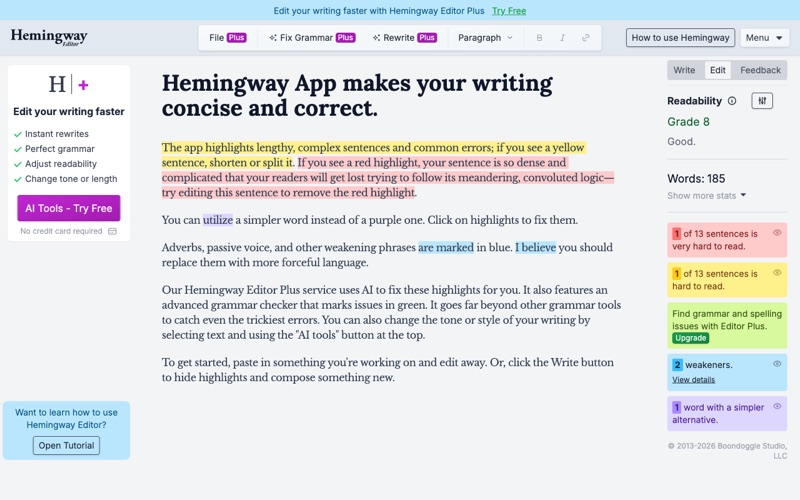
Hemingway is best known as a free readability editor that scores your text and flags hard-to-read sentences, and it now also has a free online grammar and spelling checker with no word limit. The Hemingway Editor 3 desktop app for Mac and PC costs $19.99 and works without an internet connection.
Hemingway Editor Plus adds AI sentence rewrites (5,000 a month on the Individual 5K plan) for $100 a year or $25 a month, with a 2-week free trial and no credit card.
- Free limit: grammar and spelling checker with no word limit
- Offline: desktop app, $19.99
- Paid plan: Editor Plus from $100/year
7. ProWritingAid: Best for Fiction and Long-Form Writers
ProWritingAid is built for authors, with detailed style and line-editing reports, and it integrates with Google Docs and Microsoft Office and has a desktop editor. The free account gives suggestions for 500 words at a time and lets you run each report twice a day. It works in English only.
Premium costs $30 a month on monthly billing; in its current Black Friday sale, Premium yearly is $60 for the year (regularly $10 a month) and lifetime access is $199.50 (regularly $399). Premium Pro costs $36 a month on monthly billing.
- Free limit: 500 words at a time; each report twice a day
- Languages: English only
- Paid plan: Premium $30/month monthly; yearly on sale
8. Ginger: Best for Translation Plus Grammar
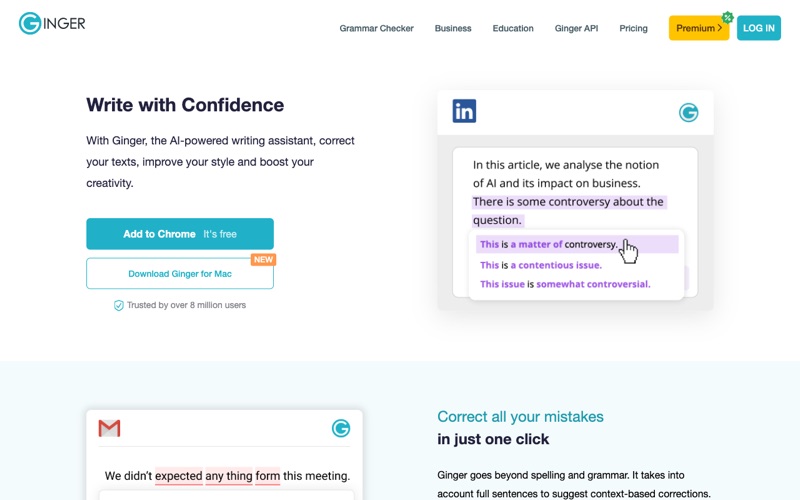
Ginger still offers a free version alongside Ginger Premium, with extensions for Chrome and Microsoft Edge, apps for iOS and Android, and an integrated translator for over 40 languages. Ginger says it is trusted by over 8 million users.
There's no free trial of Premium. In Ginger's US Black Friday sale, annual Premium is $30.00 for the year (65% off) and monthly Premium is $4.55, down from $13.00.
- Free version: yes
- Apps: Chrome, Edge, iOS, Android
- Paid plan: Premium $30/year in the sale; $13/month regular monthly price
9. Scribens: Best Free Option for Office Add-ins
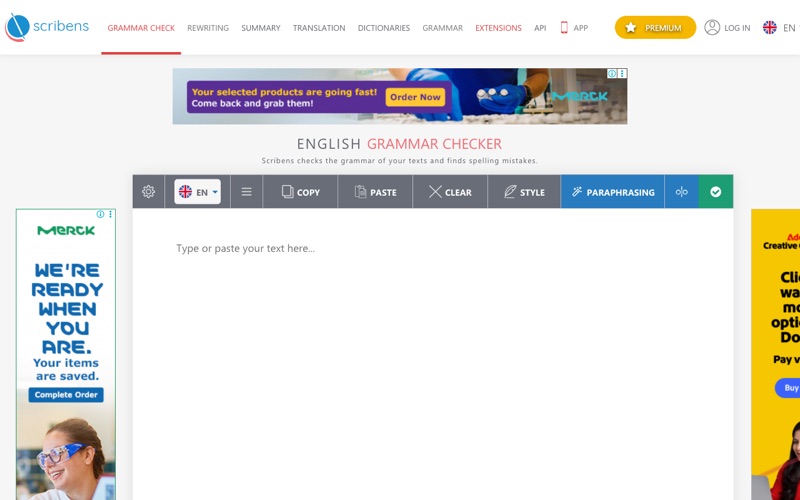
Scribens is free (funded by ads and Premium subscriptions), with a free limit of 8,000 characters per day. It's available in over 40 languages and works as an extension of Word, PowerPoint, Excel, Google Docs and Google Sheets. Scribens says no text is stored on its servers and claims it corrects over 90% of spelling and grammar mistakes.
Scribens Premium raises the limit to up to 5 million characters a month.
- Free limit: 8,000 characters per day
- Languages: over 40
- Add-ins: Word, PowerPoint, Excel, Google Docs, Sheets
10. Reverso Grammar Check: Best for Quick Checks and Rephrasing
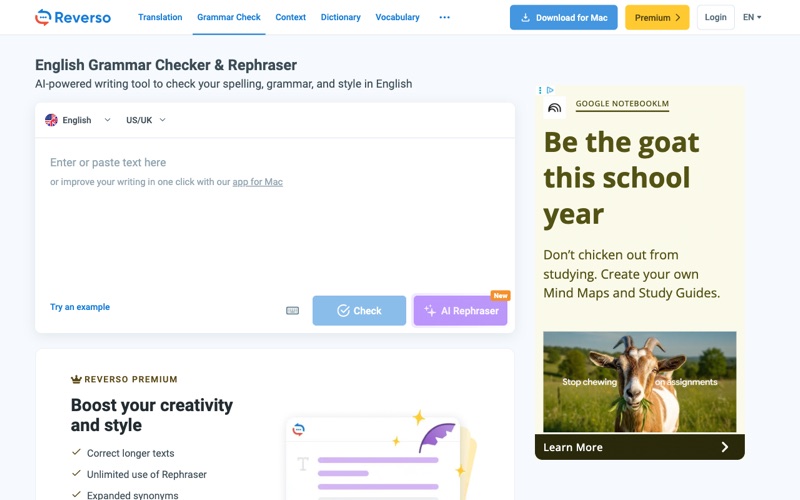
Reverso checks grammar, spelling and punctuation in one click, and its AI Rephraser suggests rewrites. You can check short texts without an account; Reverso asks you to register for free to correct longer texts. Reverso Premium adds longer texts, unlimited Rephraser use, expanded synonyms and no ads, and Reverso has free apps for Mac, Windows, iOS, Android, Chrome and Edge.
- Free limit: short texts; register free for longer ones
- Paid plan: Reverso Premium
- Apps: Mac, Windows, iOS, Android, Chrome, Edge
What Happened to Microsoft Editor?
Microsoft retired the Microsoft Editor browser extensions for Edge and Chrome on October 31, 2025, having announced it in Message Center post MC1144651 on August 29, 2025. Microsoft says the extensions' writing features are now built into Microsoft Edge's proofing tools. Editor itself is still part of Word for Microsoft 365, opened from the Home tab; Word for the web gives basic spelling and grammar checks free with a Microsoft account, Outlook on the web needs a Microsoft 365 sign-in, and style refinements need a Microsoft 365 subscription.
Free Spell Checkers Already Built Into Your Browser and Apps
- Google Chrome: offers two spell-check modes. Basic doesn't send your text to Google; Enhanced does, in exchange for better suggestions.
- Microsoft Edge: its Basic writing-assistance setting checks spelling on your device.
- Google Docs: spelling and grammar suggestions work in six languages, and you can add words to a personal dictionary.
- Microsoft Word: Editor checks spelling and grammar in Word for Microsoft 365 and, with basic checks, in Word for the web.
Other Free Spell and Grammar Checkers
- Sapling: free for up to 5,000 characters per check, as an extension for Chrome, Edge and Firefox and for Word and Outlook; Pro costs $25 a month or $12 a month billed yearly.
- Wordtune: the free Basic plan includes unlimited spelling corrections and grammar checks plus 10 rewrites a day.
- Trinka: a free Basic plan that never expires, with monthly usage limits; aimed at academic and technical writing.
- Linguix: a free-forever plan with grammar and spelling checks and a browser extension.
- Outwrite: checks spelling, grammar and punctuation in English, French and Spanish.
Spell Checker vs. Grammar Checker
A basic spell checker only flags words that aren't in its dictionary. A grammar checker goes further: Grammarly notes that it also flags correctly spelled words used in the wrong context, like "their" for "there", and LanguageTool says Word and Gmail do basic spellchecking while it also checks advanced grammar and punctuation. Every tool on this list is really a grammar checker with spelling built in.
How to Choose a Free Spell Checker
- Don't want an account? Use QuillBot, Scribbr, LanguageTool or the SaveDelete Grammar Checker.
- Checking long documents? Scribbr has no character limit and QuillBot no check limit; LanguageTool's free plan stops at 2,000 characters per field and Scribens at 8,000 characters a day.
- Writing in another language? LanguageTool covers 30+ languages and Scribens 40+; ProWritingAid is English only.
- Need it everywhere you type? Grammarly, LanguageTool, QuillBot and Ginger have browser extensions; Grammarly also has a mobile keyboard.
- Handling confidential text? Prefer offline options (Hemingway desktop, a local LanguageTool server) or your browser's basic, on-device checker.
For more writing help, see our guides to the best AI tools and ChatGPT vs Claude vs Gemini.
Frequently Asked Questions
What is the best free spell checker?
For most people, Grammarly Free (with an account) or LanguageTool (no account, 30+ languages). If you don't want to sign up or hit limits, QuillBot offers unlimited free checks, Scribbr has no character or word limit, and the SaveDelete Free Grammar Checker takes 20,000 characters per check with no account.
Is Grammarly free?
Yes. Grammarly's Free plan costs $0 and covers spelling, grammar and punctuation, a tone check and 100 AI prompts a month, but you need an account. Plagiarism and AI-text detection need Grammarly Pro, listed at $12 a month billed yearly.
Is LanguageTool free?
Yes. LanguageTool's free version needs no account and corrects spelling, simple punctuation and some style mistakes in more than 30 languages and dialects, up to 2,000 characters per text field, with 3 AI rephrasings a day. Premium shows every error and checks up to 150,000 characters.
What is the difference between a spell checker and a grammar checker?
A basic spell checker only flags misspelled words. A grammar checker also catches correctly spelled words used in the wrong context (such as their vs. they're), punctuation, agreement and style problems. LanguageTool notes that Word and Gmail do basic spellchecking, while dedicated tools check advanced grammar and punctuation.
Can I check spelling online without signing up?
Yes. QuillBot, Scribbr, LanguageTool and the SaveDelete Free Grammar Checker work without an account, and Reverso lets you check short texts without registering.
Is there a spell checker that works offline?
Yes. The Hemingway Editor 3 desktop app ($19.99) works without an internet connection, technical users can run LanguageTool as a local server (without its AI rules), and Microsoft Edge's Basic writing-assistance setting checks spelling on your device.
What happened to the Microsoft Editor extension?
Microsoft retired the Microsoft Editor browser extensions for Edge and Chrome on October 31, 2025, and says their writing features are now built into Microsoft Edge's proofing tools. Editor itself still runs in Word, and Word for the web gives basic spelling and grammar checks free with a Microsoft account.
Are free spell checkers safe for confidential documents?
Be careful. Online checkers send your text to a server: Chrome's Enhanced spell check, for example, sends what you type to Google, while its Basic mode doesn't. LanguageTool says its add-on doesn't store your text and Scribens says it stores no text, but for confidential work use an offline option such as Hemingway's desktop app or a self-hosted LanguageTool server.
The Bottom Line
Grammarly Free remains the best all-round free spell and grammar checker if you're happy to sign up. LanguageTool is the pick for other languages, and QuillBot and Scribbr are the best no-signup, no-limit options. For a quick, private check of a long text without an account, try the SaveDelete Free Grammar Checker.