12 Best Online Proofreading Tools in 2026 (Free and Paid)
The best online proofreading tool for most people in 2026 is Grammarly: its free plan catches spelling and grammar mistakes in your browser, apps and documents, and Pro adds full-sentence rewrites and plagiarism checks. QuillBot is the cheapest full upgrade at $8.33 a month (billed annually), LanguageTool is best for writing in more than one language, and if you just need an online paper editor, Microsoft Word for the web and Google Docs both check spelling and grammar for free. Below are 12 tools with what each free and paid plan gives you, plus answers to common questions about AI editing.
We checked every tool on its own website on 18 November 2026. Where a site shows prices in your local currency, we give US prices from a recent copy of the same page; prices change often, so confirm them before you pay.
Best Online Proofreading Tools at a Glance
| Tool | Free plan | Paid plan | Best for |
|---|---|---|---|
| Grammarly | Yes | Pro, listed at $12 (US) | All-round grammar and style |
| QuillBot | Yes | Premium $8.33/month, billed annually | Paraphrasing plus grammar |
| ProWritingAid | Yes | Premium $10/month billed yearly, or $30 monthly | Long-form and fiction |
| LanguageTool | Yes (Basic) | Premium (price varies by region) | 30+ languages |
| Hemingway Editor | Free online tools | Hemingway Editor Plus (2-week free trial) | Readability |
| Microsoft Word for the web | Yes | Microsoft 365 plans | Free online paper editor |
| Google Docs | Yes, with a Google Account | Google Workspace plans | Collaborative editing |
| Ginger | Yes | Premium | English learners |
| Scribens | Yes | Premium | Free multi-language checking |
| Reverso | Yes | Reverso Premium | Grammar plus translation |
| WhiteSmoke | — | WhiteSmoke Premium | Word and Outlook users |
| SpellCheckPlus | Yes | Pro account | English as a second language |
Plans from each tool’s site on 18 November 2026, or from a recent archived copy of it.
The 12 Best Online Proofreading Tools in 2026
1. Grammarly — Best All-Round Proofreading Tool
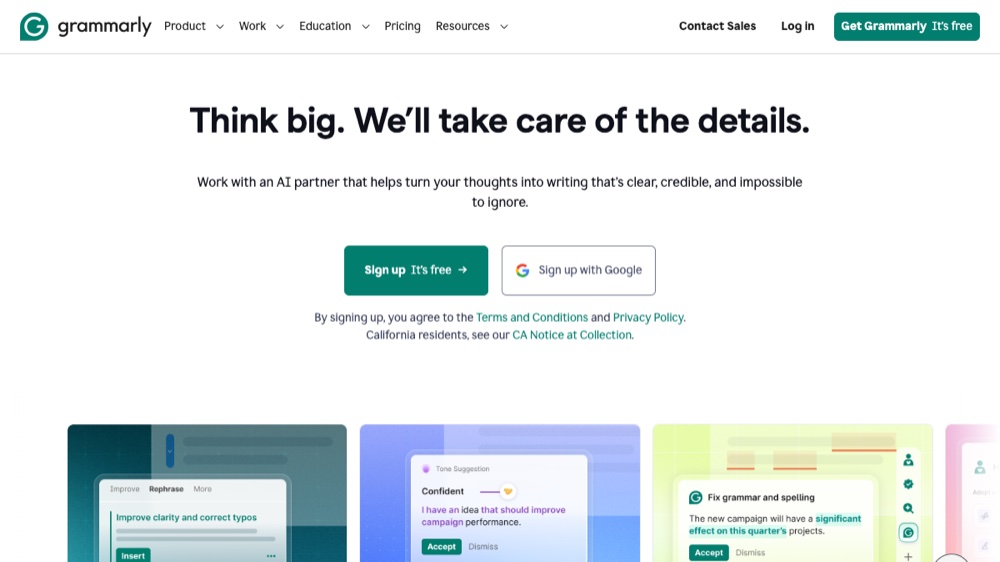
Free: checks spelling and grammar, shows your writing tone, and includes 100 AI prompts a month.
Paid: Pro is listed at $12 on Grammarly’s US plans page and adds full-sentence rewrites, tone adjustments, plagiarism and AI-text detection, and 2,000 AI prompts a month. In India, Grammarly offers a Plus plan at Rs 392 per member per month, billed annually.
Grammarly says it is trusted by over 40 million people and 50,000 organizations, and it works in your browser, desktop and mobile apps. See how it compares with LanguageTool in our grammar checker comparison. Visit Grammarly.
2. QuillBot — Best Value Upgrade and Paraphraser
Free: paraphrase up to 100 words at a time in 2 modes and fix basic grammar errors.
Paid: Premium costs $8.33 a month, billed annually, and unlocks full paraphrasing in unlimited modes and advanced grammar recommendations. All Premium plans include the paraphraser, grammar checker, plagiarism checker, AI detector, AI humanizer and summarizer.
QuillBot is a good pick for students who want grammar fixes and rewording in one place. Visit QuillBot.
3. ProWritingAid — Best for Long-Form and Fiction Writing
Free: a free plan for writers taking the first step.
Paid: Premium is $30 a month billed monthly or $10 a month billed yearly (it was half price for Black Friday in November 2026), and Premium Pro is $36 a month billed monthly. Premium comes with a 3-day money-back guarantee.
ProWritingAid is built for novelists and long documents, with story-level feedback tools on top of grammar and style checks. Visit ProWritingAid.
4. LanguageTool — Best for Writing in Several Languages
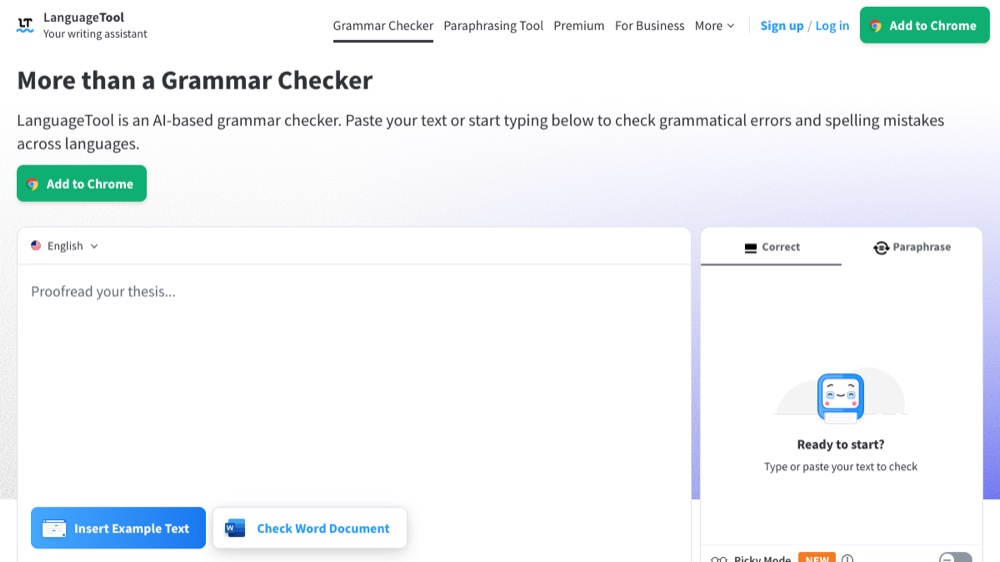
Free: a Basic plan for beginners that checks grammar, punctuation and style.
Paid: Premium for professionals; LanguageTool shows the price in your local currency.
LanguageTool works in more than 30 languages and has browser add-ons for Chrome, Edge and Firefox. Our own free grammar checker runs the open-source LanguageTool engine on our server. Visit LanguageTool.
5. Hemingway Editor — Best for Readability
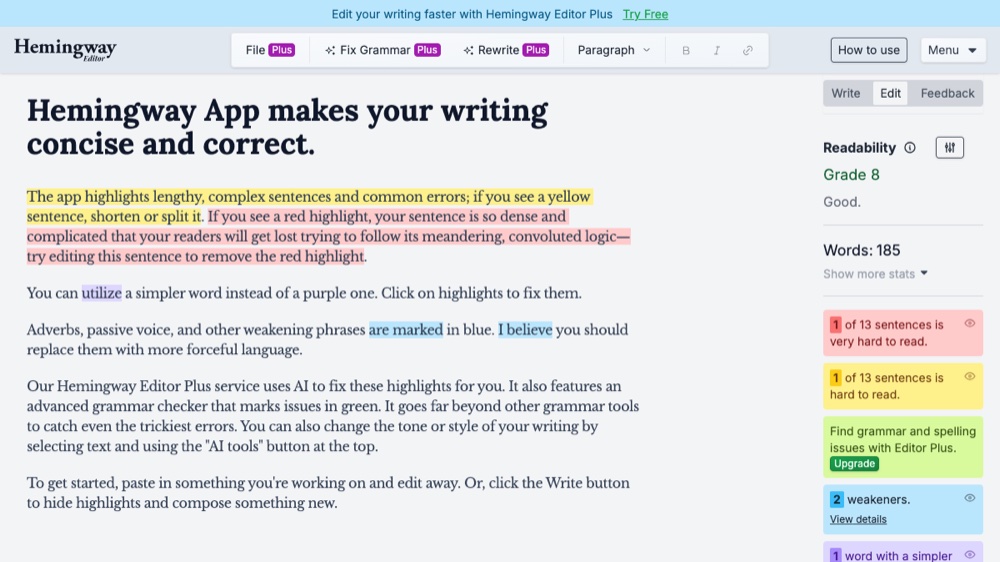
Free: free online tools, including a grammar checker, an AI proofreader, a paraphrasing tool and a readability checker.
Paid: Hemingway Editor Plus fixes highlighted issues, checks grammar and adjusts tone, with a free 2-week trial and no credit card required.
Hemingway is best for making writing clear and easy to read. The original Hemingway Editor Classic is still available. Visit Hemingway Editor.
6. Microsoft Word for the web — Best Free Online Paper Editor
Free: create and edit documents in your browser with no download, with real-time spelling and grammar corrections.
Paid: Microsoft 365 plans add more features, including Copilot in Word.
Editor in Word can improve conciseness, formality and readability, similarity checks highlight text that closely matches online sources, and spell check works in over 20 languages. Visit Microsoft Word for the web.
7. Google Docs — Best Free Paper Editor for Collaboration
Free: anyone with a Google Account can create documents in Docs and run its spelling and grammar check.
Paid: Google Workspace plans add business features.
Docs underlines misspelled words in red and grammar suggestions in blue, and you can accept or ignore each suggestion. Google says spelling and grammar suggestions are available in English, Spanish, French, German, Portuguese and Italian. Visit Google Docs.
8. Ginger — Best for English Learners
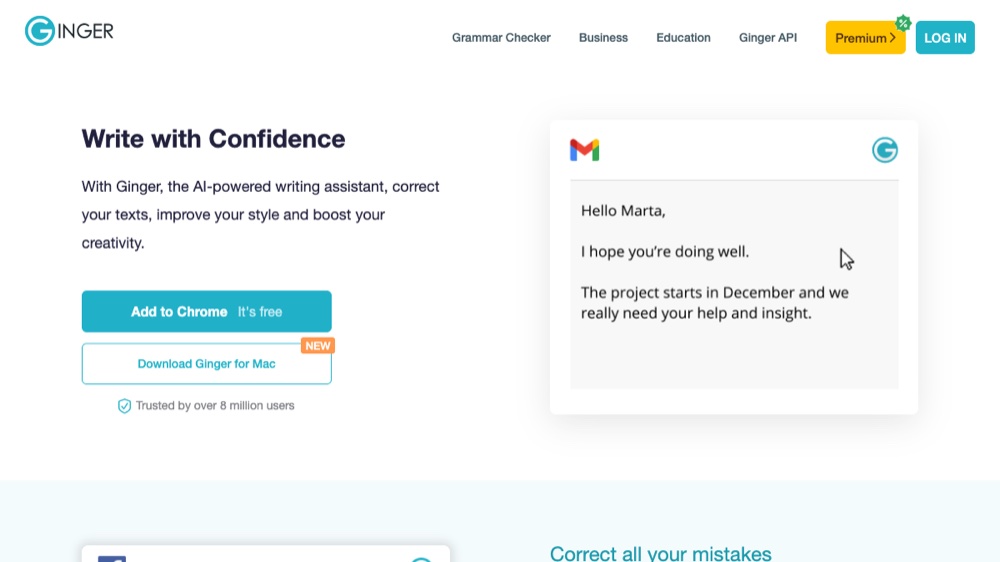
Free: a free writing assistant that checks English text for grammar, style and spelling, in US or UK English.
Paid: Ginger Premium (often discounted).
Ginger corrects all errors in one click and works through a Chrome extension, Windows and Mac apps, iOS and Android apps and a Microsoft Office add-in. Ginger says it has more than 8 million users. Visit Ginger.
9. Scribens — Best Free Checker in Many Languages
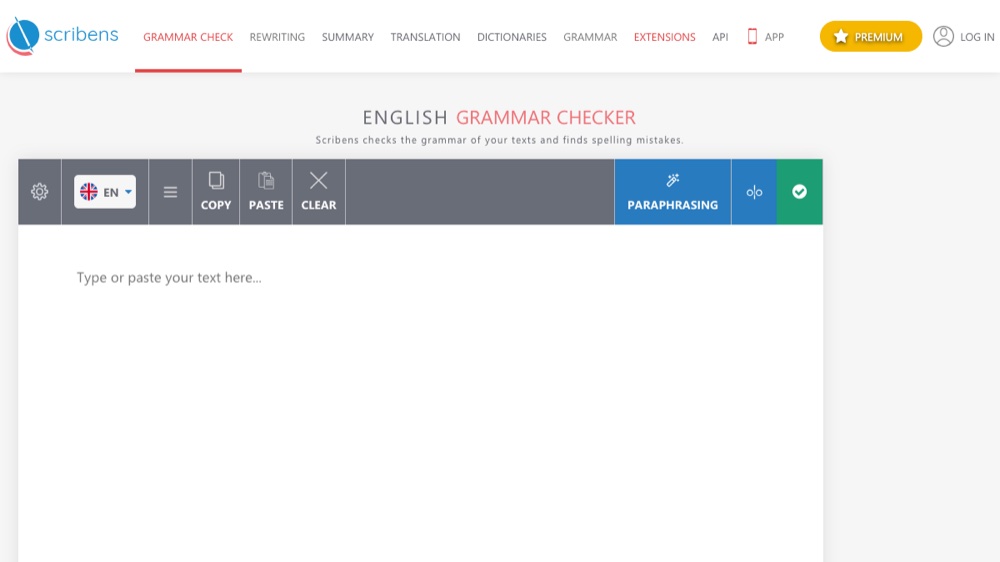
Free: a free grammar and spelling checker available in over 40 languages.
Paid: Scribens Premium.
Scribens has extensions for Microsoft Word, PowerPoint, Excel, Google Docs and Google Sheets, and works in Gmail, Outlook and social media sites. The company says it corrects over 90% of spelling and grammar mistakes. Visit Scribens.
10. Reverso — Best for Grammar Plus Translation
Free: an AI-powered grammar checker and rephraser for US and UK English.
Paid: Reverso Premium lets you correct longer texts and use the rephraser without limits, with expanded synonyms and no ads.
Reverso is best if you also translate, with apps for Mac, Windows, iOS, Android, Chrome and Edge. Visit Reverso.
11. WhiteSmoke — Best for Microsoft Word and Outlook Users
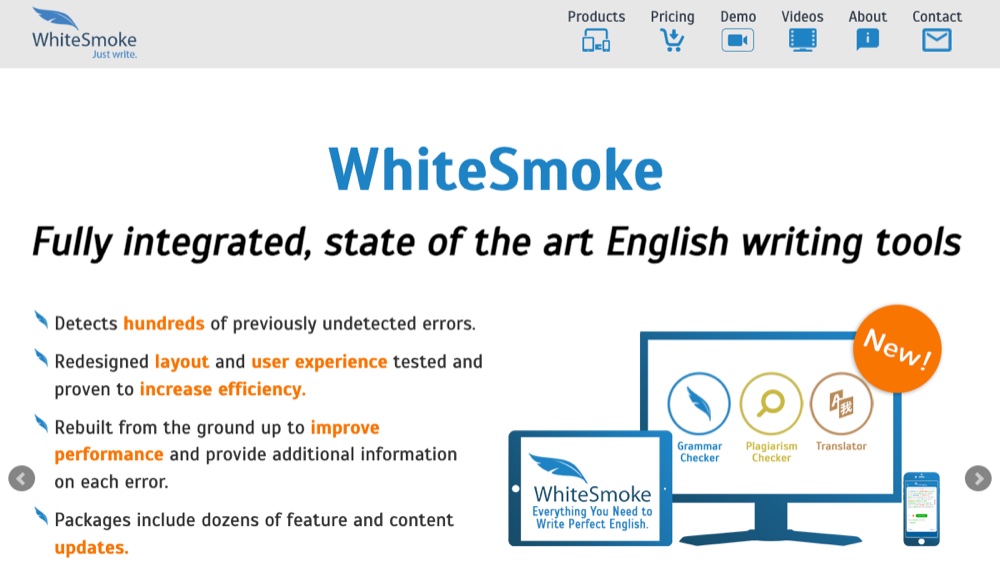
Free: no free plan is listed on its homepage.
Paid: WhiteSmoke Premium integrates with Microsoft Word and Outlook, checks spelling, grammar, punctuation, style and plagiarism, and includes over 100 document and letter templates and a translator for over 50 languages.
It works on Mac, Windows and all browsers, with WhiteSmoke Mobile for Android and iOS. Visit WhiteSmoke.
12. SpellCheckPlus — Best for English as a Second Language
Free: a free online spelling and grammar checker built for people learning English.
Paid: a Pro account.
SpellCheckPlus comes from Nadaclair Language Technologies, which also makes checkers for French (BonPatron) and Spanish (SpanishChecker). Visit SpellCheckPlus.
Tools we removed: PaperRater (paperrater.com now redirects to Scribbr), After the Deadline (its site says the hosted service has been shut down), EditMinion (its website no longer loads), Slick Write (its site fails a security certificate check) and Grammar Slammer (we could not find a working website for it). For more free checkers, see our list of free online spell checker tools, and to check originality, our guide to plagiarism checkers.
What Is the Best Online Paper Editor?
For editing a paper online, the best free choices are Microsoft Word for the web and Google Docs. Both let you write, format and save documents in a browser and both check spelling and grammar as you type. Word’s Editor also suggests clearer, more concise wording and checks for text that closely matches online sources, while Google Docs is easier for sharing a paper with classmates or a tutor. For a deeper proofread, paste your finished paper into Grammarly, QuillBot or LanguageTool, or use their Word and Google Docs add-ons.
Is There a Free Online Editor for Writing?
Yes. Google Docs (with a Google Account) and Microsoft Word for the web are free online editors with built-in spelling and grammar checks. For proofreading, Grammarly, QuillBot, LanguageTool, Scribens, Ginger, Reverso and SpellCheckPlus all have free versions. Our own free grammar checker checks up to 20,000 characters at a time with no account; it explains each issue but does not rewrite sentences or check for plagiarism.
Which App Can I Use to Edit a Paper?
- To write and edit the paper: Microsoft Word (web, desktop or mobile) or Google Docs.
- To proofread grammar and style: Grammarly or LanguageTool, which work inside your browser and documents.
- To reword sentences: QuillBot’s paraphraser.
- To improve readability: Hemingway Editor.
- For plagiarism checks: Grammarly Pro or QuillBot Premium.
Can I Use AI to Edit a Paper?
Yes, with care. AI tools can fix grammar, improve clarity and suggest rewrites: Grammarly Pro rewrites full sentences, QuillBot paraphrases, and Microsoft says Copilot in Word can improve tone and clarity on existing pages. Use AI to polish your own work rather than to write it, check every change, and follow your school’s or publisher’s rules on AI use.
Can ChatGPT Do Proofreading?
Yes. You can paste text into ChatGPT and ask it to correct spelling, grammar and punctuation. But a chatbot may also change your meaning, tone or facts without saying so, so ask it to list each change, and compare the result with your original. Dedicated proofreaders like Grammarly, LanguageTool or the spelling and grammar check in Google Docs show each suggestion so you can accept or ignore it one by one.
Can Teachers Tell If an AI Wrote Your Paper?
Sometimes. Many schools use detection tools: Turnitin says its AI checker shows how much of a submission is likely human-written versus likely AI-generated, including likely AI-paraphrased content. Detection is not proof, though: Turnitin publishes guides for educators and students on handling false positives. The safest approach is to follow your course’s AI policy and keep your drafts and notes to show your own work.
How Do I Become an Online Proofreader?
- Build strong skills in grammar, spelling and punctuation, and learn a common style guide such as APA, Chicago or AP for the kind of work you want.
- Practise and build samples by proofreading real documents, such as student papers, blog posts or business documents, with permission.
- Pick a niche, such as academic, legal, business or fiction proofreading, where clients will pay for subject knowledge.
- Find work through freelance marketplaces, proofreading agencies or direct outreach, and use tools like Grammarly or LanguageTool as a second check, not a replacement for your own judgment.
Online Proofreading Services With Human Editors
Software catches most mechanical errors, but important papers, theses and manuscripts can benefit from a human editor. Scribendi, for example, offers both proofreading and editing, and explains the difference simply: choose editing if your writing needs to sound more natural in English, or proofreading if it just needs a final check. Compare prices for your word count and deadline before you order.
How to Choose an Online Proofreading Tool
- For everyday emails and documents: Grammarly’s free plan or LanguageTool Basic.
- On a budget but want more: QuillBot Premium.
- For novels and long reports: ProWritingAid.
- For clear, simple writing: Hemingway Editor.
- For several languages: LanguageTool or Scribens.
- For English learners: Ginger or SpellCheckPlus.
- For content and AI writing tools, see our guide to AI tools for content writing.
Frequently Asked Questions
What is the best online proofreading tool?
Grammarly is the best all-round choice for most people, with a capable free plan and a Pro upgrade. QuillBot is the best value paid upgrade at $8.33 a month billed annually, and LanguageTool is best for several languages.
Are free proofreading tools good enough?
For everyday writing, usually yes. Free plans from Grammarly, LanguageTool, QuillBot and Scribens catch most spelling and grammar mistakes. Paid plans add full-sentence rewrites, advanced style suggestions and plagiarism checks.
What is the difference between proofreading and editing?
Proofreading is a final check for errors; editing improves how the writing reads. Scribendi puts it this way: choose editing if your writing needs to sound more natural in English, or proofreading if it just needs a final check.
Can proofreading tools replace a human editor?
Not fully. Tools are fast at spotting spelling, grammar and punctuation errors, but they can miss context, meaning and subject-specific problems. For theses, manuscripts and important business documents, use a tool first and then a human proofreader.
Which proofreading tool is best for students?
Grammarly or QuillBot for everyday essays (both paid plans add a plagiarism check), Hemingway for readability, and Google Docs or Word for the web for writing the paper itself.
Do proofreading tools work in Google Docs and Microsoft Word?
Yes. Google Docs and Word have their own spelling and grammar checks, Scribens has extensions for Word and Google Docs, Ginger has a Microsoft Office add-in, and WhiteSmoke Premium integrates with Word and Outlook.