Free AI Writing Assistant Tools
If you're just starting your journey in content writing, blogging, or digital marketing, using a free AI writing assistant can save you hours of effort. These tools help you write faster, improve grammar, and generate high-quality content easily — without spending a cent.
In this guide, we cover the 9 best free AI writing assistant tools for beginners in 2026, including our own Free AI Writing Assistant, what each is genuinely good at, and how two once-beginner-friendly names (Copy.ai and Writesonic) have quietly repositioned toward business customers this year.
Why Use a Free AI Writing Assistant?
A free AI writing assistant is perfect for beginners who want to create content quickly without spending money. These tools improve writing quality and help you stay productive.
Key Benefits
- Saves time and effort
- Improves grammar and readability
- Helps generate ideas instantly
- Creates structured and engaging content
- Easy to use for beginners
The 9 Best Free AI Writing Tools at a Glance
| Tool | Best For |
|---|---|
| ChatGPT (Free Plan) | Blog writing, idea generation, all-purpose content |
| SaveDelete Free AI Writing Assistant | Fast blog posts, emails and social copy with zero setup |
| Grammarly (Free Version) | Grammar, clarity and tone polishing |
| QuillBot | Rewriting, paraphrasing and summarizing |
| Copy.ai | Sales and marketing teams (has moved upmarket from simple copywriting) |
| Writesonic | Businesses optimizing for visibility in AI search (not a beginner blog tool anymore) |
| Claude | Long-form writing that needs a natural, careful voice |
| Google Gemini | Writers already living in Google Docs and Search |
| Perplexity | Research-driven writing that needs citations |
The 9 Best Free AI Writing Assistant Tools
1. ChatGPT (Free Plan)
Best for: Blog writing, idea generation, all-purpose content
ChatGPT remains the most popular AI writing assistant in 2026. The free plan gives beginners a capable, versatile writer for blog posts, outlines, emails and more, with no cost to get started.
Key Features:
- Generates high-quality content across formats
- Supports many writing styles and tones
- Simple chat interface, nothing to learn
Pros:
- Versatile and beginner-friendly
- Produces natural, human-like content
Cons:
- Free plan has usage limits
- Needs a human editing pass for accuracy
2. SaveDelete Free AI Writing Assistant
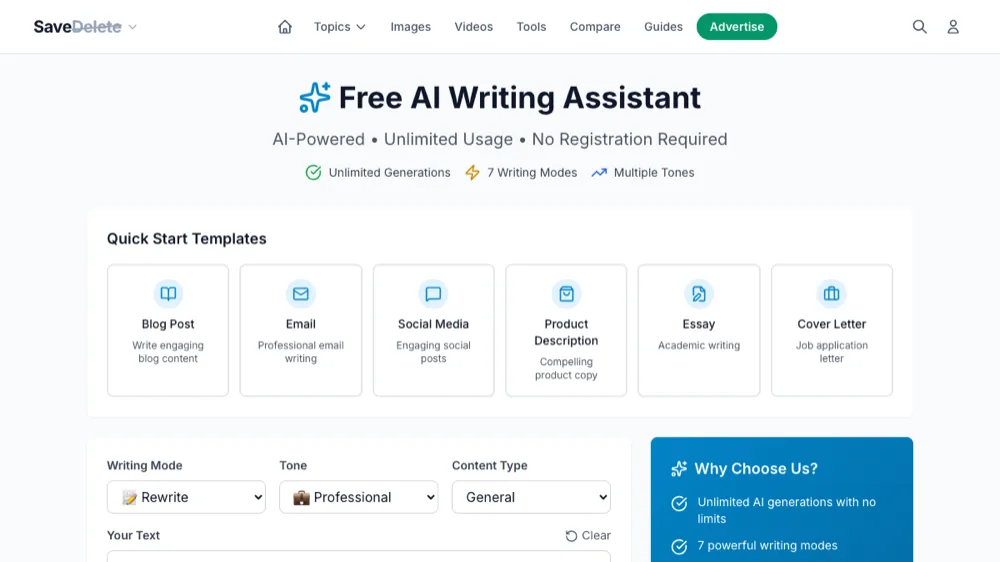
Best for: Fast blog posts, emails and social copy with zero setup
Our own Free AI Writing Assistant is built for exactly the reader this guide is for: a beginner who wants clean, usable content fast, with no account and no learning curve. Pick a content type — blog post, email, social media, product description, essay or cover letter — choose a writing mode and tone, and generate.
Key Features:
- 7 writing modes (rewrite, expand, summarize and more) with adjustable tone
- Quick-start templates for blog posts, emails, social posts, product descriptions, essays and cover letters
- Unlimited generations with no registration required
Pros:
- Genuinely free with no signup wall
- Lightweight and fast for short-to-medium content
- No credit card or account needed to start
Cons:
- Best for shorter, focused pieces rather than long-form research
Try SaveDelete Free AI Writing Assistant →
3. Grammarly (Free Version)
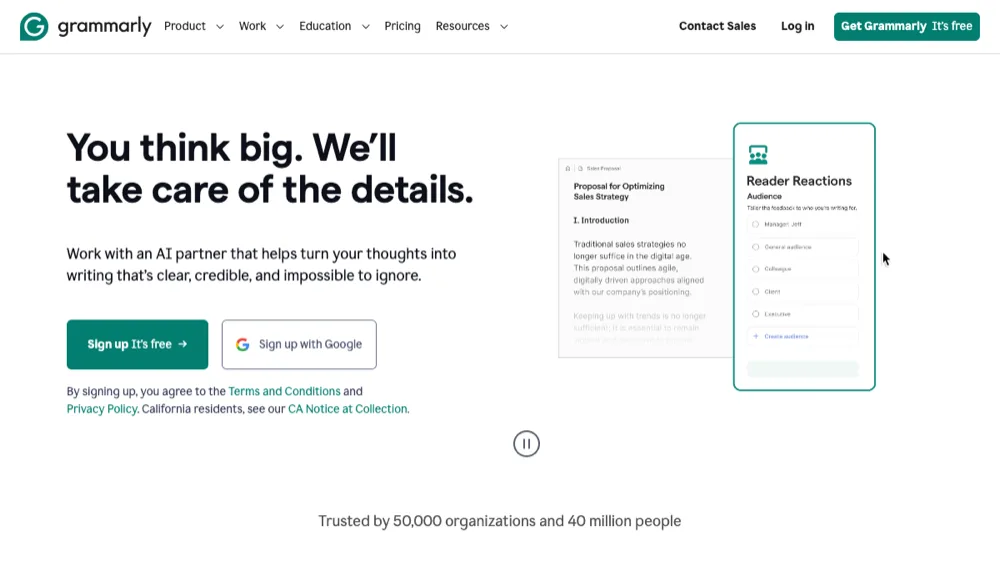
Best for: Grammar, clarity and tone polishing
Grammarly is less a generator and more an editor — it improves whatever you've already written. The free version remains one of the best ways for beginners to catch grammar mistakes and tighten tone before publishing.
Key Features:
- Real-time grammar and spelling correction
- Tone and clarity suggestions
- Browser extension works almost everywhere you type
Pros:
- Extremely accurate suggestions
- Painless browser integration
Cons:
- Free plan withholds Grammarly's deeper AI rewrite features
Try Grammarly (Free Version) →
4. QuillBot
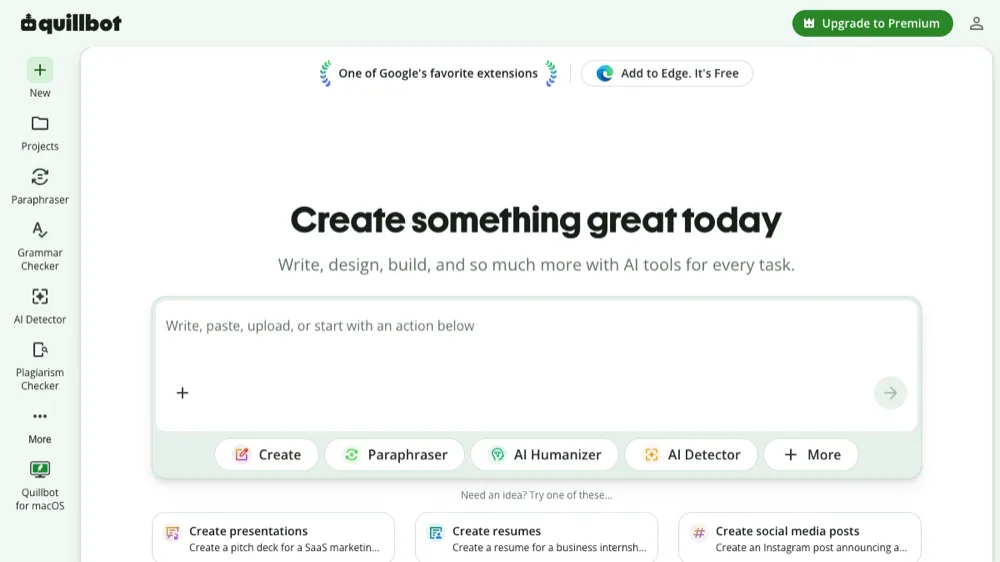
Best for: Rewriting, paraphrasing and summarizing
QuillBot is the tool to reach for when you already have a draft and need to rephrase, shorten, or vary it. Its free tier covers paraphrasing and summarizing, which pairs well with a generator like ChatGPT or our own assistant.
Key Features:
- Paraphrasing tool with multiple modes
- Built-in summarizer
- AI detector and grammar checker included
Pros:
- Excellent for rewriting existing content
- Simple, focused interface
Cons:
- Free plan caps words per rewrite
5. Copy.ai
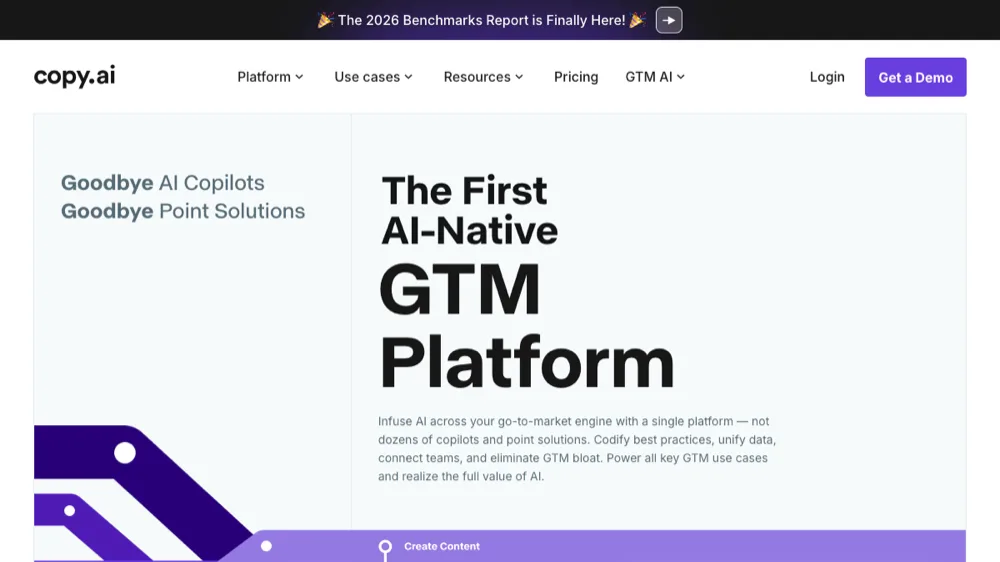
Best for: Sales and marketing teams (has moved upmarket from simple copywriting)
Copy.ai has repositioned significantly since its early "beginner ad copy" days — in 2026 it markets itself as an AI-native go-to-market (GTM) platform for sales and marketing teams, not a simple free copywriting tool. Its free tier still generates short marketing copy, but the product is now built for teams, not solo beginners.
Key Features:
- Ready-to-use templates for ads, emails and product copy
- Now bundles broader GTM/workflow automation
- Fast generation for short-form marketing copy
Pros:
- Still useful for quick marketing snippets
- Templates lower the blank-page problem
Cons:
- Free tier is limited; the product now targets teams over solo beginners
- Interface has grown more complex as it expanded scope
6. Writesonic
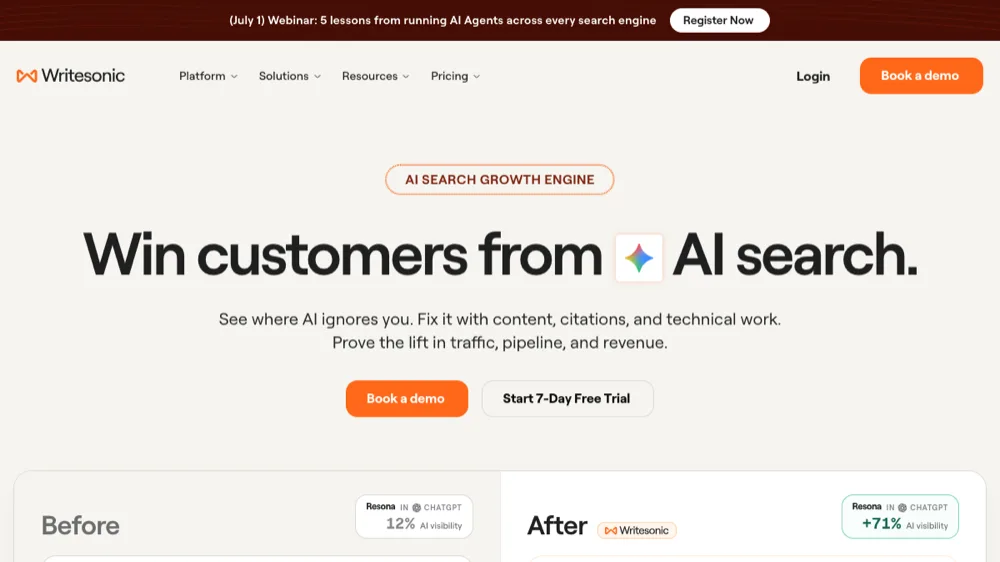
Best for: Businesses optimizing for visibility in AI search (not a beginner blog tool anymore)
Writesonic has also pivoted hard — it now positions itself as an "AI search growth engine" focused on getting brands cited inside ChatGPT, Gemini and other AI search results, with a 7-day free trial rather than an ongoing free plan. Beginners looking for a simple free writer will find ChatGPT or our own assistant a better fit today.
Key Features:
- AI-visibility tracking (are you cited in AI search answers?)
- Content, citation and technical recommendations
- Still capable of general content generation
Pros:
- Useful if your goal is AI-search visibility, not just writing
Cons:
- No longer aimed at beginners; free trial only, not a free plan
- Steeper learning curve than a simple writing assistant
7. Claude
Best for: Long-form writing that needs a natural, careful voice
Anthropic's Claude has become a favorite for longer, more nuanced writing — essays, articles and documents that need to read naturally rather than sound obviously AI-generated. The free tier is generous enough for regular beginner use.
Key Features:
- Strong at long-form, coherent writing
- Large context window for feeding it reference material
- Careful, less repetitive prose style
Pros:
- Often reads more natural than other free tools
- Handles longer documents well
Cons:
- Free tier has message limits during high-demand periods
8. Google Gemini
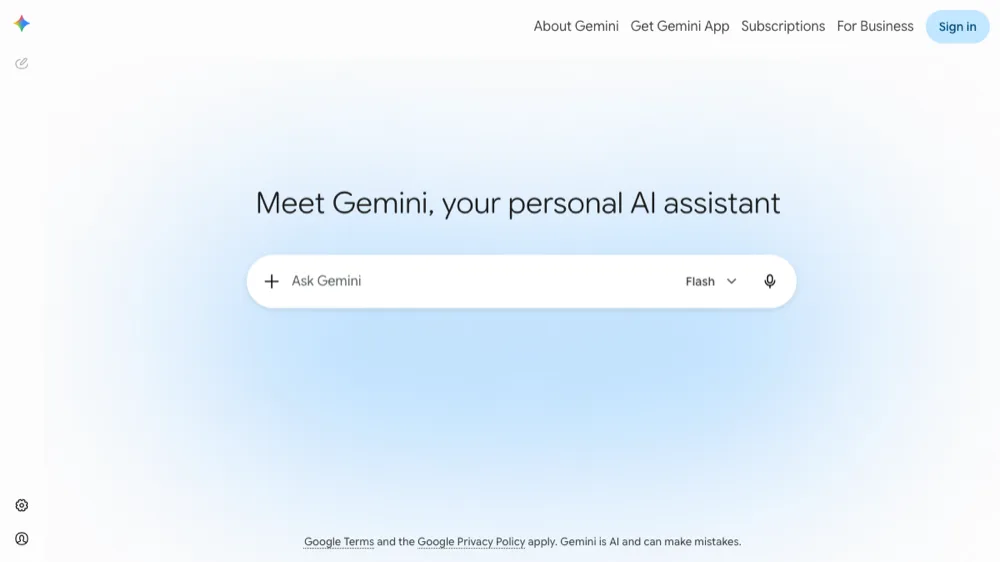
Best for: Writers already living in Google Docs and Search
Gemini is Google's free AI assistant, with the advantage of deep integration into Docs, Gmail and Search. For beginners who already work inside Google Workspace, it's often the path of least resistance to AI-assisted writing.
Key Features:
- Free to use with a Google account
- Integrates directly with Google Docs and Search for research-backed drafts
- Can pull in current information via Search
Pros:
- No extra signup if you already use Google
- Good for research-backed writing
Cons:
- Best features lean on having a Google Workspace habit already
9. Perplexity
Best for: Research-driven writing that needs citations
Perplexity blends search and writing: ask it a question and it drafts an answer with cited sources attached. For beginners writing anything research-heavy (explainers, comparisons, how-tos), that built-in sourcing is a genuine time-saver.
Key Features:
- Answers and drafts come with cited sources
- Free tier includes unlimited basic searches
- Good for fact-checking as you write
Pros:
- Citations make it easy to verify claims
- Great starting point for research-based articles
Cons:
- Less suited to purely creative or narrative writing
How to Choose the Right AI Writing Assistant
When choosing an AI writing assistant, consider:
- Your purpose (blogging, academic, marketing)
- Ease of use
- Content quality
- Free plan limitations
For a broader roundup, see our guides to the best AI writing tools for content writers and AI tools for content writing.
Tips to Improve Your Content Using an AI Writing Assistant
To get better results from a free AI writing assistant:
- Write simple and clear prompts
- Use proper headings (H1, H2, H3)
- Keep content readable and engaging
- Edit AI-generated text before publishing
- Focus on natural, human-like phrasing
Conclusion
Using a free AI writing assistant is one of the easiest ways for beginners to start writing content efficiently. Tools like ChatGPT, our own Free AI Writing Assistant, Grammarly, Claude and Gemini all help improve writing quality and save time — while Copy.ai and Writesonic are now better suited to businesses than solo beginners.
Try these tools today, and see our full list of best AI tools for more ways to speed up your workflow.
Frequently Asked Questions
What is a Free AI Writing Assistant?
A free AI writing assistant is a tool that helps you create content, improve grammar, and generate ideas without any cost. Most, including our own Free AI Writing Assistant, need no account or credit card to start.
Which is the best free AI writing assistant for beginners?
ChatGPT, our own SaveDelete assistant, Grammarly, Claude and Gemini are the strongest genuinely-free options for beginners in 2026. Copy.ai and Writesonic have both shifted toward business/GTM use cases and are no longer the best fit for a first-time user.
Can a free AI writing assistant improve my writing skills?
Yes. Beyond generating drafts, tools like Grammarly and QuillBot show you exactly what changed and why, which helps you internalize grammar, tone and clarity rules over time rather than just outsourcing the writing.
Is AI-generated content safe to publish as-is?
You should always edit AI output before publishing — for accuracy, originality, and to make sure it sounds like you. Treat AI tools as a fast first draft, not a finished, fact-checked article.
Are free plans enough for a beginner, or do I need to pay?
Free plans are more than enough to learn the ropes and produce real content. Most beginners only need to upgrade once they're publishing at high volume or need advanced features like long-form SEO optimization or team collaboration.
What's the difference between a generator like ChatGPT and an editor like Grammarly?
A generator (ChatGPT, Claude, our own assistant) creates new text from a prompt. An editor (Grammarly) polishes text you already wrote. Most people end up using one of each — generate a draft with one tool, then clean it up with the other.