Best Portrait Photo Editors for PC and Smartphone (2026)
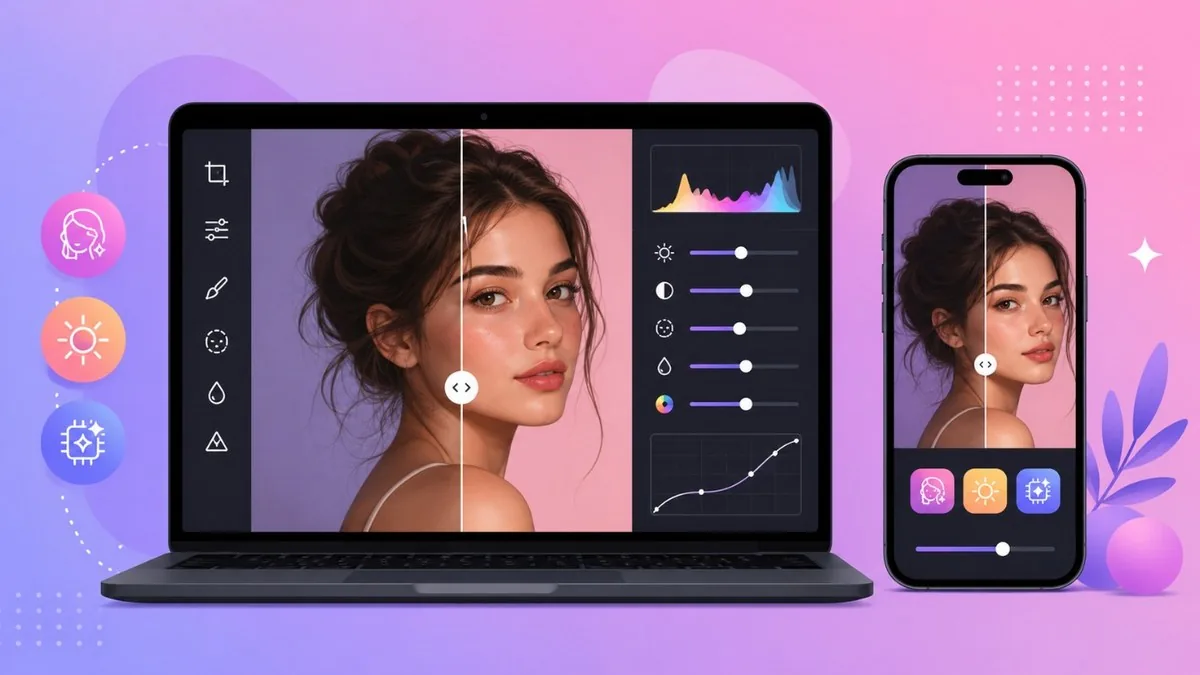
Portrait editing in 2026 is all about AI retouching that fixes skin, light and detail in seconds, no masking required. But the big shift this year is restraint: with audiences tired of plastic, poreless faces, the best tools now smooth and reshape while keeping real skin texture intact. This guide rounds up the top portrait photo editors for both desktop and phone, from pro-grade Luminar Neo and PortraitPro to one-tap mobile apps like Facetune, Remini and AirBrush.
The Best Portrait Photo Editors in 2026
Adobe Lightroom
Win/Mac/iOS/Android · from $11.99/mo
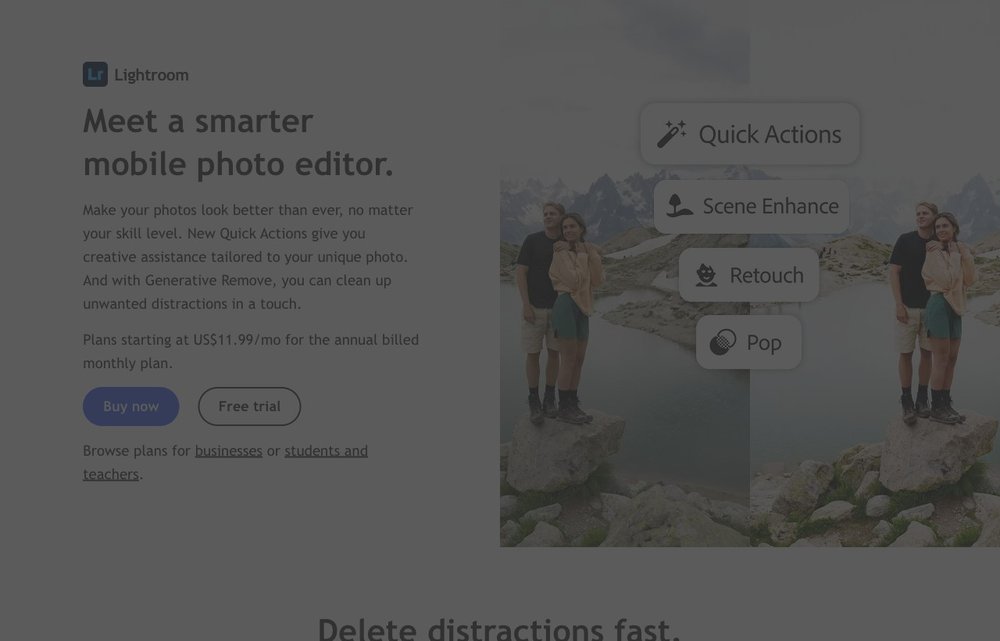
Still the professional standard for raw portrait workflows across desktop, mobile and web. Its AI masking isolates faces, skin and skies with near-perfect precision, and the Firefly-powered Generative Remove tool erases background distractions without burning generative credits. The Lightroom-only plan is $11.99/month; the Photography Plan (Lightroom + Photoshop + 1TB) is $19.99/month.
Adobe Photoshop
Win/Mac · from $19.99/mo (Photography Plan)
The deepest manual retoucher there is, and in 2026 it leans hard into AI. Version 27.x adds Firefly Image 5 Generative Fill, smarter Reflection Removal, Rotate Object on canvas and an AI assistant. Generative Remove is now the most-used AI feature among pros because it reconstructs plausible texture rather than hallucinating. Included in the $19.99/month Photography Plan.
Luminar Neo

Win/Mac (+mobile) · one-time from ~$119
Skylum's photographer-first editor and one of the strongest portrait tools of 2026. The Spring 2026 update overhauled Skin AI with separate controls for blemishes, shine, smoothing and dark circles, plus Face AI and Bokeh AI, all applied in a split second with no brushing. It is sold as a one-time perpetual license from about $119, with cross-device and Max tiers above that, instead of a subscription.
PortraitPro
Win/Mac · one-time, multiple editions
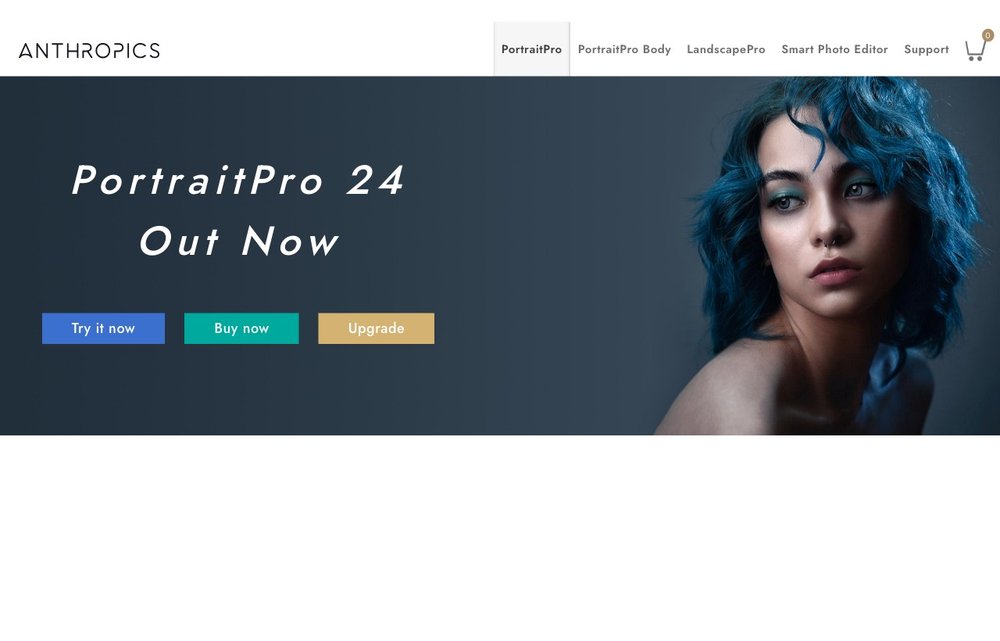
Anthropics' dedicated portrait retoucher (now at version 24) is purpose-built for faces. It auto-detects features, age and gender, then offers ClearSkin 5 smoothing, digital makeup, relighting, hair recoloring and eye enhancement via sliders. V24 adds glasses-reflection reduction, AI mouth/teeth fixes and face recovery for blurry shots. Sold in Standard, Studio and Studio Max editions for Windows and Mac.
Pixelmator Pro
macOS · one-time or via Apple Creator Studio
Now owned by Apple, Pixelmator Pro is the polished Mac choice for portrait work, with ML Super Resolution, AI background removal, reworked masking and non-destructive color tools. In January 2026 Apple folded it into the new Apple Creator Studio bundle (with Photomator and other apps) at $12.99/month or $129/year, alongside its long-standing one-time purchase.
Facetune
iOS/Android · free trial, VIP from ~$78/yr
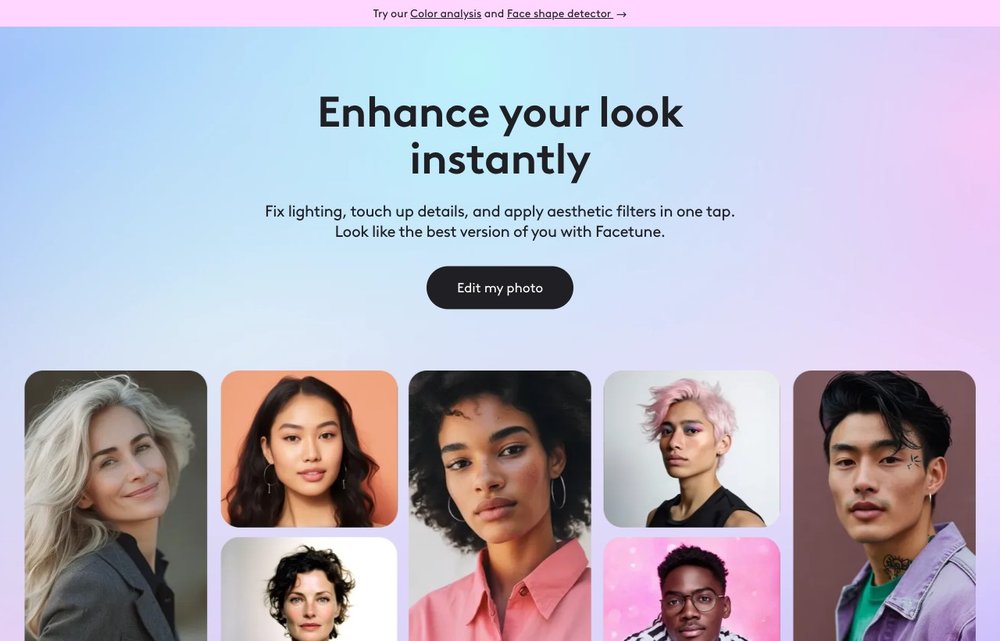
Lightricks' Facetune remains the pro standard for detailed manual selfie retouching: skin, teeth, reshape and full facial sculpting, plus a popular AI Headshots generator that turns any photo into a professional portrait. A 7-day free trial unlocks everything; VIP plans run roughly $77.99/year up to monthly options around $19.99-$25.
YouCam Perfect
iOS/Android · free + in-app premium
Perfect Corp's all-in-one AI beauty editor with 800M+ downloads. It handles one-tap skin smoothing, face reshaping, teeth whitening, object removal and AI generative effects, making it a friendly middle ground between casual and serious retouching. Free to download with a premium tier for ad-free use and the full effects library.
AirBrush
iOS/Android · free + premium subscription
The easiest pick if you just want to touch up a selfie before posting. Import, tap one button, share, the learning curve is essentially zero, yet it still covers blemish removal, skin smoothing, teeth whitening, face reshaping and background blur. Free with a premium subscription for advanced tools.
Snapseed
iOS/Android · free
Google's free mobile editor came roaring back in 2026: Snapseed 4.0 (May 2026) modernized the interface and added batch editing, an in-app camera and one-touch masking after the 3.0 revival. Its Healing, Selective and precise control tools make it the go-to for natural, restrained portrait edits with zero cost and no watermarks.
Remini
iOS/Android/web · free + from ~$6.99/wk
The 2026 breakout from Bending Spoons, Remini specializes in AI photo enhancement and HD face restoration, sharpening blurry, low-res or old portraits into crisp detail. With around 90M monthly users it is the tool to reach for when the goal is rescuing a photo rather than glamorizing it. Free tier with ads; paid plans from about $6.99/week or ~$59.99/year.
Picsart
iOS/Android/web · free + Pro ~$7/mo
A do-everything creative app whose AI Retouch perfects portraits with skin-tone, eyes, lips, jawline and even eye-bag controls via simple sliders, plus AI Expand, try-on and generative tools. Works across iOS, Android and web on one account. Free tier with limits; Pro is about $7/month billed annually.
Picking the Right Portrait Editor
For natural pro results on desktop, Lightroom, Luminar Neo or the face-focused PortraitPro are the strongest picks; on Mac, Pixelmator Pro. For fast phone edits, Facetune gives the most control, Snapseed is the best free option, and Remini rescues blurry or old photos. The 2026 rule of thumb: smooth and enhance, but keep real skin texture. See also our guide to photo editing software and drawing apps for iPad.
Frequently Asked Questions
What is the best free portrait editor in 2026?
Snapseed is the strongest fully free pick, with no watermarks and powerful Healing, Selective and one-touch masking tools after its 4.0 update. For phones, AirBrush, YouCam Perfect, Picsart and Remini all offer capable free tiers, though they gate advanced features or remove ads behind a subscription.
Which editor is best for skin retouching?
For desktop, PortraitPro's ClearSkin 5 and Luminar Neo's Skin AI (with separate blemish, shine, smoothing and dark-circle controls after the Spring 2026 update) lead the field. On mobile, Facetune gives the most precise manual skin control. All three are tuned to smooth skin while preserving natural texture rather than producing a plastic look.
What is the best AI portrait editor?
It depends on the job. Luminar Neo and PortraitPro offer the best AI face and skin retouching on desktop, Adobe Photoshop and Lightroom lead on Firefly-powered generative editing, and Remini is unbeatable for AI face restoration of blurry or old photos. Facetune's AI Headshots is the standout for instant professional portraits on your phone.
Should I edit portraits on a PC or my phone?
Use a PC for high-volume, raw or print work where precision and large screens matter, with tools like Lightroom, Photoshop, Luminar Neo or PortraitPro. Use your phone for quick social touch-ups and selfies with Facetune, Snapseed, AirBrush or Picsart. Many people do both: cull and grade on desktop, then finish for posting on mobile.
How do you edit portraits so they still look natural?
Work with a light hand: keep visible skin texture, pores and fine lines, and avoid extreme smoothing or reshaping. Use lower opacity on retouch tools, fix only genuine distractions, and step back to view the image at full size. In 2026 audiences and platforms increasingly favor authentic, subtly edited portraits over hyper-processed ones.
App features and pricing change often. Verify current plans on each developer’s official site before subscribing.