9 Best Free Employee Scheduling Software (2026)
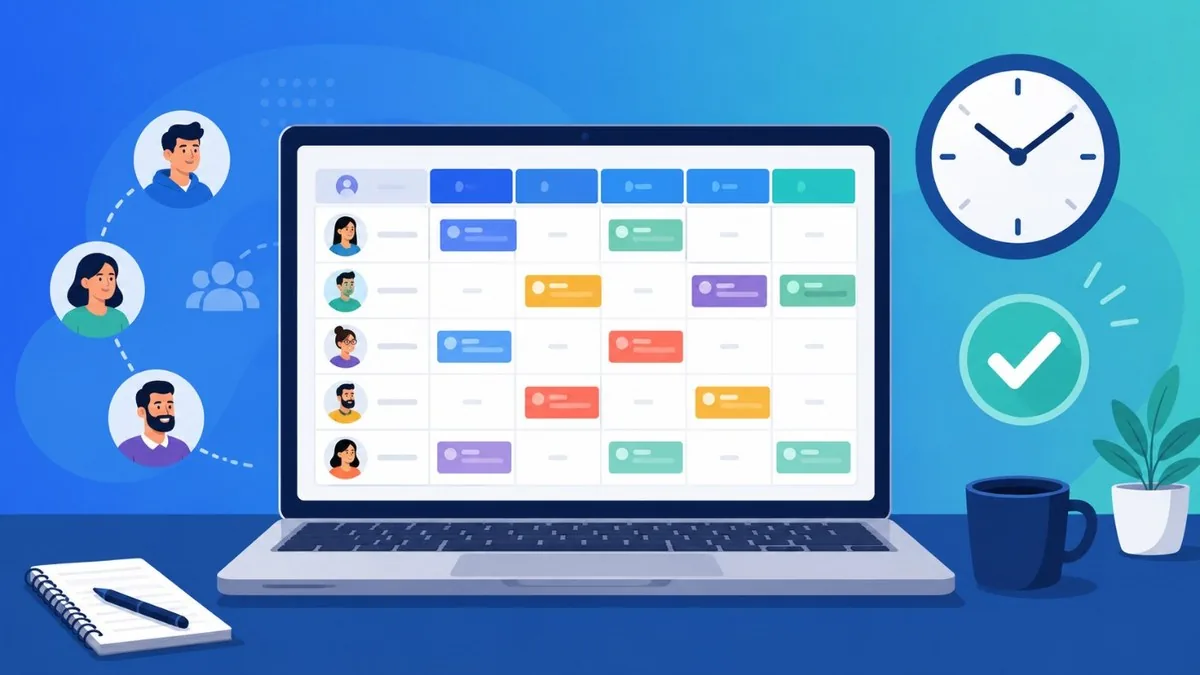
Free employee scheduling software has matured well beyond the basic shift-grid tools of a decade ago, and in 2026 several apps offer genuinely free plans that cover scheduling, shift swaps and staff notifications for small teams. The key is understanding each plan's real limits, since free tiers are typically capped by employee count or locations, and a few well-known names have quietly moved to trial-only access. This guide compares nine current options, noting exactly what each free plan covers so you can match a tool to your team size before you commit. All pricing and plan details below were verified in June 2026.
Best Free Employee Scheduling Software at a Glance
- Homebase — Free for 1 location, up to 10 employees
- Connecteam — Free for up to 10 users (full features)
- Sling — Free for up to 30 users, multi-location
- Zoho Shifts — Free for up to 25 users, multi-location
- Findmyshift — Free forever for teams of up to 5
- Shifton — Free core scheduling for up to 10 users
- Clockify — Free for up to 5 users; scheduling is paid
- When I Work — No free plan; 14-day trial, then from $2
- Deputy — No free plan; 31-day trial, then from $5/user/mo
The Best Free Employee Scheduling Software in 2026
Homebase
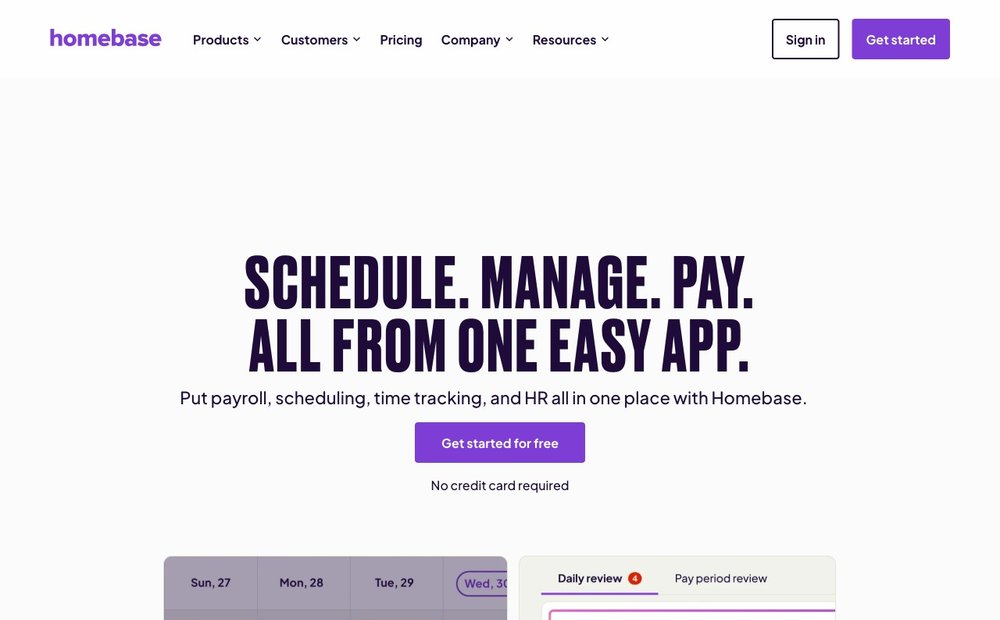
Free for 1 location, up to 10 employees
Homebase is one of the most popular free scheduling tools for hourly teams in retail, restaurants and cafes, pairing a drag-and-drop schedule builder with a built-in time clock and team messaging. Its free Basic plan covers one location and up to 10 employees, and includes basic scheduling, basic time tracking and POS integration. Employees can view shifts, claim open shifts and get schedule changes by app, email or text. Note the free limit dropped from 20 to 10 employees, so larger single-location teams will hit the paid Essentials plan (from about $30/month).
Connecteam
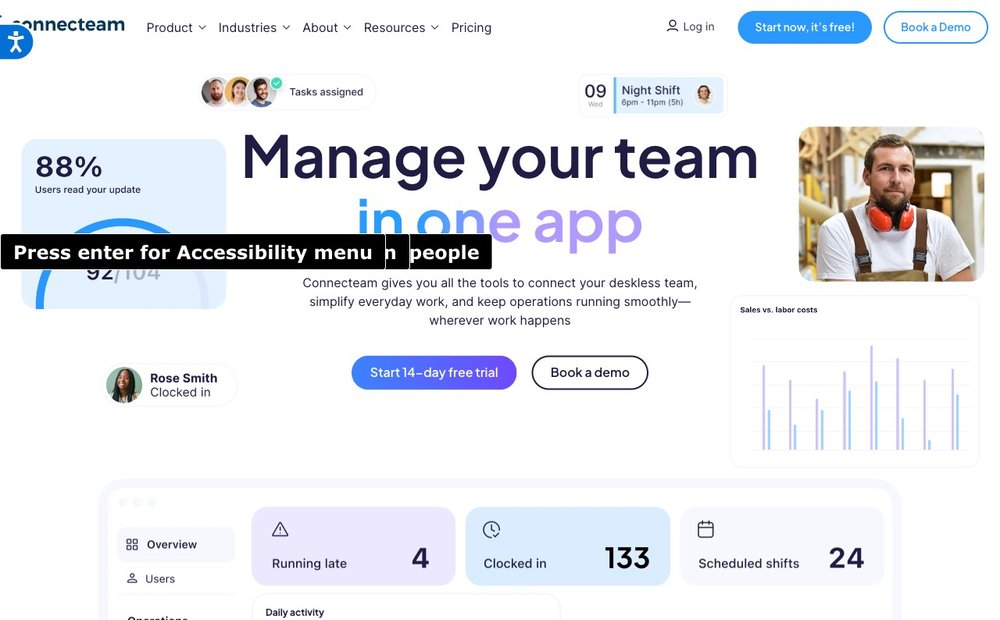
Free for up to 10 users (full features)
Connecteam is an all-in-one workforce app whose Small Business plan is free for life for up to 10 users, with no feature gating. That means full access to scheduling, the time clock with GPS, task management, team chat and HR tools, normally reserved for paid tiers. It is a strong fit for deskless and field teams that want scheduling plus communication in one place. Once you pass 10 users you must move to a paid Operations plan, but for teams of 10 or fewer it is one of the most generous free offers available.
Sling
Free for up to 30 users, multi-location
Sling (by Toast) offers a genuinely free plan supporting up to 30 users, unusually generous for a dedicated scheduling tool, and it allows multiple locations on the free tier. The free plan covers shift scheduling, shift swaps, open-shift claiming, time-off requests, team messaging and a company newsfeed, with push and email notifications to staff. Time tracking, the time-clock kiosk, overtime alerts and detailed labor-cost reporting are reserved for the paid Premium and Business plans. For scheduling-first teams up to 30 people, Sling is one of the best free options in 2026.
Zoho Shifts
Free for up to 25 users, multi-location
Zoho Shifts is the scheduling app in Zoho's wider business suite, and its Free plan supports up to 25 users across multiple locations. The free tier includes basic scheduling, shift templates, break scheduling, time-off requests, team messaging, schedule reports and email plus push notifications, with iOS and Android apps. It is a sensible pick if you already use other Zoho products or want a clean, no-cost scheduler for a mid-sized small team. Paid Basic and Standard plans (from about $1 per user/month, 10-user minimum) add time tracking and advanced features.
Findmyshift
Free forever for teams of up to 5
Findmyshift is a long-running, browser-based rota planner with a free-forever plan for any single team of up to 5 employees. The free tier includes scheduling, timesheets, time clocking and reports, and you can run multiple teams (up to 10) under the free plan. Limits to know: the schedule view is capped at one week forward and one week of history, with no shift-pattern templates, custom columns, real-time reporting or payroll calculation. For teams of 6 or more, paid plans start around $25-27 per team per month, billed per team rather than per user.
Shifton
Free core scheduling for up to 10 users
Shifton uses a modular, pay-for-what-you-use model where core shift scheduling is free for up to 10 users with no time limit and no credit card required. Beyond the free core you enable paid modules, such as payroll, advanced time-off, location control and forecasting, and pay per active employee, with discounts on annual billing. This makes it flexible for small teams that want free scheduling now and the option to bolt on capabilities later. It is a good fit for shift-based operations that prefer to add features incrementally rather than jump to a fixed paid tier.
Clockify
Free for up to 5 users; scheduling is paid
Clockify is best known as a free time tracker, and as of April 2026 its free plan is capped at 5 users (down from the previous unlimited-user free tier). Time tracking, timesheets and basic reporting remain free within that cap. Important for schedulers: shift and team scheduling is not part of the free plan, it is a feature of the paid Standard tier (around $5-5.49 per user/month), and its scheduling lacks recurring shifts, shift swaps and auto-scheduling. Consider Clockify free only if your priority is time tracking for a team of five or fewer, with scheduling as a possible paid add-on.
When I Work
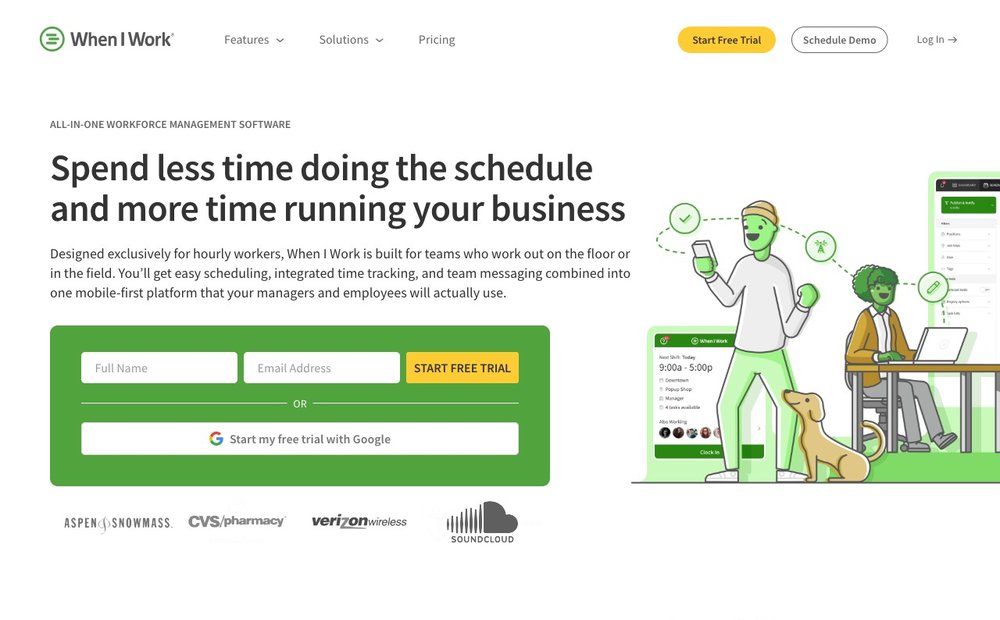
No free plan; 14-day trial, then from $2.50/user/mo
When I Work is a polished, scheduling-focused app with strong shift swapping, availability management and staff notifications by app and text, but it no longer offers a permanently free plan. In 2026 it is trial-only: a 14-day free trial of the Standard or Advanced plan with no credit card required, after which paid pricing starts around $2.50 per user/month for single-location teams and $5 per user/month for multi-location. Include it on your shortlist if you want a premium scheduling experience and are willing to pay after testing, but it is not a free-forever option.
Deputy
No free plan; 31-day trial, then from $5/user/mo
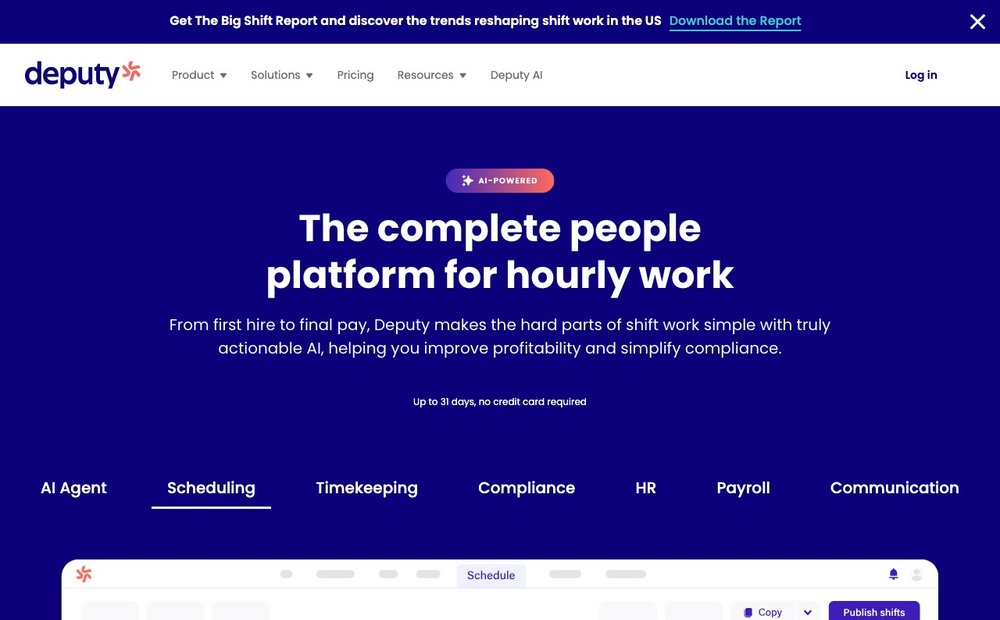
Deputy is a well-regarded scheduling and time-and-attendance platform with auto-scheduling, demand forecasting and labor-law compliance tools, but like When I Work it no longer has a permanent free plan. In 2026 it offers a 31-day free trial with no credit card required, then paid plans from about $5 per user/month (Lite), with a roughly $30 monthly minimum spend per invoice. It is worth trialing for compliance-heavy or larger operations, but small teams seeking a free-forever scheduler should look to Homebase, Connecteam, Sling or Findmyshift instead.
Choosing the Right Free Scheduler for Your Team
Start with your team size, because every free tier is capped: Connecteam and Sling are the most generous for very small teams (up to 10 users with full features or 30 users for scheduling), while Zoho Shifts and Homebase suit slightly larger or multi-location rosters. If you only need to track hours, Clockify remains a strong free time tracker, but scheduling there is a paid add-on. The two best-known names, When I Work and Deputy, no longer offer a free-forever plan — they are trial-only in 2026, so budget for a subscription if you choose them. If day-to-day team chat matters as much as shifts, pair your scheduler with dedicated team communication tools, and retail or hospitality operators should also see our guide to the best POS systems.
Free Plan Details and Pricing (Official)
- Homebase pricing
- Connecteam free small business plan
- Sling free scheduling
- Findmyshift free scheduling software
- Zoho Shifts pricing
- Clockify free plan updates
- When I Work pricing
- Deputy pricing
Frequently Asked Questions
What is the best free employee scheduling app in 2026?
For most small teams, Homebase, Connecteam and Sling lead the genuinely-free options. Homebase is ideal for single-location restaurants and retail (free for up to 10 employees), Connecteam gives full features free for up to 10 users, and Sling supports up to 30 users with multi-location on its free tier. The best choice depends on your team size and whether you also need a time clock or team chat.
What is the difference between free and paid scheduling software?
Free plans typically cap the number of employees or locations and hold back advanced features such as time tracking, auto-scheduling, demand forecasting, labor-cost reporting and payroll integration. Paid plans remove those caps and add compliance, analytics and integrations. If your team is small and you only need to build schedules, share them and let staff swap shifts, a free plan is usually enough; you upgrade mainly when you outgrow the user limit or need automation.
Is there free scheduling software for small businesses?
Yes. Several tools offer free-forever plans aimed at small businesses: Connecteam and Shifton are free for up to 10 users, Homebase covers up to 10 employees at one location, Zoho Shifts allows up to 25 users, Sling supports up to 30 users, and Findmyshift is free for teams of up to 5. These cover the core needs of most small teams without a subscription.
Can employees swap shifts in free scheduling apps?
Many free plans support shift swapping. Sling, Homebase, Connecteam, Zoho Shifts and Shifton all let employees request swaps or pick up open shifts on their free tiers, usually with manager approval. Trial-based tools like When I Work and Deputy also offer strong shift-swap features, but only during the trial period before you subscribe. Clockify's free plan does not include shift scheduling, so swaps are not part of its free offering.
Does free scheduling software text or notify staff about shifts?
Most do, though the channel varies. Homebase, When I Work and several others send schedule notifications and reminders by mobile app push, email and in some cases SMS text. Zoho Shifts, Sling and Connecteam send app push and email alerts on their free plans. Check the specific plan, as text-message notifications are sometimes limited or reserved for paid tiers even when app and email notifications are free.
Pricing, free-tier limits and feature availability change frequently. Verify the current plan on each provider’s official site before you commit. SaveDelete is reader-supported and may earn a commission from some links at no cost to you.