11 Best Team Communication Software and Tools in 2026

The best team communication software for most teams is Slack for chat or Microsoft Teams if you already use Microsoft 365. Google Workspace teams get Google Chat and Google Meet in their plan, Zoom suits meeting-heavy teams, and Basecamp keeps chat and projects in one place for a flat monthly price. Below are 11 tools compared on free plans and prices checked on each vendor’s own site in November 2026, plus how to communicate in Microsoft Teams step by step.
Best team communication tools at a glance
| Tool | Best for | Free plan | Paid plans (November 2026) |
|---|---|---|---|
| Slack | All-round team chat | Yes — 90 days of history, 10 apps | Pro, Business+, Enterprise+ (per user, local pricing) |
| Microsoft Teams | Microsoft 365 users | Yes — meetings up to 60 minutes | Teams Essentials $4/user/month, paid yearly |
| Google Chat | Google Workspace teams | Included with Workspace; 14-day trial | Workspace plans (per user, local pricing) |
| Google Meet | Quick video meetings | Yes — 100 people, 60 minutes | Workspace plans: up to 24-hour meetings |
| Zoom Workplace | Meeting-heavy teams | Yes — 40-minute meetings, chat included | Pro, Business (per user, local pricing) |
| Discord | Communities and gaming teams | Yes — 10MB uploads | Nitro Basic, Nitro (larger uploads) |
| Flock | Small teams on a budget | Yes — teams of 1–20 | PRO; 30-day free trial |
| Basecamp | Chat plus projects, flat price | Yes — 1 project, 3 people | From $29/month; Pro Unlimited $199/month (annual) |
| GoTo Meeting | Professional video meetings | 14-day free trial | From $12/organizer/month (annual) |
| Asana | Turning talk into tasks | Yes — 2 users | From $10.99/user/month (annual) |
| Trello | Simple boards for small teams | Yes — 10 collaborators per Workspace | From $5/user/month (annual) |
Slack, Google Workspace, Zoom and Flock show their prices in your local currency, so check their pricing pages for the exact figure where you are.
1. Slack — Best All-Round Team Chat
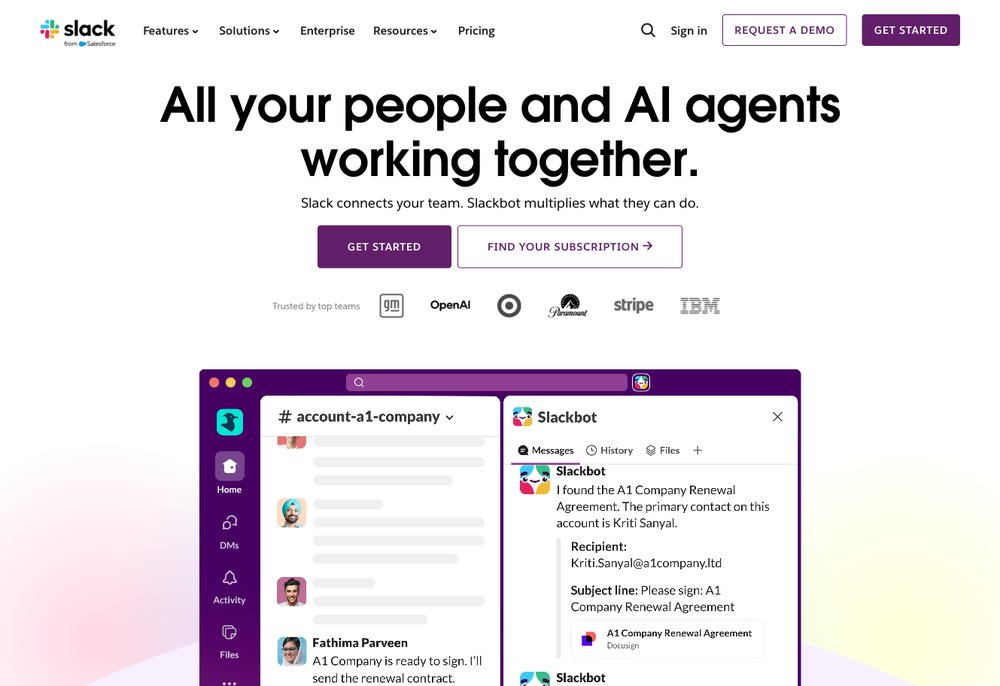
Slack organises team conversations into channels and direct messages, with huddles for audio and video meetings (including screen sharing) and more than 2,600 apps in the Slack App Directory. It is still the chat tool other products are compared with.
The free plan keeps messages and files searchable for 90 days and allows up to 10 apps, but huddles and conversations with people outside your company are one-to-one only, and Slack deletes Free workspace data after one year. Paid plans — Pro, Business+ and Enterprise+ — add unlimited message history, unlimited apps, group huddles and AI features such as conversation summaries (Slack pricing). If you live in Slack, our guide to changing your Slack status automatically helps too.
2. Microsoft Teams — Best for Microsoft 365 Users
Microsoft Teams combines chat, channels, calls and meetings, and it is the natural choice if your company already uses Microsoft 365. Group chats can include up to 250 people, and Teams saves the entire chat history back to the first message (Microsoft Support).
The free version of Teams lets you chat, share files and create a quick meeting that others can join even without a Teams account, free up to 60 minutes. For businesses, Microsoft Teams Essentials costs $4.00 per user a month, paid yearly, and includes chat, calls and video conferencing, meeting recordings with transcripts and 10 GB of cloud storage per user (Teams pricing). See below for how to communicate in Teams, and our look at Teams breakout rooms.
3. Google Chat — Best for Google Workspace Teams
If you have Google Workspace, you already have Google Chat: it is included at no additional cost and sits in the left-hand bar of Gmail. It handles group messaging and direct messages, persistent spaces for team conversations, huddles for quick real-time calls, and Gemini in Chat to catch you up on a conversation, share action items and translate in real time (Google Chat).
Businesses get it by signing up for Google Workspace, which has a 14-day free trial; plans are priced per user in local currency (Workspace pricing).
4. Google Meet — Best Free Video Meetings
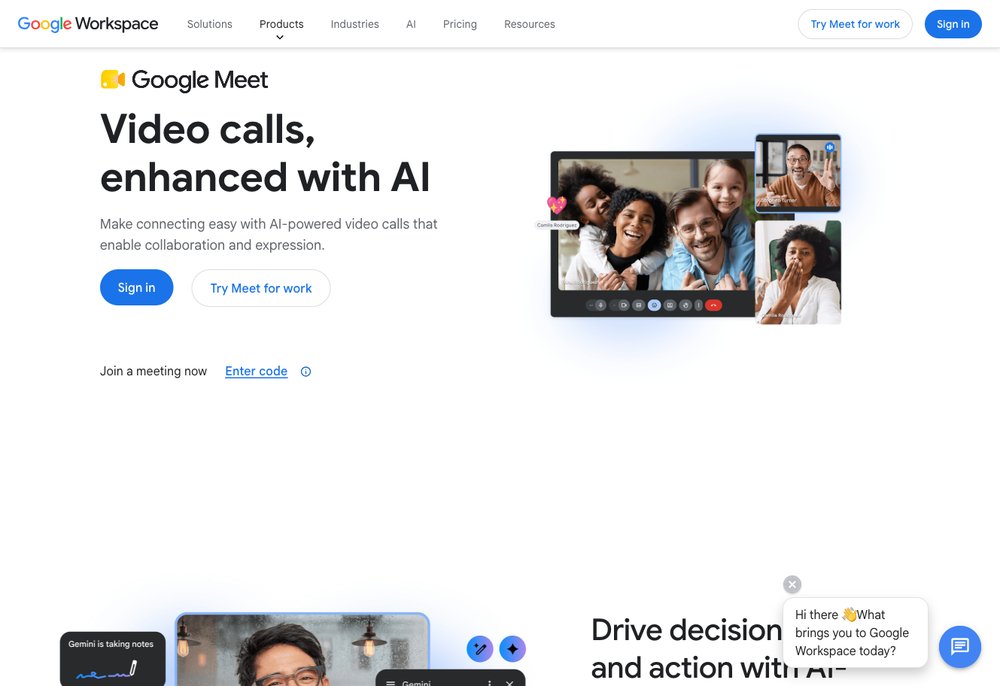
Anyone with a Google Account can create a Google Meet video meeting, invite up to 100 participants and meet for up to 60 minutes per meeting at no cost; mobile calls and one-to-one calls have no time limit. Paid Google Workspace and Google One plans unlock group calls of up to 24 hours, up to 1,000 participants on certain plans, recording and live streaming (Google Meet).
5. Zoom Workplace — Best for Meeting-Heavy Teams
Zoom is best known for meetings, but Zoom Chat is included with all Zoom Workplace plans, including the free Basic plan. It adds AI summaries of chat threads, one-click meetings from a chat, a chat channel created automatically for every meeting, and Shared Spaces for large projects with external partners; Zoom says 1.5 billion messages are sent a month using Zoom Chat (Zoom Chat).
The free Workplace Basic plan allows meetings of 40 minutes with up to 100 participants. Workplace Pro raises meetings to 30 hours, and Workplace Business to 300 participants per meeting; both are priced per user and billed annually (Zoom pricing).
6. Discord — Best for Communities and Gaming Teams
Discord describes itself as the communications platform for connecting around the joy of playing games through voice, video and text, and reports more than 90 million daily active users (Discord internal data, Q4 2025) (Discord). Its servers, channels and always-on voice rooms also suit open-source projects, creator communities and informal teams.
Discord is free to use. Free accounts can upload files up to 10MB; Nitro Basic raises that to 50MB and Nitro to 1GB (Discord Nitro). For a company with compliance or admin needs, a work-focused tool such as Slack or Teams is a safer fit.
7. Flock — Best Budget Team Chat
Flock is a straightforward team messenger. Its free Starter plan is for teams of 1–20 members, with unlimited one-to-one and group messages, 10,000 searchable messages, 10 public channels, 5 GB of storage per team and one-to-one video calls. The PRO plan, for teams of 20–100, adds unlimited searchable messages and channels, 10 GB per team member, group video calls and screen sharing, and comes with a 30-day free trial with no credit card required; guests can be invited free for 90 days (Flock pricing).
8. Basecamp — Best for Chat Plus Projects at a Flat Price
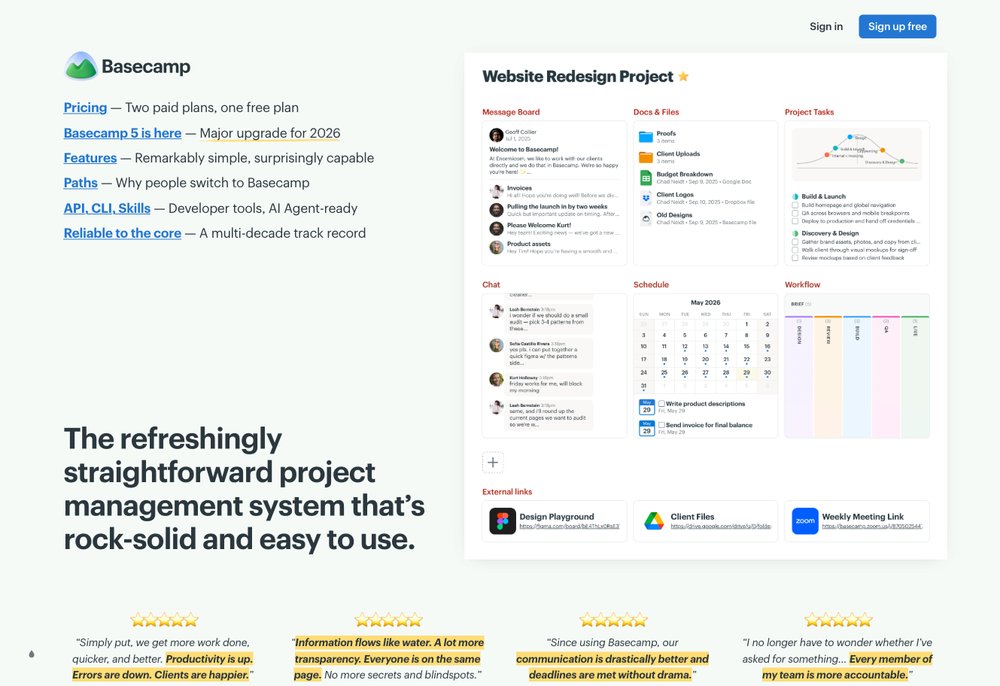
Basecamp puts message boards for announcements and to-dos for tracking work next to Chats & Pings for group chat and direct messaging, so conversations stay with the project they are about. Its pricing has no per-user fees: the free Basecamp Personal plan covers one project and up to 3 people, Freelancer is $29 a month (3 projects, up to 5 users), Pro $79 (8 projects, up to 10 users), Pro Plus $99 (12 projects, up to 15 users), and Pro Unlimited is $199 a month billed annually ($329 monthly) for unlimited projects and users and 1 TB of storage.
There is a 30-day free trial, Basecamp doesn’t require a credit card for the free account or trials, and it is free for K-12 schools, homeschoolers and universities when used for class work (Basecamp pricing).
9. GoTo Meeting — Best for Professional Video Meetings
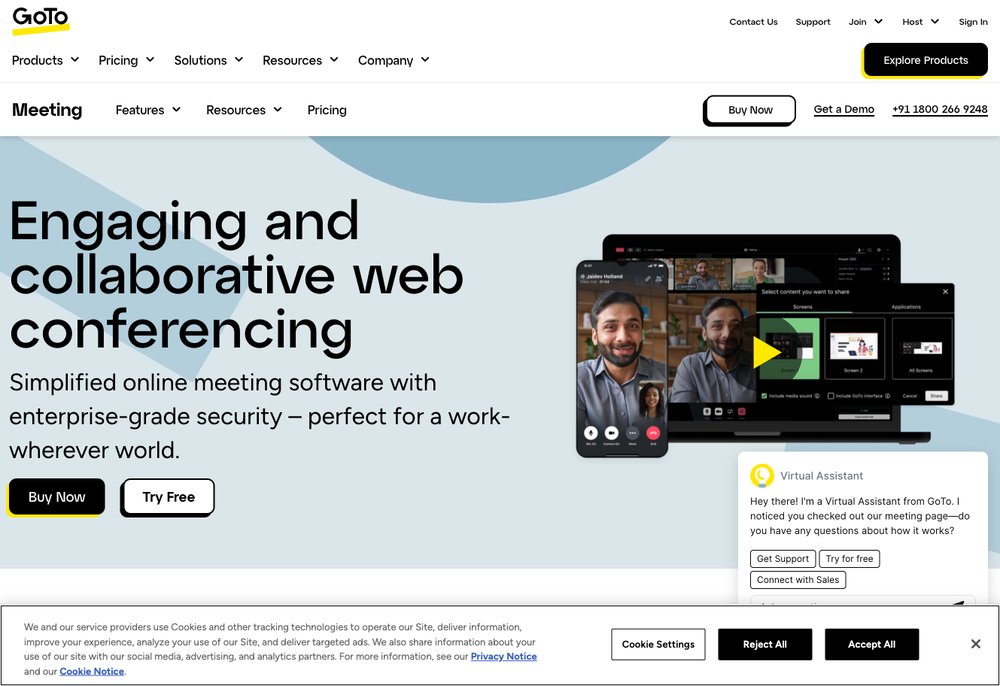
GoTo Meeting is a dedicated video meeting service with HD video, screen sharing, web audio, dial-in conference lines and unlimited meetings. Professional costs $12 per organizer a month billed annually ($14 monthly) for 150 participants, Business $16 ($19 monthly) for 250 participants, and Enterprise is custom (GoTo Meeting pricing). There is a 14-day free trial with no credit card needed.
10. Asana — Best for Turning Conversations into Tasks
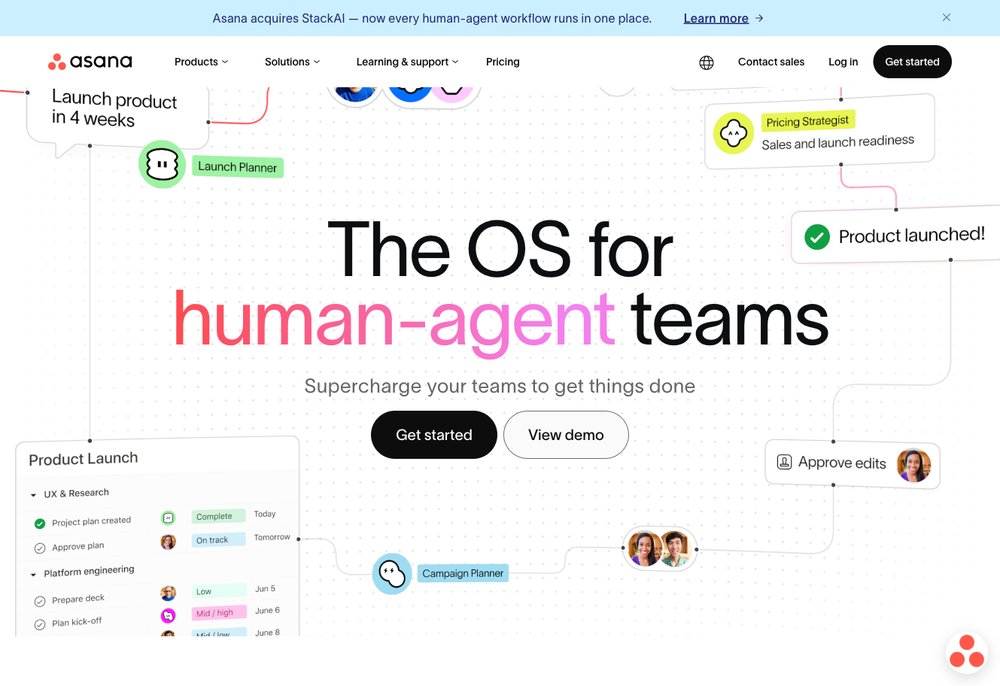
Asana is a work management tool rather than a chat app, but it is where many teams move decisions once they become work: tasks, owners, timelines and Gantt views, with unlimited free guest seats for clients and contractors. The free Personal plan covers 2 users; Starter costs $10.99 per user a month billed annually ($13.49 monthly) and Advanced $24.99 ($30.49 monthly), with Enterprise on request (Asana pricing). For more options, see our guide to project management software.
11. Trello — Best Simple Boards for Small Teams
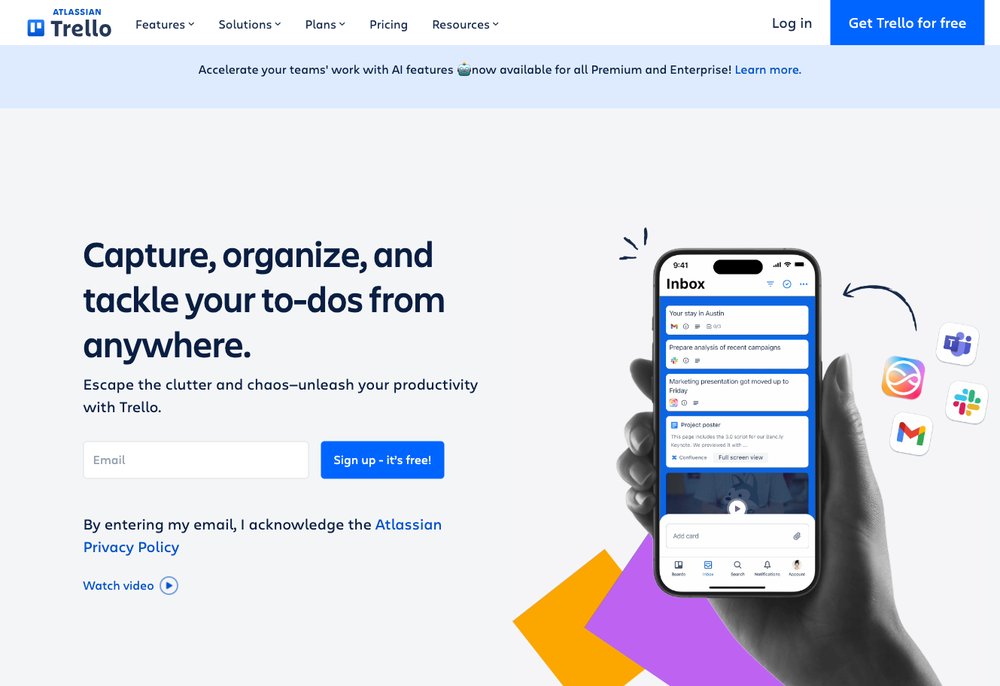
Trello organises work as cards on boards, and integrates with tools your team already talks in, such as Slack, Google Drive and Salesforce. The free plan is free for up to 10 collaborators per Workspace and up to 10 boards per Workspace. Standard costs $5 per user a month billed annually ($6 monthly), Premium $10 ($12.50 monthly) and Enterprise $17.50 per user a month billed annually; you can also try Premium free (Trello pricing).
How to Communicate in Microsoft Teams
Teams has two places to talk: chats, for one-to-one and small-group conversations, and channels, which are the conversations you have with your teammates around a specific topic, department or project (Microsoft Support). Here’s how to use each:
- Start a chat: select New message at the top of your list of chats and channels, enter a person’s name, compose your message in the box at the bottom, then select Send or press Enter.
- Start a group chat: create it the same way and add several names in the To field; select the down arrow to the right of To to give the group a name. A group chat can include up to 250 people.
- Get someone’s attention: type @ before their name and select them from the menu. Type @ plus a team or channel name to notify everyone there, or @everyone in a chat — a team owner must first enable these group mentions (Microsoft Support).
- Use channels for team topics: post in a channel when the whole team should see it. A standard channel is open to all members, and anything posted is searchable by others.
- Meet: start a meeting with a link; in the free version of Teams, others can join without a Teams account, free up to 60 minutes.
What Is Team Communication Software?
Team communication software lets team members talk through direct messages, group chats, channels, and audio and video calls, instead of long email threads. Most tools let you:
- Share files and documents
- Communicate with colleagues in the office or remotely
- Share screens and run online presentations
- Create topic-based channels or chat groups
- Hold one-to-one or group meetings
The core features to compare are real-time chat, searchable message history, channels or spaces for topics, notifications, audio and video calls, file sharing, integrations with the rest of your tools, and mobile apps. Some, like Basecamp, Asana and Trello, add task management so conversations turn into action. For a wider view of the category, see our guide to online collaboration tools.
How Much Does Team Communication Software Cost?
Most products are priced per user, per month, and most have a free plan. Microsoft Teams Essentials starts at $4 per user a month paid yearly, Trello Standard at $5, Asana Starter at $10.99 and GoTo Meeting Professional at $12 per organizer. Basecamp is the exception, with flat account prices from $29 a month up to $199 a month (billed annually) for unlimited users. Slack, Google Workspace, Zoom and Flock price per user in your local currency. Free plans usually limit message history, storage, meeting length or the number of people.
How to Choose Team Communication Software
Ask your team first. People resist a new tool unless they see a reason for it. Ask what slows them down today, which features they want, and use free plans or trials to let them try two or three options before you decide.
Follow your existing tools. If you run on Microsoft 365, Teams is already there; on Google Workspace, Chat and Meet are included. Check that the tool integrates with the apps you use every day, such as your project management, file storage and calendar.
Check security and admin controls. Look for two-factor authentication, single sign-on, encryption and retention controls that match your legal or regulatory obligations — especially before you choose a consumer-first app.
What Makes a Team Communicate Well?
Software only helps if the team dynamics are right. Google’s Project Aristotle studied 180 teams and found that how a team worked together mattered more than who was on it. It named five effectiveness pillars, in order of importance (Google re:Work):
- Psychological safety: people feel safe taking risks — admitting a mistake, asking a question or offering a new idea — without being seen as ignorant or incompetent. Open channels and threads where questions are welcome help here.
- Dependability: members reliably complete quality work on time. Task tools like Asana, Trello and Basecamp make commitments visible.
- Structure and clarity: everyone understands job expectations, the process for meeting them and the consequences of their performance. Pinned channel posts and clear owners on tasks support this.
- Meaning: people find a sense of purpose in the work itself or its output.
- Impact: people see that their work is making a difference and contributing to the organisation’s goals — announcements and shared wins in a team channel make it visible.
Frequently Asked Questions
What is the best app for team communication?
Slack is the best all-round team chat app, and Microsoft Teams is the best value if your company already pays for Microsoft 365, since Teams Essentials starts at $4 per user a month. Google Workspace teams already have Google Chat and Google Meet, and Zoom is the pick for teams that mostly meet on video.
How do you communicate via Microsoft Teams?
Use chats for one-to-one and small-group conversations (select New message, enter a name and type), channels for topics the whole team should see, @mentions to notify a person, team or channel, and meetings for calls. In the free version, people can join your meeting without a Teams account, free for up to 60 minutes.
What is a collaboration platform?
A collaboration platform brings a team’s communication and work into one place — chat, video calls, shared files and often tasks — so people can work together without switching between email, documents and phone calls. Microsoft Teams, Google Workspace and Basecamp are examples; pure chat apps like Flock focus on the messaging part.
Is there free team communication software?
Yes. Slack’s free plan keeps 90 days of messages, Flock’s Starter plan is free for teams of up to 20, Microsoft Teams and Google Meet both allow free meetings of up to 60 minutes, Zoom’s free plan includes chat and 40-minute meetings, Discord is free, and Basecamp, Asana and Trello have free plans for small teams.
Slack vs Microsoft Teams — which is better?
Slack has the cleaner chat experience and more than 2,600 apps, but its free plan only keeps 90 days of history. Teams bundles chat, channels, calls and meetings, saves the entire chat history, and Teams Essentials costs $4 per user a month, paid yearly. Choose Slack if chat is the centre of your day, and Teams if you live in Microsoft 365.
Is Discord good for work teams?
For communities, open-source projects and informal teams, yes: it is free, with servers, channels and voice rooms. Discord is built around gaming, though, and free uploads are capped at 10MB, so companies that need admin controls and compliance are better served by Slack, Teams or Google Chat.
What are the 5 pillars of teamwork?
Google’s Project Aristotle research names five pillars of team effectiveness: psychological safety, dependability, structure and clarity, meaning, and impact — with psychological safety the most important. Good team communication tools support them by making questions, commitments and results visible to everyone.
What's the difference between team chat and video conferencing software?
Team chat (Slack, Google Chat, Flock) is for ongoing written conversation; video conferencing (Google Meet, GoTo Meeting, Zoom Meetings) is for scheduled calls. Microsoft Teams, Zoom Workplace and Slack now do both, which is why many teams use one tool for everything.
Prices and free-plan limits were checked on each vendor’s site on 17 November 2026 and change often, so confirm them before you buy.