12 Free Keyword Research Tools for Webmasters in 2026

Paid SEO suites like Ahrefs and Semrush start at $100+ per month — out of reach for solo bloggers, small business owners, students and anyone in early-stage research. Fortunately, in 2026 there are more genuinely-free keyword research tools than ever, and the gap between “free” and “paid” has narrowed significantly. Here are the 12 free keyword research tools worth bookmarking, what each is best at, and how to combine them into a workflow that doesn’t cost a cent.
The 12 free keyword research tools at a glance
| Tool | Best for | Free limit |
|---|---|---|
| Google Keyword Planner | Volume + competition data straight from Google | Free with Google Ads account |
| Google Search Console | What queries your site already ranks for | Free, unlimited |
| Google Trends | Seasonality + emerging-topic detection | Free, unlimited |
| Ubersuggest (free tier) | All-in-one keyword + competitor view | 3 searches / day |
| AnswerThePublic (free tier) | Question-based keyword discovery | 3 searches / day |
| Keyword Tool (.io) | Google + YouTube + Amazon + Bing + TikTok autocomplete | Free unlimited (no volume data) |
| Ahrefs Free Keyword Generator | Ahrefs-grade keyword ideas, free | 100 results / search, free |
| Keywords Everywhere | Volume overlay on Google SERP + related | Free for trend data; paid credits for volume |
| Soovle | Multi-source autocomplete in one view | Free unlimited |
| Keyword Surfer | In-browser SERP keyword overlay (Chrome) | Free Chrome extension |
| Google “People also ask” + Autocomplete | Free intent + question discovery | Free, unlimited |
| Wordtracker Scout | Keyword density on any page | Free Chrome extension |
1. Google Keyword Planner
Google Keyword Planner is the only free keyword tool that uses Google’s own data — monthly search volume, competition level, and seed-keyword expansion straight from the source. The catch: you need a Google Ads account to access it, and the volume numbers are now returned in ranges (1K–10K, 10K–100K) for accounts that haven’t run a paid campaign. If you want exact volumes, you need to run at least a small Ads campaign. Best for: validating keyword ideas with Google’s native data after you’ve discovered them elsewhere.
2. Google Search Console
Search Console is the single most valuable free SEO tool because it tells you exactly what queries your site is already appearing for in Google — whether the page ranks or not. The "Performance" report shows impressions, clicks, average position and CTR per query and per page. The 2026 update added 24-month historical data (up from 16 months previously). Best for: finding queries where you’re ranking #11–#20 and could push to page 1 with targeted improvements.
3. Google Trends
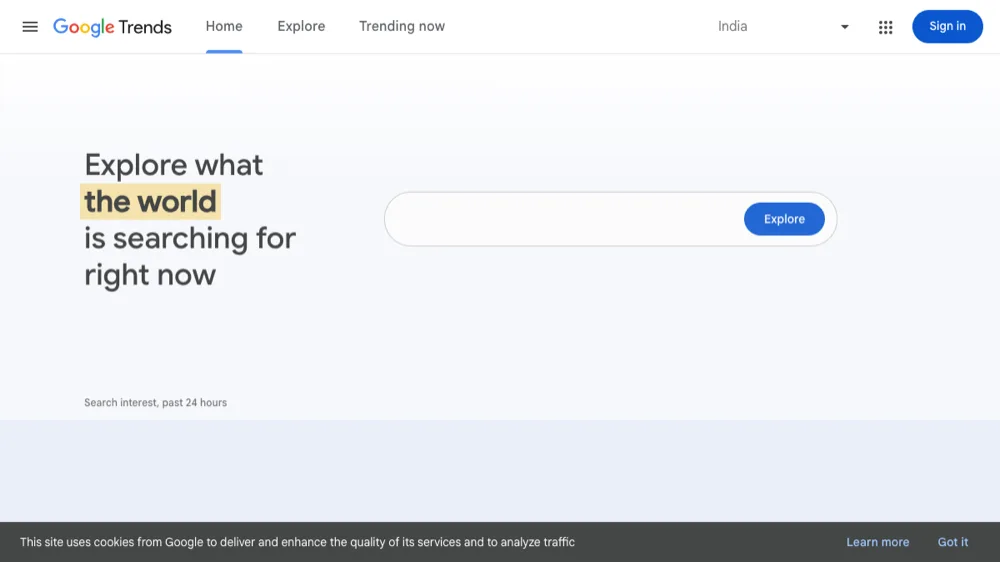
Google Trends shows relative search interest over time for any keyword. Use it to spot seasonality (Q4 spikes for “gifts for dad”), identify emerging topics, and compare 2–5 terms side-by-side. The “Related queries: Rising” section is gold for finding new topic angles that are growing in search interest. Best for: avoiding keywords that are declining in interest and finding rising ones.
4. Ubersuggest (free tier)
Ubersuggest (owned by Neil Patel) gives you 3 free keyword searches per day even without an account. Each search returns suggested keywords, monthly volume estimates, SEO difficulty score, paid CPC and a snapshot of who’s ranking. Quality is roughly 70% of what you’d get from a paid Ahrefs / Semrush query. Best for: solo bloggers who want a fast volume + difficulty check on a few keywords per day.
5. AnswerThePublic (free tier)
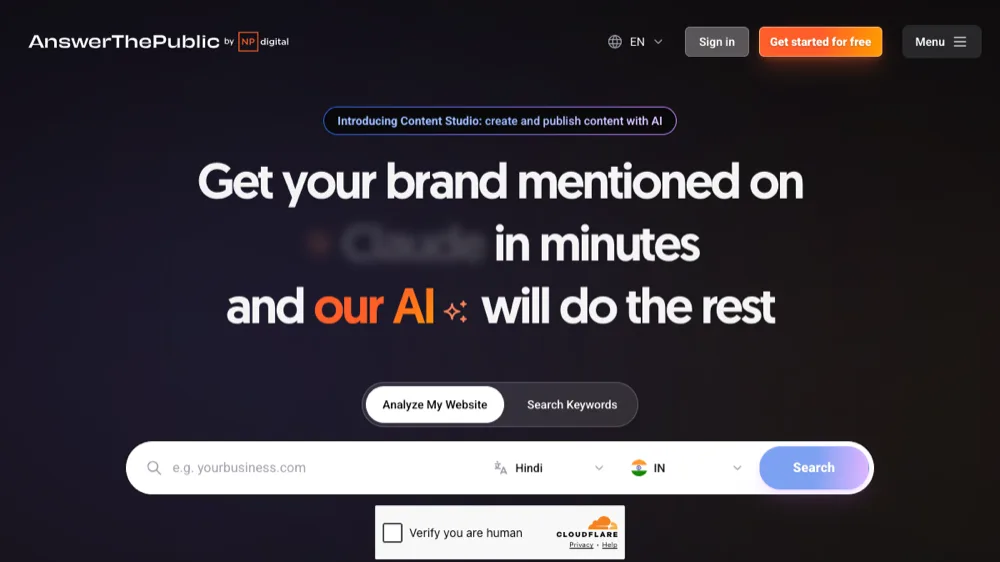
AnswerThePublic takes a seed keyword and returns hundreds of question-based variations — the “what is”, “how to”, “why”, “can”, “will” questions people actually search for. Visualised as a colourful starburst chart that’s become one of the most-shared screenshots in SEO Twitter. Free tier gives you 3 searches / day. Best for: planning article outlines and FAQ sections that map to real user questions.
6. Keyword Tool (.io)
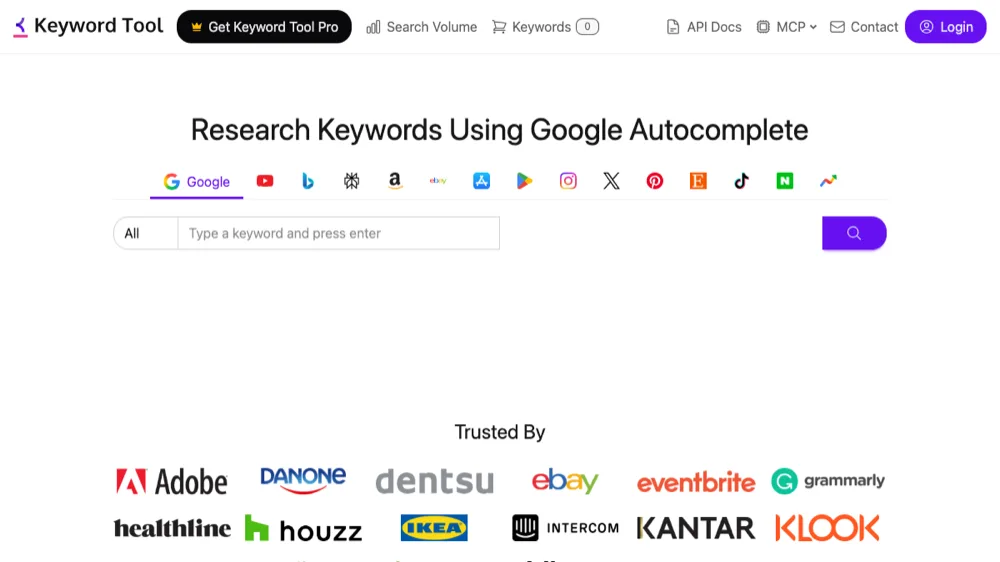
Keyword Tool.io pulls long-tail keyword suggestions from autocomplete on Google, YouTube, Amazon, Bing, eBay, App Store, Play Store and (since 2024) TikTok. Free tier shows keyword lists but hides volume data (paid plans add the volume numbers). Best for: finding long-tail variations of a seed keyword across multiple platforms, especially for YouTube and Amazon-targeted content.
7. Ahrefs Free Keyword Generator
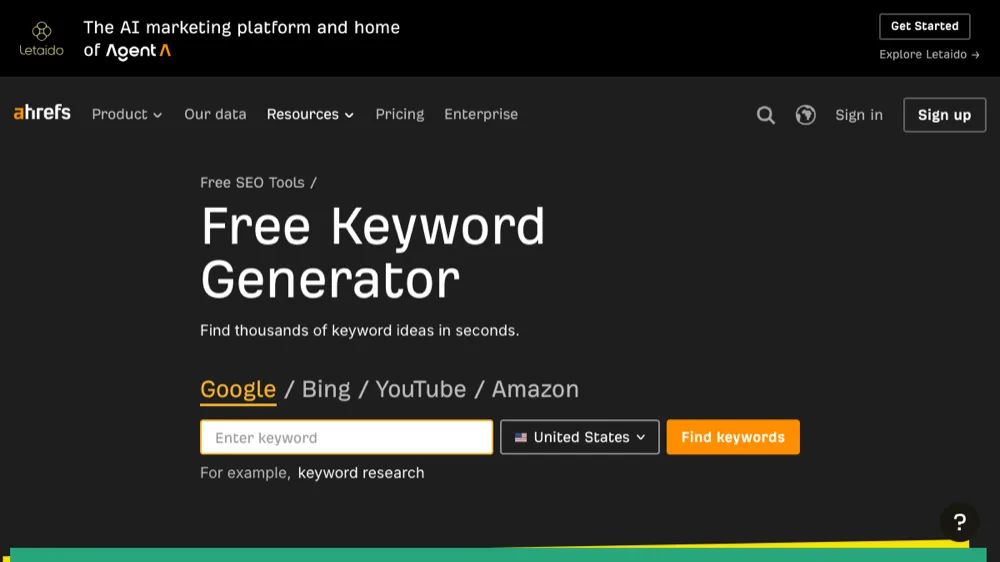
Ahrefs Free Keyword Generator gives you up to 100 free keyword suggestions per search, including volume estimates, with Ahrefs-grade data quality. No login required for basic use. Best for: an instant gut-check on whether a topic has meaningful search volume before you commit to writing.
8. Keywords Everywhere
Keywords Everywhere is a Chrome / Firefox extension that overlays search volume, CPC and competition data directly onto your Google search results, YouTube searches, Amazon searches and several other sites. The trend / related-keywords features are free; exact volume numbers are gated behind a credit-based paid plan (very cheap — $1.25 for 5,000 credits in 2026). Best for: SEO professionals who do keyword research from inside Google itself.
9. Soovle
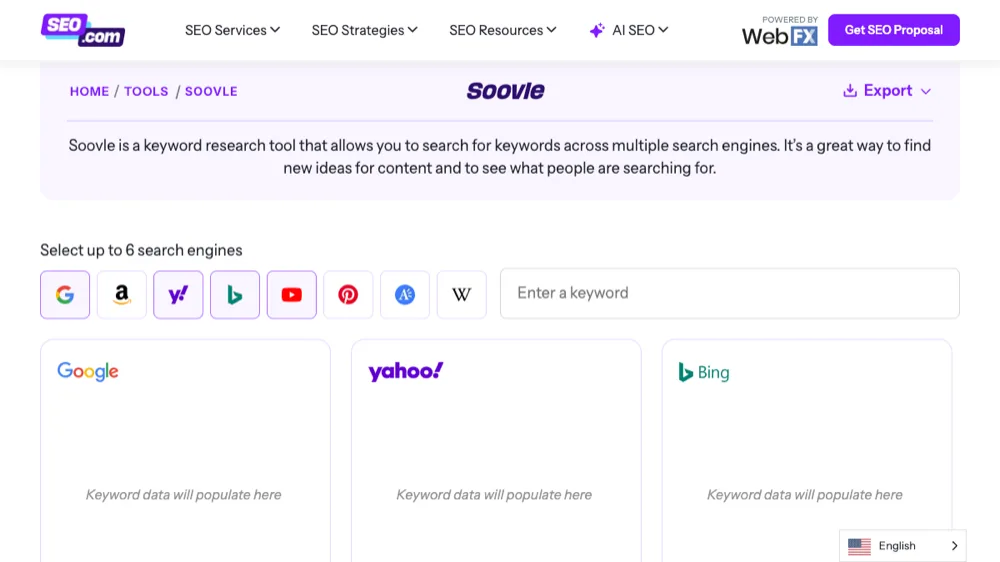
Soovle displays autocomplete suggestions from Google, Bing, YouTube, Amazon, Wikipedia, Answers.com and Yahoo all in one screen as you type. Old-school interface, but still works and still useful for fast brainstorming. Best for: very early-stage topic ideation where you want a broad cross-platform pulse.
10. Keyword Surfer

Keyword Surfer (free Chrome extension from Surfer SEO) overlays search volume, CPC, related keyword suggestions with volumes, and on-page metrics (content length, common keywords) directly on the Google SERP. Free indefinitely with all features. Best for: any SEO who works inside Google search and wants instant volume numbers on every result.
11. Google “People Also Ask” + Autocomplete
The free keyword tools you forget about: Google’s own SERP. The autocomplete dropdown as you type a query, and the "People Also Ask" boxes that appear in results, are direct signals of what real people are asking related to your topic. Browse them, click them to reveal more, and use them as a topic-cluster planning map. Best for: every SEO, every day.
12. Wordtracker Scout
Wordtracker Scout is a free Chrome extension that highlights the most-used keywords on whatever web page you’re viewing. Useful for reverse-engineering a competitor’s post: open their top-ranking article, run Scout, see which keywords / phrases they’re emphasising. Best for: competitor content analysis on a budget.
A free workflow that actually works
Combine the tools above into a repeatable process:
- Brainstorm seeds. Soovle + Google autocomplete + AnswerThePublic to get the raw list of topics your audience searches for.
- Expand long-tail. Keyword Tool.io and Ahrefs Free Keyword Generator on each seed keyword for variations.
- Validate volumes. Google Keyword Planner (with an active Ads campaign for exact volumes) or Keywords Everywhere on the SERP for the shortlist.
- Check intent + competition. Search each keyword on Google — if the top 10 are all huge brand sites, skip it; if there’s a mix of smaller sites, you have a real shot.
- Cross-reference what you already rank for. Open Search Console > Performance > filter by “position 11–20” — these are queries you’re almost ranking for that need a content boost.
- Spot trends. Google Trends on the final list — pick ones that are flat or rising, skip declining ones.
When to upgrade to paid tools
Free tools cover 80% of what most solo bloggers and small business owners need. You should consider paying for Ahrefs ($129/mo), Semrush ($139.95/mo), Moz Pro ($99/mo) or Mangools KWFinder ($29/mo) when:
- You’re doing client SEO work and need exportable reports and bulk-keyword analysis
- You need to track keyword rankings over time (free tools don’t do this well)
- You need backlink analysis — free backlink tools are much weaker than free keyword tools
- You need to bulk-process 1,000+ keywords for a content cluster strategy
- You need site-wide content gap analysis
Frequently Asked Questions
What is the best free keyword research tool in 2026?
For most users, the answer is a stack of three tools used together: Google Search Console (free, your own data), Google Keyword Planner (free with Google Ads, native Google data), and Keyword Surfer (free Chrome extension, instant volume on SERP). Add AnswerThePublic for question-based content and you have a workflow that rivals paid tools for solo content work.
Can I do SEO without paying for any tools?
Yes — for personal blogs, small business websites, and early-stage content projects, the combination of Google Search Console + Google Keyword Planner + Google Trends + Keyword Surfer (Chrome extension) + AnswerThePublic gives you everything you need for keyword research, ranking tracking and competitor analysis. Paid tools become valuable when you scale to client work, ranking-tracking-at-scale, deep backlink analysis, or bulk content clustering.
Are free keyword tool volume numbers accurate?
Sort of. Google Keyword Planner returns ranges rather than exact numbers (unless you’re running an active Ads campaign). Ubersuggest, Keyword Tool.io free tier, Keywords Everywhere free, Soovle don’t show volume at all, or show estimates that can vary 30–50% from the actual Google number. Treat free-tool volumes as directional rather than precise. For comparative purposes (keyword A vs keyword B) they’re fine; for forecasting traffic they’re unreliable.
What changed in keyword research in 2025–2026?
Two big shifts: (1) Google AI Overviews now answer informational queries directly in the SERP without sending traffic to publishers — meaning purely-informational keywords are worth less than they were. Commercial-intent and branded-search keywords have grown in relative value. (2) TikTok, YouTube and AI chatbots (ChatGPT, Perplexity, Claude) have become significant search destinations — doing keyword research only on Google misses where audiences actually start their queries now. Tools like Keyword Tool.io added TikTok search data; Keyword Surfer added Bing and YouTube. Plan content for multi-search-engine visibility.
Is Google Keyword Planner still useful if I don’t run Google Ads?
Less than it used to be. Without an active Google Ads campaign, Keyword Planner now returns volume in broad ranges (e.g. "1K–10K monthly searches") rather than exact numbers. You can still get useful relative comparisons and idea expansion, but for precise volume numbers you either need to spend a small amount on Ads to unlock the exact data, or pay for Ahrefs / Semrush / Mangools which report exact volume estimates without running ads.
For more SEO guides, see our common scenarios of SEO website analytics, the best web analytics tools roundup, our tips on off-page SEO and backlinks, and how to start a blog on WordPress.