Verizon Phone Won't Activate? Step-by-Step Fix (2026)
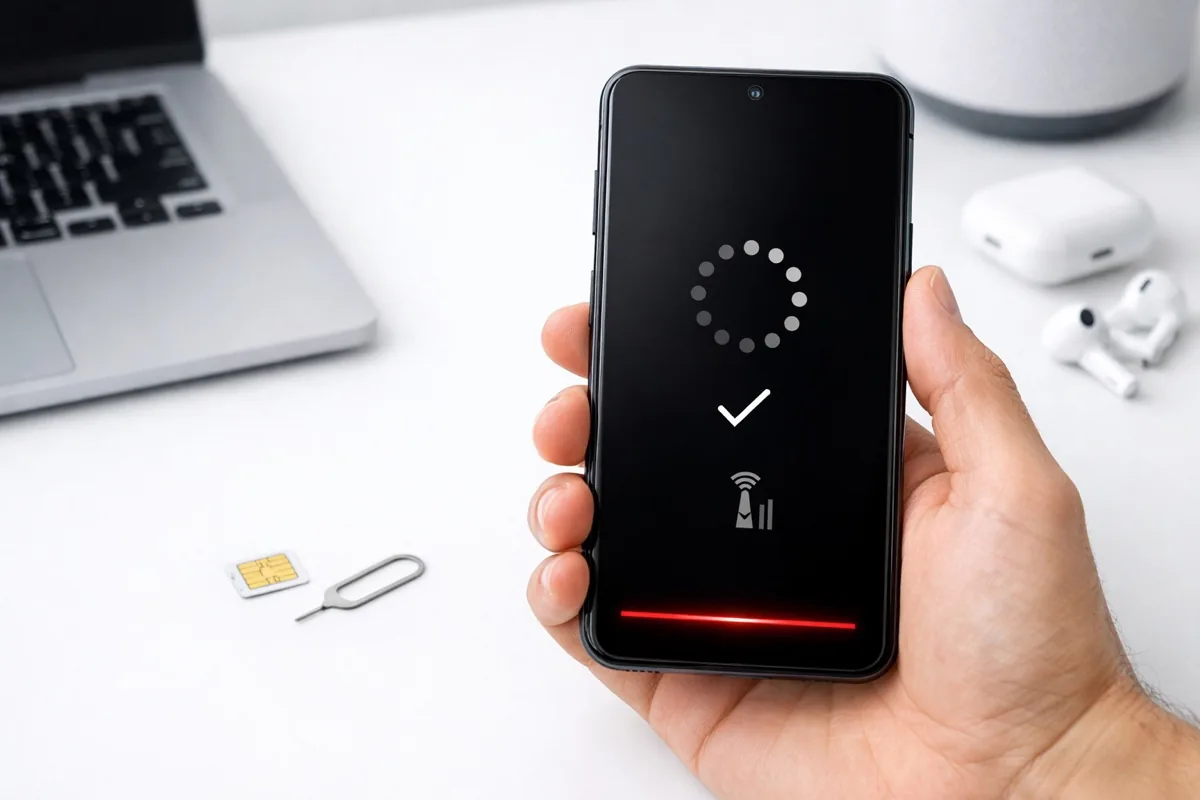
Nothing is more frustrating than getting a new phone and having it refuse to activate. Verizon activation issues are surprisingly common — whether you are setting up a new device, swapping SIMs, transferring to eSIM, or switching from another carrier. The good news is that most activation problems have straightforward fixes.
This guide covers every Verizon activation scenario with step-by-step troubleshooting that actually works.
Common Verizon Activation Issues & Quick Fixes
| Problem | Most Likely Cause | Quick Fix |
|---|---|---|
| New phone won't activate | SIM not seated properly | Remove and reinsert SIM card |
| eSIM won't download | No Wi-Fi connection | Connect to Wi-Fi first |
| "Not registered on network" | Phone locked to other carrier | Unlock from previous carrier |
| Calls work but no data | APN settings incorrect | Reset network settings |
| Stuck on "Activating" | Server delay | Wait 15 min, restart phone |
| SIM card not detected | Damaged SIM or dirty contacts | Clean contacts or get new SIM |
How to Activate a New Verizon Phone (Step-by-Step)
Method 1: Activate Online (Easiest)
- Go to verizon.com/activate
- Sign in with your My Verizon account
- Select "Activate or switch device"
- Enter your new device's IMEI (found in Settings > About Phone or on the box)
- Enter your SIM card number (ICCID) if prompted
- Follow the on-screen instructions to complete activation
- Restart your phone when prompted
Method 2: Activate via My Verizon App
- Download the My Verizon app on your new phone (requires Wi-Fi)
- Sign in to your Verizon account
- Tap "Activate or switch device"
- Follow the prompts — the app auto-detects your IMEI
- For eSIM: the app downloads the profile directly
Method 3: Activate by Phone
- From another phone, call Verizon at 1-800-922-0204
- Follow the automated activation prompts
- Have your new phone's IMEI and SIM card number ready
eSIM Activation Troubleshooting
eSIM activation is the most common source of problems in 2026 as more phones drop physical SIM trays. Here is how to fix the most common eSIM issues:
- Connect to Wi-Fi first — eSIM profiles download over Wi-Fi, not cellular. This is the #1 missed step.
- Remove physical SIM card — if you have both a physical SIM and eSIM, remove the physical card during activation to avoid conflicts.
- Update your phone — install the latest iOS or Android update before attempting eSIM activation.
- Delete and re-download — if the eSIM profile is stuck, go to Settings > Cellular > eSIM, delete the profile, then request a new one through the My Verizon app.
- Wait 24 hours after carrier unlock — if your phone was previously locked to another carrier, it can take up to 24 hours after unlocking before Verizon eSIM activation works.
SIM Card Not Detected: Physical Fixes
- Power off the phone completely
- Remove the SIM tray using the ejector tool
- Inspect the SIM card for cracks, scratches, or corrosion on the gold contacts
- Clean the contacts gently with a soft, dry cloth
- Reinsert the SIM making sure it sits flat and properly aligned in the tray
- Power on and wait 2-3 minutes for activation
- If still not working, visit a Verizon store for a free SIM card replacement
When Nothing Works: Nuclear Options
- Reset network settings — Settings > General > Transfer or Reset > Reset Network Settings. This clears all saved Wi-Fi, Bluetooth, and cellular settings.
- Factory reset — as a last resort, a full factory reset sometimes resolves deep activation issues. Back up your data first.
- Visit a Verizon store — store reps can test with a known-good SIM, check your account status, and escalate to technical support if needed.
- Call tech support: 1-800-922-0204 — ask for Tier 2 technical support if the first representative cannot resolve the issue.
For keeping your new phone secure after activation, see our VPN services guide. Having audio issues? Check our noise-cancelling headphones guide.
Frequently Asked Questions
How long does Verizon activation take?
Most Verizon activations complete within 5 to 15 minutes. In some cases, especially when switching from another carrier or activating an eSIM on a previously locked device, it can take up to 24 hours. If activation has not completed after 24 hours, contact Verizon support.
Can I activate a Verizon phone without a SIM card?
Yes, if your phone supports eSIM. Most phones from 2022 onward support eSIM, and some newer models like iPhone 16 and Pixel 9 are eSIM-only with no physical SIM tray. Activate via the My Verizon app over Wi-Fi to download your eSIM profile without needing a physical card.
Why does my Verizon phone say "No Service"?
"No Service" usually means the SIM card is not detected, the phone is not activated on Verizon's network, or there is a network outage in your area. Try removing and reinserting the SIM card, restarting the phone, and checking the Verizon network status page. If the issue persists, reset network settings or contact Verizon support.
Can I activate a phone I bought from another carrier on Verizon?
Yes, as long as the phone is carrier-unlocked and compatible with Verizon's network. Contact your previous carrier to unlock the device first. After unlocking, wait up to 24 hours, then activate on Verizon through the website, My Verizon app, or by calling 1-800-922-0204. Check device compatibility at verizon.com/bring-your-own-device.