Best Photo Editing & Photoshop Outsourcing Services and AI Tools in 2026

Outsourcing photo edits used to mean emailing a clipping-path studio and waiting a day for hand-drawn cutouts. In 2026 you have two very different choices: human-powered services like Path, Pixelz and FixThePhoto that still win on tricky retouching and high-volume e-commerce QA, and AI tools like Photoshop's Generative Fill, Photoroom and remove.bg that do simple background removal in seconds for pennies. This guide covers leading options across both camps and explains which one fits your job and budget.
Key takeaways:
- Use AI tools (remove.bg, Photoroom, Pixelcut, Canva, Pixlr) for fast, cheap background removal on clean product shots; they now handle hair and soft edges well.
- Use human or hybrid services (Path, Pixelz, Clipping Path Studio, Color Clipping, FixThePhoto) for hard edges, retouching, ghost mannequin and catalogue-wide consistency.
- Pixelz leads high-volume e-commerce with overnight, human-QA'd delivery; Path and Clipping Path Studio are cheaper general studios from about $0.25–$0.29 per image.
- Photoshop's Firefly-powered Generative Fill is the most capable tool when you need creative compositing and full manual control, included with a Photoshop plan's 500 monthly credits.
- Cost crossover matters: AI subscriptions (from ~$1.49–$10/month) beat per-image human rates once you pass a few hundred images a month.
Best Photo Editing Services & Tools at a Glance
- Path (pathedits.com) — Human service · from $0.25/image · turnaround from 6 hours, 24/7
- Pixelz — Human + AI service · Pro from $95/mo, images from $0.95 · next-morning delivery
- Clipping Path Studio — Human service · from $0.29/image · 24-hour turnaround (as fast as 6h)
- Color Clipping — Human service · $0.15–$1.99/image · 48h standard, 6–12h rush; free sample
- FixThePhoto — Human service · tiered $2–$25/photo · ~48h turnaround
- Adobe Photoshop Generative Fill (Firefly) — AI in pro software · single-app ~$22.99/mo, 500 credits · instant
- Canva Magic Studio — AI in design suite · Free tier; Pro ~$15/mo · one-click, browser-based
- Photoroom — AI for e-commerce · Free (250 exports/mo); Pro $7.99/mo · seconds, batch
- remove.bg — AI background remover · free preview, credits from ~$0.39/image · instant API
- Pixlr — AI photo editor · strong free tier; Plus ~$1.49/mo annual · browser/desktop/mobile
- Pixelcut — AI photo editor · free BG removal (no watermark); Pro $10/mo · web + iOS/Android
The Picks, Reviewed
1. Path (pathedits.com)
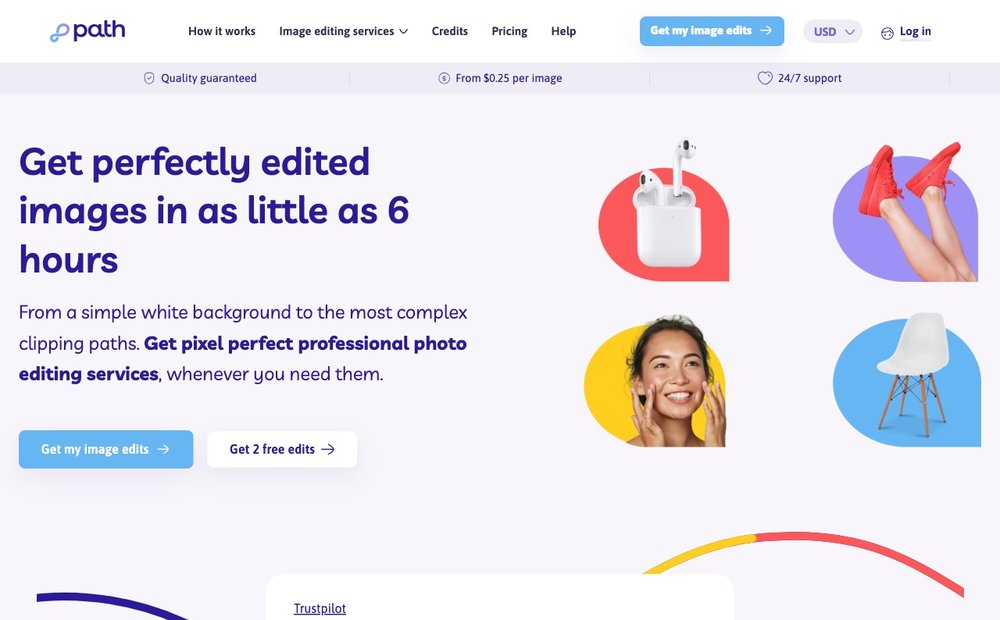
Human service · from $0.25/image · turnaround from 6 hours, 24/7
Path is a full-service human editing studio covering clipping path, background removal, ghost mannequin, shadows, colour change and retouching. It is a strong all-rounder for e-commerce, real-estate and portrait work where you want hand-edited precision rather than an AI guess. In 2026 it advertises rates from $0.25 per image with delivery in as little as six hours and round-the-clock operation, plus instant online quotes before you order.
2. Pixelz
Human + AI service · Pro from $95/mo, images from $0.95 · next-morning delivery
Pixelz is the high-volume e-commerce heavyweight, built around a flow-production model that blends AI automation with human QA to push out thousands of product images a day. Submit by midnight and Professional-plan images come back by 9 a.m. the next morning, with an Expedite button for three-hour delivery. It is the pick for catalogue-scale operations that need consistent specs across huge batches; the 14-day trial includes 10 free edits.
3. Clipping Path Studio
Human service · from $0.29/image · 24-hour turnaround (as fast as 6h)
Clipping Path Studio is a budget-friendly, hand-drawn editing shop aimed at online sellers, product photographers and fashion brands. It covers clipping paths, background removal, invisible ghost mannequins, shadow creation and retouching, all done manually for pixel-perfect edges. With pricing from $0.29 per image, bulk discounts and a 24-hour (sometimes six-hour) turnaround, it is one of the cheapest credible options for straightforward cutout and background work in 2026.
4. Color Clipping
Human service · $0.15–$1.99/image · 48h standard, 6–12h rush; free sample
Color Clipping is a studio offering background removal, clipping path, ghost mannequin, image masking and product/jewellery/beauty retouching. It is a good value-tier choice when you want a human hand on a range of jobs without committing to a subscription. Pricing runs from $0.15 to $1.99 per image by complexity, standard delivery is 48 hours (6–12h rush available), and it offers one free sample edit per service with no credit card required.
5. FixThePhoto
Human service · tiered $2–$25/photo · ~48h turnaround
FixThePhoto is a portrait, wedding and high-end retouching specialist rather than a bulk-cutout factory. It uses five clearly labelled retouching levels priced roughly $2 / $5 / $10 / $18 / $25 per photo, so you pay for exactly the depth of work you need. Turnaround is about 48 hours with rush options, making it a favourite for photographers who want skin and beauty retouching that AI still cannot match.
6. Adobe Photoshop Generative Fill (Firefly)
AI in pro software · single-app ~$22.99/mo, 500 credits · instant
Generative Fill, powered by Adobe's Firefly model, is the in-Photoshop AI that lets you add, remove or extend image content with a natural-language brush, plus generative backgrounds and intelligent object removal. It is the most powerful option when you need editorial-grade compositing and full manual control on top of the AI. The Photoshop single-app plan includes 500 generative credits a month (1,000 on All Apps), and Adobe also sells standalone Firefly tiers from a free plan upward.
Visit Adobe Photoshop Generative Fill (Firefly) »
7. Canva Magic Studio
AI in design suite · Free tier; Pro ~$15/mo · one-click, browser-based
Canva's Magic Studio bundles Background Remover, Magic Eraser (object removal), Magic Edit, Magic Expand and Dream Lab image generation into one browser-based design tool. It is ideal for marketers and social sellers who want fast, no-skill edits inside the same place they build graphics. The best AI features require Canva Pro at about $15/month, which includes shared AI credits; basic editing stays free.
8. Photoroom

AI for e-commerce · Free (250 exports/mo); Pro $7.99/mo · seconds, batch
Photoroom is an AI photo studio aimed squarely at e-commerce sellers, popular with Etsy, eBay and Shopify shops. Beyond one-tap background removal it does AI-generated backgrounds, smart shadows, relighting, AI ironing to smooth clothing wrinkles, virtual models and bulk batch editing. The free plan gives 250 exports a month; paid tiers start at Pro ($7.99/mo) and scale up with large batch exports and Shopify publishing for catalogue-scale work.
9. remove.bg
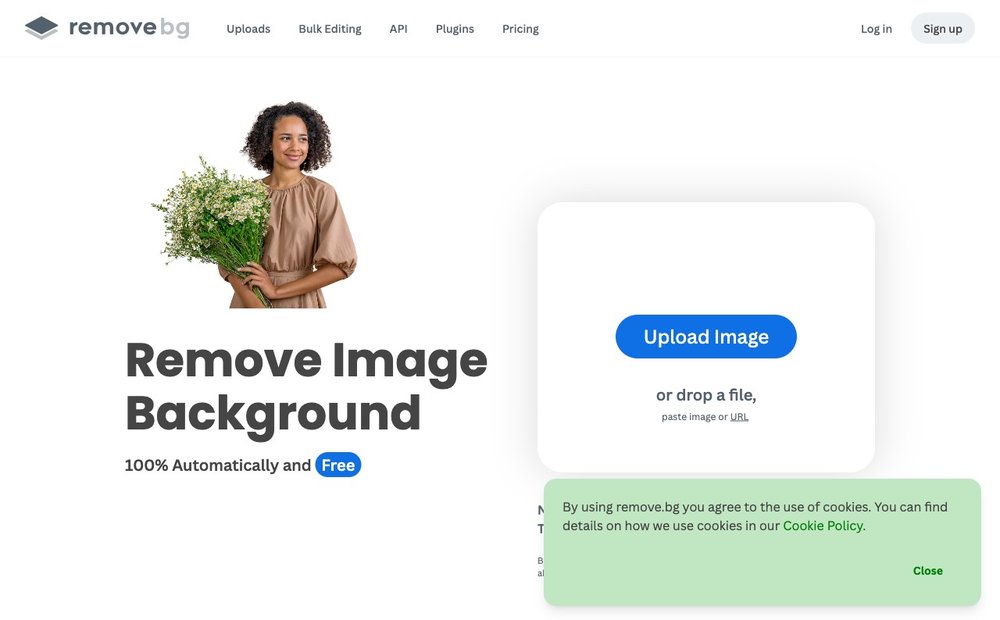
AI background remover · free preview, credits from ~$0.39/image · instant API
remove.bg pioneered one-click automatic background removal and remains the reference tool, now owned by Canva. It nails hair, fur and soft edges, and its main strength in 2026 is a robust API and Photoshop plugin for bulk and developer use. The free tier outputs low-resolution previews; full-resolution credits run from roughly $0.39 per image with volume discounts, so it is best when you need reliable, programmatic cutouts.
10. Pixlr
AI photo editor · strong free tier; Plus ~$1.49/mo annual · browser/desktop/mobile
Pixlr is a browser-based editor that pairs classic layer-and-filter editing with AI Background Remover, Generative Fill, Generative Expand and an AI image generator. Its standout is one of the most generous free tiers in 2026, with watermark-free PNG/JPG exports, though Generative Fill and Object Eraser are gated. Paid Plus starts around $1.49/month billed annually; Premium adds more AI credits for heavier use.
11. Pixelcut
AI photo editor · free BG removal (no watermark); Pro $10/mo · web + iOS/Android
Pixelcut is a cross-platform AI photo studio for sellers, marketers and creators. It does precise background removal (handling jewellery filigree, thin frames and hair), AI-generated product backgrounds, Magic Eraser object removal and batch edits on iOS, Android and web. Notably its free tier allows watermark-free background-removal exports; Pro is $10/month with unlimited AI edits.
How to Choose: Human Editing Service vs AI Tool in 2026
Start with the job, not the brand. For simple, repeatable cutouts and background swaps on clean product shots, a modern AI tool (remove.bg, Photoroom, Pixelcut, Canva, Pixlr) does in seconds for pennies what used to cost a dollar and a day. Reach for a human service when the edge is genuinely hard — fur, glass, fly-away hair, transparent products — or when the task is real retouching: skin and beauty work, colour matching across a catalogue, jewellery, real-estate twilight edits, or ghost-mannequin composites.
Match pricing to volume. AI tools are subscription or credit based and shine when one person edits many images: Photoroom Pro ($7.99/mo), Pixelcut Pro ($10/mo) and Pixlr ($1.49/mo annual) are cheaper than per-image human rates once you pass a few hundred images. Human shops charge per image ($0.15–$0.29 for cutouts; $2–$25 for retouching at FixThePhoto), which is more economical for small one-off batches.
Weigh turnaround and consistency. AI is instant but inconsistent on tricky frames and cannot truly QA itself. Human and hybrid services give you predictable specs and a human checking every image — Pixelz returns overnight (or three hours expedited), Path and Clipping Path Studio in 6–24 hours. For catalogue-scale e-commerce where every image must hit identical alignment, margin and colour, a hybrid AI+human service like Pixelz or Path is usually worth the premium.
When in doubt, layer them. Many teams now run AI first (remove.bg or Photoroom for the cutout and a generated background) and send only the hard or hero images to a human studio. Use Photoshop's Generative Fill when you need full creative control and editorial-quality compositing on top of either workflow.
Sources & Further Reading
- Adobe's guide to Generative Fill and Creative Cloud AI features
- Pixelz pricing and next-morning delivery
- remove.bg pricing and API plans
Frequently Asked Questions
Is it cheaper to outsource photo editing or use an AI tool in 2026?
For high volumes of simple background removals, an AI subscription is almost always cheaper — plans like Photoroom Pro ($7.99/mo) or Pixelcut Pro ($10/mo) let one person process hundreds of images. Human services charge per image ($0.15–$0.29 for basic cutouts), which is cheaper for small one-off batches or for complex retouching where AI fails. The crossover point is usually a few hundred images per month.
Can AI tools fully replace professional photo retouching services?
Not yet for everything. AI tools in 2026 are excellent at background removal, object erasing and generated backgrounds, even on hair and soft edges. But high-end skin and beauty retouching, jewellery work, colour matching across a catalogue and tricky composites still benefit from a human editor or a hybrid AI+human service like Pixelz, where people QA every image.
What is the difference between a clipping path and AI background removal?
A clipping path is a hand-drawn vector outline around the subject, giving razor-sharp, fully editable edges, which is why e-commerce studios still use it for hard or reflective products. AI background removal predicts the subject mask automatically in seconds and is now very good on most photos, but can struggle with transparency, fine hair or complex edges. Many workflows use AI first and fall back to a clipping-path service for the hard images.
Which photo editing service is best for high-volume e-commerce?
Pixelz is the standout for catalogue-scale e-commerce, using a hybrid AI+human flow-production model with overnight delivery and consistent specs across thousands of images. Path and Clipping Path Studio are strong, lower-cost alternatives with 6–24 hour turnarounds. For an AI-only pipeline, Photoroom and remove.bg's API handle bulk product cutouts well.
Are free AI background removers good enough for selling online?
Often yes for clean product shots. Pixelcut and Pixlr offer watermark-free exports on their free tiers, and Photoroom's free plan allows 250 exports a month. The catch is that free tiers usually cap resolution or AI features — remove.bg's free output is low-resolution preview only — so for hero images or marketplaces with strict specs you will generally want a paid tier or a human service.
Information is based on public sources and vendor pages current as of June 2026. Prices, plans and features change frequently — verify on the official site before purchasing. SaveDelete may earn a small commission on purchases made through some links on this page, at no extra cost to you.