Best Home Security Apps for Android and iOS (2026)
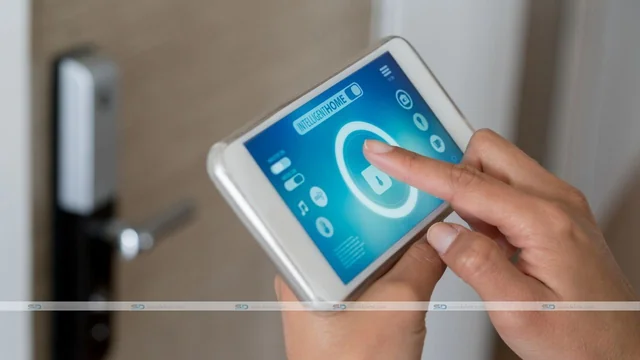
Keeping your home safe has never been easier than with a smartphone in your pocket. Today’s home security apps bring live camera feeds, motion alerts, smart locks and even professional monitoring to your Android or iOS device — and many cost little or nothing to start. Whether you want to repurpose an old phone into a free camera or run a full alarm system from one app, here are the best home security apps for Android and iOS in 2026.
1. Reolink — Best for IP & PoE camera systems
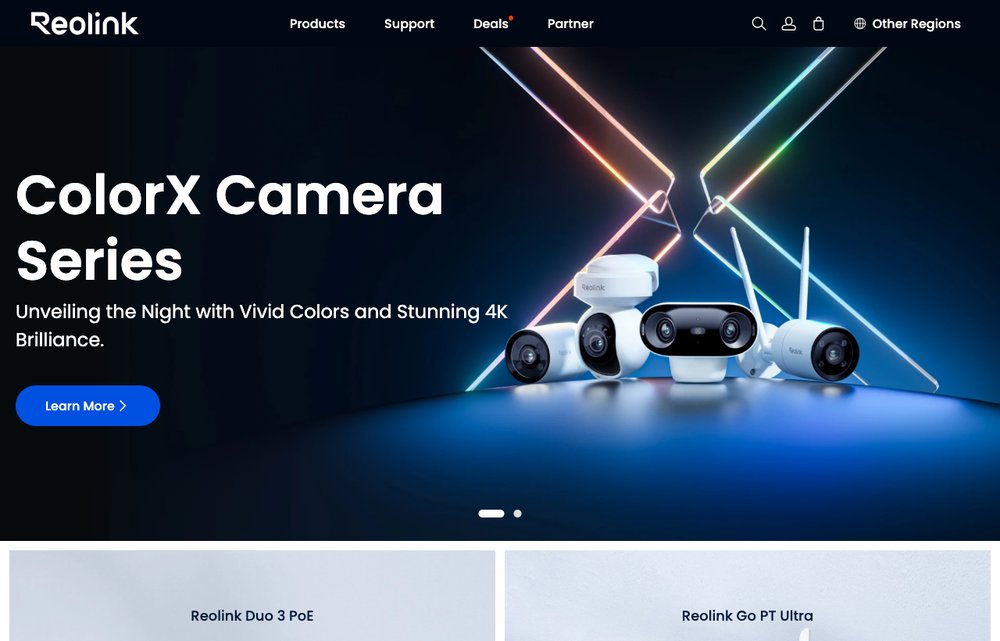
One of the most popular apps for IP and PoE security cameras. The free Reolink app shows live and recorded footage, sends person/vehicle motion alerts, and supports two-way talk and night vision — across Android, iOS, Windows, Mac and the web. A great pick if you want wired or battery cameras with no mandatory subscription.
2. Alfred — Best for reusing an old phone
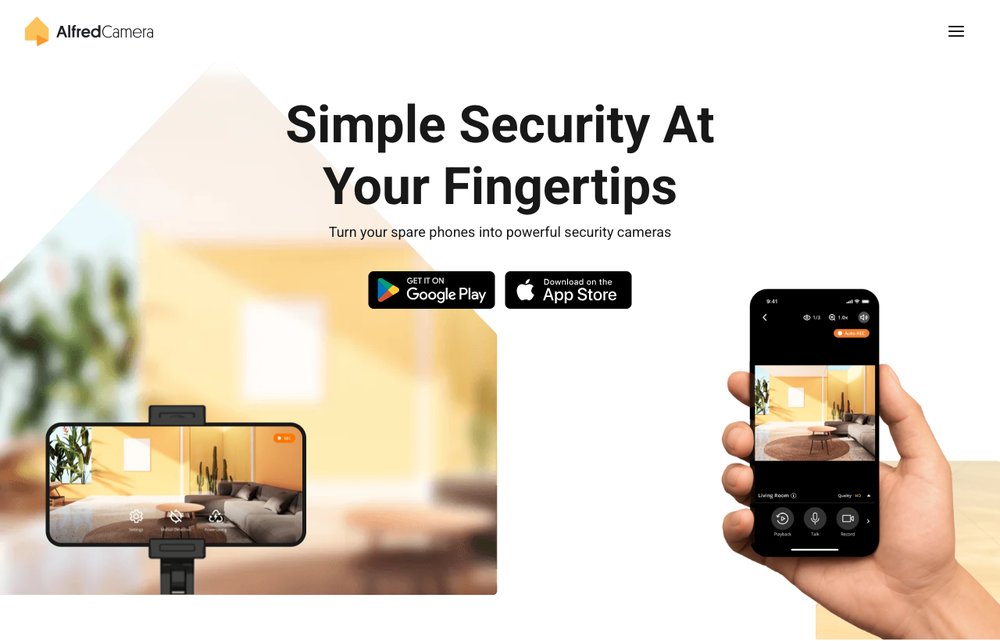
The easiest way to turn a spare phone into a free security camera. Install AlfredCamera on an old device and your main phone, and you get live streaming, motion detection, a two-way “walkie-talkie” and cloud clips — no new hardware required. A perfect zero-cost starting point on Android and iOS.
3. AtHome Camera — Best cross-platform DIY camera
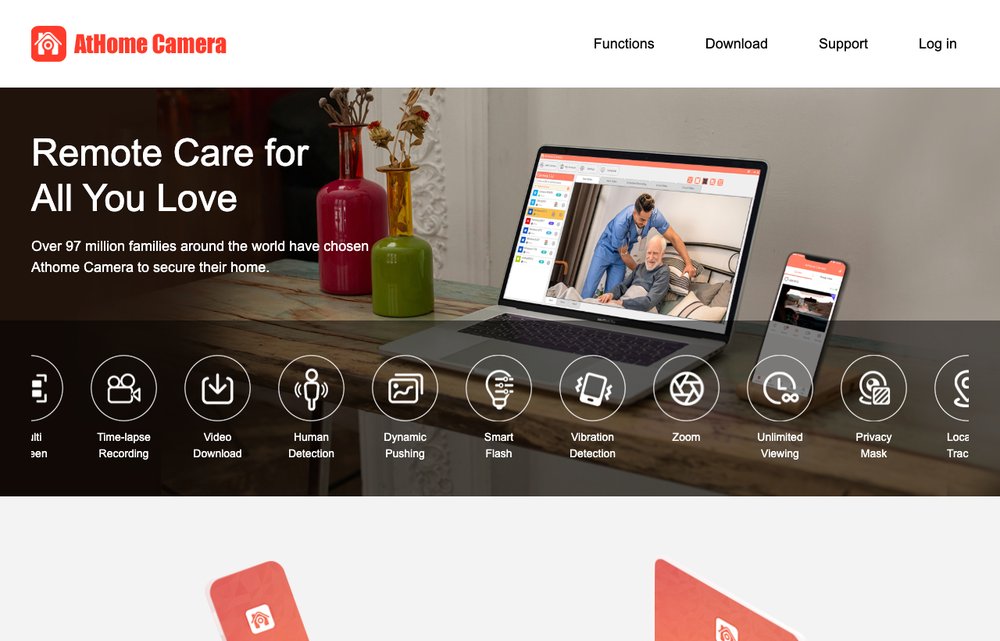
Another DIY option that turns old phones, tablets or computers into a surveillance system. AtHome (by Ichano) runs on iOS, Android, Windows and Mac, with motion detection, remote viewing and recording — handy if you have spare devices across several platforms.
4. August Smart Lock — Best for smart-lock control
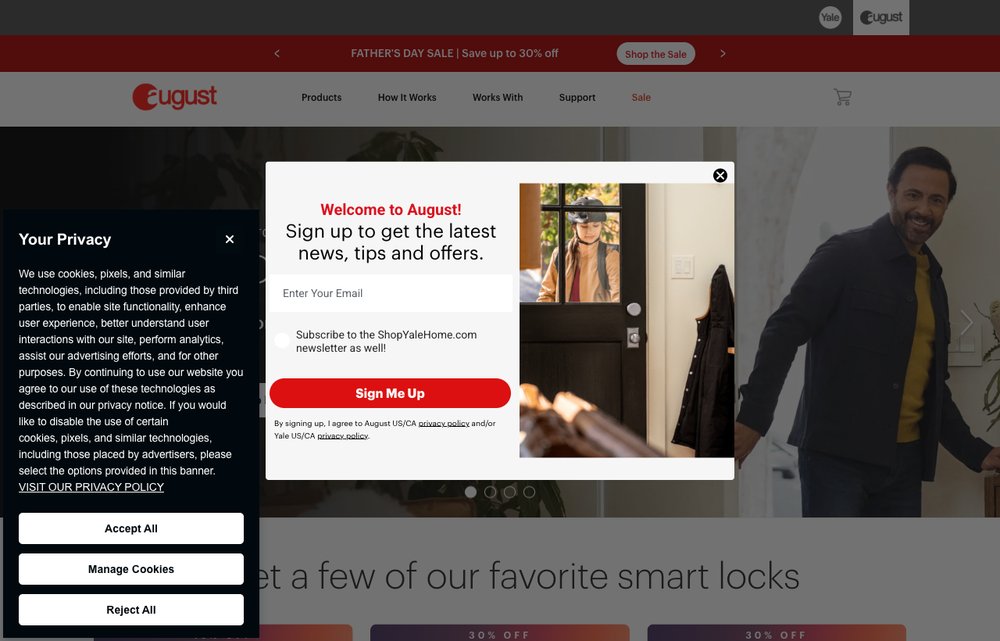
Not a camera, but a key piece of home security: the August app turns your deadbolt into a smart lock you can lock, unlock and monitor from anywhere. Get alerts when people come and go, hand out virtual keys, and pair it with a video doorbell for full entry control. (August is now part of Yale.)
5. IP Webcam — Best free Android IP camera
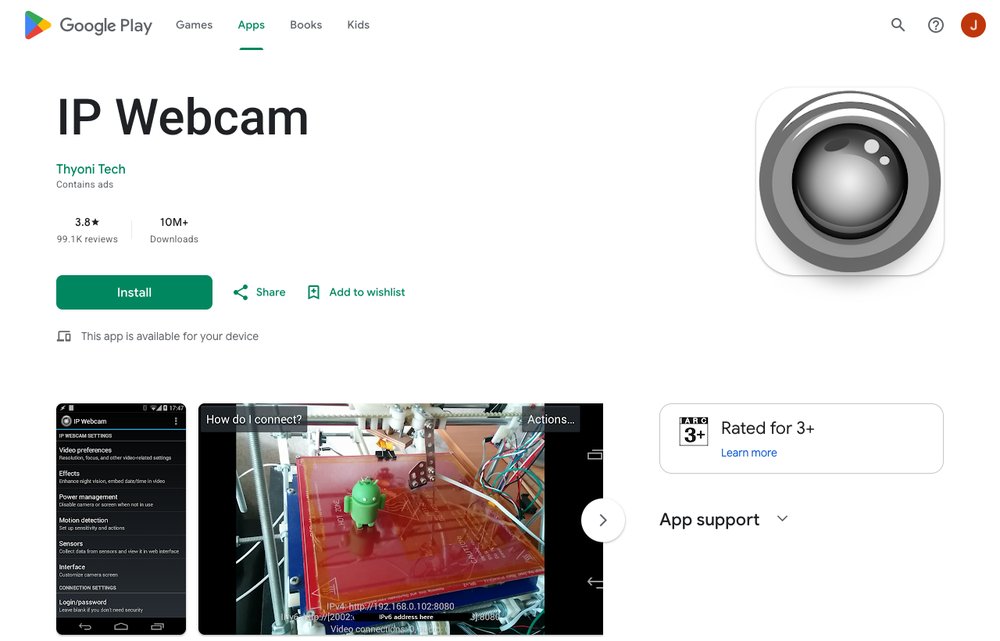
A free, no-frills Android favourite that streams your phone’s camera over your network to any browser or app. It’s remarkably configurable — motion detection, recording, even basic on-device AI — making it a powerful free choice for tinkerers who want a DIY camera without the cloud.
6. Ring — Best all-in-one ecosystem
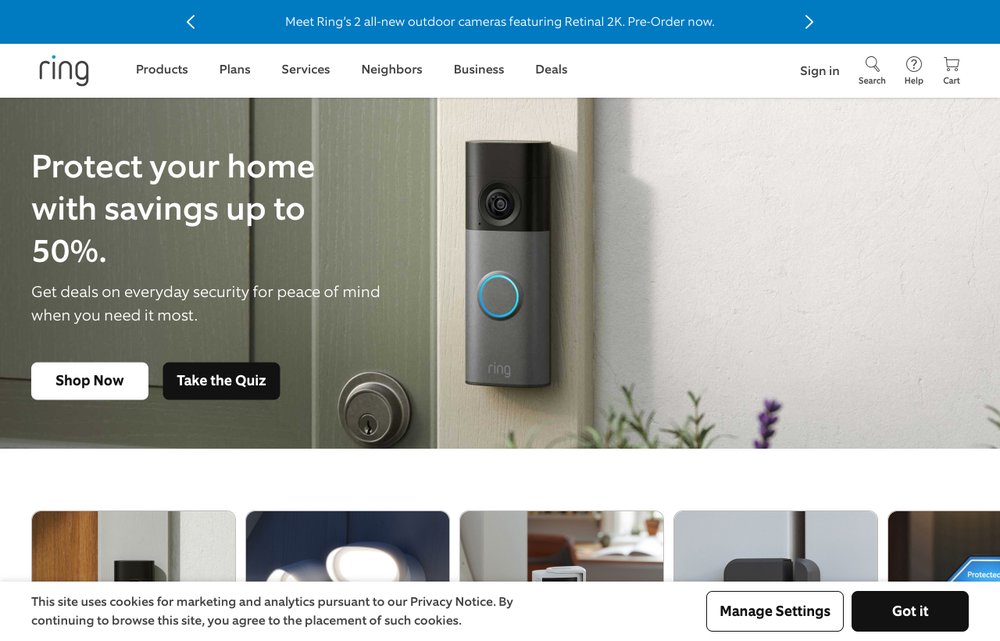
The most popular home-security ecosystem. The Ring app ties together video doorbells, cameras and alarm systems with real-time motion alerts, live view, two-way talk and optional professional monitoring. If you want a polished, all-in-one app with widely available hardware, Ring is the default pick. (Some features need a Ring Home subscription.)
7. Wyze — Best on a budget
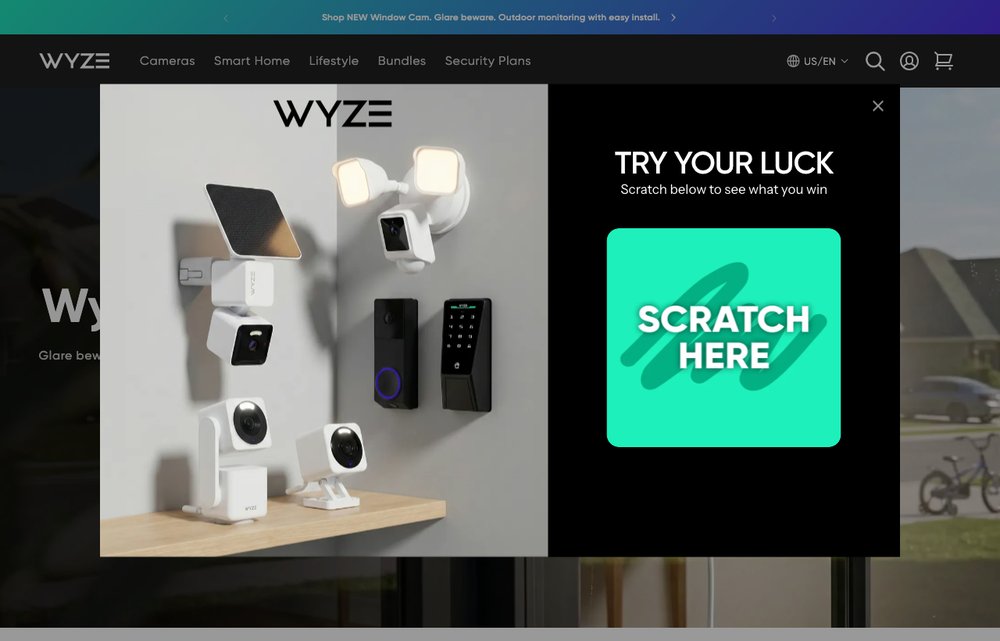
The value champion. Wyze pairs very affordable cameras, sensors and smart-home gear with a single capable app — live view, motion and sound alerts, and some free local and cloud clips. Hard to beat if you want solid home security without spending much.
8. SimpliSafe — Best DIY monitored system
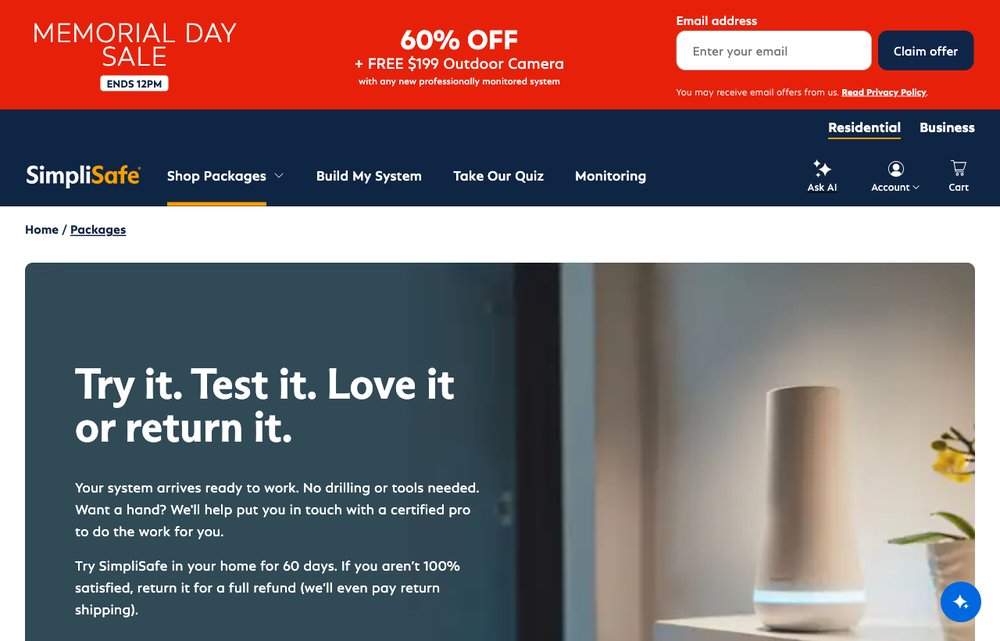
A DIY home-security system with optional professional monitoring, all run from one app. Arm and disarm your system, watch live camera feeds, get intrusion alerts and — with a plan — have a monitoring centre respond, all with no long contracts or professional installation.
Frequently Asked Questions
What is the best home security app?
For an all-in-one system, Ring is the most popular and polished. Reolink leads if you mainly want IP cameras, SimpliSafe is best for a DIY monitored alarm, and Alfred or IP Webcam are great free options that use a spare phone.
Are there free home security apps?
Yes. AlfredCamera, AtHome Camera and IP Webcam turn an old phone, tablet or computer into a free security camera, and the Reolink app is free to use with its cameras. Cloud recording and professional monitoring usually require a paid plan.
Can I use my old phone as a security camera?
Absolutely — that’s exactly what Alfred, AtHome Camera and IP Webcam are built for. Install the app on a spare device, point it where you want, and stream the feed to your main phone for free.
Do home security apps need a subscription?
The basics — live view, motion alerts and short clips — are often free. Features like extended cloud recording, advanced AI detection and 24/7 professional monitoring (as with Ring or SimpliSafe) typically need a paid plan.
Which home security apps work on both Android and iOS?
All of the apps in this guide — Ring, Reolink, SimpliSafe, Alfred, AtHome, August and Wyze — have both Android and iOS versions. IP Webcam is Android-only.
In Summary
You no longer need an expensive, professionally installed system to keep an eye on your home. Start free by turning a spare phone into a camera with Alfred or IP Webcam, step up to dedicated cameras with Reolink or budget-friendly Wyze, add smart-lock control with August, and choose Ring or SimpliSafe when you want a complete, monitored system — all from your Android or iOS phone.