EaseUS Data Recovery Wizard Review 2026: Free vs Pro

EaseUS Data Recovery Wizard has come a long way since the old 11.9 build, and the current 2026 release (version 20.1) is a far more polished tool with a 99.7% claimed recovery rate, support for 1,000+ file types and 2,000+ devices. The Free edition still hands you real, savable recovery, capped at 2GB once you share on social media, while the Pro tiers unlock unlimited recovery, file repair, bootable media and RAID support. This updated review walks through what the Free edition actually does, the current pricing, the genuine pros and cons, and how it stacks up against Recuva, Disk Drill, Stellar and AnyRecover. Always download from the official EaseUS site to stay safe.
Act fast: the moment you notice data is missing, stop using that drive — new writes can overwrite the deleted files and make recovery impossible. No tool can guarantee 100% recovery.
Overview
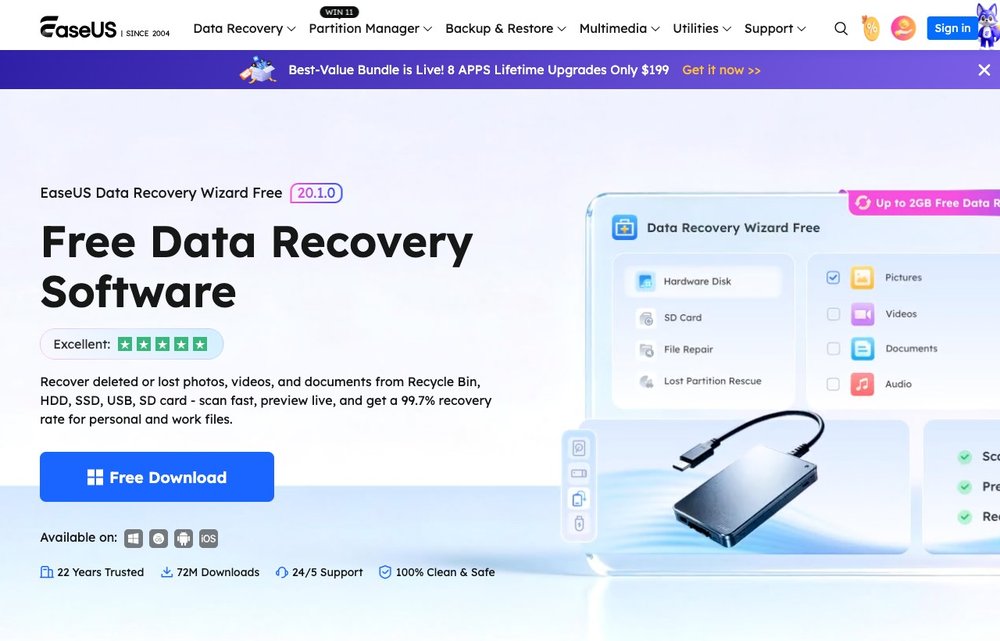
v20.1.0 · Windows & Mac
EaseUS Data Recovery Wizard is one of the most established names in consumer data recovery, in development since 2005 and now used by 530+ million people across 160+ countries. The 2026 build is version 20.1.0, available for Windows and macOS, and it recovers files lost to accidental deletion, emptied Recycle Bins, formatting, partition loss, OS crashes and virus damage. It ships in a free tier and three paid Pro plans, all sharing the same recovery engine and differing only in capacity, advanced features and licence length.
Free Edition & Limits
500MB free, up to 2GB after social share
The Free edition is a genuine recovery tool, not just a preview: it lets you actually save recovered files, unlike the separate Trial mode which only shows what is recoverable. You start with 500MB of free recovery and can unlock the full 2GB by sharing the product on social media. The free tier covers the same deep scan, preview and broad device support as Pro, but omits advanced extras like bootable media, file repair and priority technical support. For occasional small recoveries it is one of the more generous free options; for anything beyond a couple of gigabytes you will hit the wall quickly.
Key Features
Deep scan, preview, HDD/SSD/USB/SD, bootable media, RAID/NAS
The software runs a fast Quick Scan followed by an automatic Deep Scan that uses RAW, sector-by-sector searching to find files Quick Scan misses. You can preview recoverable photos, videos, documents and audio before restoring, and filter results by file type, name or deletion date. It supports HDDs, SSDs, USB flash drives, SD/memory cards, external drives, cameras and NAS, across FAT32, exFAT, NTFS and HFS+ (plus BitLocker-encrypted drives), and recognizes 1,000+ file formats across 2,000+ devices. Pro tiers add bootable WinPE media for crashed systems, corrupted MP4/MOV/JPEG file repair, and RAID/NAS recovery.
Pricing
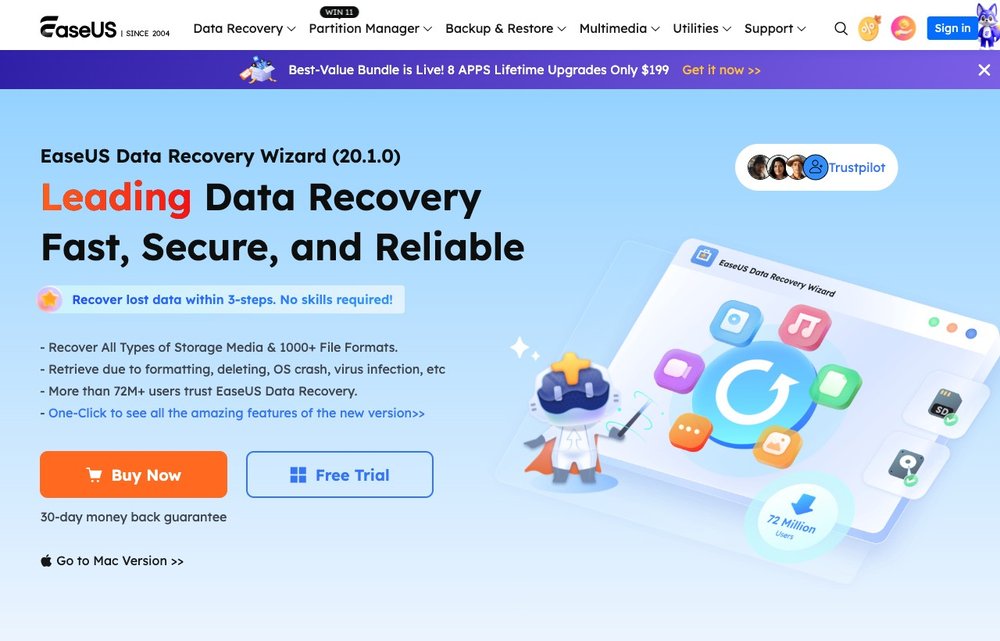
$69.95/mo · $99.95/yr · $149.95 lifetime
All paid plans are Pro and feature-identical; they differ only in how long the licence lasts. The standard tiers are $69.95 for one month, $99.95 for one year (marketed as Best Value), and $149.95 for a lifetime licence with free future updates. Promo coupons frequently cut these to roughly $34.97 monthly, $49.97 yearly and $74.97 lifetime, so it is worth waiting for a discount to surface at checkout. Every plan includes a 30-day money-back guarantee. The pricing, especially the monthly rate, is on the steep side compared with one-time-purchase rivals.
Ease of Use
Beginner-friendly, 3-step flow
This is where EaseUS earns its 'Wizard' name. The interface is a clean three-step flow: select a location, scan, then preview and recover, with no technical knowledge required. TechRadar and other reviewers consistently rate it as one of the most beginner-friendly tools in the category, praising the intuitive layout and clear scan progress with pause/resume. The main usability complaint is that Deep Scan can take a long time on large or full drives, and the in-app prompts to upgrade are persistent.
Pros
Strengths
High recovery success rate (EaseUS claims 99.7%) with strong results on photos, videos and large RAW/4K files. Genuinely beginner-friendly three-step interface with both quick and deep scanning. Broad device, file-system and format support including SSDs, SD cards, BitLocker drives and 1,000+ file types. The Free edition lets you actually save up to 2GB, and paid plans add file repair, bootable media and responsive live customer support. Safe and reputable when downloaded from the official site.
Cons
Drawbacks
Pricing is high, and the heavy push toward a monthly subscription model is the most common user complaint. The free 2GB cap is modest and partly gated behind a social-media share. Deep Scan is slow on large drives, and free users get no bootable media, file repair or technical support. As with all recovery tools, results vary and nothing is guaranteed, especially for overwritten or physically failing drives.
Recuva
Free (no cap) · Pro ~$24.95
Recuva (from CCleaner maker Piriform) is the classic free alternative, with no hard cap on free recovery and a tiny, lightweight footprint. Recuva Pro costs about $24.95, far cheaper than EaseUS. The trade-off is depth: in testing Recuva recovers fewer file formats, struggles outside FAT32, and is weaker on large media files and formatted or RAW partitions. It is the better pick for simple, everyday undelete tasks on a budget.
Disk Drill
500MB free · $89 one-time Pro
Disk Drill (CleverFiles) is a polished Windows and Mac alternative with a modern interface and useful extras like a Recovery Vault and byte-to-byte disk imaging. The free version recovers up to 500MB on Windows, and the Pro license is a one-time $89, which can work out cheaper than EaseUS over time. It is a strong all-rounder for users who want a clean UI and a one-off purchase rather than a subscription.
Stellar Data Recovery
1GB free · Pro from $79.99
Stellar Data Recovery offers a free tier covering up to 1GB and is well regarded for deep scans, RAID handling and corrupted-file recovery. Paid editions scale from Professional ($79.99) to Premium ($99.99, adds photo/video repair) and Technician ($149) for RAID and multi-disk work. It is a credible EaseUS competitor, particularly for users needing photo/video repair or professional-grade options.
iMyFone AnyRecover
~100MB free · from $59.99
AnyRecover is a simpler, approachable recovery tool that covers PCs, external drives and (via separate products) mobile devices. Its free tier is limited, allowing recovery of only a handful of files (around 100MB / up to 8 files), so most users will need a paid plan: roughly $59.99 monthly, $79.99 yearly, or $99.99 lifetime. It is worth considering if you want a straightforward interface and cross-device coverage, though its scanning depth lags behind EaseUS and Stellar.
The Verdict
EaseUS Data Recovery Wizard remains one of the easiest, most reliable recovery tools in 2026, with a clean scan-and-preview workflow and broad device support. The free edition is genuinely useful for small recoveries, while the Pro license makes sense for larger jobs or frequent use. If you want a free-first alternative, try AnyRecover or Recuva; for phones, see our pick for recovering iPhone and iPad data. Whichever you use, always recover to a different drive than the one you’re scanning.
Frequently Asked Questions
Is EaseUS Data Recovery Wizard free?
There is a genuinely free edition, not just a trial. It lets you scan, preview and actually save recovered files, unlike the trial mode which only shows what is recoverable. The free edition is capped, so larger recoveries require a paid Pro upgrade.
How much data can you recover for free with EaseUS?
You start with 500MB of free recovery in the current 2026 version. You can unlock the full 2GB limit by sharing the product on social media from within the app. Beyond 2GB you need a Pro license.
Is EaseUS Data Recovery Wizard safe and legit?
Yes, when downloaded from the official easeus.com site. EaseUS has been in business since 2005, serves 530+ million users worldwide, and the software does not upload your files. It holds strong ratings on Trustpilot, Capterra and TrustRadius, though you should avoid third-party crack or keygen downloads.
EaseUS vs Recuva: which is better?
Recuva is cheaper (Pro is about $24.95) and offers uncapped free recovery, making it great for simple undelete tasks. EaseUS recovers far more file formats, handles SSDs, BitLocker drives, formatted and RAW partitions better, and is stronger on large photo and video files. For comprehensive recovery EaseUS wins; for quick, lightweight jobs on a budget Recuva is fine.
Does EaseUS Data Recovery Wizard work on SSDs?
Yes. It supports HDDs, SSDs, USB flash drives, SD and memory cards, external drives, cameras and NAS devices. Note that on modern SSDs with TRIM enabled, data is often erased almost immediately after deletion, so recovery from SSDs is generally less reliable than from hard drives regardless of which tool you use.
Independent review for general information; features and pricing change — verify on the official EaseUS site. We may earn a commission from some links at no extra cost to you. No tool guarantees recovery of lost data.