Best NAS Devices for 2026: Synology, QNAP, Ugreen, Asustor and TerraMaster Compared
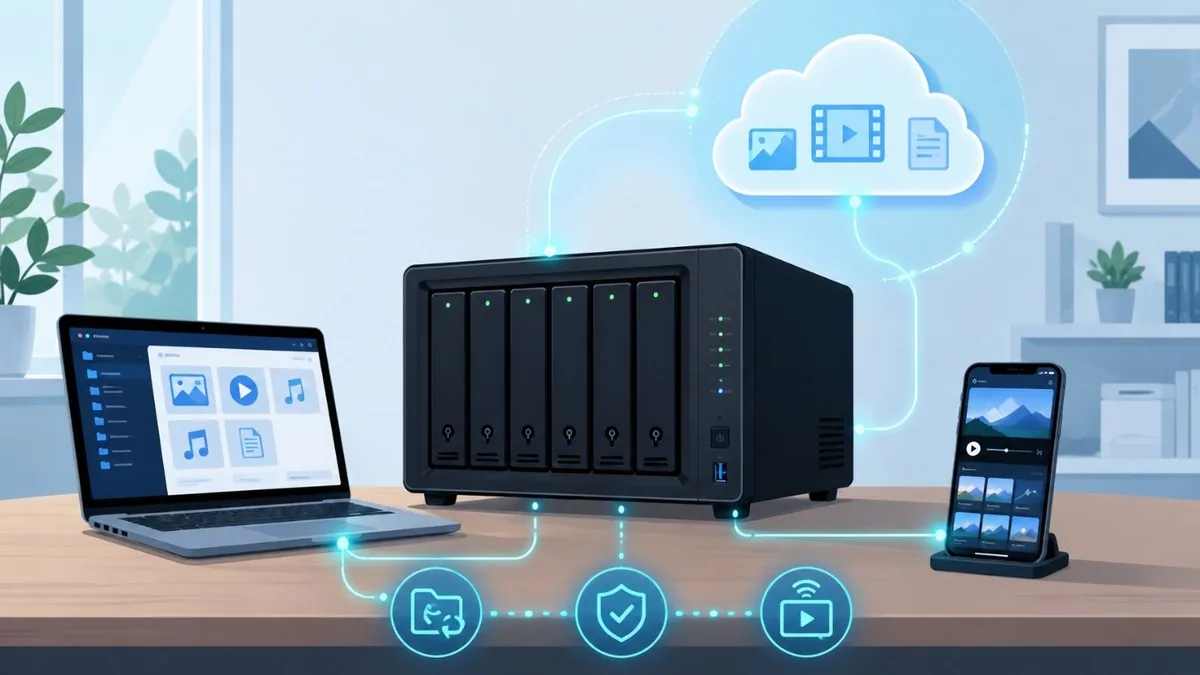
A network-attached storage (NAS) box is the simplest way to keep a private, always-on copy of your photos, documents, backups and media library, without renting cloud space forever. The 2026 market looks very different from a few years ago: Ugreen's NASync line has arrived as a genuine value disruptor, all-flash NVMe units have gone mainstream, and Intel and AMD chips now make 4K Plex transcoding and Docker containers routine even on midrange hardware. The biggest story, though, is Synology's 2025 decision to restrict its newest Plus models to its own branded and certified drives, a policy it walked back for hard drives with the DSM 7.3 update in late 2025 (M.2 SSD pools still need listed drives). Below are nine current models spanning first-time buyers, Plex media servers, and prosumer or small-business setups, with approximate US prices, bay counts, and what each does best. Prices are diskless and move often, so treat them as a guide.
Heads-up on Synology drives: Synology’s 2025-series Plus models (DSM 7.3) require Synology-branded or validated hard drives for full functionality — third-party drives can be limited or flagged. If you want to use any drive you like, QNAP, Ugreen, Asustor and TerraMaster impose no such restriction. Factor this into your buying decision.
The Best NAS Devices at a Glance
- Synology DS224+ — 2-bay · ~$300, diskless · entry-level
- Synology DS423+ — 4-bay · ~$450, diskless · home/Plex
- Synology DS925+ — 4-bay · ~$640, diskless · prosumer
- Synology DS1525+ — 5-bay · ~$800, diskless · prosumer/SMB
- QNAP TS-464 — 4-bay · ~$550, diskless · home/Plex
- QNAP TS-264 — 2-bay · ~$450, diskless · home/Plex
- Ugreen NASync DXP4800 Plus — 4-bay + 2x M
- Ugreen NASync DH4300 Plus — 4-bay · ~$374, diskless · budget home
- Asustor Flashstor 6 Gen2 (FS6806X) — 6-bay all-NVMe · ~$999, diskless · enthusiast/SMB
- TerraMaster F4-424 Pro — 4-bay · ~$450-550, diskless · power-user/DIY
The Best NAS Devices for 2026
Synology DS224+
2-bay · ~$300, diskless · entry-level
The default first NAS. A quad-core Intel Celeron J4125 with 2GB DDR4 (to 6GB) and dual Gigabit Ethernet runs Synology's DSM 7.2/7.3 software, the most polished and beginner-friendly NAS OS available. Ideal as a household backup target, Synology Photos library and Time Machine destination, with light Docker support. Quick Sync handles modest 4K-to-1080p transcoding, though two bays cap capacity. Being a 2023-era model, it predates the drive-lock policy, so any WD or Seagate HDD works without restriction. The best low-stress starting point.
Synology DS423+
4-bay · ~$450, diskless · home/Plex
Effectively a four-bay DS224+: same Celeron J4125 and 2GB DDR4 (to 6GB), but adds two M.2 NVMe cache slots and double the bays for SHR redundancy. The J4125's Intel Quick Sync makes it the sweet-spot Synology for Plex hardware transcoding of H.264/HEVC. Great for families wanting backups plus a growing media library on one tidy DSM box. Limited to Gigabit networking and a pre-2025 design, so it sidesteps Synology's drive-validation rules and accepts standard third-party disks freely.
Synology DS925+
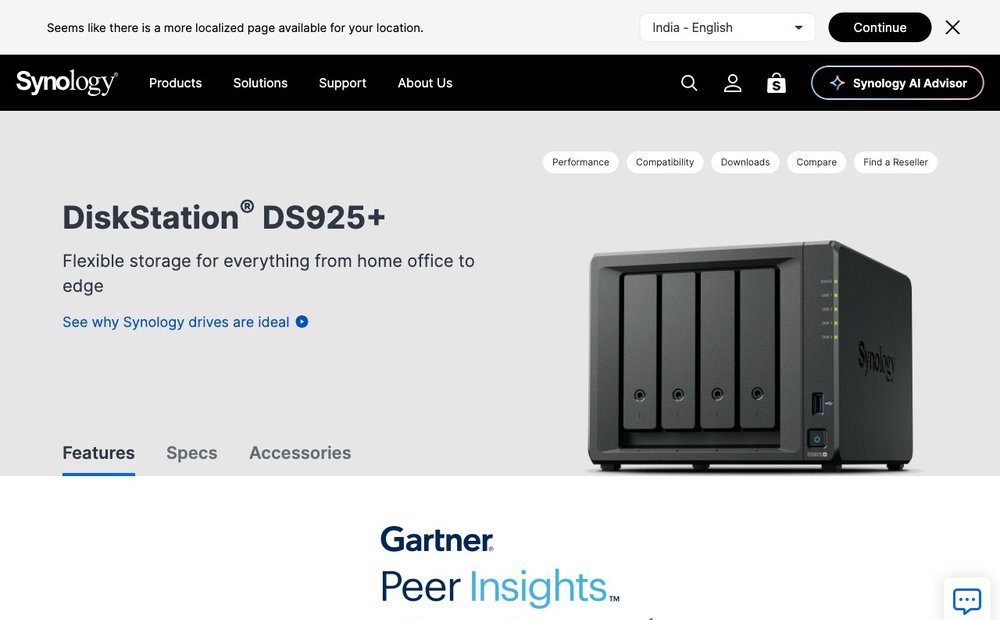
4-bay · ~$640, diskless · prosumer
The 2025 four-bay flagship: AMD Ryzen V1500B quad-core, 4GB DDR4 ECC (to 32GB) and built-in 2.5GbE, strong for Docker, VMs and several users. Note two caveats: it ships under Synology's 2025 drive policy, so third-party HDDs need DSM 7.3 (which restored that support) while M.2 SSD storage pools still require drives on Synology's compatibility list. Synology also dropped the PCIe 10GbE expansion slot the older DS923+ had, so this tops out at 2.5GbE. Excellent software, but verify drive plans first.
Synology DS1525+
5-bay · ~$800, diskless · prosumer/SMB
The five-bay step up for serious home labs and small offices. It keeps the AMD Ryzen V1500B but ships with 8GB ECC (to 32GB) and, unlike the DS925+, retains a proprietary PCIe slot for Synology's optional 10GbE card plus expansion-unit support to scale past five drives. DSM runs Virtual Machine Manager, Surveillance Station and Synology's Google-Photos-rivaling AI Photos. Same 2025 drive-policy caveat applies: HDDs are fine on DSM 7.3, but M.2 NVMe pools want listed drives. A capable, if pricey, multi-gig workhorse.
QNAP TS-464
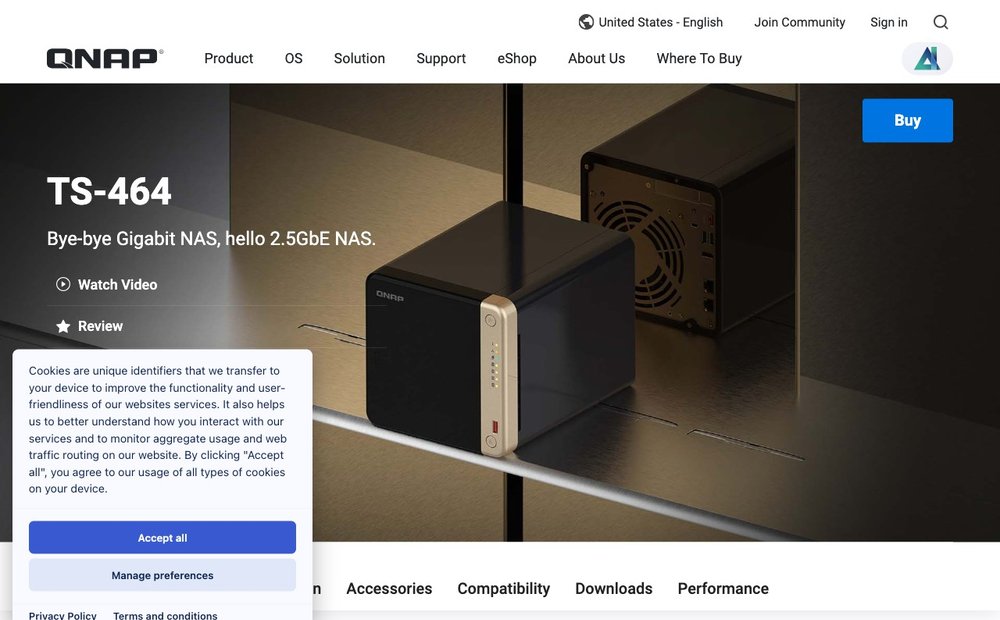
4-bay · ~$550, diskless · home/Plex
QNAP's mainstream four-bay and the natural cross-shop against Synology. An Intel Celeron N5095 quad-core (8GB DDR4, to 16GB) brings Jasper Lake Quick Sync for strong H.264/HEVC 4K transcoding (roughly three to four simultaneous 4K streams; note it cannot hardware-decode AV1), plus dual 2.5GbE, two M.2 NVMe slots and a PCIe slot for a 10GbE or extra ports. QNAP's QTS runs Docker, VMs and a huge app catalog. The trade-off is a busier, steeper interface than DSM and a patchier security record, but QNAP imposes no drive-brand lock, accepting any disk.
QNAP TS-264
2-bay · ~$450, diskless · home/Plex
The two-bay sibling of the TS-464 for smaller setups that still want real transcoding muscle. The Celeron N5095 (8GB DDR4, to 16GB), dual 2.5GbE, two M.2 slots and a PCIe x2 slot make it punch above typical two-bay boxes for Plex, Docker and light virtualization. QTS offers deep features and multimedia apps, and there is no drive-brand restriction. Pick it over a Synology DS225+ if you value 2.5GbE, expandability and HEVC/H.264 transcoding over DSM's smoother software experience.
Ugreen NASync DXP4800 Plus
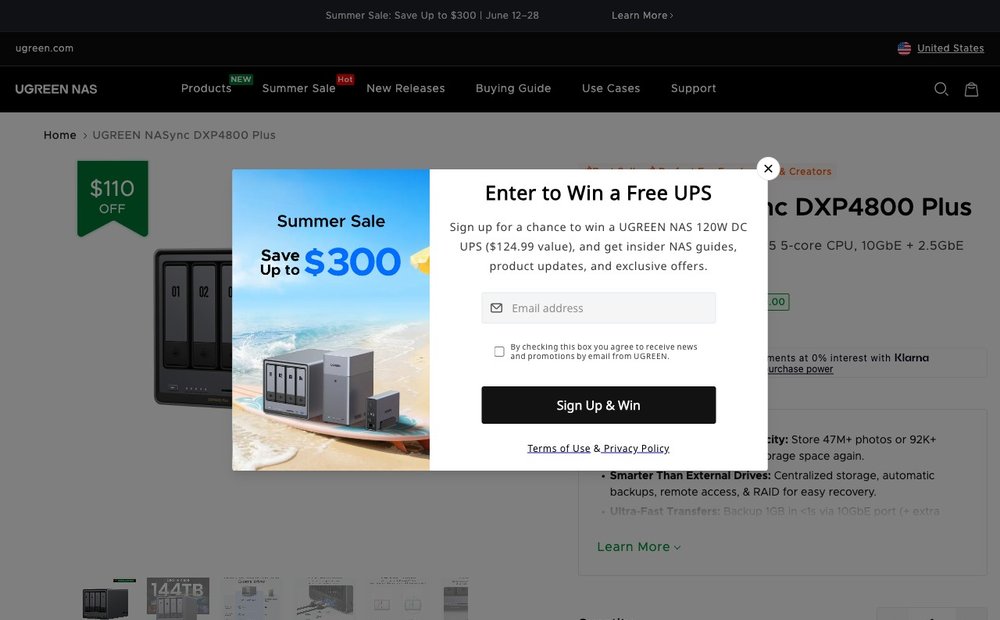
4-bay + 2x M.2 · ~$620, diskless · prosumer value
The breakout value pick of the new Ugreen NASync line. An Intel Pentium Gold 8505 (8GB DDR5, expandable), four SATA bays plus two M.2 NVMe slots, and crucially a 10GbE port alongside 2.5GbE, hardware rarely seen at this price. Quick Sync v8 hardware-accelerates HEVC and AV1, so Plex 4K transcoding is effortless. The UGOS Pro software is younger and less mature than DSM or QTS, but it now supports Docker and third-party OSes, and no drive lock applies. The best raw spec per dollar in this list.
Ugreen NASync DH4300 Plus
4-bay · ~$374, diskless · budget home
Ugreen's price-leader four-bay, built for quiet, low-cost personal cloud and backup duty. It swaps Intel for an eight-core Rockchip ARM (four Cortex-A76 plus four A55) with a single 2.5GbE port and up to 128TB of capacity. That ARM chip is efficient and capable for file sync, backups and Synology-Photos-style libraries, but it is not a heavy Plex transcoding or VM platform. For households that mainly want four bays of reliable storage at the lowest sensible price, it undercuts almost everything else, running UGOS Pro.
Asustor Flashstor 6 Gen2 (FS6806X)
6-bay all-NVMe · ~$999, diskless · enthusiast/SMB
An all-flash NAS for those done with spinning disks. Six PCIe Gen4 M.2 NVMe slots, an AMD Ryzen V3C14 quad-core (8GB non-ECC DDR5, expandable to 64GB with ECC support), a 10GbE port and two 40Gbps USB4 ports make it fast, silent and compact. Asustor's ADM software covers Docker, multimedia and backups, and it can also run TrueNAS or Unraid. Ideal as a high-speed editing scratch volume, VM datastore or quiet living-room media server. NVMe capacity costs more per terabyte than HDDs, but performance and acoustics are in another league.
TerraMaster F4-424 Pro
4-bay · ~$450-550, diskless · power-user/DIY
The enthusiast value play. An Intel Core i3-N305 eight-core, up to 32GB DDR5, dual 2.5GbE and two M.2 NVMe slots deliver serious compute for well under $500, comfortably handling multiple 4K Plex transcodes, Docker and VMs. TerraMaster's own TOS software is functional but the weakest of the major brands, which is why many buyers wipe it and install TrueNAS Scale or Unraid, this is among the cheapest sanctioned routes onto those platforms. No drive-brand lock. Best for tinkerers who want maximum hardware per dollar and are comfortable configuring their own OS.
Choosing the Right NAS
Start with how many bays you need (two is fine for backups and a small Plex library; four or more for redundancy and growth) and whether you want hardware 4K transcoding for Plex — that means Intel Quick Sync or an equivalent, found on the Ugreen NASync DXP4800 Plus, TerraMaster F4-424 Pro and QNAP’s Intel models. Synology still has the most polished software (DSM) and app ecosystem, QNAP offers more raw hardware for the money, and newcomer Ugreen undercuts both. Plan for drives separately (most NAS sell diskless), use NAS-rated disks, and remember a NAS is one copy — keep an offsite or cloud backup too. See our guide to the best backup software.
Brand and Product Pages
- Synology drive compatibility policy (DSM 7.3) knowledge base
- Tom's Hardware: Synology walks back compatibility policy with DSM 7.3
- Synology DS925+ official product page
- QNAP TS-464 official product page
- Ugreen NASync DXP4800 Plus official page
- TerraMaster F4-424 Pro official page
Frequently Asked Questions
Do Synology's 2025 NAS models still require Synology-branded hard drives?
Not anymore for hard drives. Synology's spring 2025 policy limited new Plus models (such as the DS925+ and DS1525+) to its own branded or certified drives for storage pools, health monitoring and firmware updates. After heavy backlash, the DSM 7.3 update in late 2025 restored support for third-party 3.5-inch HDDs and 2.5-inch SATA SSDs from brands like WD and Seagate. The main remaining catch is M.2 NVMe: SSD storage pools on these models still require drives from Synology's official compatibility list.
Which NAS is best for running a Plex media server?
For 4K transcoding you want Intel Quick Sync or an equivalent hardware encoder. The Ugreen NASync DXP4800 Plus (Pentium Gold 8505, 10GbE) and TerraMaster F4-424 Pro (Core i3-N305) are the strongest value picks, each handling multiple simultaneous 4K streams plus AV1 hardware decode (which is limited to those Intel 12th-gen units). The QNAP TS-464/TS-264 and Synology DS423+ also transcode H.264/HEVC well but lack AV1 decode. Cheaper ARM units like the Ugreen DH4300 Plus are better for storage and backups than heavy transcoding.
How many drive bays do most home users need?
Two bays (in a mirror) are the practical minimum for redundancy and suit most first-time buyers backing up a few devices. Four bays are the popular sweet spot: they allow RAID 5 or Synology SHR, giving fault tolerance plus more usable capacity and room to grow a media library. Five-plus bays and expansion units are aimed at prosumers, home labs and small businesses running VMs, surveillance or large archives.
Is Ugreen a trustworthy NAS brand compared to Synology and QNAP?
Ugreen is a well-established accessories maker that entered NAS in 2024 with the NASync line, and by 2026 it is a credible value alternative, frequently offering more CPU, RAM and 10GbE networking per dollar than rivals. The main trade-off is software maturity: its UGOS Pro is younger than Synology's DSM or QNAP's QTS, though it has gained Docker and broader app support. The hardware also supports installing TrueNAS or Unraid if you prefer.
Should I buy a NAS with hard drives included or diskless?
Most enthusiast NAS units are sold diskless so you can choose your own drives, and that is usually the better value. Buy NAS-rated drives (WD Red Plus/Pro, Seagate IronWolf, or Synology's HAT range if required) sized for your needs plus redundancy overhead. Avoid shucked or desktop drives for primary pools. Remember a NAS protects against drive failure, not deletion or disaster, so keep a separate offsite or cloud backup of irreplaceable data.
NAS prices are usually diskless and change often; CPUs, RAM and bay counts vary by exact model. Confirm current specs and pricing on the manufacturer’s site and the Amazon listing before buying. As an Amazon Associate, SaveDelete may earn from qualifying purchases at no extra cost to you.