Best Font Sites to Find and Download Free Fonts
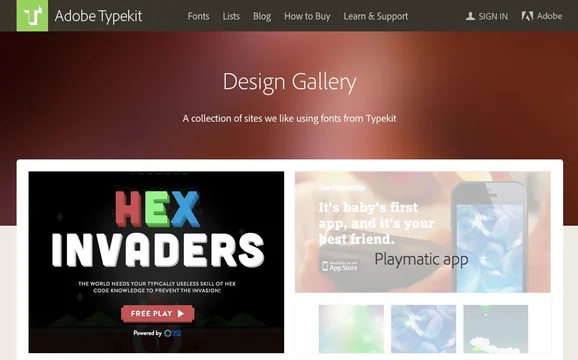
The right typeface can make or break a design — it shapes how readable, professional and memorable your work feels. The good news is that the web is full of brilliant places to find fonts, many of them completely free. Here are the best font sites in 2026 to discover, preview and download fonts, organised by what you actually need them for.
You may also like:
Best Sites for Free Fonts to Download
These are the libraries to bookmark when you want to browse, preview and download fonts — from polished open-source families to wild display faces.
1. Google Fonts — Best overall & for the web
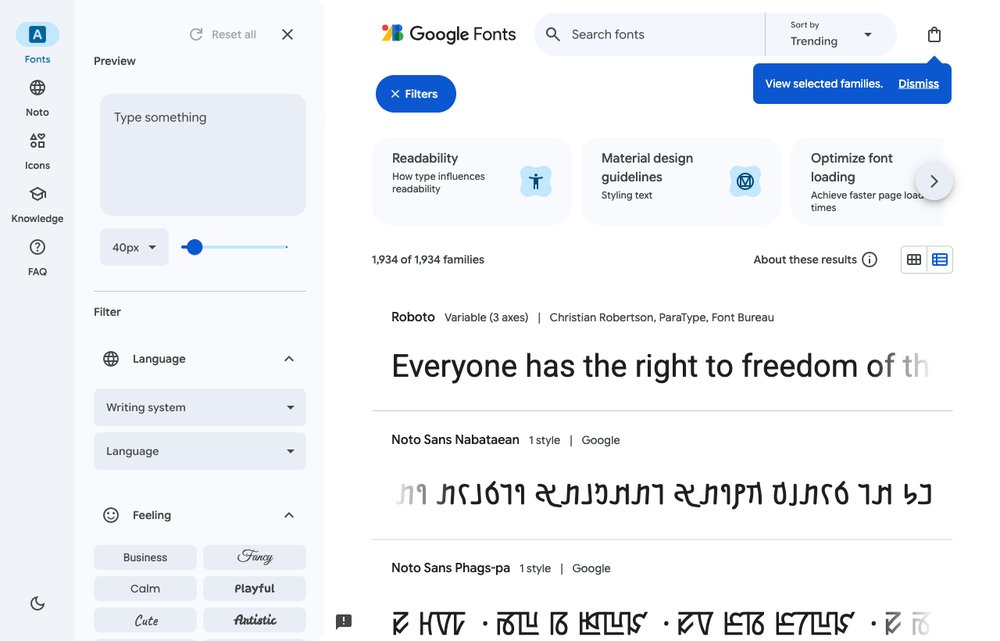
The first place most designers look. Google Fonts is a huge, completely free and open-source library of 1,900+ font families you can use anywhere — websites, apps or print — with no licensing worries. Download them for desktop or embed them with a line of code, and preview pairings right in the browser.
2. Font Squirrel — Best for free commercial-use fonts
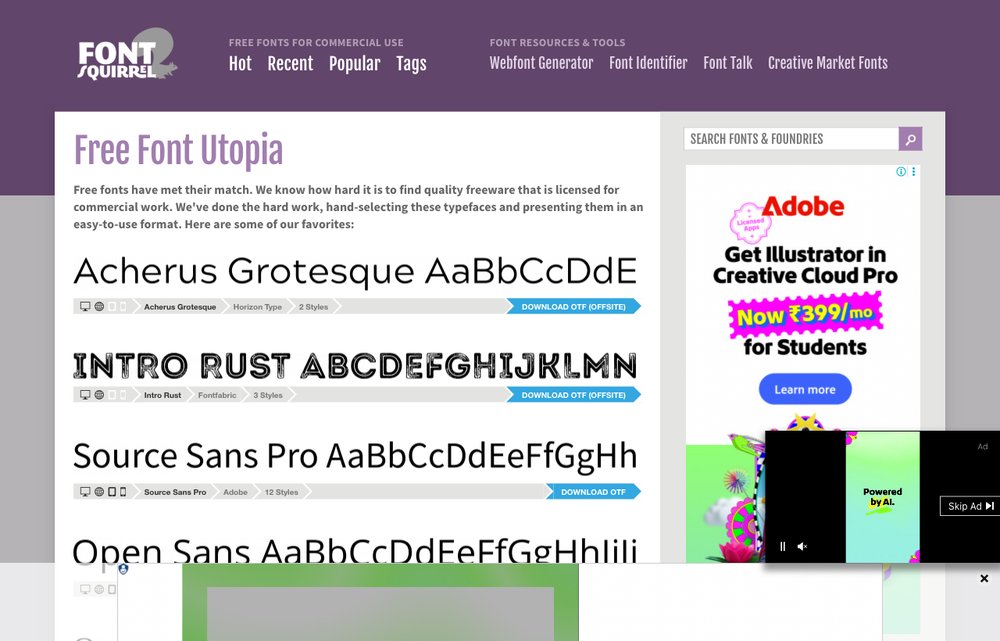
Hand-picked free fonts that are genuinely safe for commercial use — every font is vetted and clearly licensed. Its famous Webfont Generator also converts your own fonts into web-ready formats. This is the go-to when you need a free font you can legally use in client work.
3. Fontshare — Best for modern, premium-quality free fonts
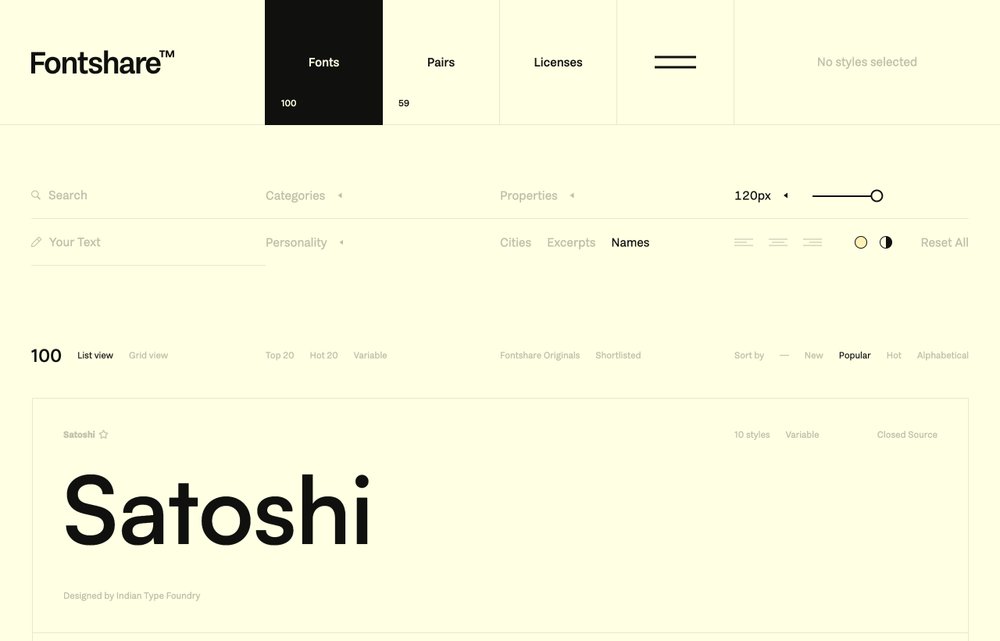
A growing library of professional typefaces from the Indian Type Foundry, all free for personal and commercial use. Think characterful, modern fonts like Satoshi and Clash Display — the kind you’d normally pay for — complete with ready-made pairings.
4. DaFont — Best for display & novelty fonts
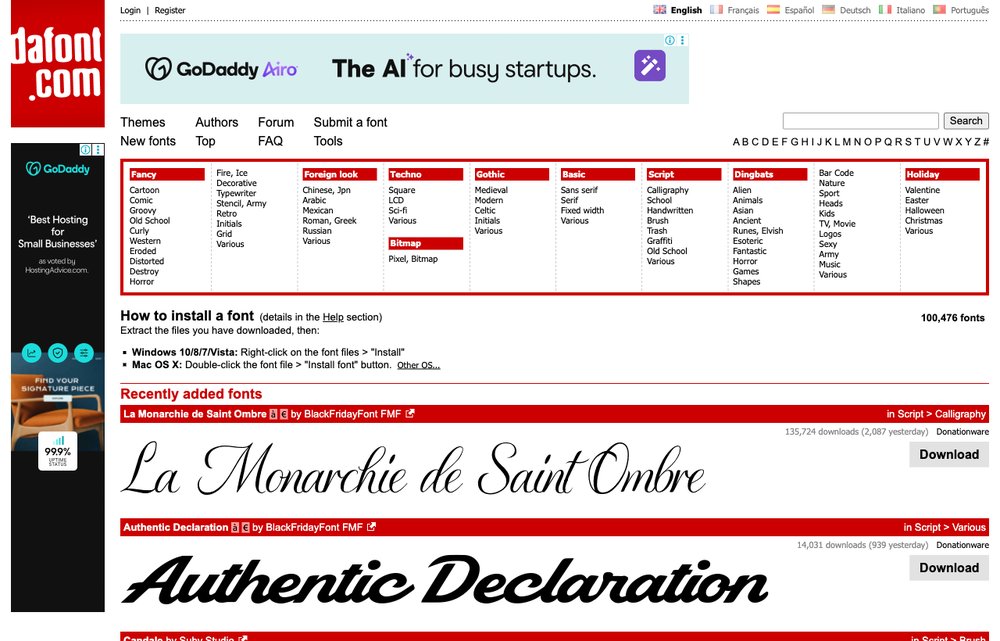
The huge, long-running archive of display and novelty fonts, sorted by theme — graffiti, retro, holiday, handwriting and more. Perfect for posters, logos and creative projects, though you should always check each font’s license before any commercial use.
5. 1001 Fonts — Best curated free archive
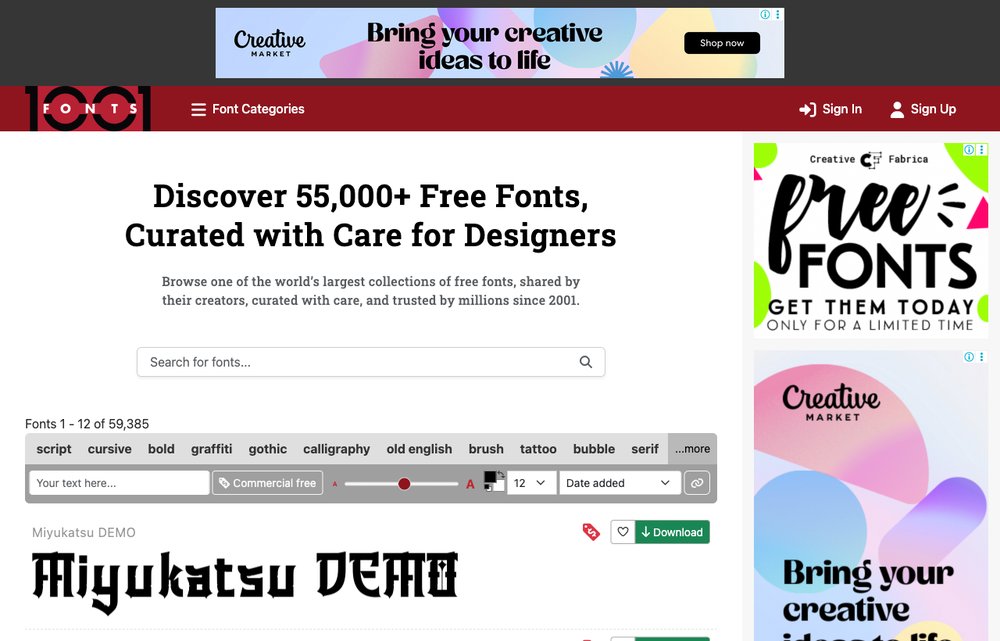
A free-font archive running since 2001, with clear license information on every font and handy commercial-use filters. Clean previews and sensible categories make it easy to find exactly the style you’re after.
6. FontSpace — Best for unique community fonts
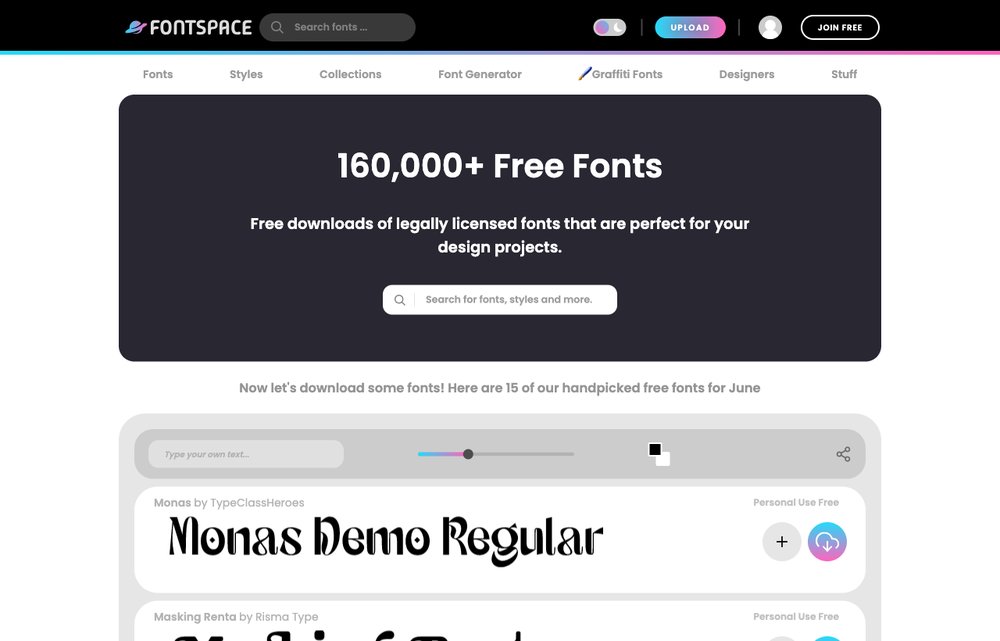
A community-driven library of 160,000+ free fonts uploaded by independent designers, each with its own license details. A great source for unique, creative and display typefaces you won’t find on the mainstream sites.
7. Fontesk — Best for discovering new fonts
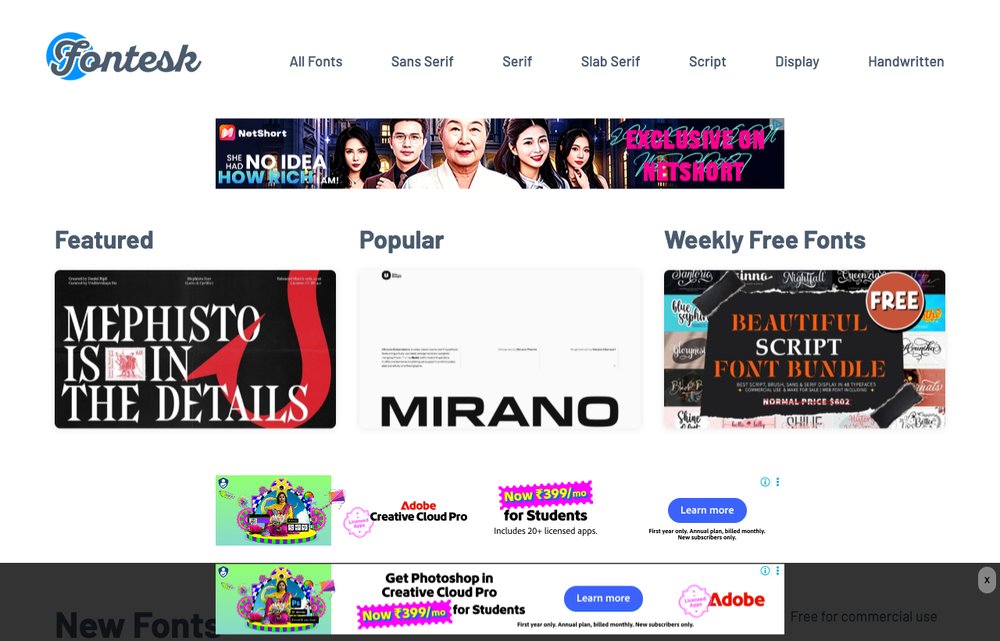
A modern, design-led site that publishes fresh free fonts almost daily, each with clear licensing (many free for commercial use). A brilliant place to discover contemporary typefaces and keep up with type trends.
Best Sites for Font Pairing & Inspiration
Finding a font is only half the job — these sites help you choose the right one and combine it well.
8. Typewolf — Best for typography inspiration
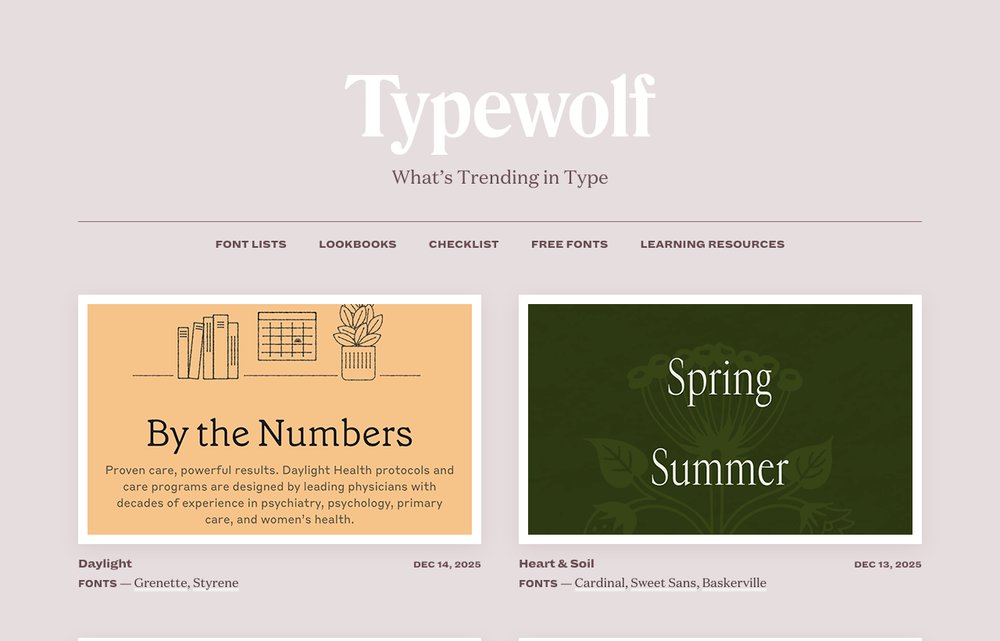
Not a download site but a typography-inspiration powerhouse. Typewolf showcases how fonts are used on real, beautifully designed websites and recommends pairings and cheaper alternatives to popular typefaces — the best way to train your type eye.
9. Fontpair — Best for Google Font pairing
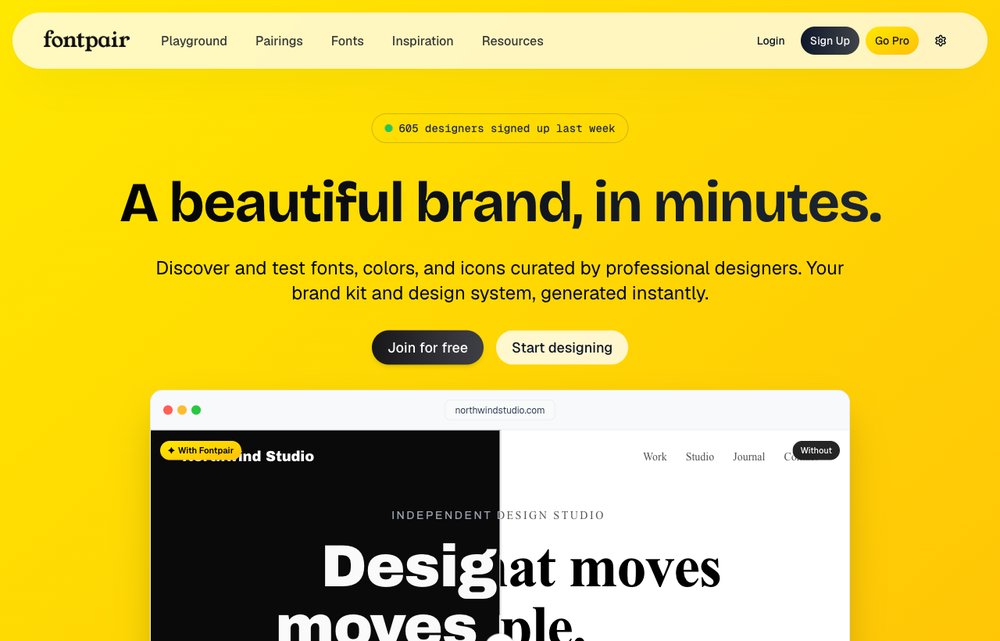
A simple, free tool that pairs Google Fonts for you, so you can instantly see which heading-and-body combinations actually work together — then copy them straight into your project.
10. Fonts In Use — Best for real-world type examples
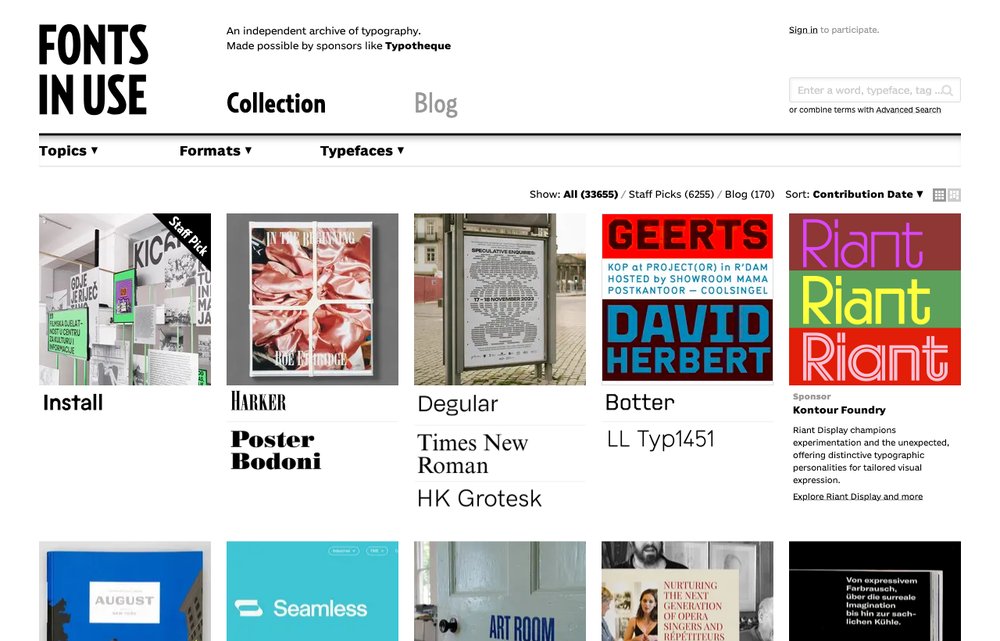
An independent, public archive documenting typography in the wild — books, brands, films and posters. Search by typeface, industry or era to see exactly how professionals put fonts to work.
Best Premium & Web Font Services
When you need fully licensed, professional typefaces — or fonts that just work on your website — these are worth paying for.
11. Adobe Fonts — Best for Creative Cloud users
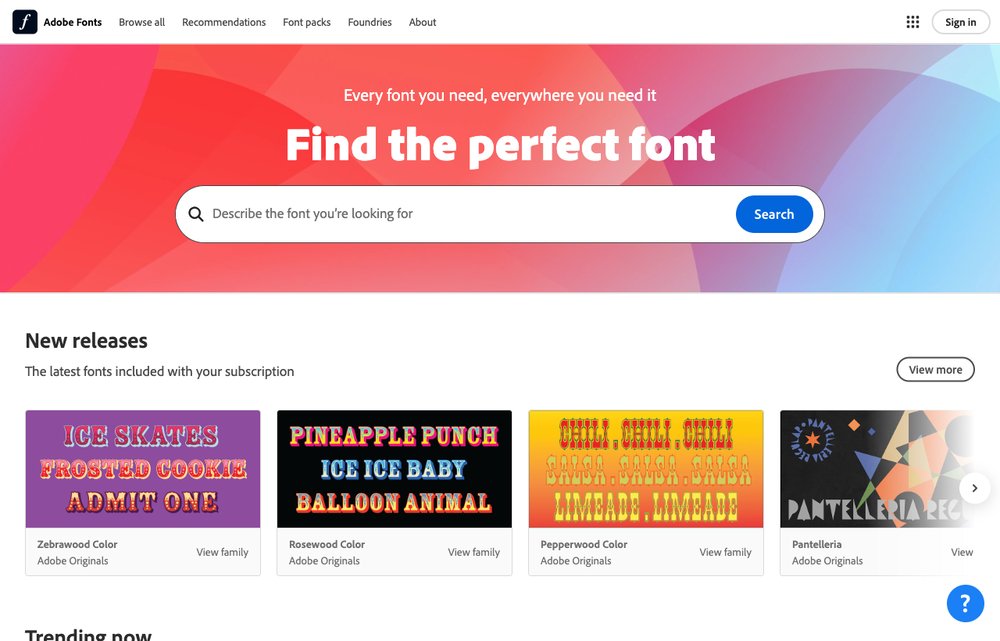
The service that replaced Typekit. With a Creative Cloud subscription you get unlimited access to thousands of high-quality, fully licensed fonts that sync straight to your apps and can be used on the web — with no per-font fees.
12. UrbanFonts — Best free + premium mix
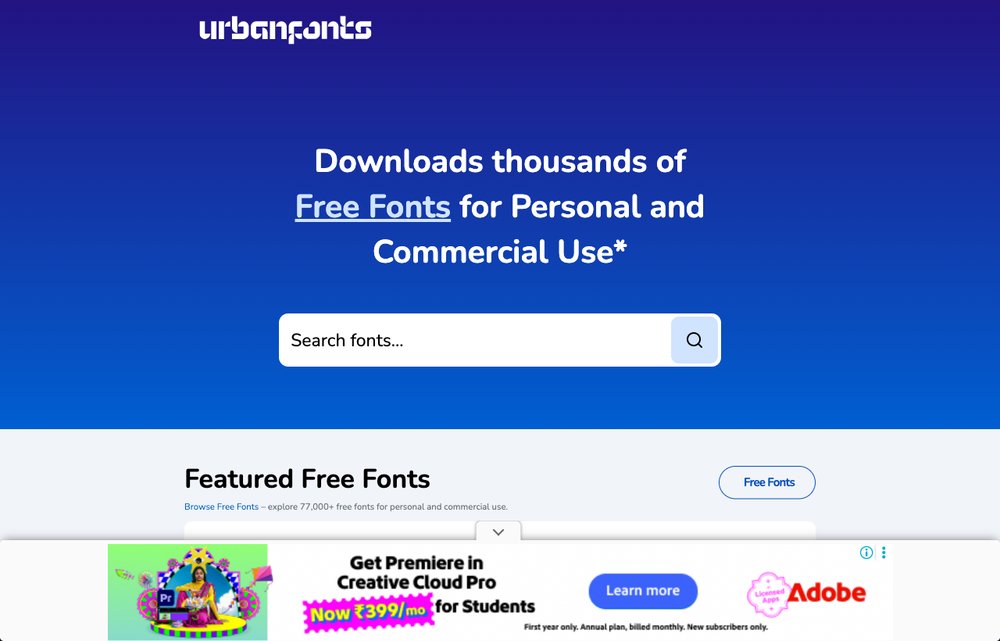
A long-standing library that mixes thousands of free fonts and dingbats with premium commercial typefaces, all browsable by category. A handy middle ground when the free archives don’t have quite the right style.
A Quick Note on Font Licenses
⚠️ “Free” doesn’t always mean free for commercial use. Many fonts on community archives like DaFont and FontSpace are free for personal projects only, and require a paid license for business or client work. Before you use a font commercially, always check its license on the download page. For worry-free commercial use, stick with Google Fonts, Font Squirrel or Fontshare, which clearly label their fonts as free to use.
How to Install a Downloaded Font
- Windows: Unzip the file, right-click the
.ttfor.otffile and choose Install (or Install for all users). - Mac: Double-click the font file and click Install Font in Font Book.
- On the web: Embed Google Fonts or Adobe Fonts with their provided code snippet, or self-host the web-font files for the best performance.
Frequently Asked Questions
What is the best site for free fonts?
Google Fonts is the best all-round choice — it’s completely free, open-source and safe for commercial use. For more characterful free fonts, Font Squirrel and Fontshare are excellent, while DaFont and FontSpace have the biggest archives of creative and display fonts.
Are fonts from these sites free for commercial use?
Some are, some aren’t. Google Fonts, Font Squirrel and Fontshare are free for commercial use, but many fonts on DaFont and FontSpace are free for personal use only. Always check the individual font’s license before using it in business or client projects.
How do I add a font to my website?
The easiest way is to embed Google Fonts or Adobe Fonts using the code they provide. For faster loading and more control, download the web-font files and self-host them, then reference them with an @font-face rule in your CSS.
What’s the difference between free and premium font sites?
Free sites let you download fonts at no cost, but quality and licensing vary. Premium services like Adobe Fonts offer professionally made, fully licensed typefaces — bundled with a subscription — so you never have to worry about usage rights.
Which sites are best for pairing fonts?
Use Fontpair to instantly combine Google Fonts, and Typewolf or Fonts In Use to see how professional designers pair and use typefaces in real projects.
Final Thoughts
Whether you need a clean, free typeface for a website, a bold display font for a poster, or the perfect pairing for a brand, there’s a font site here for you. Start with Google Fonts and Fontshare for safe, high-quality free fonts, lean on Typewolf and Fontpair for inspiration, and upgrade to Adobe Fonts when you need a professional library — just remember to check the license before you ship.