The 15 Best Android Apps to Install in 2026
The Play Store now lists millions of Android apps, but the everyday lineup that actually earns space on a 2026 phone is surprisingly small. We picked one standout per category, with a bias toward apps that respect your privacy, sync across devices, and keep shipping meaningful updates. Install these 15 and your phone covers nearly every daily task.
Key takeaways:
- A modern Android setup needs only about 15 well-chosen apps to cover daily life.
- Privacy-first picks like Bitwarden, Proton Mail and Organic Maps now match mainstream rivals on polish.
- Freemium is the sweet spot for productivity and AI tools; pure free works for utilities.
- Always check developer name, update date and permissions before installing anything new.
- F-Droid is a great second source for open-source alternatives the Play Store does not carry.
The 15 best Android apps at a glance
- Microsoft 365 Copilot — Productivity · Freemium · Best for office work on the go
- Obsidian — Notes · Free (paid sync) · Best for a private second brain
- Bitwarden — Password manager · Freemium · Best free password vault
- Brave Browser — Browser · Free · Best for blocking ads and trackers
- Proton Mail — Email · Freemium · Best for private end-to-end encrypted mail
- Snapseed — Photo editor · Free · Best free pro-grade photo editor
- VLC for Android — Video · Free · Best universal video player
- Spotify — Music · Freemium · Best music streaming app
- Organic Maps — Navigation · Free · Best offline, privacy-friendly maps
- Carrot Weather — Weather · Freemium · Best weather app with personality
- Libby — Reading · Free · Best for free library ebooks and audiobooks
- Monarch Money — Finance · Paid · Best Mint replacement for budgeting
- Strava — Fitness · Freemium · Best for running, cycling and social fitness
- Proton VPN — Security / VPN · Freemium · Best free unlimited VPN
- Google Gemini — AI assistant · Freemium · Best built-in Android AI assistant
The Picks, Reviewed
1. Microsoft 365 Copilot
Productivity · Freemium · Best for office work on the go
Microsoft 365 Copilot bundles Word, Excel, PowerPoint and Outlook into one Android app with Copilot AI built in. You can draft documents, summarize email threads and chart spreadsheets with a single prompt. It is the obvious pick for anyone whose work or school already lives in Microsoft 365, and the 2026 Copilot upgrade now handles multi-file context across OneDrive.
2. Obsidian
Notes · Free (paid sync) · Best for a private second brain
Obsidian stores notes as plain Markdown files on your device, so you keep them forever even if the company disappears. Bi-directional links and the graph view make it ideal for researchers, students and writers building a long-term knowledge base. The 2026 release adds smarter mobile canvas editing and a much faster sync engine.
3. Bitwarden
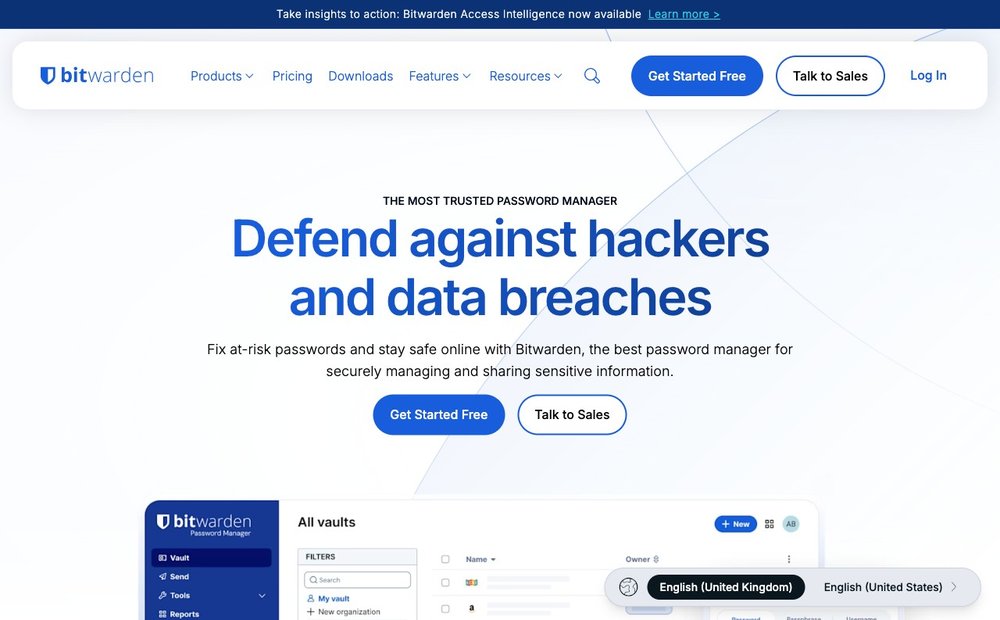
Password manager · Freemium · Best free password vault
Bitwarden is the password manager most security folks recommend now that LastPass is out of favour. The free tier syncs unlimited passwords across unlimited devices, and the code is fully open source and audited. Android 15+ passkey autofill works flawlessly, and the 2026 app finally has a polished native UI instead of the old web-view shell.
4. Brave Browser
Browser · Free · Best for blocking ads and trackers
Brave blocks ads, trackers and fingerprinting by default, which usually makes pages load noticeably faster than Chrome. It also includes a built-in Tor private window, a crypto wallet you can ignore, and the Leo AI assistant for summarizing pages. For most people it is the best balance of speed, privacy and Chromium compatibility in 2026.
5. Proton Mail
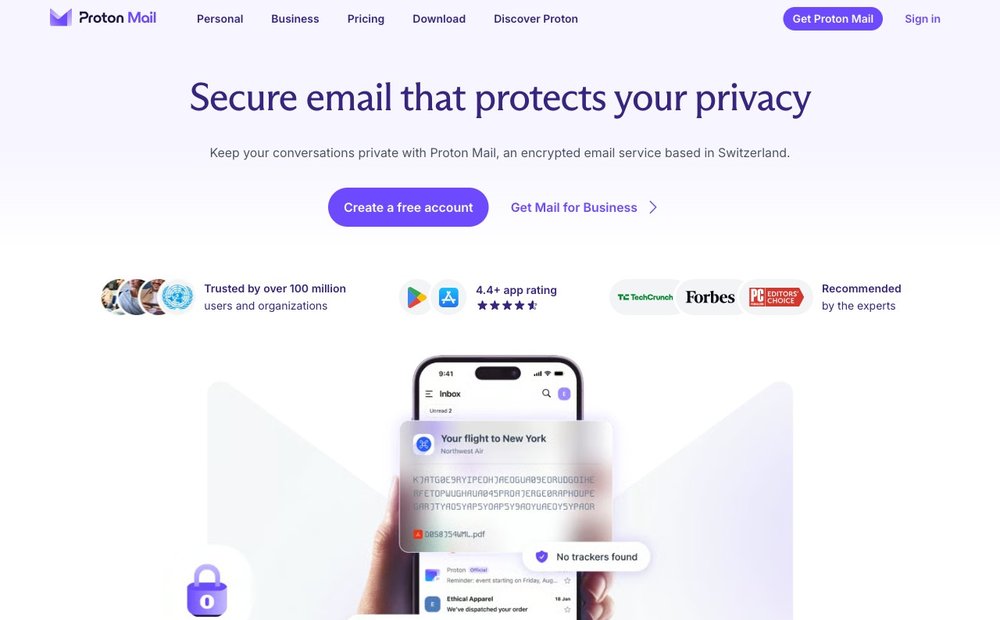
Email · Freemium · Best for private end-to-end encrypted mail
Proton Mail gives you a zero-access encrypted inbox hosted in Switzerland, with a clean Android client that now supports unified inbox and scheduled send. The free tier covers 1 GB and one custom domain alias via SimpleLogin. It is the right pick if you want to move off Gmail without losing modern features like snooze and smart search.
6. Snapseed
Photo editor · Free · Best free pro-grade photo editor
Snapseed is still the most capable free mobile photo editor, with selective edits, curves, healing and proper RAW support. There are no ads, no subscriptions and no watermarks. Google has quietly kept it updated through 2026, and the Stacks feature lets you copy an edit recipe from one photo to a whole batch.
7. VLC for Android
Video · Free · Best universal video player
VLC plays virtually any video or audio file you throw at it, including network streams, SMB shares and obscure codecs other players choke on. It is fully open source with no ads or tracking. The 2026 build adds HDR tone-mapping and much better Chromecast and Android Auto support.
8. Spotify
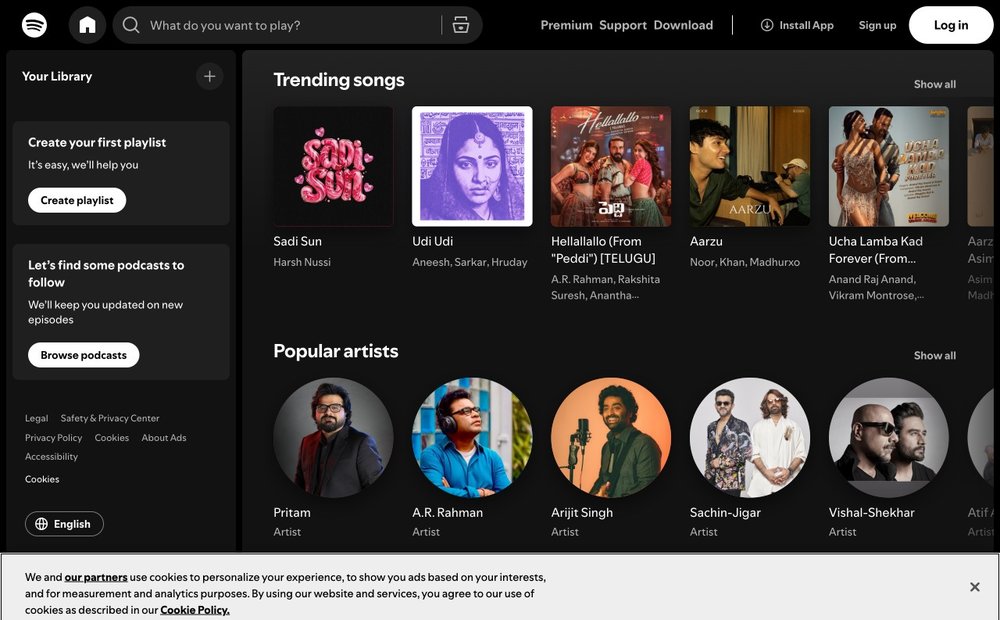
Music · Freemium · Best music streaming app
Spotify still has the deepest catalogue, best recommendations and broadest device support, from cars to smart speakers. The free tier now allows on-demand playback of curated playlists on mobile, and Premium adds lossless audio that finally rolled out globally. AI DJ and Daylist remain the discovery features competitors keep trying to copy.
9. Organic Maps
Navigation · Free · Best offline, privacy-friendly maps
Organic Maps is an open-source, offline-first navigation app built on OpenStreetMap data, with no ads, no tracking and no account required. It is brilliant for hiking, cycling and travel abroad where you do not want roaming data eating your plan. Pair it with Google Maps for transit and you can largely retire paid alternatives.
10. Carrot Weather
Weather · Freemium · Best weather app with personality
Carrot Weather finally has a proper Android app, with the same snarky AI persona and seriously detailed forecasts iOS users have enjoyed for years. You can switch between data sources, including Apple WeatherKit and Meteomatics, to find the most accurate one for your area. Premium unlocks customizable widgets, lightning alerts and minute-by-minute precipitation.
11. Libby
Reading · Free · Best for free library ebooks and audiobooks
Libby connects to your local public library and lets you borrow ebooks, audiobooks and magazines for free with just a library card. The Android app handles downloads, bookmarks and sending borrowed titles to a Kindle. It is the single best way to read more in 2026 without paying Amazon or a subscription service.
12. Monarch Money
Finance · Paid · Best Mint replacement for budgeting
Monarch Money has become the default Mint successor, with budgeting, net-worth tracking, goals and joint accounts for couples. It connects to most US, Canadian and UK banks, and the Android app finally matches the web version feature for feature. There is no free tier, but the yearly plan is cheaper than YNAB and easier to set up.
13. Strava
Fitness · Freemium · Best for running, cycling and social fitness
Strava tracks runs, rides and dozens of other activities using GPS plus data from Garmin, Apple Watch and Wear OS. The social feed and segment leaderboards are what keep people coming back. The 2026 update adds AI route suggestions and family plan pricing that finally makes Strava Premium more affordable for households.
14. Proton VPN
Security / VPN · Freemium · Best free unlimited VPN
Proton VPN is the only well-regarded VPN with a free tier that has no data cap and no ads. Paid plans add a huge server network, Secure Core multi-hop and split tunneling on Android. Combined with Proton Mail it gives you a coherent privacy stack from a Swiss company with a public no-logs audit history.
15. Google Gemini
AI assistant · Freemium · Best built-in Android AI assistant
Gemini has replaced Google Assistant as the default on most 2026 Android phones, with much stronger reasoning, image understanding and live camera mode. It can summarize long articles, draft messages, plan trips and now act inside other apps via Android's new app actions. The Advanced tier unlocks the Gemini 2.5 Pro model and deeper Workspace integration.
How we picked these Android apps
With well over three million apps in the Play Store, it is easy to install junk that drains your battery, sells your data or quietly stops getting updates. Our shortlist favours apps from developers with a long, transparent track record, ideally with public privacy policies, recent security audits and a clear business model that does not depend on selling your behaviour to advertisers.
Before installing anything, we recommend three quick checks. First, read the Play Store listing for the developer name, recent update date and the number of installs — anything not updated for a year or pretending to be a well-known brand is a red flag. Second, tap App permissions and ask whether each one makes sense for the app's job; a flashlight does not need your contacts. Third, search the developer's name plus privacy or breach to surface anything ugly.
The right pricing model depends on the category. Free apps are fine for utilities like VLC, Organic Maps and Bitwarden, where the project is run by a non-profit or community. Freemium works well for productivity and AI tools where the free tier is genuinely usable. Paid subscriptions are worth it for apps you rely on daily — a budgeting tool, a password manager family plan or a VPN — because that revenue is what keeps the lights on without ads.
Finally, do not forget that the Play Store is not the only option. F-Droid is a curated catalogue of open-source apps that is excellent for privacy-focused choices like Organic Maps, NewPipe and Bitwarden. The Play Store is still the easiest path for mainstream apps and automatic updates, but for anything that touches your data, an open-source alternative on F-Droid is often the safer long-term bet.
Sources & Further Reading
Frequently Asked Questions
How many apps should I actually have on my Android phone?
Most people are happiest with somewhere between 30 and 60 active apps. Beyond that, search becomes the only practical launcher and background activity starts to hurt battery life. A useful rule is to uninstall anything you have not opened in 90 days; you can always reinstall it from your Play Store library.
Are free Android apps safe to use?
Many are excellent, especially from well-known open-source projects like VLC, Bitwarden and Organic Maps. The risk is with unknown developers cloning popular apps and stuffing them with ads, trackers or malware. Stick to apps with millions of installs, a real developer website and recent updates, and review permissions before granting them.
Should I use the Play Store or F-Droid?
Use both. The Play Store is best for mainstream apps, automatic updates and anything that needs Google Play Services like Maps or banking apps. F-Droid is a curated catalogue of open-source apps, ideal for privacy-focused tools and apps that have been removed from the Play Store for policy reasons rather than quality.
Do I still need a separate antivirus app on Android?
For most people, no. Google Play Protect scans installed apps and Android's sandboxing is strong as long as you only install from trusted stores. If you sideload APKs frequently, a reputable scanner like Bitdefender or Malwarebytes is a reasonable safety net, but it is not a substitute for sensible permission hygiene.
What is the best free AI assistant app for Android in 2026?
Google Gemini is the easiest choice because it ships built in on most Android phones and integrates with Gmail, Docs and Android system actions. ChatGPT remains the best general chatbot and has a strong Android app with voice mode. Many people install both and use Gemini for system tasks and ChatGPT for longer conversations.
How do I move my apps and data to a new Android phone?
During setup, sign in with the same Google account and choose Restore from previous device or use a cable transfer. Most apps will reinstall automatically and many, including WhatsApp, Signal and password managers, support direct device-to-device transfer. For sensitive apps like banking and 2FA, expect to re-authenticate manually.
Information is based on public sources and vendor pages current as of June 2026. Details, prices and plans change frequently — verify on the official site before relying on them.