AI Image Maker: A Complete Guide to SuperMaker's Multi-Model Image Platform
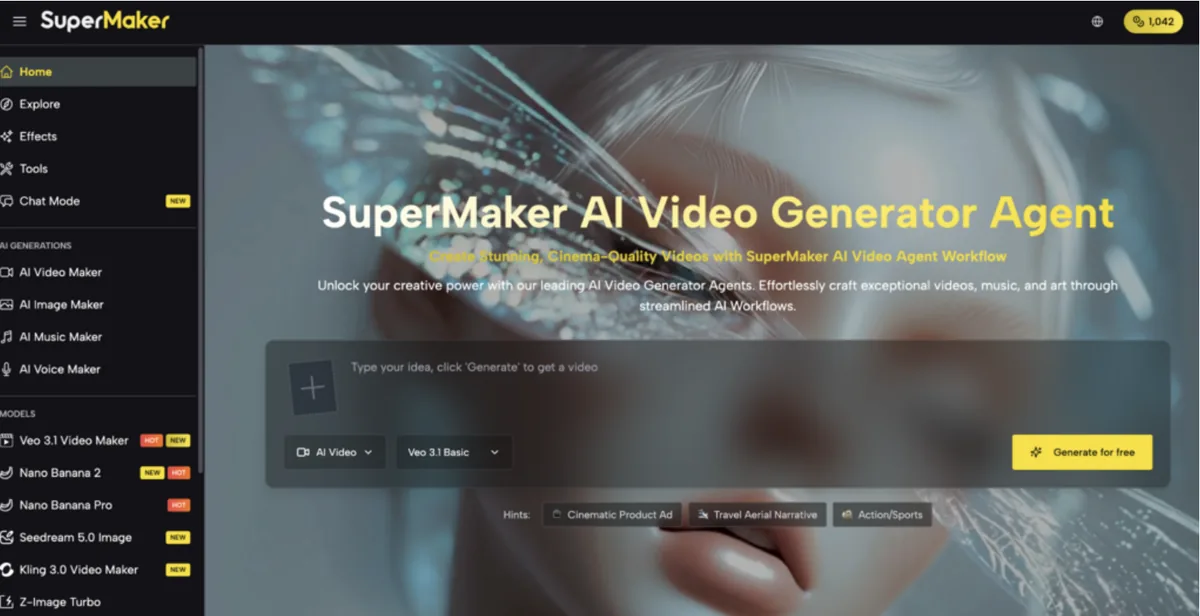
Generating an image with AI has become a one-minute task — but finding a single platform where you can choose the right model for your specific visual need, download without watermarks, and store everything in one place is a different challenge entirely. AI Image Maker on SuperMaker solves that by bringing together 9 specialized image generation models — including GPT-4o, Midjourney, Flux MAX, Z-Image, and Nano Banana Pro — under one free, browser-based platform with no login required, no watermarks, and automatic cloud storage for every image you create. It's built for creators who want model choice and creative control, not a single black-box generator.
Who SuperMaker's AI Image Maker Is Built For
SuperMaker's image platform serves a wide range of creators, but it's particularly valuable for those who have hit the ceiling of single-model tools:
-
Marketers and brand teams who need campaign-ready visuals at speed — product shots, ad creatives, social banners — and need the flexibility to switch models based on the visual style required for each brief
-
E-commerce operators who require consistent, high-quality product imagery across multiple SKUs, backgrounds, and orientations without booking photoshoots or retouching agencies
-
Content creators and designers who want to experiment across multiple AI styles — photorealism, illustration, cinematic, artistic — without managing separate subscriptions for each model
-
Educators and L&D professionals building multilingual infographics, annotated diagrams, and illustrated course materials where bilingual text rendering accuracy and layout control matter
-
Architects and event planners who need concept visualization and mockups produced at presentation quality without complex rendering software
-
Independent founders and consultants who need branded pitch deck visuals and investor-ready graphics produced quickly from written descriptions
Core Features of SuperMaker's AI Image Maker
The AI Image Maker on SuperMaker is built around three principles that distinguish it from standard single-model generators: model breadth, output freedom, and workflow integration.
9 Specialized AI Image Models in One Dashboard
SuperMaker's AI Image Maker currently supports 9 specialized image generation models, each engineered for a distinct visual output style. The lineup includes:
-
OpenAI — GPT-4o powered image generation with HD resolution, ideal for complex text-in-image prompts and multi-element scene descriptions
-
Midjourney (NEW) — Artistic quality with versatile style controls, delivering the distinctive aesthetic Midjourney is known for — now accessible directly from SuperMaker's unified dashboard
-
Seedream (NEW) — Built for deep understanding of nuanced, context-rich prompts, making it strong for conceptual and abstract creative directions
-
Z-Image (FAST) — Photorealistic quality and bilingual text rendering, combining speed with high-fidelity output and reliable non-Latin script support for multilingual content
-
Qwen (ESSENTIAL) — A lightweight, accessible option suited for high-volume draft creation and quick concept testing
-
Grok — Coherent motion and synchronized audio, positioned as a bridge between still image and animated output
-
Flux (MAX) — Context control and realistic scenes, with the MAX designation indicating higher processing priority and compositional depth for demanding projects
-
Nano Banana Pro — The platform's flagship tier, providing access to the full model suite with advanced controls and reference image workflows
Choosing the right model for each project — rather than being locked into a single engine — is one of SuperMaker's most practical advantages for professional creators.
No Watermark, No Login, Free to Start
Unlike many AI image tools that place visible watermarks on free-tier outputs or require an account before generating a single image, SuperMaker's AI Image Maker requires no login and no credit card to start, and all generated images download without watermarks. This is a meaningful practical advantage for creators who need to evaluate output quality before committing to a tool or plan. Premium plan outputs include full commercial rights for campaigns, client deliverables, and monetized content.
Automatic Cloud Storage and Cross-Session Access
Every image generated on SuperMaker is automatically saved to a personal cloud storage library, accessible across sessions without manual downloading or file management. For teams and individuals running ongoing campaigns or multi-project workloads, this library functions as an organized production archive — eliminating the common workflow friction of tracking down earlier outputs or re-generating work that was accidentally discarded.
Advanced Customization and Upcoming Editing Suite
Current generation capabilities include adjustable aspect ratios (2:3, 3:4, 4:5, and more), style selection, and image quantity control per prompt. SuperMaker's roadmap extends the platform further: Magic Erase (seamless object removal), Smart Uncrop / Outpainting (intelligent canvas expansion), one-click stylistic effects (Ghibli, Minecraft, cinematic, and more), Photo Restoration, and Image-to-Video conversion are all planned additions that will bring full post-generation editing into the same workspace.
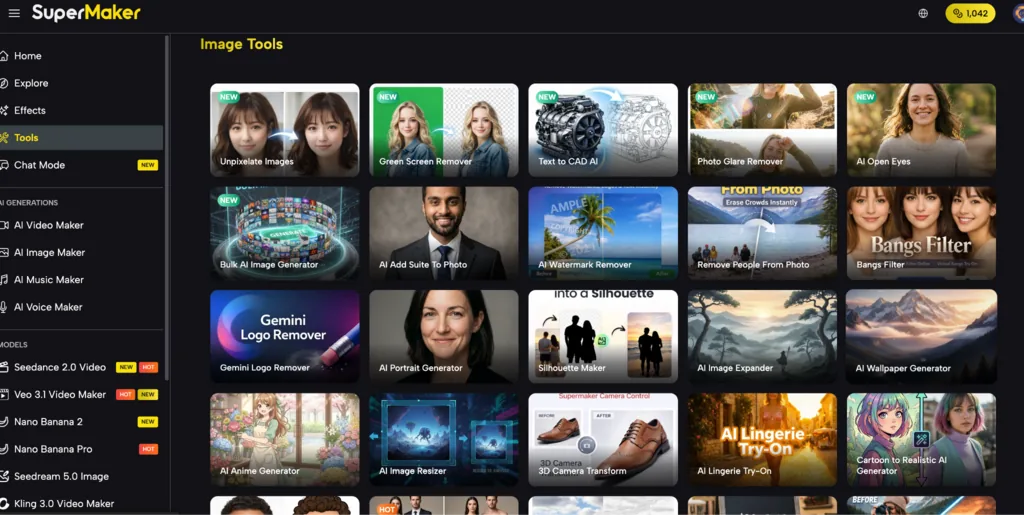
How to Create an Image on SuperMaker
-
Open supermaker image in your browser — no login, no download, and no credit card required to access basic image generation
-
Choose your model — browse the model library and select the generator that fits your project: OpenAI GPT-4o for complex text-in-image compositions, Z-Image for bilingual photorealistic output, Midjourney for artistic style, Flux MAX for context-controlled realistic scenes, or any of the other 9 specialized options
-
Enter your prompt or upload a reference image — describe your scene, style, layout, mood, and subject in natural language for text-to-image generation, or upload an existing image to guide the output style and composition
-
Customize your output settings — set your preferred aspect ratio (2:3, 3:4, 4:5, and others), adjust style parameters, and specify the number of image variations you want generated simultaneously
-
Generate and compare — click Generate and review your high-resolution outputs; select the best result or use multiple variations as reference inputs for further refinement
-
Download and archive — export your image without watermarks in high resolution; your creation is automatically saved to your cloud library for future access, remixing, or use as a reference in new generations
AI Image Maker Tools: How SuperMaker Compares
|
Tool |
Best For |
Key Strength |
Free Access |
|
SuperMaker AI |
Multi-model image generation: GPT-4o, Midjourney, Flux MAX, Z-Image bilingual, and 9 specialized models |
No watermark, no login required, automatic cloud storage, bilingual text rendering |
Yes — no login, no card, no watermark |
|
Midjourney |
Artistic and stylized imagery |
Strong aesthetic quality and community |
No free tier |
|
Adobe Firefly |
Creative Cloud integration |
Commercial licensing clarity for Adobe users |
Limited free credits |
|
Canva AI |
Template-based design with image gen |
Brand kit integration, ease of use |
Yes (limited credits) |
The category where SuperMaker has the clearest structural advantage is model selection breadth without friction: no competing free platform brings GPT-4o, Midjourney, Flux MAX, Z-Image bilingual rendering, and 9 specialized models together under a single no-login, no-watermark interface.
Try SuperMaker AI Image Maker Today
The most practical AI image workflow isn't the one with the best single model — it's the one that gives you the right model for each creative need, without switching platforms, managing multiple subscriptions, or working around watermarks and session limits.
SuperMaker's AI Image Maker delivers that through a free, browser-based platform that brings 9 leading generation models together with automatic cloud storage and no friction to start. If you're ready to generate professional-quality images across every visual style from a single free platform, visit supermaker.ai and create your first image today — no login required.