Best Photo Editing Software in 2026: 10 Picks With Current Prices
The best software for your photographs depends on what you shoot and how you like to pay. Adobe still leads for retouching and organizing large libraries, but there are now excellent alternatives you can own outright, and some of the best editors are completely free. We checked every program below on its official site on November 19, 2026, including current US prices, what the free options really include, and which AI features cost extra. Prices are shown in US dollars; some sites show local prices outside the US.
Quick answer: Adobe’s Photography plan (Lightroom, Lightroom Classic and Photoshop, US$19.99 a month on an annual plan) is the best all-round choice. Affinity is the best free professional editor, GIMP is the best 100% free open-source editor, and DxO PhotoLab 10 or ON1 Photo RAW 2027 are the best picks if you’d rather pay once than subscribe.
Best Photo Editing Software at a Glance
| Software | Best for | Price (US) | Platforms |
|---|---|---|---|
| Adobe Photoshop | Retouching and compositing | US$22.99/mo (annual plan) | Desktop, web, mobile |
| Adobe Lightroom and Lightroom Classic | Organizing and editing a photo library | US$11.99/mo; Photography plan US$19.99/mo | Desktop, web, mobile |
| Affinity (by Canva) | Free professional editing | Free for individuals | Mac, Windows, iPad |
| GIMP | 100% free, open source | Free | Linux, macOS, Windows |
| DxO PhotoLab 10 | RAW image quality and noise reduction | US$249.99 one-time | Windows, macOS |
| ON1 Photo RAW 2027 | All-in-one without a subscription | US$99.99 one-time | Mac, Windows |
| Capture One | Tethered studio shooting | Subscription | Desktop; iPad and iPhone with All in One |
| Luminar | Quick AI-assisted edits | Lifetime license | Desktop, mobile, web |
| darktable | Free RAW editing and library | Free | Desktop |
| Photopea | Free editing in a browser | Free | Any browser |
The 10 Best Photo Editing Software for Photographers in 2026
1. Adobe Photoshop — Best for Retouching and Compositing
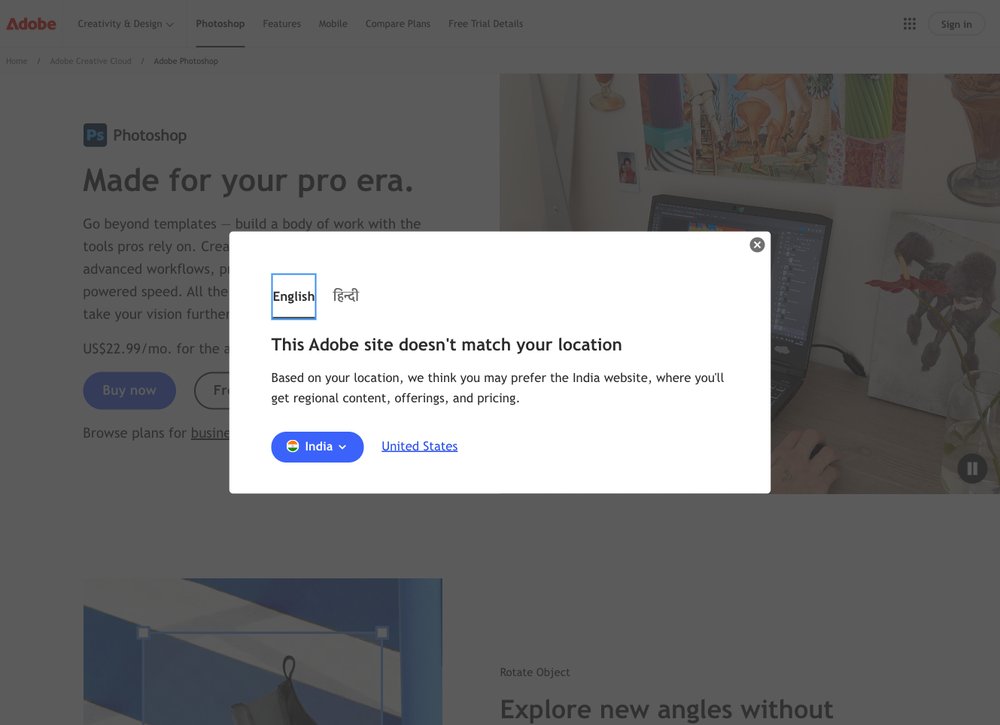
Adobe Photoshop is the most complete editor for detailed retouching, layers and composites. The Photoshop plan includes Photoshop on desktop, web and mobile plus the Adobe Express Premium plan, and costs US$22.99 a month on an annual plan billed monthly, with a 7-day free trial. If you also want Lightroom, the Photography plan is cheaper (see below).
If removing backgrounds is the main thing you need and a full editor feels like overkill, our free AI background remover handles quick cutouts right in your browser.
2. Adobe Lightroom and Lightroom Classic — Best for Organizing and Editing a Library
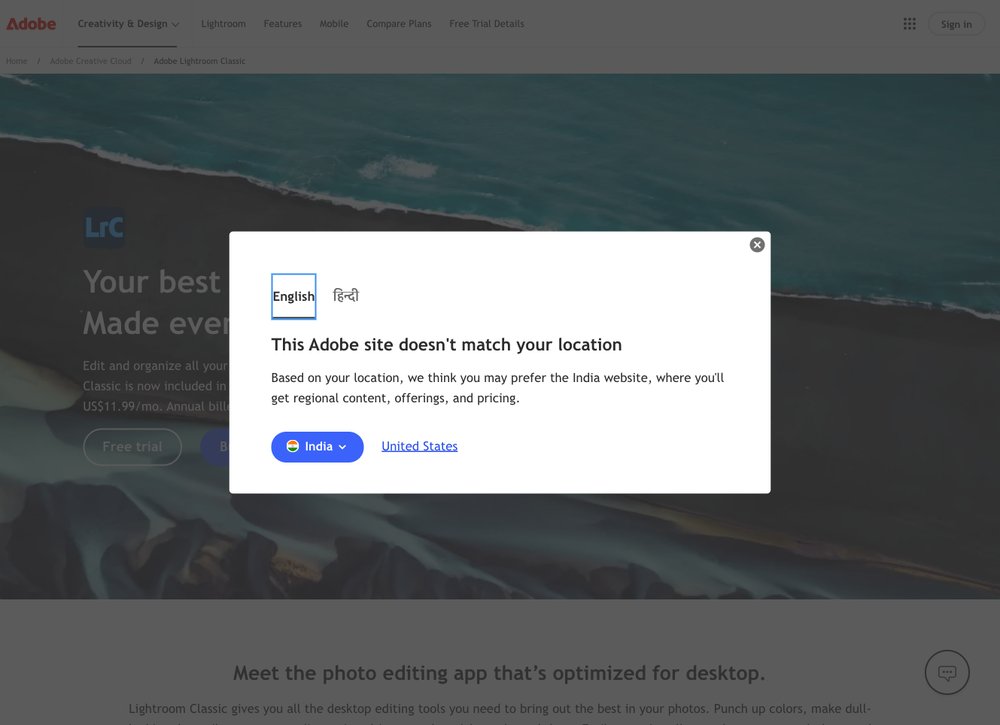
Adobe Lightroom is built for editing and organizing whole photo libraries rather than single images. The Lightroom plan costs US$11.99 a month on an annual plan billed monthly and includes the full version of Lightroom for mobile, desktop and web, plus Lightroom Classic for editing and organizing on the desktop, with 1TB of cloud storage and 250 generative credits a month. The Photography plan, US$19.99 a month, adds Photoshop and 1,000 generative credits a month. Both come with a 7-day free trial.
3. Affinity (by Canva) — Best Free Professional Editor
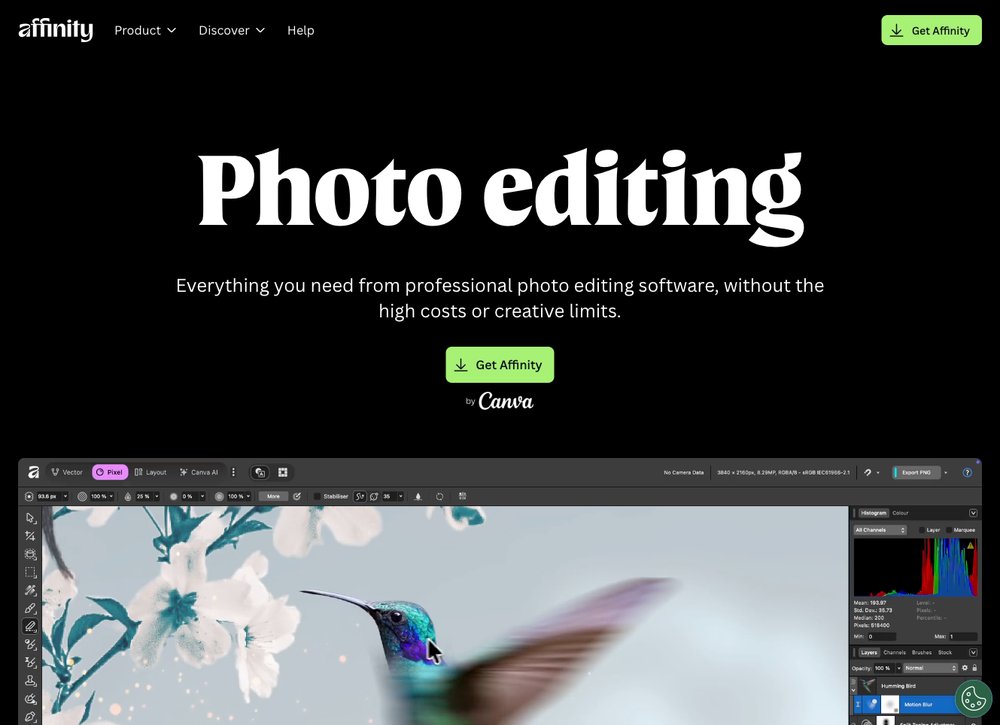
Affinity now combines professional photo editing, vector design and page layout in one app, and it’s free for individuals. It runs on Mac, Windows and iPad, opens PSD, AI, IDML and DWG files with layers and structure preserved, and keeps every edit non-destructive. Its optional Canva AI tools need a Canva premium plan.
4. GIMP — Best 100% Free, Open-Source Editor
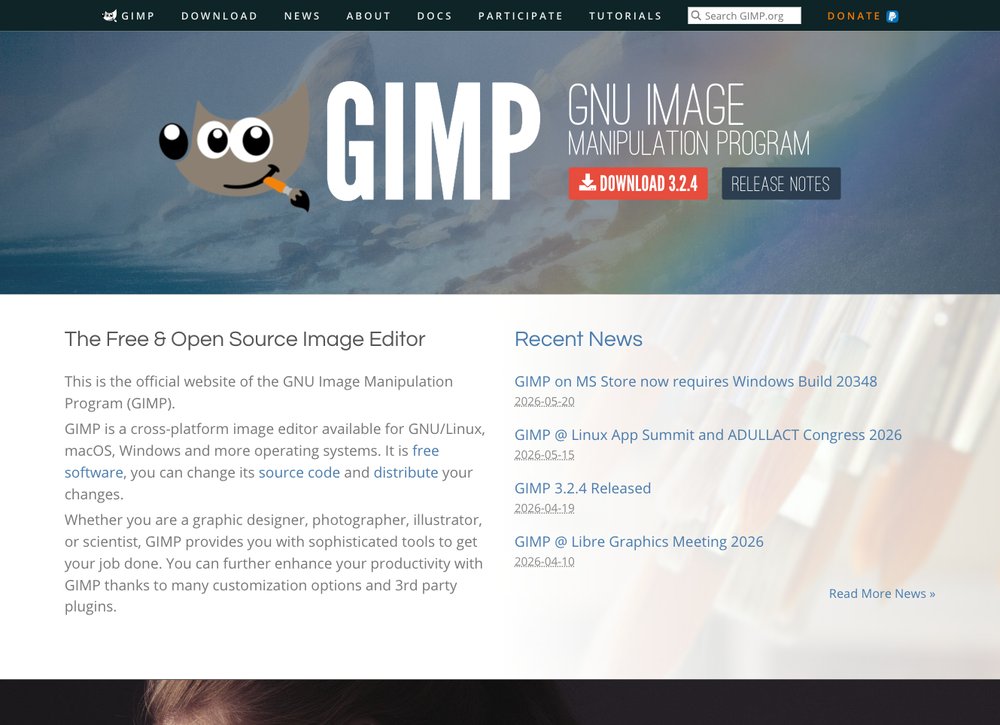
GIMP is free and open-source software for GNU/Linux, macOS, Windows and other systems, with tools for retouching, restoring and creative composites, color management for print, and support for scripts and plugins in Python, Scheme and other languages. It’s actively developed: version 3.2.8 came out on November 2, 2026.
5. DxO PhotoLab 10 — Best for RAW Image Quality
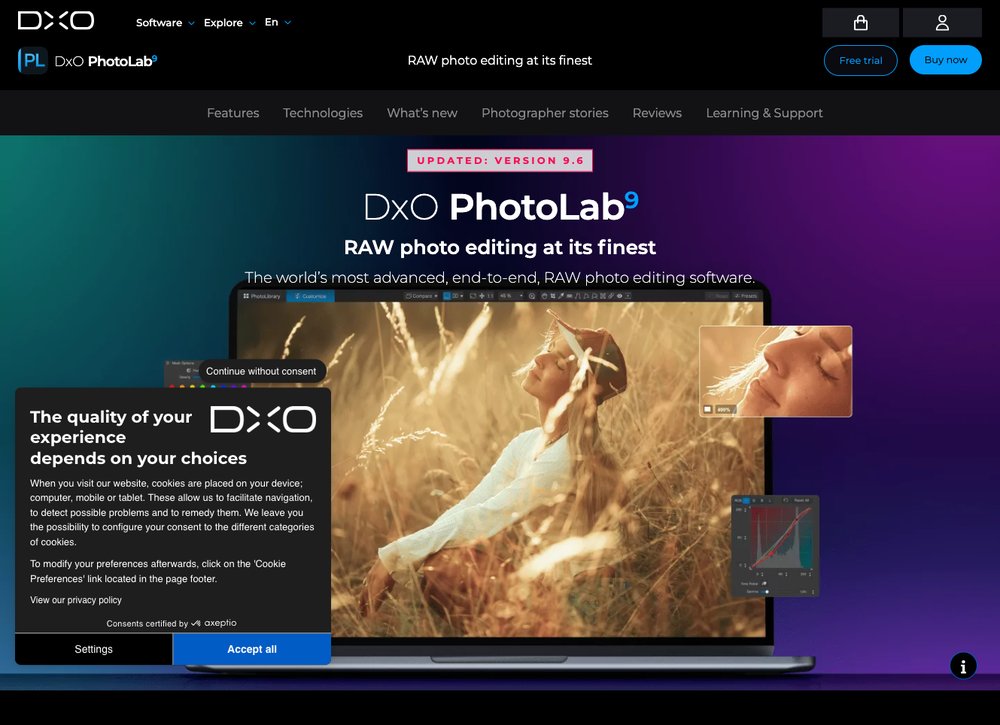
DxO PhotoLab 10 is a RAW editor for Windows and macOS sold as a perpetual license. Its DeepPRIME and DeepPRIME XD technology handle noise reduction and demosaicing to pull extra detail from difficult files, and AI Masks target specific areas automatically. The regular price is US$249.99 (US$199.99 in DxO’s Black Friday sale), and upgrades from PhotoLab 8 or 9 cost less.
6. ON1 Photo RAW 2027 — Best All-in-One Without a Subscription
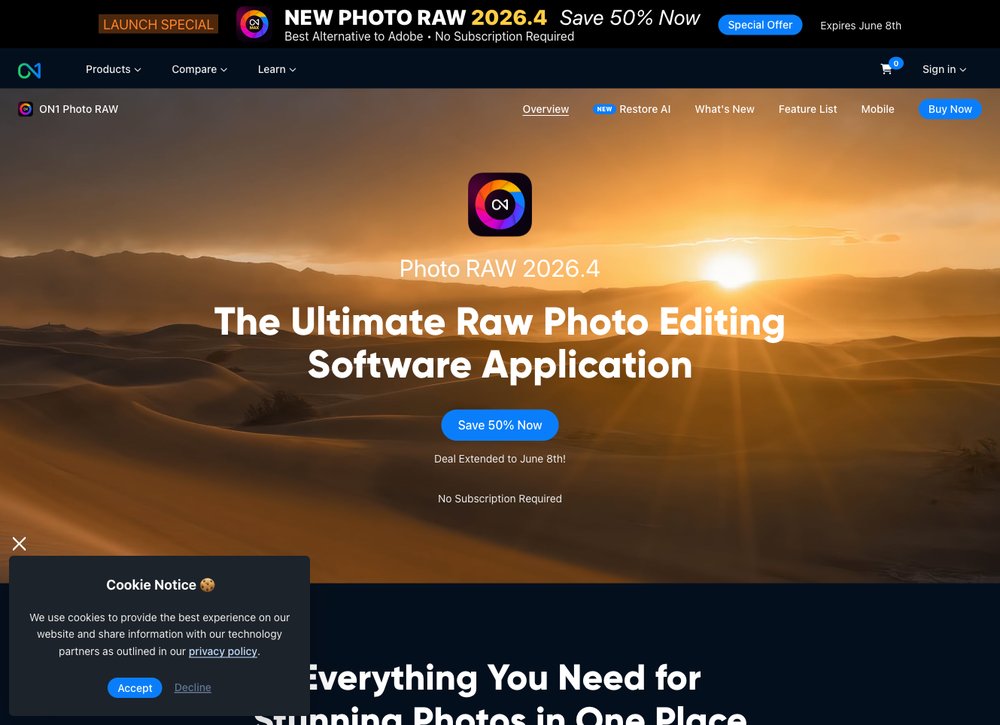
ON1 Photo RAW 2027 organizes, edits and retouches photos in one app for Mac and Windows, with layers, masking and AI tools built in, so you can skip juggling Lightroom and Photoshop. You can own it with a single payment (US$99.99, or US$59.99 in ON1’s Black Friday sale) or subscribe; Photo RAW MAX adds photo restoration and plugins for Photoshop and Lightroom.
7. Capture One — Best for Tethered Studio Shooting
Capture One is known for its color profiles, RAW conversion and industry-leading tethering, with support for more than 550 cameras. Capture One Pro is a desktop subscription (monthly or annual); the All in One subscription adds the iPad and iPhone app, online collaboration tools and priority support.
8. Luminar — Best for Quick AI-Assisted Edits
Skylum’s Luminar is sold as a one-time lifetime license for desktop, or for desktop, mobile and web together, with a 30-day money-back guarantee. Note that its AI tools come with 365 days of access, subject to a fair use policy.
9. darktable — Best Free RAW Editor and Photo Library
darktable is an open-source digital lighttable and darkroom made by photographers. It edits RAW photos non-destructively with GPU-accelerated processing and professional color management, and its library features handle digital asset management. It’s released under the GPL 3.0.
10. Photopea — Best Free Editor in a Browser
Photopea is a free online photo editor that runs in your browser with nothing to install; your files are processed on your own device and never uploaded. It offers layers, masking and blending, fully supports PSD files, opens RAW files from most cameras, and includes one-click background removal.
Lightroom vs. Lightroom Classic
Both come with the Lightroom plan. Lightroom is the version for mobile, desktop and web, and the Lightroom and Photography plans include 1TB of Adobe cloud storage for it. Lightroom Classic is the desktop app for editing and organizing images on your computer, which tends to suit photographers who keep large libraries on their own drives.
How Much Does Lightroom Cost?
In the US, the Lightroom plan costs US$11.99 a month on an annual plan billed monthly, with 1TB of cloud storage and 250 generative credits a month. The Photography plan costs US$19.99 a month and adds Photoshop and 1,000 generative credits a month. Both include Lightroom Classic and a 7-day free trial.
What Is the Best Photo Management Software?
For most photographers, Adobe Lightroom Classic is the best way to organize a large photo library on your computer, and Lightroom does the same in the cloud. The best free option is digiKam, an open-source photo manager that imports photos and videos, organizes them with albums, tags and labels, adds AI tags, recognizes faces and searches by date, location and more. darktable and ON1 Photo RAW also combine a photo library with their editors.
What Is the Best 100% Free Photo Editor?
GIMP is the best completely free editor: it’s open-source software with no paid tier. Affinity is also free for individuals and is the closest free alternative to Photoshop, darktable is the best free choice for RAW photos, and Photopea lets you edit for free in a browser.
Is There a Free and Unlimited AI Image Editor?
Not really. Free AI editing almost always comes with limits:
- Adobe Firefly’s free plan offers limited free daily generations for images and video; paid plans start at US$9.99 a month for 2,000 monthly generative credits.
- Affinity is free, but its Canva AI tools need a Canva premium plan.
- Luminar’s license includes 365 days of access to its AI tools, subject to a fair use policy.
- Photopea’s one-click background removal is free in the browser.
If you need unlimited editing without paying, GIMP and darktable are free with no usage caps, but they’re traditional editors rather than generative AI tools.
How to Choose Photo Editing Software
- Library or single images: Lightroom, Lightroom Classic, ON1 Photo RAW and darktable organize whole libraries; Photoshop, Affinity, GIMP and Photopea are better for detailed work on single images.
- Subscription or one-time: Adobe and Capture One are subscriptions; DxO PhotoLab, ON1 Photo RAW and Luminar can be bought once.
- RAW quality: for noisy, high-ISO RAW files, DxO PhotoLab’s DeepPRIME is the specialist tool.
- Budget: Affinity, GIMP, darktable and Photopea cost nothing.
For more options, see our guides to free Photoshop alternatives, free photo editing websites and the best photo editors for Mac.
To create a picture from a text description rather than edit a photo, try our free AI image generator.
Frequently Asked Questions
What is the best photo editing software?
Adobe’s Photography plan, which bundles Lightroom, Lightroom Classic and Photoshop for US$19.99 a month on an annual plan. It covers organizing, everyday edits and detailed retouching in one subscription.
How much does Lightroom cost?
US$11.99 a month on an annual plan billed monthly for the Lightroom plan, which includes Lightroom Classic and 1TB of cloud storage. The Photography plan with Photoshop costs US$19.99 a month.
What is the best 100% free photo editor?
GIMP, the free and open-source editor for Linux, macOS and Windows. Affinity is also free for individuals and closer to Photoshop in feel.
Is there a free and unlimited AI image editor available?
Not one with unlimited generative AI. Adobe Firefly’s free plan gives limited daily generations, and Affinity’s AI tools need a Canva premium plan. GIMP and darktable are free and unlimited, but they aren’t generative AI editors.
What is the best photo management software?
Adobe Lightroom Classic for a large library on your computer, or digiKam if you want a free, open-source photo manager with tags, face recognition and advanced search.
What’s the difference between Lightroom and Lightroom Classic?
Lightroom works across mobile, desktop and web, with 1TB of Adobe cloud storage on the Lightroom plan; Lightroom Classic is the desktop app for editing and organizing images on your computer. The Lightroom plan includes both.
What AI photo app is everyone using?
There isn’t one app everyone uses, but most people get AI photo tools inside editors they already have: Adobe’s Lightroom and Photography plans include 250 or 1,000 generative credits a month, Adobe Firefly has a free plan with limited daily generations, Affinity users can unlock Canva AI tools with a Canva premium plan, and Luminar and Photopea build AI tools into their editors.
Can I edit photos professionally without Adobe?
Yes. Affinity is free and handles professional editing, Capture One is a favorite for tethered studio work, and DxO PhotoLab and ON1 Photo RAW are strong RAW editors you can buy once.