18 Best Wireframe Tools in 2026
A wireframe is the blueprint of a digital product — a stripped-back layout that shows where the header, navigation, content blocks, and buttons go, before anyone worries about colors, fonts, or final visuals. Getting this skeleton right early is the cheapest way to catch problems, align a team, and help clients actually picture how a product will look and work.
The wireframing landscape has changed enormously in the last decade. Figma has become the industry default, a wave of AI tools can now turn a text prompt or a screenshot into an editable wireframe, and powerful open-source options have arrived. Many old favorites, meanwhile, have quietly shut down.
To cut through it, we've curated the 18 wireframe tools genuinely worth using in 2026 — spanning quick low-fidelity sketching, collaborative whiteboarding, AI generation, and high-fidelity interactive prototyping — with honest notes on who each one is for, the platforms it runs on, and what it costs.
All pricing below is approximate for 2026 and changes often, so treat the numbers as a guide and confirm current plans on each vendor's site. First, here's the whole field at a glance.
The Best Wireframe Tools in 2026 at a Glance
| Tool | Best for | Platform | Free tier | From (approx) |
|---|---|---|---|---|
| Figma | Best overall / industry standard | Web, desktop, mobile | Yes (3 files) | ~$16/editor/mo |
| Balsamiq | Best for rapid low-fidelity wireframes | Web (Cloud), desktop | Free trial | ~$9/mo |
| Sketch | Best for Mac-based UI design | macOS (web viewer) | Free trial | ~$12/editor/mo |
| Whimsical | Best for speed and flowcharts | Web | Yes (starter) | ~$10/mo |
| Miro | Best for collaborative whiteboarding | Web | Yes | ~$8/mo |
| Uizard | Best AI-powered wireframing | Web | Yes | ~$12/mo |
| Visily | Best AI screenshot-to-wireframe | Web | Yes | ~$12/mo |
| Excalidraw | Best free, open-source sketch style | Web, VS Code | Free (open-source) | Free |
| Penpot | Best open-source Figma alternative | Web (self-hostable) | Free (open-source) | Free |
| Moqups | Best all-in-one online tool | Web | Yes | ~$9/mo |
| Axure RP | Best for advanced high-fidelity prototypes | Windows, Mac | Free trial | ~$25/mo |
| Justinmind | Best for interactive prototypes | Windows, Mac, web | Yes | ~$19/mo |
| Mockplus | Best for rapid prototyping and handoff | Web, desktop | Yes | ~$5/mo |
| Wireframe.cc | Best minimalist quick wireframing | Web | Yes | Low-cost |
| Framer | Best for design-to-published site | Web | Yes | ~$5/mo |
| Lucidchart | Best for diagram-driven wireframes | Web | Yes | ~$8/mo |
| MockFlow | Best wireframing suite | Web | Yes | ~$14/mo |
| UXPin | Best for design with real code | Web, desktop | Free trial | ~$6/mo |
The Tools, Reviewed
1. Figma
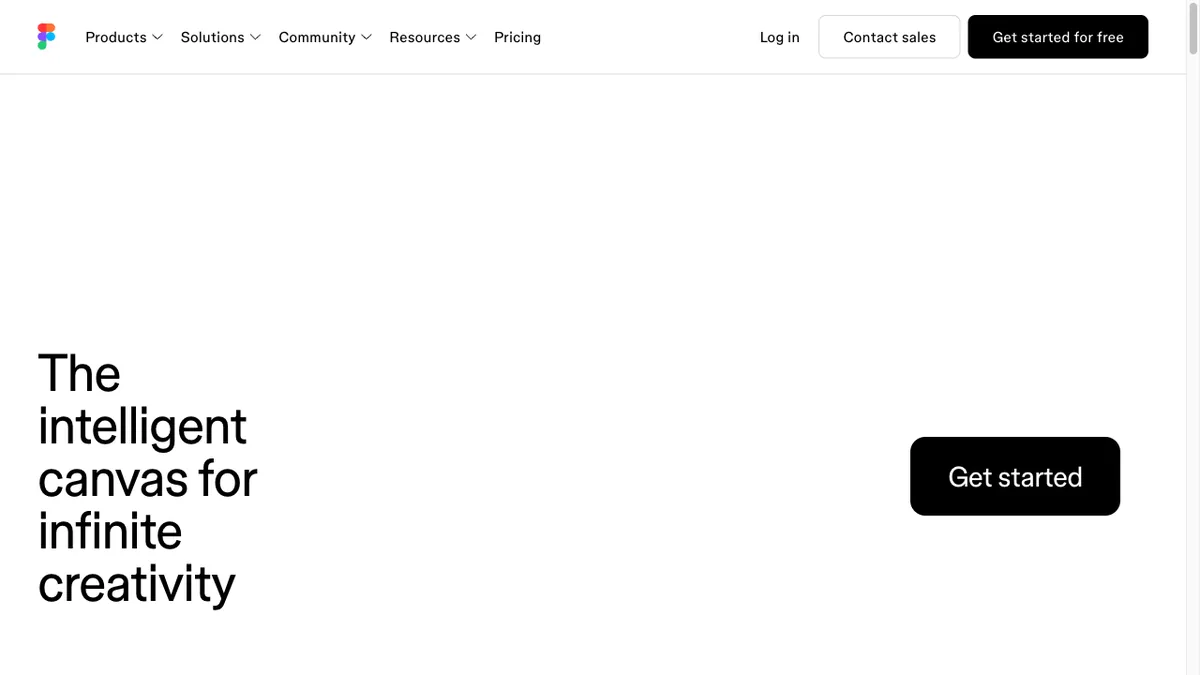
Best overall / industry standard · Web, desktop, mobile · ~$16/editor/mo
Figma is the default choice for most teams in 2026. It covers everything from quick low-fidelity wireframes to pixel-perfect UI and interactive prototypes, all in the browser with best-in-class real-time collaboration. Its companion whiteboard, FigJam, is great for early brainstorming, and a huge community library of wireframe kits means you rarely start from a blank canvas.
2. Balsamiq
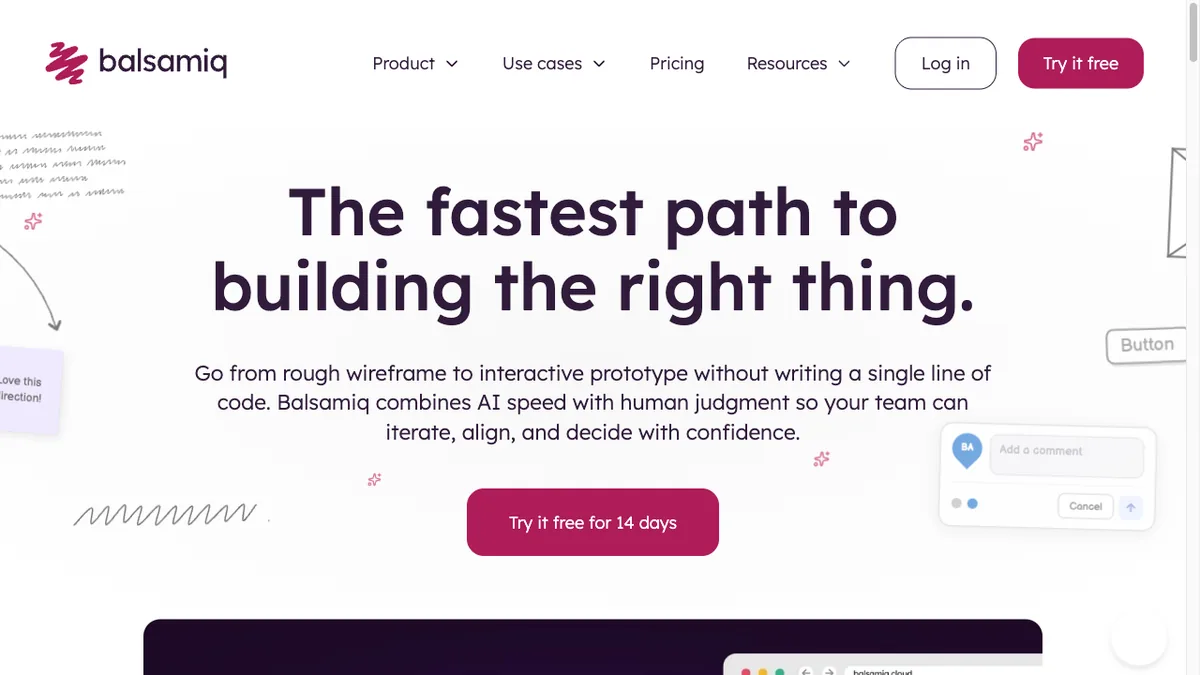
Best for rapid low-fidelity wireframes · Web (Cloud), desktop · ~$9/mo
Balsamiq deliberately looks hand-drawn, and that's the point: the sketchy style keeps everyone focused on structure and flow instead of colors and fonts. It's the fastest way to get ideas out of your head and in front of stakeholders, with a big library of drag-and-drop UI controls. If you only ever do low-fidelity wireframes, it's still the gold standard.
3. Sketch
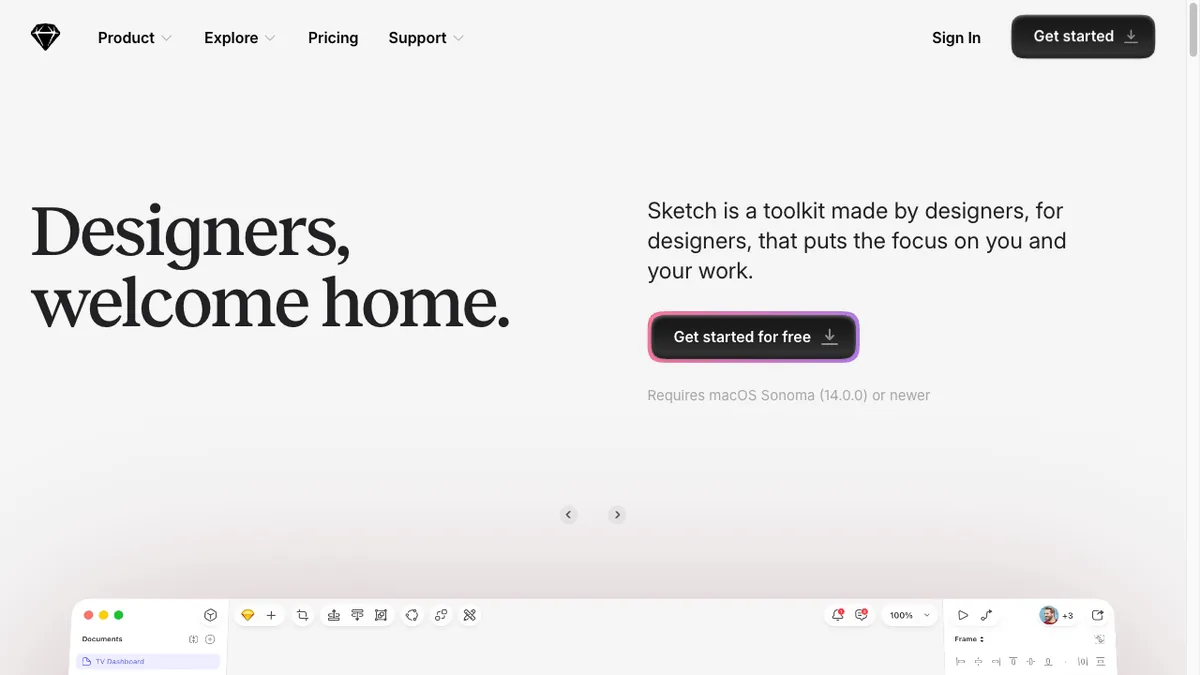
Best for Mac-based UI design · macOS (web viewer) · ~$12/editor/mo
Sketch pioneered the modern vector UI-design workflow and remains a favorite among Mac-based designers. It pairs a fast native app with a deep plugin ecosystem and now offers real-time collaboration and a web app for sharing and handoff. It's a strong pick if your team is all-Apple and prefers a native tool to a browser tab.
4. Whimsical
Best for speed and flowcharts · Web · ~$10/mo
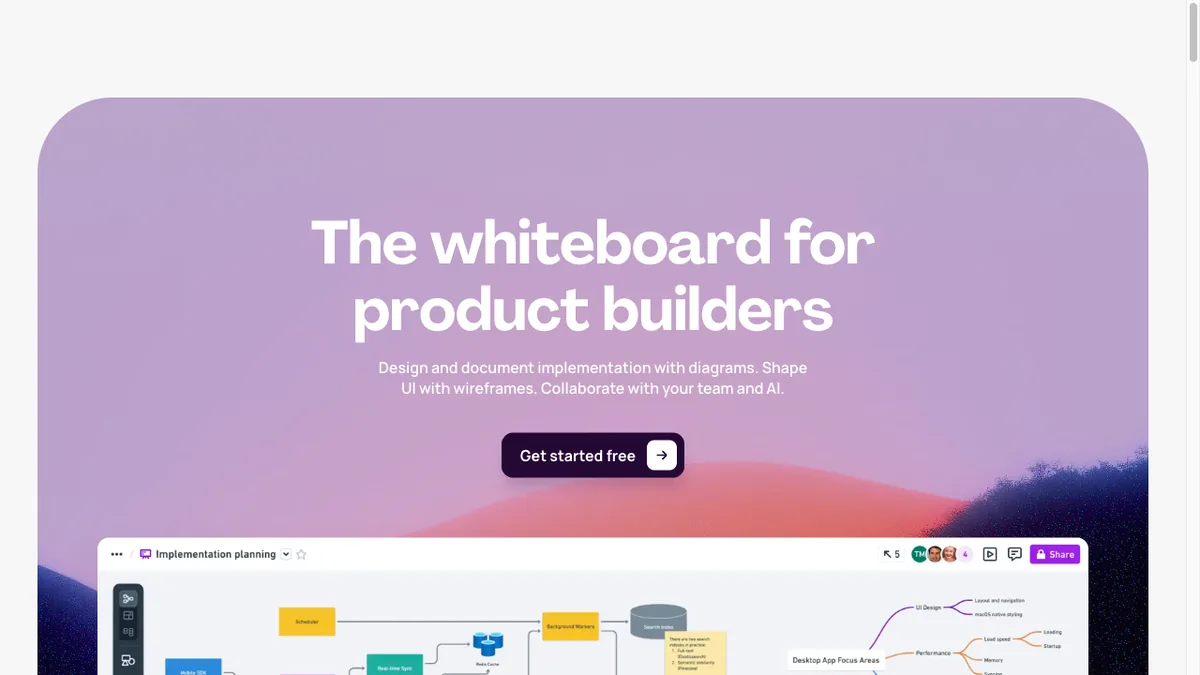
Whimsical is unusually fast and pleasant to use, combining wireframes, flowcharts, mind maps, and docs on one canvas. Its wireframe components snap together quickly, making it ideal for early product thinking where you're mapping flows and screens at the same time. Teams love it for how little friction there is between an idea and a shareable diagram.
5. Miro
Best for collaborative whiteboarding · Web · ~$8/mo
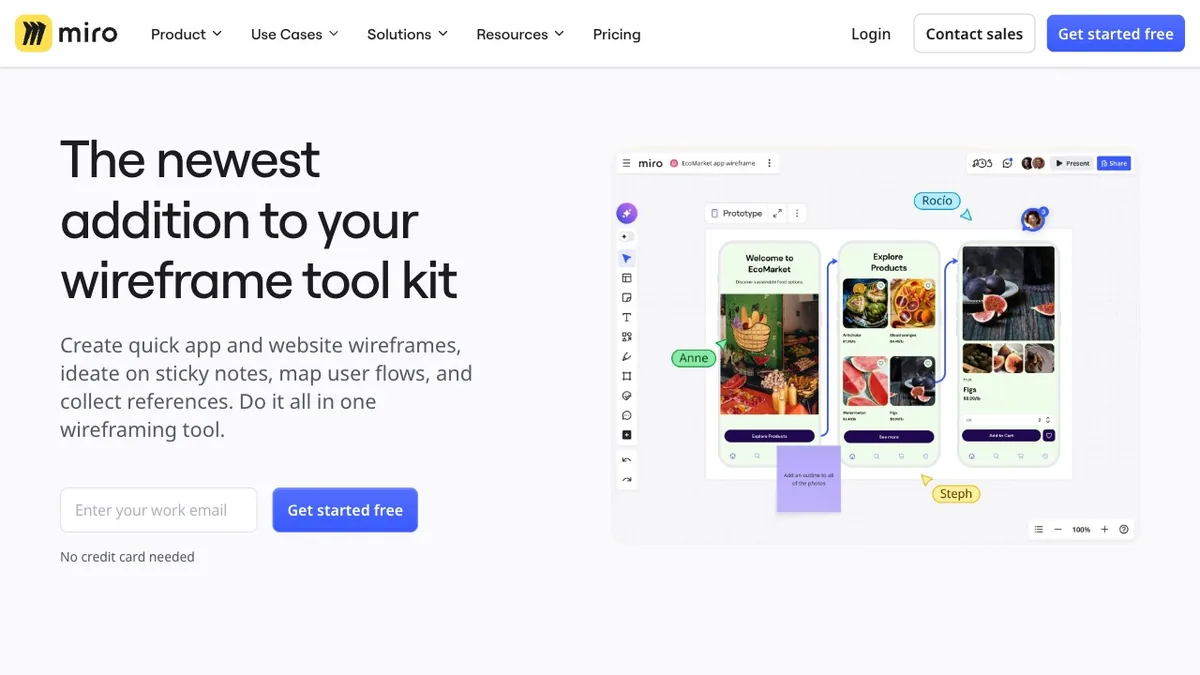
Miro is the infinite-canvas whiteboard that scales to whole-team workshops. With built-in wireframe kits and thousands of templates, it's perfect for collaborative, remote wireframing sessions where a dozen people sketch and comment at once. It's less of a precision UI tool and more the place where ideas and low-fi layouts are hashed out together.
6. Uizard
Best AI-powered wireframing · Web · ~$12/mo
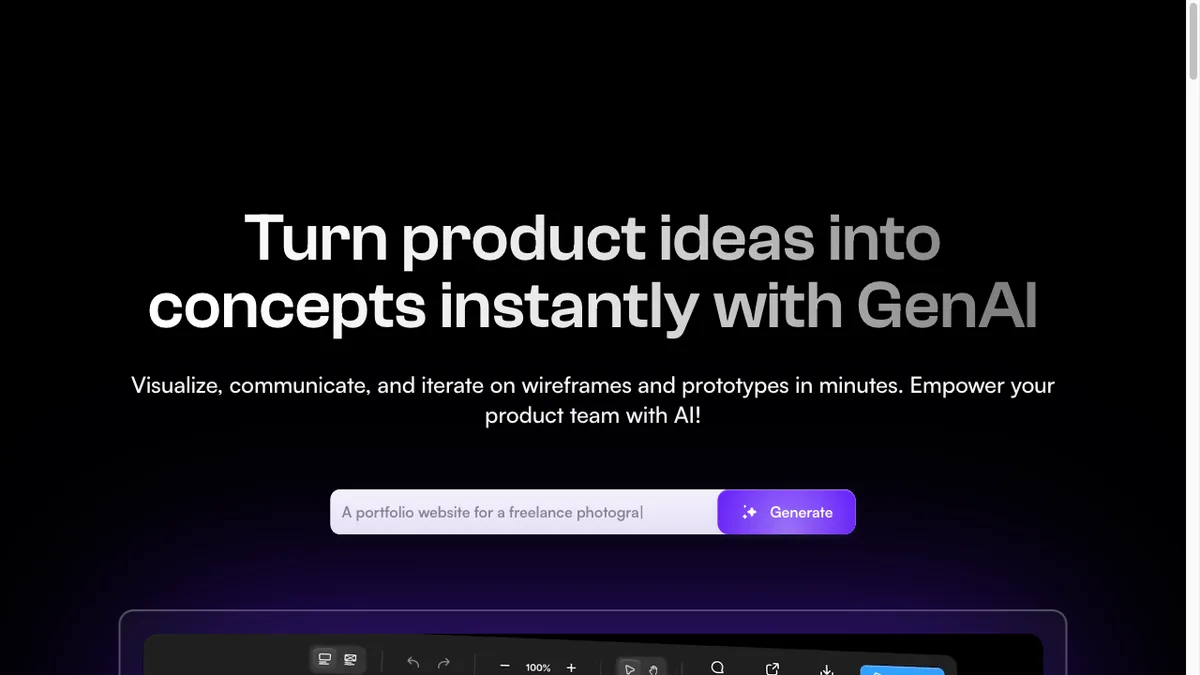
Uizard put AI wireframing on the map: describe a screen in plain text and it generates an editable wireframe, or upload a screenshot and it converts the design into components you can tweak. It's aimed at non-designers and fast movers who want a working starting point in seconds rather than a blank artboard. A genuine time-saver for early ideation.
7. Visily
Best AI screenshot-to-wireframe · Web · ~$12/mo
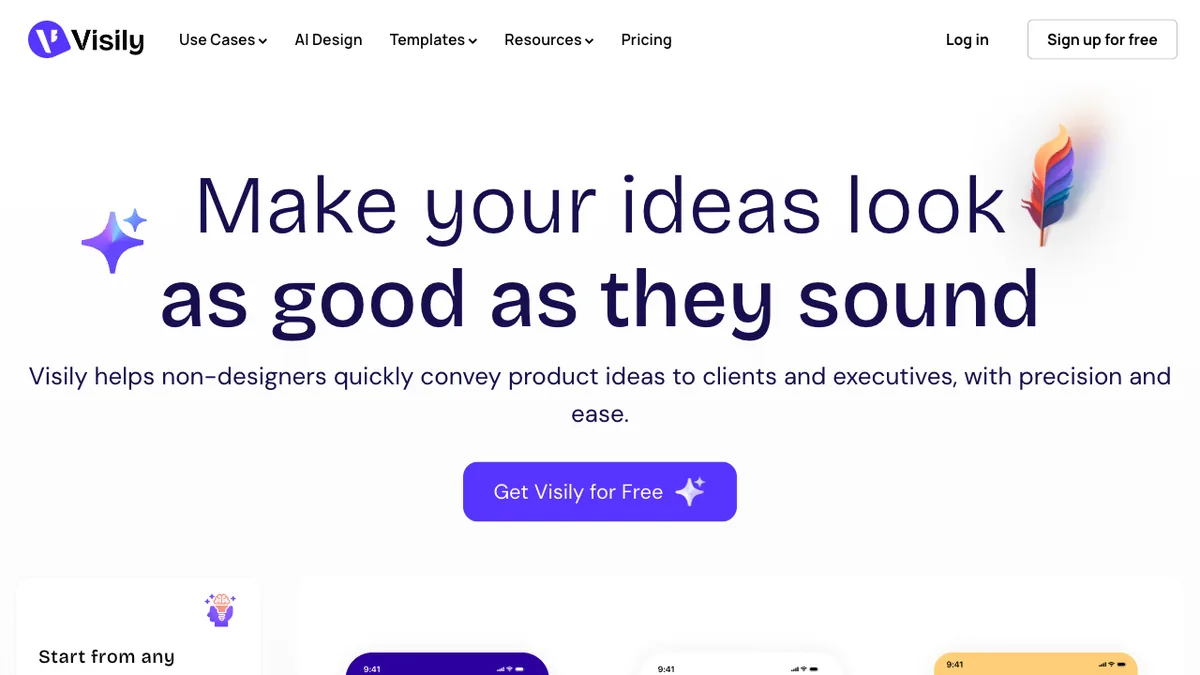
Visily leans hard into AI: it turns hand sketches, screenshots, or text prompts into clean, editable wireframes and mockups, with smart themes and a big template library. It's especially handy for product managers and founders who want to communicate an idea visually without learning a full design tool. Think of it as the fastest path from a napkin sketch to a shareable screen.
8. Excalidraw
Best free, open-source sketch style · Web, VS Code · Free
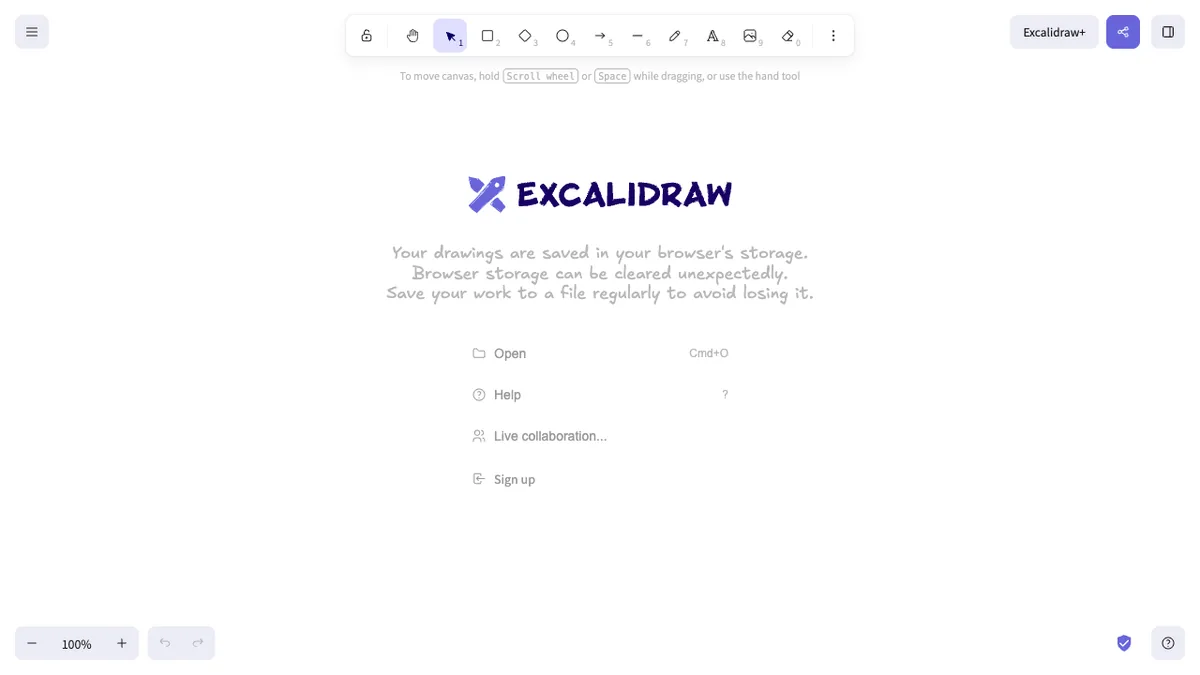
Excalidraw is a free, open-source virtual whiteboard with a charming hand-drawn aesthetic. There's no signup and no friction — open the site and start sketching wireframes and flows instantly, then share a live link. It's become a developer and designer favorite for quick, low-stakes diagrams, and a VS Code extension brings it right into the editor.
9. Penpot
Best open-source Figma alternative · Web (self-hostable) · Free
Penpot is the leading open-source alternative to Figma, offering design and prototyping in the browser with no seat limits and the option to self-host. It's built on open web standards (SVG and CSS), which makes it especially friendly for developer-designer collaboration. For teams that want Figma-style workflows without the lock-in or per-seat cost, it's the one to watch.
10. Moqups
Best all-in-one online tool · Web · ~$9/mo
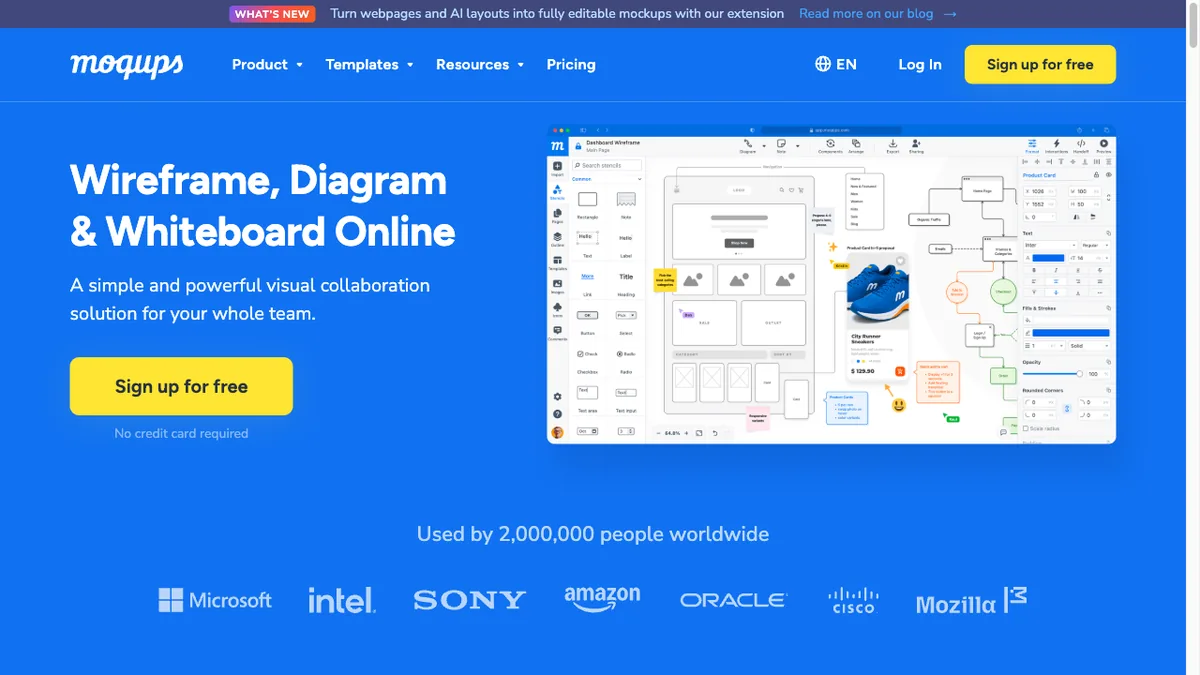
Moqups bundles wireframes, mockups, diagrams, and clickable prototypes into one streamlined web app. It hits a nice middle ground — more polished than pure low-fi tools but simpler than heavyweight prototyping suites — with a large stencil library and real-time collaboration. A solid choice for small teams that want one tool for the whole early-design stage.
11. Axure RP
Best for advanced high-fidelity prototypes · Windows, Mac · ~$25/mo
Axure RP is the veteran power tool for complex, high-fidelity prototypes. With conditional logic, dynamic content, variables, and data-driven interactions, it can simulate real application behavior no other wireframe tool matches. That power comes with a learning curve, so it's overkill for simple sketches — but for UX teams documenting intricate flows, it's unrivaled.
12. Justinmind
Best for interactive prototypes · Windows, Mac, web · ~$19/mo
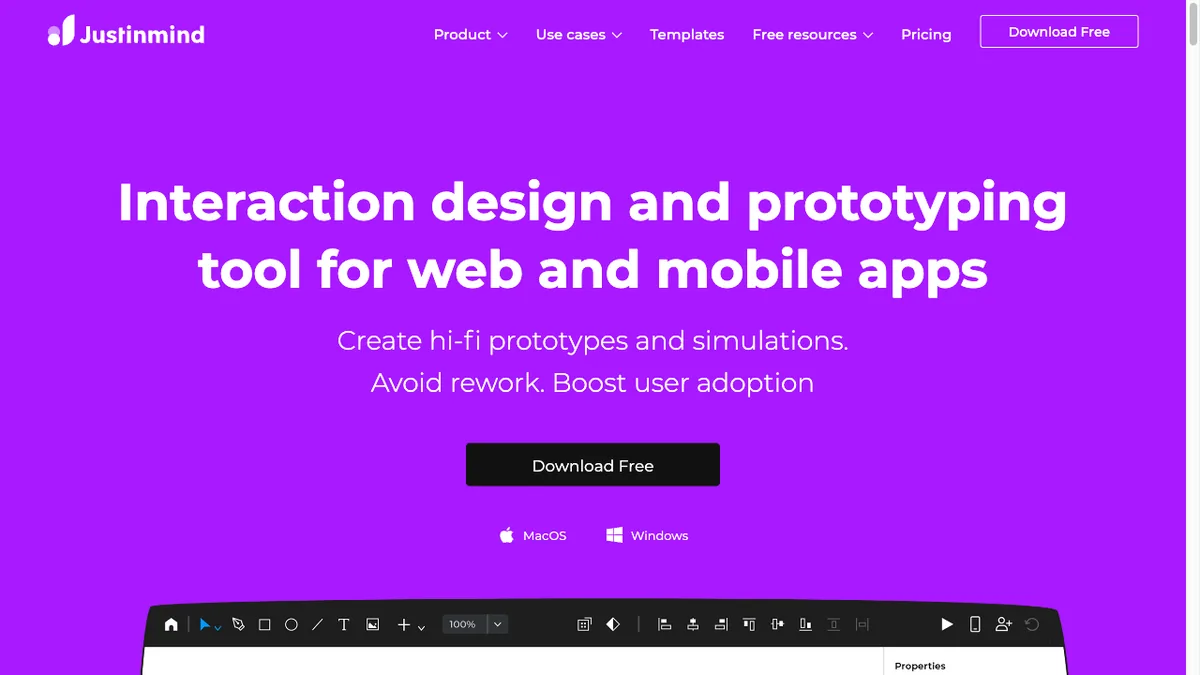
Justinmind specializes in rich, interactive prototypes for web and mobile without writing code. It offers detailed UI libraries, gestures, transitions, and conditional navigation, letting you build something that feels like the finished product for user testing. It's a strong middle option between simple wireframing and full-blown Axure-level complexity.
13. Mockplus
Best for rapid prototyping and handoff · Web, desktop · ~$5/mo
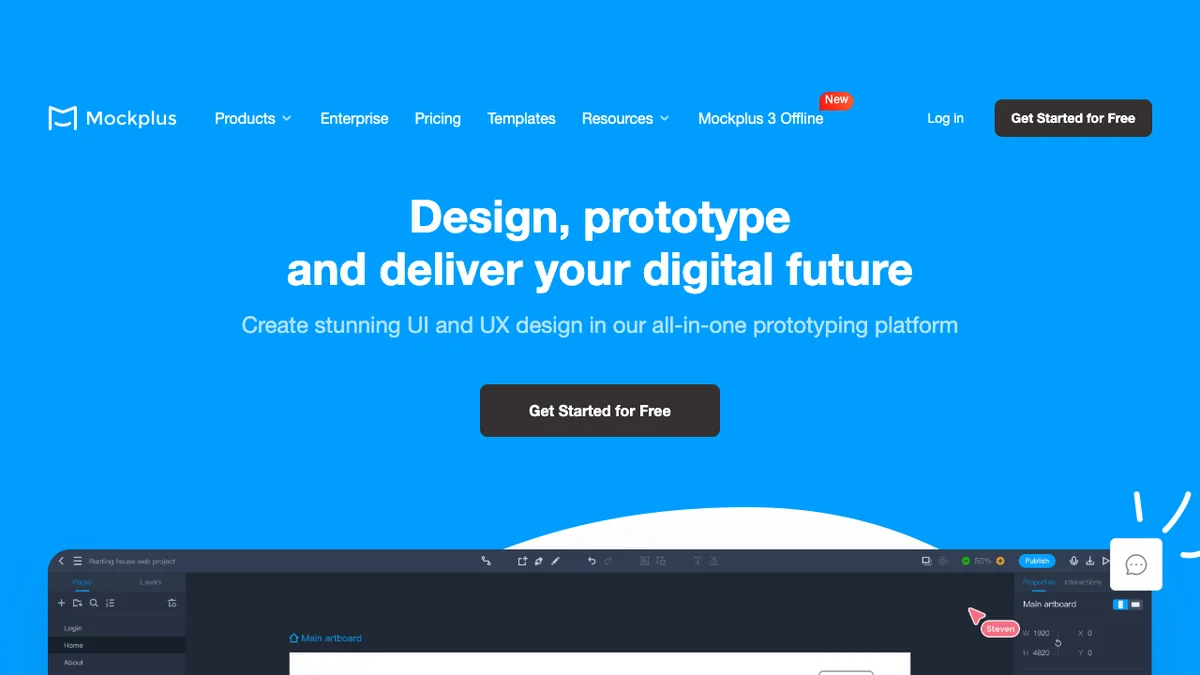
Mockplus focuses on getting from wireframe to testable prototype quickly, with drag-and-drop components and pre-built templates. It also includes design collaboration and developer handoff features, so a project can move from sketch to spec in one place. Its low price and gentle learning curve make it popular with small teams and students.
14. Wireframe.cc
Best minimalist quick wireframing · Web · Low-cost
Wireframe.cc strips wireframing back to its essentials: a distraction-free canvas, a minimal toolset, and a muted style that keeps the focus on layout. There's nothing to learn and nothing to fiddle with, which is exactly why people reach for it when they need a single screen sketched in a hurry. Perfect for quick, throwaway concepts.
15. Framer
Best for design-to-published site · Web · ~$5/mo
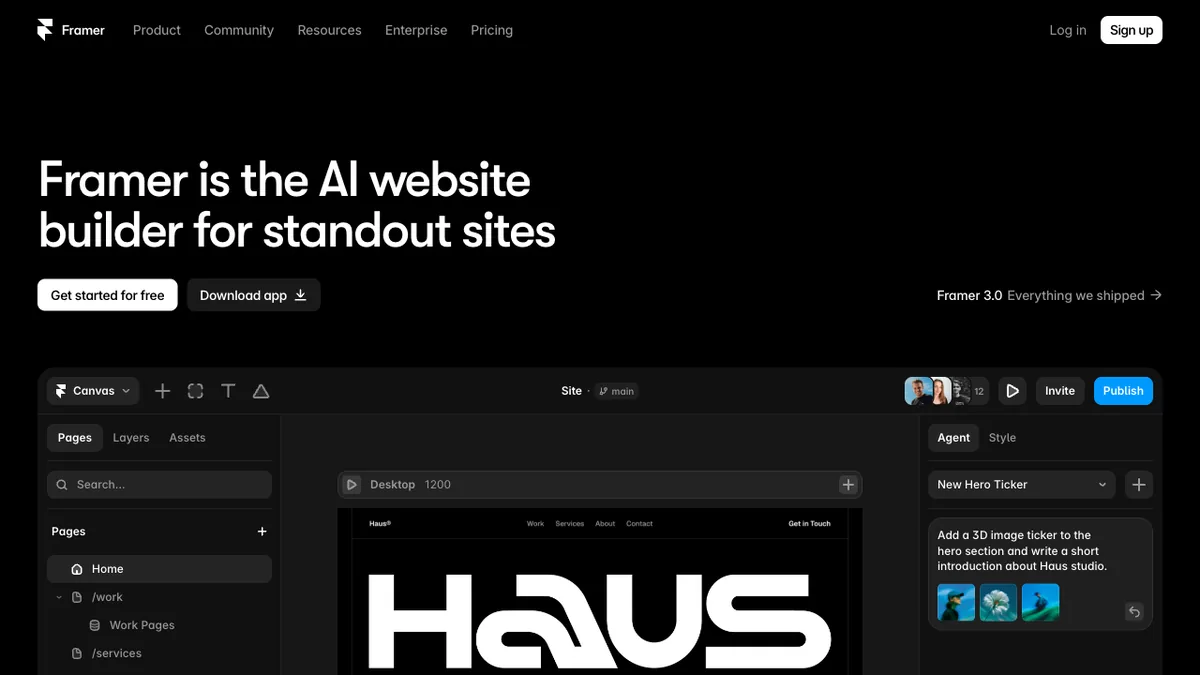
Framer blurs the line between wireframing, high-fidelity design, and building a real website. You can wireframe a layout and then publish it as a fast, responsive live site — no separate development step — and its AI features can generate starting layouts from a prompt. It's the pick when your wireframe needs to become an actual shipped page.
16. Lucidchart
Best for diagram-driven wireframes · Web · ~$8/mo
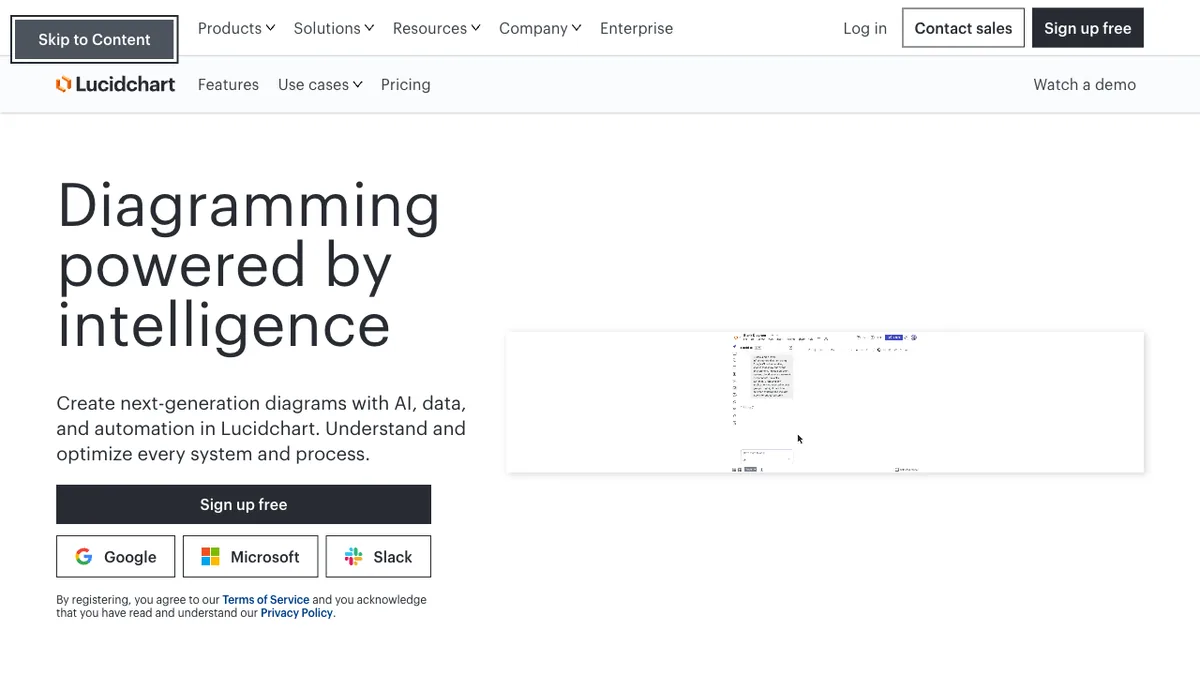
Lucidchart is primarily a diagramming tool, which makes it a natural fit when your wireframes live alongside user flows, sitemaps, and process maps. It has wireframe shape libraries and strong real-time collaboration, so teams that already think in diagrams can wireframe without switching apps. Great for information architecture and flow-heavy projects.
17. MockFlow
Best wireframing suite · Web · ~$14/mo
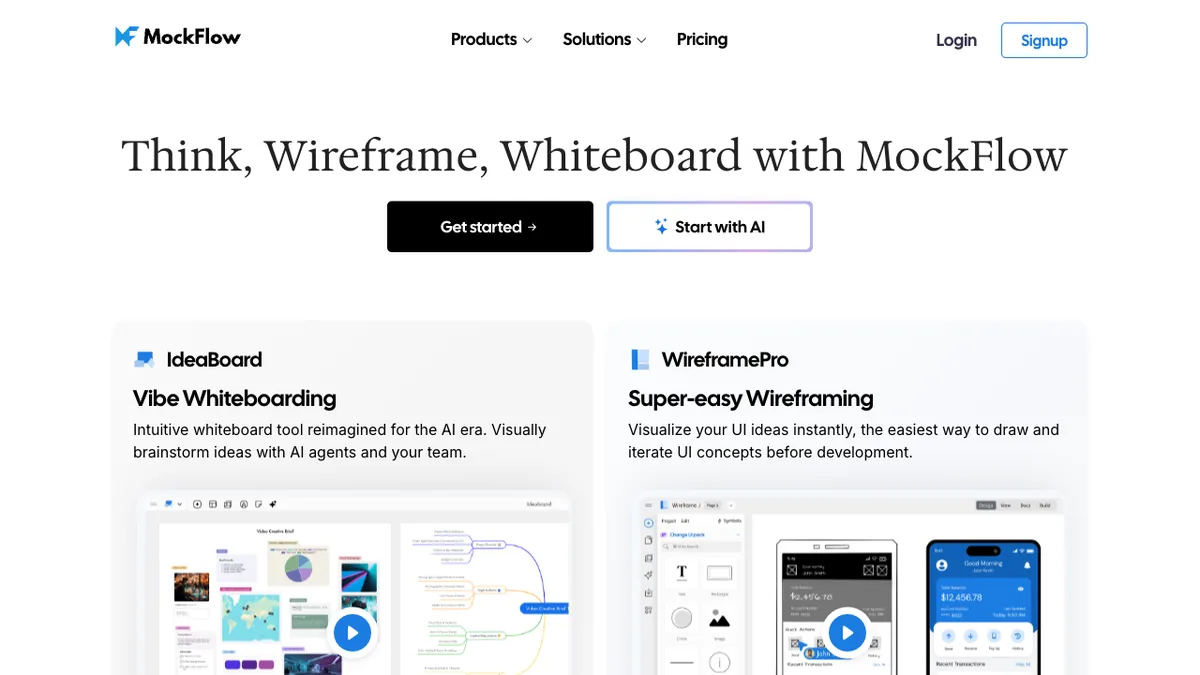
MockFlow is a full wireframing suite: its WireframePro editor is joined by design-system, style-guide, and documentation tools, so a whole project's early artifacts live together. It's been refined over many years into a dependable, feature-rich option for teams that want structure around their wireframes, not just a canvas.
18. UXPin
Best for design with real code · Web, desktop · ~$6/mo
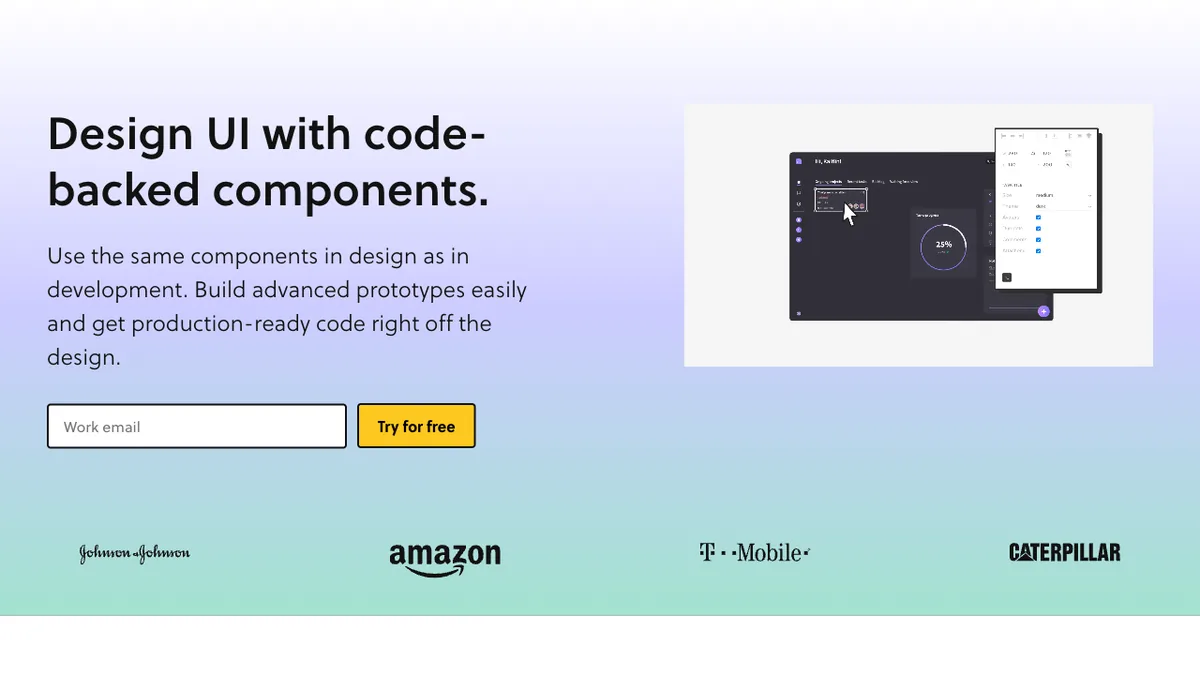
UXPin stands out for prototypes that behave like real software, including states, variables, and conditional interactions. Its Merge technology can even use real, code-backed React components, so what you prototype is exactly what developers build. For teams chasing tight design-to-development consistency, it's in a class of its own.
Choosing the Right Wireframe Tool
With so many good options, the right tool comes down to a few questions:
- What fidelity do you need? For quick, disposable low-fidelity sketches, reach for Balsamiq, Wireframe.cc, or Excalidraw. For polished mid-fidelity UI, Figma, Sketch, or Penpot. For interactive high-fidelity prototypes, Axure, Justinmind, or UXPin.
- How much do you collaborate? If multiple people wireframe together in real time, Figma and Miro are built for it; solo work suits lighter tools.
- Do you want AI to do the first draft? Uizard and Visily generate editable wireframes from prompts or screenshots — a huge head start for non-designers.
- What’s your budget? Excalidraw and Penpot are free and open-source; most others offer a free tier so you can try before you pay.
For the bigger design picture, see our guides to the qualities of a great user interface and the critical elements of a great website design.
Low, Mid, and High-Fidelity Wireframes Explained
Low-fidelity wireframes are rough sketches — boxes and labels — used to nail down structure and flow fast. Mid-fidelity wireframes add real spacing, hierarchy, and grayscale UI without final visuals, and are what most people mean by "wireframe." High-fidelity wireframes (often called prototypes) look and behave close to the finished product, with real interactions for user testing. Good teams move up the fidelity ladder deliberately, validating cheaply before investing in detail.
Frequently Asked Questions
What is the best wireframe tool in 2026?
Figma is the best all-round choice for most teams, thanks to its balance of wireframing, high-fidelity design, prototyping, and real-time collaboration. Balsamiq is the top pick if you only want fast low-fidelity sketches, while Uizard and Visily lead for AI-generated wireframes. The best tool ultimately depends on the fidelity you need, your budget, and how much you collaborate.
What is the difference between a wireframe and a prototype?
A wireframe is a static blueprint of a screen's layout and structure, while a prototype is an interactive version that simulates how the product actually behaves — clickable buttons, navigation, and transitions. You typically start with low-fidelity wireframes to agree on structure, then build higher-fidelity prototypes for user testing. Many modern tools like Figma and Axure handle both.
Are there free wireframe tools?
Yes. Excalidraw and Penpot are completely free and open-source, and most paid tools — including Figma, Whimsical, Miro, Uizard, and Moqups — offer a free tier that's enough for individuals and small projects. Free plans usually limit the number of files, editors, or projects, so heavier or team use is where paid plans come in.
Can AI generate wireframes?
Yes, and it's one of the biggest shifts of the last few years. Tools like Uizard and Visily can turn a plain-text description, a hand sketch, or a screenshot into an editable wireframe in seconds, and Figma and Framer have added AI layout generation too. AI won't replace design judgment, but it removes the blank-canvas problem and speeds up early ideation dramatically.
Do I need design skills to use a wireframe tool?
No. Low-fidelity tools like Balsamiq, Wireframe.cc, and Whimsical are designed so anyone — product managers, founders, developers — can sketch a layout with drag-and-drop components. AI tools like Uizard and Visily lower the bar even further by generating a starting point for you. High-fidelity tools like Axure have a steeper learning curve, but you can go a long way without formal design training.
Which wireframe tool is best for teams?
Figma and Miro are the strongest choices for collaborative teams, both offering real-time multi-user editing on a shared canvas. Figma is better for actual UI wireframes and design, while Miro excels at open-ended workshops and brainstorming. For teams that want tight design-to-development handoff, UXPin and Mockplus are also worth a look.
Pricing and features are approximate and current as of 2026. Wireframe tools update plans and pricing frequently — confirm the latest details on each vendor’s site before subscribing.