Free Photoshop Shapes: 7 Best Sites to Download (2026)
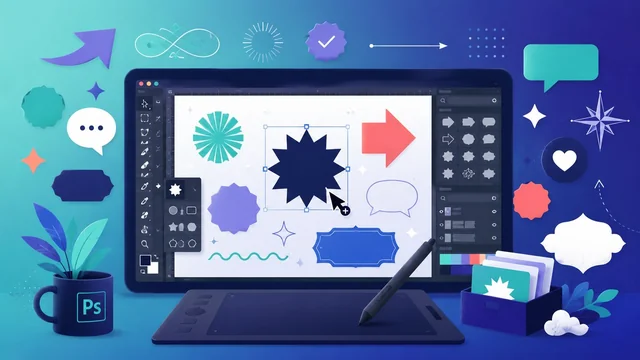
Custom shapes are one of the fastest ways to level up a Photoshop design — arrows, badges, banners, speech bubbles, icons and ornaments you can drop in and scale without losing quality. Better still, you don’t have to pay for them. Here are the best places to download free Photoshop shapes in 2026, plus a quick guide to installing and using them.
How to Install Custom Shapes in Photoshop
Most free shapes come as a .csh file (or as SVG/vector files you can paste in). To load a .csh set, open Photoshop and go to Window → Shapes to show the Shapes panel, click the panel menu, choose Import Shapes…, and select your downloaded file. Your new shapes then appear under the Custom Shape tool (press U). Always check each download’s licence before using shapes in commercial work.
Best Sites for Free Photoshop Shapes in 2026
1. Brusheezy
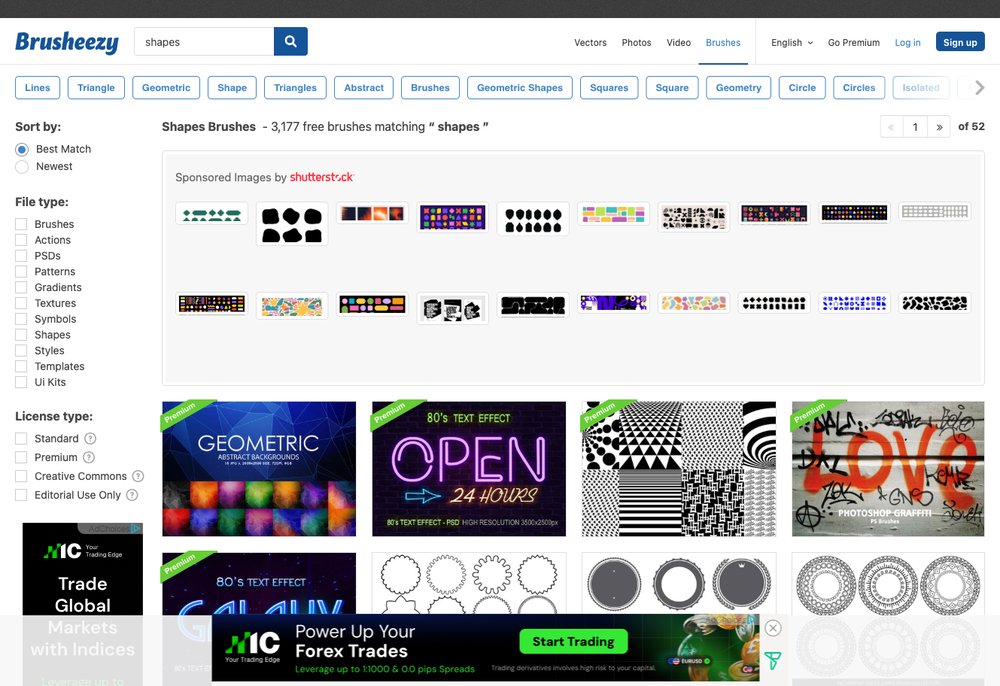
Brusheezy is one of the largest libraries of free Photoshop add-ons, with thousands of custom shape (.csh) sets alongside brushes, patterns and gradients. It’s well organised, easy to search, and the obvious first stop for free shapes.
2. Photoshop Supply
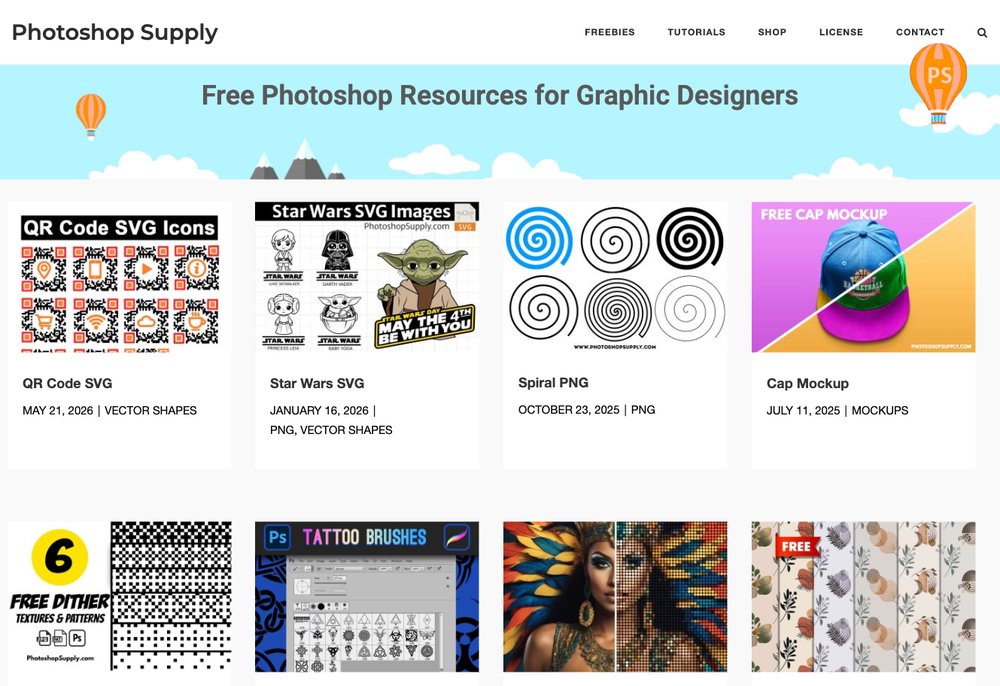
Photoshop Supply offers a curated collection of high-quality free shapes, brushes, actions and PSD resources, with clear tutorials on how to use them. The quality bar is higher than many crowd-sourced sites.
3. Vecteezy
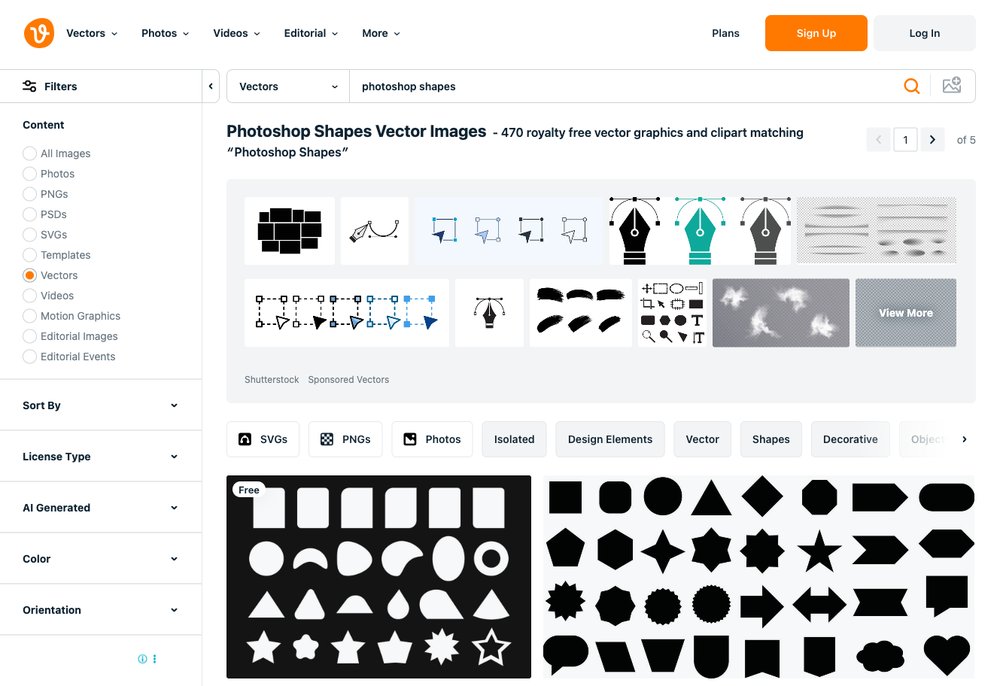
Vecteezy hosts millions of free vector graphics (SVG/EPS) you can use as scalable shapes in Photoshop. It’s ideal when you want crisp, editable vector elements rather than fixed .csh sets — just check whether attribution is required.
4. DeviantArt
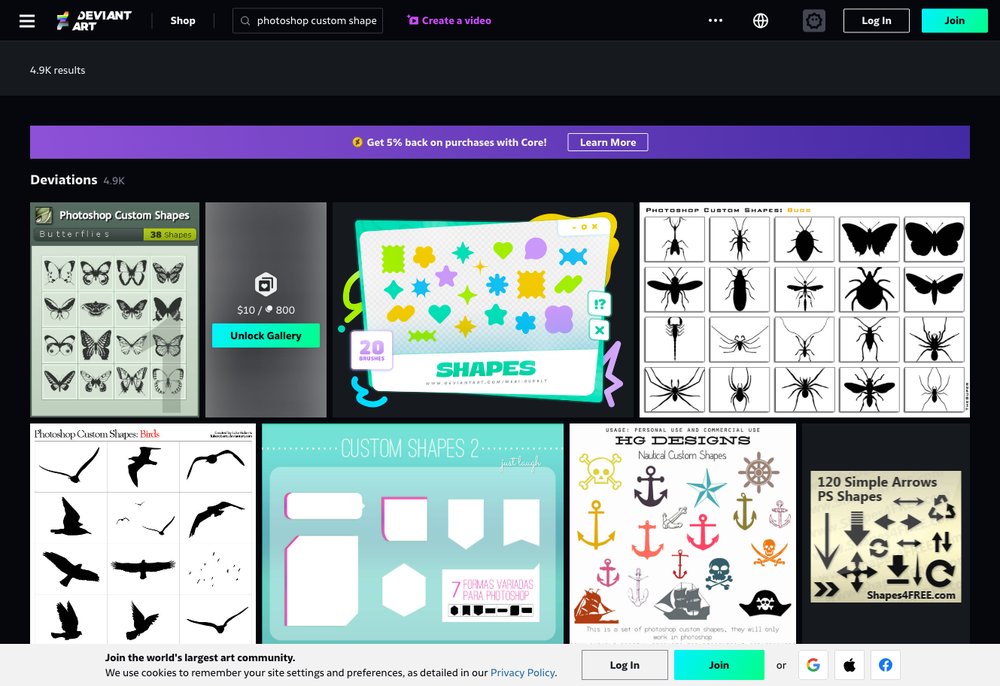
DeviantArt’s huge creative community has shared free custom shape packs for years, covering everything from arrows and frames to intricate ornaments. Selection is enormous, though quality and licences vary, so read each artist’s terms.
More Great Free Shape Sources
- Adobe Stock Free — a rotating selection of free, licence-friendly vector shapes straight from Adobe.
- Behance — designers often share free shape and icon packs as downloadable project freebies.
- Creative Market Free Goods — six free design downloads every week, frequently including shapes and vectors.
Frequently Asked Questions
How do I add custom shapes to Photoshop?
Download the .csh file, then in Photoshop open Window → Shapes, click the panel menu and choose Import Shapes… and select the file. The shapes then appear under the Custom Shape tool (U).
Are these Photoshop shapes really free?
Yes — all the sources above offer free shapes, but licences vary. Some are free for any use, while others are free only for personal projects or require attribution, so always check the terms before using them commercially.
What file format are Photoshop custom shapes?
Photoshop custom shapes use the .csh format. You can also import vector files (SVG, EPS or AI) and use them as scalable shapes, which is handy when a site only offers vectors.
Can I use free shapes for commercial work?
Often yes, but it depends on the individual licence. Look for shapes marked for commercial use or covered by a permissive licence, and keep a note of any required attribution.
Do custom shapes lose quality when resized?
No. Custom shapes are vector-based, so you can scale them up or down freely without any loss of quality — one of the main reasons designers love them.