The 12 Best Portable Apps for Your USB Drive in 2026 (No Install Needed)
Portable apps run straight from a USB stick or cloud folder without installing anything, leaving no settings, files or traces on the host computer. That makes them perfect for shared or public PCs, locked-down work machines and tech-support go-bags. In 2026 the ecosystem is healthier than ever, anchored by the actively maintained PortableApps.com Platform (v30.4.1, May 2026) and 1,400+ packaged apps — so here are the twelve you should carry.
Key takeaways:
- Portable apps run from a USB drive or cloud folder with no installation and leave no trace on the host computer, making them ideal for shared, public or locked-down PCs.
- The free, open-source PortableApps.com Platform (v30.4.1, 2026) is the easiest foundation, bundling an app store and auto-updater for 1,400+ packages.
- Every app on this 2026 list — from Firefox and VLC to LibreOffice, GIMP, KeePass, 7-Zip and Rufus — is actively maintained with releases from 2026.
- For privacy and offline use, file-based tools like KeePass and KeePassXC beat cloud-first managers, while VLC and 7-Zip solve the most common 'I just need to open this' moments.
- Portable apps protect the host from your data, but they do not protect you from a compromised host, so treat untrusted public machines with caution and keep your drive malware-scanned.
Best Portable Apps at a Glance
- PortableApps.com Platform — App manager · Windows · Free / open source
- Mozilla Firefox, Portable Edition — Browser · Windows · Free / open source
- Google Chrome Portable — Browser · Windows · Free
- VLC Media Player Portable — Media player · Windows · Free / open source
- LibreOffice Portable — Office suite · Windows · Free / open source
- GIMP Portable — Image editor · Windows · Free / open source
- KeePass Password Safe Portable — Password manager · Windows · Free / open source
- KeePassXC Portable — Password manager · Windows · Free / open source
- 7-Zip Portable — File archiver · Windows · Free / open source
- Notepad++ Portable — Text / code editor · Windows · Free / open source
- Thunderbird, Portable Edition — Email client · Windows · Free / open source
- Rufus Portable — Bootable USB creator · Windows · Free / open source
The Tools, Reviewed
1. PortableApps.com Platform
App manager · Windows · Free / open source
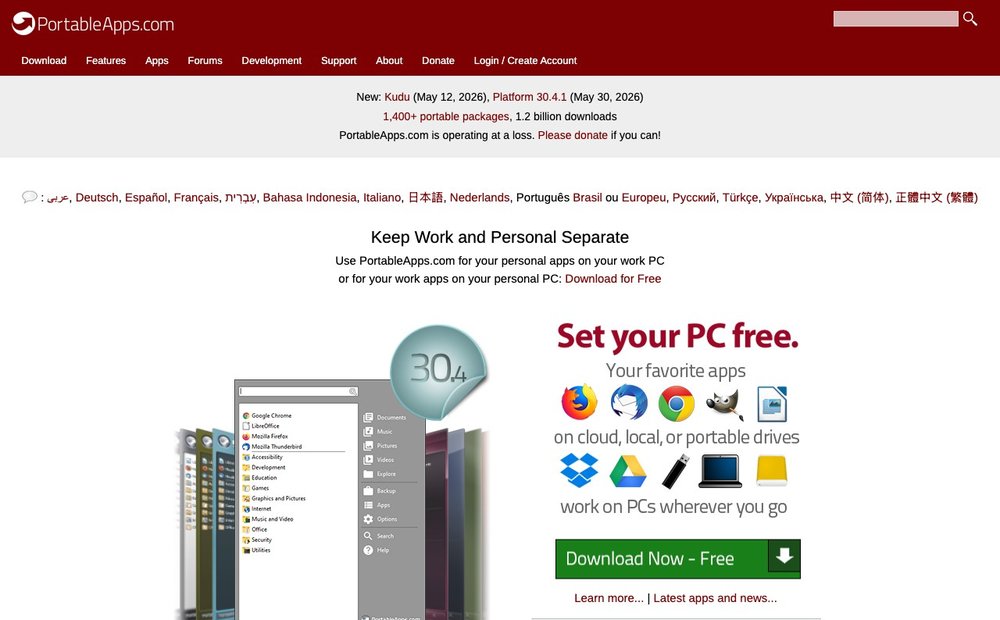
The PortableApps.com Platform is a free, open-source menu and app store you install onto a USB drive, local PC or synced cloud folder. It gives you one-click access to 1,400+ portable packages, a built-in updater that keeps everything current without disturbing your settings, and a tidy launcher. Version 30.4.1 shipped in May 2026, and the project has now passed 1.2 billion downloads. It is the foundation most people build a portable toolkit on.
Visit PortableApps.com Platform »
2. Mozilla Firefox, Portable Edition
Browser · Windows · Free / open source
Firefox Portable carries your bookmarks, history, extensions and saved logins on the drive so a borrowed PC keeps none of them. The portable build tracks the mainline release closely (151.x in mid-2026) and ships as a dual 64/32-bit package so it runs fast on any machine. Enhanced Tracking Protection blocks thousands of trackers out of the box, which matters most on public computers you do not control. It is the single most useful app to keep on a stick.
Visit Mozilla Firefox, Portable Edition »
3. Google Chrome Portable
Browser · Windows · Free
Chrome Portable gives you a fully self-contained Chrome install you can sign into, sync and then unplug, taking your profile with you. It is ideal when a site or web app is built for Chrome's rendering engine or you prefer Chrome's extension catalog. Because the profile lives on the USB drive, the host machine retains no cookies or browsing data once you leave. It pairs well with Firefox Portable so you always have two engines available.
Visit Google Chrome Portable »
4. VLC Media Player Portable
Media player · Windows · Free / open source
VLC plays virtually any audio or video file or disc without hunting for codecs, and the portable edition does it straight from your drive. The 2026 portable package is built on VLC 3.0.23, so you get the same rock-solid format support as the desktop version. It is the go-to for opening that odd video file on a locked-down or unfamiliar PC where you cannot install a player. Nothing is left behind on the host once you eject the stick.
Visit VLC Media Player Portable »
5. LibreOffice Portable
Office suite · Windows · Free / open source
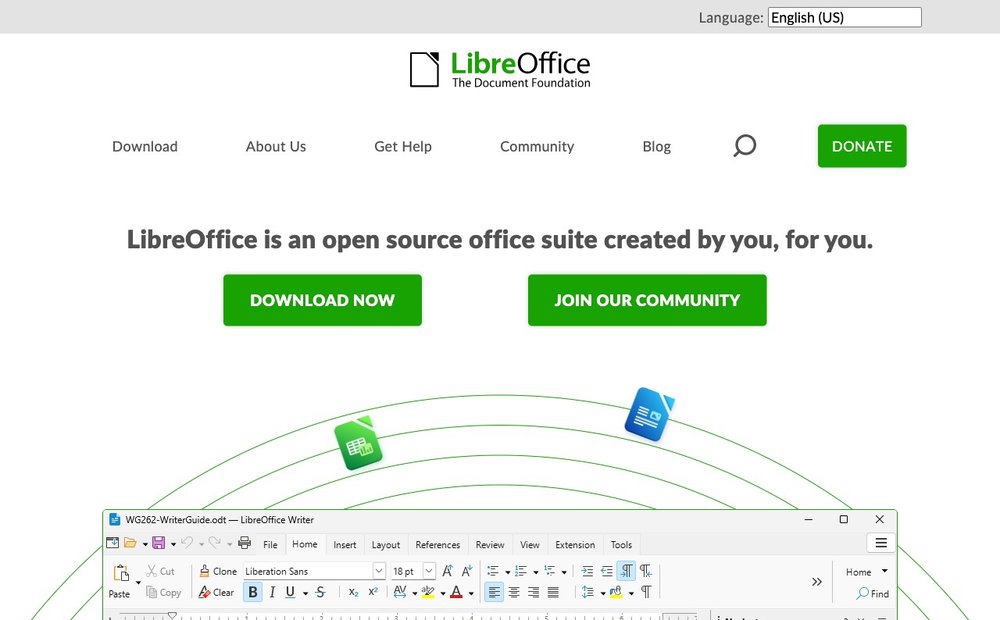
LibreOffice Portable is a complete office suite (Writer, Calc, Impress, Draw, Base and Math) that opens and edits Word, Excel and PowerPoint files with no install and no licence cost. The 2026 portable build is based on the modern 26.2 series and runs comfortably from a reasonably fast USB 3.x drive. It is the best way to do real document work on a shared or public computer that has no office software.
6. GIMP Portable
Image editor · Windows · Free / open source
GIMP Portable is a powerful free image editor for photo retouching, compositing and graphic design that runs entirely from your drive. The portable package keeps pace with the desktop release and is on the GIMP 3.2.x line in 2026, with the redesigned 3.x interface and non-destructive editing improvements. It is a genuine Photoshop alternative you can carry to any Windows machine — just give it a fast drive.
7. KeePass Password Safe Portable
Password manager · Windows · Free / open source
KeePass stores all your logins in a single strongly encrypted .kdbx file that lives on the drive, with no account, server or subscription required. That offline, file-based design is exactly why it shines as a portable app — unlike cloud-first managers it needs no connection and leaves nothing behind. The Professional portable build was updated to 2.61.x in 2026 and remains actively maintained. Keep the database on the same stick and you have your whole vault wherever you go.
Visit KeePass Password Safe Portable »
8. KeePassXC Portable
Password manager · Windows · Free / open source
KeePassXC is a modern, community-driven rewrite of KeePass with a cleaner cross-platform interface and the same secure .kdbx format. The portable edition (2.7.12 in 2026) is a great pick if you find classic KeePass dated but still want a local, no-cloud vault on your USB drive. It includes a built-in password generator, TOTP support and browser integration. Choose this over classic KeePass if you also use Linux or macOS machines.
9. 7-Zip Portable
File archiver · Windows · Free / open source
7-Zip is the definitive free archiver, handling 7z, ZIP, RAR, TAR and almost every other format with excellent compression. The portable version (26.01 in 2026) means you can always unpack a download or compress files on a PC that lacks archiving tools. It is small, fast and one of the most-used utilities on any portable stick — the same engine also powers the PortableApps.com Platform's own installer.
10. Notepad++ Portable
Text / code editor · Windows · Free / open source
Notepad++ is the beloved lightweight code and text editor with syntax highlighting for dozens of languages, tabbed editing, macros and a deep plugin ecosystem. The portable build (8.8.x in 2026) is tiny, around an 11 MB download, so it loads instantly even from a slow drive. It is a must-have for developers, sysadmins and anyone who edits config files or scripts on the move, opening huge files far more gracefully than Windows Notepad.
11. Thunderbird, Portable Edition
Email client · Windows · Free / open source
Thunderbird Portable keeps your email accounts, messages, contacts and calendar on the USB drive instead of the host PC, so checking mail on a borrowed machine leaves no inbox behind. The portable release tracks Mozilla's current line (151.x) with a maintained ESR option (140.x) for those who prefer slower change. Its redesigned interface and folder-based account management make it a real desktop mail client you can pocket.
Visit Thunderbird, Portable Edition »
12. Rufus Portable
Bootable USB creator · Windows · Free / open source
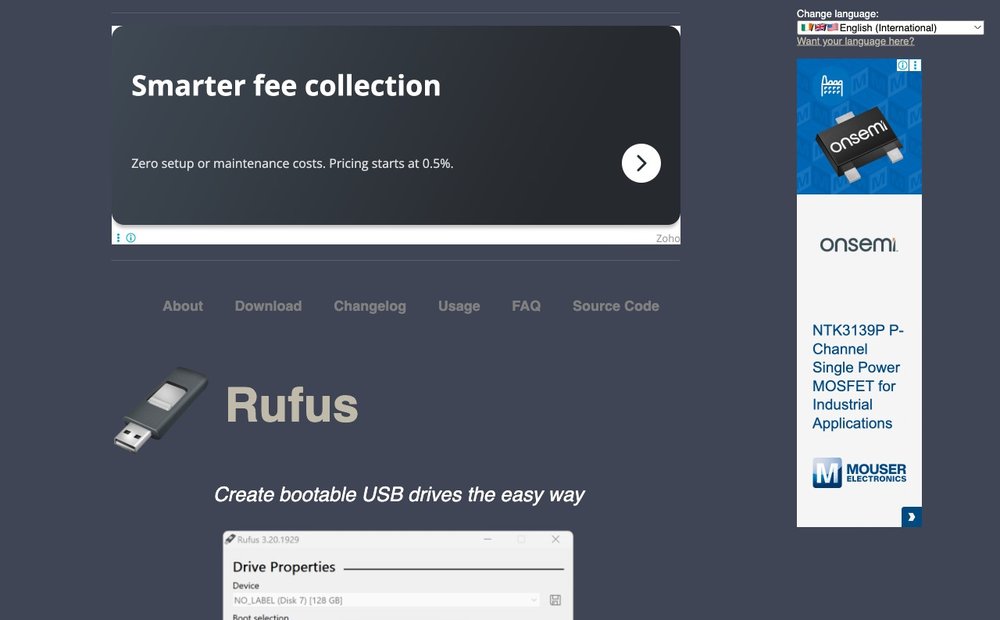
Rufus turns any USB stick into a bootable drive for Windows, Linux or rescue installers in a couple of clicks, and it is itself a single portable executable. The 2026 release (4.14) added quality-of-life options like stripping forced Microsoft nuisances when building Windows installers. It is the tool to keep on a stick for reinstalling or rescuing operating systems in the field — fast, reliable and the de facto standard for bootable media.
How to Run Portable Apps from a USB Drive
The easy path is the PortableApps.com Platform. Copy it (or any individual portable app) onto your USB drive, plug the drive into any Windows PC, and double-click Start.exe or the app's launcher. Each app runs from the drive using settings stored there, not on the host, and the host retains no leftover files once you unplug.
Use a fast drive. Some larger apps (LibreOffice, GIMP) load slowly over older USB 2.0 ports, so a USB 3.x flash drive or a small external SSD makes a big difference. Aim for at least 16–32 GB so you have room for a full toolkit plus your data.
Mind security on machines you don't trust. Portable apps protect the host from your data, but they do not protect you from a compromised host: keyloggers or malware on an untrusted public PC can still capture what you type. Agencies like CISA also warn that USB media is a common malware vector in both directions, so keep your stick scanned and avoid entering critical passwords on machines you don't control.
Sources & Further Reading
- PortableApps.com official site
- PortableApps.com full app directory
- CISA guidance on using USB drives safely
- Rufus official homepage
Frequently Asked Questions
What are portable apps and how do they work?
Portable apps are programs that run without being installed, storing their own settings and data alongside the executable rather than in the host computer's registry or system folders. You typically keep them on a USB flash drive, external SSD or synced cloud folder and launch them directly. When you unplug the drive, the host machine retains no leftover files or configuration.
How do I run portable apps from a USB drive?
Copy the portable app (or install the free PortableApps.com Platform) onto the USB drive, then plug the drive into any Windows PC and double-click the app's launcher or the Platform's Start.exe. The app runs from the drive using settings stored there, not on the host. For the smoothest experience, use a USB 3.x drive or external SSD, since some larger apps load slowly over older USB ports.
Are portable apps safe to use on public or shared computers?
Portable apps are good for privacy because they leave no personal data behind on the host, which is ideal for public or shared machines. However, the host computer itself can still be compromised; keyloggers or malware on an untrusted PC can capture what you type, and agencies like CISA warn that USB media is a common malware vector. Keep your stick scanned and avoid entering critical passwords on machines you do not trust.
Is the PortableApps.com Platform free and still maintained?
Yes. The PortableApps.com Platform is 100% free and fully open source, and it is actively maintained, with version 30.4.1 released in May 2026. It provides a built-in app store and an automatic updater for 1,400+ portable packages, so your toolkit stays current without disturbing your settings.
Are there portable apps for Mac and Linux too?
The PortableApps.com Platform and most of its packaged launchers are Windows-only. However, many of the underlying programs — such as Firefox, VLC, LibreOffice, GIMP and KeePassXC — are cross-platform and can be run in a portable fashion on macOS and Linux through their own builds. For a true cross-platform portable vault, KeePassXC is a strong choice since its encrypted database opens on every major operating system.
Recommendations are based on public information, vendor pages and independent reviews current as of June 2026. Prices, plans and product details change frequently — please verify on the official site or retailer before buying. SaveDelete may earn a small commission on purchases made through links on this page, at no extra cost to you.