Best AI Video Generators in 2026: 12 Top Tools Compared
AI video generators turn a simple text prompt, image, or script into a finished video—no camera, crew, or editing suite required. In 2026 the category has exploded: generative models like Google Veo 3, OpenAI Sora 2, and Runway now produce photoreal, sound-on footage, while AI-avatar platforms like Synthesia create polished talking-head videos in minutes. This guide compares the 12 best AI video generators of 2026—what each does best, their free tiers, and pricing—and explains how the technology works so you can pick the right one. They rank among the most powerful of today's AI tools for creators and businesses alike.
Key Takeaways
- AI video generators let you create videos quickly from text, making content creation easy for everyone.
- These tools are cost-effective, allowing businesses to save on production costs while producing high-quality content.
- 2026's leaders fall into two camps: generative cinematic models like Google Veo 3, OpenAI Sora 2, Runway and Kling, and AI-avatar platforms like Synthesia and HeyGen for talking-head business videos.
- Most top generators—including Veo, Kling, Luma, Pika, Runway and Hailuo—offer free tiers or daily credits, so you can test AI video creation before you pay.
What is an AI Video Generator?
Above video is created with Synthesia
A video generator powered by artificial intelligence is a cutting-edge innovation that transforms written descriptions into dynamic videos through sophisticated computational methods. It empowers individuals to craft compelling visual media effortlessly, eliminating the necessity for technical expertise or specialized hardware. Visualize drafting a narrative or outlining an idea and witnessing its evolution into a refined video featuring visuals, soundtracks, and even animated representations.
Employing intricate AI techniques including natural language processing and computer vision capabilities, these video generators adeptly interpret and translate text into captivating video narratives. They possess the ability to process various forms of input data—ranging from textual content to imagery and audio elements—to fabricate consistent and aesthetically pleasing videos. This automation not only streamlines the overall process of creating videos, but also expands creative opportunities for storytellers at any experience level.
Benefits of Using AI Video Generators
AI video generators offer significant advantages, notably in production speed. Unlike traditional methods of video creation that can span from hours to weeks, AI-enhanced video tools facilitate rapid content generation, often within minutes. This swiftness is essential for remaining relevant in the rapidly evolving digital arena where prompt content delivery can greatly enhance user engagement.
These automated video creators also provide cost savings by eliminating the need for expensive hardware or hiring actors, thus democratizing the process of producing videos and making it more economically feasible. Lowered production expenses mean resources can be redistributed towards other critical business segments while maintaining high standards of quality comparable to those achieved by professional creatives.
These sophisticated AI-powered video platforms are instrumental in increasing accessibility and viewer involvement through features like auto-generated captions and subtitles that cater to a broader audience spectrum. They enable swift tailoring of videos aligned with different marketing initiatives allowing businesses to stay agile amidst changing market conditions. The result is captivating high-quality videos that command attention leading to heightened brand awareness and an extended reach.
How AI Video Generators Work
The enchantment of AI video generators is initiated by the user providing input such as text, images, or audio. This can range from a basic script to an intricate storyboard. The AI employs techniques like natural language processing to interpret and grasp the context and substance embedded within this data.
Following its analysis, the AI proceeds to curate and piece together clips, images, and sound fragments in order to craft a coherent video narrative. It adeptly turns scripts into shot lists or translates written content into visual storyboards that facilitate seamless transitions throughout the footage ensuring both flow and comprehensibility are maintained. This process effectively integrates scripting with avatar selection all through one singular platform for efficient video creation.
To make things even easier for users, pre-made templates are available which assist in quickly producing videos that look polished with little effort required on their part. Platforms including Capsule excel by offering streamlined workflow capabilities where design systems can be implemented effortlessly alongside dynamic visual components thanks to these advanced AI tools significantly condensing timeframes traditionally associated with crafting videos.
Top Features of AI Video Generators
AI video generators are equipped with a wide array of capabilities designed to suit different requirements and tastes. Broadly speaking, these video generators fall into three groups: those that are essentially video editors enhanced by AI tools, applications that generate videos based on user prompts, and productivity apps aimed at improving the content creation process.
To understand their importance in contemporary content creation, it is worth exploring the distinct characteristics that render AI video generators invaluable tools.
Text to Video Conversion
Converting text to video is a remarkable function offered by AI video generators, where users can transform any textual document or web page into a dynamic video simply by entering the content into an AI video generator. This feature streamlines the creation of captivating videos while eliminating the need for advanced skills in video editing.
AI avatars and synthetic voices are utilized to breathe life into written scripts, thus greatly optimizing the efficiency of these tools. They have capabilities to adapt various aspects like format and style automatically for optimal presentation across different social media platforms, which could lead to increased user engagement.
For those who require anything from brief promotional footage to comprehensive tutorial videos, these text-to-video conversion utilities facilitate easy production of professional-grade videos swiftly with minimal effort.
AI Avatars and Voices
Another remarkable aspect of AI video generators is the incorporation of AI avatars and voices. These platforms provide access to a diverse library featuring over 230 avatars capable of narrating videos with genuine lip-syncing and movement, significantly boosting audience engagement. Such dynamic representation can elevate the appeal of training materials, marketing efforts, and various other visual projects.
These tools enable users to craft customized avatars that mimic actual people or fictional characters. Importantly, these personalized creations have the versatility to express themselves in an array of languages—crucial for organizations aiming to tailor their content for international audiences.
The integration of custom-made avatars and distinctive voice options through AI video generation serves to imbue video initiatives with both a tailored touch and enhanced professionalism.
Video Editing Tools
Contemporary AI video editing tools come loaded with an array of features that simplify the video editing workflow. These advanced capabilities include automated scene detection, sound quality improvement, and background elimination, facilitating the creation of refined videos. Users have the added flexibility to enrich their videos with stock images or clips, instrumental tracks, and narrations for a more customized outcome.
Descript presents a unique twist on video editing by enabling users to manipulate their footage directly through alterations in the corresponding text transcript. This innovative tool significantly boosts efficiency while making the process feel more natural.
Platforms like Wondershare Filmora blend AI technologies into conventional video editing practices to elevate both the excellence and ease-of-use during production of end products.
The 12 Best AI Video Generators in 2026
The AI video landscape changed completely in 2025–2026. The biggest shift is the rise of generative cinematic models—tools like Google Veo 3 and OpenAI Sora 2 that build photoreal footage (and even synced audio) from a single sentence—running alongside the established AI-avatar platforms businesses rely on for talking-head training and explainer videos. Much as AI image generators turn prompts into pictures, these tools turn prompts into moving footage. Here are the twelve worth your time, with what each does best and what it costs.
| Tool | Type | Best for | Free tier | From |
|---|---|---|---|---|
| Google Veo 3 | Generative (cinematic) | Realistic clips with synced audio | Limited (Gemini) | $19.99/mo |
| OpenAI Sora 2 | Generative (cinematic) | Imaginative, story-driven scenes | Limited (Sora app) | $20/mo |
| Runway | Creative suite | Filmmakers & pro control | Yes | $15/mo |
| Kling AI | Generative (cinematic) | High-motion, longer shots | Yes (daily credits) | from $6.99/mo |
| Luma Dream Machine | Generative (cinematic) | Fluid camera motion | Yes | $9.99/mo |
| Pika | Generative (social) | Fun effects & short social clips | Yes | $8/mo |
| Hailuo AI | Generative (cinematic) | Realistic clips on a budget | Yes (daily credits) | $9.99/mo |
| Adobe Firefly Video | Generative (commercial-safe) | Brand-safe, IP-friendly footage | Yes | $9.99/mo |
| Synthesia | AI avatars | Training & explainer videos | Yes (limited) | $18/mo |
| HeyGen | AI avatars | Avatar videos & dubbing | Yes (limited) | $29/mo |
| InVideo AI | Text-to-video | Prompt-to-full social video | Yes (watermark) | $20/mo |
| Descript | AI video editing | Editing video by editing text | Yes | $16/mo |
Pricing reflects entry-level paid plans as of 2026 and changes frequently—check each provider for current rates and free-tier limits.
1. Google Veo 3 — best for realistic clips with synced audio
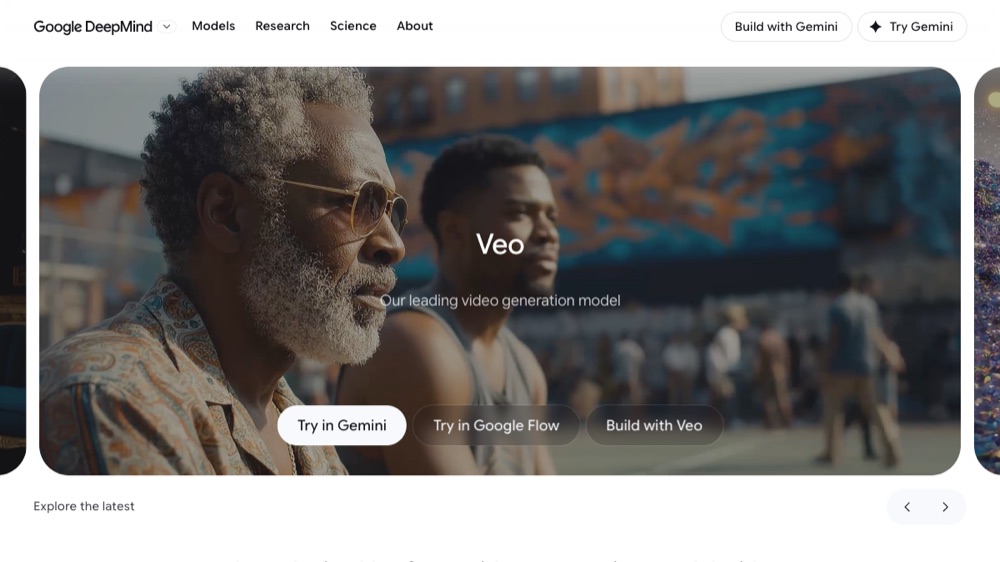
Google DeepMind’s flagship model generates photoreal clips from a line of text or a still image. Its standout feature is native audio—dialogue, ambient sound and effects are created together with the picture rather than added afterwards. You can use it inside the Gemini app, Google’s Flow filmmaking tool, and Vertex AI.
Best for: Realistic clips with synced audio. Free tier: Limited (Gemini). Pricing: $19.99/mo. Try it: deepmind.google
2. OpenAI Sora 2 — best for imaginative, story-driven scenes
OpenAI’s text-to-video model is available through the dedicated Sora app and ChatGPT. Sora 2 improves physics, character consistency and prompt-following over the original, adds synced audio, and includes a cameo feature for dropping real people into generated scenes. It shines on creative, narrative prompts.
Best for: Imaginative, story-driven scenes. Free tier: Limited (Sora app). Pricing: $20/mo. Try it: openai.com/sora
3. Runway — best for filmmakers who want control
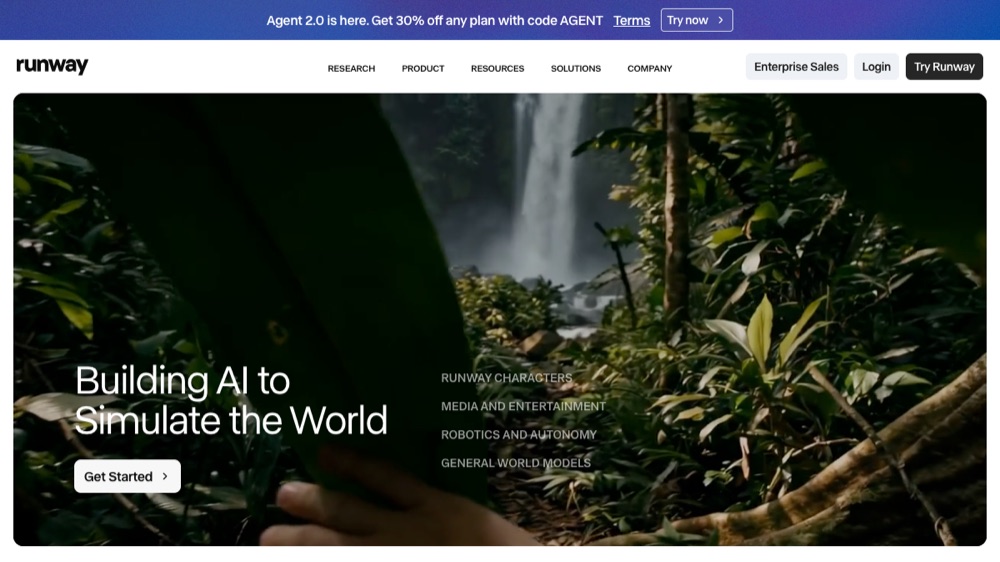
One of the original creative AI video platforms. Runway’s Gen-4 models, paired with a deep toolkit—motion brush, camera controls, lip sync and video-to-video—make it the choice for filmmakers and professionals who want fine-grained control rather than one-click results.
Best for: Filmmakers & pro control. Free tier: Yes. Pricing: $15/mo. Try it: runwayml.com
4. Kling AI — best for high-motion, longer shots
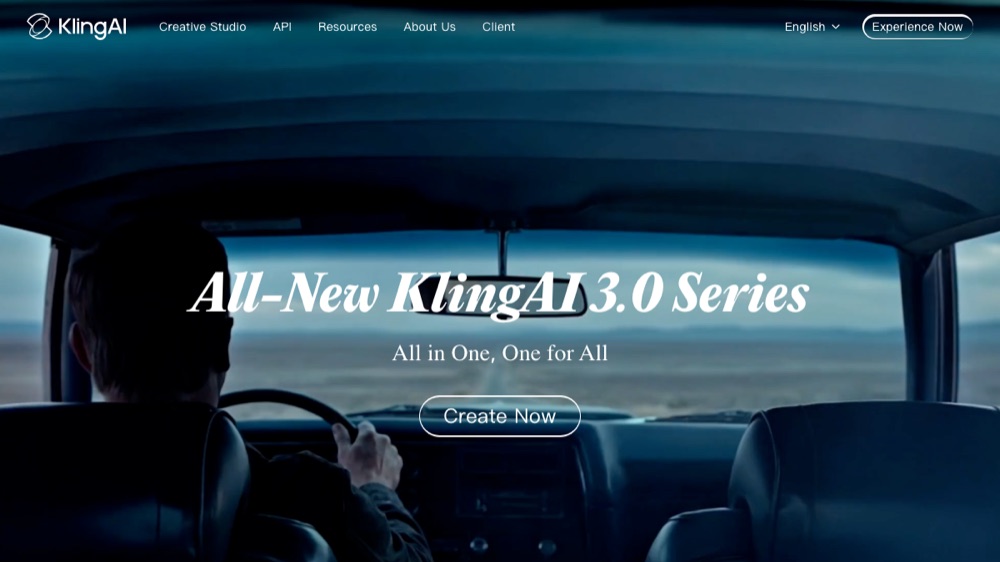
Made by Kuaishou, Kling has become a favorite for high-motion, longer cinematic shots with strong prompt adherence. Generous daily free credits make it easy to test before committing, and its output quality rivals the big-name Western models.
Best for: High-motion, longer shots. Free tier: Yes (daily credits). Pricing: from $6.99/mo. Try it: klingai.com
5. Luma Dream Machine — best for fluid camera motion

Luma is known for fast generation and smooth, natural camera movement. Its Ray models produce fluid, cinematic footage from text or a starting frame, and the interface is friendly enough for complete beginners.
Best for: Fluid camera motion. Free tier: Yes. Pricing: $9.99/mo. Try it: lumalabs.ai
6. Pika — best for fun effects and social clips
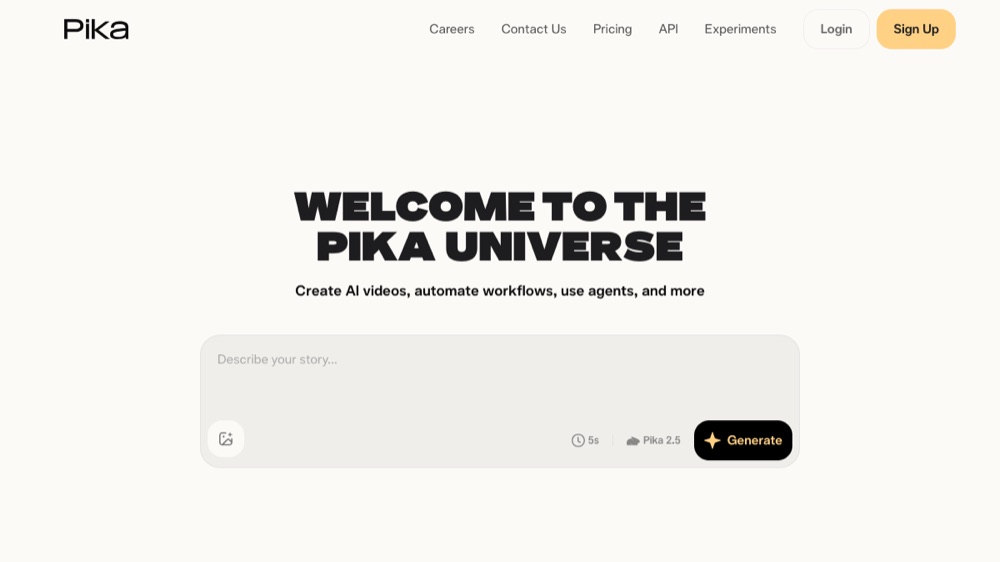
A playful, social-first generator famous for its "Pikaffects" (crush, melt, inflate and more) and fast short clips. It is built for eye-catching social content and creative experiments rather than long-form film.
Best for: Fun effects & short social clips. Free tier: Yes. Pricing: $8/mo. Try it: pika.art
7. Hailuo AI (MiniMax) — best value for realistic clips
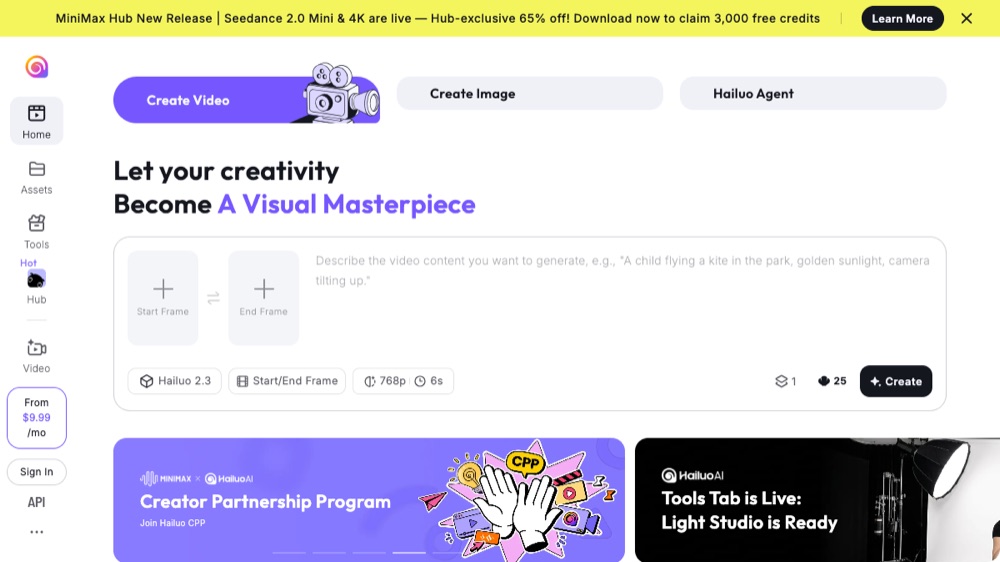
MiniMax’s Hailuo punches well above its price, producing crisp, realistic short clips with convincing motion. Daily free credits and low-cost paid tiers make it one of the best value options on this list.
Best for: Realistic clips on a budget. Free tier: Yes (daily credits). Pricing: $9.99/mo. Try it: hailuoai.video
8. Adobe Firefly Video — best for commercially-safe content
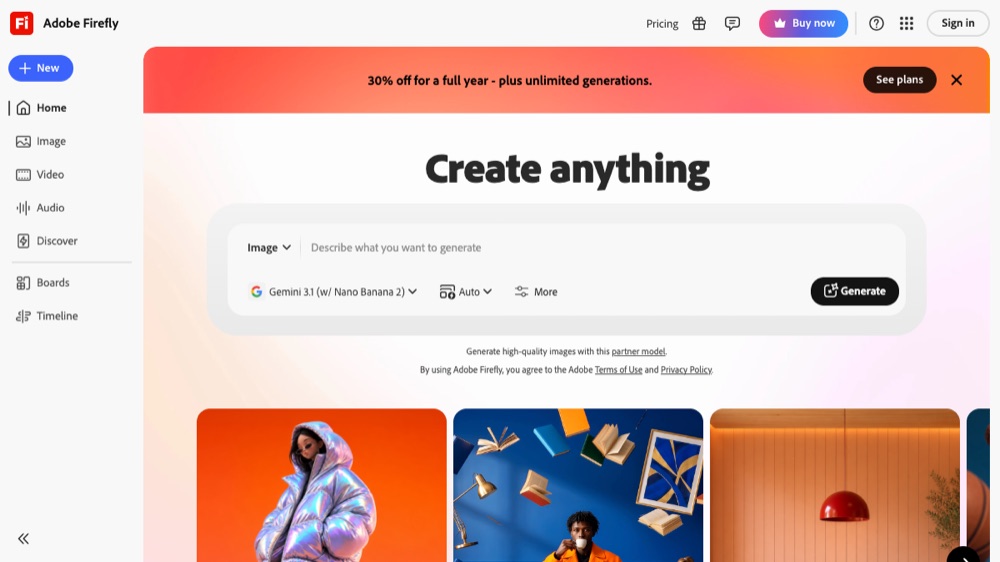
Adobe’s generative video lives inside Firefly and Premiere Pro. Its key advantage is that it is designed to be commercially safe—trained on licensed and public-domain content—so it is the lowest-risk choice for brands and agencies worried about copyright.
Best for: Brand-safe, IP-friendly footage. Free tier: Yes. Pricing: $9.99/mo. Try it: adobe.com
9. Synthesia — best for AI-avatar training videos
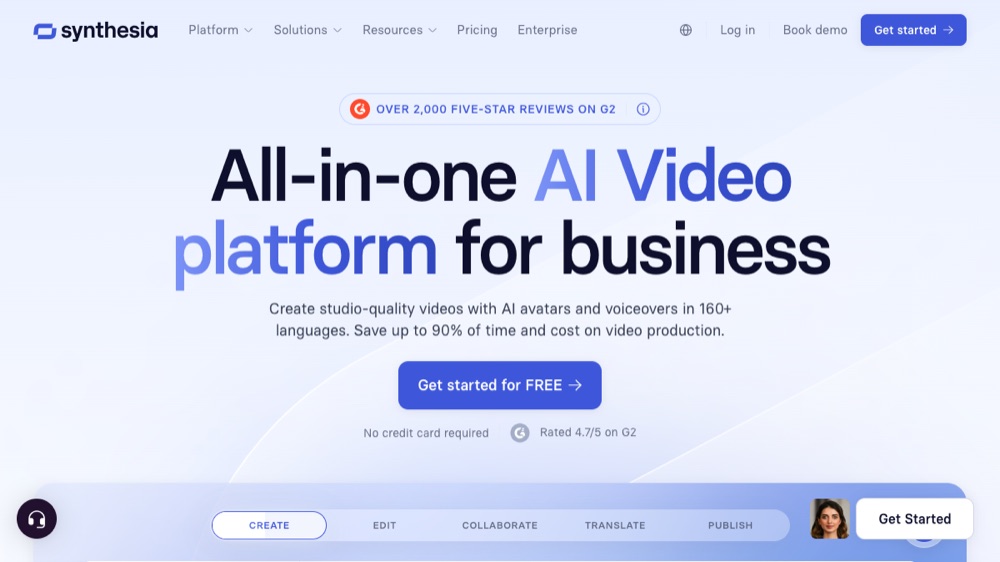
The leading AI-avatar platform, Synthesia turns a script into a studio-quality video fronted by a realistic AI presenter in 140+ languages—no camera, crew or editing required. It is the go-to for training, onboarding and explainer videos at scale.
Best for: Training & explainer videos. Free tier: Yes (limited). Pricing: $18/mo. Try it: synthesia.io
10. HeyGen — best for avatars and video translation
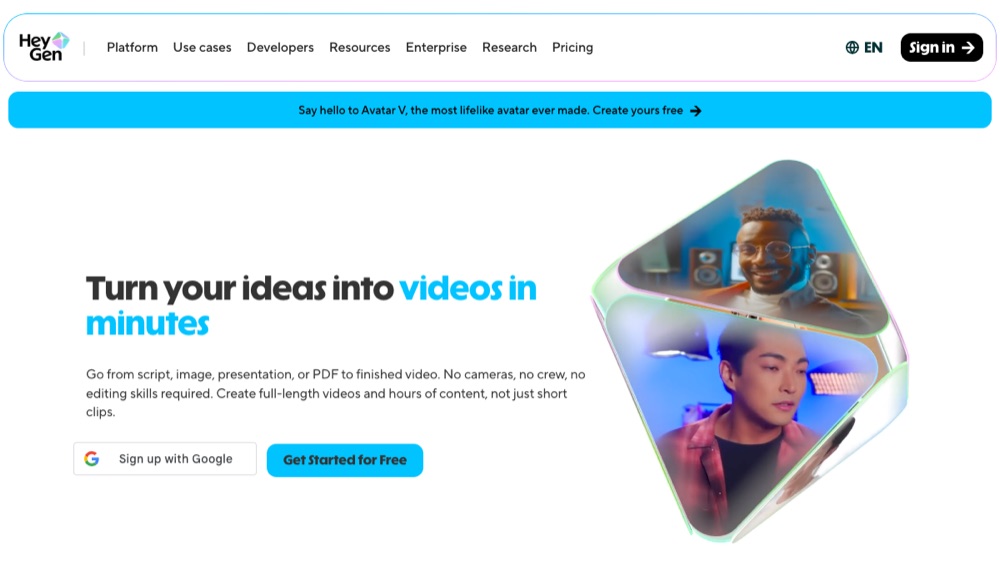
Synthesia’s biggest rival, HeyGen is prized for especially lifelike avatars, instant video translation with accurate lip-sync, and custom avatars you can clone from a short recording. A strong pick for multilingual avatar content.
Best for: Avatar videos & dubbing. Free tier: Yes (limited). Pricing: $29/mo. Try it: heygen.com
11. InVideo AI — best for turning prompts into full videos
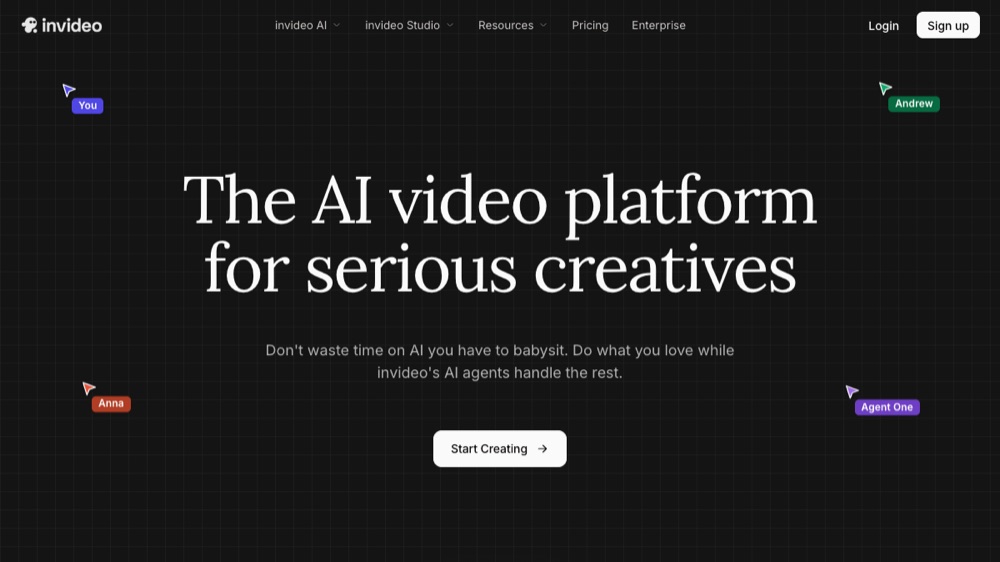
Type a prompt or paste a script and InVideo assembles a complete video—stock footage, AI voiceover, captions and music—that you then refine with plain-text commands. It is the fastest way to turn an idea or blog post into a ready-to-post social video.
Best for: Prompt-to-full social video. Free tier: Yes (watermark). Pricing: $20/mo. Try it: invideo.io
12. Descript — best for editing video like a document

Descript is an editor rather than a generator: it transcribes your footage so you can edit the video by editing the text, with AI tools for filler-word removal, studio-quality sound, eye-contact correction and an "Underlord" AI assistant. Ideal for podcasters and creators who would rather edit by typing.
Best for: Editing video by editing text. Free tier: Yes. Pricing: $16/mo. Try it: descript.com
Use Cases for AI Video Generators
AI video generators serve as multifunctional instruments that have broad applications, revolutionizing the way content is created by automating and offering sophisticated customization options via an AI video generator application.
We should delve into some of the most significant scenarios where these cutting-edge tools are making a difference.
Creating Training Videos
AI video generators excel in the production of training videos, providing companies with the ability to craft compelling content that enriches educational encounters. The innovative capabilities of these video generators enable individuals to generate persuasive talking head videos and various engaging styles without relying on expert videography crews.
Services such as Synthesia are notable for their lifelike virtual avatars and extensive language support, positioning them perfectly for crafting tailored training materials. Offering assistance in more than 80 languages, these AI video tools empower enterprises to develop superior-quality training resources suitable for international viewers.
Social Media Content Creation
AI video generators facilitate the production of captivating content for social media with ease. Utilizing platforms such as Fliki and Runway, which are equipped with text-to-speech functions and cutting-edge generative AI technology, users can effortlessly craft videos designed to engage audiences across different social media channels.
These AI video editors come bundled with features that automatically generate captions and translations, broadening the accessibility and reach of your content on social networks. By leveraging ai video editing technologies within these tools, one can rapidly produce a variety of video iterations for A/B testing purposes, employing an ai video maker or editor to fine-tune their social media campaigns for enhanced outcomes.
Marketing and Promotional Videos
Marketing experts can make use of AI video generators for the swift creation of superior promotional videos. These video generators facilitate marketers in crafting ai videos that captivate their audience, reducing manual work and elevating brand recognition. The quick production of specialized promotional content via these tools is instrumental in engaging distinct segments of an audience.
AI video creators enhance marketing materials by providing a broad spectrum of customization options, which raises the overall production value. Such tailored and captivating content generated through AI video technology maintains viewer interest and contributes to more effective outcomes in marketing initiatives.
Tips for Getting Started with AI Video Generators
Embarking on the journey of using AI video generators for content creation can be more straightforward than anticipated. Start by determining your video's purpose to steer the AI towards producing relevant content. Provide the AI with precise directions regarding tone, duration, and intended viewership in your instructions. This will help craft a piece that resonates with your intent.
Incorporate specific visual descriptors to shape the preferred style, including imagery choices and color palettes. Once you've had the initial video generated by the AI, review it carefully and make any necessary tweaks to ensure it aligns perfectly with what you had envisioned before finalizing anything. You'll find that most AI video generators offer options for exporting your project into various file types and qualities suited for sharing across platforms.
AI-driven automation of video production allows teams to allocate their time towards strategic activities rather significantly enhancing productivity levels. Adhering to these guidelines enables you to begin generating top-tier videos through AI, ones that deliver your message compellingly while captivating your target audience effectively.
Future Trends in AI Video Generation
AI video generation is moving fast. What felt experimental in 2024—OpenAI’s original Sora demo—is now mainstream: Sora 2, Google’s Veo 3, Kling, Luma and others generate photoreal, sound-on clips on demand, and the gap between AI footage and traditionally shot video keeps shrinking.
Expect three big shifts ahead: longer, more controllable clips with consistent characters and scenes across shots; real-time and interactive generation; and tighter native-audio integration so dialogue, music and effects are created with the picture rather than added later. For creators, that means AI video generators will keep moving from novelty to a standard part of the production toolkit.
Summary
AI video generation tools are transforming the process of creating engaging videos. We have thoroughly examined these revolutionary tools, discussing their numerous advantages and intricate functionalities to provide a comprehensive overview. Our exploration includes an analysis of prevalent AI video generators in today's market, various applications for which they're suited, and valuable guidance on how to begin utilizing them effectively. With continuous improvements on the horizon, AI video generation stands poised to simplify and refine the intricacies of video production even further. Leveraging these powerful instruments can vastly improve your content creation endeavors by streamlining the development of captivating and high-quality video materials.
Frequently Asked Questions
What is an AI video generator?
An AI video generator is a tool that turns text, images, or audio into a finished video automatically. Using AI models for language understanding and computer vision, it can turn a script into scenes, add visuals, voiceover and music, and even feature realistic AI avatars—with no filming or editing skills required.
What is the best AI video generator in 2026?
It depends on your goal. For realistic, cinematic clips, Google Veo 3 and OpenAI Sora 2 lead the pack. Runway is best for filmmakers who want fine creative control, while Synthesia and HeyGen are best for business talking-head and training videos that use AI avatars.
What is the best free AI video generator?
Several top tools have genuine free tiers. Runway, Luma Dream Machine and Pika offer free credits, and Kling AI and Hailuo AI give out daily free credits that let you generate clips at no cost. Google Veo 3 can also be tried in limited form through the free Gemini app.
Can AI video generators create videos with sound?
Yes. Google Veo 3 is notable for generating native audio—dialogue, ambient sound and effects—together with the video. Avatar tools like Synthesia and HeyGen produce realistic AI voiceovers, and platforms like InVideo add voiceover, captions and background music automatically.
Veo 3 vs Sora 2 — which is better?
Both are top-tier. Veo 3 is prized for photorealism and the best synced audio, which makes it great for lifelike, sound-on scenes. Sora 2 excels at imaginative, story-driven prompts with strong physics and a cameo feature for inserting real people. Many creators use both, depending on the shot.
Are AI-generated videos safe to use commercially?
It varies by tool, so always check each provider's terms. Adobe Firefly is the most explicitly commercial-safe, as it is trained on licensed and public-domain content. Most paid plans grant commercial usage rights, but free tiers may add watermarks or restrict commercial use.
How can AI video generators benefit my business?
They cut video production from days to minutes and remove the cost of cameras, studios and actors. Businesses use them for training and onboarding, product explainers, social media, localized marketing in multiple languages, and rapid A/B testing of ad creatives.
How do I get started with AI video generators?
Start by defining your video's goal and audience, then write a clear prompt or script describing the tone, length and visual style you want. Generate a first version, review it, and refine the prompt until it matches your vision. Most tools let you export in formats sized for each social platform.