7 Best AI Image Generators in 2026

You need a visual for tomorrow's campaign, but every stock photo looks like something your competitors already use. Hiring a designer isn't always practical, and creating an illustration from scratch takes time (and design experience). AI image generators promise a faster solution, but some produce impressive artwork that's difficult to edit, while others are better suited to everyday marketing.
Choosing the wrong tool can leave you spending more time fixing an image than creating it.
The best AI image generator depends on what you need the final image to do. A promotional graphic for Instagram has different requirements from a product concept, website banner, or editorial illustration.
Here are seven AI image generators worth considering in 2026, including what each does well, how much it costs, and where it falls short.
TL;DR: Which AI Image Generator Should You Choose?
- Choose Design.com if you need custom AI-generated visuals that can become finished branded marketing materials without switching between different platforms.
- Choose Ideogram if you're creating posters, advertisements, or graphics that need readable text.
- Choose Midjourney if artistic quality, atmosphere, and distinctive visual styles are your priorities.
- Choose Adobe Firefly if you already use Adobe applications and need AI image generation alongside professional editing.
- Choose ChatGPT Images if you prefer describing changes through conversation rather than working with complicated editing controls.
- Choose Leonardo AI if you're developing illustrations, product concepts, or multiple creative directions.
- Choose Canva AI if you regularly create social media content and want generated images inside ready-made layouts.
How We Picked These AI Image Generators
Not every tool advertised as an AI image generator solves the same problem.
Some specialize in artistic output. Others help users generate images and then place them into finished marketing materials.
This shortlist focuses on seven platforms with recognizable strengths in text-to-image generation, creative control, editing, pricing, and practical use.
Quick Comparison: 7 AI Image Generators at a Glance
| Tool | Price | Type | Key Strength | Best For |
|---|---|---|---|---|
| Design.com | Free creation; paid from $3/month annually | AI image and branding platform | Custom imagery plus finished branded designs | Small businesses and marketers |
| Ideogram | Free limited access; Plus from $15/month annually | Text-to-image generator | Typography and promotional graphics | Posters and advertisements |
| Midjourney | From $10/month | Artistic image generator | Distinctive visual styles | Creative campaigns |
| Adobe Firefly | Limited free access; paid plans | Generative creative platform | Advanced editing and Adobe integration | Professional designers |
| ChatGPT Images | Free limited access; Plus $20/month | Conversational image generator | Natural-language revisions | Beginners and creators |
| Leonardo AI | Free tier; paid plans | AI visual creation platform | Illustrations and concept development | Artists and product teams |
| Canva AI | Free limited access; Pro $144/year in the US | AI design platform | Image generation within templates | Social media marketing |
Prices are indicative and may vary by country, billing period, model, and usage allowance. Design.com pricing follows the supplied product details.
1. Design.com — Best for AI Images and Complete Branded Designs
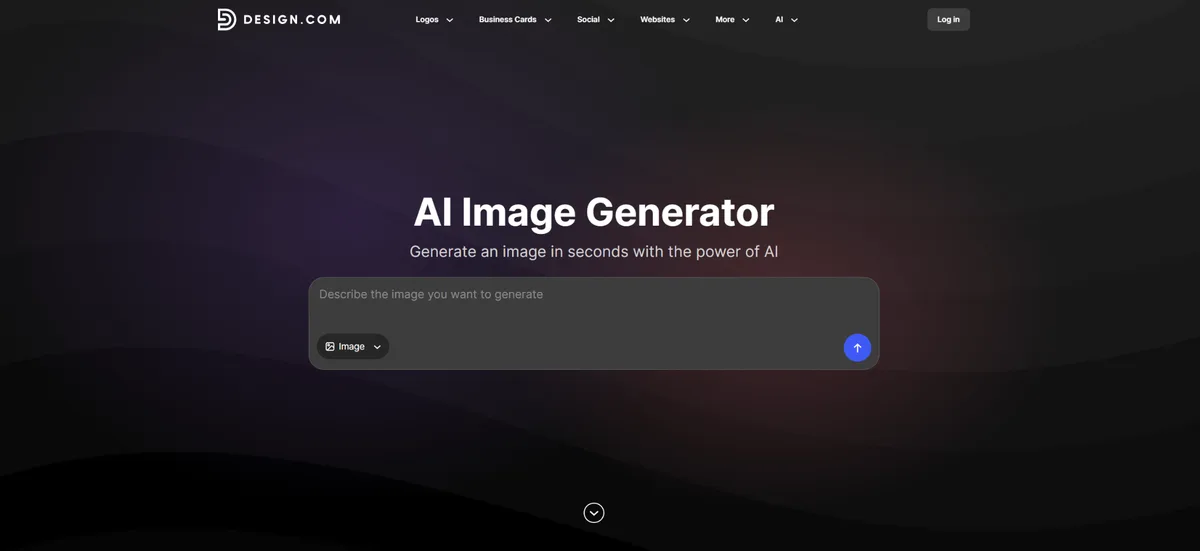
Creating an image is one thing. Turning that image into something ready to publish is another.
You might generate an attractive promotional visual, but you still need to add your business name, arrange the layout, match your brand colors, and prepare the final graphic.
Design.com addresses both parts of that process.
Its AI image generator turns written descriptions into custom visuals. Users can specify subjects, backgrounds, lighting, colors, composition, and artistic styles using everyday language.
The process is straightforward: describe the image, review the result, adjust the prompt, and generate another version if needed.
There's no requirement to understand complicated image-generation settings before getting started.
Where Design.com Works Best
Consider a small coffee shop introducing a seasonal iced latte.
The owner needs an Instagram promotion but doesn't have time to organize a photoshoot.
They could enter a prompt such as:
"Create a warm café scene featuring an iced caramel latte on a wooden table, natural morning lighting, earthy brown tones, and a clean background."
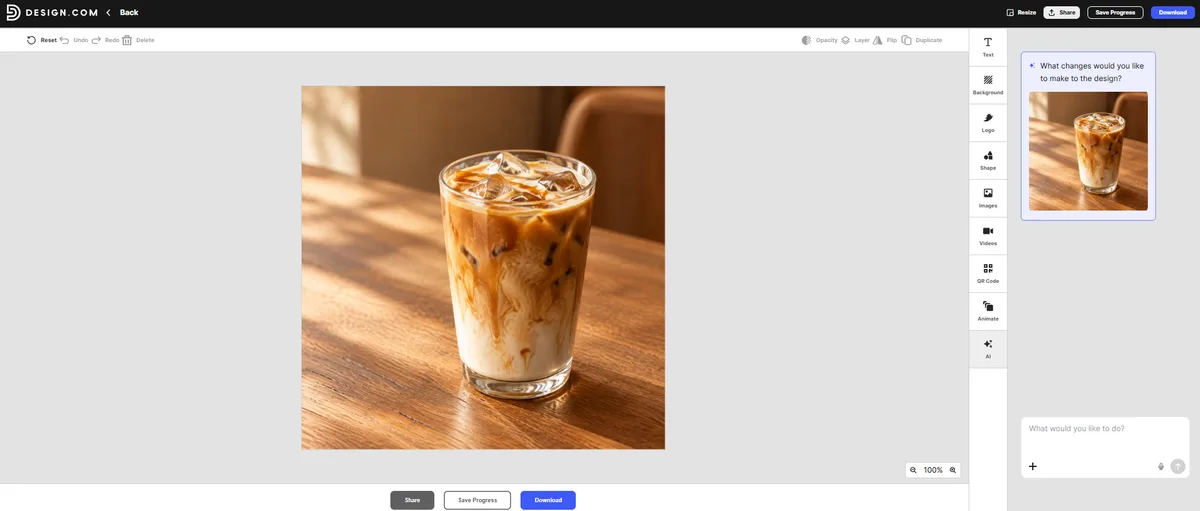
Once a suitable image is generated, it can be incorporated into Design.com's marketing templates, where the owner can add branding and promotional information.
The platform supports more than 50 additional design tools, including flyers, posters, presentations, social media graphics, and business cards.
This makes it especially useful for people who need more than a standalone image file.
Design.com also supports different visual directions, from realistic scenes and product concepts to illustrations, abstract backgrounds, and imaginative artwork.
Pricing
Free access: Users can generate images without creating an account, with a limited amount of free AI editing.
AI Design Plan: $3/month billed annually. Includes 50 AI-generated images per month, AI editing, and access to more than 50 design tools.
AI Design Plan + Website: $5/month billed annually. Includes the AI Design Plan's features plus a website.
The Verdict
Design.com is particularly useful for entrepreneurs, content creators, and small marketing teams that need custom images for real business projects.
Its advantage is the connection between image generation and finished design. Rather than downloading an image and opening another application to create an advertisement, users can continue working within Design.com's broader platform.
For businesses producing social media promotions, website graphics, flyers, and presentations, that can reduce unnecessary steps.
Limitations
Design.com prioritizes accessible creation rather than highly specialized image manipulation. Professional designers who need detailed, layer-by-layer editing may prefer a dedicated advanced editing application.
2. Ideogram — Best for Text-Heavy Promotional Graphics
AI image generators have improved considerably, but text inside generated images can still cause problems.
A promotional poster might look convincing until you notice that the headline contains an extra letter or the sale price is incorrect.
Ideogram is particularly relevant for graphics where typography is part of the visual concept.
It supports text-to-image generation, typography-focused compositions, image editing, and creative variations.
Where Ideogram Works Best
Imagine a bookstore advertising a weekend sale.
Instead of generating a background and adding every headline separately, the owner wants an image that incorporates promotional lettering into the design itself.
Ideogram is worth considering for that kind of project.
The platform can also help with poster concepts, event announcements, and creative advertising layouts.
Pricing
Free: Eligible accounts receive limited generation credits, with allowances that may vary.
Plus: $15/month billed annually, or approximately $20 on monthly billing.
Pro: $42/month billed annually, or approximately $60 on monthly billing.
Paid plans provide additional credits and features, including private generations.
The Verdict
Ideogram is a strong choice when text needs to feel integrated into the artwork rather than added afterward.
It's especially useful for marketers creating typography-heavy graphics, posters, and promotional concepts.
Limitations
Generated text still needs proofreading. Business names, dates, prices, and contact information should always be checked before publication. Free generations may also be publicly visible, so confidential creative work requires attention to privacy settings.
3. Midjourney — Best for Artistic and Cinematic Visuals
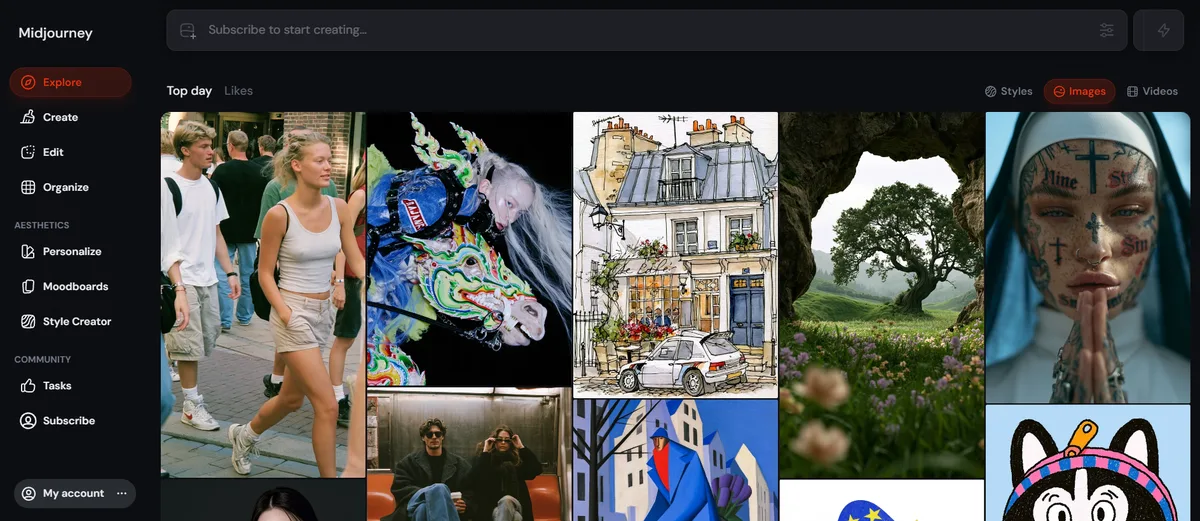
Some marketing projects need more than a straightforward product image.
A fashion brand may want a dramatic editorial scene. A music event might need surreal artwork. A creative agency could be exploring several visual directions before presenting a campaign.
Midjourney is built around this kind of creative experimentation.
It generates images from written prompts and provides tools for exploring variations, composition, and visual styles.
Its appeal is the ability to develop a distinctive aesthetic without creating every image manually.
Where Midjourney Works Best
Consider a boutique clothing brand planning an autumn campaign.
Instead of using conventional fashion photography, the team wants an atmospheric scene with dramatic lighting, textured backgrounds, and an editorial look.
Midjourney can help explore those creative directions before the final campaign is developed.
Its Draft Mode also supports faster experimentation with ideas before generating higher-quality versions.
Pricing
- Basic: $10/month, or $8/month with annual billing.
- Standard: $30/month, or $24/month annually.
- Pro: $60/month, or $48/month annually.
- Mega: $120/month, or $96/month annually.
Higher tiers provide more generation capacity and additional features.
The Verdict
Midjourney suits artists, designers, and creative teams that prioritize distinctive imagery and visual exploration.
It's particularly useful when the image itself is the creative centerpiece.
Limitations
A visually impressive image isn't automatically a finished advertisement. Users may still need another tool to add accurate text, logos, and layouts. Midjourney also requires a subscription, and business-use conditions vary with company size and plan.
4. Adobe Firefly — Best for Professional AI Image Editing
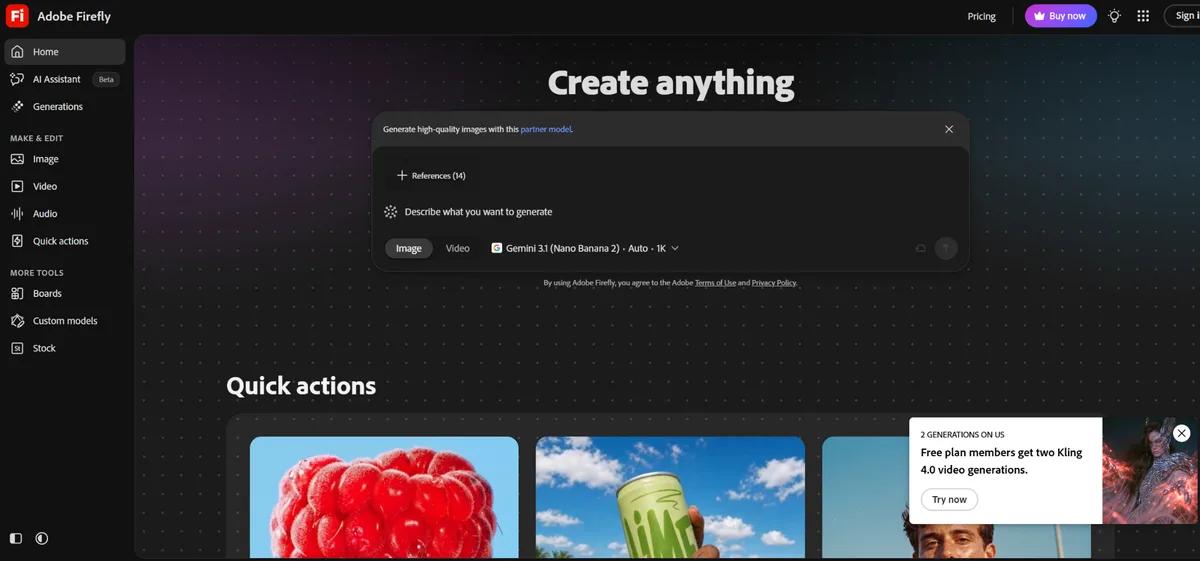
Generating a completely new image isn't always what a designer needs.
Sometimes the starting image is already good. The background is wrong, an object needs replacing, or the composition needs more space for advertising copy.
Adobe Firefly is well suited to those situations.
It combines generative image capabilities with editing tools and connections to Adobe's creative applications.
This makes it relevant to professionals who already use Photoshop, Illustrator, or Adobe Express.
Where Adobe Firefly Works Best
A product marketing team might have an existing product photograph but need different promotional backgrounds.
Firefly's generative tools can help explore new visual settings while keeping the broader editing workflow within Adobe software.
The team can then refine the result using familiar professional tools.
Pricing
Free: Limited access to generative features.
Firefly Standard: Entry-level paid access with a monthly generative-credit allowance.
Firefly Pro and higher tiers: Additional credits, features, and access options.
Adobe's pricing varies by region and plan. Generative credits are particularly important because different features and models can consume different amounts.
The Verdict
Adobe Firefly is a practical choice for professional designers and marketing teams already working within Adobe's ecosystem.
Its value comes from combining generation with established editing workflows.
Limitations
The platform's plans and credit structure can become complicated for occasional users. Some advanced capabilities require additional spending, and the wider Adobe ecosystem may be more than a beginner needs.
5. ChatGPT Images — Best for Conversational Image Creation
Writing the perfect image prompt on the first attempt is difficult.
You might know what looks wrong with an image without knowing how to describe every technical detail needed to correct it.
ChatGPT Images approaches the process conversationally.
Users can request an image, review the result, and describe the changes they want in ordinary language.
Instead of starting over, they can ask for adjustments to backgrounds, objects, lighting, colors, or composition.
Where ChatGPT Images Works Best
An online gift retailer wants a seasonal illustration for a holiday promotion.
The first image looks good, but the background is too crowded.
The owner can ask ChatGPT to simplify the scene, move the main subject, or change the color palette.
The process feels closer to explaining revisions to a designer than navigating a traditional editing application.
Pricing
Free: Image generation is available with usage limits.
ChatGPT Go: Expanded access, with localized pricing.
ChatGPT Plus: $20/month, including expanded image-generation access.
Higher subscription tiers provide additional allowances and capabilities.
The Verdict
ChatGPT Images is particularly useful for beginners and creators who want to experiment through conversation.
It's a convenient option for refining an idea when the creative direction becomes clearer after seeing the first result.
Limitations
ChatGPT is not primarily a template-based marketing platform. Users creating recurring branded campaigns may still need another application for final layouts, brand management, and asset organization.
6. Leonardo AI — Best for Illustrations and Product Concepts
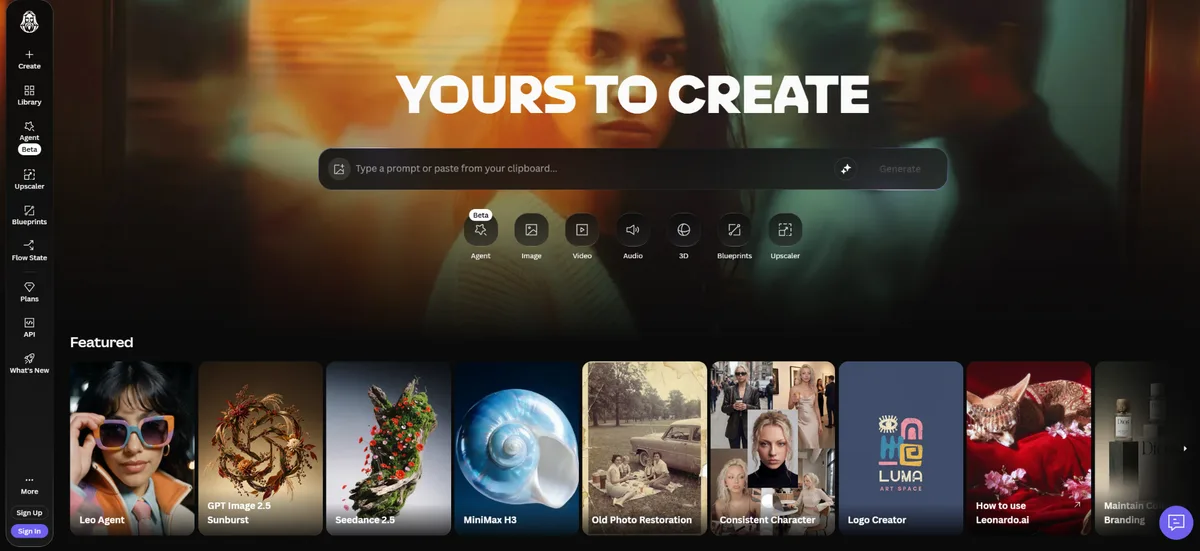
Not every AI-generated image is intended for immediate publication.
Product designers, illustrators, and creative teams often need images simply to explore an idea.
Leonardo AI is useful for this kind of visual development.
The platform supports image generation, style experimentation, reference-based workflows, and creative customization.
Users can explore different concepts without committing to a final design direction.
Where Leonardo AI Works Best
Imagine a home décor business developing a new collection.
Before producing physical samples, the team wants to visualize different interior styles, decorative arrangements, and product concepts.
Leonardo AI can help generate those exploratory images.
This is especially helpful when several ideas need to be compared during early planning.
Pricing
Free: Includes a limited daily token allowance.
Essential: Paid entry-level plan with monthly tokens and additional capabilities.
Premium and Ultimate: Higher allowances and expanded generation features.
Generation costs depend on the model and settings selected.
The Verdict
Leonardo AI is a suitable choice for illustrators, product teams, and creative professionals who regularly explore different visual concepts.
Limitations
Concept images should not be presented as photographs of products that haven't been manufactured. Paid features and usage limits can also vary significantly across models and plans.
7. Canva AI — Best for Everyday Social Media Visuals
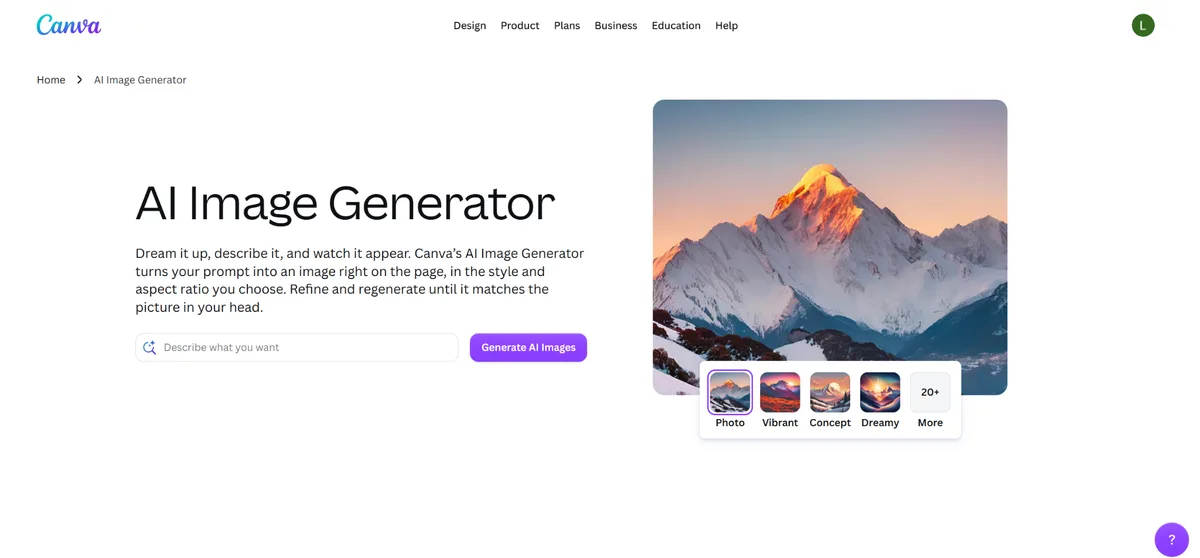
Many businesses don't need a sophisticated artistic workflow.
They need an Instagram post on Monday, a promotional banner on Wednesday, and another graphic for Friday's announcement.
Canva AI fits that routine.
Its AI image generation capabilities sit inside a broader design platform containing templates for social media, presentations, websites, and other marketing materials.
Users can generate an image and place it into an existing layout without switching applications.
Where Canva AI Works Best
A fitness studio needs recurring social media graphics for classes, promotions, and membership announcements.
The team can generate custom backgrounds and combine them with reusable Canva templates.
This is convenient when producing new graphics regularly matters more than experimenting with complicated image settings.
Pricing
Canva Free: Includes limited access to AI features.
Canva Pro: Listed at $144/year for one user on Canva's US pricing page.
Business and enterprise plans: Additional team and administrative capabilities, with pricing dependent on the plan.
The Verdict
Canva AI is a practical option for entrepreneurs and marketers who already rely on Canva for recurring design work.
Its main advantage is the ability to generate images and quickly incorporate them into familiar templates.
Limitations
Canva is a general-purpose design platform. Users needing specialized image-generation controls or extensive creative experimentation may prefer a dedicated generator. AI usage allowances also differ by plan.
Which AI Image Generator Fits Your Creative Goal?
| Your Creative Goal | Recommended Tool | Why |
|---|---|---|
| Create custom branded marketing visuals | Design.com | Image generation and integrated branding tools |
| Generate posters with prominent text | Ideogram | Typography-focused image creation |
| Produce artistic campaign concepts | Midjourney | Distinctive visual styles |
| Edit images within professional workflows | Adobe Firefly | Adobe integration |
| Refine images through conversation | ChatGPT Images | Natural-language revisions |
| Develop illustrations and product concepts | Leonardo AI | Creative experimentation |
| Produce frequent social media graphics | Canva AI | Templates and everyday design workflows |
What Should You Check Before Choosing an AI Image Generator?
A tool that creates beautiful images isn't necessarily the right choice for your work.
First, consider what happens after the image is generated. If you're making advertisements or creating an infographic, you'll probably need layouts, accurate text, and branding elements. An image generator that connects with other design tools may save time.
Next, compare usage limits. A low subscription price can become less attractive if you run out of credits after several rounds of revisions.
Finally, check commercial-use terms and review the image carefully. AI-generated visuals can contain inaccurate details, unwanted text, or objects that don't match the original prompt.
For businesses, these issues matter because a polished image can still communicate the wrong information.
Final Verdict: Which AI Image Generator Should You Use?
For small businesses and marketers who want custom AI images that can quickly become finished promotional materials, Design.com is a practical starting point. Choose Ideogram when typography matters, Midjourney for artistic campaigns, and Adobe Firefly or ChatGPT Images when editing flexibility is the priority.
The best AI image generator is the one that helps you finish the visual you actually need, not simply produce an impressive first result.