5 Best AI Logo Generators in 2026: Create a Professional Brand Identity

A logo might look impressive on a preview screen and still fail when printed on packaging or reduced to a social media icon. Some AI logo generators produce attractive concepts but leave users with limited editing options, irrelevant logo styles, expensive downloads, or no easy way to create matching brand materials.
That's a problem when you're launching a business and need more than a design that looks good on your laptop.
Design.com is the best overall AI logo generator in 2026 for entrepreneurs who want professional logos and a complete brand identity. Its combination of AI-generated concepts, professionally designed templates, conversational editing, and connected branding tools makes it a practical choice for small businesses.
We've compared five AI logo generators based on their design capabilities, customization, pricing, download formats, and branding features.
TL;DR: Which AI Logo Generator Should You Choose?
- Best overall: Design.com. Ideal for professional, market-ready logos, free vector downloads, and complete business branding.
- Best alternative: BrandCrowd. Strong for professional logo templates, industry variety, and straightforward editing.
- Best for everyday marketing: Canva. Useful for creating logos alongside presentations, social media graphics, and other content.
- Best for Adobe users: Adobe Express. Suitable for logo creation within a broader creative workflow.
- Best guided experience: Looka. Designed for founders who prefer step-by-step logo creation.
Best AI Logo Generators in 2026: Quick Comparison
| Rank | Tool | Best For | Starting Price |
|---|---|---|---|
| 1 | Design.com | Professional logos and complete branding | Free; paid from $3/month annually |
| 2 | BrandCrowd | Professional logo templates | Free options; paid from $3/month annually |
| 3 | Canva | Logos and marketing graphics | Free; Pro from $144/year in the US |
| 4 | Adobe Express | Adobe-based creative workflows | Free and paid plans |
| 5 | Looka | Guided AI logos and brand kits | Logo packages from $20 |
1. Design.com — Best Overall AI Logo Generator for Professional Branding
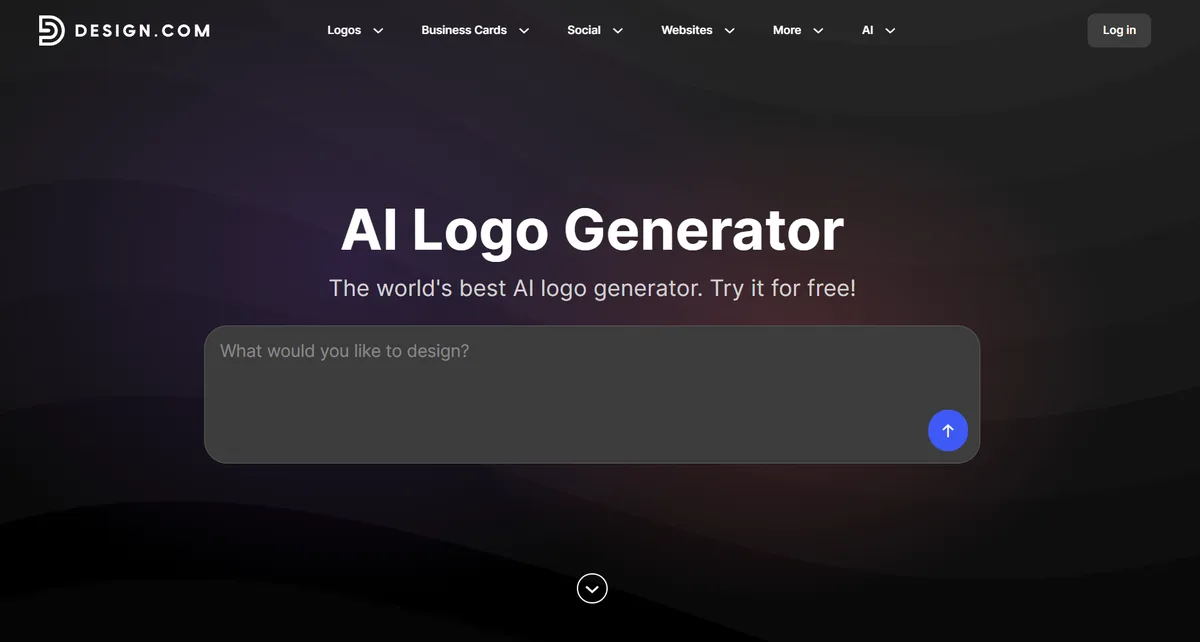
Design.com focuses on a problem many new businesses face: getting a professional logo without spending days refining it.
Its biggest advantage is a hybrid approach to logo creation.
Rather than relying entirely on automatically generated images, Design.com combines unique AI-generated concepts with professionally designed templates. This provides users with different creative directions while offering polished layouts that may already be close to usable.
The platform's AI logo generator uses business names, industries, and keywords to produce relevant concepts. Users can explore a library of more than 500,000 logo templates, covering different business categories and visual styles.
From Business Name to Finished Logo
Imagine you're launching a bakery called Golden Hearth.
You enter the business name, choose relevant keywords, and explore logo concepts featuring bakery-inspired symbols, typography, and colors.


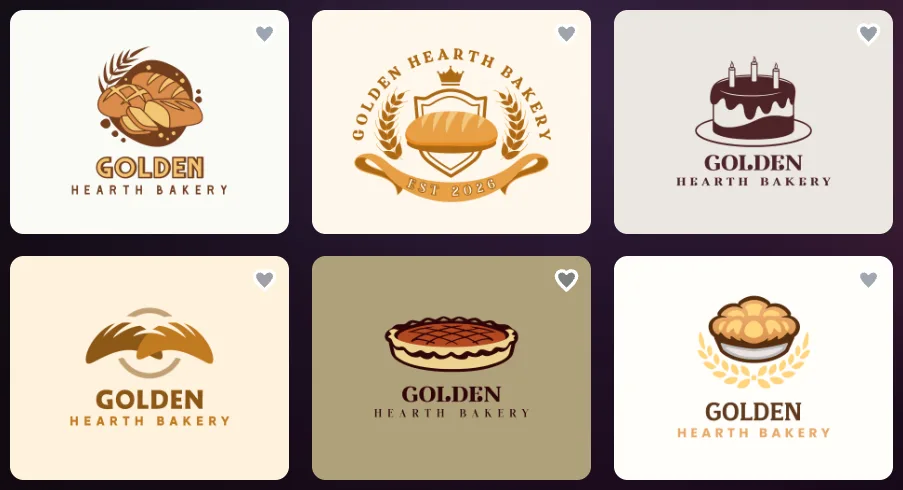
Some designs might use minimalist wordmarks, while others offer traditional badges or illustrated icons.
Instead of building every element from scratch, you can select a professionally arranged design and adjust the details.
Design.com's conversational AI editor also allows users to request changes to logo text or icons. Fonts, colors, spacing, symbols, and layouts can be customized through the visual editor.
For someone without graphic design experience, that reduces the work involved in turning an idea into a professional-looking mark.
What Happens After the Logo?
A new business rarely needs just a logo.
Golden Hearth might also need packaging labels, Instagram promotions, business cards, and a website.
Design.com provides more than 50 additional design tools for creating these materials. Compatible templates can automatically inherit the logo's brand colors, helping maintain a consistent visual identity.
Download options include high-resolution PNG and JPG files, alongside scalable SVG, EPS, and PDF formats.
Importantly, Design.com offers selected free logos with high-resolution and vector downloads, including SVG files. Premium designs and downloads from additional branding tools may require a subscription.
Pricing
| Plan | Annual Billing, Monthly Equivalent | Monthly Billing |
|---|---|---|
| Free | $0 | $0 |
| Starter | $3/month | $9/month |
| Value | $4/month | $14/month |
| Premium | $5/month | $19/month |
Pros
- Hybrid approach combining AI logos and professional templates
- Extensive selection of polished, industry-relevant designs
- Conversational AI editing for icons and text
- Selected free high-resolution and vector logo downloads
- Integrated tools for creating matching branding materials
Limitation
Design.com prioritizes simplicity and fast results. Professional designers who need highly detailed vector manipulation may prefer specialized illustration software.
Verdict: Design.com is the best overall AI logo generator for businesses that need professional logos and a consistent brand identity without a complicated design process.
2. BrandCrowd — Best for Professional Logo Templates and Easy Customization
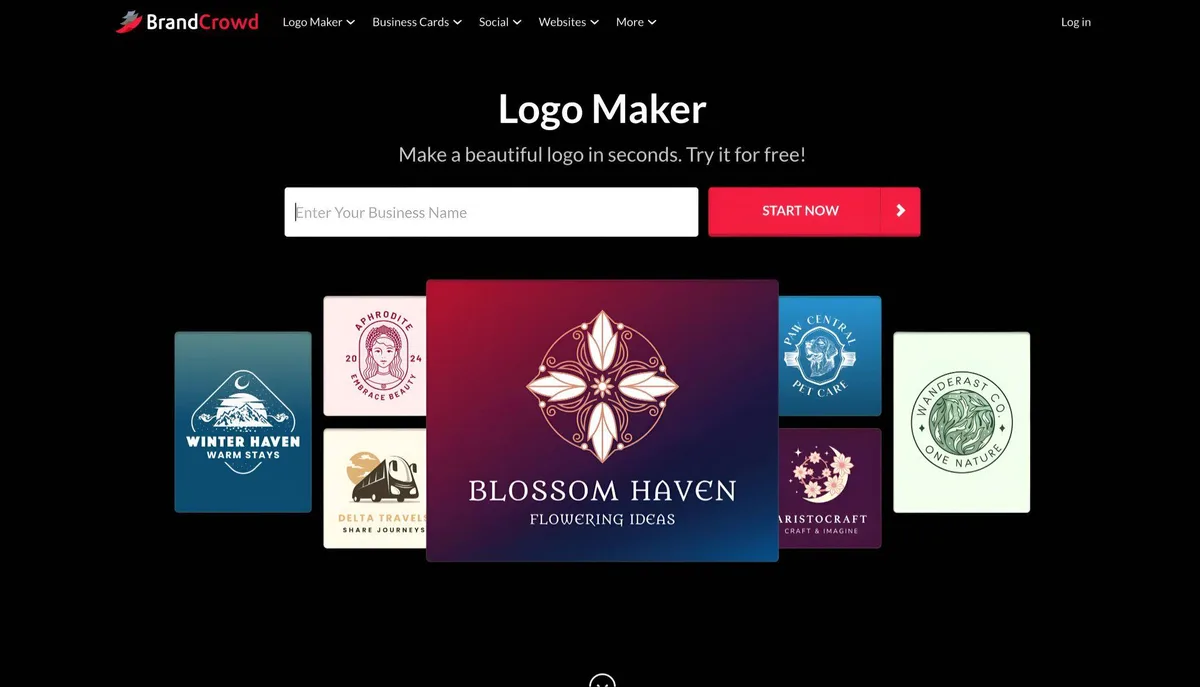
BrandCrowd is another strong option for entrepreneurs who want professional logo designs without hiring a designer.
Its logo maker draws from more than 380,000 professionally designed logo templates.
Enter a business name, explore concepts, and customize a preferred design using the built-in editor.
BrandCrowd supports changes to fonts, colors, icons, layouts, and typography. Users can also explore logo variations and preview how designs might appear on business materials.
For example, a freelance consultant could create a professional logo and develop matching business cards and social graphics without starting each design from scratch.
The platform supports high-resolution raster files and scalable vector formats, including SVG, EPS, and PDF.
Pricing: Selected logos are free. Paid plans start at $3/month billed annually, with Value and Premium tiers available at $4 and $5/month respectively on annual billing.
Pros: Extensive professional templates, beginner-friendly customization, vector exports, and additional branding tools.
Limitation: Its collaboration features are relatively streamlined compared with software designed for managing large creative teams.
Verdict: BrandCrowd is a strong alternative for small businesses that value professional logo templates and a straightforward editing process.
3. Canva — Best for Logos and Everyday Marketing Design
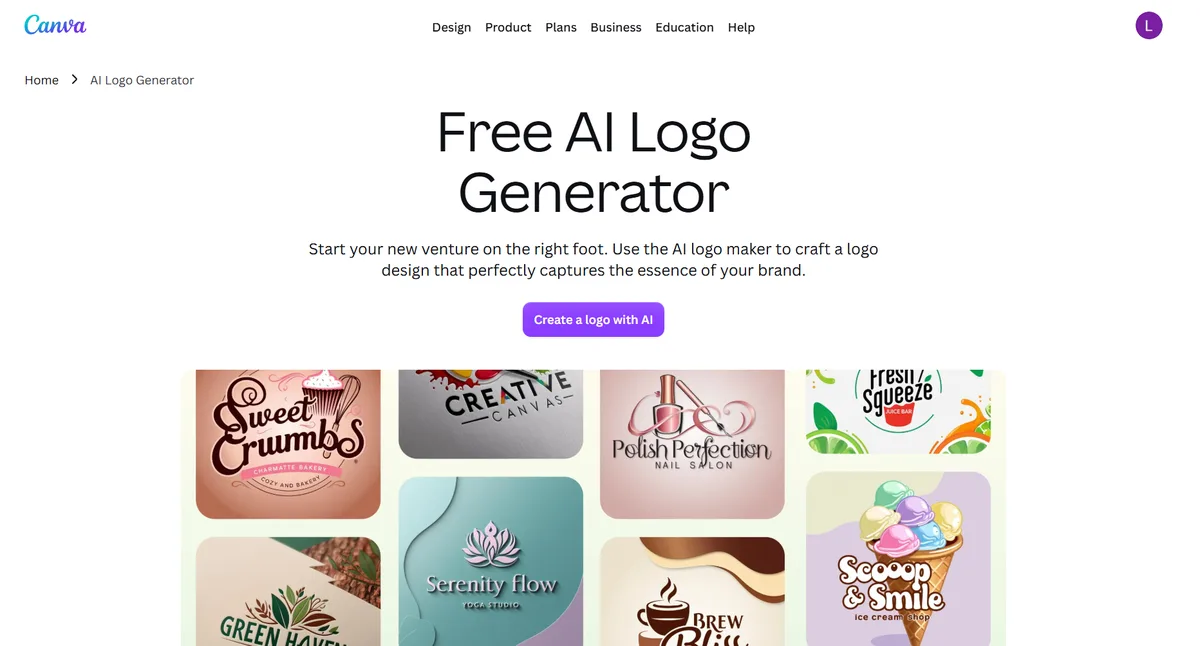
Canva works well for businesses that need a logo but also create other marketing materials regularly.
Its template library covers logos, presentations, social media graphics, flyers, and business documents. The drag-and-drop editor lets users change typography, colors, graphics, and layouts without advanced design experience.
A fitness studio, for example, could create a logo and use Canva to produce matching promotional posts for classes and membership offers.
The benefit is convenience. A logo can remain part of the same workspace used for everyday content creation.
However, there is an important distinction between creating an attractive logo and owning a distinctive trademark. Canva's licensing restrictions on library elements should be reviewed before using them as part of a registered brand mark.
Pricing: Free plan available. Canva Pro is listed at $144/year for one user in the US. Advanced exports and additional branding features depend on the plan.
Pros: Accessible editor, extensive templates, and flexible marketing workflows.
Limitation: Stock-library elements can create trademark restrictions, and certain professional download options require paid access.
Verdict: Canva is best for businesses creating logos alongside frequent marketing content.
4. Adobe Express — Best for Adobe-Based Creative Workflows
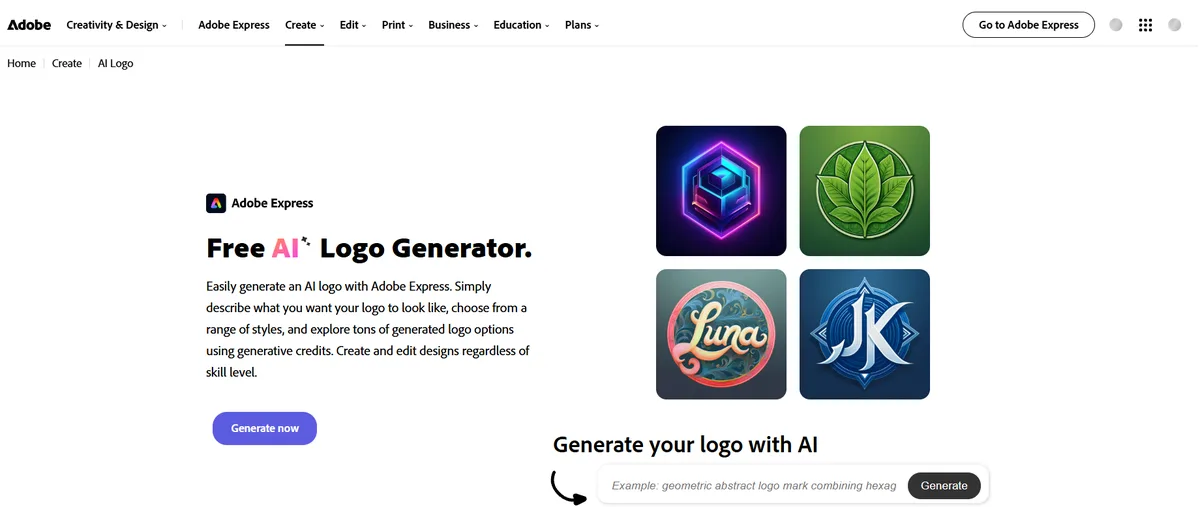
Adobe Express combines logo creation with broader graphic design capabilities.
Users can enter a business name, choose a style, explore generated logo ideas, and make further changes using its visual editor.
The platform offers typography controls, editable templates, icons, and AI-assisted creative features.
It makes particular sense for businesses already using Adobe applications.
A freelance photographer, for instance, could create a logo in Adobe Express and develop matching promotional materials without moving to an entirely different creative ecosystem.
Adobe Express supports free logo creation and offers PNG and JPG downloads through its logo-making workflow.
Pricing: A free plan is available, alongside paid subscriptions offering additional creative features and assets.
Pros: Accessible editing, Adobe Fonts, customizable templates, and integration with Adobe's broader tools.
Limitation: Users requiring precise vector path editing may need specialized software such as Adobe Illustrator.
Verdict: Adobe Express is a suitable choice for entrepreneurs who prefer Adobe's familiar design environment.
5. Looka — Best for Guided AI Logo Creation and Brand Kits
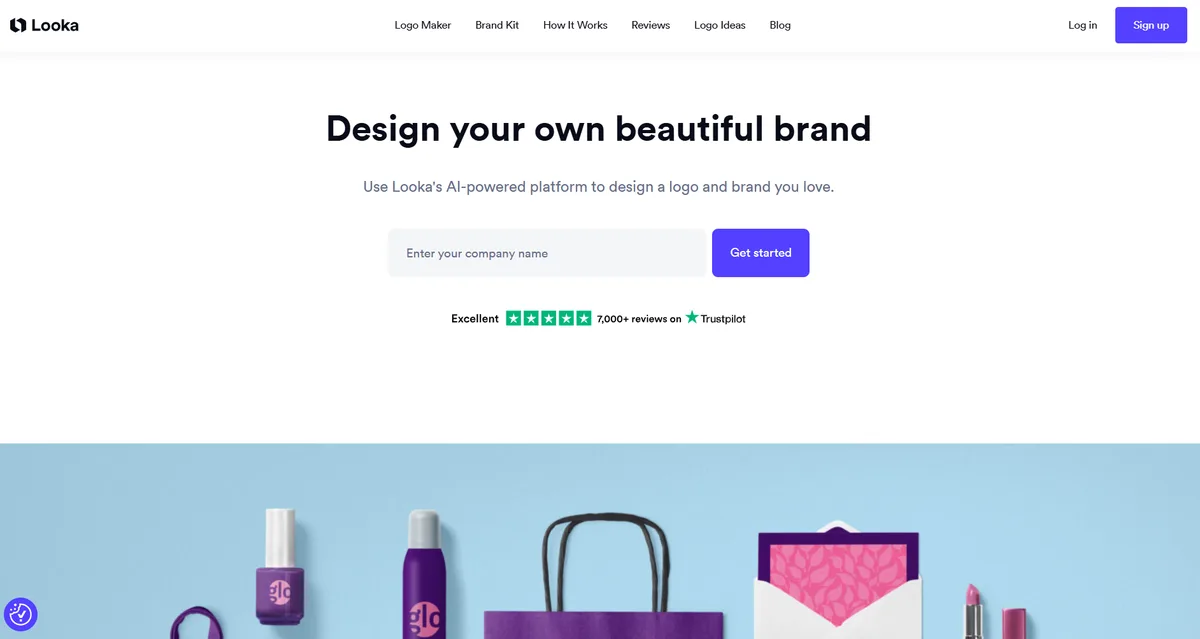
Looka approaches logo creation through a guided process.
Users enter their business name, select preferred visual styles, choose colors and symbols, and review generated logo concepts.
The platform is useful for founders who prefer structured choices rather than an open-ended design editor.
Once a design is selected, users can customize elements and explore supporting brand materials through Looka's Brand Kit.
For a freelance consultant, this can provide a straightforward route from a logo idea to coordinating social media and business-card designs.
However, logo generation and usable downloads are separate stages. Looka allows free previews, but downloading the files requires purchasing a package.
Pricing: The Basic Logo Package costs $20 as a one-time purchase and includes one PNG file. The Premium Logo Package costs $65 and includes high-resolution and vector files. Brand Kit subscriptions are sold separately.
Pros: Guided creation process, accessible editing, and coordinated brand assets.
Limitation: Downloadable logo files require payment, even when the initial concepts are generated for free.
Verdict: Looka is suitable for entrepreneurs who prefer guided logo creation and optional brand-kit materials.
How to Choose the Right AI Logo Generator
The best AI logo generator isn't necessarily the one producing the most concepts.
A business needs a logo that remains recognizable across different sizes, can be downloaded in suitable formats, and represents the brand consistently.
Before committing, check four things.
Design quality: Does the logo look professional without extensive editing? Does it follow known logo design principles?
File formats: Are SVG, EPS, or PDF vector files available for signage, packaging, and professional printing?
Commercial rights: Does the license allow your intended use, and have you checked for similar existing trademarks?
Branding tools: Can you easily produce matching business cards, websites, and marketing graphics?
| Your Priority | Recommended Tool |
|---|---|
| Professional logo and complete brand identity | Design.com |
| Extensive designer-created templates | BrandCrowd |
| Everyday marketing graphics | Canva |
| Adobe-based design workflows | Adobe Express |
| Guided AI logo creation | Looka |
Frequently Asked Questions
What is the best AI logo generator in 2026?
Design.com is our best overall recommendation because it combines AI-generated concepts, professionally designed templates, conversational editing, vector downloads, and connected branding tools.
Can I create a professional business logo using AI?
Yes. AI logo generators can create concepts based on business names, industries, and design preferences. Users should still review the finished logo for readability, originality, scalability, and suitability for their business.
Which AI logo generator offers free vector downloads?
Design.com offers a selection of free logos with high-resolution and vector downloads, including SVG files. Availability depends on the chosen design.
What is the difference between an AI logo generator and a logo maker?
An AI logo generator emphasizes automated concept creation based on user inputs. A logo maker may rely more heavily on templates and manual editing. Many modern platforms combine both approaches.
Can AI-generated logos be used commercially?
Many AI logo platforms offer commercial-use licenses, but the exact rights vary. Businesses should review licensing terms and conduct independent trademark checks before adopting a permanent brand identity.
Final Verdict: Design.com Is the Best AI Logo Generator in 2026
Design.com is the best overall AI logo generator for entrepreneurs and small businesses that want professional logos and a complete visual identity. Its hybrid approach, market-ready professional templates, conversational editing, eligible free vector downloads, and connected branding tools make it a practical choice for launching a brand.
BrandCrowd is the strongest alternative for professional logo templates. Canva, Adobe Express, and Looka remain useful for more specific workflows.
The goal is not simply to generate an attractive logo. It's to create an identity your business can actually use.