Your money,
your way.
Your Finances tracks your spending, budgets, bills, and goals — privately. No accounts, no bank login, and it works fully offline. Built for India.
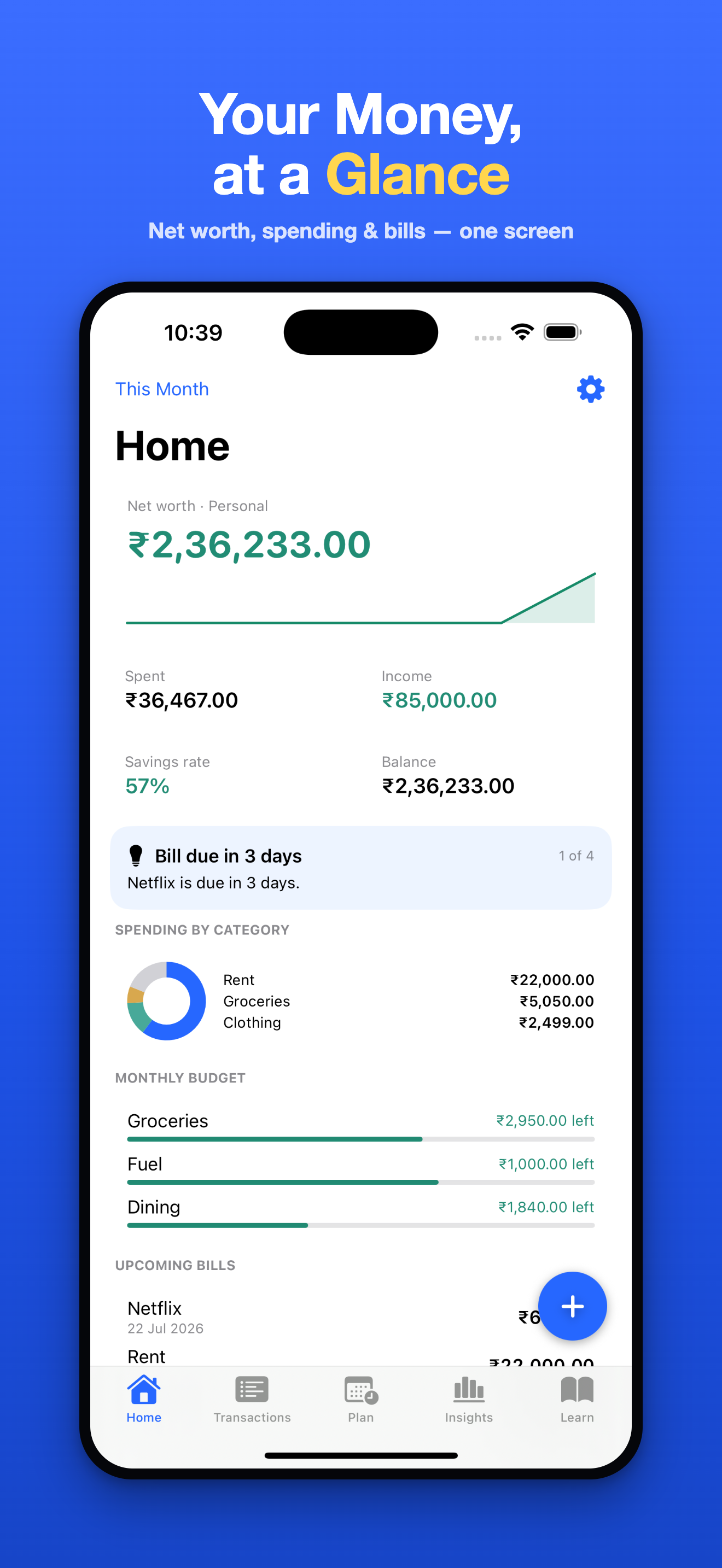
Everything your money needs, in one app.
Private by design
No sign-up, no bank connection, no ads, no tracking. Your data stays on your device — and never leaves it unless you turn on your own private iCloud sync. Privacy isn't a setting here; it's how the app is built.
Fast entry
Add a transaction in seconds — offline, anytime, no waiting.
Clear insights
Reports, charts, and simple insights that show where your money actually goes.
Plan ahead
Budgets, upcoming bills, and savings goals to help you stress less.
Money tools
Built-in SIP, EMI, and FD calculators, plus clear money guides written for India.
Face ID lock — free
Lock the app with Face ID, Touch ID, or a passcode. Always free, never behind Premium.
Clear, calm, and quick to use.
From your home dashboard to reports and calculators — everything one tap away.
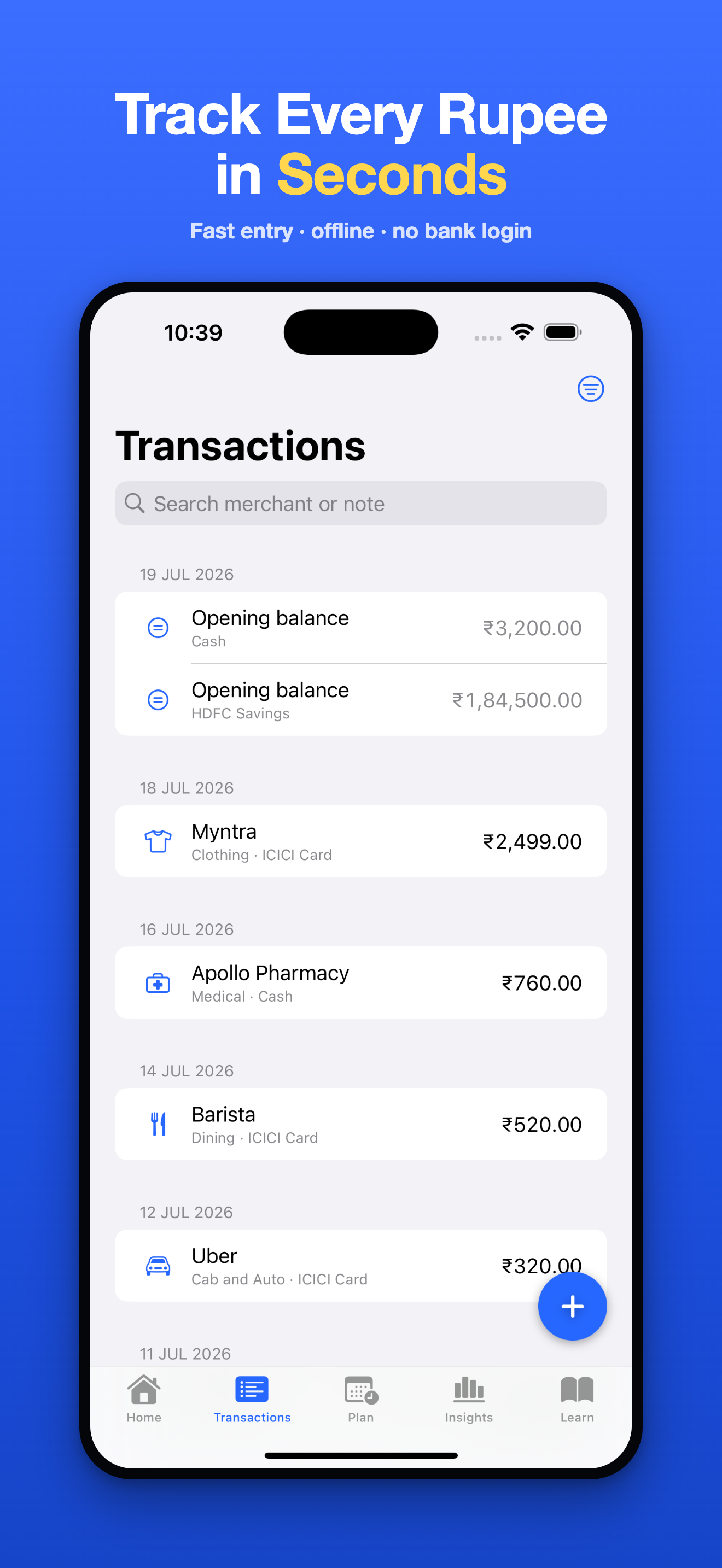
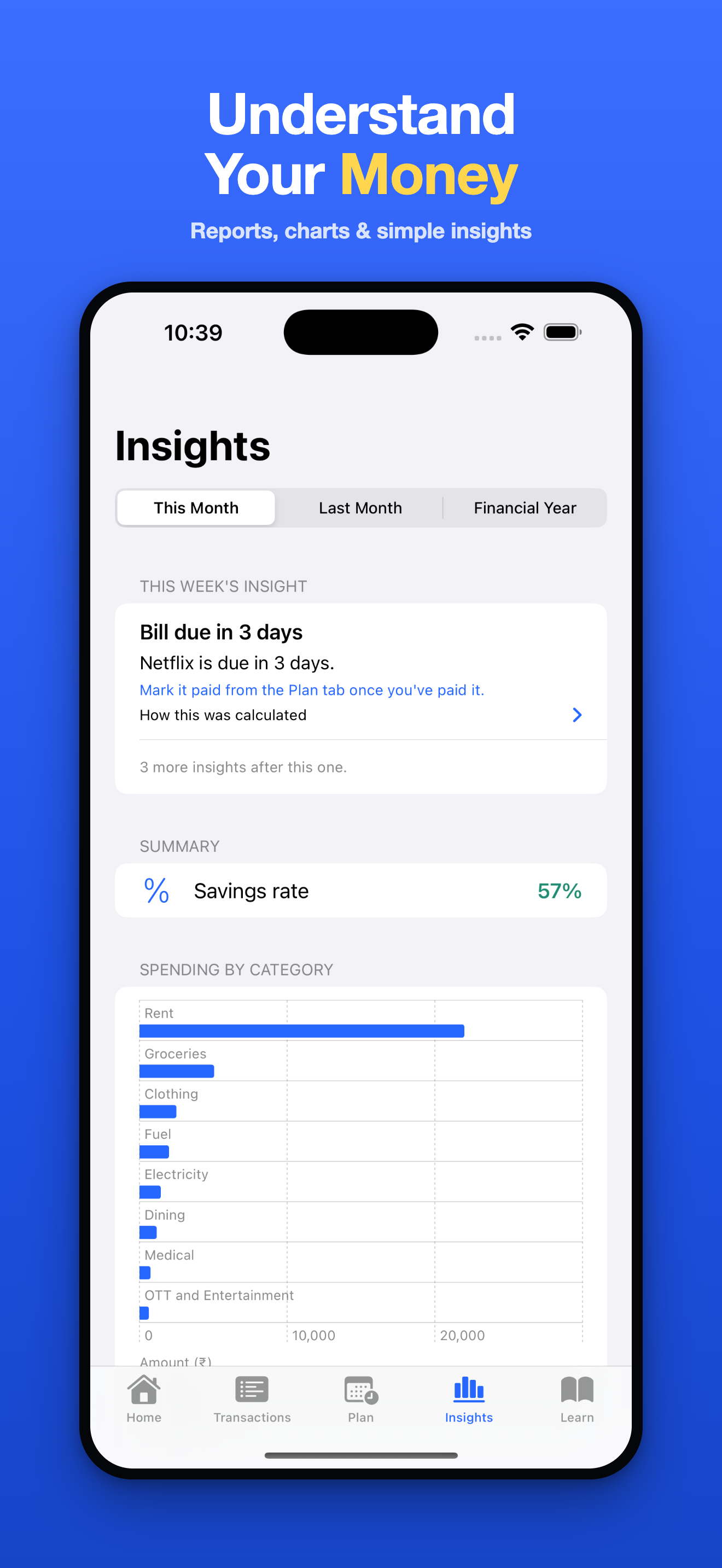
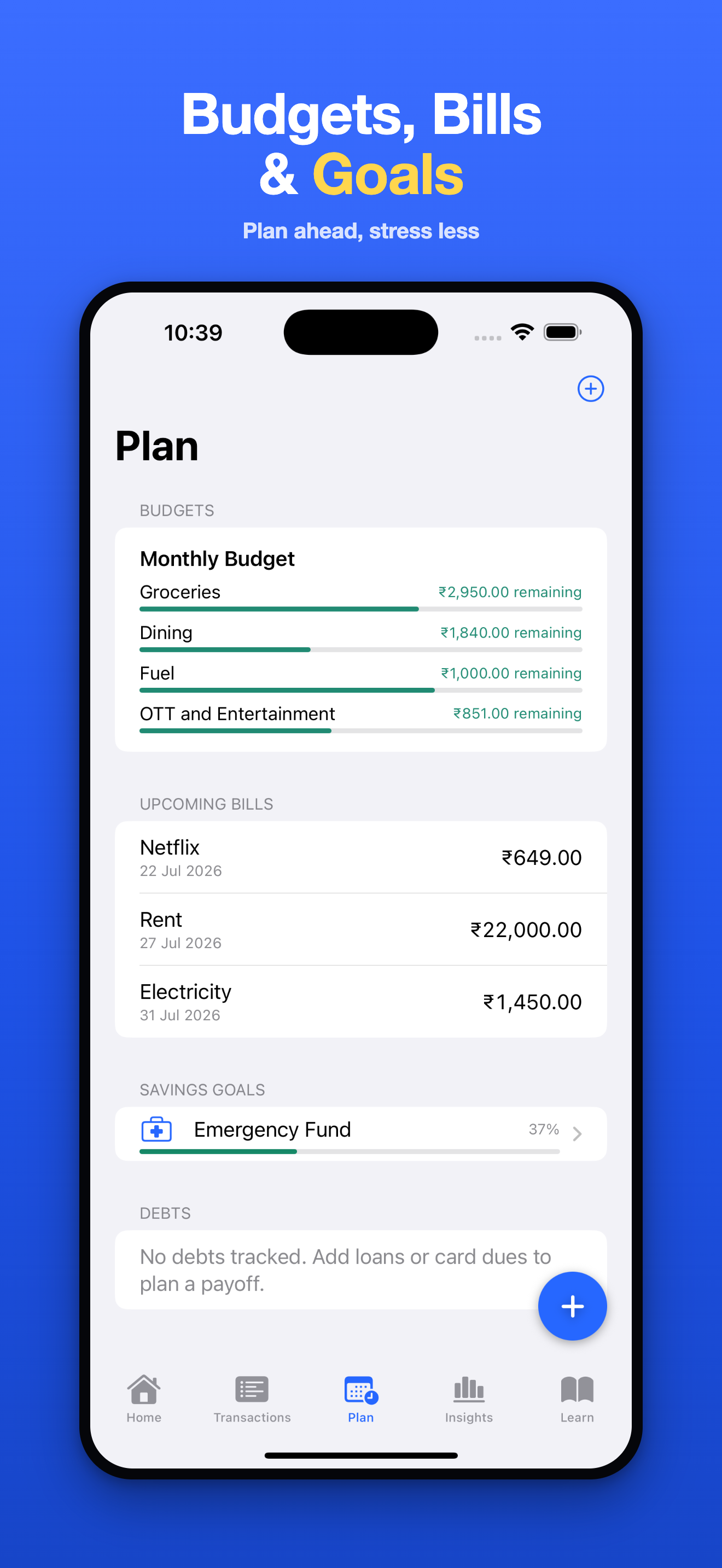
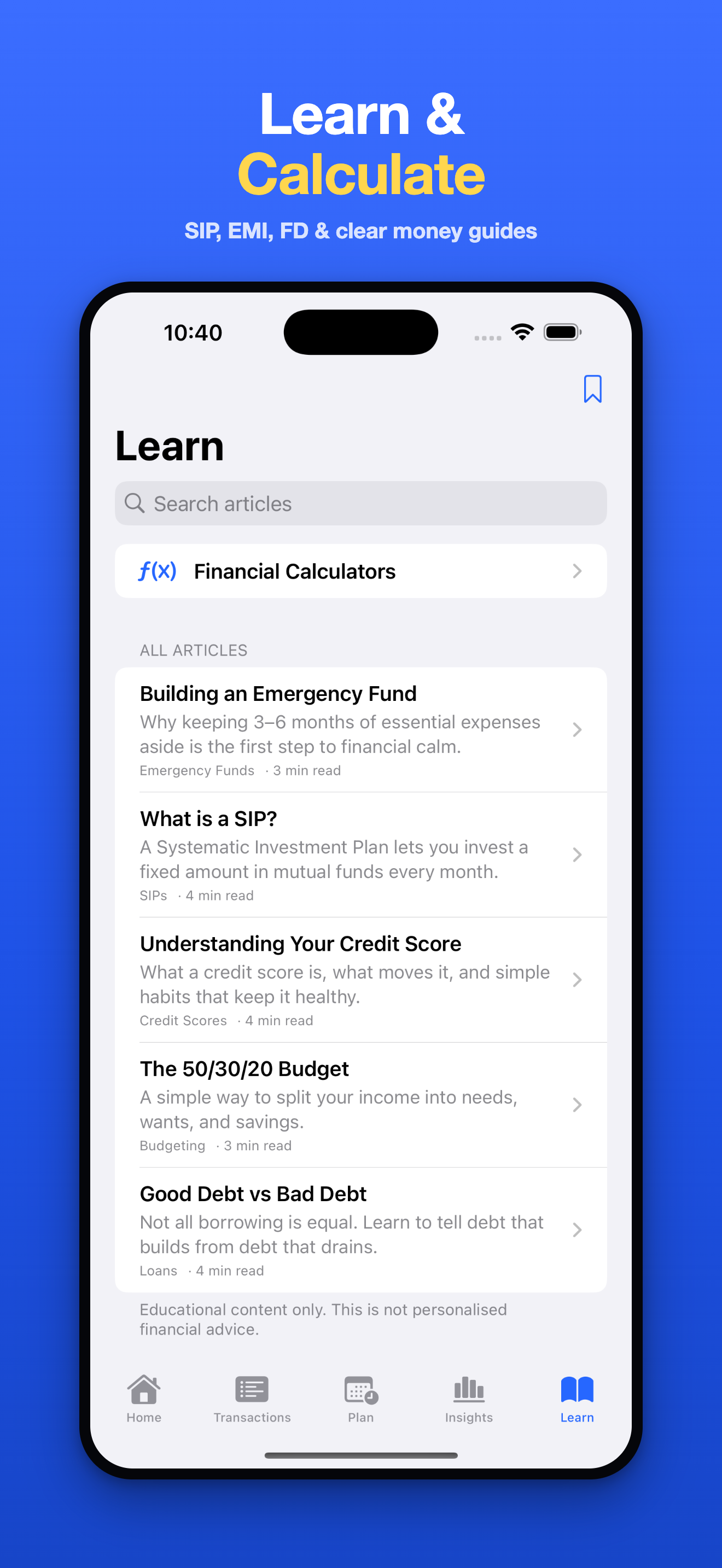
Everything essential is free.
Track spending, budgets, bills, and goals — and lock the app — at no cost. Premium adds power features for people who want more.
Everything to manage your money
- Unlimited transactions, accounts & books
- Budgets, upcoming bills & savings goals
- Reports, charts & insights
- SIP, EMI & FD calculators
- App Lock, data export & privacy mode
Monthly, yearly, or one-time lifetime — pricing shown in-app
- Everything in Free
- Advanced reports & deeper insights
- Receipt scanning & CSV import/export
- Home-screen widgets
- Lifetime option — pay once, yours forever
Questions, answered.
Do I need to create an account?
No. Your Finances works with no sign-up, no email, and no password. Open the app and start.
Does it connect to my bank?
No. You add entries yourself. The app never asks for bank, UPI, or card credentials, and works fully offline. That's by design — see our Privacy Policy.
Where is my data stored?
On your device. If you turn on iCloud sync, it syncs through your own private iCloud account across your devices. We never receive your data.
How do I move my data to a new phone?
Enable iCloud sync, or use Export all data to save a copy. Keeping sync on is the easiest way to protect and move your data.
How do I manage or cancel Premium?
Go to Settings → Apple Account → Subscriptions on your device. Deleting the app does not cancel a subscription. See our Terms of Use for billing details.
Is my money safe in the app?
The app records your money — it never holds or moves it. You can protect access with App Lock (Face ID / Touch ID / passcode) at no cost.
Take control of your money — privately.
Your Finances is on the App Store for iPhone. Free to download, built for India.