The 10 Best Desktop Video Editing Software of 2026 (Free, Prosumer & Pro)
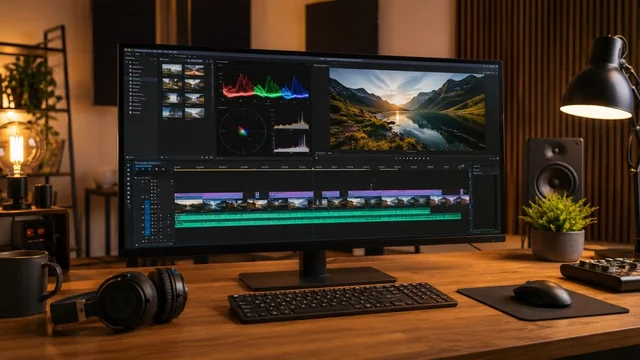
Choosing a desktop video editor in 2026 comes down to your skill level, budget, and how much AI you want doing the heavy lifting. The field now splits cleanly into three tiers: genuinely capable free editors like DaVinci Resolve and Kdenlive, affordable prosumer tools like Filmora and PowerDirector, and the professional heavyweights Premiere Pro and Final Cut Pro. This guide ranks the ten best programs for Windows and Mac, with verified 2026 pricing and the standout AI features that define each one.
Key takeaways:
- DaVinci Resolve 21 is the best overall value, offering a fully professional free version and a one-time $295 Studio upgrade with no subscription.
- Premiere Pro and Final Cut Pro remain the professional standards, with Premiere subscription-only at $22.99/month and Final Cut a one-time $299.99 on Mac.
- Final Cut Pro's biggest 2026 change is the optional Apple Creator Studio subscription ($12.99/month), though the one-time purchase still exists.
- Beginners are best served by Filmora, CapCut, Movavi, or PowerDirector, which pair easy interfaces with powerful generative AI tools.
- AI is the defining 2026 feature across the board, from Firefly Generative Extend in Premiere to text-to-video in Filmora and CapCut and IntelliScript in Resolve.
The Best Video Editing Software of 2026 at a Glance
- DaVinci Resolve 21 — Windows / Mac / Linux · Free, or Studio $295 one-time (perpetual) · Best for editors who want pro-grade editing, color, and audio without a subscription
- Adobe Premiere Pro — Windows / Mac · Subscription, $22.99/mo single app · Best for professionals and teams in the Adobe ecosystem
- Final Cut Pro — Mac only · $299.99 one-time, or Apple Creator Studio $12.99/mo · Best for Mac creators who want speed without a recurring bill
- CapCut for Desktop — Windows / Mac · Free, or Pro $9.99/mo ($89.99/yr) · Best for social and short-form creators who want fast AI editing
- Wondershare Filmora — Windows / Mac · $49.99/yr Advanced, or $99.99 perpetual · Best for beginners and hobbyists who want pro polish with AI shortcuts
- CyberLink PowerDirector — Windows (365 also Mac) · Ultra $99.99 / Ultimate $139.99 perpetual, or 365 $69.99/yr · Best for fast, feature-rich consumer editing on a PC
- Movavi Video Editor — Windows / Mac · From ~$18.95/mo, or Video Suite Plus $94.95/yr · Best for total beginners who want the simplest possible editor
- VEGAS Pro — Windows only · Edit from $19.99/mo or $199 perpetual · Best for Windows pros who want a fast, customizable NLE
- Shotcut — Windows / Mac / Linux · Free and open source · Best for budget-conscious editors who want a no-strings free tool
- Kdenlive — Windows / Mac / Linux · Free and open source · Best for open-source enthusiasts who want a powerful multi-track editor
The Picks, Reviewed
1. DaVinci Resolve 21
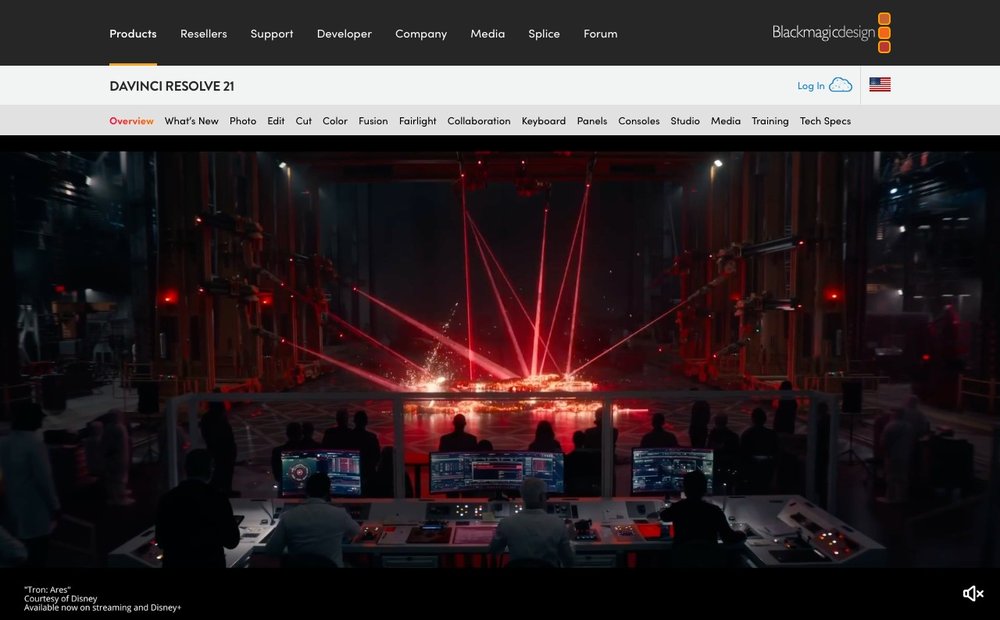
Windows / Mac / Linux · Free, or Studio $295 one-time (perpetual) · Best for editors who want pro-grade editing, color, and audio without a subscription
DaVinci Resolve is a single application that combines editing, Hollywood-grade color grading, Fusion visual effects, and Fairlight audio post into one interface. The free version is astonishingly complete, handling up to 4K UHD at 60fps with no watermark or expiry, while the one-time $295 Studio unlock adds higher resolutions and the full AI toolset. In 2026, Resolve 21 leans hard into its Neural Engine with IntelliScript script-based editing, Magic Mask, SuperScale upscaling, IntelliTrack audio panning, and Voice Isolation. It is the strongest free-to-pro pipeline available and the default recommendation for serious editors on a budget.
2. Adobe Premiere Pro
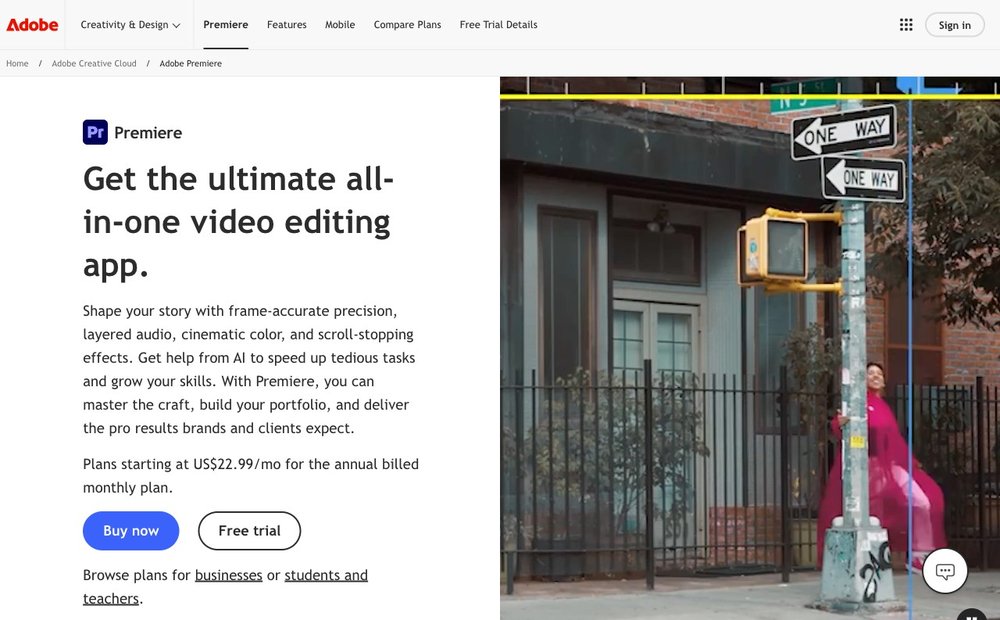
Windows / Mac · Subscription, $22.99/mo single app · Best for professionals and teams in the Adobe ecosystem
Premiere Pro remains the industry-standard timeline editor for film, broadcast, and agency work, prized for its deep format support and tight integration with After Effects, Photoshop, and Frame.io. The 2026 release is defined by AI: Firefly-powered Generative Extend can lengthen clips, AI color matching balances shots automatically, multilingual auto-transcription generates subtitles, and one-click speech enhancement cleans up bad audio. It is a subscription-only commitment at $22.99/month for the single app, which is its main downside versus one-time rivals. For collaborative professional workflows, nothing else matches its ecosystem.
3. Final Cut Pro
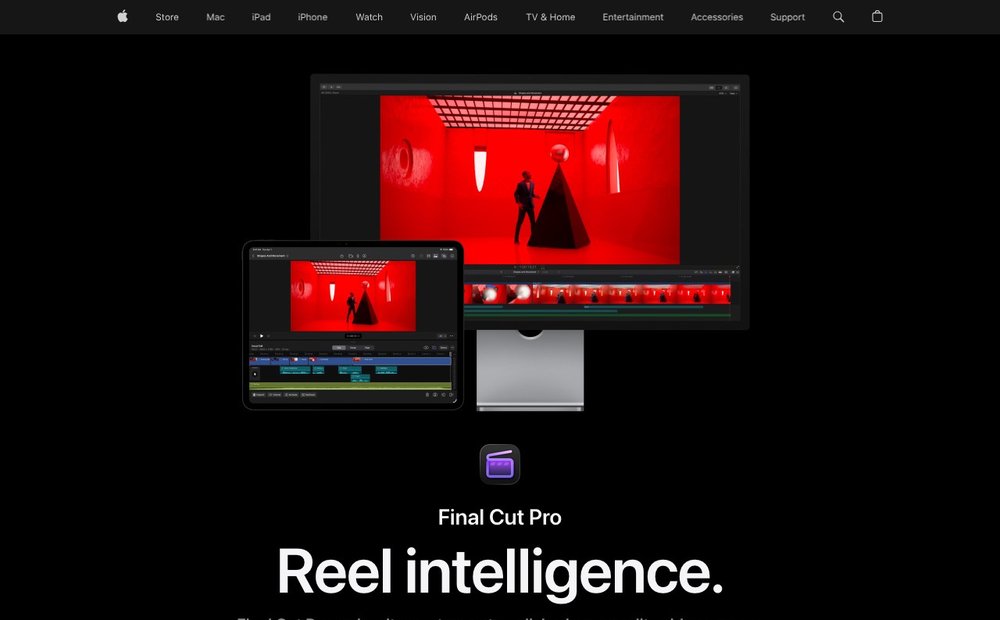
Mac only · $299.99 one-time, or Apple Creator Studio $12.99/mo · Best for Mac creators who want speed without a recurring bill
Final Cut Pro is Apple's professional editor, and on Apple Silicon Macs its magnetic timeline and background rendering are extraordinarily fast. The headline 2026 change is pricing: the classic $299.99 one-time purchase with free updates still exists, but Apple launched the Apple Creator Studio subscription ($12.99/month or $129.99/year) that bundles Final Cut Pro, Motion, and Compressor, with some premium content reserved for subscribers. New AI-driven features like Visual Search, Transcript Search, and Beat Detection come to both versions. Pair it with a 90-day free trial and it is the smart pick for Mac-only editors.
4. CapCut for Desktop
Windows / Mac · Free, or Pro $9.99/mo ($89.99/yr) · Best for social and short-form creators who want fast AI editing
CapCut's desktop app brings the wildly popular social editor to Windows and macOS with a full multi-track timeline, keyframing, chroma key, and a huge library of templates, effects, and royalty-free audio. The free tier is generous with no watermark on most features and basic AI text-to-speech, while CapCut Pro ($9.99/month) unlocks 4K export plus advanced AI like camera tracking, flicker removal, and vocal isolation. It is the fastest way to turn raw clips into platform-ready content for TikTok, Reels, and Shorts. Power editors will outgrow it, but for speed and AI convenience it is hard to beat.
5. Wondershare Filmora
Windows / Mac · $49.99/yr Advanced, or $99.99 perpetual · Best for beginners and hobbyists who want pro polish with AI shortcuts
Filmora hits the sweet spot between iMovie-level simplicity and pro features, with a friendly drag-and-drop interface that newcomers can learn in an afternoon. The 2026 version is packed with generative AI: text-to-video, image-to-video animation, AI background removal, smart cut, and automatic subtitles, with the Advanced plan including 1,000 AI credits per month. Pricing is flexible, from a $49.99/year subscription to a $99.99 one-time perpetual license. It is the best on-ramp for content creators who want results without a steep learning curve.
6. CyberLink PowerDirector
Windows (365 also Mac) · Ultra $99.99 / Ultimate $139.99 perpetual, or 365 $69.99/yr · Best for fast, feature-rich consumer editing on a PC
PowerDirector is consistently among the fastest consumer editors, with GPU-accelerated rendering that keeps even older PCs responsive. It packs an enormous toolbox: motion tracking, multicam, 360-degree editing, screen recording, and a deep AI suite covering body effects, object detection, and sky replacement. The perpetual Ultra ($99.99) and Ultimate ($139.99) licenses appeal to buyers who dislike subscriptions, while PowerDirector 365 ($69.99/year) adds continuous AI updates, effect packs, and stock assets. It is the strongest Windows-first prosumer pick for creators who want a lot of features for a modest one-time outlay.
Visit CyberLink PowerDirector »
7. Movavi Video Editor
Windows / Mac · From ~$18.95/mo, or Video Suite Plus $94.95/yr · Best for total beginners who want the simplest possible editor
Movavi is built around approachability, offering one of the gentlest learning curves of any desktop editor while still covering the essentials: trimming, transitions, titles, filters, and overlays. Its 2026 AI tools handle the tedious work, including motion tracking, background removal without a green screen, an AI denoiser for noisy audio, footage upscaling, and automatic subtitle creation. Pricing runs from around $18.95/month for the editor up to the Video Suite Plus bundle at $94.95/year, which adds a screen recorder and converter. It is ideal for casual users, educators, and small businesses making quick, clean videos.
8. VEGAS Pro
Windows only · Edit from $19.99/mo or $199 perpetual · Best for Windows pros who want a fast, customizable NLE
VEGAS Pro is a long-standing professional Windows editor known for its flexible, highly customizable timeline and strong audio tools inherited from its Sonic Foundry roots. It offers AI-assisted features like smart masking, style transfer, text-to-speech, and scene detection, alongside robust color grading and HDR support. Pricing is tiered across Edit, Suite, and Post editions, with the entry Edit plan at $19.99/month or a $199 perpetual license, and a path that converts long-term subscribers to a perpetual license. It is a credible Premiere alternative for Windows professionals who prefer to own their software.
9. Shotcut
Windows / Mac / Linux · Free and open source · Best for budget-conscious editors who want a no-strings free tool
Shotcut is a completely free, open-source, cross-platform editor with no watermarks, no accounts, and no upsells. It supports a vast range of formats natively, so most footage edits without transcoding, and handles resolutions up to 4K with solid color processing. The 2026 releases continue steady improvements to the timeline and effects, and Blackmagic Design hardware is supported for input and preview. It lacks the AI polish and slick UI of paid rivals, but for a genuinely free editor that respects your privacy and runs on modest hardware, it is a dependable choice.
10. Kdenlive
Windows / Mac / Linux · Free and open source · Best for open-source enthusiasts who want a powerful multi-track editor
Kdenlive is the leading open-source video editor of 2026, built on the MLT framework and backed by the KDE community, offering professional multi-track editing entirely for free. Recent releases add animated transition previews, drag-and-drop transitions with automatic duration adjustment, fullscreen monitor mirroring, and improved external audio capture. Development has focused on GPU acceleration and automation, narrowing the gap with paid tools. It is more capable than Shotcut for complex projects and is the best free option for editors who want depth without spending a cent or feeding a subscription.
Other Desktop Editors Worth Knowing
These editors did not make the top ten but remain in active development and suit specific needs:
- Lightworks — a professional non-linear editor with a genuinely usable free tier including 4K export, cloud editing and stock media access. Long used on feature-film work, and the strongest free option for editors who want a traditional NLE workflow.
- Pinnacle Studio — Corel's consumer and prosumer editor, sold as a perpetual licence rather than a subscription. The most recent release is version 26 (December 2024), so development continues but at a slower cadence than the market leaders.
- VideoPad — NCH Software's lightweight editor, from $69.95 as a perpetual licence. Modest system requirements make it a practical choice on older hardware where DaVinci Resolve will not run well.
- Flowblade — free and open-source, Linux-only, and actively maintained (version 2.24, December 2025). A credible alternative to Kdenlive for Linux editors who prefer a film-style trimming model.
Discontinued, and what to use instead: Serif ended MoviePlus to concentrate on its Affinity range, and Microsoft retired Windows Movie Maker in 2017 — neither receives security updates, and downloads offered elsewhere are frequently repackaged with adware. If you are coming from either, Shotcut and Kdenlive are the closest free replacements, while CapCut for Desktop is the easiest transition for simple projects.
How to Choose the Right Desktop Video Editing Software in 2026
Start with your skill level. If you are new to editing, a friendly tool like Filmora, Movavi, or CapCut will get you producing finished videos fast, with AI doing much of the heavy lifting. If you are aiming for professional work, invest the time to learn DaVinci Resolve, Premiere Pro, or Final Cut Pro, all of which reward the effort with deeper control over color, audio, and effects.
Decide free vs. subscription vs. one-time. This is the biggest financial choice. Free, no-compromise options exist (DaVinci Resolve, Kdenlive, Shotcut), so you never have to pay just to learn. Subscriptions like Premiere Pro ($22.99/mo) and CapCut Pro ($9.99/mo) give you continuous updates but never stop billing. One-time purchases (Resolve Studio at $295, Final Cut Pro at $299.99, PowerDirector perpetual licenses, VEGAS Pro perpetual) cost more up front but pay for themselves within a year or two of equivalent subscription fees.
Match the software to your platform. Final Cut Pro is Mac-only and exploits Apple Silicon better than anything else, while VEGAS Pro and the perpetual versions of PowerDirector are Windows-only. DaVinci Resolve, Premiere Pro, Filmora, Shotcut, and Kdenlive run cross-platform, which matters if you switch machines or collaborate across Mac and PC. Also check hardware: heavy 4K and effects work benefits enormously from a dedicated GPU and 16GB or more of RAM, so confirm your computer meets the recommended specs before committing.
Weigh AI features and ecosystem. In 2026, AI is the real differentiator: generative clip extension and color matching in Premiere Pro, IntelliScript and Magic Mask in Resolve, and text-to-video in Filmora and CapCut can save hours. Finally, consider the ecosystem. If you already use Photoshop and After Effects, Premiere Pro's integration is a major draw; if you are all-in on Mac, Final Cut Pro and the new Apple Creator Studio bundle make sense; and if you value independence and privacy, the open-source editors keep you free of any vendor.
Sources & Further Reading
- DaVinci Resolve official site (Blackmagic Design)
- Adobe Premiere Pro pricing and Creative Cloud plans
- Apple Final Cut Pro
- Kdenlive (free and open-source editor)
Frequently Asked Questions
What is the best free video editing software for desktop in 2026?
DaVinci Resolve is the best free editor by a wide margin, offering professional editing, color grading, visual effects, and audio post in one app with no watermark or time limit, handling up to 4K at 60fps. For a fully open-source alternative, Kdenlive is the strongest pick, followed by Shotcut. CapCut's free desktop tier is also excellent for quick social-media videos.
Is Final Cut Pro still a one-time purchase in 2026?
Yes. The classic $299.99 one-time purchase for Mac is still available with free updates. However, in early 2026 Apple also launched the Apple Creator Studio subscription ($12.99/month or $129.99/year), which bundles Final Cut Pro, Motion, and Compressor. Some premium content is reserved for subscribers, but one-time buyers still receive the standard new features.
Which video editor is best for beginners?
Filmora, Movavi, and CapCut for desktop are the most beginner-friendly, with intuitive drag-and-drop interfaces and AI tools that automate hard tasks like background removal and subtitles. Filmora offers the best balance of ease and pro features, while Movavi is the simplest of all. Mac users also have iMovie free out of the box as a starting point.
Do I need a powerful computer to edit video in 2026?
For 1080p editing, a modern laptop with 8GB of RAM is usually fine. For smooth 4K editing, effects, and AI features, you'll want a dedicated GPU, 16GB or more of RAM, and a fast SSD. Apple Silicon Macs are especially efficient with Final Cut Pro and DaVinci Resolve, delivering strong performance without a discrete graphics card.
Should I choose a subscription or a one-time purchase editor?
It depends on how long you'll use it. Subscriptions like Premiere Pro give you continuous updates but never stop charging, which adds up over years. One-time purchases such as DaVinci Resolve Studio ($295) or Final Cut Pro ($299.99) cost more up front but become cheaper than a subscription within roughly a year. If you're unsure, start with a free editor like DaVinci Resolve before paying anything.
Information is based on public sources and vendor pages current as of June 2026. Prices, plans and features change frequently — verify on the official site before purchasing. SaveDelete may earn a small commission on purchases made through some links on this page, at no extra cost to you.