
Artificial Intelligence has revolutionized the way we create and interact with audio content, and AI voice generation stands at the forefront of this transformation. Whether you're a content creator looking to produce professional voiceovers, a developer building voice-enabled applications, or a business owner seeking to enhance customer interactions, understanding how to generate AI voices has become an essential skill in 2025.
In this comprehensive guide, you'll learn everything you need to know about AI voice generation, from the fundamental concepts to advanced techniques. We'll walk you through the step-by-step process of creating realistic AI voices, explore the best tools and platforms available, and share professional tips to help you achieve studio-quality results. By the end of this article, you'll have the knowledge and confidence to generate AI voices for any project or purpose.
What You'll Learn
This guide covers the complete AI voice generation process, including:
- Understanding different types of AI voice technologies
- Selecting the right tools and platforms for your needs
- Step-by-step voice generation techniques
- Advanced customization and fine-tuning methods
- Best practices for professional-quality output
- Legal and ethical considerations
- Troubleshooting common issues
Prerequisites
Before diving into AI voice generation, ensure you have the following:
Technical Requirements
- Computer or Device: A modern computer, tablet, or smartphone with internet connectivity
- Audio Equipment: Quality headphones or speakers for audio evaluation
- Storage Space: At least 1GB of free storage for audio files and software
- Internet Connection: Stable broadband connection for cloud-based services
Knowledge Requirements
- Basic understanding of audio file formats (MP3, WAV, FLAC)
- Familiarity with text editing and formatting
- Basic computer navigation skills
- Understanding of copyright and usage rights
Optional Advanced Requirements
- Programming knowledge (Python, JavaScript) for API integration
- Audio editing software experience (Audacity, Adobe Audition)
- Understanding of machine learning concepts
Understanding AI Voice Generation Technologies
Before we begin the practical steps, it's crucial to understand the different types of AI voice generation technologies available in 2025:
Text-to-Speech (TTS)
Traditional TTS systems convert written text into spoken words using pre-recorded voice segments or parametric synthesis. Modern neural TTS systems like WaveNet and Tacotron produce more natural-sounding speech.
Voice Cloning
Voice cloning technology creates synthetic versions of specific voices using machine learning models trained on sample recordings. This technology can replicate unique vocal characteristics, accents, and speaking patterns.
Real-time Voice Conversion
Advanced systems can modify voices in real-time, changing pitch, tone, accent, or completely transforming one voice into another during live conversations or recordings.
Top AI Voice Generation Tools and Platforms
Here are the leading AI voice generation platforms available in 2025:
ElevenLabs
Premium AI voice synthesis with voice cloning
ElevenLabs offers cutting-edge AI voice generation with exceptional quality and realistic voice cloning capabilities. Their platform supports multiple languages and provides extensive customization options.
- High-quality voice cloning from short samples
- 29+ languages and accents
- Real-time voice generation
- API integration available
- Commercial usage rights
Murf AI
Professional voiceovers made simple
Murf AI specializes in creating professional voiceovers for business use, offering a wide range of voices and easy-to-use editing tools.
- 120+ voices in 20+ languages
- Voice editing and customization
- Background music integration
- Team collaboration features
- Commercial licensing included
Speechify
AI-powered text-to-speech platform
Speechify offers natural-sounding AI voices with focus on accessibility and content consumption, featuring celebrity voice options and mobile apps.
- Natural-sounding AI voices
- Celebrity voice options
- Mobile and desktop apps
- Document and web page reading
- Speed control and highlighting
Synthesia
AI video generation with synthetic voices
While primarily a video platform, Synthesia offers excellent AI voice generation capabilities integrated with AI avatars for comprehensive content creation.
- AI avatars with synchronized voices
- 65+ languages supported
- Custom avatar creation
- Enterprise-grade security
- Template library
Step-by-Step Guide to Generate AI Voices
Now let's walk through the complete process of generating AI voices, from initial setup to final output:
Step 1: Choose Your AI Voice Platform
Select an AI voice generation platform based on your specific needs:
- Assess Your Requirements: Determine your budget, quality needs, language requirements, and intended use case
- Compare Features: Review the tools listed above and compare their capabilities
- Test Free Trials: Most platforms offer free trials or limited free tiers
- Check Licensing: Ensure the platform's licensing terms match your intended use
Step 2: Create Your Account and Set Up
Once you've selected a platform, follow these setup steps:
- Sign Up: Create an account using your email address
- Verify Your Account: Check your email for verification links
- Choose Your Plan: Select a subscription tier that meets your needs
- Complete Profile Setup: Add necessary billing and profile information
- Download Software: Install any required desktop applications or mobile apps
Step 3: Prepare Your Text Content
Proper text preparation is crucial for high-quality AI voice generation:
- Write Clear Text: Use proper grammar, punctuation, and sentence structure
- Add Pronunciation Guides: Include phonetic spellings for difficult words
- Format for Speech: Write numbers and abbreviations as they should be spoken
- Include Pauses: Use commas and periods to control pacing
- Remove Special Characters: Clean up any formatting that might confuse the AI
Step 4: Select or Create Your AI Voice
Choose the right voice for your project:
- Browse Voice Library: Explore available pre-made voices
- Filter by Criteria: Use filters for gender, age, accent, and language
- Listen to Samples: Test different voices with sample text
- Consider Your Audience: Match the voice to your target demographic
- Clone a Voice (Optional): Upload voice samples if using voice cloning features
Step 5: Configure Voice Settings
Fine-tune your voice parameters for optimal results:
- Adjust Speaking Speed: Set the pace from slow to fast based on content type
- Modify Pitch: Raise or lower the voice pitch as needed
- Set Emotion and Tone: Choose from available emotional presets
- Configure Pauses: Adjust pause lengths between sentences and paragraphs
- Add Emphasis: Mark words or phrases for special emphasis
Step 6: Generate Your AI Voice
Now it's time to create your AI voice:
- Input Your Text: Paste or type your prepared text into the platform
- Preview Settings: Review all your voice and text configurations
- Generate Sample: Create a short sample to test quality
- Make Adjustments: Fine-tune settings based on the sample
- Generate Full Audio: Process your complete text
- Wait for Processing: Allow time for the AI to generate your audio
Step 7: Review and Edit Your Generated Voice
Quality control is essential for professional results:
- Listen Completely: Play through the entire generated audio
- Check for Errors: Identify mispronunciations or awkward phrasing
- Verify Pacing: Ensure appropriate speed and pause timing
- Test on Different Devices: Listen on various speakers and headphones
- Make Corrections: Edit text or settings and regenerate problem sections
Step 8: Export and Save Your AI Voice
Properly save and organize your generated content:
- Choose File Format: Select appropriate format (MP3, WAV, FLAC)
- Set Quality Settings: Choose bitrate and sample rate
- Download Files: Save to your local device or cloud storage
- Create Backups: Store copies in multiple locations
- Organize Files: Use clear naming conventions and folder structures
Advanced AI Voice Generation Techniques
Voice Cloning Best Practices
For those interested in voice cloning, follow these advanced techniques:
- High-Quality Source Material: Use clear, noise-free recordings
- Diverse Sample Content: Include various emotions and speaking styles
- Sufficient Duration: Provide at least 10-30 minutes of source audio
- Consistent Recording Conditions: Use the same microphone and environment
- Multiple Training Sessions: Iteratively improve the cloned voice
API Integration for Developers
Integrate AI voice generation into your applications:
- Obtain API Keys: Register for developer access
- Read Documentation: Study the API reference guides
- Set Up Authentication: Implement secure API key handling
- Test API Calls: Start with simple text-to-speech requests
- Handle Responses: Process audio data and error handling
- Implement Caching: Store generated audio to reduce API calls
Batch Processing Large Projects
For large-scale voice generation projects:
- Prepare Scripts: Organize content into manageable chunks
- Use Consistent Settings: Maintain voice parameters across batches
- Monitor Progress: Track generation status and completion
- Quality Assurance: Implement systematic review processes
- Automated Workflows: Use scripts to streamline repetitive tasks
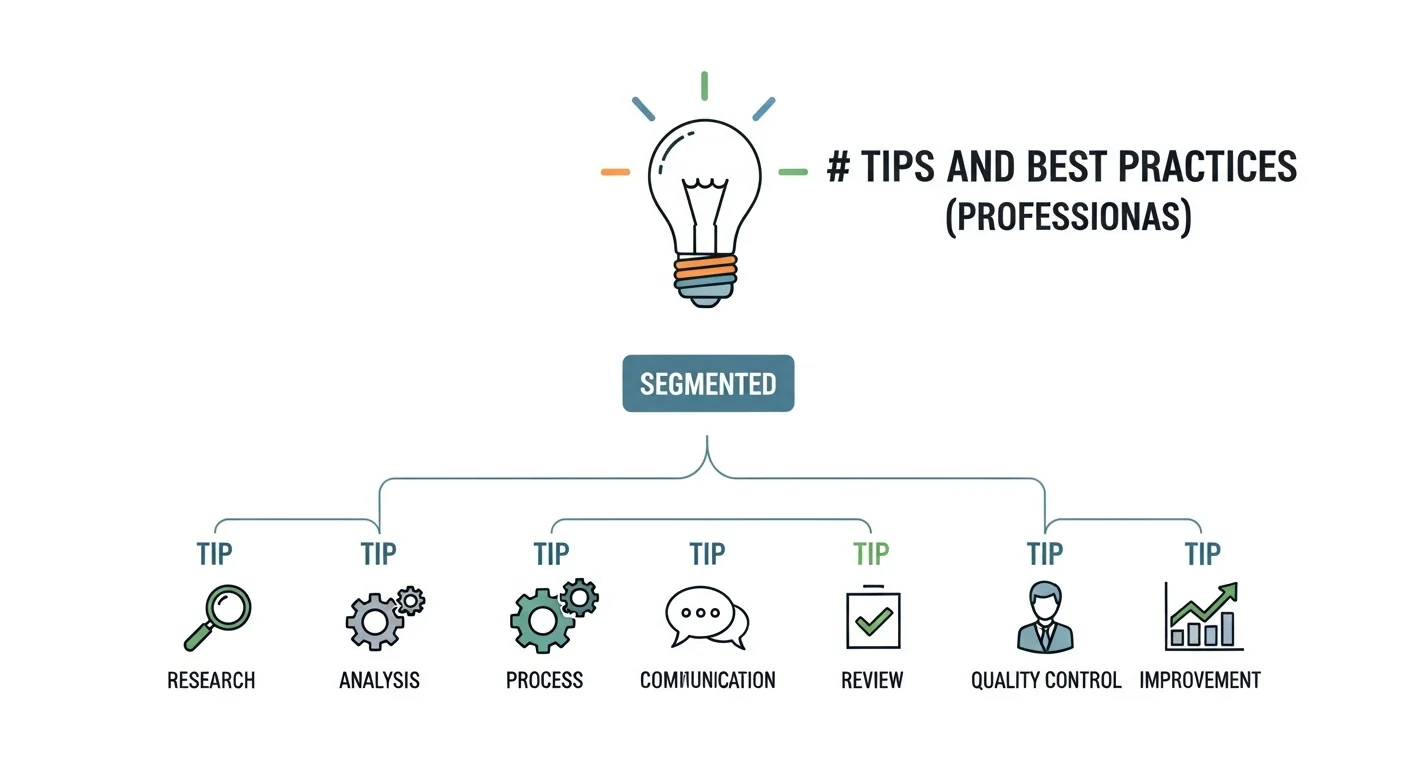
Tips and Best Practices
Content Optimization
- Write for Speech: Use conversational language rather than formal written text
- Include Natural Pauses: Add commas and periods where you would naturally pause
- Spell Out Numbers: Write "twenty-five" instead of "25" for better pronunciation
- Use SSML Tags: Implement Speech Synthesis Markup Language for advanced control
- Test Different Phrasings: Experiment with alternative wordings for better flow
Voice Selection Guidelines
- Match Your Brand: Choose voices that align with your brand personality
- Consider Your Audience: Select age-appropriate and culturally relevant voices
- Test Across Content Types: Ensure the voice works for all your content
- Maintain Consistency: Use the same voice across related projects
- Get Feedback: Test voices with your target audience
Technical Optimization
- Use High-Quality Source Text: Start with clean, well-formatted content
- Optimize for Your Platform: Consider where the audio will be played
- Balance File Size and Quality: Choose appropriate compression settings
- Test Playback Compatibility: Ensure files work across different devices
- Monitor Processing Times: Plan for generation delays in your workflow
Common Mistakes to Avoid
Content-Related Mistakes
- Using Complex Formatting: Avoid tables, bullet points, and special characters in your source text
- Ignoring Pronunciation: Not providing guidance for technical terms or proper names
- Overlooking Context: Failing to consider how the voice fits the content's purpose
- Rushing the Writing Process: Not taking time to optimize text for speech
- Inconsistent Tone: Mixing formal and casual language inappropriately
Technical Mistakes
- Choosing Wrong File Formats: Using incompatible audio formats for your intended use
- Insufficient Quality Testing: Not listening to the complete generated audio
- Ignoring Licensing Terms: Using voices without proper commercial licenses
- Poor File Organization: Not maintaining proper version control and backups
- Overprocessing: Applying too many effects or modifications
Workflow Mistakes
- Skipping the Planning Phase: Not defining project requirements upfront
- Inadequate Testing: Not testing voices across different playback scenarios
- Lack of Backup Plans: Not having alternatives if primary tools fail
- Ignoring User Feedback: Not incorporating audience response into improvements
- Insufficient Documentation: Not keeping records of settings and processes
Legal and Ethical Considerations
Copyright and Licensing
Understanding the legal aspects of AI voice generation is crucial:
- Commercial Usage Rights: Verify that your chosen platform allows commercial use
- Voice Cloning Consent: Only clone voices with explicit permission from the voice owner
- Attribution Requirements: Some platforms require crediting the AI voice service
- Content Restrictions: Review prohibited content policies
- Geographic Limitations: Check if licensing varies by country or region
Ethical Guidelines
- Transparency: Disclose when content uses AI-generated voices
- Consent for Voice Cloning: Always obtain permission before cloning someone's voice
- Avoid Deception: Don't use AI voices to impersonate real people maliciously
- Respect Privacy: Don't use AI voices to create misleading or harmful content
- Cultural Sensitivity: Be mindful of accents and cultural representations
Troubleshooting Common Issues
Quality Problems
| Problem | Symptoms | Solutions |
|---|---|---|
| Robotic Sound | Unnatural, mechanical voice quality | Try different voices, adjust naturalness settings, use premium tiers |
| Mispronunciation | Incorrect pronunciation of words | Add phonetic spellings, use SSML tags, spell out difficult words |
| Poor Pacing | Too fast, too slow, or awkward pauses | Adjust speed settings, add punctuation, use pause controls |
| Inconsistent Volume | Volume varies throughout the audio | Use audio normalization, check source text formatting |
Technical Issues
- Generation Failures: Check internet connection, text length limits, and account credits
- Slow Processing: Use shorter text segments, try during off-peak hours
- File Corruption: Re-download files, try different formats, check storage space
- Compatibility Problems: Convert file formats, update software, check codec support
Platform-Specific Solutions
- API Errors: Verify authentication, check rate limits, review error messages
- Account Issues: Contact support, verify billing information, check subscription status
- Feature Limitations: Upgrade plans, try alternative platforms, use workarounds
- Integration Problems: Review documentation, test with simple examples, seek developer support
Frequently Asked Questions
How realistic are AI-generated voices in 2025?
AI-generated voices in 2025 are remarkably realistic, with top platforms like ElevenLabs and Murf producing voices that are often indistinguishable from human speech. The technology has advanced significantly, incorporating neural networks that can capture subtle nuances, emotions, and natural speech patterns. However, quality varies between platforms and voice models.
Can I use AI-generated voices for commercial purposes?
Yes, most major AI voice platforms offer commercial licensing, but terms vary by provider. Premium plans typically include commercial usage rights, while free tiers may have restrictions. Always review the specific licensing terms of your chosen platform and ensure you have appropriate permissions for your intended use case.
How much does AI voice generation cost?
Costs vary significantly depending on the platform and usage level. Free tiers are available on most platforms with limited features. Paid plans typically range from $5-50 per month for individual users, with enterprise pricing available for high-volume usage. Many platforms charge based on character count or audio duration generated.
Is it legal to clone someone's voice without permission?
No, cloning someone's voice without explicit permission raises serious legal and ethical concerns. Most jurisdictions consider voice cloning without consent a violation of personality rights and potentially fraud. Always obtain written permission before cloning anyone's voice, and be transparent about using AI-generated content.
What's the difference between TTS and voice cloning?
Text-to-Speech (TTS) converts text to speech using pre-trained generic voices, while voice cloning creates a synthetic version of a specific person's voice. TTS offers ready-to-use voices with various accents and styles, while voice cloning requires sample recordings but produces more personalized results that match a particular individual's vocal characteristics.
How can I improve the quality of AI-generated voices?
To improve quality: use well-written, conversational text; choose appropriate voices for your content; adjust speed and pitch settings; add proper punctuation for natural pauses; use phonetic spellings for difficult words; and test different platforms to find the best match for your needs. Premium platforms generally offer better quality than free alternatives.
Can AI voices speak multiple languages?
Yes, many AI voice platforms support multiple languages, with leading services offering 20-50+ languages and various accents. Some platforms can even maintain voice characteristics across different languages. However, quality may vary between languages, with English typically having the most advanced options.
What audio formats are supported for AI voice output?
Most platforms support common audio formats including MP3, WAV, and FLAC. MP3 is widely compatible and space-efficient, WAV offers uncompressed quality, and FLAC provides lossless compression. Some platforms also support OGG, AAC, and other specialized formats. Choose based on your quality needs and compatibility requirements.
Future of AI Voice Generation
The AI voice generation landscape continues to evolve rapidly. Here are key trends to watch:
Emerging Technologies
- Real-time Voice Conversion: Live voice transformation during calls and streams
- Emotional Intelligence: AI voices that adapt emotions based on content context
- Multilingual Voice Cloning: Single voice models that work across multiple languages
- Interactive Voice Assistants: More natural conversational AI with generated voices
- Personalized Voice Synthesis: Custom voices tailored to individual preferences
Industry Applications
- Entertainment: Video games, audiobooks, and film dubbing
- Education: Personalized learning experiences and accessibility tools
- Healthcare: Patient communication and therapeutic applications
- Business: Customer service, marketing, and training materials
- Content Creation: Podcasts, videos, and social media content
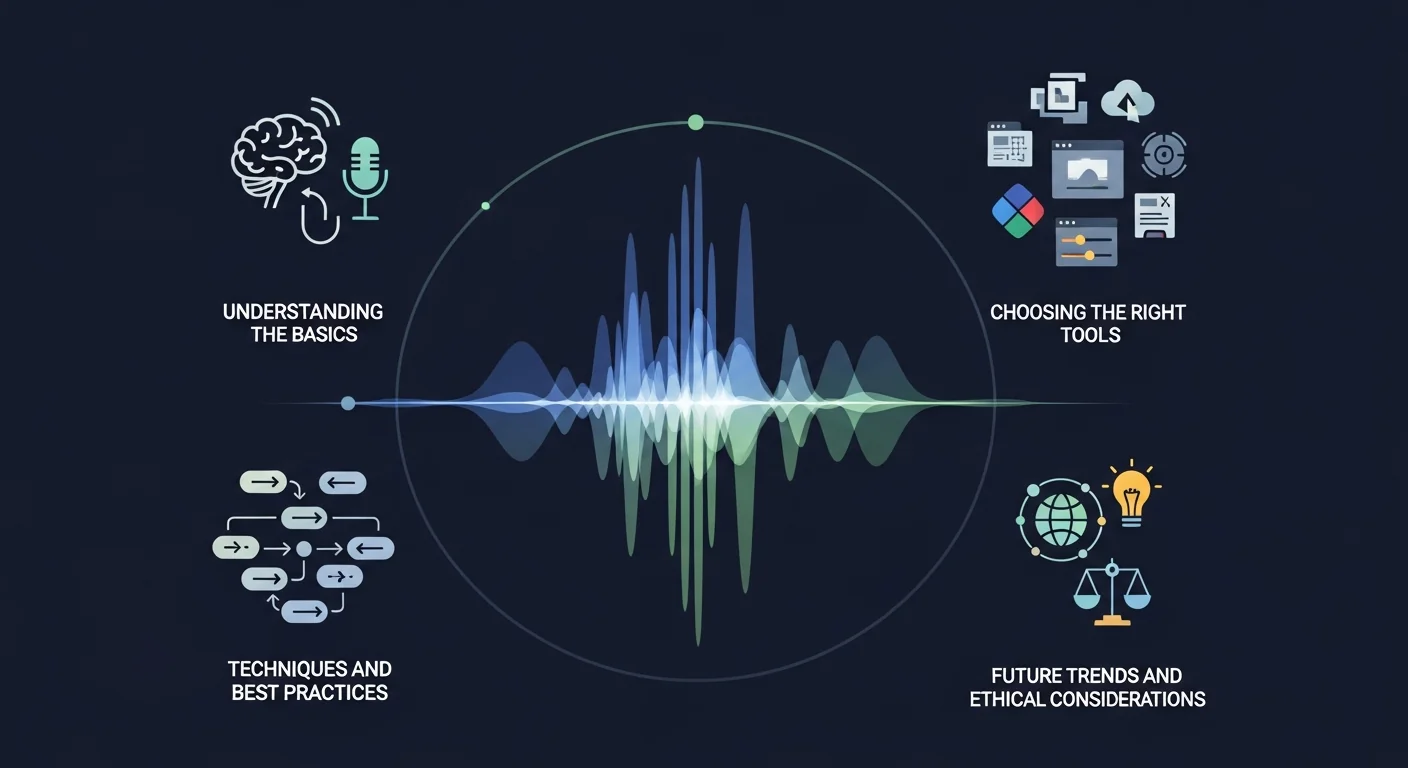
Conclusion and Next Steps
AI voice generation has become an accessible and powerful tool for creators, businesses, and developers in 2025. With the right platform, proper preparation, and attention to best practices, you can create professional-quality AI voices for virtually any application.
The key to success lies in understanding your specific needs, choosing the appropriate tools, and investing time in learning the nuances of voice generation. Remember to always consider legal and ethical implications, especially when dealing with voice cloning or commercial applications.
Your Next Steps
- Start with Free Trials: Test multiple platforms to find your preferred solution
- Practice with Simple Projects: Begin with short, straightforward content
- Build Your Skills Gradually: Progress from basic TTS to advanced voice cloning
- Stay Updated: Follow platform updates and new feature releases
- Join Communities: Connect with other AI voice generation users for tips and support
- Experiment Continuously: Try new voices, settings, and techniques
- Document Your Process: Keep records of successful configurations for future projects
As AI voice technology continues to advance, the possibilities for creative and practical applications will only expand. By mastering these fundamentals now, you'll be well-positioned to take advantage of future innovations and create compelling audio content that engages and informs your audience.
Whether you're creating educational content, developing applications, or producing marketing materials, AI voice generation offers unprecedented opportunities to enhance your projects with professional-quality audio. Start your journey today and discover the transformative potential of AI-generated voices.