
The landscape of AI-powered design tools has exploded in 2026, revolutionizing how creators, marketers, and businesses approach visual content creation. From generating stunning artwork in seconds to automating complex design workflows, artificial intelligence has democratized design capabilities that once required years of training and expensive software suites. Whether you're a seasoned designer looking to streamline your workflow or a complete beginner wanting to create professional-quality visuals, there's an AI tool tailored to your needs.
This comprehensive guide explores the best AI design tools available in 2026, covering everything from image generation and logo creation to video editing and 3D modeling. We've tested dozens of platforms to bring you detailed insights into their capabilities, pricing, and ideal use cases. Each tool represents a significant leap forward in making design accessible, efficient, and incredibly powerful.
The tools featured in this list span various categories and skill levels, ensuring that whether you're creating social media graphics, designing websites, or producing marketing materials, you'll find the perfect AI companion to elevate your creative projects. Let's dive into the future of design technology.
AI Image Generation Tools
Nano Banana Pro
Google's flagship image model (Gemini 3 Pro Image)
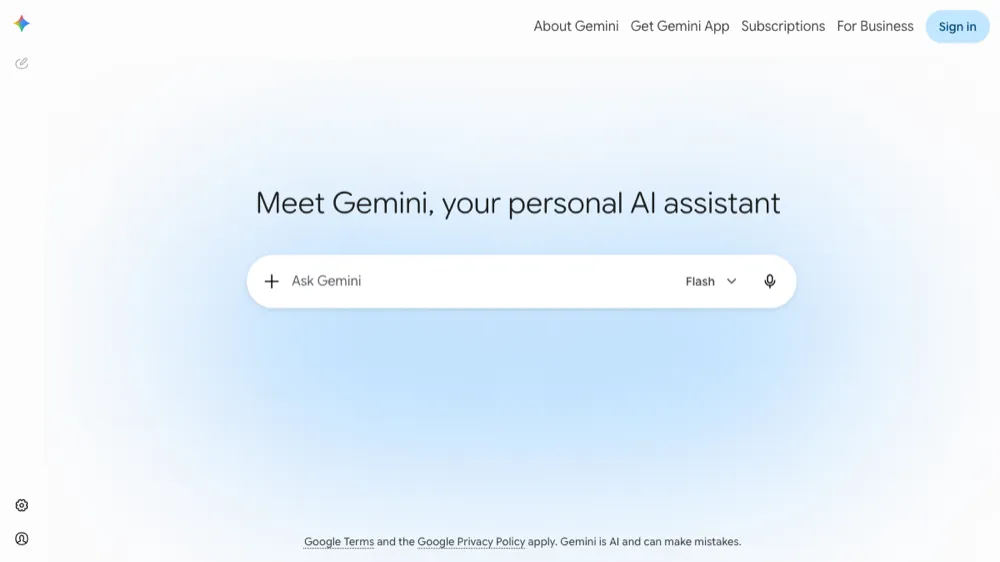
Nano Banana Pro, built on Google's Gemini 3 Pro Image model, is the 2026 benchmark for photorealism and prompt accuracy. It excels at legible text inside images, consistent characters, and precise edits from plain-language instructions, all inside the Gemini app.
- Photoreal output with accurate in-image text
- Conversational, multi-turn image editing
- Strong character and style consistency
- Available in the Gemini app and API
FLUX 2
Frontier open-weight image model from Black Forest Labs
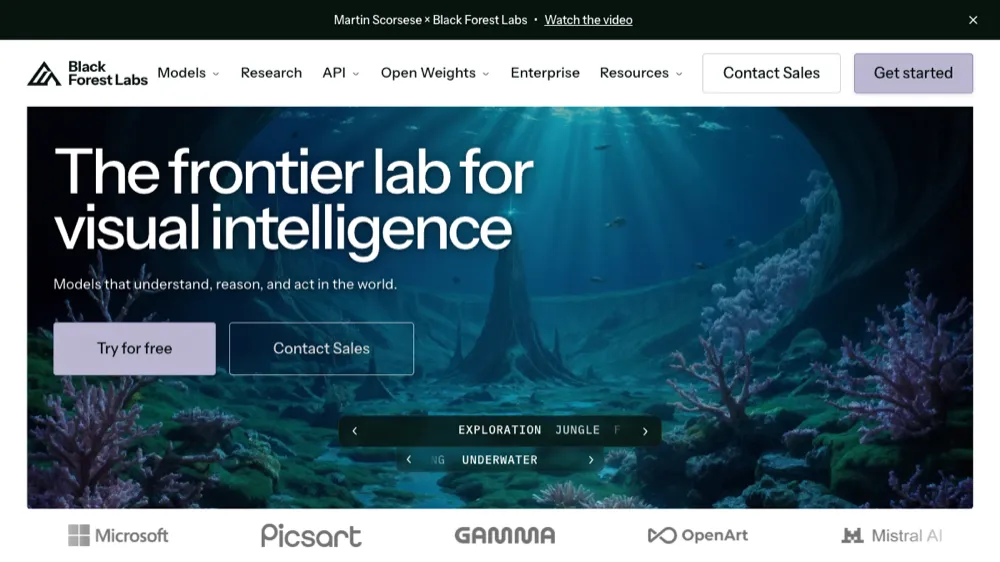
FLUX 2 from Black Forest Labs is the leading open-weight image generator, prized by developers for its quality, prompt adherence, and self-hosting freedom. It powers many third-party apps and offers both hosted API access and downloadable weights.
- Open weights you can self-host
- Excellent prompt adherence and fine detail
- Hosted API for easy integration
- Commercial-friendly licensing
Recraft
AI image and vector generation for brand-consistent design
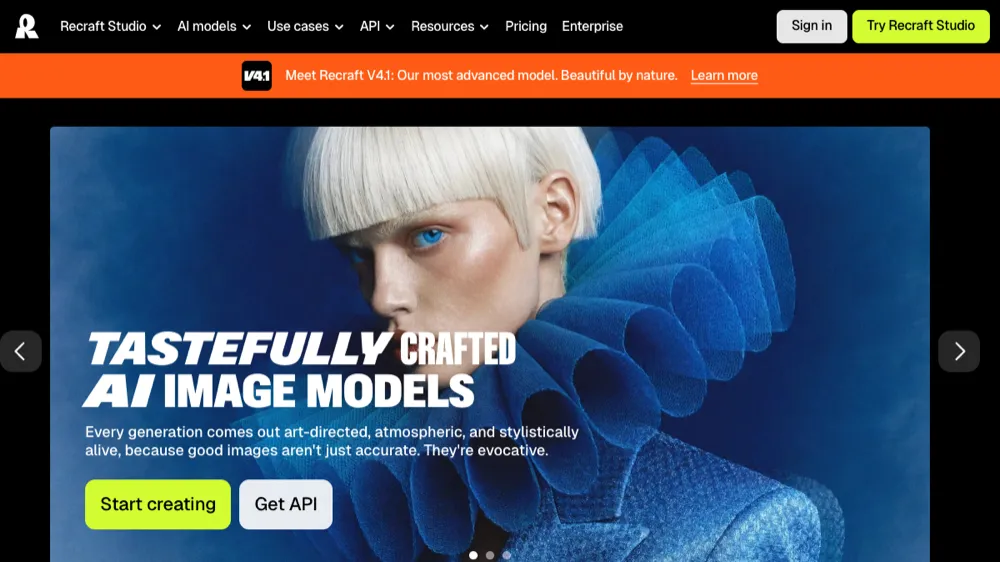
Recraft is the design-focused generator that outputs native SVG vectors, not just raster images. Designers use it for icons, illustrations, and full brand sets in a consistent style, with precise control over palettes and layouts.
- Native SVG / vector output
- Reusable brand styles and palettes
- Icons, illustrations and mockups
- Infinite canvas editing
Ideogram
The AI image generator that nails text
Ideogram is the go-to generator when an image needs legible, well-placed typography, such as posters, logos, signage and social graphics. Its text rendering remains among the most accurate available, wrapped in a beginner-friendly interface.
- Best-in-class in-image text rendering
- Magic Prompt for richer results
- Templates for posters and logos
- Generous free tier
Krea AI
Real-time creative suite for image, video and 3D
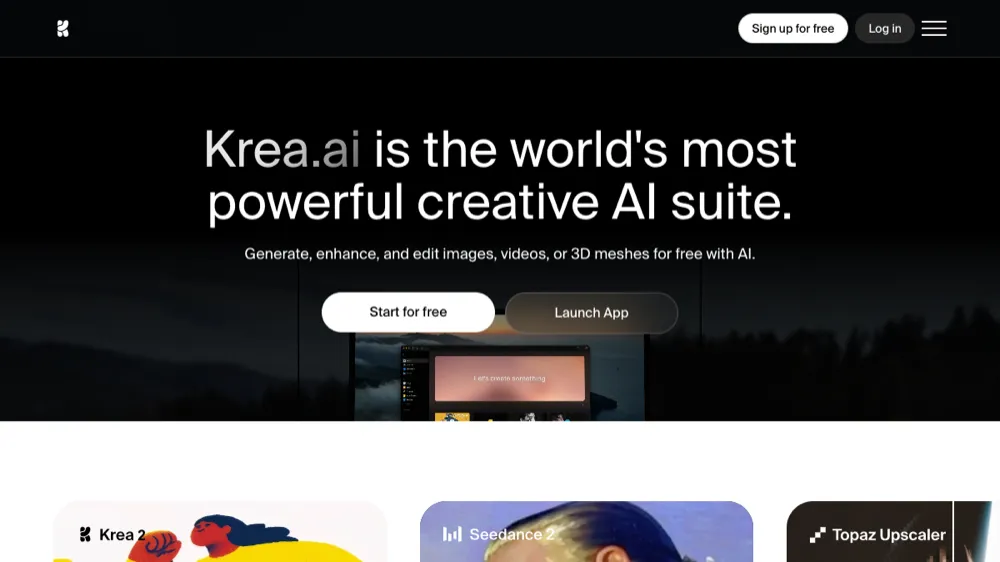
Krea bundles many of the top models into one real-time creative suite, letting you generate and enhance images, video and 3D from a single canvas. Its real-time generation and upscaling make it popular for fast ideation and finishing.
- Real-time generation and editing
- Access to multiple leading models
- Image, video and 3D in one place
- Upscaling and enhancement tools
Midjourney
Premium AI art generation with unmatched quality
Midjourney continues to lead the AI art generation space with its exceptional ability to create highly detailed, artistic images from text prompts. The platform has refined its algorithms significantly in 2026, offering better control over style, composition, and artistic elements. Its Discord-based interface has evolved to include a web platform, making it more accessible to mainstream users.
- Photorealistic and artistic image generation with multiple style options
- Advanced prompt engineering with style references and parameters
- High-resolution outputs up to 4K with upscaling capabilities
- Community gallery and collaborative features
- API access for developers and enterprise users
DALL-E 3
OpenAI's flagship image generator with ChatGPT integration
DALL-E 3 represents OpenAI's most advanced image generation model, seamlessly integrated with ChatGPT for natural language interactions. The tool excels at understanding complex prompts and generating images that closely match user intentions. Its safety features and content policies make it ideal for professional and commercial use.
- Natural language processing for intuitive prompt creation
- Integrated with ChatGPT for conversational image generation
- Advanced safety filters and commercial usage rights
- Multiple aspect ratios and resolution options
- Iterative editing and refinement capabilities
Stable Diffusion XL
Open-source AI image generation with unlimited possibilities
Stable Diffusion XL offers the most flexible and customizable AI image generation experience available. Being open-source, it has spawned numerous implementations and fine-tuned models for specific use cases. The 2026 version includes improved coherence, better text rendering, and enhanced artistic capabilities.
- Completely free and open-source with commercial usage rights
- Thousands of community-trained models and styles
- Local installation options for privacy and unlimited generation
- Advanced features like inpainting, outpainting, and controlnets
- API integrations and developer-friendly tools
Leonardo AI
Production-ready AI art with fine-tuned models
Leonardo AI bridges the gap between creative exploration and production-ready assets. The platform offers fine-tuned models for specific industries like gaming, marketing, and concept art. Its user-friendly interface and consistent output quality make it popular among professional designers and content creators.
- Industry-specific fine-tuned models for consistent results
- Real-time generation with instant preview capabilities
- Advanced editing tools including AI Canvas and texture generation
- Team collaboration features and asset management
- Motion generation for animated content
Adobe Firefly
Enterprise-grade AI generation integrated with Creative Cloud
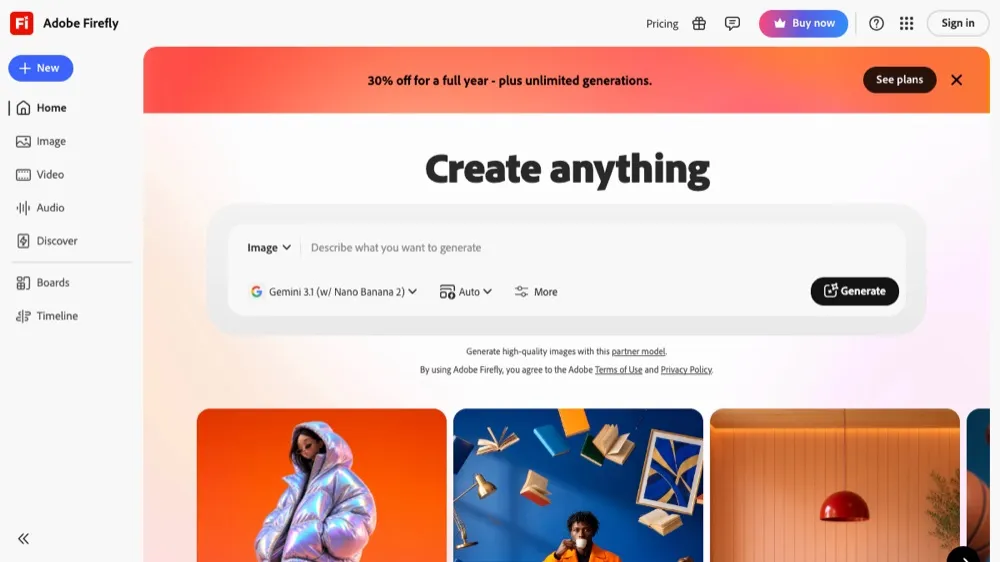
Adobe Firefly brings AI generation directly into the Creative Cloud ecosystem, offering seamless integration with Photoshop, Illustrator, and other Adobe applications. Trained on Adobe Stock imagery, it provides commercially safe content generation with advanced editing capabilities built into familiar workflows.
- Deep integration with Adobe Creative Cloud applications
- Commercially safe training data with clear usage rights
- Advanced text effects and vector generation capabilities
- Generative fill and expand features in Photoshop
- Enterprise-grade security and content credentials
Logo and Brand Design Tools
Looka
AI-powered logo design with complete brand packages
Looka has evolved into a comprehensive brand design platform that goes beyond logo creation. The AI analyzes your industry, preferences, and style choices to generate unique logo concepts, then extends this into complete brand identity packages including business cards, social media assets, and marketing materials.
- AI-generated logos with unlimited revisions and customization
- Complete brand kit including colors, fonts, and style guidelines
- Over 300 branded marketing templates and assets
- Social media kit with platform-specific designs
- High-resolution files in multiple formats (PNG, SVG, PDF)
Brandmark
Advanced AI logo creation with style learning
Brandmark uses sophisticated AI algorithms to understand design trends and create logos that feel both contemporary and timeless. The platform learns from millions of design examples to generate unique combinations of symbols, typography, and color schemes that work well across different mediums and applications.
- AI that learns from current design trends and best practices
- Extensive customization options for colors, fonts, and layouts
- Animated logo versions for digital applications
- Business card and letterhead design templates
- Social media profile and cover image generation
LogoAI
Smart logo design with automated brand consistency
LogoAI focuses on creating cohesive brand identities by ensuring all generated assets maintain visual consistency. The platform uses machine learning to understand brand personality and automatically applies appropriate design principles across all materials, from business cards to website headers.
- Automated brand consistency across all design assets
- Industry-specific logo recommendations and templates
- Real-time preview on business applications (signage, packaging)
- Collaborative features for team feedback and approval
- Integration with print-on-demand services
Graphic Design and Layout Tools
Canva Magic Design
AI-powered design automation for everyone
Canva's Magic Design represents the democratization of professional design capabilities. By simply uploading content or describing your needs, the AI creates multiple design options that can be customized further. The 2026 version includes advanced brand consistency features and real-time collaboration tools that make it indispensable for teams.
- Instant design generation from text prompts or uploaded content
- Brand kit integration for consistent company branding
- Magic Eraser and Background Remover AI tools
- Collaborative editing with real-time comments and suggestions
- Automated resizing for multiple platforms and formats
Gamma
AI presentation and document design that thinks for you
Gamma revolutionizes presentation creation by understanding content context and automatically applying appropriate design principles. The AI doesn't just template-match; it analyzes your content's narrative flow and creates layouts that enhance comprehension and engagement. Perfect for business presentations, educational content, and marketing decks.
- Content-aware design that adapts to your narrative structure
- Automatic image sourcing and placement based on context
- Interactive elements and embedded media support
- Real-time collaboration with version control
- Export to PowerPoint, PDF, or publish as web pages
Beautiful.AI
Smart slide design with adaptive layouts
Beautiful.AI uses intelligent design assistance to ensure your presentations always look professional. The platform's DesignAI automatically adjusts layouts, maintains visual hierarchy, and suggests improvements as you work. It's particularly strong for business presentations where consistency and professionalism are paramount.
- Adaptive slide layouts that automatically adjust to content
- Smart template suggestions based on presentation type
- Team collaboration with commenting and approval workflows
- Brand compliance tools and template libraries
- Analytics and engagement tracking for presentations
Designify
Automatic design enhancement and background generation
Designify specializes in transforming ordinary photos into professional marketing assets. The AI automatically removes backgrounds, enhances colors, adds shadows and reflections, and can even generate contextual backgrounds that complement your products. It's become essential for e-commerce and social media marketing.
- One-click background removal with edge refinement
- Automatic color enhancement and lighting adjustments
- Smart shadow and reflection generation
- Contextual background suggestions for products
- Batch processing for large image collections
Video and Animation Tools
Google Veo 3
Cinematic AI video with native audio
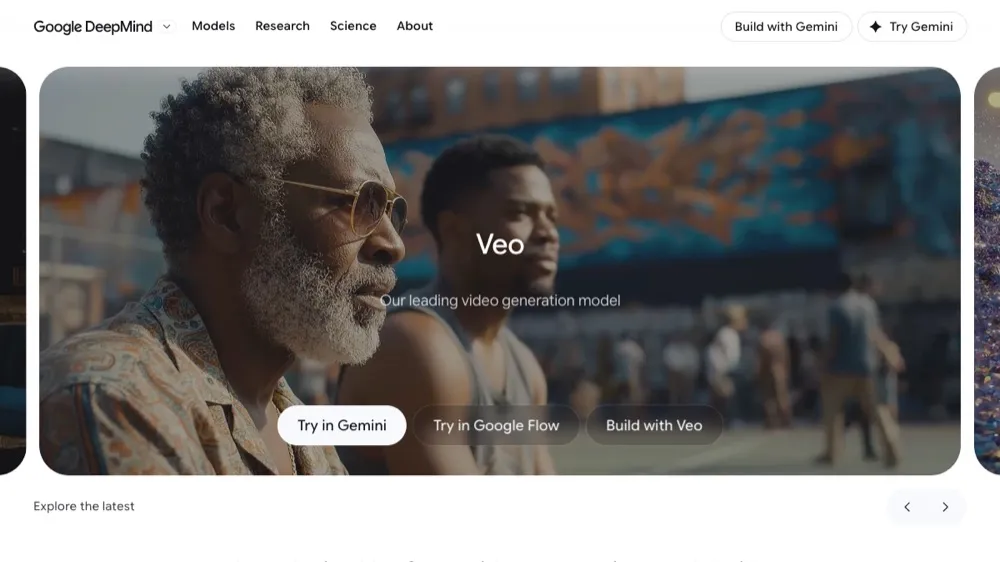
Google Veo 3 generates photoreal video clips, complete with synchronized dialogue, ambient sound and effects, from a single prompt. It is the 2026 standout for realistic, sound-on footage and is available through the Gemini app and Google's Flow tool.
- Native audio generated with the video
- Photorealistic 1080p clips
- Text- and image-to-video
- Available in Gemini and Flow
OpenAI Sora 2
Imaginative text-to-video from OpenAI
Sora 2 is OpenAI's text-to-video model, strong on imaginative, story-driven prompts with improved physics, character consistency and synced audio. A cameo feature can place real people into generated scenes, all via the Sora app and ChatGPT.
- Creative, narrative video generation
- Synced audio and improved physics
- Cameo feature for inserting real people
- Available via the Sora app and ChatGPT
Runway ML
Cutting-edge AI video generation and editing
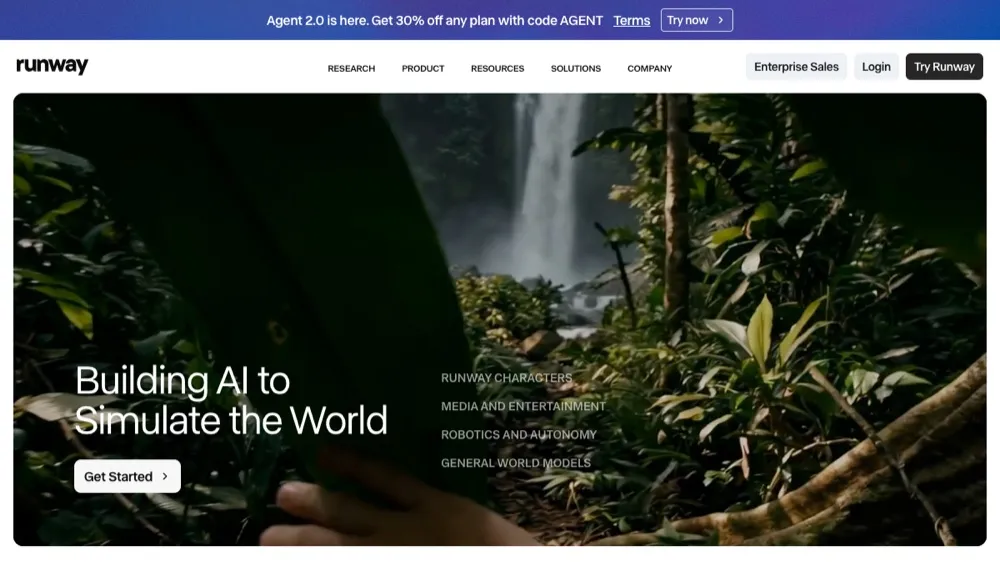
Runway ML stands at the forefront of AI video technology, offering capabilities that seemed impossible just years ago. From generating videos from text descriptions to advanced editing features like object removal and style transfer, Runway has become the go-to platform for content creators pushing the boundaries of video production.
- Text-to-video generation with customizable styles and durations
- Advanced video editing tools including object removal and replacement
- Real-time collaboration and cloud-based rendering
- API access for developers and enterprise integrations
- Green screen removal and background replacement
Pika Labs
AI video generation with cinematic quality
Pika Labs focuses on creating high-quality, cinematic AI-generated videos that rival traditional animation studios. The platform excels at understanding narrative context and creating videos that maintain consistency across frames, making it ideal for storytelling, marketing content, and creative projects that require professional polish.
- Cinematic quality video generation with multiple aspect ratios
- Character consistency across video sequences
- Custom style training for brand-specific content
- Advanced camera movement and transition effects
- Integration with popular video editing software
Synthesia
AI avatar video creation for business communication
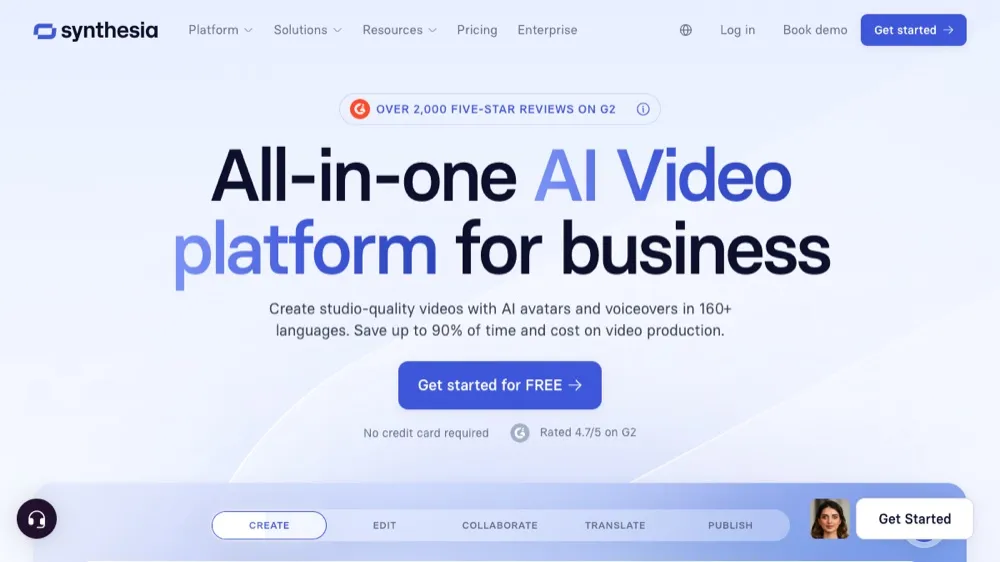
Synthesia has transformed corporate communication by enabling anyone to create professional presenter videos without cameras, studios, or actors. The platform offers dozens of AI avatars that can speak in multiple languages, making it invaluable for training videos, marketing content, and internal communications that need to scale globally.
- 120+ AI avatars with natural speech and gestures
- Support for 130+ languages with accurate lip-syncing
- Custom avatar creation from photos
- Template library for common business use cases
- Enterprise features including SSO and brand compliance
Loom AI
Intelligent screen recording with automated editing
Loom AI enhances the popular screen recording platform with intelligent features that automatically improve video quality, generate transcriptions, and create summaries. The AI can identify key moments, remove filler words, and even suggest optimal video segments for different audiences, making it perfect for educational content and business communications.
- Automatic transcription and closed caption generation
- AI-powered video summaries and key moment identification
- Filler word removal and automatic editing
- Smart thumbnail generation and title suggestions
- Viewer engagement analytics and interaction tracking
Web and UI Design Tools
UX Pilot
AI that designs usable UI screens, fast
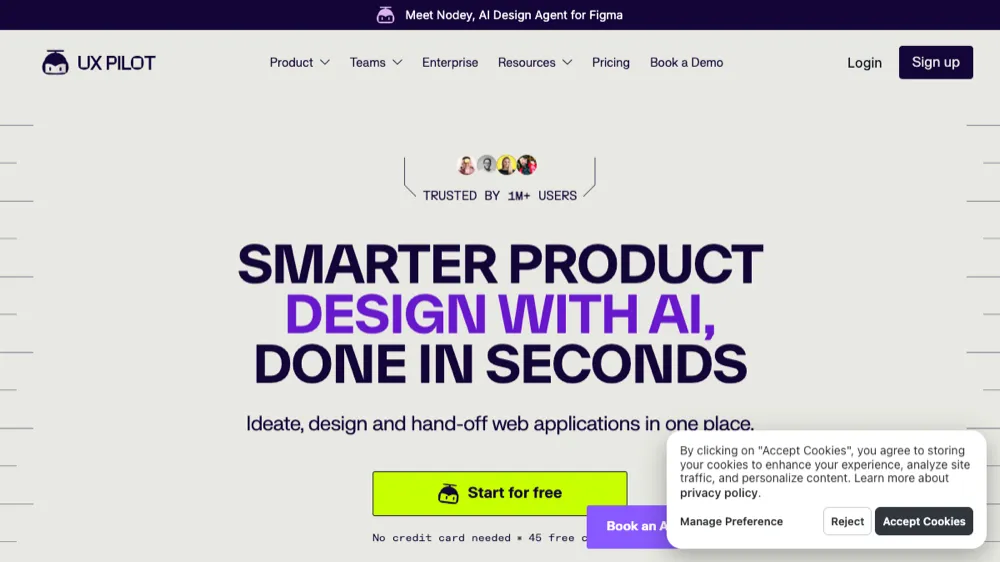
UX Pilot generates polished, high-fidelity UI screens from a prompt and hands them straight to Figma. Unlike rough mockup tools, it focuses on production-ready screens you can iterate on, which has made it a favorite for product designers in 2026.
- High-fidelity UI from prompts
- Chat-based screen editing
- One-click Figma export
- Flows and design-system support
Framer AI
AI website generation with advanced interactions
Framer AI represents the next evolution in web design, where describing your vision in natural language results in fully functional, beautifully designed websites. The platform combines powerful design capabilities with advanced interaction features, making it possible to create sophisticated web experiences without traditional coding or design skills.
- Natural language website generation with custom layouts
- Advanced animation and interaction capabilities
- Responsive design optimization for all devices
- CMS integration and dynamic content management
- Custom domain hosting with enterprise-grade performance
Uizard
AI-powered app and web design from sketches
Uizard bridges the gap between initial concept and digital design by transforming hand-drawn sketches, screenshots, or text descriptions into interactive prototypes. The platform's AI understands design patterns and user experience principles, making it an invaluable tool for rapid prototyping and iterative design processes.
- Sketch-to-digital conversion with automatic component recognition
- Screenshot-to-design transformation for competitive analysis
- Interactive prototype generation with clickable elements
- Design system creation and component libraries
- Collaboration tools with real-time feedback and comments
Google Stitch
Google's AI that turns prompts into UI designs
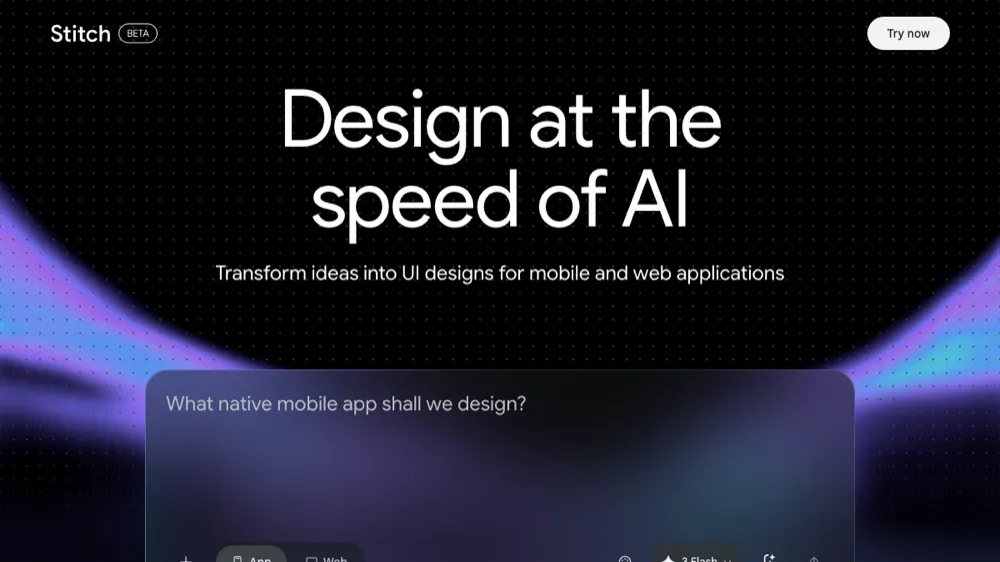
Google Stitch (formerly Galileo AI, now part of Google Labs) turns text prompts or screenshots into high-fidelity UI designs for web and mobile. Powered by Gemini, it generates editable screens and front-end code, then exports cleanly to Figma.
- Prompt- and screenshot-to-UI generation
- Powered by Google Gemini
- Editable designs with exportable front-end code
- Direct export to Figma
- Free to use in Google Labs
10Web AI Website Builder
Complete WordPress websites generated by AI
10Web's AI Website Builder creates complete WordPress websites by analyzing your business needs and existing content. The platform doesn't just generate templates; it creates custom layouts, writes relevant content, and optimizes for SEO and performance. It's particularly powerful for businesses that need professional websites quickly without sacrificing quality.
- Complete WordPress website generation with custom content
- AI-written copy tailored to your business and industry
- Automatic SEO optimization and performance tuning
- E-commerce integration with payment processing
- Managed hosting with automated backups and security
3D and Modeling Tools
Spline AI
3D design and animation made accessible
Spline AI democratizes 3D design by allowing users to create complex 3D scenes and animations through simple text prompts. The platform combines the power of professional 3D modeling with an intuitive interface that makes 3D design accessible to designers without traditional 3D experience. Perfect for web integration and interactive experiences.
- Text-to-3D generation with customizable materials and lighting
- Web-based 3D editor with real-time collaboration
- Interactive 3D experiences for websites and apps
- Animation tools with physics simulation
- Export options for web, mobile, and AR/VR platforms
Meshcapade
AI-powered 3D avatar and body modeling
Meshcapade specializes in creating realistic 3D human avatars and body models using AI. The platform can generate accurate body shapes, clothing simulations, and animations from minimal input data. It's become essential for fashion tech, gaming, and virtual reality applications that require realistic human representation.
- Photorealistic 3D avatar generation from photos
- Accurate body measurement and shape modeling
- Clothing simulation and virtual try-on capabilities
- Animation and pose generation for avatars
- API integration for e-commerce and gaming applications
Luma AI
3D capture and reconstruction from photos
Luma AI transforms ordinary photos into detailed 3D models using advanced photogrammetry and AI techniques. The platform can create high-quality 3D assets from smartphone photos, making 3D content creation accessible for product photography, real estate, and creative projects that need realistic 3D representations.
- Photo-to-3D conversion with automatic mesh generation
- High-quality texture mapping and material recognition
- Mobile app for easy 3D capture on smartphones
- Export to popular 3D formats and game engines
- API access for automated 3D asset pipeline
Specialized Design Tools
Adobe Sensei
AI intelligence across Adobe Creative Cloud
Adobe Sensei represents the comprehensive integration of AI across the entire Creative Cloud ecosystem. Rather than being a standalone tool, Sensei powers intelligent features in Photoshop, Illustrator, InDesign, and other Adobe applications, providing context-aware assistance that enhances creative workflows without disrupting established processes.
- Content-aware fill and object removal across multiple applications
- Automatic font recognition and matching
- Smart cropping and composition suggestions
- Color palette generation and harmony recommendations
- Automated tagging and asset organization
Remove.bg
AI background removal with pixel-perfect precision
Remove.bg has perfected the art of AI-powered background removal, offering results that often surpass manual editing. The platform handles complex scenarios like hair, fur, and transparent objects with remarkable accuracy. Its API has become a standard integration for e-commerce platforms and photo editing applications.
- One-click background removal with edge refinement
- Batch processing for large image collections
- API integration with extensive documentation
- Specialized models for people, products, animals, and cars
- High-resolution output up to 25 megapixels
Topaz Labs AI Suite
Professional photo enhancement and upscaling
Topaz Labs offers a comprehensive suite of AI-powered photo enhancement tools that deliver professional-grade results. From noise reduction and sharpening to dramatic upscaling and artistic style transfer, Topaz tools have become essential for photographers and digital artists who need to push the boundaries of image quality.
- AI upscaling up to 600% with detail preservation
- Advanced noise reduction for low-light photography
- Motion blur removal and image sharpening
- Artistic style transfer with customizable intensity
- Batch processing and Lightroom/Photoshop integration
Fontjoy
AI font pairing for perfect typography
Fontjoy uses machine learning to generate font combinations that work harmoniously together. By analyzing thousands of successful font pairings, the AI understands the principles of typography and can suggest combinations that enhance readability and aesthetic appeal. It's an invaluable tool for designers working on branding and editorial projects.
- AI-generated font pairings with contrast and harmony analysis
- Real-time preview with customizable text samples
- Integration with Google Fonts library
- Lock favorite fonts while exploring pairing options
- Export CSS code for web implementation
Khroma
AI color palette generator that learns your preferences
Khroma creates personalized color palettes by learning from your preferences and style choices. The AI analyzes thousands of popular color combinations and filters them based on your taste, creating palettes that feel both on-trend and personally relevant. It's particularly useful for brand designers and artists developing signature color styles.
- Personalized color palette generation based on user preferences
- Multiple palette formats (gradients, photos, typography)
- Color accessibility and contrast ratio analysis
- Infinite palette generation with favorite saving
- Export options for design software and development
AutoDraw
Google's AI that turns sketches into polished drawings
AutoDraw democratizes illustration by transforming rough sketches into polished drawings. Google's AI recognizes drawing intent and suggests professional illustrations that match your sketch. While simple in concept, it's incredibly powerful for creating quick illustrations, icons, and visual elements without artistic training.
- Real-time sketch recognition and suggestion
- Library of professional illustrations and icons
- Simple drawing tools for basic shape creation
- Export options for web and print use
- Completely free with no registration required
Figma AI
AI-powered design assistance in collaborative workflows
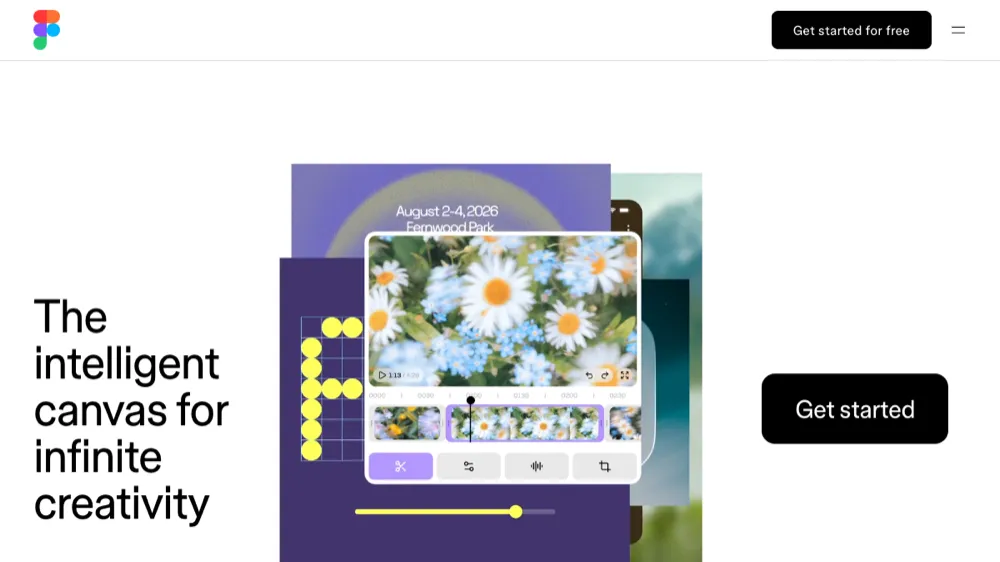
Figma AI enhances the popular design platform with intelligent features that streamline collaborative design workflows. From automatic layout suggestions to content generation and design system maintenance, Figma AI helps teams work more efficiently while maintaining design consistency and quality across projects.
- Automatic layout and spacing suggestions
- AI-generated placeholder content and imagery
- Design system compliance checking
- Collaborative AI that learns team preferences
- Automated handoff documentation generation
Jasper Art
AI art generation optimized for marketing content
Jasper Art focuses specifically on creating marketing-ready visuals that align with brand guidelines and campaign objectives. Integrated with Jasper's AI writing platform, it creates cohesive content experiences where text and visuals work together seamlessly. Perfect for marketers who need consistent, on-brand visual content at scale.
- Marketing-focused image generation with brand consistency
- Integration with Jasper AI writing platform
- Campaign-specific templates and style guides
- Batch generation for social media and advertising
- Commercial usage rights included
Top AI Design Tools Compared (2026)
| Tool | Category | Best For | Starting Price | Key Strength | Learning Curve |
|---|---|---|---|---|---|
| Midjourney | Image Generation | Artistic & Creative Work | $10/mo | Unmatched image quality | Medium |
| Canva Magic Design | Graphic Design | Social Media & Marketing | Free | Ease of use | Low |
| Runway ML | Video Generation | Video Content Creation | $15/mo | Advanced video AI | Medium |
| Framer AI | Web Design | Website Creation | Free | Advanced interactions | Medium |
| Adobe Firefly | Image Generation | Professional Design | Free | Creative Cloud integration | Low |
| Synthesia | Video Generation | Business Communication | $22/mo | AI avatars | Low |
| Gamma | Presentation Design | Business Presentations | Free | Content-aware design | Low |
| Looka | Logo Design | Brand Identity | $20 one-time | Complete brand packages | Low |
| Spline AI | 3D Design | Interactive 3D Content | Free | Web-based 3D creation | Medium |
| Remove.bg | Photo Editing | Background Removal | Free | Precision and speed | Low |
| Nano Banana Pro | Image Generation | Photoreal & in-image text | $19.99/mo | Google's flagship image model | Low |
| FLUX 2 | Image Generation | Open-weight / developers | Free / API | Frontier open model | Medium |
| Recraft | Image Generation | Vectors & brand sets | $10/mo | Native SVG output | Low |
| Google Stitch | UI Design | App & web UI from prompts | Free | Prompt-to-UI with Gemini | Low |
| Google Veo 3 | Video Generation | Cinematic clips with audio | $19.99/mo | Native-audio video | Low |
Frequently Asked Questions
Are AI design tools replacing human designers?
AI design tools are augmenting rather than replacing human designers. While AI excels at generating initial concepts, handling repetitive tasks, and providing creative inspiration, human creativity, strategic thinking, and client communication remain irreplaceable. Most successful design projects in 2026 combine AI efficiency with human creativity and judgment.
Can I use AI-generated designs for commercial purposes?
Most AI design tools allow commercial use of generated content, but terms vary by platform. Tools like Adobe Firefly, Canva, and Jasper Art explicitly include commercial rights. However, always check the specific terms of service for each tool, as some may have restrictions on certain types of commercial use or require attribution.
How do I choose the right AI design tool for my needs?
Consider your primary use case, technical skill level, budget, and integration needs. For beginners, start with user-friendly tools like Canva or Gamma. For professional work, consider specialized tools like Midjourney for art or Synthesia for videos. Many tools offer free trials, so test several before committing to paid plans.
Do I need design experience to use AI design tools effectively?
While AI tools have lowered the barrier to entry, some design knowledge still helps you achieve better results. Understanding basic design principles like composition, color theory, and typography will help you create more effective prompts and make better decisions when refining AI-generated content. However, many tools are designed to be accessible to complete beginners.
What's the difference between free and paid AI design tools?
Free tools typically offer limited generations, lower resolution outputs, watermarks, or restricted commercial use. Paid plans usually provide unlimited or high-volume generation, premium features, higher quality outputs, commercial licenses, priority processing, and customer support. The investment is often worthwhile for professional or business use.
How can I ensure my AI-generated designs are unique?
Use specific, detailed prompts that reflect your unique vision and brand. Combine multiple tools, iterate on generated content, and add your own creative touches. Many designers use AI as a starting point and then customize the results extensively. Also, consider using less popular tools or custom-trained models for more unique outputs.
Are there any copyright concerns with AI-generated designs?
The copyright landscape for AI-generated content is still evolving. Generally, AI-generated content is considered to have limited copyright protection, but this varies by jurisdiction. Most commercial AI tools provide usage rights to their customers. For important projects, consider consulting with a legal professional familiar with AI and intellectual property law.
Can AI design tools maintain brand consistency across projects?
Yes, many modern AI design tools offer brand consistency features. Tools like Canva, Adobe Firefly, and Jasper Art allow you to upload brand guidelines, logos, and color palettes that the AI will incorporate into generated designs. Some platforms even learn your brand style over time and automatically apply it to new creations.
What hardware do I need to run AI design tools?
Most AI design tools are cloud-based and run in web browsers, requiring only a stable internet connection and modern computer. Tools like Stable Diffusion that can run locally require powerful GPUs for optimal performance. For cloud-based tools, a computer with 8GB RAM and a decent internet connection is usually sufficient for most tasks.
How do I write effective prompts for AI design tools?
Effective prompts are specific, descriptive, and include relevant style references. Describe the subject, style, mood, colors, composition, and any technical requirements. Use art and photography terminology when appropriate. Start with simpler prompts and gradually add complexity. Many tools provide prompt guides and examples to help you improve your results.
Conclusion: Choosing the Right AI Design Tool for Your Needs
The AI design tool landscape in 2026 offers unprecedented opportunities for creators at every level. Whether you're a solo entrepreneur building your brand, a marketing team scaling content production, or a design agency pushing creative boundaries, there's an AI tool that can transform your workflow and enhance your creative output.
For Beginners and Small Businesses: Start with user-friendly platforms like Canva Magic Design, Gamma, or Looka. These tools provide excellent results without requiring technical expertise or significant investment. They're perfect for social media content, presentations, and basic branding needs.
For Content Creators and Marketers: Consider specialized tools like Synthesia for video content, Jasper Art for marketing visuals, or Leonardo AI for consistent brand imagery. These platforms excel at producing content at scale while maintaining quality and brand consistency.
For Professional Designers: Advanced tools like Midjourney, Runway ML, and Adobe Firefly offer the sophistication and control needed for client work. These platforms provide professional-grade outputs and integrate well with existing design workflows.
For Developers and Agencies: Look for tools with robust APIs and collaboration features like Stable Diffusion, Framer AI, or Figma AI. These platforms can be integrated into larger workflows and scaled across multiple projects and team members.
The key to success with AI design tools is experimentation and iteration. Most platforms offer free trials or freemium models, allowing you to test their capabilities before committing. Start with tools that match your immediate needs, then expand your toolkit as you become more comfortable with AI-assisted design.
Remember that AI tools are most powerful when combined with human creativity and strategic thinking. Use them to handle repetitive tasks, generate initial concepts, and explore creative possibilities you might not have considered. The future of design isn't about replacing human creativity—it's about amplifying it with intelligent tools that help you work faster, explore more options, and achieve better results.
As we move further into 2026, these tools will continue to evolve rapidly. Stay curious, keep experimenting, and don't be afraid to push the boundaries of what's possible. The intersection of human creativity and artificial intelligence is producing some of the most exciting and innovative design work we've ever seen, and you're perfectly positioned to be part of this creative revolution.