Best Cheap Animation Software in 2026 (Toonly Alternatives)
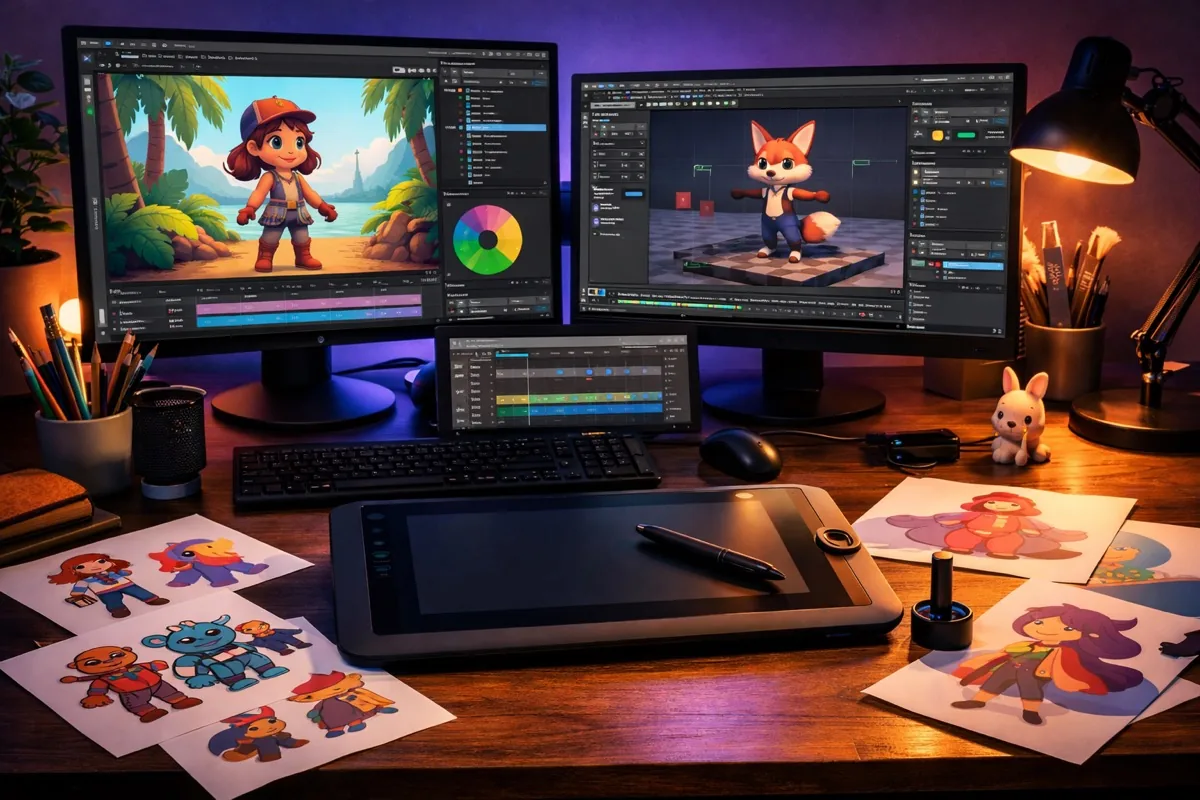
If you've been searching for the best cheap animation software in 2026, chances are you've come across Toonly through a Facebook or Google ad. Toonly used to offer a tempting $67 lifetime deal, but those days are gone — their pricing now starts at $49/month (or $490/year). Before writing this article, I personally invested my money into Toonly, so I'm speaking from experience.
After spending considerable time with Toonly, here are the key limitations I found:
- Can’t import your own videos
- Lag while creating longer videos
- Requires a decent internet connection at all times
- Average quality of characters and assets compared to newer tools
- Newer software offers significantly more features at similar or lower prices
The animation software landscape has changed dramatically since 2020. AI-powered tools now let you create professional animations in minutes, and several affordable options have emerged that blow Toonly out of the water. Here are the best alternatives in 2026.
Quick Comparison: Best Toonly Alternatives at a Glance
| Software | Best For | Pricing (2026) | Free Plan? | AI Features? |
|---|---|---|---|---|
| CreateStudio | 3D & 2D animation, YouTube videos | $99 lifetime | No (30-day refund) | Yes |
| Animaker | Quick 2D explainers, social content | $15–$43/mo | Yes (limited) | Yes |
| Canva | Social media animations, beginners | Free / $13/mo Pro | Yes (generous) | Yes |
| Powtoon | Business presentations, training | $50–$190/mo | Yes (watermark) | Yes |
| Vyond | Corporate & training videos | $25–$92/mo | Free trial | Yes |
| Blender | Professional 3D animation | 100% Free | Yes (fully free) | No |
| Synthesia | AI avatar explainer videos | $22–$67/mo | Free demo | Yes (AI-first) |
1. CreateStudio — Best Overall Alternative
CreateStudio remains the best value-for-money Toonly alternative in 2026. While their price has gone up from the original $67, a $99 lifetime license is still an incredible deal compared to Toonly’s $490/year subscription.
Here’s what makes CreateStudio stand out:
- Import your own videos — something Toonly still can’t do
- 3D video creation with AI-powered motion presets
- 40+ done-for-you templates and 20 animated characters included
- Works for everything from Instagram story ads to YouTube explainer videos
- Desktop app — no internet dependency for rendering
The motion presets tab is a massive time-saver. You can apply pre-built animation sequences to any character, object, or imported media with a single click. The AI tools added in recent updates can auto-generate scene transitions and suggest layouts based on your content.
The optional all-access asset pass ($37/month) gives you unlimited templates, characters, and animated assets, but the base $99 package is more than enough for most creators.
2. Animaker — Best for Quick Explainer Videos
Animaker has evolved significantly since our original review. Used by brands like Nokia, HP, and Unilever, it’s now one of the most polished cloud-based animation platforms available.
2026 Pricing:
- Free plan — 5 exports/month, SD quality, 2-minute videos, watermark
- Basic — $15/month (HD, 5-min videos, no watermark)
- Starter — $25/month (Full HD, 15-min videos)
- Pro — $43/month (4K quality, unlimited exports)
The standout feature is Animaker’s character emotion control. You can set a character to be happy, sad, or neutral while performing different actions — making your animations feel more natural. The auto-resize feature also lets you instantly convert a YouTube video into Instagram, TikTok, or Facebook-ready formats.
The main downside is that Animaker still doesn’t support importing your own videos on lower-tier plans. But for quick 2D explainers and social media content, it’s hard to beat.
3. Canva — Best Free Option for Beginners (NEW)
If you’re just getting started with animation and don’t want to spend anything, Canva is a game-changer that didn’t exist as an animation tool when we first wrote this article.
Canva’s free plan includes:
- Hundreds of animated templates for social media, presentations, and ads
- Drag-and-drop animation effects (fade, slide, pop, breathe)
- Built-in stock video and music library
- Export as MP4 or GIF
- Real-time collaboration with team members
The Pro plan ($13/month) unlocks premium templates, Brand Kit, background remover, and the AI-powered Magic Animate feature (similar to Google Stitch for vibe-designing apps with AI) that automatically adds professional transitions to your designs.
Canva won’t replace dedicated animation software for complex character work, but for social media animations, animated presentations, and quick promo videos, it’s the most accessible option in 2026.
4. Powtoon — Best for Business Presentations
Powtoon has been around since 2011 and remains one of the most feature-rich cloud-based animation platforms. It’s particularly strong for business use cases like training videos, onboarding content, and marketing presentations.
2026 Pricing (significantly higher than competitors):
- Free — Watermark, 3-minute max, 100MB storage
- Lite — $50/month (5 premium exports, MP4 download)
- Business — $125/month (AI text-to-speech, full character customization, lip-sync)
- Professional — $190/month (AI script writer, AI video assistant, unlimited exports)
Powtoon’s biggest strengths are its character customization (change clothes, skin tone, accessories) and integration with platforms like PowerPoint, Google Slides, and Slack. The newer AI features can generate scripts and suggest scenes based on your topic.
The downside? Powtoon is expensive. At $50–$190/month, it costs more than most competitors. Unless you need the enterprise features or deep integrations, CreateStudio or Animaker offer better value.
5. Vyond — Best for Corporate Training (NEW)
Vyond (formerly GoAnimate) is another strong contender that’s particularly popular in the corporate world. It’s designed specifically for creating professional training videos, HR content, and internal communications.
2026 Pricing:
- Essential — $25/month (basic templates, GIF export)
- Premium — $54/month (all templates, character creator, MP4 export)
- Professional — $92/month (custom fonts, audio import, collaboration tools)
Vyond shines with its drag-and-drop simplicity and massive library of pre-built scenes for business contexts (office settings, meeting rooms, warehouses, hospitals). The character creator lets you build diverse, customizable characters that match your company’s brand.
6. AI Animation Tools — The 2026 Game Changer
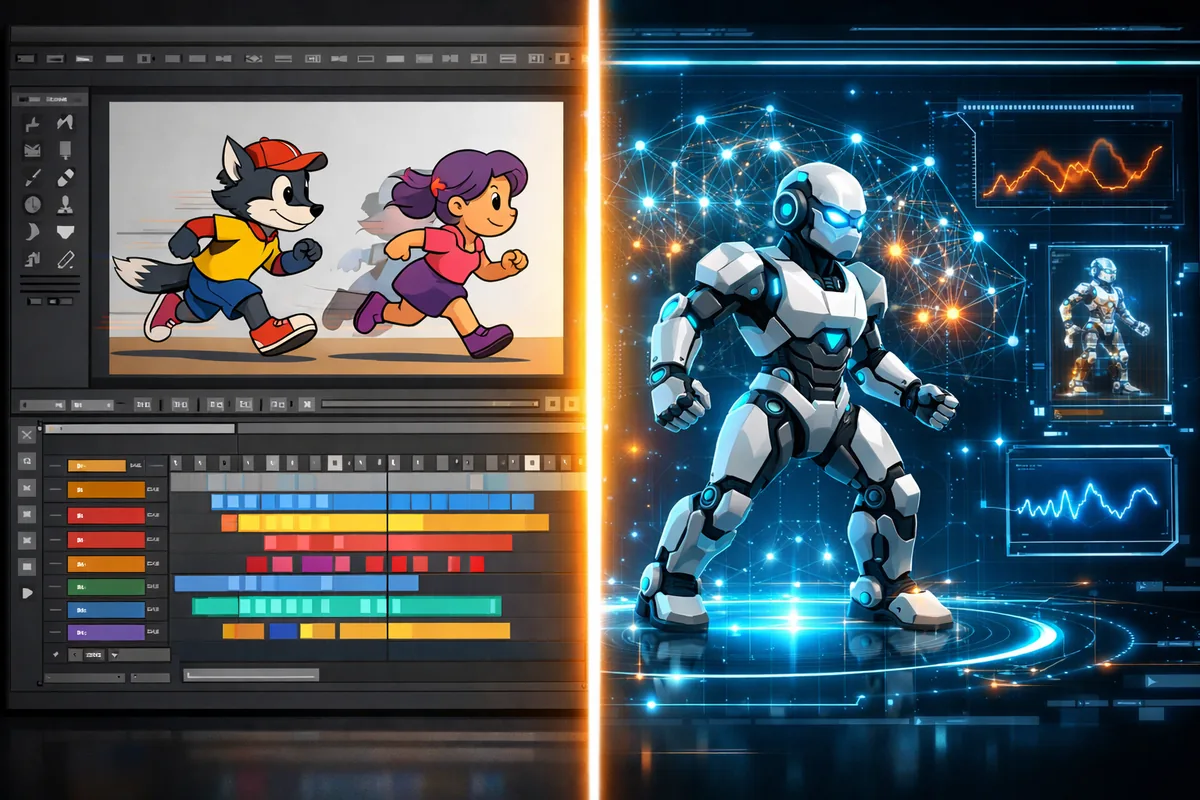
The biggest shift in animation since our original article is the rise of AI-powered tools that can generate animated videos from text prompts. These didn’t exist in 2020, and they’re changing the game:
- Synthesia ($22–$67/month) — Create talking-head explainer videos with realistic AI avatars in 140+ languages. No camera or actors needed. Perfect for training content and product demos.
- Runway ($15–$76/month) — Generate video from text prompts or transform images into animated scenes. Used by professional filmmakers and content creators for cinematic AI video.
- Descript ($24–$40/month) — Edit video by editing text. Record your screen, and Descript automatically removes filler words, corrects eye contact, and even clones your voice for corrections.
These AI tools are best for explainer videos, product demos, and talking-head content. For traditional character animation, stick with CreateStudio, Animaker, or Blender.
7. Blender — Best Free Professional Tool
Blender remains the gold standard for free animation software in 2026. It’s a full-featured 3D creation suite used by professional studios worldwide, and it’s completely free and open-source.
What Blender offers:
- Full 3D modeling, rigging, and animation pipeline
- 2D animation via the Grease Pencil tool
- Video editing, compositing, and motion tracking built in
- Massive community with thousands of free tutorials
- Used in professional productions (Netflix, Nike, Samsung)
The trade-off is the steep learning curve. Blender is powerful enough to create feature-film quality animation, but creating a simple explainer video takes significantly longer than drag-and-drop tools like CreateStudio or Canva. I’d only recommend Blender if you’re serious about learning 3D animation as a skill — it’s genuinely worth it for the long term.
8. Hiring a Freelancer
If you only need 1–2 videos per month and don’t want to learn new software, hiring a freelance animator on platforms like Fiverr or Upwork is still a solid option.
Typical freelancer rates in 2026:
- Simple 2D explainer (60 seconds): $100–$500
- Character animation (60 seconds): $300–$1,500
- 3D animated video (60 seconds): $1,000–$5,000+
A professional animator already has the tools and experience to produce higher-quality work than most DIY attempts. But if your video demand is regular (weekly or more), the costs add up fast, and investing in software becomes more economical.
Conclusion: Which Animation Software Should You Choose?
Here’s my recommendation based on your situation:
- Best overall value: CreateStudio ($99 lifetime) — the most features for a one-time price
- Best free option: Canva — perfect for beginners and social media content
- Best for explainers: Animaker ($15/month) — quick, polished, affordable
- Best for AI videos: Synthesia — realistic AI avatars without cameras
- Best for professionals: Blender (free) — unlimited power, steep learning curve
- Best for businesses: Vyond or Powtoon — enterprise features and integrations
The animation software market has changed dramatically since 2020. AI tools are making video creation accessible to everyone (just like free AI writing assistants did for content creation), and you no longer need to spend hundreds of dollars per year on a Toonly subscription. Whether you’re a solo creator on a tight budget or a business producing weekly content, there’s an affordable option that fits your needs.
Frequently Asked Questions
What is the cheapest animation software with a one-time payment?
CreateStudio at $99 offers a lifetime license with no recurring fees. For iPad users, Procreate Dreams is another excellent one-time purchase option at just $20.
Is Toonly still worth it in 2026?
At $49/month ($490/year), Toonly is harder to recommend when CreateStudio offers more features for a $99 one-time fee and Canva provides free animation tools. Toonly’s asset library hasn’t kept pace with competitors.
Can I create professional animations for free?
Yes. Blender is completely free and used by professional studios. Canva also offers a generous free tier for simpler animations. Both Animaker and Powtoon have free plans with limitations (watermarks, export limits).
What is the best AI animation tool in 2026?
Synthesia is the best for talking-head and explainer videos with AI avatars. Runway leads for cinematic AI-generated video. Descript is best for editing-first workflows where you want to create and edit video through text.
Which animation software is best for YouTube videos?
CreateStudio is ideal for YouTube explainers and animated stories. Animaker is great for quick tutorials. For talking-head content, Synthesia or Descript can produce professional results without a camera.