The Best Interior Design Apps in 2026: Floor Plans, AR, and AI Room Redesign
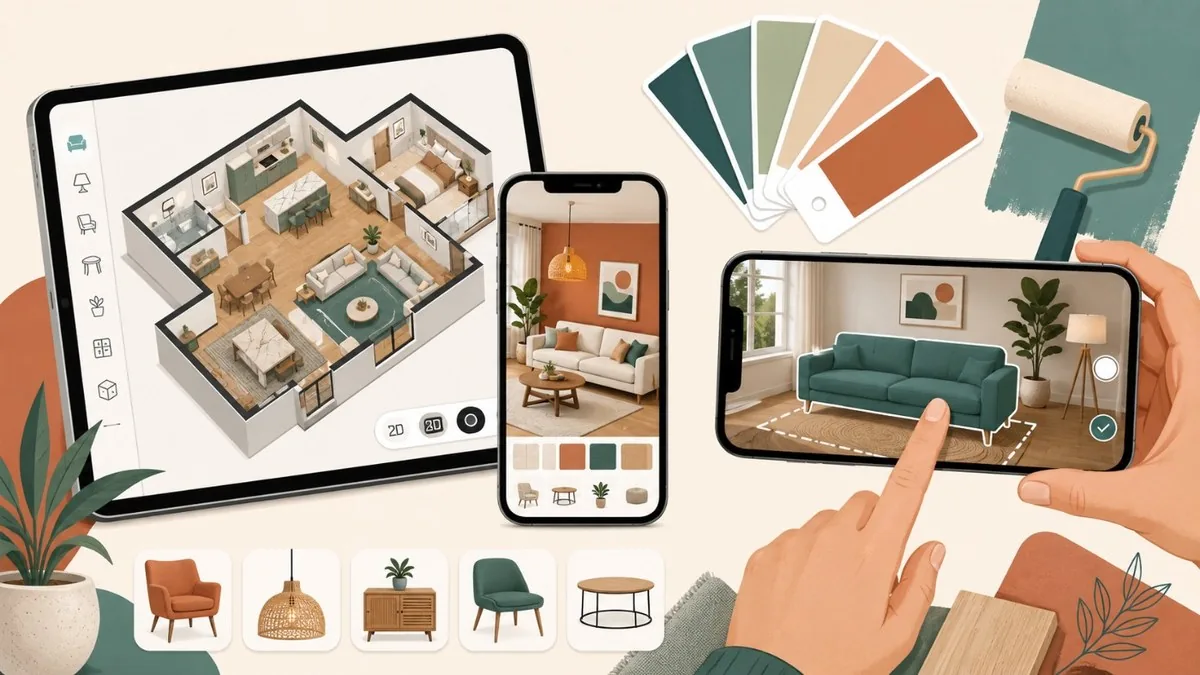
Designing a room no longer means graph paper and guesswork. In 2026, a phone or browser can scan your space, drop a sofa into a live camera view, and generate a photorealistic restyle in seconds. The big shift this year is generative AI: the virtual interior-design AI market is growing roughly 30% annually (around $2.58 billion in 2026), and tools that once just drew floor plans now redesign whole rooms from a single photo. This guide covers the apps worth your time, grouped by what they do best. Some excel at precise 2D and 3D floor plans (Planner 5D, MagicPlan, Room Planner). Others nail augmented-reality try-before-you-buy (IKEA Kreativ, Houzz). A few are built for moodboards and client-ready presentations (Morpholio Board, Foyr Neo, Coohom, HomeByMe). And a new class, led by REimagineHome and Spacely AI, turns rough photos into styled, often shoppable, renders. Pick by your goal, not the longest feature list.
At a Glance
- Planner 5D — iOS/Android/Web/Windows · free + Premium ~$60/yr, Pro ~$400/yr
- Houzz (Houzz Pro) — iOS/Android/Web · free app; Houzz Pro paid tiers for professionals
- IKEA Kreativ — iOS/Android (IKEA app) + Web · free
- Room Planner by Chief Architect — iOS/Android · free (saving disabled) + full version ~$9
- MagicPlan — iOS/Android · free trial; project-based pricing from ~$40/project
- Morpholio Board — iOS/iPadOS/Mac · subscription ~$4
- Foyr Neo — Web (cloud) · free trial; ~$29-$99/mo, custom plans
- Coohom — Web/Windows · free; Pro ~$25/mo, Premium ~$84/mo, Enterprise custom
- HomeByMe — Web + iOS/Android · free (2 projects); Essentials & Pro subscriptions
- Home Design 3D — iOS/Android/Mac/PC · free + Gold Plus in-app upgrade
- REimagineHome — Web · 3 free designs; paid from ~$14/mo (Essential to Agency, $14-$99/mo)
- Spacely AI — Web · 40 free credits; paid ~$12
The Best Interior Design Apps in 2026
Planner 5D
iOS/Android/Web/Windows · free + Premium ~$60/yr, Pro ~$400/yr
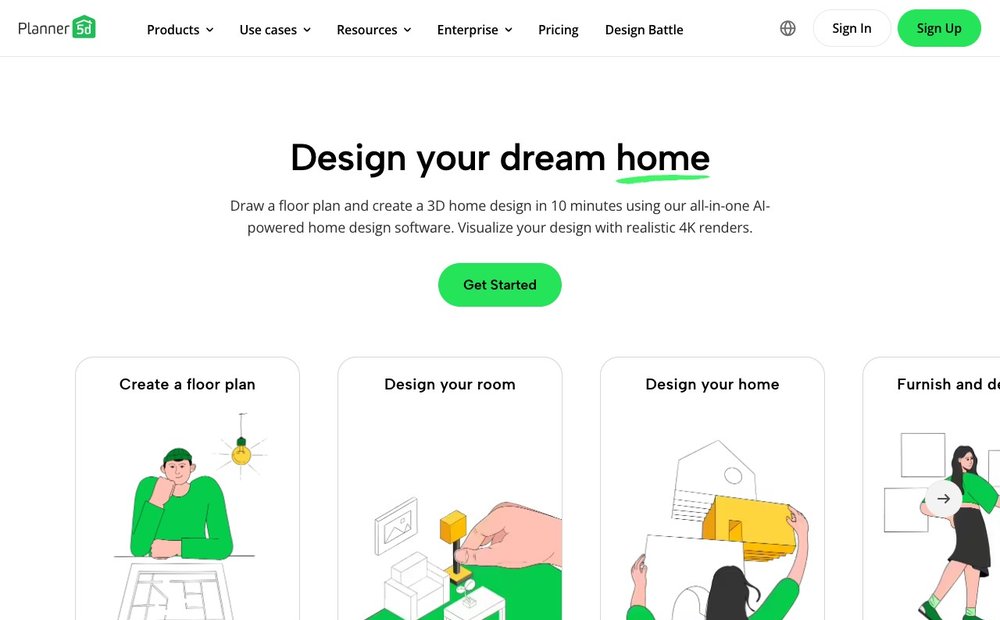
A do-it-all home designer that switches cleanly between 2D floor plans and 3D walkthroughs, backed by a catalog of 8,400-plus furniture and decor items. Its 2026 sweet spot is approachability: drag-and-drop layout tools, AI features like Smart Wizard and AI Designer to auto-furnish a room, and 4K renders plus 360-degree tours. The free tier lets you build a basic plan; Premium unlocks the full library and renders. Best for DIY homeowners who want both an accurate layout and a realistic preview without CAD skills. Note buying in-app on iOS costs more than the web price.
Houzz (Houzz Pro)
iOS/Android/Web · free app; Houzz Pro paid tiers for professionals
Houzz pairs a vast photo-inspiration library and product marketplace with View in My Room 3D, which uses your phone camera to place real, buyable furniture in your space via AR. For pros, Houzz Pro added AI-powered 3D floor plans in 2026, including elevations, in-plan annotations, AI-generated custom finishes on any surface, and AutoMate, which turns a floor plan into an estimate or proposal. Best for homeowners hunting inspiration and shoppable AR previews, and for designers and contractors who want client-facing visualization, lead generation, and project management in one platform.
IKEA Kreativ
iOS/Android (IKEA app) + Web · free
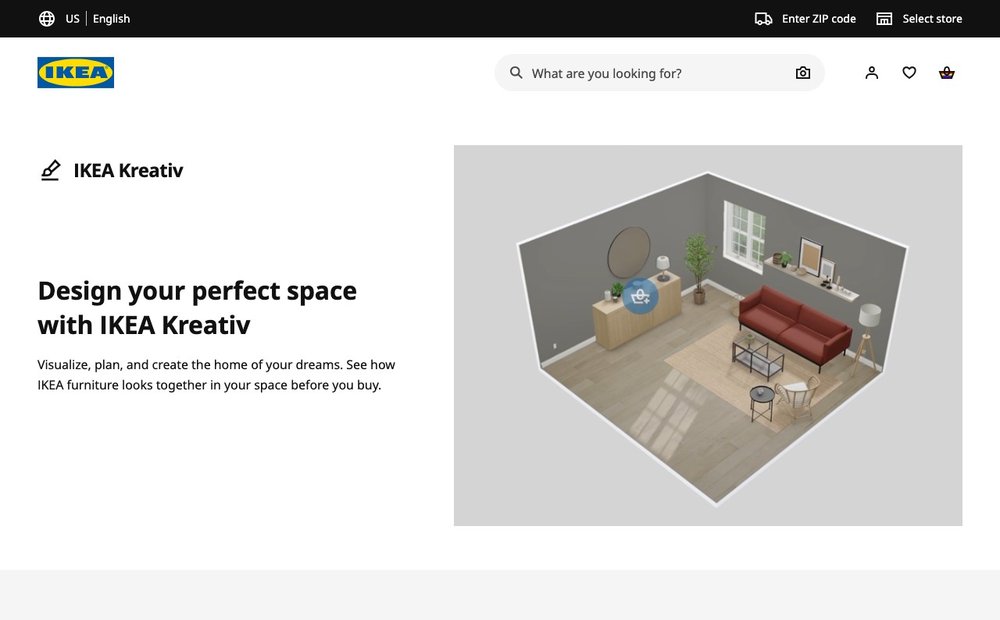
IKEA's free room designer and the AI-powered successor to IKEA Place. Its Scene Scanner uses computer-vision technology to build an editable, lifelike 3D replica of your actual room, which you can clear of clutter and refurnish entirely with IKEA products at known prices. You can also design in pre-built virtual showrooms. Everything you place links straight to IKEA's catalog, so the visualization doubles as a shopping cart. Best for anyone furnishing primarily from IKEA who wants budget-aware, photo-realistic previews of their own space before committing to a purchase.
Room Planner by Chief Architect
iOS/Android · free (saving disabled) + full version ~$9.99
A mobile companion built for capturing as-built measurements rather than fantasy moodboards. It supports Bluetooth laser meters for accurate dimensions, sketches walls, doors and windows in 2D, and builds a 3D model to verify the space. Its real power is the handoff: floor plans export into Chief Architect's professional desktop software for full construction drawings. Best for remodelers, contractors and serious DIYers who need precise field measurements that feed a professional design workflow, not consumers chasing quick decor renders. Confirm current availability on your platform before relying on it.
MagicPlan
iOS/Android · free trial; project-based pricing from ~$40/project
A field-measurement powerhouse aimed at contractors, remodelers and restoration pros. Walk a room and MagicPlan uses LiDAR auto-scan or Bluetooth laser meters to produce an accurate floor plan, auto-detecting doors, windows and other elements. View results in 2D, 3D or elevation, enrich them with an object catalog, then add photos, 360-degree images, notes and markups into structured reports. Custom forms and price lists generate quotes on the spot. Best for trade professionals who need measurement accuracy and documentation, not homeowners after styling inspiration. Pricing is per project rather than per seat.
Morpholio Board
iOS/iPadOS/Mac · subscription ~$4.99-$11.99/mo
The go-to moodboard app for interior designers, decorators and stylists, built natively for iPad, iPhone and Mac with Apple Pencil support. Drag inspiration, fabrics, finishes and furniture onto elegant collage boards, then layer in pro tools: Ava auto-generates sourcing and spec lists, plus AR placement and spec-sheet export on higher tiers. Output is presentation-ready PDFs and PSDs for clients. Best for design professionals who pitch concepts and need beautiful, organized boards with real product data behind them. Apple-only, so Android and Windows users should look elsewhere for moodboarding.
Foyr Neo
Web (cloud) · free trial; ~$29-$99/mo, custom plans
A cloud-based platform that lets designers go from floor plan to photorealistic render without heavy CAD training. Build in 2D, switch to 3D, and generate 4K photorealistic images in roughly ten minutes using cloud rendering, with AI-assisted rendering to speed things up. It ships with 60,000-plus ready-to-use products plus presentation, template and import/export tools. Best for working interior designers and small studios who want fast, client-ready visuals on a predictable monthly subscription. Because it runs in the browser, there's no need for an expensive rendering workstation, though serious use needs a paid plan.
Coohom
Web/Windows · free; Pro ~$25/mo, Premium ~$84/mo, Enterprise custom
A cloud 3D design suite with one of the largest asset libraries available, over a million ready-to-use 3D models, and AI tools that instantly generate layouts and styled rooms from 10,000-plus AI templates. Renders are fast and high-resolution, up to 16K stills plus 1080p video and 360-degree walkthroughs. A capable free tier covers 2D/3D floor plans and image rendering. Best for designers, furniture retailers and businesses wanting professional visualization, AI auto-decoration and real-time previews without per-render fees. Its breadth can feel heavy for someone just restyling one room.
HomeByMe
Web + iOS/Android · free (2 projects); Essentials & Pro subscriptions
A free, browser-first 3D home planner from Dassault Systemes that lets you draw floor plans and furnish them with real branded products, including Crate & Barrel, Wayfair and 300-plus other brands across 30,000-plus items. Generate HD and 4K stills, aerial views and 3D video tours, and browse a design-inspiration feed. New sign-ups get two projects and five Full HD images free. Best for homeowners who want realistic results using furniture they can actually buy, with optional Pro tools for decor professionals. The branded catalog makes it especially useful for planning real purchases.
Home Design 3D
iOS/Android/Mac/PC · free + Gold Plus in-app upgrade
A long-running, beginner-friendly app (15 million-plus users) for sketching a home from scratch. Lay down floor plans, set wall thicknesses, add doors and windows in a 2D top-down view, then bring it to life in 3D. It includes hundreds of objects and thousands of textures, and crucially works fully offline with a guided tutorial. The free base app covers the essentials; the Gold Plus upgrade unlocks the full asset set and multi-floor designs. Best for casual users and travelers who want a self-contained design tool that doesn't depend on a connection or a subscription.
REimagineHome
Web · 3 free designs; paid from ~$14/mo (Essential to Agency, $14-$99/mo)
An AI redesign and virtual-staging platform built for realtors, photographers and designers. Upload a room photo and it restyles it, stages empty or furnished spaces, swaps wall colors, ceilings and flooring, or declutters unwanted objects, covering interiors plus patios, backyards and facades. Its standout 2026 feature is shoppable output: pick a style and budget, like transitional under $2,500, and it renders a room with furniture you can actually buy from linked retailers, tracking a running total. Best for listing photos and clients who want redesigns that lead straight to purchasable products.
Spacely AI
Web · 40 free credits; paid ~$12.75-$102/mo (credit-based)
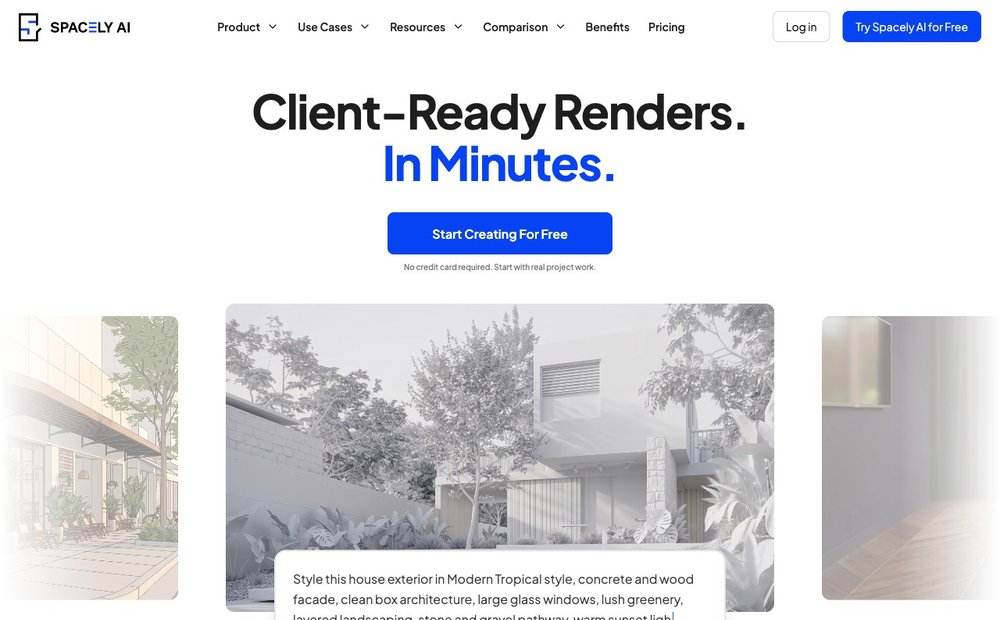
A web AI-rendering platform built for interior design, virtual staging and architectural visualization, used by 580,000-plus people including large firms. It generates photorealistic renders in under a minute and bundles 12-plus tools: Realistic Render turns a sketch or 3D export into a finished image while preserving geometry, Auto Furnish fills an empty-room photo with style-matched furniture, and a Floor Plan Maker produces technical, 2.5D and 3D plans. Best for designers and real-estate teams who want fast, controllable AI renders from existing files. Note it moved to a credit-based model in late 2025, so most renders consume 2-8 credits.
Matching the App to Your Project
Pick by what you actually need. For accurate floor plans and 3D renders, Planner 5D, Room Planner and Coohom are the strongest all-rounders. To see furniture in your own room before buying, use an AR app like IKEA Kreativ or Houzz. If you just want to capture a room’s dimensions fast, MagicPlan scans with your phone camera. Designers building moodboards lean on Morpholio Board, while Foyr Neo targets professional, photoreal renders. The big 2026 shift is AI restyling: tools like Spacely AI and REimagineHome redesign a room from a single photo in seconds, so it is worth pairing a planning app with an AI one.
Official App Pages
- Planner 5D pricing
- IKEA Kreativ home design
- Houzz Pro 3D floor plan tools
- Foyr Neo interior design software
- Coohom plans and pricing
- REimagineHome pricing
- Spacely AI pricing
- MagicPlan pricing
Frequently Asked Questions
Which interior design app is best for beginners?
For first-timers, Planner 5D and Home Design 3D are the easiest starting points. Both use drag-and-drop layout tools, switch between 2D and 3D, and offer free tiers. Home Design 3D works fully offline with a built-in tutorial, while Planner 5D adds AI auto-furnishing and 4K renders. If you mainly want to shop, IKEA Kreativ and HomeByMe pair simple design with real, buyable furniture.
What replaced the IKEA Place app?
IKEA Kreativ is the AI-powered successor to IKEA Place. Built into the IKEA app and available on the web, it uses a Scene Scanner with computer-vision technology to create an editable 3D replica of your real room. You can clear out existing furniture and redesign the space entirely with IKEA products, with everything linking back to the catalog at current prices. It is free to use.
Can AI really redesign a room from a photo?
Yes. Tools like REimagineHome and Spacely AI take a single room photo and generate photorealistic restyles, virtual staging, color and flooring changes, or fully furnished versions of empty rooms, often in under a minute. Quality in 2026 is strong, with consistent walls, windows and furniture scale. Some, like REimagineHome, even link the generated furniture to products you can buy, turning a render into a shopping list.
Which apps are best for professional interior designers?
Professionals tend to choose Foyr Neo and Coohom for fast photorealistic rendering, Morpholio Board for client moodboards and spec sheets, and Houzz Pro for client-facing 3D floor plans plus project management. MagicPlan and Chief Architect's Room Planner cover accurate field measurement. The right pick depends on whether your priority is rendering, presentation, measurement or business management; many studios combine two or three of these.
Are there free interior design apps worth using?
Several offer genuinely useful free tiers. IKEA Kreativ is fully free, HomeByMe gives new users two projects and five HD images, Coohom's Basic plan covers 2D/3D floor plans and rendering, and Planner 5D and Home Design 3D both have free versions. Most AI tools, including REimagineHome and Spacely AI, provide free trial credits so you can test the redesign quality before paying.
App features, platforms and pricing (especially free-tier limits and AI credits) change often. Confirm the current plan on each developer’s official site or app store listing before subscribing.