10 Best AI Apps to Improve Your Daily Life in 2026
AI has quietly moved from novelty to daily habit. In 2026 the best AI apps draft your emails, answer questions with sources, transcribe your meetings, generate images and read text aloud, often for free. This guide rounds up 10 genuinely useful AI apps for everyday life, with current pricing and honest notes on what the free tier actually gets you.
Below are ten of the best AI apps for everyday life in 2026 — for writing, search, productivity, notes, voice and more. Most have a genuinely useful free tier, with paid plans that unlock heavier use and advanced models.
The 10 Best AI Apps in 2026
ChatGPT
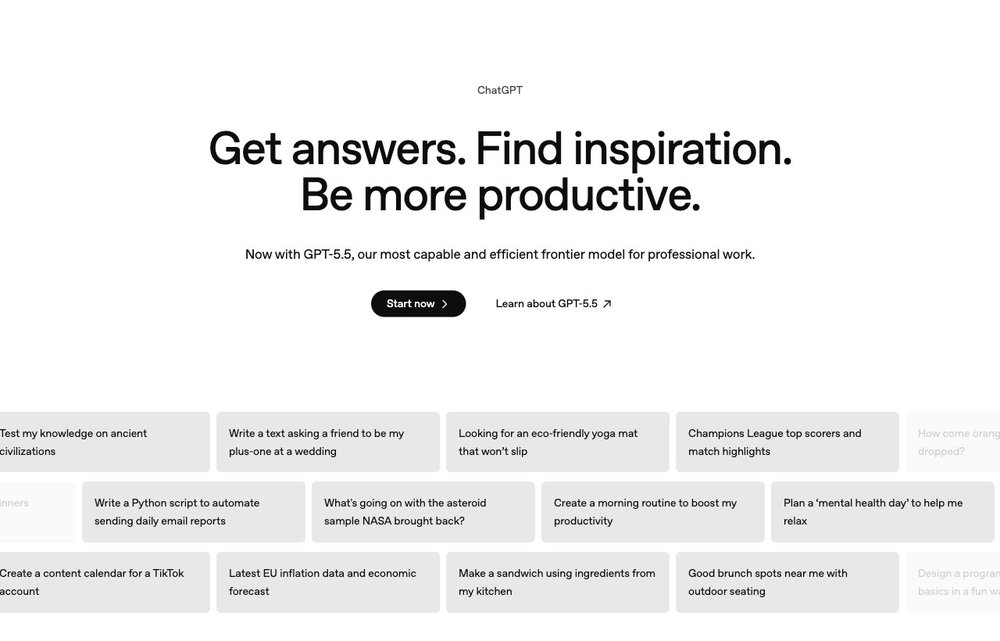
iOS, Android, Web, Windows, macOS; Free / Go $8 / Plus $20 / Pro $200
Still the easiest single recommendation for most people. The free tier runs OpenAI's flagship GPT-5.3 model (with message caps that fall back to a lighter model), handling writing, research, coding help, image generation and voice chat. Note that as of February 2026 the US free tier now shows labelled ads. Paid plans start at Go ($8/mo) and Plus ($20/mo), which unlock the newest models, Deep Research, Sora video and Agent Mode.
Google Gemini
iOS, Android, Web; Free / AI Plus $7.99 / Pro $19.99 / Ultra $99.99
The best AI app if you live in Gmail, Docs, Android and Chrome. The free tier is more generous than people realize, with Gemini 3.5 Flash for everyday chat, a daily allowance of the stronger 3.1 Pro model, Nano Banana image generation, up to five Deep Research reports a month and Gemini Live voice mode. Paid Google AI plans run from $7.99/mo (Plus) to $19.99/mo (Pro) and $99.99/mo (Ultra).
Claude
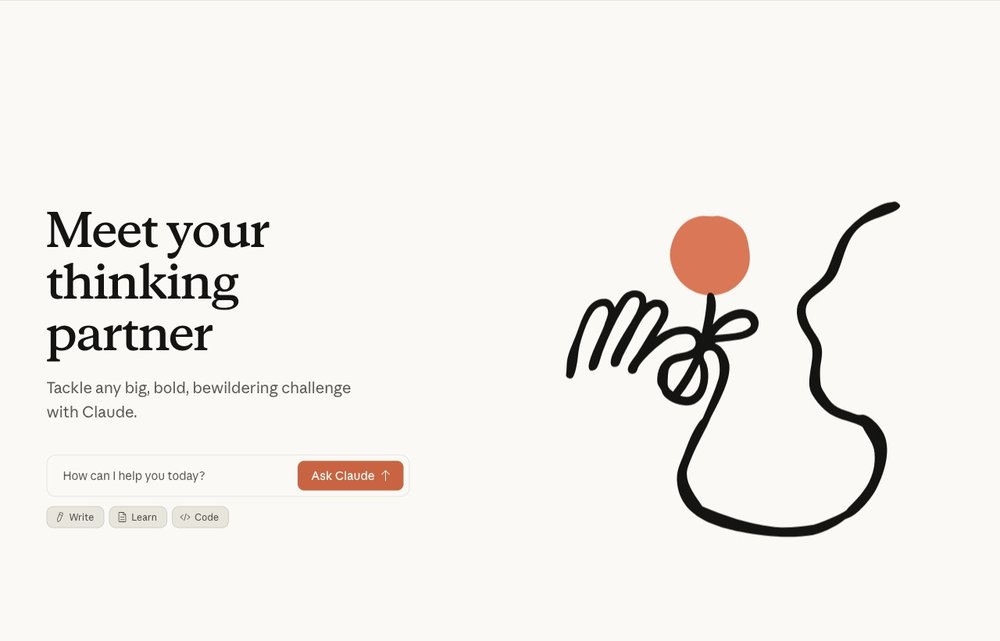
iOS, Android, Web, Desktop; Free / Pro $20 / Max from $100
Anthropic's assistant is a favorite for long-form writing, document analysis and thoughtful reasoning, and it stands out on privacy: Claude does not train on your conversations unless you explicitly opt in. The free tier gives daily access to the Sonnet model with no credit card; Pro ($20/mo) adds the more capable Opus models, extended thinking and higher limits.
Perplexity
iOS, Android, Web; Free / Pro $20 / Max $200
The go-to AI app when you want answers you can verify. Perplexity is an answer engine that searches the live web and shows numbered citations under every response, so you can check the source. The free tier gives unlimited basic searches plus a handful of advanced 'Pro Searches' per day; Pro ($20/mo) removes the cap and lets you switch underlying models. Its Comet AI browser is now free across all platforms.
Microsoft Copilot
Windows, Web, iOS, Android, Edge; Free / Pro $20 / M365 Premium $19.99
The most frictionless choice if you already use Windows, Edge or Microsoft 365, since it's built right into the OS and Office apps with no separate account needed. The free tier covers chat, web search, writing help and image generation via Designer. Copilot Pro ($20/mo) adds priority model access and more image boosts, while Microsoft 365 Premium ($19.99/mo) embeds Copilot across Word, Excel, Outlook and PowerPoint.
Notion AI
Web, iOS, Android, Desktop; Free workspace; AI included in Business ~$15+/member
If your notes, tasks and docs already live in Notion, its built-in AI is a powerful upgrade. It drafts and summarizes documents, autofills databases, writes formulas from plain English, transcribes meetings and now runs autonomous agents that can work across hundreds of pages, and you can pick between GPT-5.2, Claude Opus 4.5 or Gemini 3 as the engine. As of 2026 AI is bundled into the Business plan ($15-18/member/mo) rather than sold as a standalone add-on.
Grammarly
Web, Browser extension, Windows, macOS, iOS, Android; Free / Pro $12/mo annual
The most practical everyday writing assistant, working across more than a million apps and websites to fix grammar, adjust tone and rewrite text in real time. The free plan covers unlimited grammar and spelling checks, tone detection and 100 AI prompts a month, no credit card required. Pro is $12/mo billed annually (or $30 month-to-month) and raises the AI prompt allowance to 2,000.
Otter.ai
Web, iOS, Android, Chrome; Free 300 min / Pro $8.33/mo annual / Business $19.99
A standout for anyone in meetings: Otter joins your Zoom, Google Meet or Teams calls, transcribes them in real time, identifies speakers and produces a summary with decisions and action items you can later query in plain language. The free Basic plan includes 300 transcription minutes a month (30 minutes per conversation); Pro is $8.33/mo billed annually for 1,200 minutes.
ElevenLabs
Web, iOS, Android, API; Free 10k credits / Starter $5 / Creator $22
The leading AI voice app, turning any text into remarkably natural speech in dozens of languages, plus voice cloning, dubbing and AI reading. It's great for listening to articles, narrating drafts or creating accessible audio. The free tier offers about 10,000 characters (roughly 10 minutes) a month with attribution and no commercial rights; paid plans start at $5/mo (Starter) and $22/mo (Creator) for commercial use and voice cloning.
Google ImageFX
Web (labs.google); Free with Google account, daily image limit
The best free AI image generator for everyday use. Built into Google Labs and powered by Google's Imagen model, ImageFX produces high-quality images from a text prompt, with handy 'expressive chips' to remix variations in a click. It's completely free with a Google account, with a daily generation limit, and downloads come as high-res PNGs (carrying an invisible SynthID watermark). A strong, no-cost alternative to paid tools like Midjourney.
Choosing the Right AI App
Start with one general assistant (ChatGPT, Gemini or Claude) for writing, questions and brainstorming, then add a specialist where you need it — Perplexity for sourced research, Grammarly for writing polish, or Otter for meeting notes. Most have free tiers, so try two or three before paying. Before sharing anything sensitive, check each app’s privacy settings and whether your chats are used to train its models.
For more tools, see our guides to the best AI tools and the best AI coding assistants.
Frequently Asked Questions
Is ChatGPT free in 2026?
Yes. ChatGPT has a free tier that runs OpenAI's flagship GPT-5.3 model, with limits on messages, uploads and image generation before it falls back to a lighter model. Note that as of February 2026 the US free tier shows clearly labelled ads. Paid plans start at Go ($8/month) and Plus ($20/month) for higher limits and newer features like Deep Research and Agent Mode.
What is the best free AI app for everyday use?
For most people, ChatGPT is the best single free AI app because it handles writing, research, Q&A and images in one place. If you already use Google products, Gemini's free tier is excellent, while Microsoft Copilot is the most convenient for Windows and Office users. For cited research, Perplexity's free tier is hard to beat.
Are AI apps safe and private?
Mainstream AI apps are generally safe to use, but privacy practices differ. By default ChatGPT and Gemini may use your conversations to improve their models (you can opt out in settings), whereas Claude does not train on your chats unless you opt in. As a rule, avoid pasting sensitive personal, medical or financial information into free personal accounts, and review each app's privacy settings.
Do I need to pay for AI apps or are the free versions enough?
For most everyday tasks the free versions are genuinely enough. Free tiers of ChatGPT, Gemini, Claude, Copilot, Perplexity, Grammarly and Google ImageFX cover writing, search, basic images and grammar. You'll usually only want to pay (typically around $20/month) if you hit usage caps, need the newest models, larger context windows, or features like Deep Research and unlimited transcription.
Which AI app is best for writing and notes?
Grammarly is best for polishing everyday writing, since it fixes grammar and adjusts tone everywhere you type. For drafting and organizing, ChatGPT and Claude are excellent, with Claude favored for long-form work. If your notes and tasks live in one workspace, Notion AI is the strongest pick because it drafts, summarizes and even runs agents directly inside your documents.
Free tiers, model availability and pricing for AI apps change frequently. Verify current features and privacy options on each provider’s official site before relying on them.