 Tiny Log
: Baby Tracker
Feeds, sleeps and changes — written down, not worked out.
A quiet notepad with a timer, for iPhone. Tap once to log a feed, a sleep or a diaper change, glance at when the last one was, and get on with your day. Every entry stays on your own phone.
A look inside
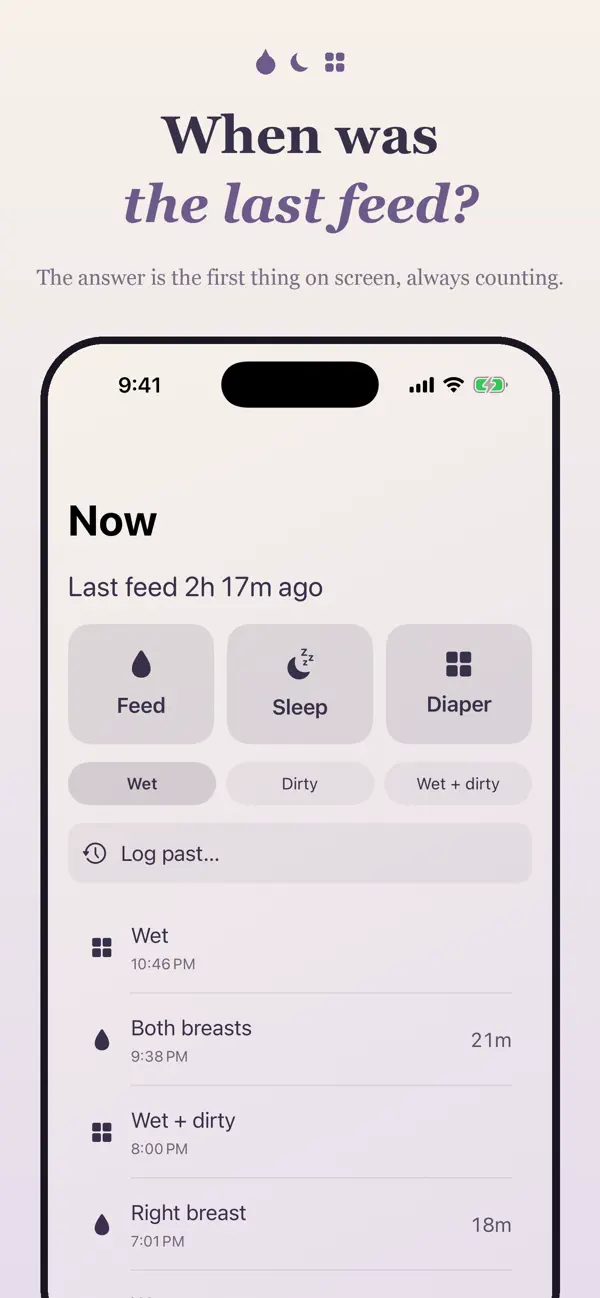
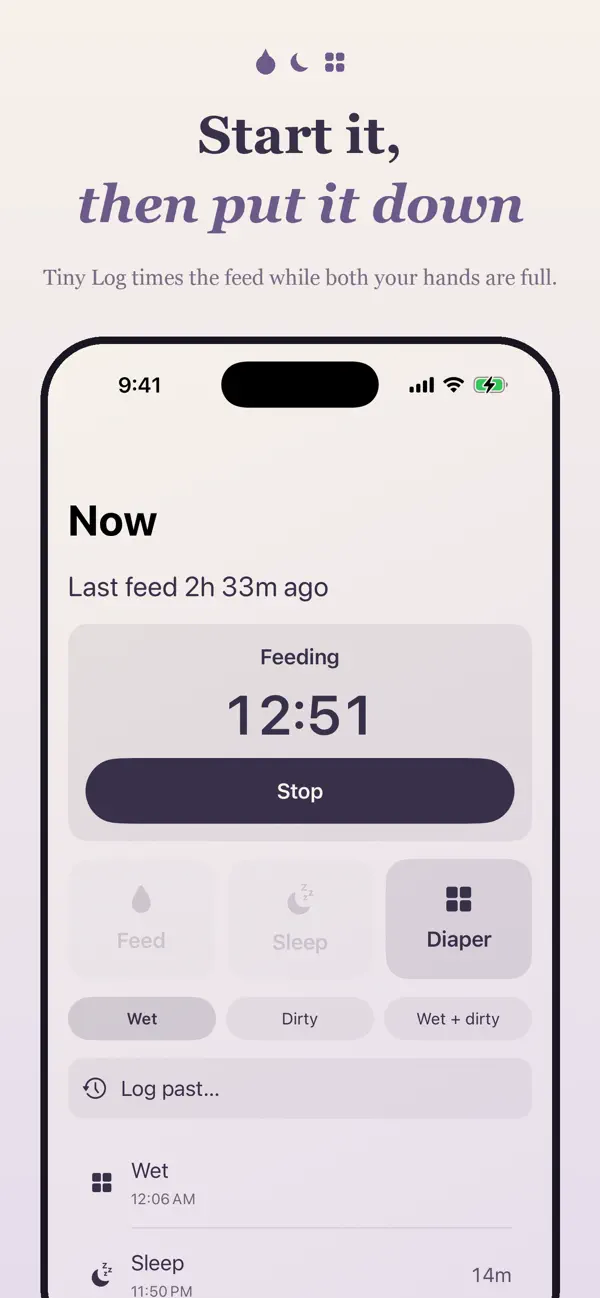
One tap on the Now tab
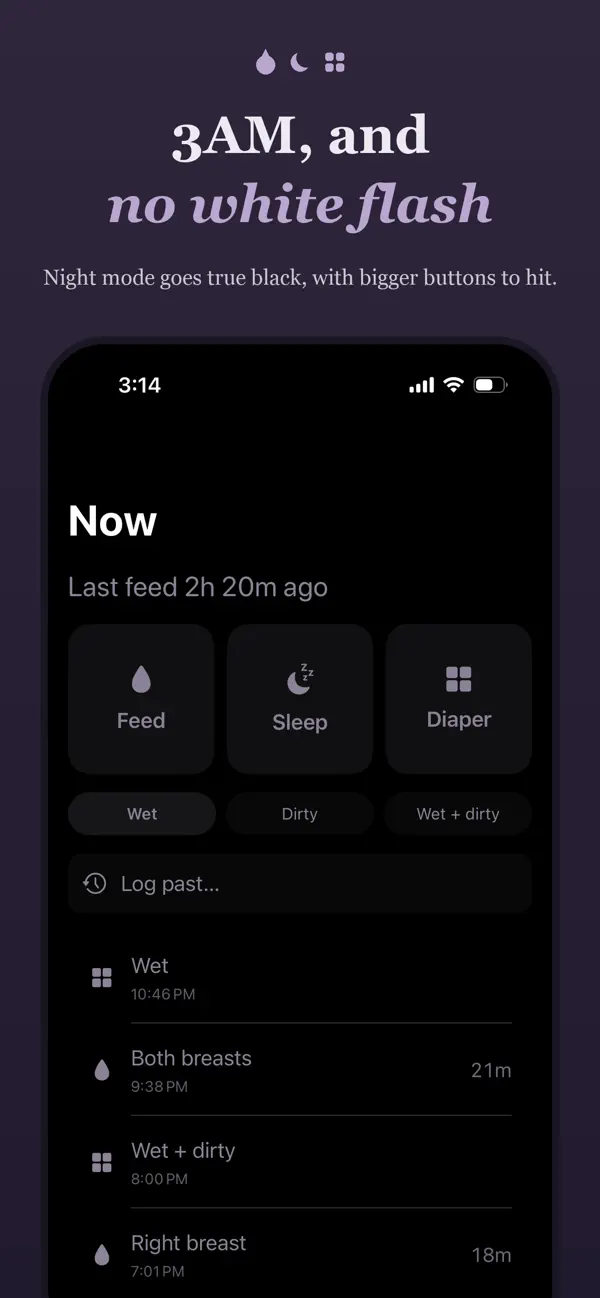
Feed, Sleep and Diaper are three big buttons, with “Last feed 2h 14m ago” right at the top. Start a feed or a sleep and a live timer runs until you stop it.
Log it afterwards, too
Nobody reaches for their phone mid-feed at 4am. A visible “Log past…” row on the Now tab lets you add an entry after the fact, with the time you actually mean.
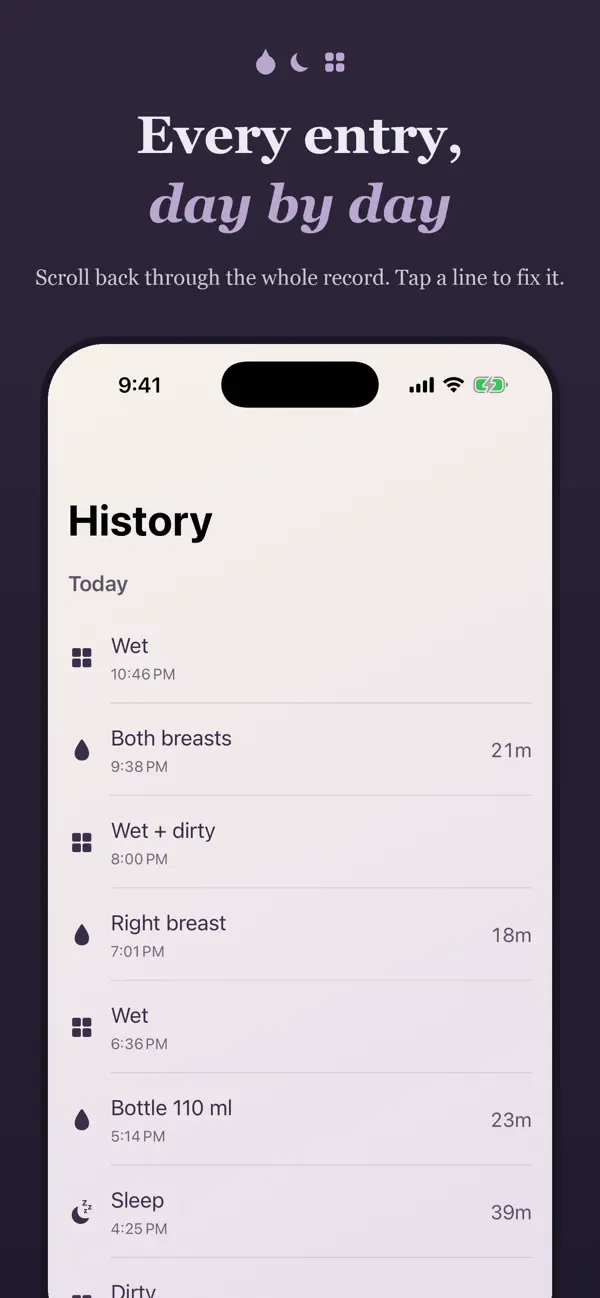
A history you can fix
The History tab is a plain timeline grouped by day. Tap any entry to edit it, swipe to delete it. Typed the wrong hour half-asleep? Change it in two seconds.
Plain numbers, no opinions
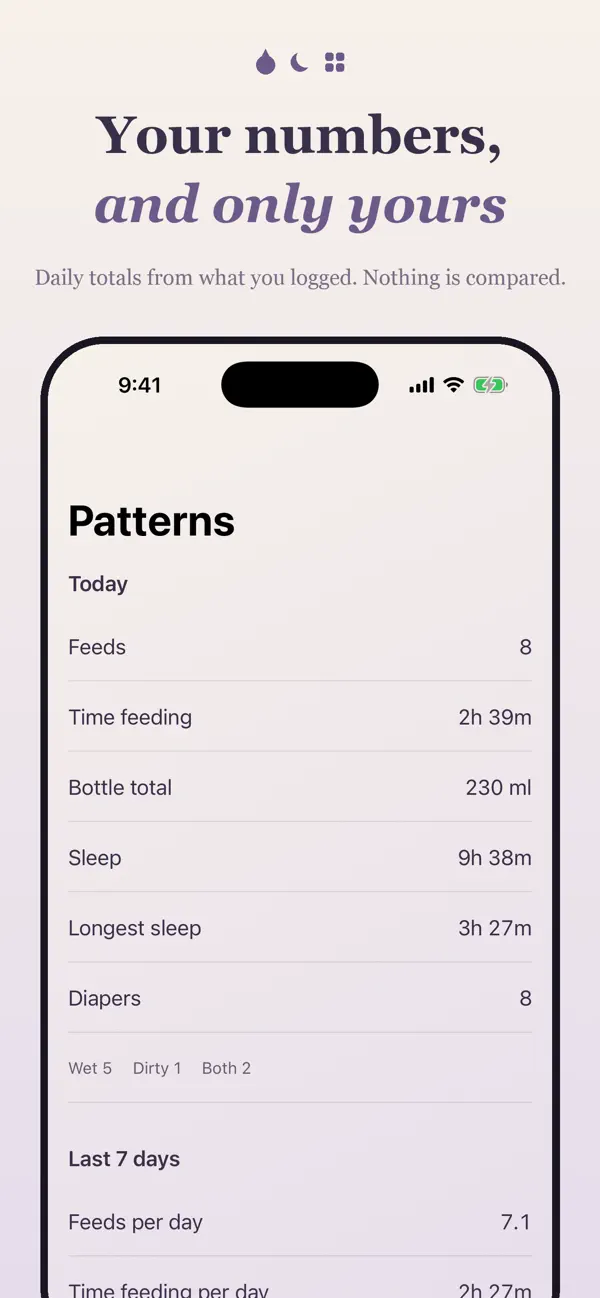
The Patterns tab shows your daily counts and 7- and 30-day averages, and nothing else. It shows back what you typed — it never tells you what any of it means.
Widgets & a gentle nudge
Home screen and Lock Screen widgets show the time since the last feed. An optional single reminder can nudge you a set number of hours after a feed.
Made for 3am
Night mode is true black and switches on by itself between 19:00 and 07:00, so the screen doesn’t wake anybody. Settings also holds ml/oz and reminders.
Your baby’s log stays on your phone
No account, no sign-in, no server. Every feed, sleep and diaper entry is stored on your device — the developer never receives any of it and has no way to see it. Read the full privacy policy.