Best Reverse Image Search Engines: Find Any Image's Origin (2026)

Reverse image search lets you find the origin of any image, discover higher-resolution versions, detect fakes and catfishing, track where your photos are being used, and identify products from screenshots. In 2026, AI has made these tools dramatically more powerful — some can now match faces across different photos, identify objects in complex scenes, and even find edited versions of an original image.
We tested the top reverse image search engines to see which ones actually deliver useful results. Here are the best options for every use case.
Quick Comparison: Best Reverse Image Search Engines
| Engine | Price | Best For | Face Search | Index Size |
|---|---|---|---|---|
| Google Lens | Free | Products, general search | Limited | Billions |
| TinEye | Free | Finding exact copies | No | 70B+ images |
| Yandex Images | Free | Face matching | Best | Large (EU/RU focus) |
| Bing Visual Search | Free | Shopping, similar images | Limited | Large |
| Lenso.ai | Free / Premium | AI-powered deep search | Yes | Growing |
1. Google Lens — Best for General Reverse Image Search
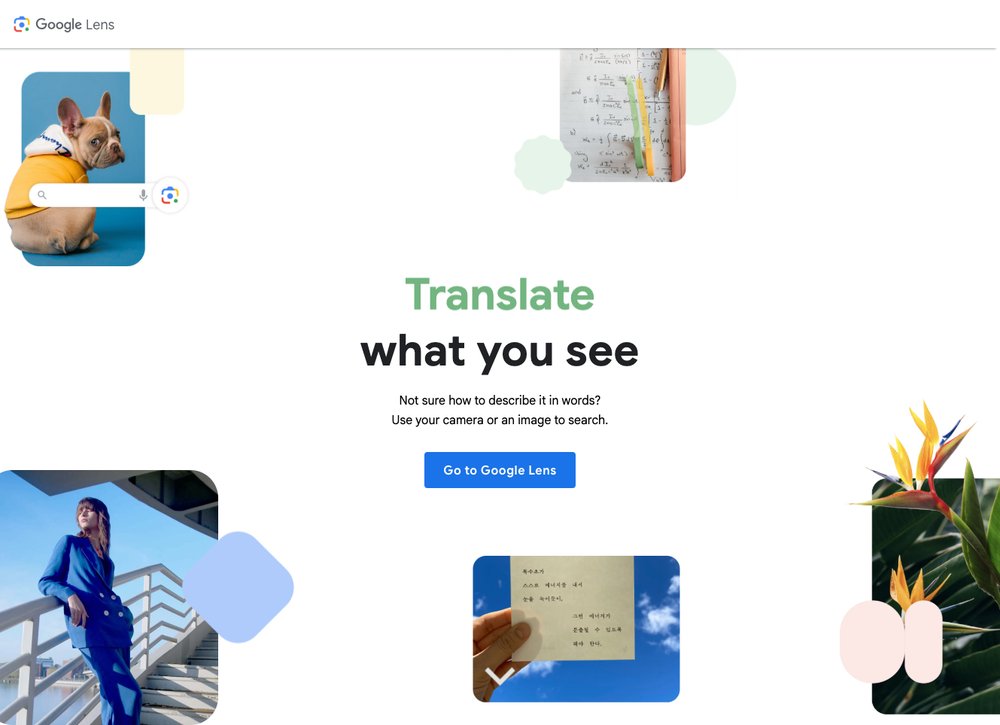
Google Lens is the most powerful general-purpose reverse image search engine. It crawls billions of web pages and can identify products, landmarks, plants, animals, text, and artwork from any image. Upload a photo or paste a URL and Google returns visually similar images, web pages containing the image, and shopping results for identified products.
Google Lens excels at product identification — photograph a pair of shoes, a piece of furniture, or any product and it finds where to buy it online. The "Search inside image" feature lets you select a specific region to search, useful for complex photos with multiple elements.
Limitation: Google intentionally restricts facial recognition in reverse search. It will not match a person's face across different photos. If you need face matching, use Yandex instead.
2. TinEye — Best for Finding Exact Image Copies
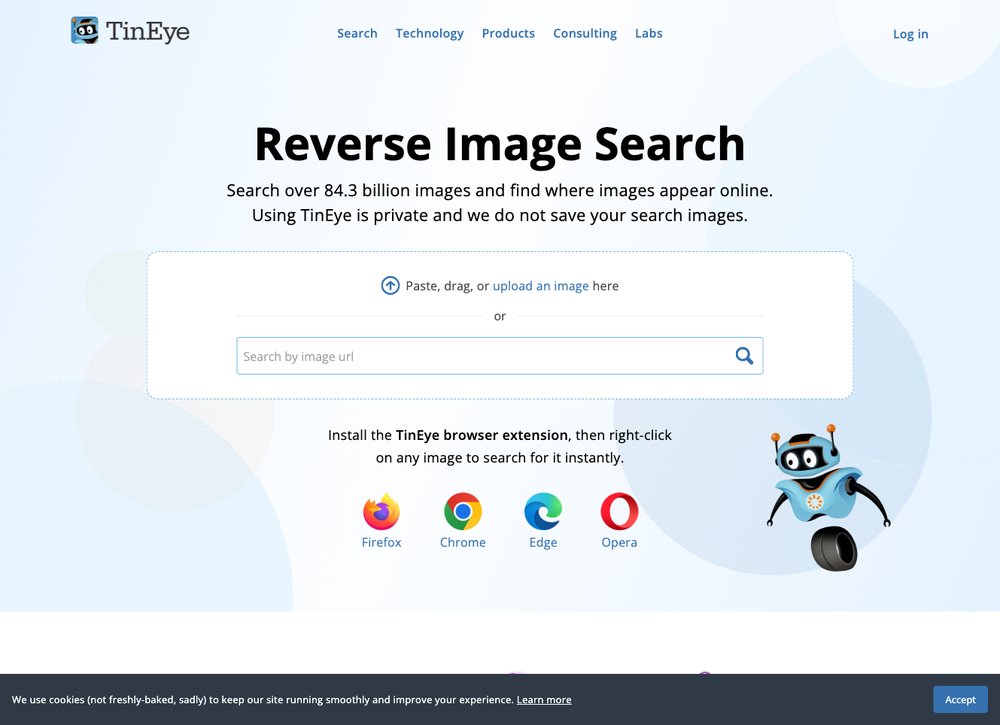
TinEye was the first reverse image search engine (launched 2008) and remains the best at what it does: finding exact and near-exact copies of an image across the web. Its index of over 70 billion images is specialized for tracking where specific images appear online.
TinEye is the go-to tool for photographers tracking unauthorized use of their work, businesses monitoring brand image usage, and anyone verifying the origin of a viral photo. The "Sort by oldest" feature helps identify the original source of an image by finding the earliest instance online.
Limitation: TinEye only finds copies of the exact image you upload. It does not find visually similar images, identify objects, or match faces. For broader visual search, use Google Lens.
3. Yandex Images — Best for Face Matching
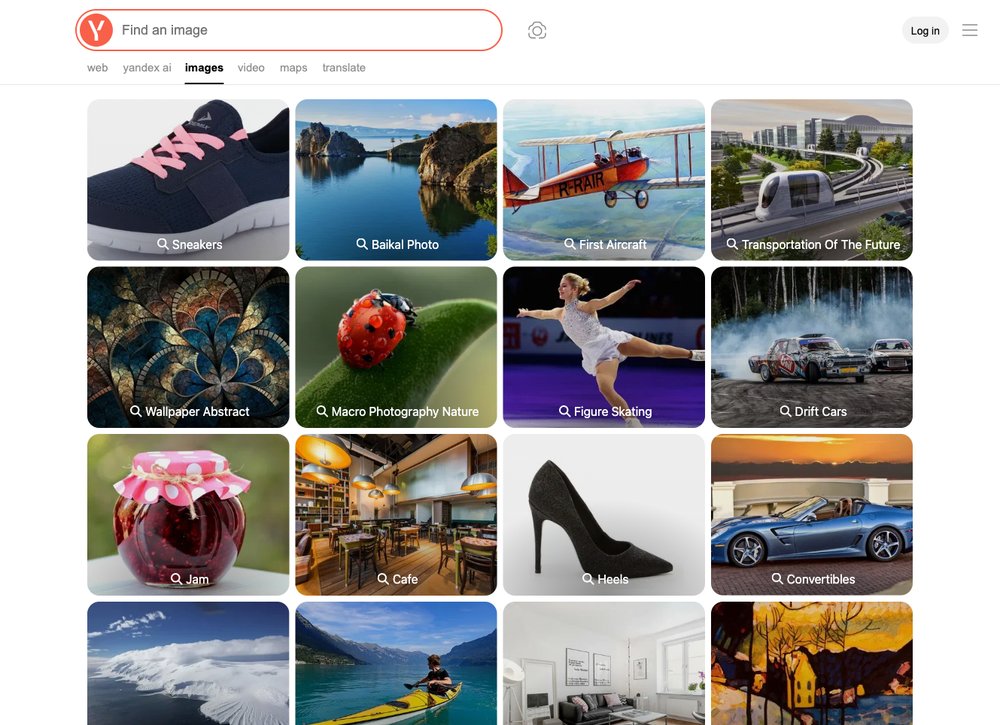
Yandex Images is the Russian search engine's image search tool, and it has the most aggressive facial recognition of any free reverse image search engine. Upload a photo of a person and Yandex will find other photos of the same face across different contexts, poses, and lighting conditions.
Yandex consistently outperforms Google for finding people in images because it does not restrict facial matching the way Google does. It is particularly strong for finding images from European and Russian-language websites, social media platforms, and forums.
Limitation: Coverage drops significantly for content primarily on US or Western platforms. Yandex is best used in combination with Google Lens rather than as a replacement.
4. Bing Visual Search — Best for Shopping
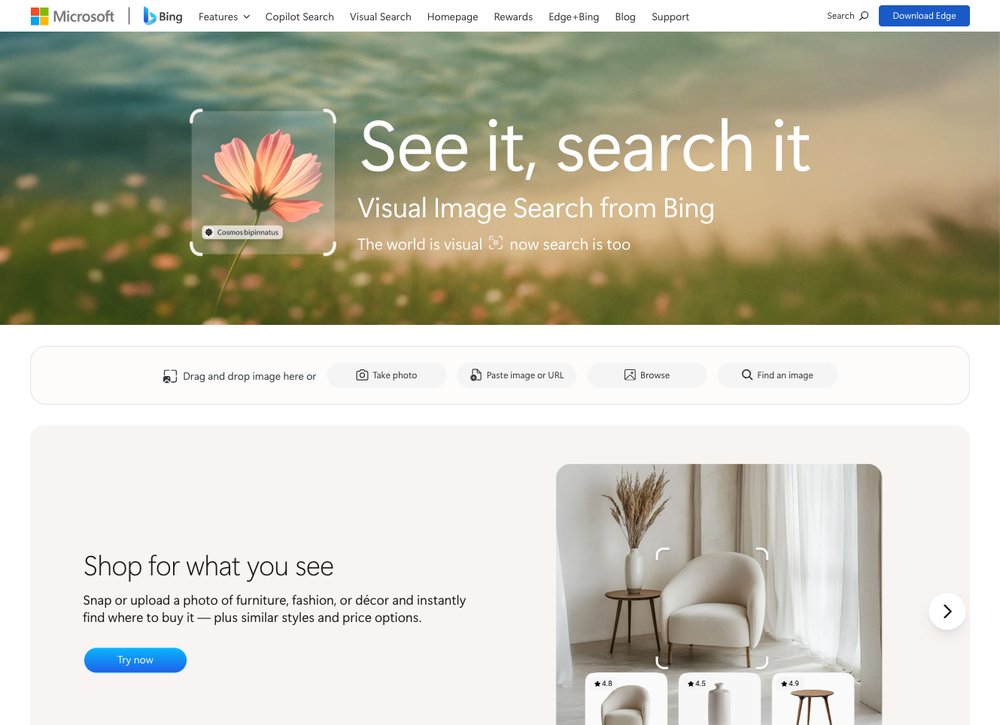
Bing Visual Search is Microsoft's reverse image search tool, integrated into the Bing search engine and Microsoft Edge browser. It excels at identifying products for shopping, finding similar-looking items, and extracting text from images.
The "Find similar" feature is particularly useful for design inspiration — upload a room photo to find similar furniture, or a fashion photo to find similar clothing. Bing's integration with Microsoft Edge means you can right-click any image on the web and instantly search for it.
5. Lenso.ai — Best AI-Powered Search

Lenso.ai is a newer AI-powered reverse image search engine that goes beyond simple visual matching. It categorizes results by type — people, places, duplicates, similar, and modified — making it easy to find exactly what you are looking for. The AI can detect edited, cropped, or manipulated versions of an original image.
Lenso.ai offers a free tier with limited searches and a premium tier for heavy users. It is particularly useful for verifying whether an image has been manipulated or for finding all variations of a photo that may have been edited and reposted.
How to Use Reverse Image Search Effectively
- Use multiple engines: No single tool finds everything. Start with Google Lens for general results, then try TinEye for exact copies and Yandex for face matching.
- Crop before searching: Remove unnecessary background to focus the search on the subject you care about.
- Try different image sizes: Sometimes a thumbnail gets different results than a full-resolution image.
- Check the oldest result: TinEye's "Sort by oldest" feature helps identify the true origin of viral images.
For more privacy and security tools, check out our guides to the best VPN services and best adware remover tools. SaveDelete also offers a free reverse image search tool you can use directly.
Frequently Asked Questions
What is the best free reverse image search engine?
Google Lens is the best free reverse image search for general use — it has the largest index and is best at identifying products, landmarks and objects. For finding exact copies of an image, TinEye is the best free option, and for face matching, Yandex Images is the most effective. Using all three together gives the most comprehensive results.
Can reverse image search find a person's identity?
Yandex Images has the most aggressive facial recognition and can sometimes match a person across different photos, while Google Lens intentionally blocks face-based searches. Dedicated face-search tools like PimEyes and FaceCheck.ID are more powerful but raise significant privacy concerns. Always use these tools ethically and respect people’s privacy.
How can I find where my photos are being used online?
TinEye is the best tool for tracking image usage — upload your photo and it finds every copy across its 70 billion+ image index. Google Lens also works but returns more noise. For ongoing monitoring, TinEye offers paid alerts that notify you whenever a new copy of your image appears online.
Can reverse image search detect fake or edited photos?
Yes. TinEye can find the original version of an edited photo so you can compare the two, and Lenso.ai specifically categorizes results as “modified” when it detects altered versions. Finding the oldest instance of an image via TinEye also helps verify whether a viral photo is genuine or manipulated.
Is reverse image search free?
The major reverse image search engines — Google Lens, TinEye, Yandex Images and Bing Visual Search — are completely free. AI-powered tools such as Lenso.ai offer a free tier with limited searches plus a paid plan for heavy users.
How do I reverse image search on my phone?
On Android or iPhone, open the Google app or Chrome, long-press an image and choose “Search image with Google Lens.” You can also visit tineye.com or yandex.com/images in your mobile browser and upload a photo directly. SaveDelete’s own free reverse image search tool works on mobile too.