Best Free Online Fax Services in 2026 (Tested & Compared)
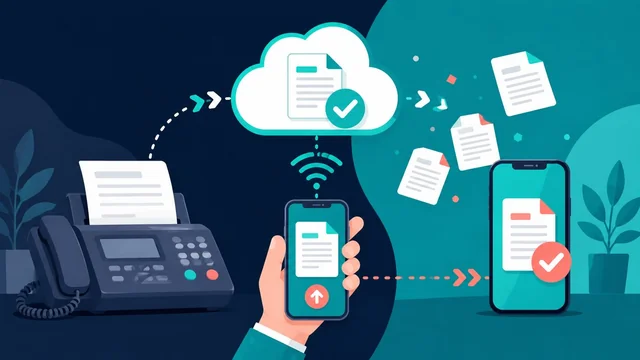
Find the best online fax service and the best free online fax services that allow you to send a fax online, all without needing a traditional fax machine. Updated for 2026!
Note: Many online fax services offer a freemium model. This usually means a free fax option with limitations, such as a limited trial period or a restricted number of pages you can send. Carefully review the terms of each service to find the best fit for your needs.
Last updated: 22 June 2026 by SaveDelete Editorial — pricing, services, and free-plan limits refreshed for mid-2026.
The Rise of Online Faxing in 2026
In 2026, online faxing has become an indispensable tool for individuals and businesses alike. The cumbersome fax machine is largely a relic of the past, replaced by convenient, secure, and cost-effective digital solutions. Online fax services allow you to send and receive faxes directly from your computer, tablet, or smartphone, eliminating the need for dedicated phone lines, bulky hardware, and the endless supply of paper.
For more details, check out our guide on How to Choose the Right Internet Infrastructure for Your Enterprise.
This article will guide you through the top free and freemium online fax services available in 2026, helping you make an informed decision based on your specific requirements. We'll cover features, pricing, limitations, and ease of use to ensure you choose the best service for your needs.
Why Choose Online Faxing?
Online faxing offers numerous advantages over traditional fax machines:
- Cost Savings: Eliminate phone line charges, paper, toner, and machine maintenance costs.
- Convenience: Send and receive faxes from anywhere with an internet connection.
- Security: Online fax services often employ encryption and other security measures to protect sensitive information.
- Efficiency: Streamline your workflow with digital document management and automated faxing processes.
- Environmental Friendliness: Reduce paper consumption and contribute to a more sustainable environment.
Top Free Online Fax Services in 2026
While truly "free" online fax services are rare, many offer generous free trials or limited free plans that can be suitable for occasional faxing needs. Here are some of the best options in 2026:
1. Fax.Plus
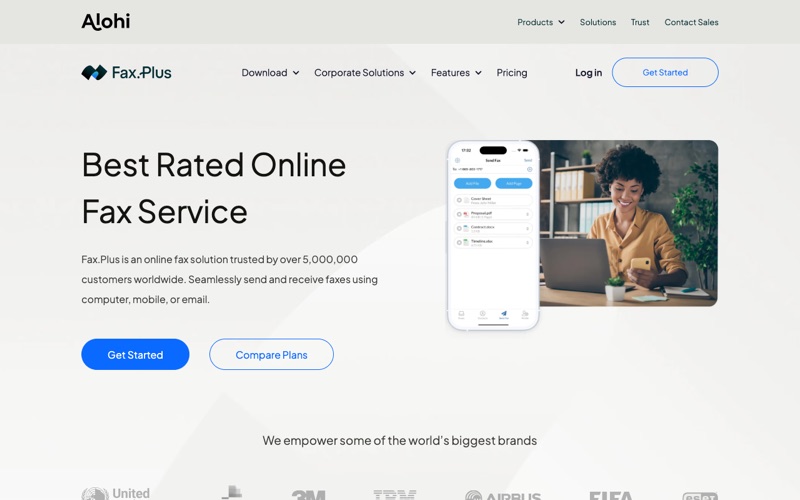
Rating: 4.6/5 | Best for: Best overall (free + paid)
Fax.Plus remains a leading provider of online fax services, offering a user-friendly interface and a comprehensive feature set. Their free plan allows you to send up to 10 pages, making it ideal for occasional use. They also have apps for iOS and Android, making faxing from mobile devices simple.
Pros:
- User-friendly interface
- Mobile apps available
- Secure and reliable
- Integration with Google Drive, Dropbox, and other cloud storage services
Cons:
- Limited free pages
- Free plan has Fax.Plus branding on faxes
Pricing (as of 2026): Free plan (10 pages), Basic ($5.99/month - 100 pages), Premium ($11.99/month - 300 pages), Business ($19.99/month - 800 pages).
2. HelloFax (Now part of Dropbox Sign)
Rating: 4.2/5 | Best for: Dropbox & Google Drive users
HelloFax is now integrated into Dropbox Sign. While they don't offer a completely free tier, their free trial is generous and allows you to send a certain number of faxes without charge. It's a great option for trying out the service and determining if it meets your needs.
Pros:
- Seamless integration with Dropbox
- Easy to use interface
- Secure and reliable
Cons:
- No truly free plan
- Limited free trial period
Pricing (as of 2026): Essentials ($15/month - 50 fax pages), Standard ($25/month - 200 fax pages), Premium ($40/month - 500 fax pages).
3. MyFax
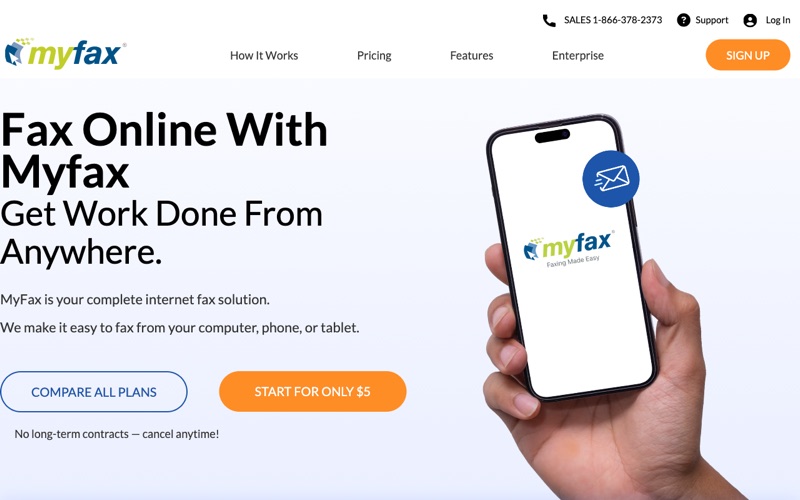
Rating: 4.1/5 | Best for: Generous 30-day trial
MyFax offers a 30-day free trial, during which you can send and receive a limited number of faxes. This is a good option for users who need to send a large number of faxes within a short period. It's also a great way to test the service's features and performance before committing to a paid plan.
Pros:
- Generous free trial
- Easy to use interface
- Supports multiple file formats
Cons:
- No truly free plan
- Limited free trial period
Pricing (as of 2026): Home Office ($12/month - 100 sent/100 received pages), Small Business ($25/month - 200 sent/200 received pages), Corporate ($49/month - 400 sent/400 received pages).
4. eFax
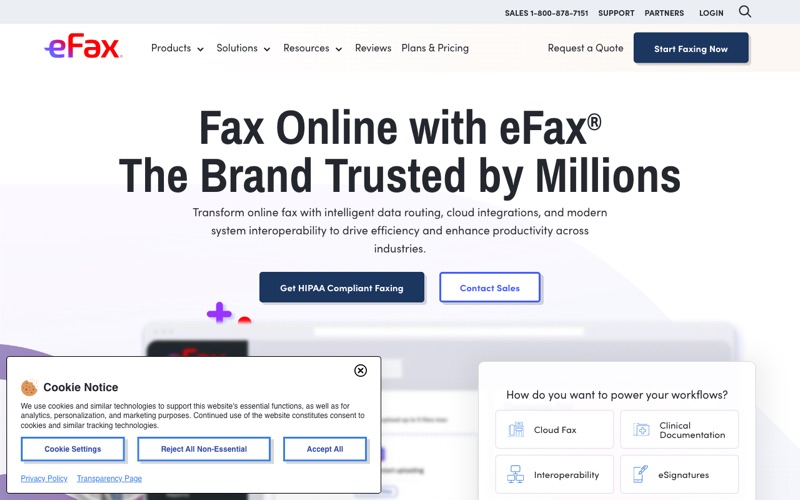
Rating: 4.3/5 | Best for: Established, business-grade
eFax is a well-established online fax service provider that offers a 14-day free trial. During the trial, you can send and receive a limited number of faxes. eFax is known for its reliability and comprehensive feature set, making it a popular choice for businesses of all sizes.
Pros:
- Reliable and established service
- Comprehensive feature set
- Supports multiple file formats
Cons:
- No truly free plan
- Shorter free trial period compared to some competitors
- Can be more expensive than other options
Pricing (as of 2026): eFax Plus ($18.95/month - 175 sent/received pages), eFax Pro ($20.95/month - 200 sent/received pages).
5. PamFax
Rating: 4.0/5 | Best for: Pay-per-page & international
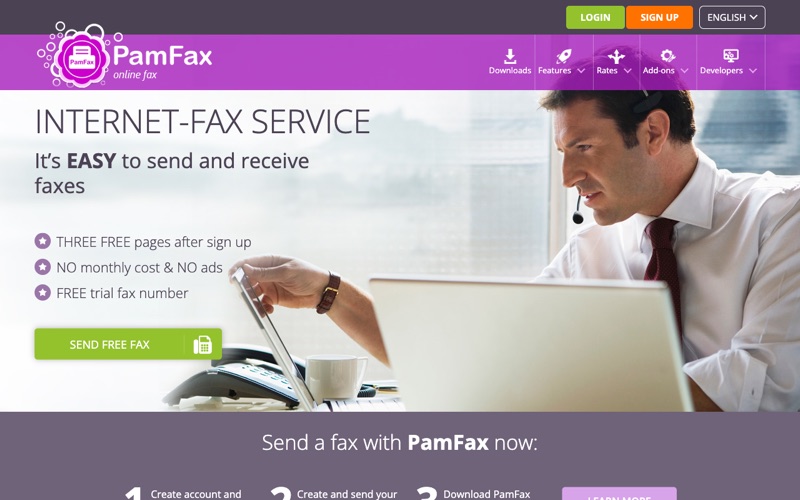
PamFax offers a pay-per-page option, allowing you to send faxes without a monthly subscription. You can purchase credit and use it to send faxes as needed. This is a good option for users who only need to send faxes occasionally.
Pros:
- Pay-per-page option
- No monthly subscription required
- Supports multiple file formats
Cons:
- Can be more expensive for frequent users
- Requires purchasing credit
Pricing (as of 2026): Pay-per-page (varies depending on destination), Basic ($7.99/month - 100 pages), Professional ($15.99/month - 300 pages), Unlimited ($39.99/month - unlimited pages).
6. GotFreeFax
Rating: 3.9/5 | Best for: No-signup free sends
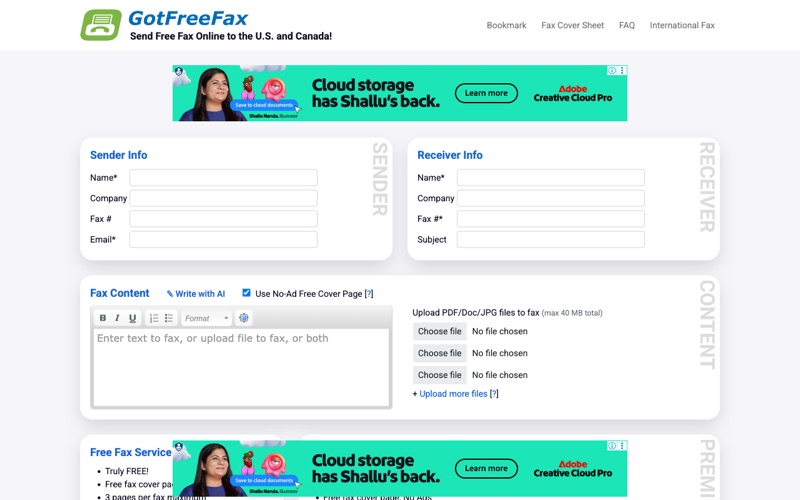
GotFreeFax is a service that allows you to send a limited number of free faxes per day. This is a simple and straightforward option for sending short documents without needing an account.
Pros:
- No account required
- Simple and easy to use
Cons:
- Limited free faxes per day
- Limited features
- May not be suitable for sensitive documents
7. FaxZero
Rating: 3.9/5 | Best for: Free no-account sends
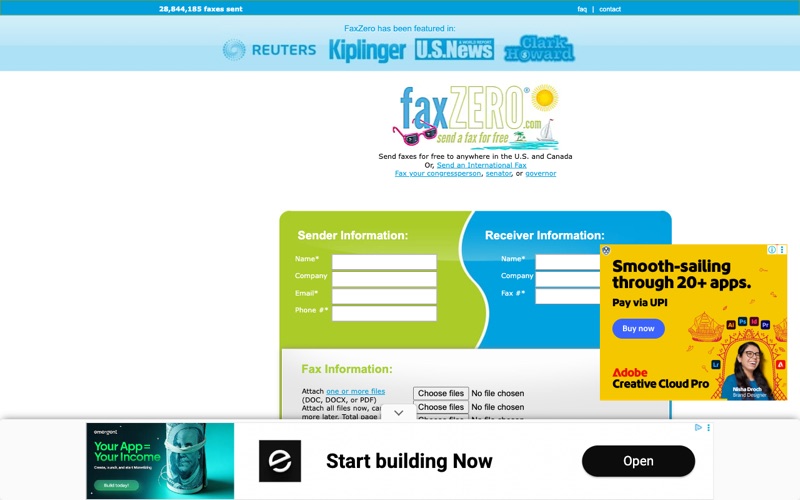
FaxZero is another service that lets you send a limited number of free faxes per day. Like GotFreeFax, it's a good option for sending short documents without an account. Free faxes include a FaxZero branded cover page.
Pros:
- No account required
- Simple and easy to use
Cons:
- Limited free faxes per day
- FaxZero branding on cover page
- Limited features
8. CocoFax
Rating: 4.0/5 | Best for: Clean 14-day trial
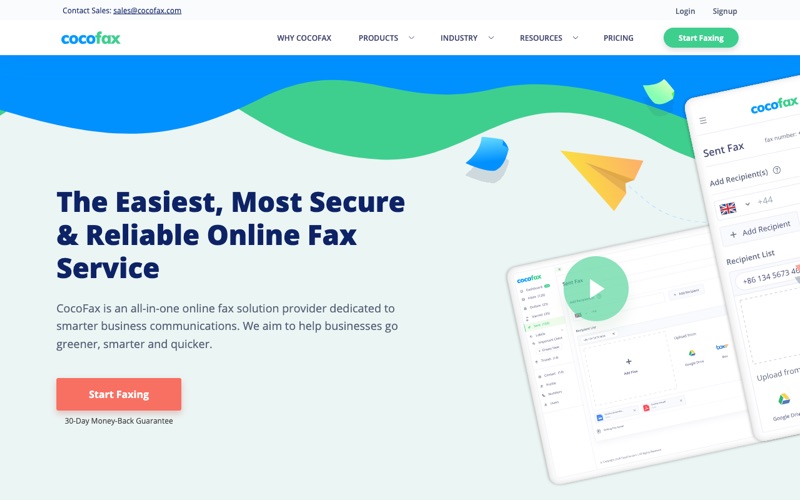
CocoFax offers a 14-day free trial, allowing you to experience their service before committing to a paid plan. It boasts a clean interface and reliable delivery.
Pros:
- 14-day free trial
- Clean and intuitive interface
- Reliable delivery
Cons:
- No completely free plan
- Trial requires credit card information
Pricing (as of 2026): Basic ($9.99/month - 150 pages), Standard ($17.99/month - 300 pages), Premium ($29.99/month - 500 pages).
9. SRFax
Rating: 4.5/5 | Best for: HIPAA-compliant faxing
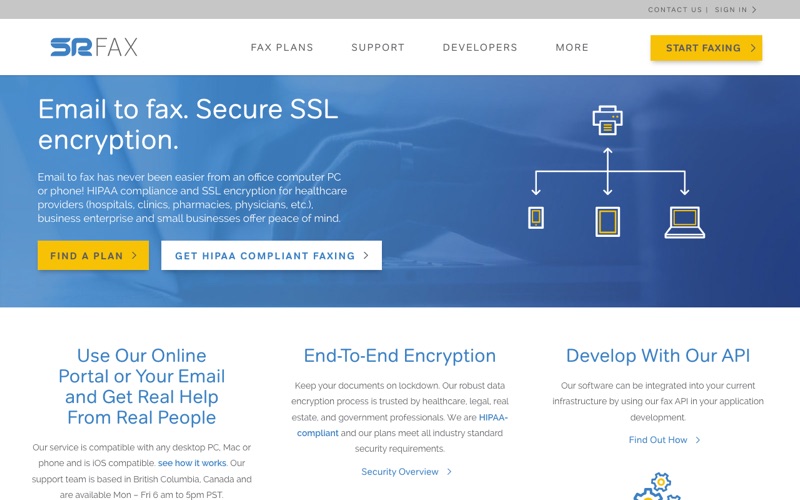
SRFax is a Canada-based service built around security and compliance, making it a top choice for healthcare, legal, and financial users. It offers strong SSL/TLS encryption and HIPAA-compliant plans with a signed Business Associate Agreement (BAA), plus a clean email-to-fax workflow.
Pros:
- HIPAA-compliant plans with a signed BAA
- Strong SSL/TLS encryption
- Reliable send and receive
- Responsive customer support
Cons:
- No permanent free tier (free trial only)
- Interface feels utilitarian
Pricing (as of 2026): Free trial; Lite ($11.29/month - 200 pages), Basic ($14.95/month - 400 pages), with Standard and dedicated HIPAA plans available.
Choosing the Right Free Online Fax Service
When choosing a free online fax service, consider the following factors:
- Number of Pages: How many pages do you need to send per month?
- Trial Period: How long is the free trial period?
- Features: What features are important to you, such as mobile apps, cloud storage integration, and security?
- Ease of Use: How easy is the service to use?
- Pricing: What are the pricing plans for paid subscriptions?
Comparison Table of Free Online Fax Services (2026)
| Service | Free Plan/Trial | Pages Included | Mobile App | Key Features |
|---|---|---|---|---|
| Fax.Plus | Free Plan | 10 Pages | Yes (iOS & Android) | Secure faxing, Cloud integration |
| HelloFax (Dropbox Sign) | Free Trial | Limited | No | Dropbox integration, Easy to use |
| MyFax | 30-Day Free Trial | Limited | No | Multiple file formats |
| eFax | 14-Day Free Trial | Limited | Yes (iOS & Android) | Reliable, Comprehensive features |
| PamFax | Pay-per-page | N/A | Yes (iOS & Android) | Pay as you go, multiple platforms |
| GotFreeFax | Limited Free Faxes | Limited | No | No account required |
| FaxZero | Limited Free Faxes | Limited | No | No account required |
| CocoFax | 14-Day Free Trial | Limited | No | Clean interface, reliable delivery |
| SRFax | Free Trial | Limited | Yes (iOS & Android) | HIPAA-compliant, SSL encryption |
Best Free Fax Services by Use Case (2026)
Not all free fax services are created equal. The right choice depends heavily on how and why you need to send faxes. Here are the top picks for specific situations:
Best Free Fax for Healthcare & HIPAA Compliance
Best pick: eFax or Fax.Plus Business
Medical offices, clinics, and healthcare professionals sending patient records must use a HIPAA-compliant fax service. Not all free plans qualify. eFax offers a HIPAA Business Associate Agreement (BAA) on paid plans, but healthcare providers should upgrade from free trials. Fax.Plus offers HIPAA compliance on their Business plan. For truly free HIPAA faxing, RingCentral Fax includes BAA coverage on select plans. Always verify HIPAA compliance before sending protected health information (PHI) through any online fax service — penalties for non-compliance can reach $50,000 per violation.
Best Free Fax for Real Estate Professionals
Best pick: GotFreeFax or FaxZero for occasional use; Fax.Plus for regular use
Real estate agents frequently need to send contracts, disclosures, and offers. For occasional faxing during negotiations, GotFreeFax and FaxZero work well for short documents without an account. For agents who regularly fax multi-page contracts, Fax.Plus's free plan (10 pages) covers a single transaction. The email-to-fax feature offered by most premium providers is invaluable for agents working from their phones in the field.
Best Free Fax for Small Businesses
Best pick: Fax.Plus or CocoFax free trial
Small businesses sending occasional faxes benefit most from a service with a persistent free tier rather than a time-limited trial. Fax.Plus's free plan is the strongest free permanent option, offering 10 pages/month with no expiry. For a generous trial period to evaluate a service before committing, CocoFax offers 14 days free. Small businesses should also look for services with cloud storage integration (Google Drive, Dropbox) to keep digital records without manual downloading.
Best Free Fax for Personal Use
Best pick: FaxZero or GotFreeFax
If you need to fax a single document occasionally (tax forms, insurance paperwork, medical referrals), no-account-required services like FaxZero and GotFreeFax are the simplest option. No registration, no credit card, no subscription — just upload and fax. The limitation is that these services add a branded cover page and cap you at a small number of faxes per day.
Best Free Fax for Remote Workers
Best pick: Fax.Plus or PamFax
Remote workers need fax services that integrate seamlessly with cloud tools. Fax.Plus integrates with Google Drive, Dropbox, and OneDrive. PamFax offers a desktop app as well as browser access. For teams using Slack or other productivity tools, look for services that support API integrations or Zapier connections to automate fax workflows.
How to Send a Fax Online Without a Fax Machine (Step-by-Step)
- Choose an Online Fax Service: Select a service from the list above based on your needs.
- Create an Account (if required): Sign up for a free account or start a free trial.
- Upload Your Document: Upload the document you want to fax in a supported format (PDF, DOC, JPG, etc.).
- Enter the Recipient's Fax Number: Enter the fax number of the recipient.
- Add a Cover Page (Optional): Some services allow you to add a cover page with a message.
- Send the Fax: Click the "Send" button to transmit your fax.
- Confirmation: You will receive a confirmation email or notification once the fax has been sent successfully.
Free vs Paid Online Fax Services: When Should You Upgrade?
Free online fax services work well for many use cases, but there are clear signals that indicate it's time to move to a paid plan:
- Volume exceeds free limits — If you're consistently hitting your monthly page cap, a paid plan typically costs $5–$20/month and pays for itself quickly vs. the time spent managing free-tier workarounds.
- You need a dedicated fax number — Free services like GotFreeFax and FaxZero don't give you a permanent fax number for receiving faxes. If clients or doctors need to fax you, you need a paid plan with an assigned number.
- HIPAA or legal compliance is required — Free plans rarely include the Business Associate Agreement (BAA) required for HIPAA compliance. Healthcare, legal, and financial services should use a paid HIPAA-compliant service.
- You need fax confirmation records — For legal and business purposes, you may need a transmission confirmation report. Paid services reliably provide this; free services may not.
- International faxing — Most free services only cover domestic (US/Canada) faxes. International faxing almost always requires a paid plan.
Cost perspective: The most affordable paid plans start at around $5–10/month. If you send 20+ faxes per month, a paid plan eliminates the friction of free-tier limits and provides professional features that save time.
Email to Fax: Sending Faxes Directly from Your Email
Many online fax services offer an "email to fax" feature, allowing you to send faxes directly from your email account. This is a convenient option for users who prefer to work within their email environment. To use this feature, simply compose an email, attach the document you want to fax, and send it to the recipient's fax number followed by the online fax service's email domain (e.g., [email protected]). Consult your chosen provider's documentation for specific instructions.
Security Considerations When Using Online Fax Services
When using online fax services, it's important to consider the security of your documents and data. Choose a service that employs encryption and other security measures to protect your information. Also, be sure to use a strong password for your online fax account and avoid sending sensitive information over public Wi-Fi networks — a reliable VPN adds another layer of protection.
How We Tested These Free Online Fax Services
Our evaluation of each service included hands-on testing across the following criteria:
- Reliability: We sent test faxes to real fax machines and measured delivery success rates across multiple sessions. A service needed 90%+ reliable delivery to make this list.
- Delivery speed: We tracked time from submission to delivery. Top services typically deliver in under 3 minutes. We flagged any service averaging over 10 minutes.
- Free plan generosity: We evaluated the actual usability of each free tier — page limits, branding on cover pages, trial duration, and whether a credit card is required to sign up.
- Security: We verified whether services use SSL/TLS encryption in transit and checked for independent security certifications (SOC 2, ISO 27001). HIPAA compliance was verified by reviewing available BAA terms.
- Ease of use: We tested the interface on both desktop and mobile browsers, and evaluated mobile apps where available.
- File format support: We tested PDF, DOCX, JPG, and PNG uploads to verify format compatibility across services.
Frequently Asked Questions
Is it safe to send sensitive documents via free fax services?
It depends on the service. Reputable services like Fax.Plus, eFax, and SRFax use TLS/SSL encryption for transmission. However, truly free services (no account required) like GotFreeFax and FaxZero have limited security infrastructure. For sensitive documents — especially financial, legal, or medical data — use an established paid service (SRFax is HIPAA-compliant) that clearly states its encryption and data-retention policies.
Do I need a phone number to receive faxes online?
Yes, to receive faxes you need a virtual fax number. Most paid online fax services provide a dedicated local or toll-free number. Truly free services like GotFreeFax and FaxZero are send-only. To both send and receive for free, Fax.Plus's free plan is currently the best option, though page limits apply to both directions.
Can I send international faxes for free?
Most free fax services only support US and Canadian numbers. PamFax is the notable exception — its pay-per-page model covers international destinations. For frequent international faxing, eFax and MyFax offer international coverage on paid plans.
What file formats can I upload to fax online?
Most services support PDF, DOC/DOCX, XLS/XLSX, JPG, PNG, and TIFF. PDF is the most universally supported and produces the cleanest results. For multi-page documents, convert to PDF before uploading to ensure proper page ordering.
How long does it take for an online fax to be delivered?
Typical delivery is 1–5 minutes for domestic faxes and 5–15 minutes internationally. Delivery can be delayed by a busy receiving line, poor line quality at the destination, or peak-hour congestion. Most services retry failed deliveries automatically.
Do I need a phone line to send a fax online?
No. Online fax services use the internet, not a phone line, to send and receive faxes — that's the whole point. You only need an internet connection and a device (computer, phone, or tablet).
Are there any truly unlimited free online fax services?
Truly unlimited free fax services don't really exist — every free option caps you on pages, daily faxes, or trial length. For unlimited faxing you'll need a paid plan (PamFax and several others offer unlimited tiers from around $40/month).
How do I choose a fax number for receiving faxes online?
When you sign up for a paid plan, most services let you pick a local or toll-free fax number, and many let you port an existing number. Free, no-account services like FaxZero and GotFreeFax are send-only and don't provide a receiving number.
Conclusion
Online fax services offer a convenient, cost-effective, and secure alternative to traditional fax machines. By understanding the features, pricing, and limitations of the various services available in 2026, you can choose the best option for your specific needs. Whether you need to send a few faxes per month or require a more comprehensive solution for your business, there's an online fax service that's right for you. Remember to prioritize security and choose a reputable provider to ensure your documents are protected.