Google Brings Notebooks to Gemini App With Deep NotebookLM Integration
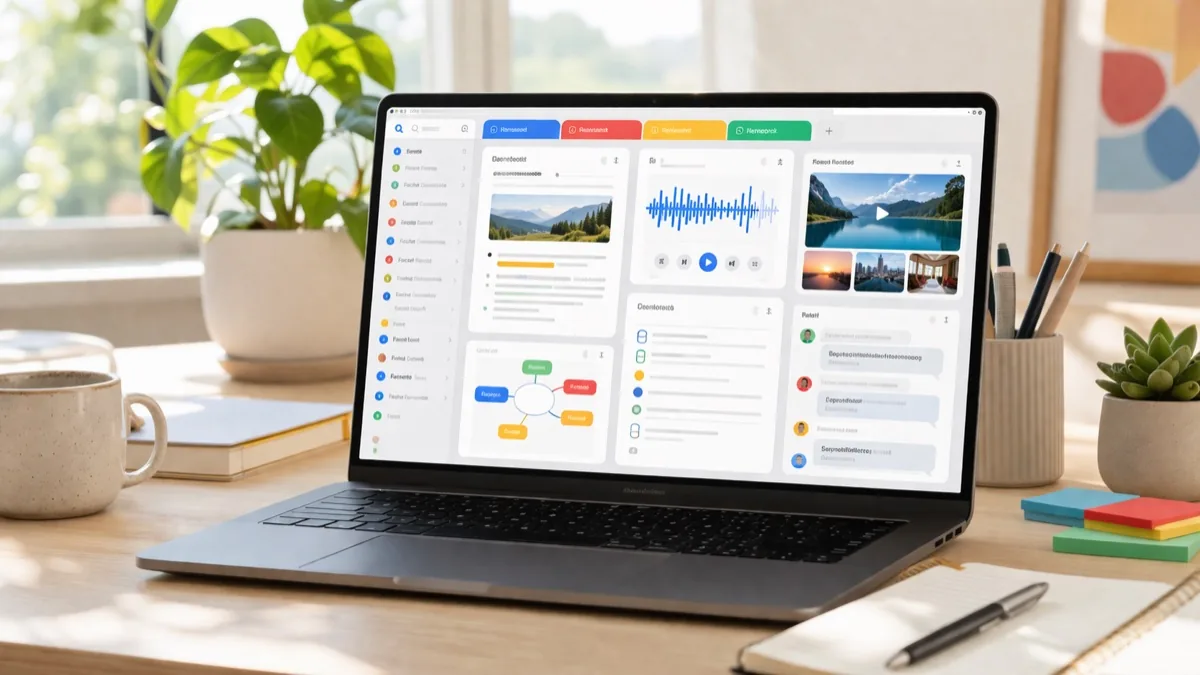
Google just connected two of its most useful AI products. Notebooks are now rolling out in the Gemini app, creating a shared knowledge base that syncs automatically with NotebookLM — meaning your research, chats, and files now flow seamlessly between both platforms.
What Are Gemini Notebooks?
Think of notebooks as personal knowledge bases that live across Google's AI ecosystem. They give you a dedicated space to organize your chats and files within the Gemini app, with full two-way sync to NotebookLM.
Here's what you can do with them:
- Move past chats into notebooks: Turn any Gemini conversation into persistent, organized knowledge
- Add custom instructions: Give Gemini specific context for each notebook topic
- Attach files: Upload documents, PDFs, and other files to give Gemini deeper context
- Cross-platform sync: Sources added in Gemini automatically appear in NotebookLM and vice versa
- Support for up to 300 sources: Each notebook can reference a massive knowledge base
Why the NotebookLM Integration Matters
The real power here is the sync. Because notebooks are shared between Gemini and NotebookLM, you can start a research project in Gemini's conversational interface and then unlock NotebookLM's unique features — like Video Overviews, Audio Overviews (the popular podcast-style summaries), and Infographics — without re-uploading anything.
This effectively turns Gemini into the front door for NotebookLM. You can chat your way through research, then flip to NotebookLM when you need structured outputs. It's a workflow that makes both products more useful than either is alone.
Who Gets It?
Notebooks are rolling out this week on the web for Google AI Ultra, Pro, and Plus subscribers. In the coming weeks, Google plans to expand access to mobile devices, more countries across Europe, and eventually free users.
This tiered rollout follows Google's pattern of giving paying subscribers early access to new features before opening them up to the broader user base. If you're already paying for Gemini, you should see notebooks appearing in your sidebar soon.
The Bigger Picture
Google has been on a mission to make its AI products work together rather than exist as isolated tools. Notebooks in Gemini represent the clearest example yet of this strategy — connecting the conversational power of Gemini with the deep research capabilities of NotebookLM.
With enterprise AI consolidation accelerating, Google's approach of building an integrated ecosystem could be a significant advantage over competitors offering standalone AI tools.
The shift toward practical AI means features like notebooks — which organize and persist AI interactions — may matter more to users than raw model capabilities. It's not about how smart the AI is in a single conversation, but how well it remembers and builds on everything you've done.
Frequently Asked Questions
What are notebooks in the Gemini app?
Notebooks are personal knowledge bases within the Gemini app where you can organize chats, files, and documents. They sync with NotebookLM, so content added in either platform appears in both automatically.
Who can use Gemini notebooks?
Notebooks are rolling out this week to Google AI Ultra, Pro, and Plus subscribers on the web. Mobile access and free user access will follow in the coming weeks.
How do notebooks sync with NotebookLM?
Any source (document, PDF, chat) you add to a notebook in the Gemini app automatically appears in NotebookLM, and vice versa. This lets you use NotebookLM features like Video Overviews and Audio Overviews on content you started in Gemini.
How many sources can a notebook hold?
Each notebook supports up to 300 sources, giving you a substantial knowledge base for any research project or topic.