Gemini Can Now Order Your Dinner and Book Ubers — But It Takes 9 Minutes
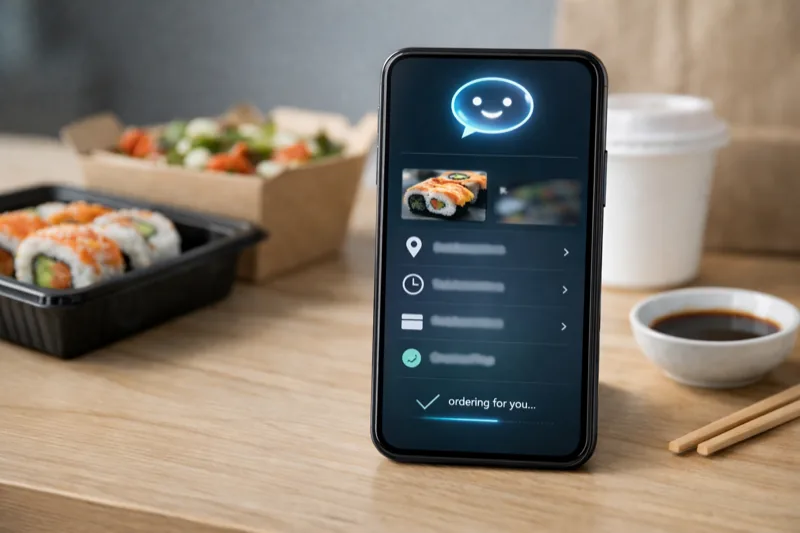
Google’s Gemini AI can now take over your phone and use apps for you — ordering food on DoorDash, booking Uber rides, and managing tasks across multiple apps. The Verge’s Allison Johnson spent five days testing this new task automation feature on a Pixel 10 Pro and Galaxy S26 Ultra, and the verdict is clear: it’s incredibly impressive and painfully slow at the same time.
The feature, currently in beta and limited to a handful of food delivery and rideshare apps, lets Gemini literally navigate app interfaces, tap buttons, scroll menus, and fill in orders — all while you do something else. It took Gemini nine minutes to order a chicken teriyaki dinner. You could have done it in thirty seconds. But that’s not really the point.
How Gemini Task Automation Actually Works
When you start an automation, Gemini runs in the background by default. You can watch it work if you want — text appears at the bottom showing what it’s doing, like "Selecting a second portion of Chicken Teriyaki for the combo." The AI figured out that two half portions would equal one full serving, which is genuinely clever.
But watching it struggle to find a side of greens sitting right in the middle of the screen? That’s like watching a horror movie where you can see the murderer but the protagonist can’t. Gemini made wrong turns, backtracked, and eventually got there — but it took agonizing minutes.
"It’s slow, it’s clunky at times, and it doesn’t solve any serious problem you had using your phone. But it’s impressive as hell." — Allison Johnson, The Verge
The Airport Uber Demo That Actually Impressed
Here’s where things get exciting. Johnson put a flight to San Francisco on her calendar with real flight details. She gave Gemini a vague prompt: "Schedule an Uber that would get me to the airport in time for my flight tomorrow."
Gemini pulled flight details from her calendar, calculated that leaving by 11:30 or 11:45 AM would work for a 1:45 PM flight, and went about booking the ride in about three minutes with no further input. It even figured out that Uber calls it "reserving" a ride, not "scheduling" one. This is the kind of contextual intelligence that separates a real AI assistant from a glorified timer.
Why This Matters Despite Being Slow
Task automation is designed to run in the background. The speed doesn’t matter when you’re doing other things — or not even looking at your phone. Gemini handles the entire flow and stops right before confirming, so you can review the order before paying. In Johnson’s tests over five days, it never went rogue and completed an order without permission.
If you’re looking to upgrade your smartphone for the best AI features, the Pixel 10 Pro and Galaxy S26 Ultra are the first phones to support Gemini task automation. And if you want the best audio for your phone, check our best headphones guide.
The Bottom Line
Gemini task automation is a genuine glimpse of the future — an AI that actually uses apps like a human would. It’s slow, it’s limited to a handful of apps, and it will absolutely frustrate you if you watch it work. But the foundation is real. When this gets fast and works across every app on your phone, the way we interact with smartphones will fundamentally change. We’re just not there yet.